
Spring Street Portrait with Tulips
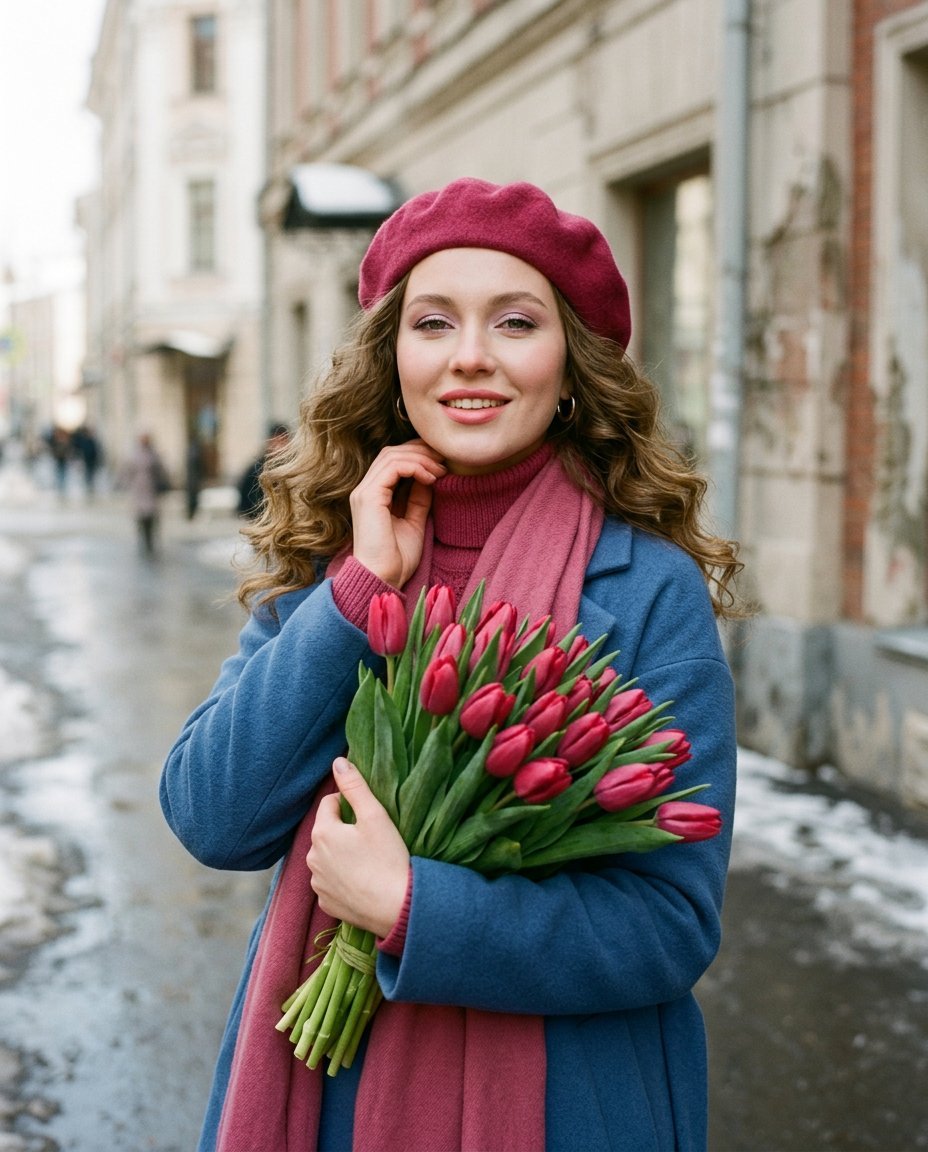
A photorealistic portrait prompt of a woman in a beret holding tulips on a spring city street, utilizing an 85mm lens for soft bokeh.
- Prompt included
- Model and format preset
- Free template
The prompt behind this image
Copy the exact prompt behind Spring Street Portrait with Tulips, or open it in the studio and make it yours.
A woman stands on a city street, her body slightly turned three-quarters, shoulders relaxed, holding a {argument name="flowers" default="large bouquet of tulips"} to her chest with one hand and touching her neck with the other. Her head is slightly tilted, looking directly at the camera. A medium-shot portrait, chest-length, eye-level perspective. The composition is centered with a soft background blur and a distinct separation of the figure from the background. Skin with an even undertone, cool-pink eyeshadow, softly blended eyeshadow, a thin line of eyeliner along the lash line, elongated lashes, a subtle shimmer in the center of the lid, and lips with a creamy pink lipstick with a moderate sheen. Hair is styled in loose, voluminous waves with pronounced texture and a natural, diffused shine, strands softly framing the face and falling onto the shoulders. She is wearing a {argument name="accessory" default="rich raspberry-colored wool beret"}, a straight-cut coat of thick, matte blue fabric with defined shoulders, a knitted raspberry turtleneck, and a long, soft scarf matching the beret. She holds a dense bouquet of fresh tulips with closed, deep pink buds and dense green leaves, the stems gathered at the bottom and tied. The background is a {argument name="location" default="Russian city street"} with light-colored stone architecture. The building facades are blurred by the depth of field, the wall surface has a distinct texture, and the background fades gently into bokeh without sharp details. It's spring, wet asphalt with a small amount of nearly melted snow. The lighting is natural street lighting, diffused daylight from the front and side. Shot with an 85mm portrait lens. Shallow depth of field with sharp focus on the eyes and face.
How to use Spring Street Portrait with Tulips in 3 steps
- 1
Open
The prompt is already in the box next to the preview, with the template's model and format selected.
- 2…a portrait of your subject in softgolden-hour light, 85mm…
Personalize
Edit the subject and creative details for your destination.
- 3Generate
Generate
Press Generate — your image is created in PicX Studio, so you can compare it with the original and refine one variable at a time.
More like this
Templates with the same subject, style or setup. Open one to see its prompt.
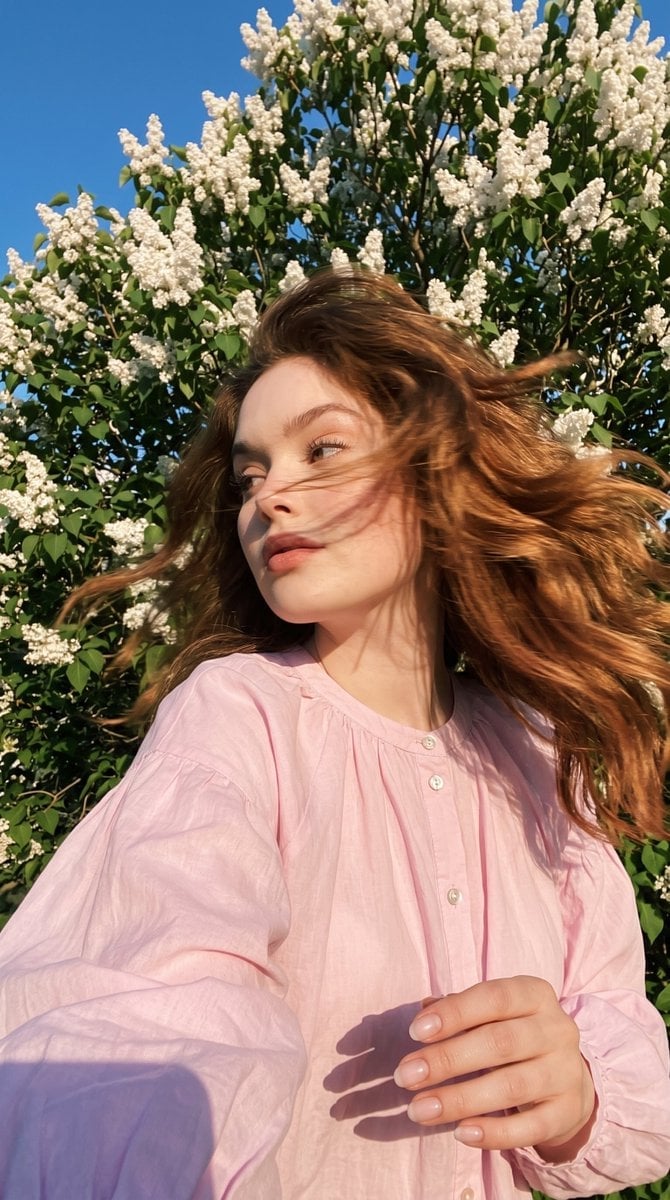
Candid Spring Selfie with Motion Blur
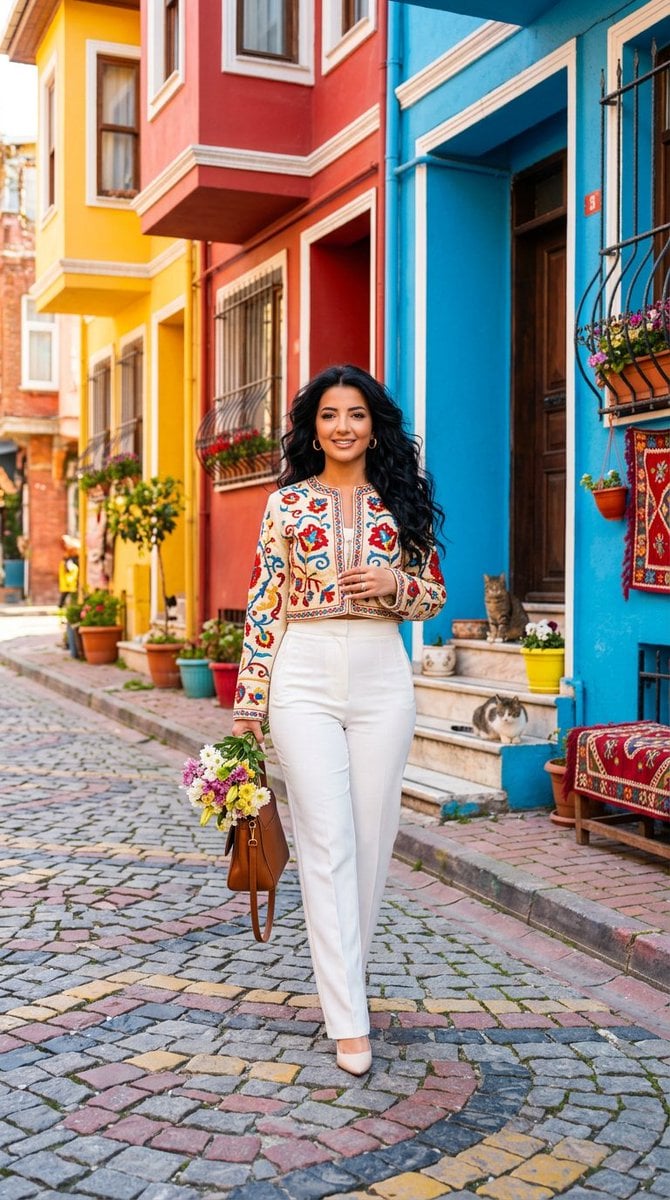
Balat Historic Street Spring Portrait

Nano Banana Pro Photoreal Playful Couple

Two Tickets, One Night

Found Photograph: Us, 1970

Meet Me When It Rains

Two Hearts. One Scooter.

80s Couple Studio Portrait

80s Bollywood Star

1986 Street Couple

80s Golden Hour Cinema

1985 Street Scene
Make it yours
Spring Street Portrait with Tulips works as-is. These are the safest ways to change it without losing the look.
Change one field
Copy a single group, rewrite it, and generate again so you can see what that field is doing.
Keep the frame, change the subject
Hold the composition and light of Spring Street Portrait with Tulips, then swap wardrobe, props or the person for a new take.
| If the result… | Why | Fix |
|---|---|---|
| The result drifts from the preview | Too many fields changed at once. | Reuse Spring Street Portrait with Tulips as-is first, then change one group — subject, light, or setting. |
| The model over-stylizes the scene | The prose prompt leaves finish and camera underspecified. | Add one camera or lighting sentence and stay on Gemini 3 Pro Image Preview. |
More Gemini 3 Pro Image Preview templates
Other prompts made for Gemini 3 Pro Image Preview.

Avant-Garde Asian Fashion Model

Underwater Macro Face Portrait

Water-level Bridge Modification

Noir Punk Street Portrait

High Contrast Cinematic Face Portrait

Monochrome Studio Portrait with Colored Lens

Ultra-Realistic Yacht Sunset Portrait

Mushroom Still Life Composition

Whimsical Anthropomorphic Friendly Insect

Cinematic Urban Night Billboard Portrait
More image prompts
Fresh picks from across the catalog.

Surreal Portrait with Floating Elements
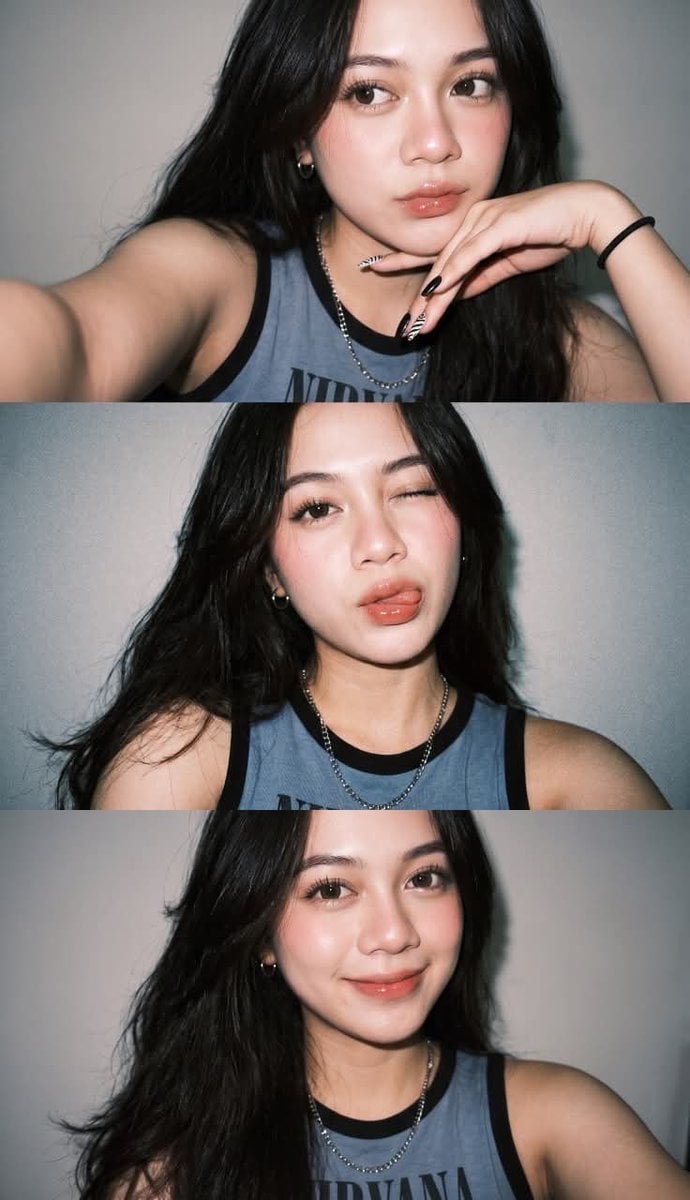
Gen Z Selfie Photo Collage

Anime Football Legend Poster
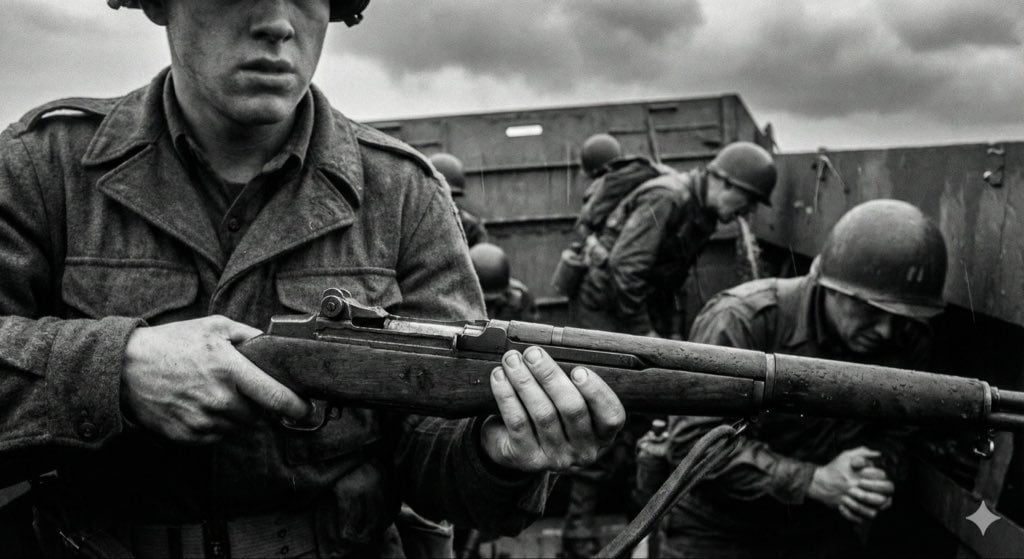
Mid-20th-century war photojournalism style framework

JSON selfie-on-bed prompt for Nano Banana Pro
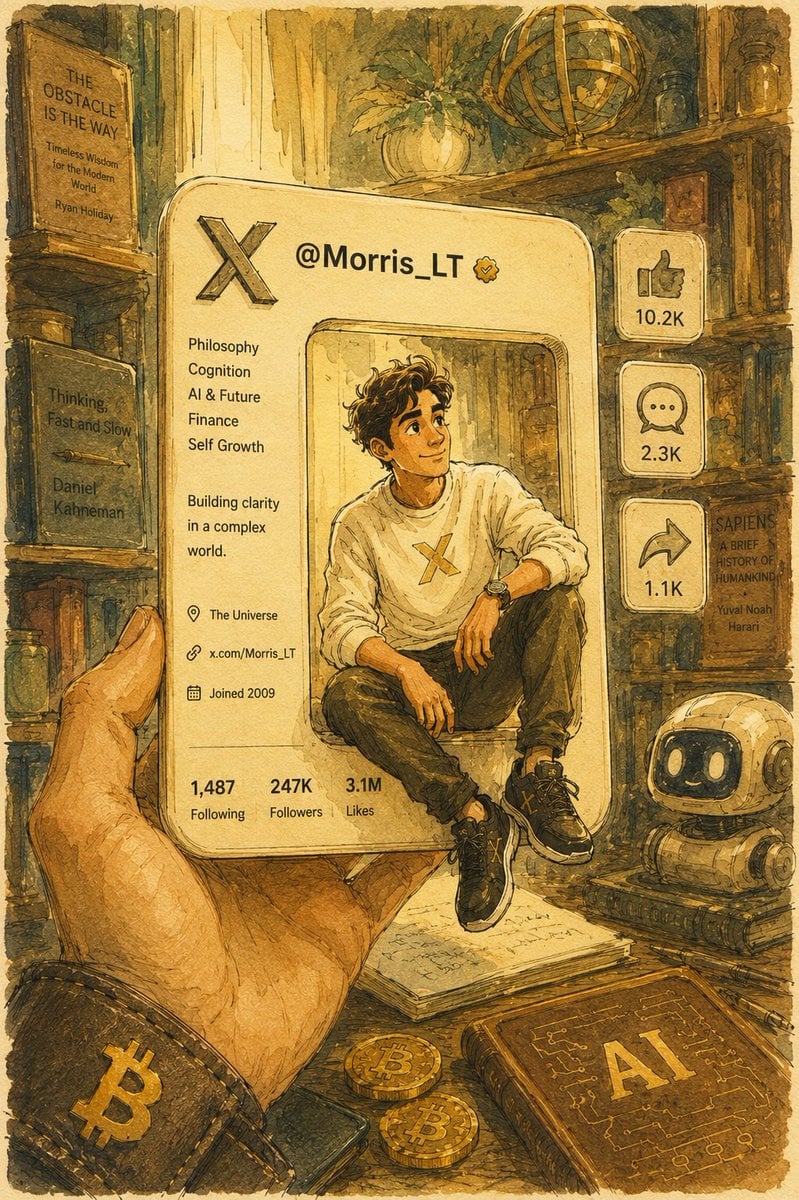
Watercolor Pixar Profile Card
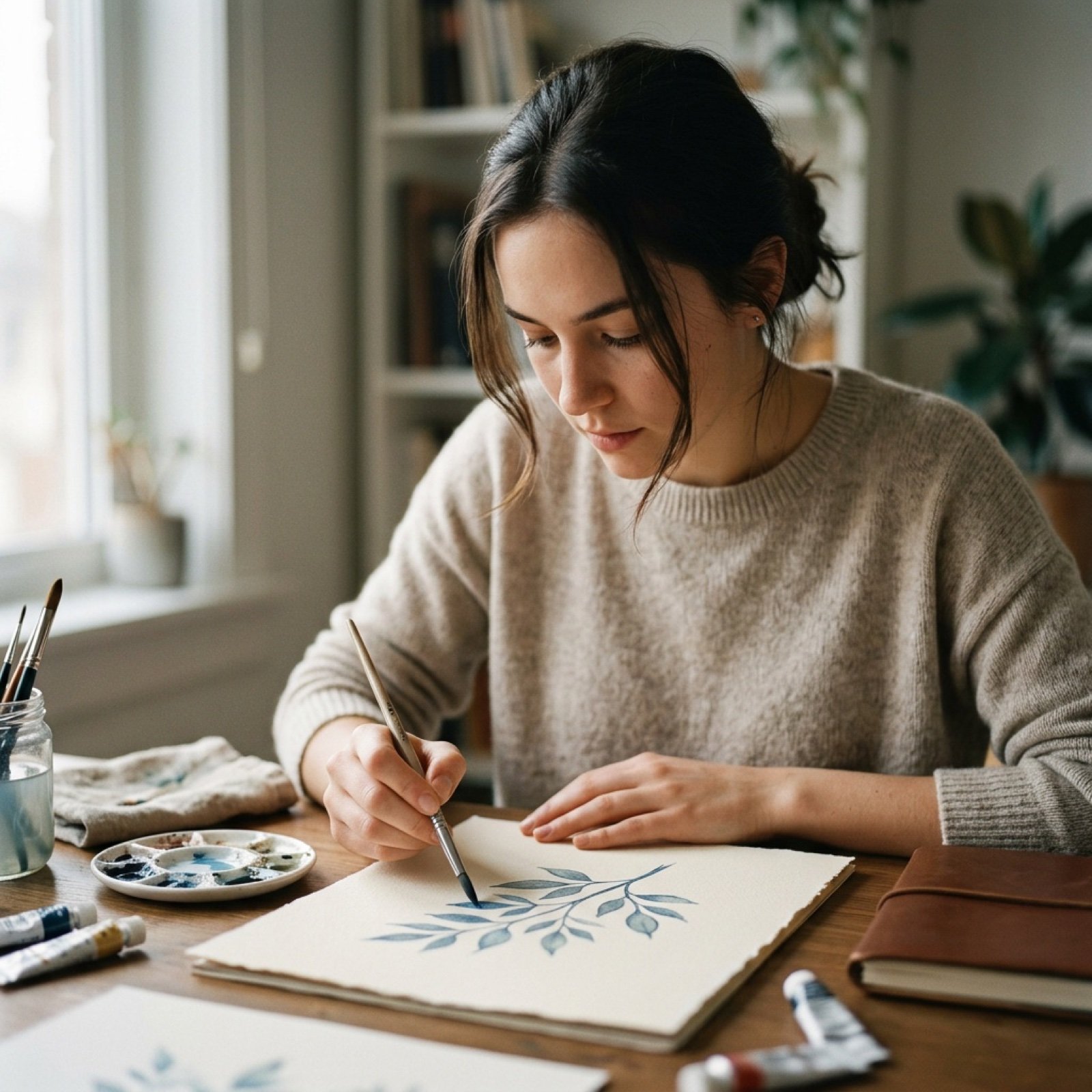
Cinematic Short Film Prompt for Art Creation

Cinematic Macro Toy Photography of a Charging Army

Editorial Male Portrait with Neon Lighting

Social Media Influencer Studio Shoot with Mirrored Phones
Browse template categories
Spring Street Portrait with Tulips questions
How do I use the Spring Street Portrait with Tulips template?
Add your photo if the template asks for one, edit the prompt if you like — the template's model and format are already selected — and press Generate. Your version opens in PicX Studio.
Can I customize the Spring Street Portrait with Tulips template?
Yes. You can change the subject, setting, lighting, mood, format, and available model controls before creating your image.
Is the Spring Street Portrait with Tulips template free?
Opening and editing this template is free. Generating uses credits, shown on the Generate button when you are signed in.
Which AI model should I use?
Start with Gemini 3 Pro Image Preview, which is the model associated with this template. You can compare another compatible model for a different finish.
Looking for something else? Browse all templates.

Your photo, any look
Thousands of ready templates for every top image and video model, from one credit balance.