
Indian Woman Window Portrait
A delicate and detailed portrait of a young Indian woman in a lavender dress, set by a window with soft lighting.
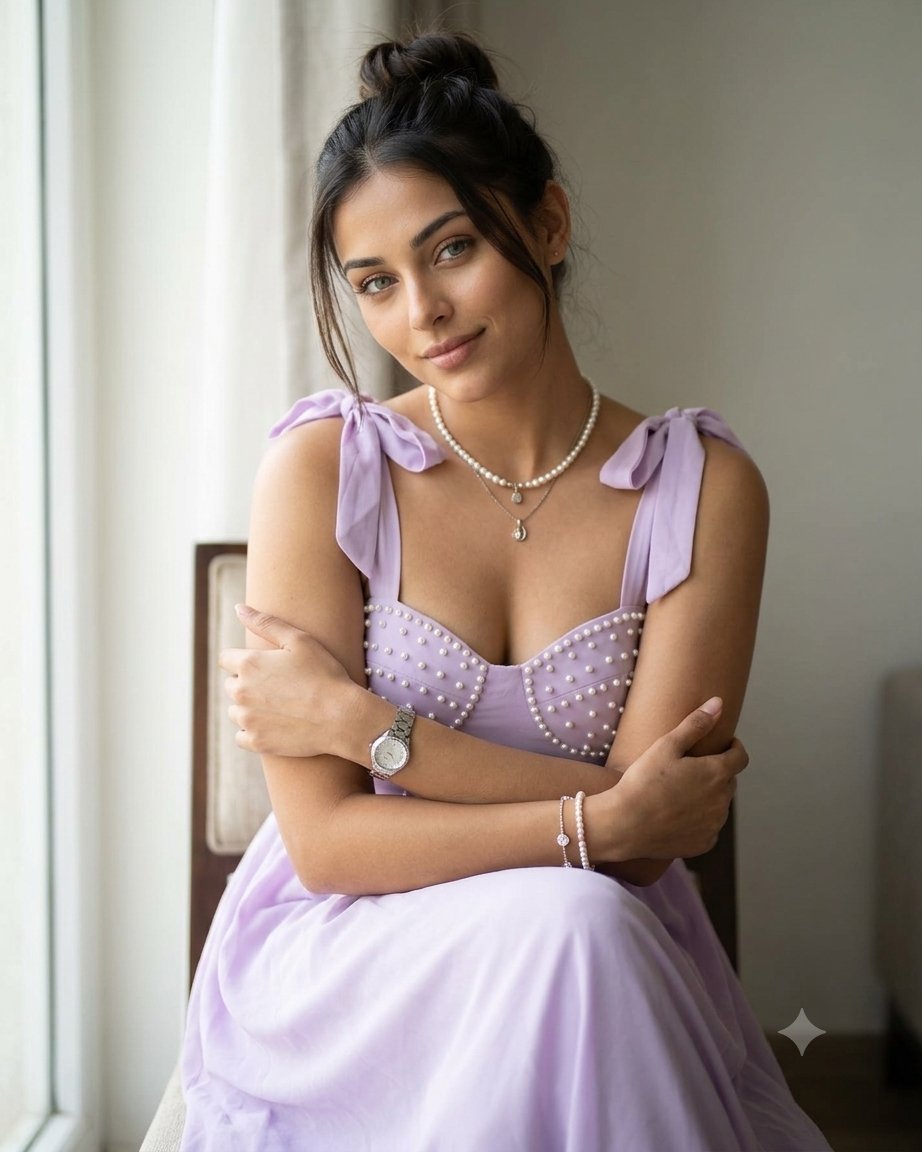
- Prompt included
- Model and format preset
- Free template
The prompt behind this image
Copy the exact prompt behind Indian Woman Window Portrait, or open it in the studio and make it yours.
A {argument name="subject" default="beautiful young Indian woman"} with soft natural makeup, hair tied up in messy bun with loose strands framing face, wearing a {argument name="outfit" default="pastel lavender sleeveless maxi dress with tie-up bows on shoulders and pearl bead embellishments on bodice"}, sweetheart neckline, sitting on a chair with arms crossed gently hugging her own arms, soft smile looking at camera, pearl necklace with small pendant, silver metal wrist watch on left wrist, delicate pearl bracelets on right wrist, {argument name="setting" default="indoor setting near a window"}
How to use Indian Woman Window Portrait in 3 steps
- 1
Open
The prompt is already in the box next to the preview, with the template's model and format selected.
- 2…a portrait of your subject in softgolden-hour light, 85mm…
Personalize
Edit the subject and creative details for your destination.
- 3Generate
Generate
Press Generate — your image is created in PicX Studio, so you can compare it with the original and refine one variable at a time.
More like this
Templates with the same subject, style or setup. Open one to see its prompt.
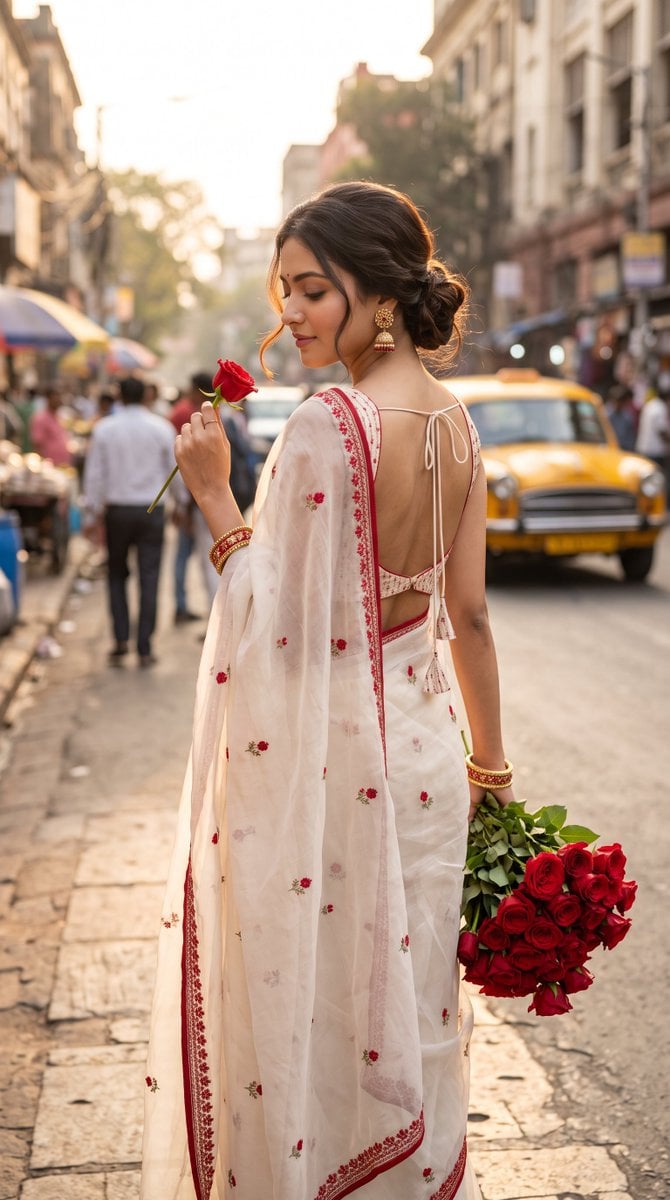
Ultra-Photorealistic Indian Woman with Roses

Rainy Café Window Moody Portrait

Nano Banana Pro Photoreal Playful Couple

Couture Fashion Editorial Woman and Drag

Underwater Macro Face Portrait

Noir Punk Street Portrait

High Contrast Cinematic Face Portrait

Monochrome Studio Portrait with Colored Lens

Ultra-Realistic Yacht Sunset Portrait
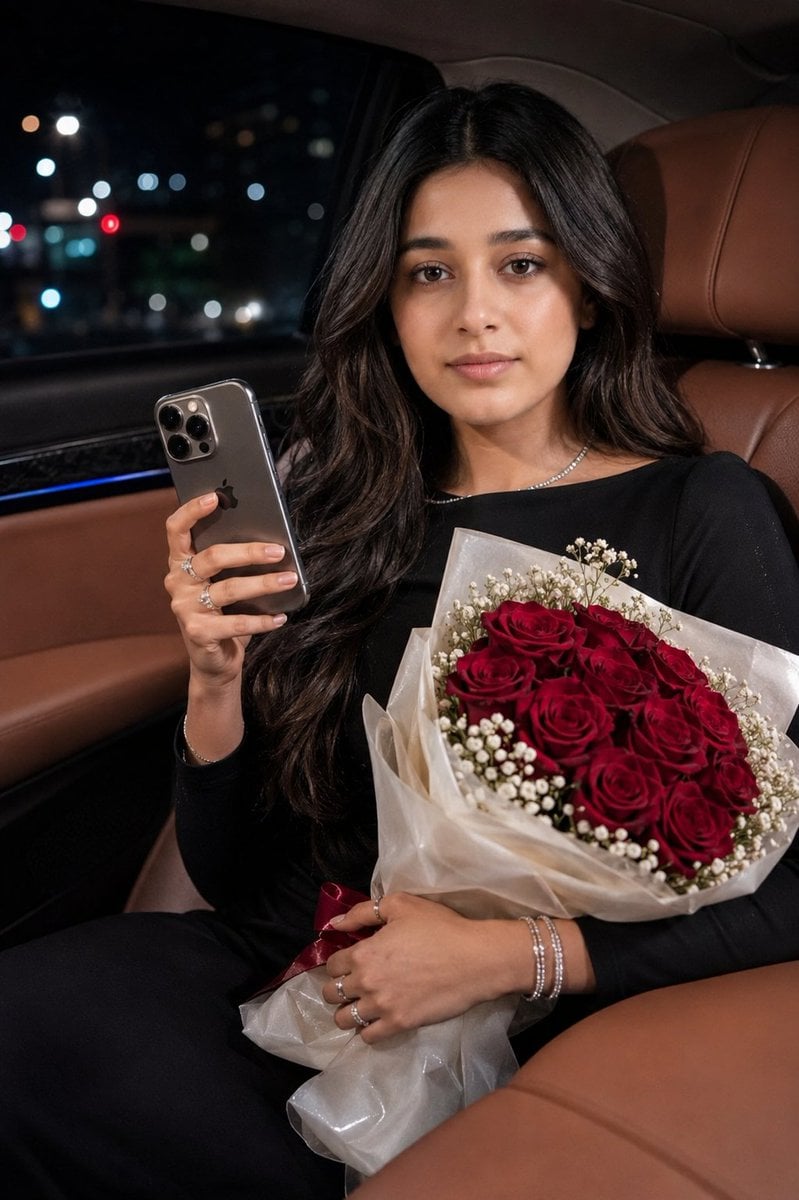
Indian Woman Luxury Car Portrait

Indian Businesswoman Luxury Office Portrait
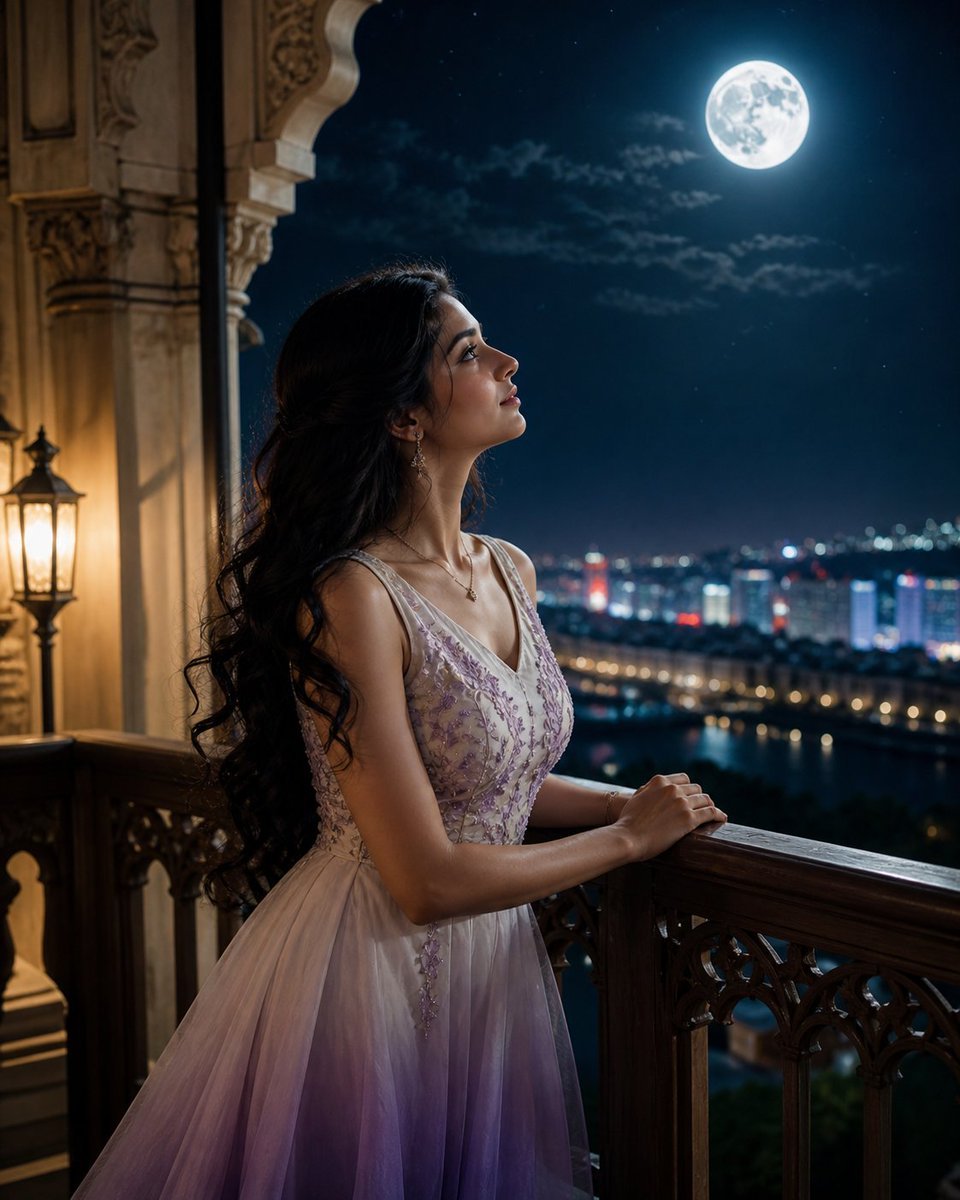
Moonlit Indian Woman Balcony Portrait
Make it yours
Indian Woman Window Portrait works as-is. These are the safest ways to change it without losing the look.
Change one field
Copy a single group, rewrite it, and generate again so you can see what that field is doing.
Keep the frame, change the subject
Hold the composition and light of Indian Woman Window Portrait, then swap wardrobe, props or the person for a new take.
| If the result… | Why | Fix |
|---|---|---|
| The result drifts from the preview | Too many fields changed at once. | Reuse Indian Woman Window Portrait as-is first, then change one group — subject, light, or setting. |
| The model over-stylizes the scene | The prose prompt leaves finish and camera underspecified. | Add one camera or lighting sentence and stay on Gemini 3 Pro Image Preview. |
More Gemini 3 Pro Image Preview templates
Other prompts made for Gemini 3 Pro Image Preview.

Mushroom Still Life Composition

Whimsical Anthropomorphic Friendly Insect

Cinematic Urban Night Billboard Portrait

Pop Art Summer Fruit Fashion Illustration

Ultra-Realistic iPhone Selfie with Motion Blur

Cinematic Mirror Reflection Portrait

Elegant Men's Twilight Editorial

Coastal Freedom Sunset Portrait

Ergonomic Office Chair E-commerce Mobile Detail Page

Macro Guitar Fret Dressing
More image prompts
Fresh picks from across the catalog.

Women's Big Sale Fashion Poster

Hand-drawn map of a fictional Japanese town

Magazine-Style Travel Photo Collection Generation
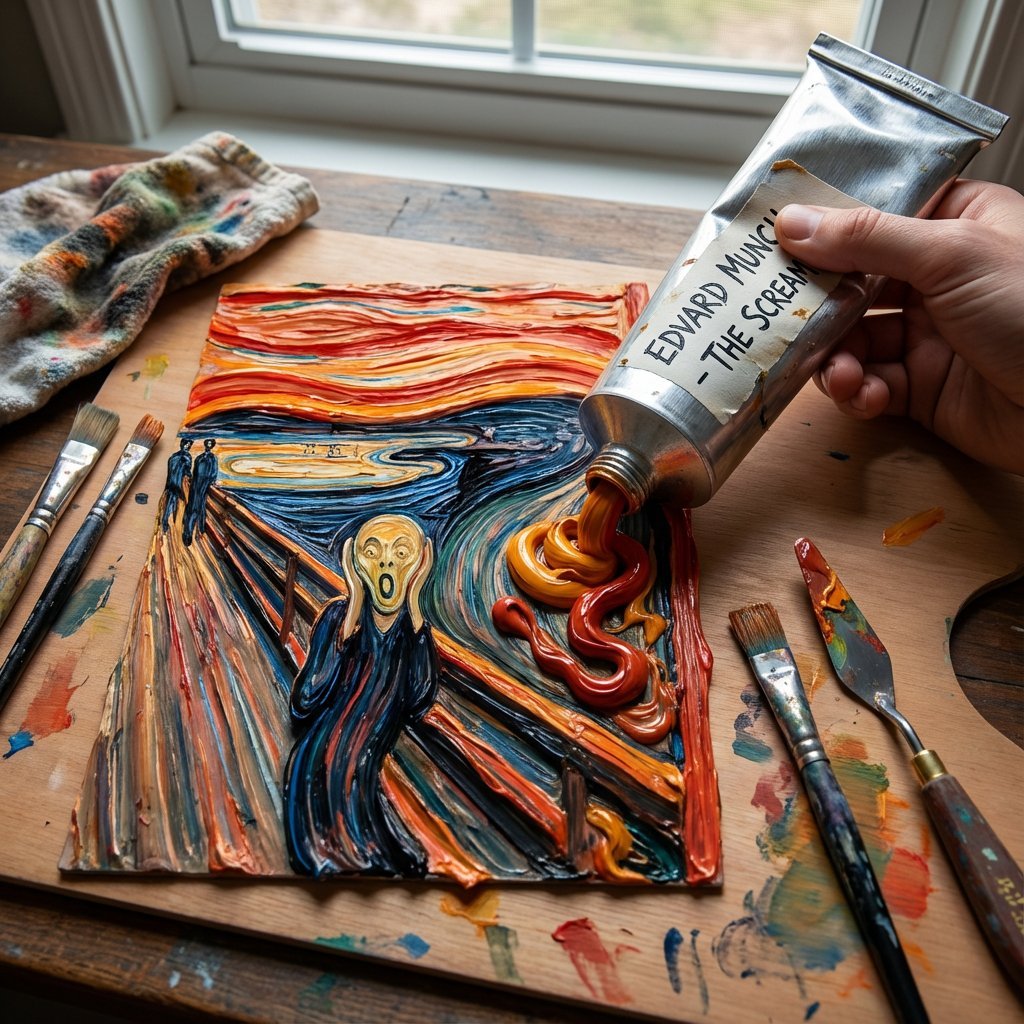
Paint Tube Squeeze: Famous Asian Painting in 3D Relief

Watercolor City Travel Poster

Matcha Latte Promotion Banner

Gourmet Hotdog Mid-Air Drop Cinematic Shot
untitled
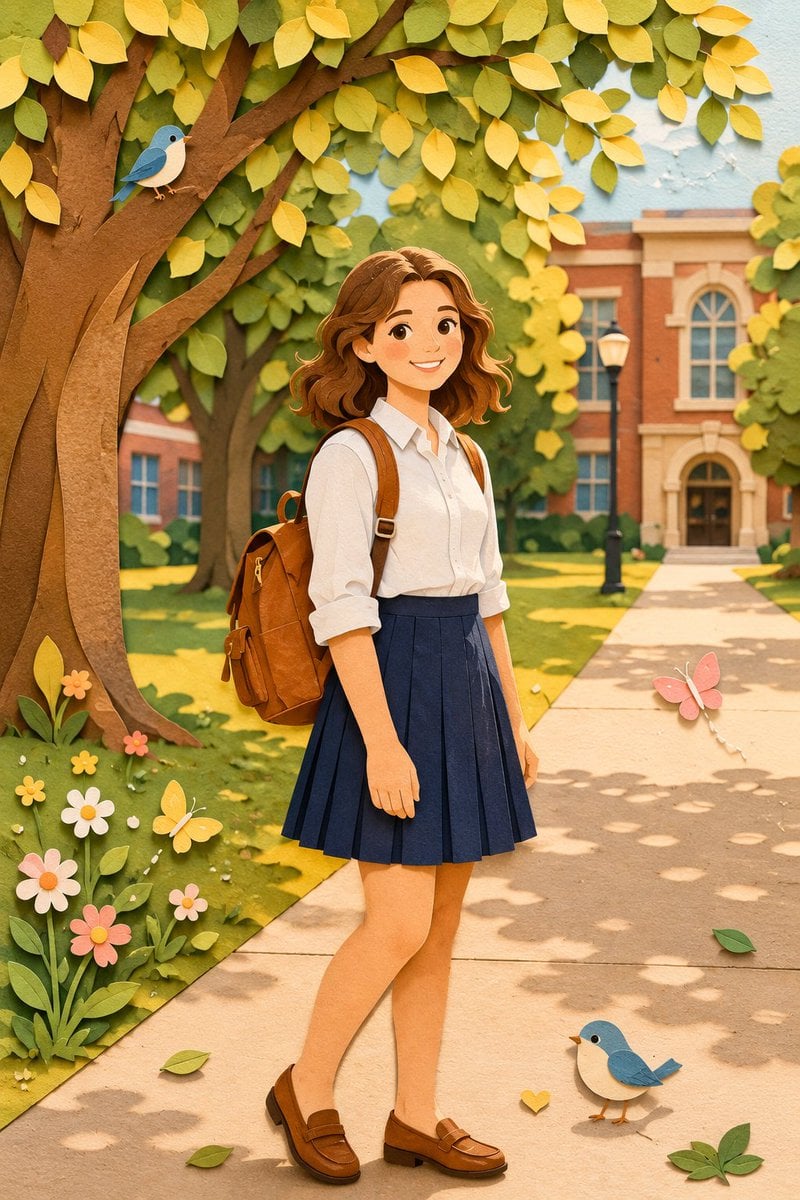
Paper Craft Style Redesign

Autonomous Financial Artist Prompt for 3D Stock Visualization
Browse template categories
Indian Woman Window Portrait questions
How do I use the Indian Woman Window Portrait template?
Add your photo if the template asks for one, edit the prompt if you like — the template's model and format are already selected — and press Generate. Your version opens in PicX Studio.
Can I customize the Indian Woman Window Portrait template?
Yes. You can change the subject, setting, lighting, mood, format, and available model controls before creating your image.
Is the Indian Woman Window Portrait template free?
Opening and editing this template is free. Generating uses credits, shown on the Generate button when you are signed in.
Which AI model should I use?
Start with Gemini 3 Pro Image Preview, which is the model associated with this template. You can compare another compatible model for a different finish.
Looking for something else? Browse all templates.

Your photo, any look
Thousands of ready templates for every top image and video model, from one credit balance.