
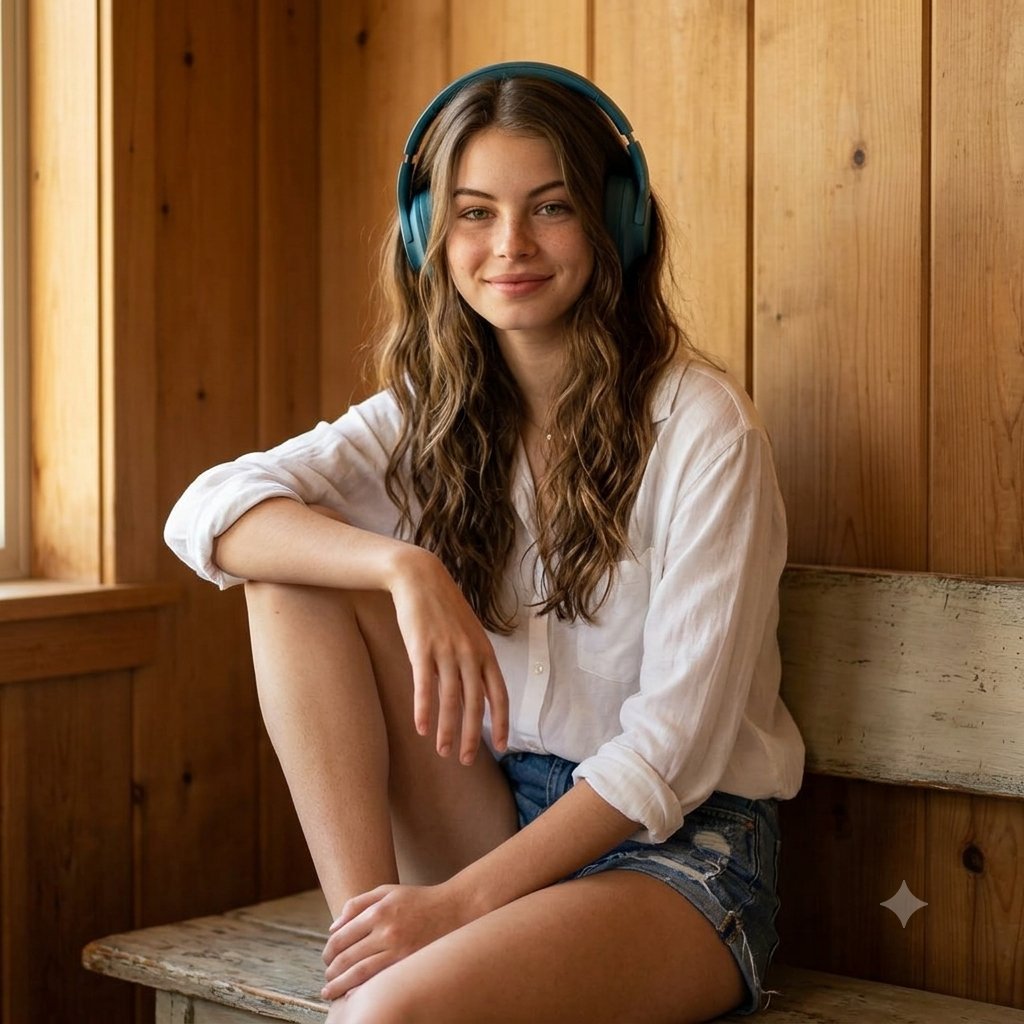
Cozy Indoor Headphones Lifestyle Portrait
A lifestyle editorial prompt for a young woman in an oversized shirt and headphones, set against a warm wooden wall.
- Prompt included
- Model and format preset
- Free template
The prompt behind this image
Copy the exact prompt behind Cozy Indoor Headphones Lifestyle Portrait, or open it in the studio and make it yours.
Photorealistic lifestyle portrait of a young woman sitting casually indoors against a warm natural wooden-paneled wall. She has long, soft wavy brown hair, a gentle confident smile, natural makeup, and is wearing {argument name="headphone color" default="large teal-blue over-ear headphones"}. She wears an {argument name="shirt style" default="oversized crisp white button-up shirt"} with the sleeves rolled up and light-wash distressed denim shorts. Relaxed seated pose with one knee raised, natural hand placement, effortless casual aesthetic. Warm cozy indoor lighting, soft shadows, realistic skin texture, subtle depth of field, cinematic photography, 50mm lens, eye-level composition, natural color grading, highly detailed, realistic fabric and hair texture, premium lifestyle editorial photography, clean background, photorealistic, 4K.
How to use Cozy Indoor Headphones Lifestyle Portrait in 3 steps
- 1
Open
The prompt is already in the box next to the preview, with the template's model and format selected.
- 2…a portrait of your subject in softgolden-hour light, 85mm…
Personalize
Edit the subject and creative details for your destination.
- 3Generate
Generate
Press Generate — your image is created in PicX Studio, so you can compare it with the original and refine one variable at a time.
More like this
Templates with the same subject, style or setup. Open one to see its prompt.
Cozy Indoor Lifestyle Portrait
Cozy Indoor Bedroom Lifestyle Portrait

Headphones Lifestyle Nine Panel Grid
Cozy Indoor Lifestyle Portrait
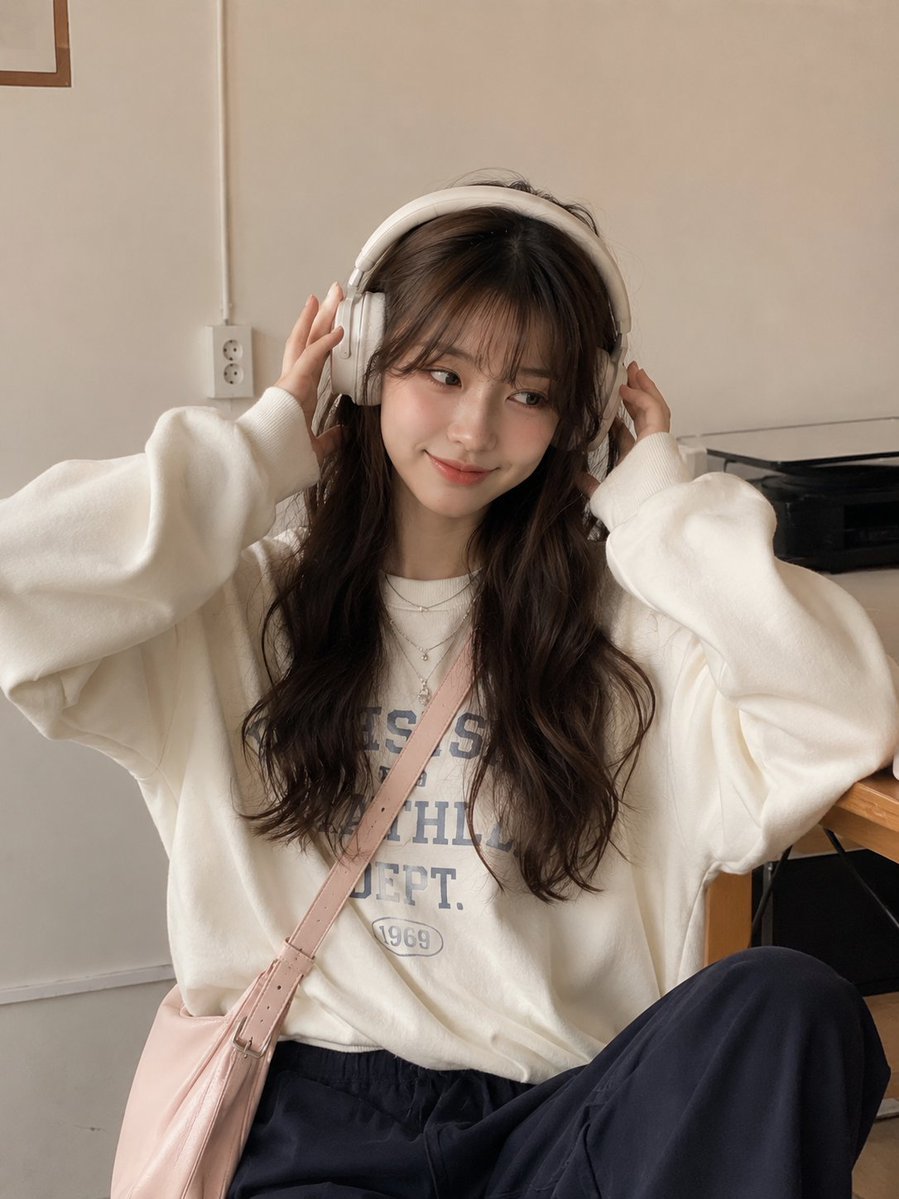
Candid Lifestyle Portrait with Headphones
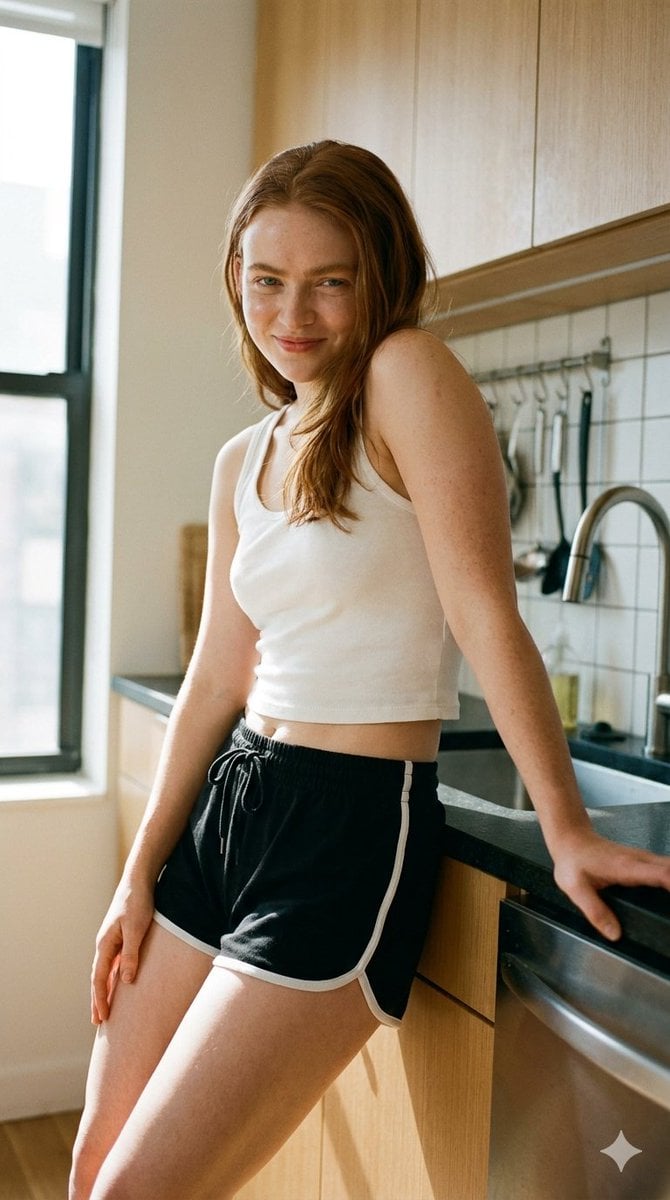
Modern Kitchen Indoor Lifestyle Portrait

Cozy Rainy Night Indoor Portrait

Cozy Indoor Portrait with Plaid Pinafore
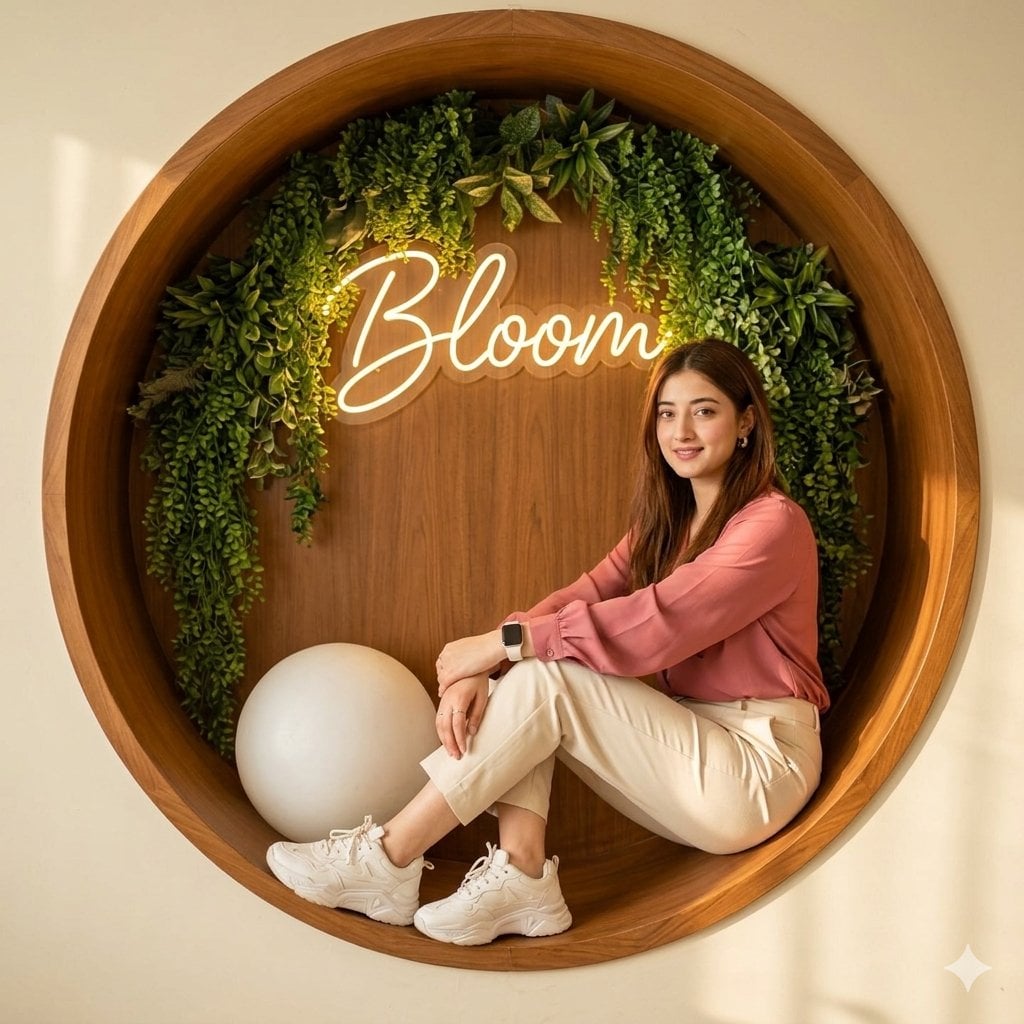
Modern Lifestyle Indoor Nook Portrait
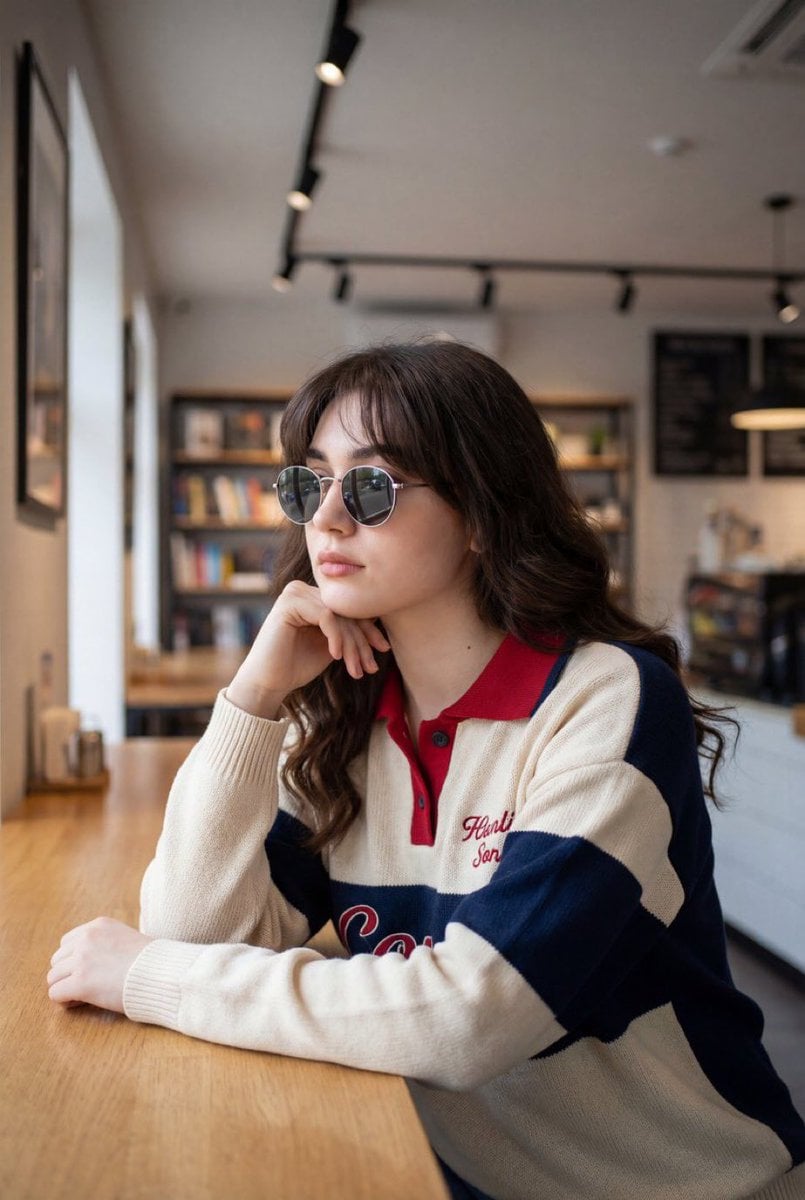
Detailed Indoor Lifestyle Portrait Prompt

Multi-Frame Lifestyle Portrait Prompt for Nano Banana Pro

Nano Banana Pro Photoreal Playful Couple
Make it yours
Cozy Indoor Headphones Lifestyle Portrait works as-is. These are the safest ways to change it without losing the look.
Change one field
Copy a single group, rewrite it, and generate again so you can see what that field is doing.
Keep the frame, change the subject
Hold the composition and light of Cozy Indoor Headphones Lifestyle Portrait, then swap wardrobe, props or the person for a new take.
| If the result… | Why | Fix |
|---|---|---|
| The result drifts from the preview | Too many fields changed at once. | Reuse Cozy Indoor Headphones Lifestyle Portrait as-is first, then change one group — subject, light, or setting. |
| The model over-stylizes the scene | The prose prompt leaves finish and camera underspecified. | Add one camera or lighting sentence and stay on Gemini 3 Pro Image Preview. |
More Gemini 3 Pro Image Preview templates
Other prompts made for Gemini 3 Pro Image Preview.

Avant-Garde Asian Fashion Model

Underwater Macro Face Portrait

Water-level Bridge Modification

Noir Punk Street Portrait

High Contrast Cinematic Face Portrait

Monochrome Studio Portrait with Colored Lens

Ultra-Realistic Yacht Sunset Portrait

Mushroom Still Life Composition

Whimsical Anthropomorphic Friendly Insect

Cinematic Urban Night Billboard Portrait
More image prompts
Fresh picks from across the catalog.
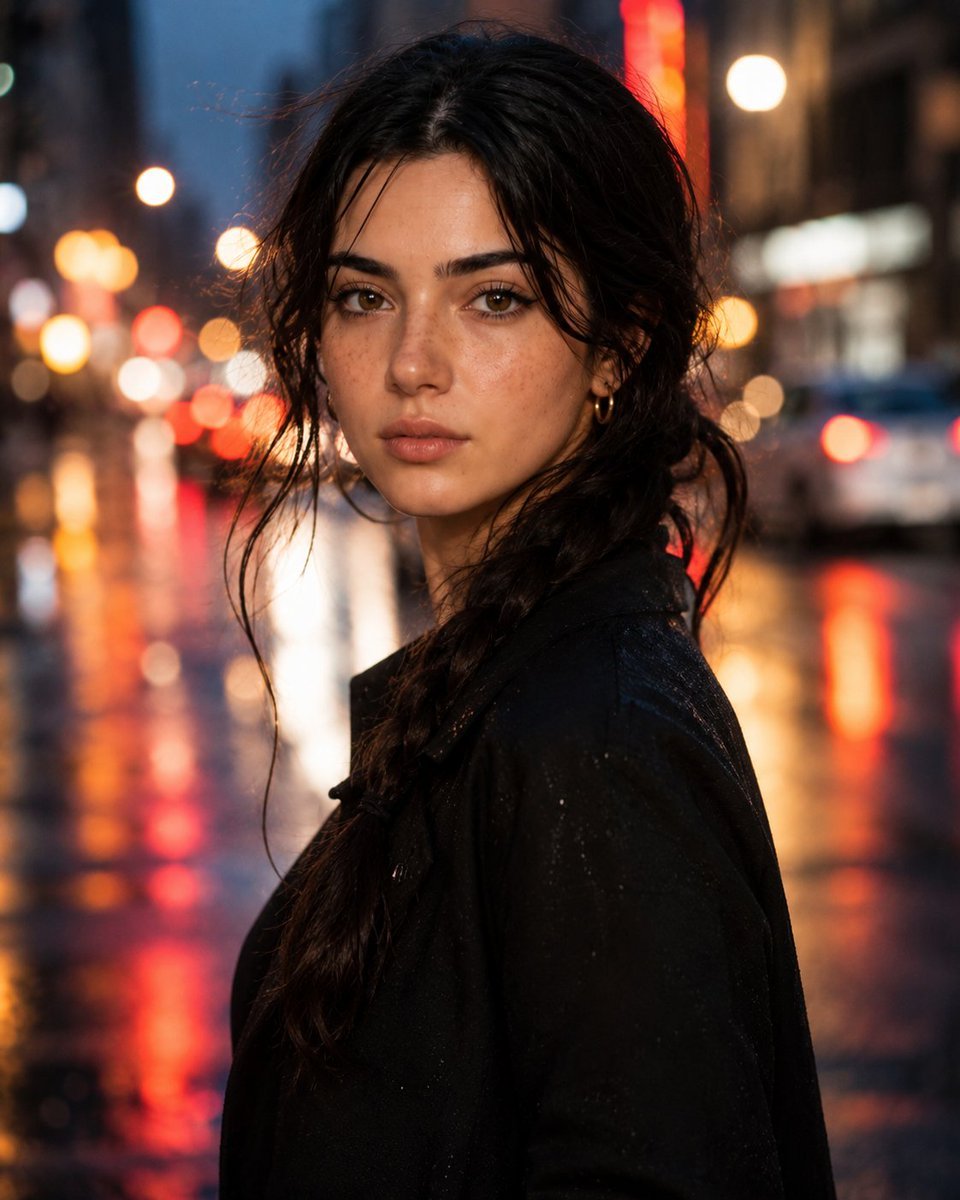
Hyperrealistic Rainy City Portrait
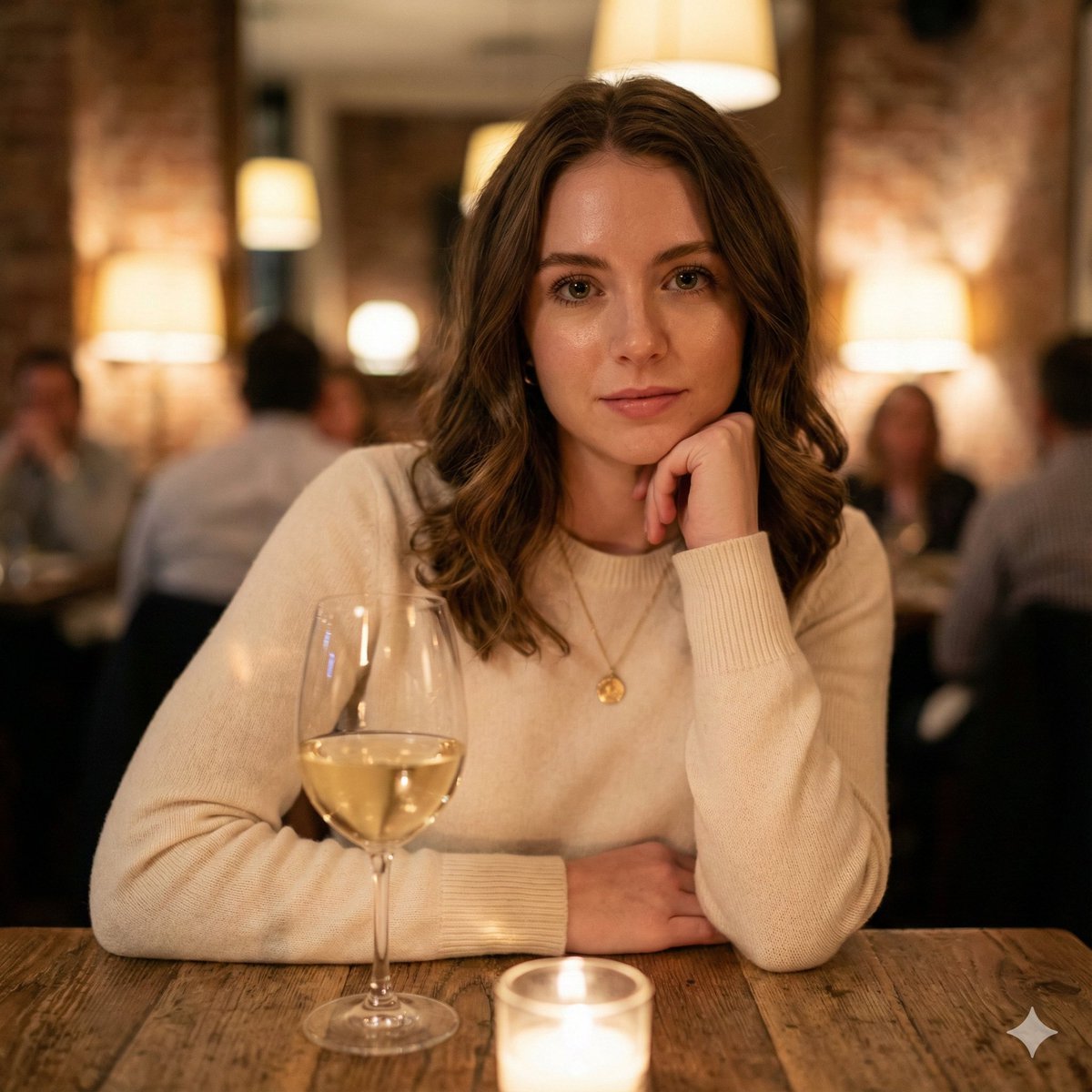
Hyper-Realistic Restaurant Portrait with Rembrandt Lighting

Shiba Inu Space Dream Poster
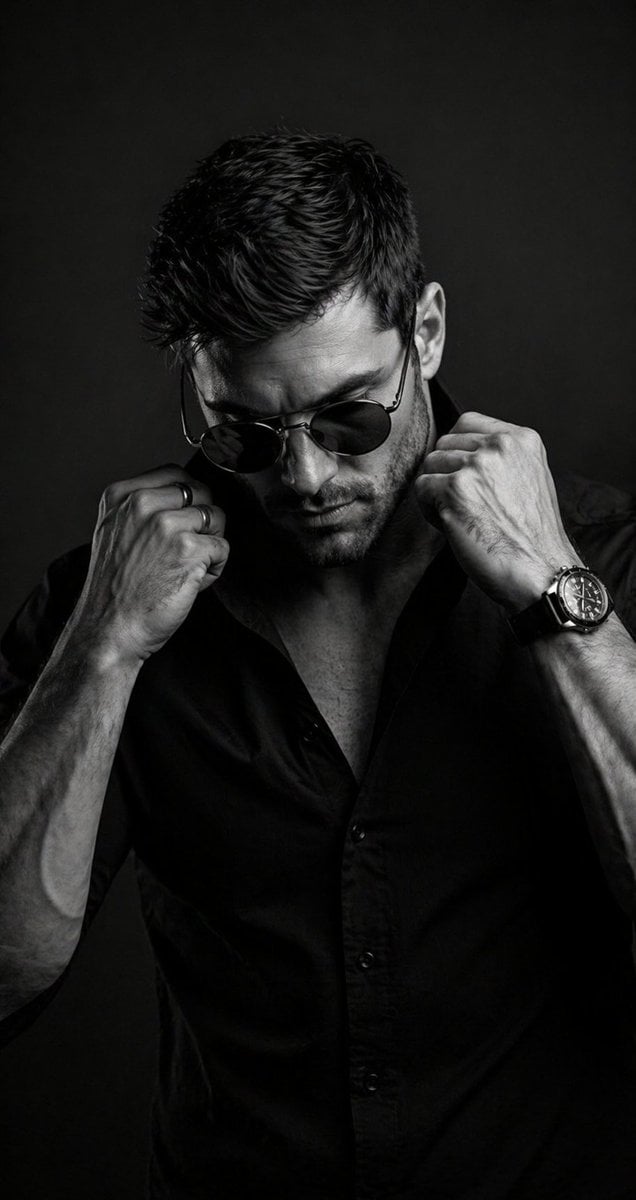
B&W Cinematic Studio Portrait

Luxury Trench Fashion Ad
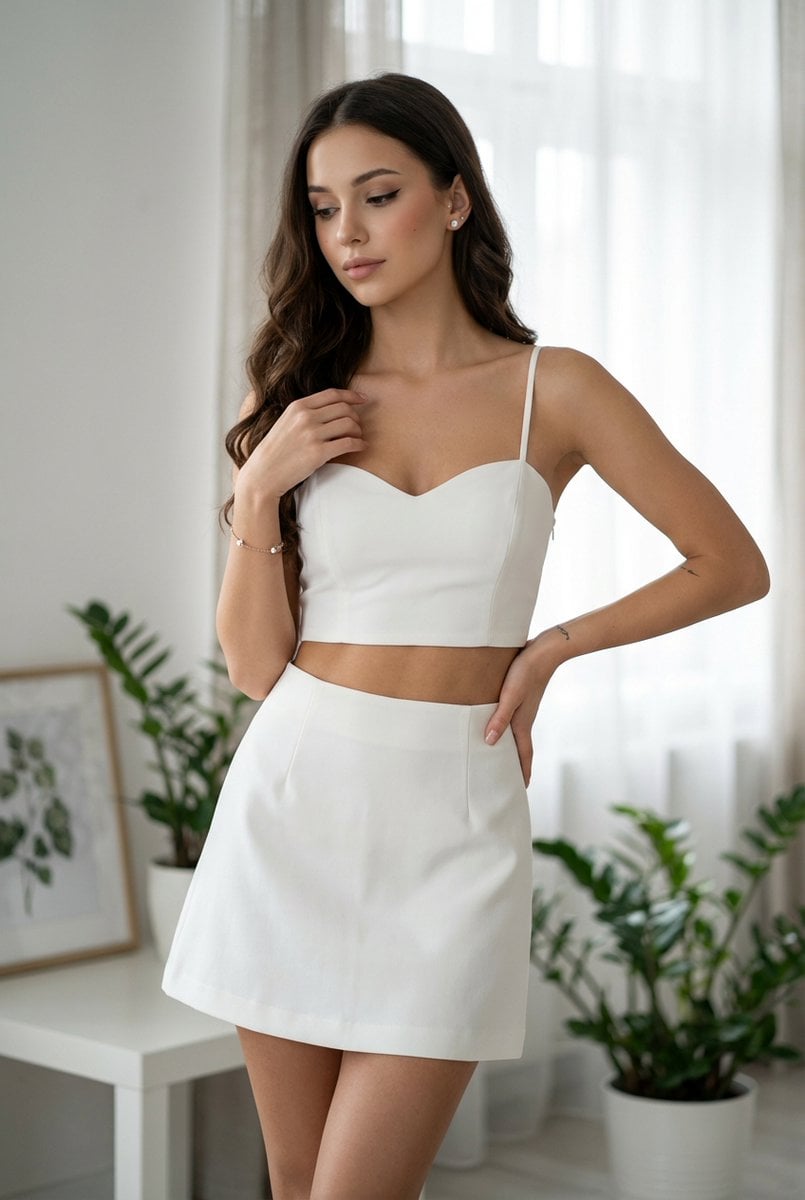
Chic White Outfit Fashion Editorial Prompt
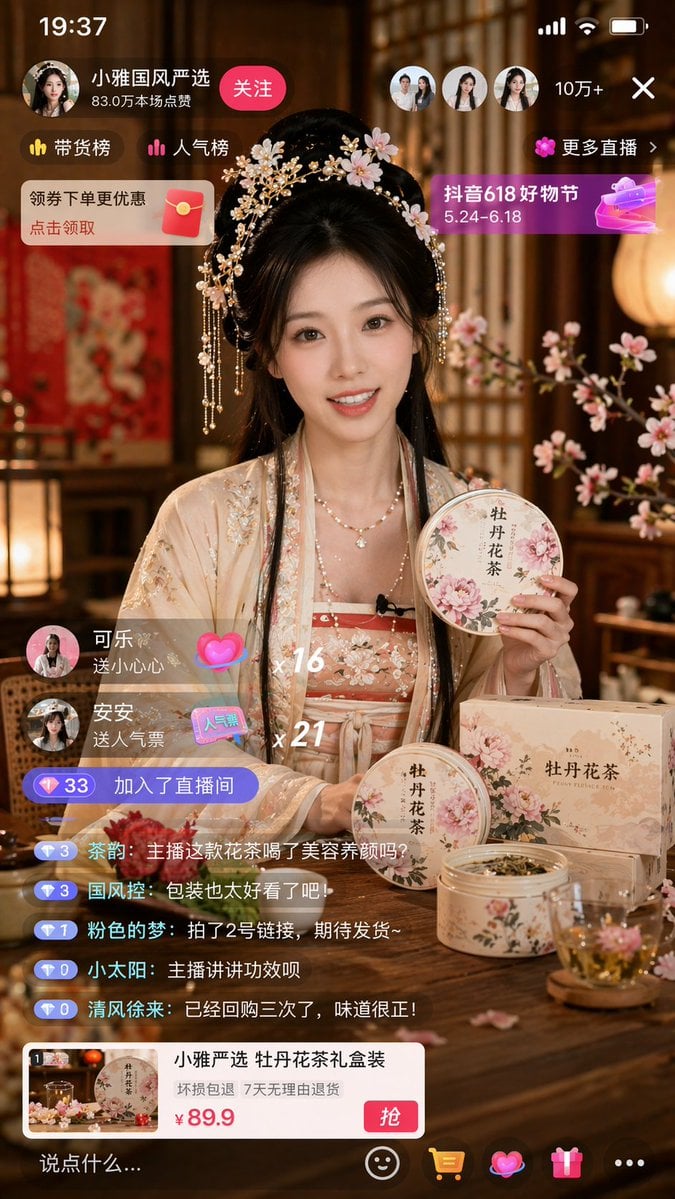
E-commerce Live Stream UI Mockup

Billionaire Executive Portrait

High-Concept 3D Diorama Prompt for Movies and Games
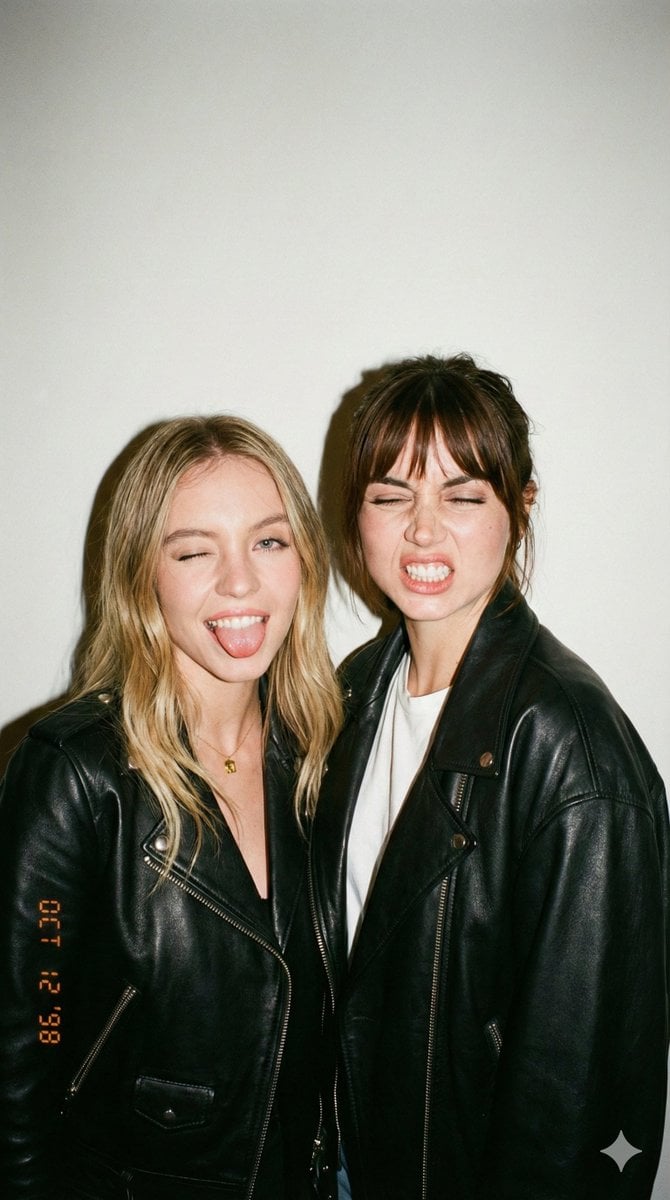
Ultra-Realistic Y2K Disposable Camera Snapshot Prompt
Browse template categories
Cozy Indoor Headphones Lifestyle Portrait questions
How do I use the Cozy Indoor Headphones Lifestyle Portrait template?
Add your photo if the template asks for one, edit the prompt if you like — the template's model and format are already selected — and press Generate. Your version opens in PicX Studio.
Can I customize the Cozy Indoor Headphones Lifestyle Portrait template?
Yes. You can change the subject, setting, lighting, mood, format, and available model controls before creating your image.
Is the Cozy Indoor Headphones Lifestyle Portrait template free?
Opening and editing this template is free. Generating uses credits, shown on the Generate button when you are signed in.
Which AI model should I use?
Start with Gemini 3 Pro Image Preview, which is the model associated with this template. You can compare another compatible model for a different finish.
Looking for something else? Browse all templates.

Your photo, any look
Thousands of ready templates for every top image and video model, from one credit balance.