
Dark Cinematic Skin Portrait
A highly detailed, cinematic prompt focusing on extreme skin realism and forensic-level texture in a dark, obsessive aesthetic with dramatic lighting.
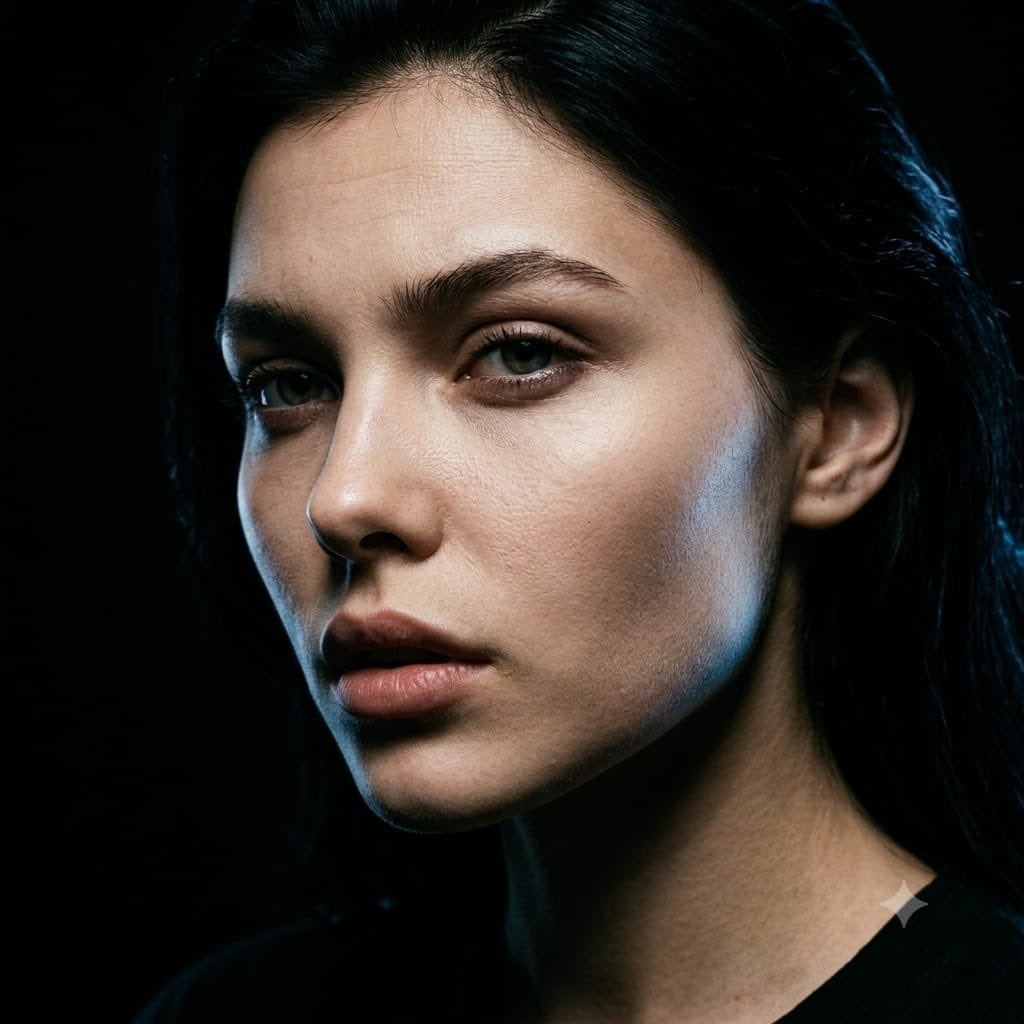
- Prompt included
- Model and format preset
- Free template
The prompt behind this image
Copy the exact prompt behind Dark Cinematic Skin Portrait, or open it in the studio and make it yours.
Same face as reference. Same dark, obsessive aesthetic. New pose, new angle, new visual narrative. **{argument name="pose and angle" default="Pose & Angle:"}** Sharp 45° three-quarter turn. Nose crosses into the light; one eye fully illuminated, the other dissolving into shadow. Far cheekbone briefly catches light before vanishing. Shadow-side jaw disappears entirely. The angle exposes the face's underlying structure — brow ridge, nose bridge, cheekbone, jawline — as distinct planes of light and dark. **Head Tilt:** Chin lowered a few degrees, gaze lifted toward camera through the brows — heavy-lidded, intense, quietly vulnerable. Slightly raised brows add natural forehead creasing. The tilt sharpens the jaw and lengthens the neck line. **{argument name="expression" default="Expression:"}** Lips parted about 3mm — a subtle exhale, not an emotional cue. The effect should feel candid and unguarded, like a private moment caught rather than staged. **Skin Rendering:** Same forensic-level detail, applied to new areas revealed by the angle — nose wing texture in raking light, under-eye skin from a fresh perspective, lit-side jaw stubble pattern, forehead topography under top light, and partial ear detail. Neck and collarbone edge just visible at the bottom, fading into darkness. **{argument name="lighting" default="Lighting:"}** A single hard light source, positioned higher and more to the side than before, producing a narrow, surgical beam. Lit skin rendered with cold clarity; shadow side pure black. A thin blue-white rim light traces the far cheekbone. Near eye has a crisp single catchlight; far eye shows only a rim-lit iris edge and sliver of white. **Background:** Solid black, no elements — silhouette shaped purely by the new angle. **Color & Texture:** Crushed blacks, cool skin tones with warm undertone contrast, blue-white rim accent, 10% Ilford HP5 grain. Fully unretouched — pores, texture, and imperfections preserved.
How to use Dark Cinematic Skin Portrait in 3 steps
- 1Upload ImagePNG, JPG or paste
Add your photo
Upload the photo the template builds on. The prompt, model and format are already set.
- 2…a portrait of your subject in softgolden-hour light, 85mm…
Personalize
Edit the subject and creative details for your destination.
- 3Generate
Generate
Press Generate — your image is created in PicX Studio, so you can compare it with the original and refine one variable at a time.
More like this
Templates with the same subject, style or setup. Open one to see its prompt.

Underwater Macro Face Portrait

Noir Punk Street Portrait

High Contrast Cinematic Face Portrait

Monochrome Studio Portrait with Colored Lens

Ultra-Realistic Yacht Sunset Portrait

Nano Banana Pro Photoreal Playful Couple

Found Photograph: Us, 1970

80s Couple Studio Portrait

80s Bollywood Star

80s Golden Hour Cinema

Me in 1985

1985 Studio Portrait
Make it yours
Dark Cinematic Skin Portrait works as-is. These are the safest ways to change it without losing the look.
Change one field
Copy a single group, rewrite it, and generate again so you can see what that field is doing.
Keep the frame, change the subject
Hold the composition and light of Dark Cinematic Skin Portrait, then swap wardrobe, props or the person for a new take.
| If the result… | Why | Fix |
|---|---|---|
| The result drifts from the preview | Too many fields changed at once. | Reuse Dark Cinematic Skin Portrait as-is first, then change one group — subject, light, or setting. |
| The model over-stylizes the scene | The prose prompt leaves finish and camera underspecified. | Add one camera or lighting sentence and stay on Gemini 3 Pro Image Preview. |
More Gemini 3 Pro Image Preview templates
Other prompts made for Gemini 3 Pro Image Preview.

Mushroom Still Life Composition

Whimsical Anthropomorphic Friendly Insect

Cinematic Urban Night Billboard Portrait

Pop Art Summer Fruit Fashion Illustration

Ultra-Realistic iPhone Selfie with Motion Blur

Cinematic Mirror Reflection Portrait

Elegant Men's Twilight Editorial

Coastal Freedom Sunset Portrait

Ergonomic Office Chair E-commerce Mobile Detail Page

Macro Guitar Fret Dressing
More image prompts
Fresh picks from across the catalog.

Minimalist Fashion Magazine Cover

Editorial Male Portrait in Minimalist Studio
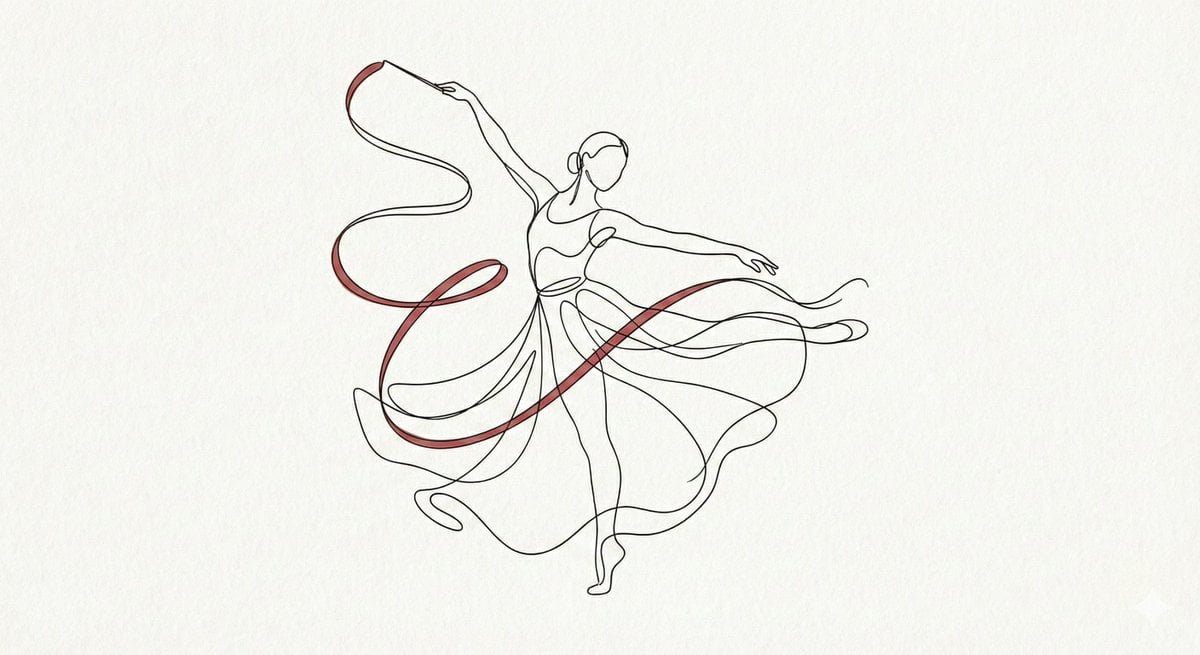
Minimalist Continuous Line Art Illustration
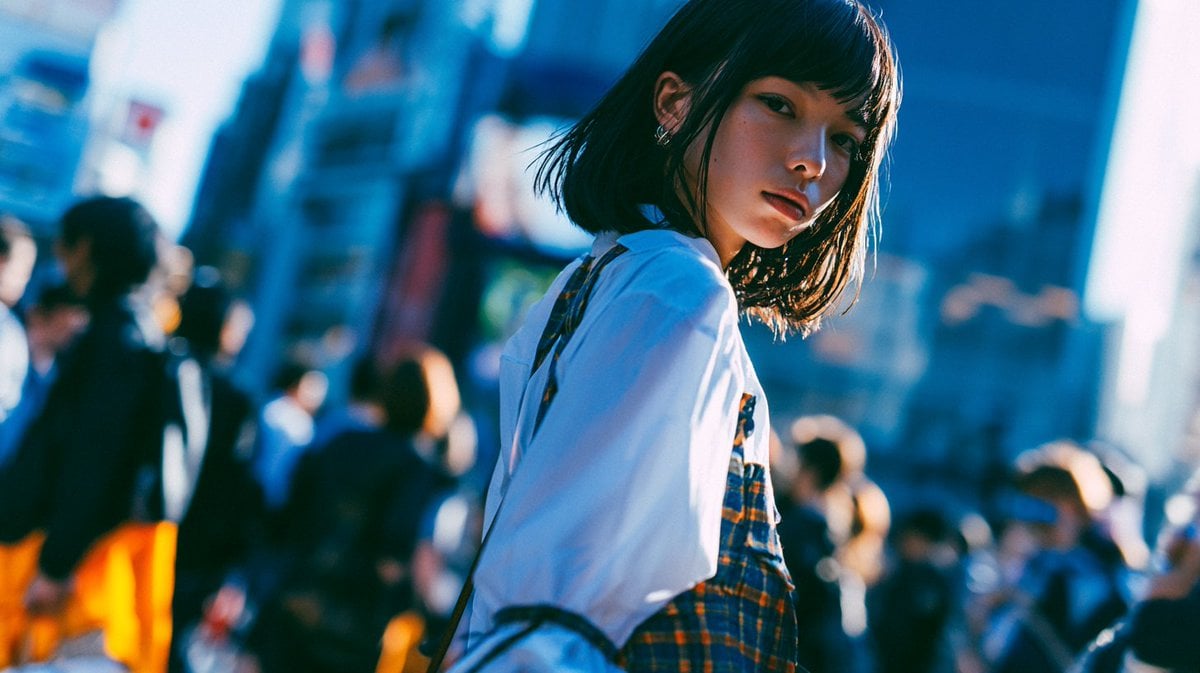
Cinematic Urban Street Portrait
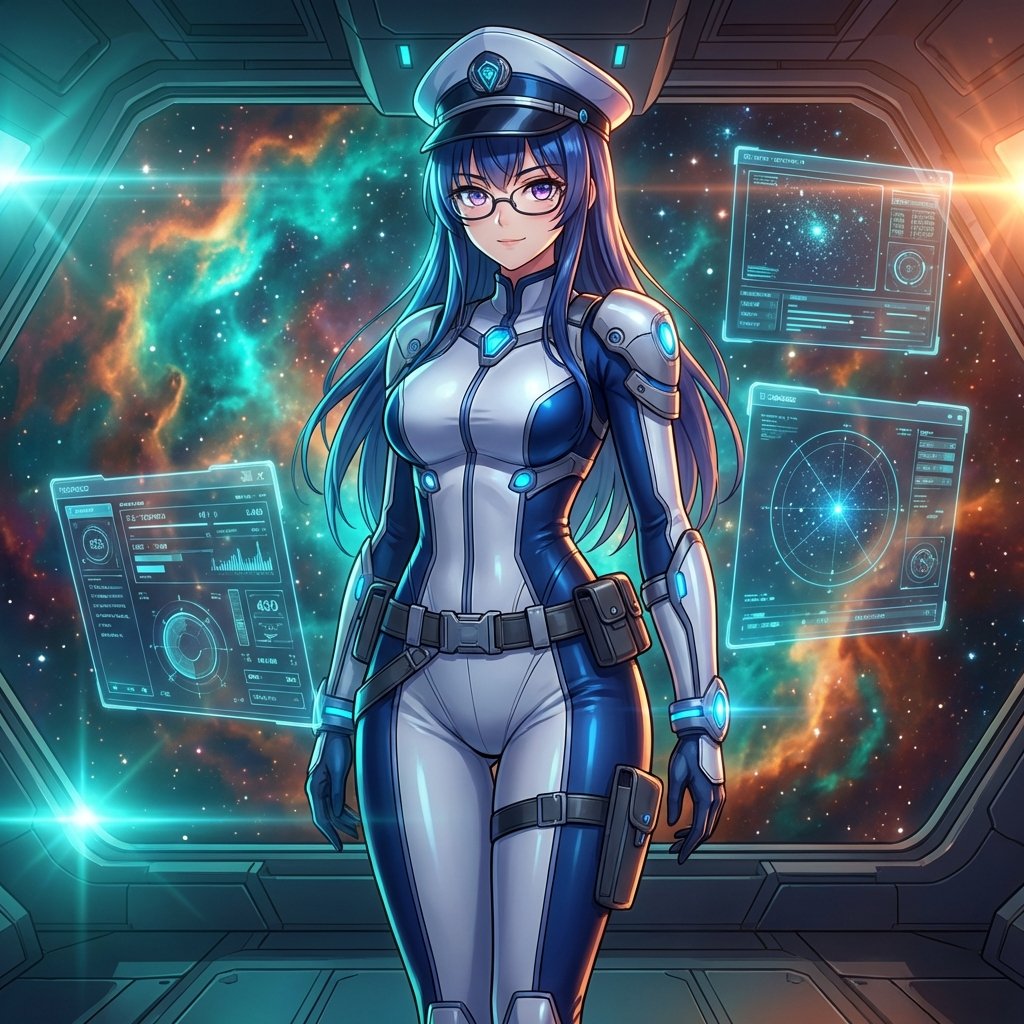
Sci-Fi Space Commander Portrait Prompt

Romance Manga Kitchen Pendant Scene
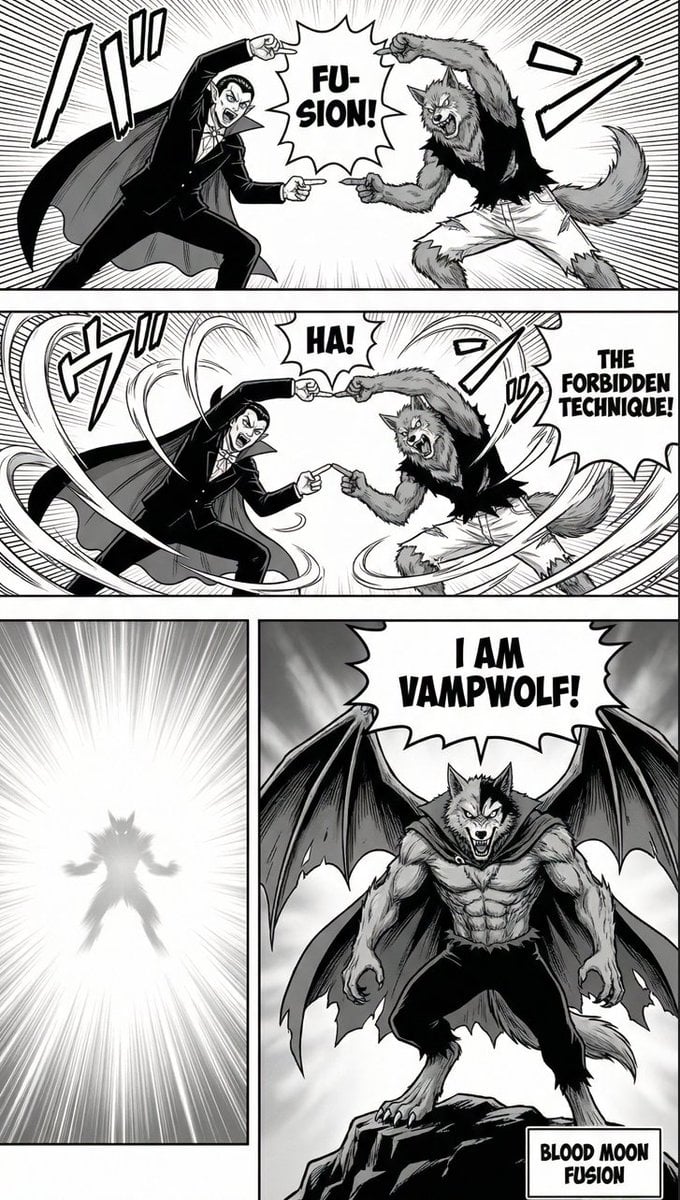
Manga Page: Dragon Ball Z Fusion Technique
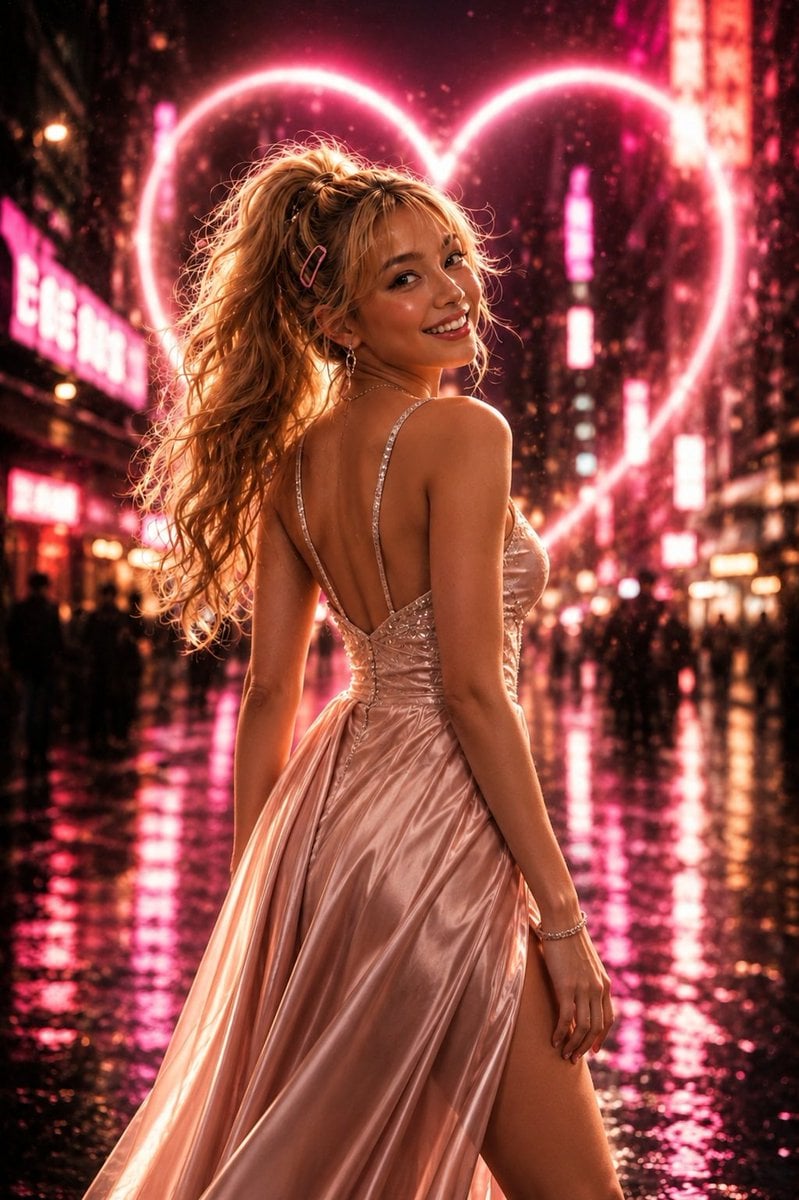
Neon Heart Night Fashion Portrait
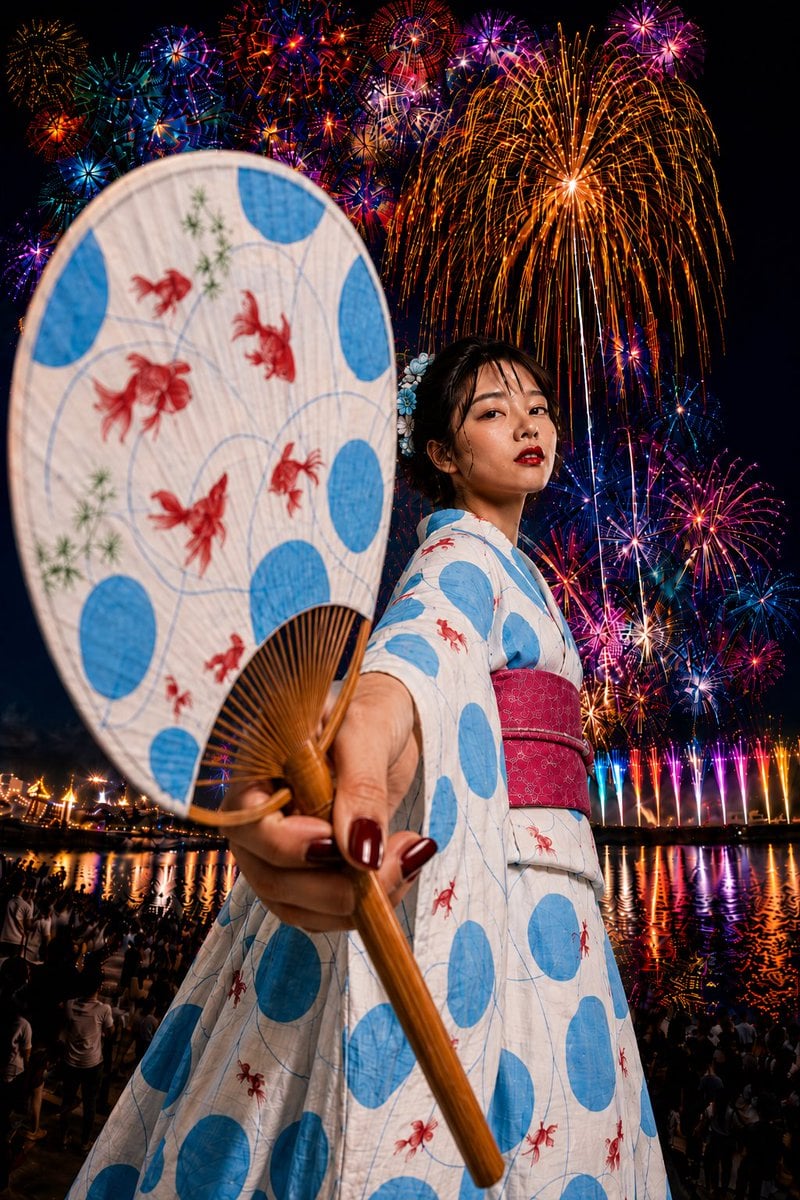
Goldfish Yukata Fireworks Festival Portrait

Kawaii Doll Magical Realism Character Portrait Prompt
Browse template categories
Dark Cinematic Skin Portrait questions
How do I use the Dark Cinematic Skin Portrait template?
Add your photo if the template asks for one, edit the prompt if you like — the template's model and format are already selected — and press Generate. Your version opens in PicX Studio.
Can I customize the Dark Cinematic Skin Portrait template?
Yes. You can change the subject, setting, lighting, mood, format, and available model controls before creating your image.
Is the Dark Cinematic Skin Portrait template free?
Opening and editing this template is free. Generating uses credits, shown on the Generate button when you are signed in.
Which AI model should I use?
Start with Gemini 3 Pro Image Preview, which is the model associated with this template. You can compare another compatible model for a different finish.
Looking for something else? Browse all templates.

Your photo, any look
Thousands of ready templates for every top image and video model, from one credit balance.