
Glacial Ice Warrior Facial Transformation
A complex image-to-image prompt for transforming a portrait into a supernatural ice warrior while preserving the user's facial identity.
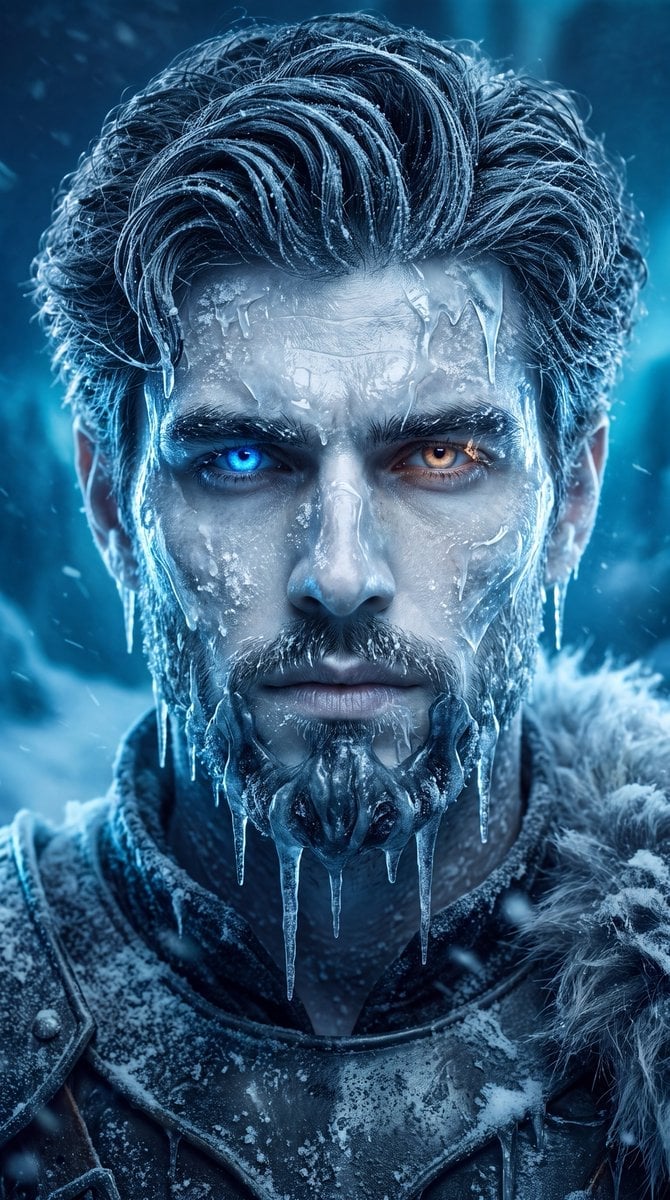
- Prompt included
- Model and format preset
- Free template
The prompt behind this image
Copy the exact prompt behind Glacial Ice Warrior Facial Transformation, or open it in the studio and make it yours.
Use my uploaded photo as the EXACT facial identity reference. Preserve my real identity with extremely high accuracy. Keep my facial structure, face shape, forehead, eyes, eyebrows, nose, lips, jawline, cheekbones, beard/facial hair, skin texture, and natural proportions recognizable and consistent with my reference photo. Transform me into an ultra-realistic {argument name="warrior style" default="ancient glacial ice warrior"}, inspired by a terrifying supernatural frozen king. Do NOT replace my face with another person's face. My face must remain clearly recognizable as me. COMPOSITION: Create a dramatic cinematic vertical 4:5 portrait. Head-and-shoulders framing, centered composition, facing directly toward the camera. The camera is positioned at eye level with a slightly intimidating perspective. Strong symmetrical facial composition. My expression is cold, powerful, intimidating and emotionless, with an intense supernatural stare. GLACIAL TRANSFORMATION: My skin appears extremely pale, frozen and slightly translucent, as if my entire body has been exposed to centuries of supernatural winter. Preserve realistic human skin anatomy underneath the transformation. Cover parts of my face with naturally formed translucent white-blue ice. Create intricate frozen textures around the forehead, temples, cheekbones, eyebrows, beard and jaw. The ice should look physically attached to my skin, with realistic thickness, transparency, frost crystals, tiny cracks and subtle internal depth. Do not completely cover my face. My facial identity must remain visible and recognizable. EYES: Make my eyes extremely striking and supernatural while retaining the original shape and proportions of my eyes. One eye can have an icy electric-blue glow while the other has a subtle pale amber/orange supernatural glow. The glow must be realistic and integrated into the eyes, not cartoonish. HAIR: Transform my real hairstyle into long, thick, windswept frozen hair while preserving the general character of my original hair. Hair should appear naturally coated with frost and tiny ice crystals. Individual strands must remain highly detailed and photorealistic. FACIAL ICE: Add dramatic frozen formations around portions of the forehead, cheekbones and jaw. Create thin translucent ice sheets, frost patterns and delicate icicles extending naturally from the beard/jaw area. MOUTH / LOWER FACE: Create a dark supernatural frozen respirator-like ice formation over the lower mouth and chin area, constructed entirely from translucent white and blue ice. It should feel organically grown from the frozen environment rather than like a manufactured mask. Keep enough of my facial structure visible to maintain my identity. CLOTHING: Transform my clothing into a dark ancient winter-warrior outfit covered with layers of frost and translucent ice. Add realistic frozen fabric, icy armor-like textures and subtle crystalline details around the shoulders and neck. ENVIRONMENT: Place me in a mass
How to use Glacial Ice Warrior Facial Transformation in 3 steps
- 1Upload ImagePNG, JPG or paste
Add your photo
Upload the photo the template builds on. The prompt, model and format are already set.
- 2…a portrait of your subject in softgolden-hour light, 85mm…
Personalize
Edit the subject and creative details for your destination.
- 3Generate
Generate
Press Generate — your image is created in PicX Studio, so you can compare it with the original and refine one variable at a time.
More like this
Templates with the same subject, style or setup. Open one to see its prompt.

Creative Character in Pink Office

Avant-Garde Asian Fashion Model

Underwater Macro Face Portrait

Water-level Bridge Modification

Noir Punk Street Portrait

High Contrast Cinematic Face Portrait

Monochrome Studio Portrait with Colored Lens

Ultra-Realistic Yacht Sunset Portrait

Mushroom Still Life Composition

Whimsical Anthropomorphic Friendly Insect

Pop Art Summer Fruit Fashion Illustration
High Fashion Editorial Portrait
Make it yours
Glacial Ice Warrior Facial Transformation works as-is. These are the safest ways to change it without losing the look.
Change one field
Copy a single group, rewrite it, and generate again so you can see what that field is doing.
Keep the frame, change the subject
Hold the composition and light of Glacial Ice Warrior Facial Transformation, then swap wardrobe, props or the person for a new take.
| If the result… | Why | Fix |
|---|---|---|
| The result drifts from the preview | Too many fields changed at once. | Reuse Glacial Ice Warrior Facial Transformation as-is first, then change one group — subject, light, or setting. |
| The model over-stylizes the scene | The prose prompt leaves finish and camera underspecified. | Add one camera or lighting sentence and stay on Gemini 3 Pro Image Preview. |
More Gemini 3 Pro Image Preview templates
Other prompts made for Gemini 3 Pro Image Preview.

Cinematic Urban Night Billboard Portrait

Ultra-Realistic iPhone Selfie with Motion Blur

Cinematic Mirror Reflection Portrait

Elegant Men's Twilight Editorial

Coastal Freedom Sunset Portrait

Ergonomic Office Chair E-commerce Mobile Detail Page

Macro Guitar Fret Dressing

Cinematic Black and White Studio Portrait

1980s Retro Salon Portrait

Felt Frog Diorama Beach
More image prompts
Fresh picks from across the catalog.
Film Noir Portrait of Cillian Murphy with Cigarette

Gpt2 Youtube Thumbnail Cyberpunk Ai Tools Comparison Poster
Surreal Agricultural Civilization Inside a Fruit Prompt
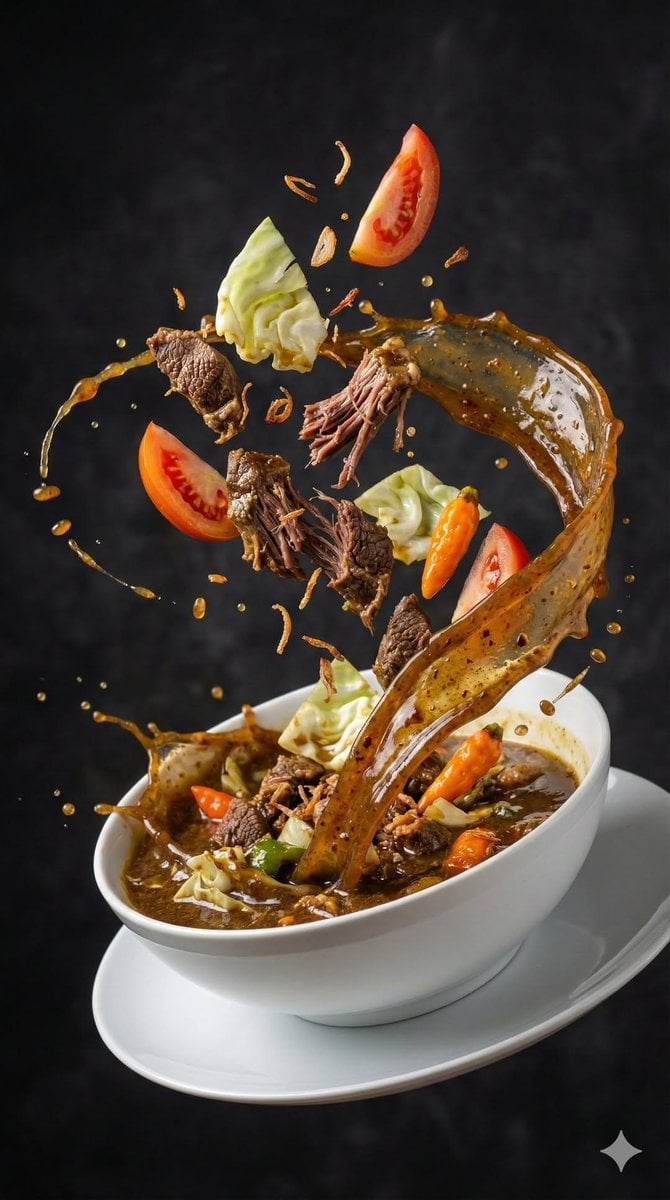
High-Speed Food Photography of Exploding Asian Soup
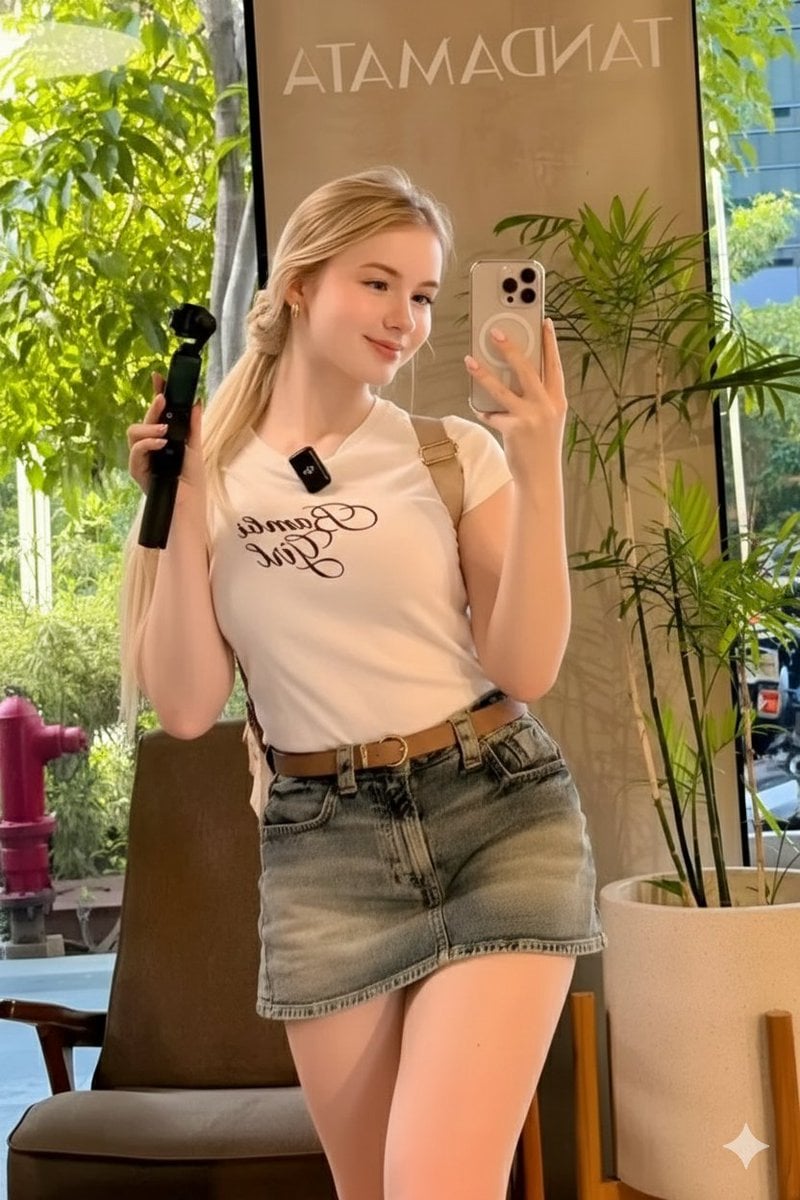
Ultra-Realistic Mirror Selfie in a Café
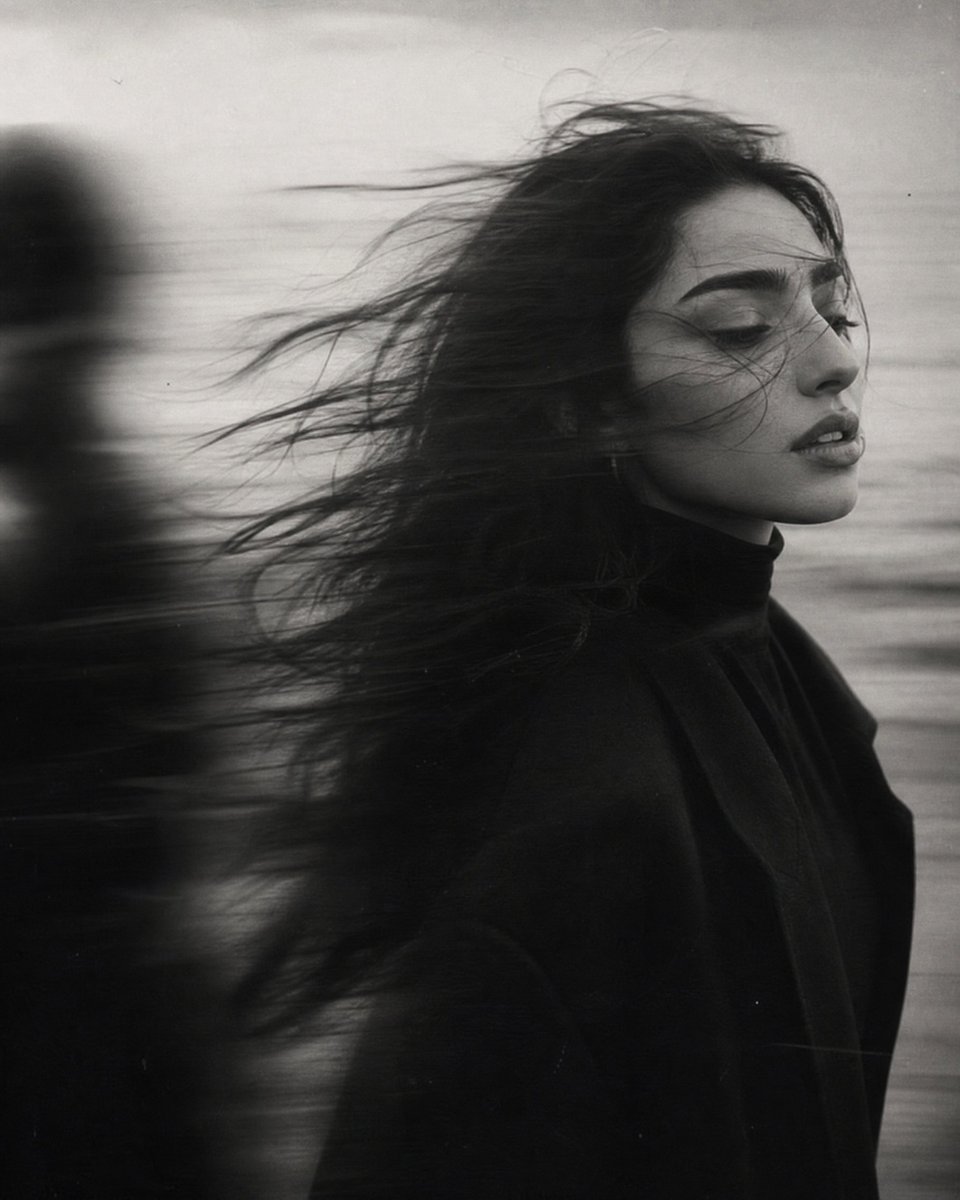
Windblown Anonymous Film Portrait
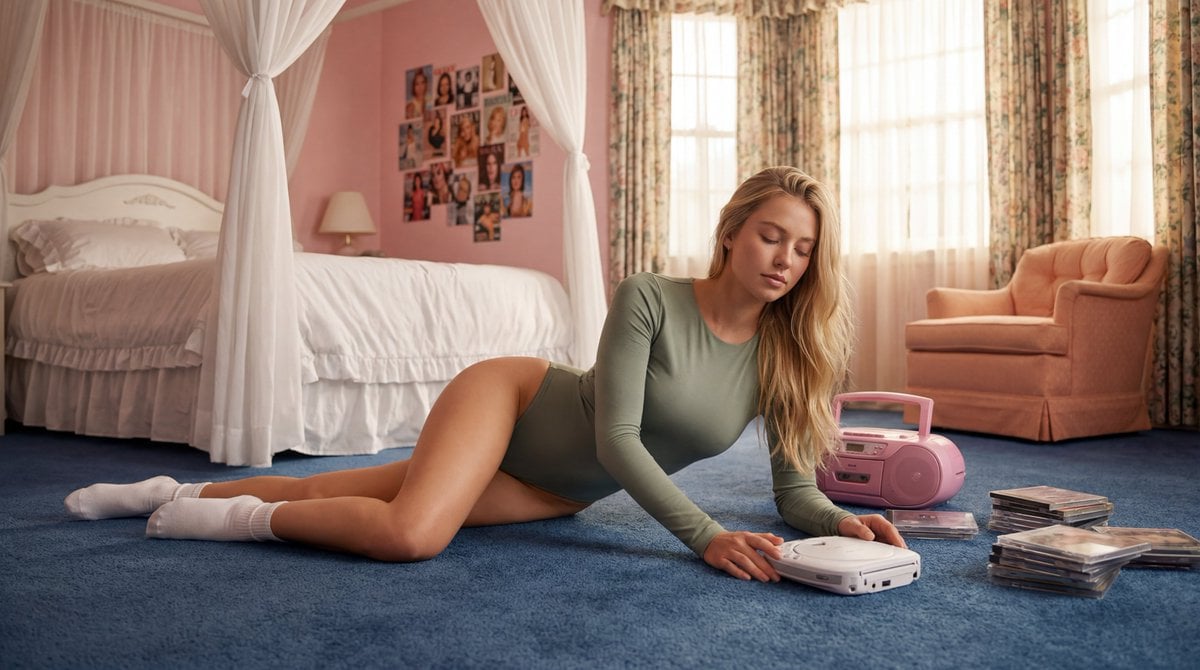
Strictly Controlled Editorial Pose and Anatomy Prompt
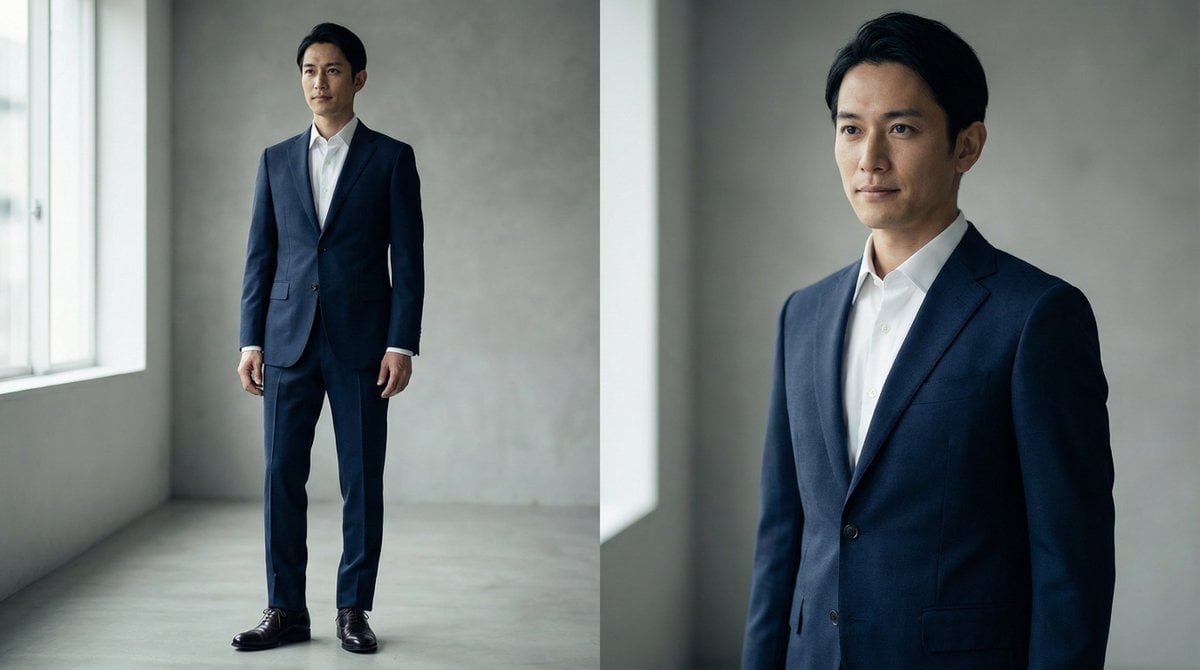
High-End Fashion Magazine Editorial Photo of a Japanese Male Model
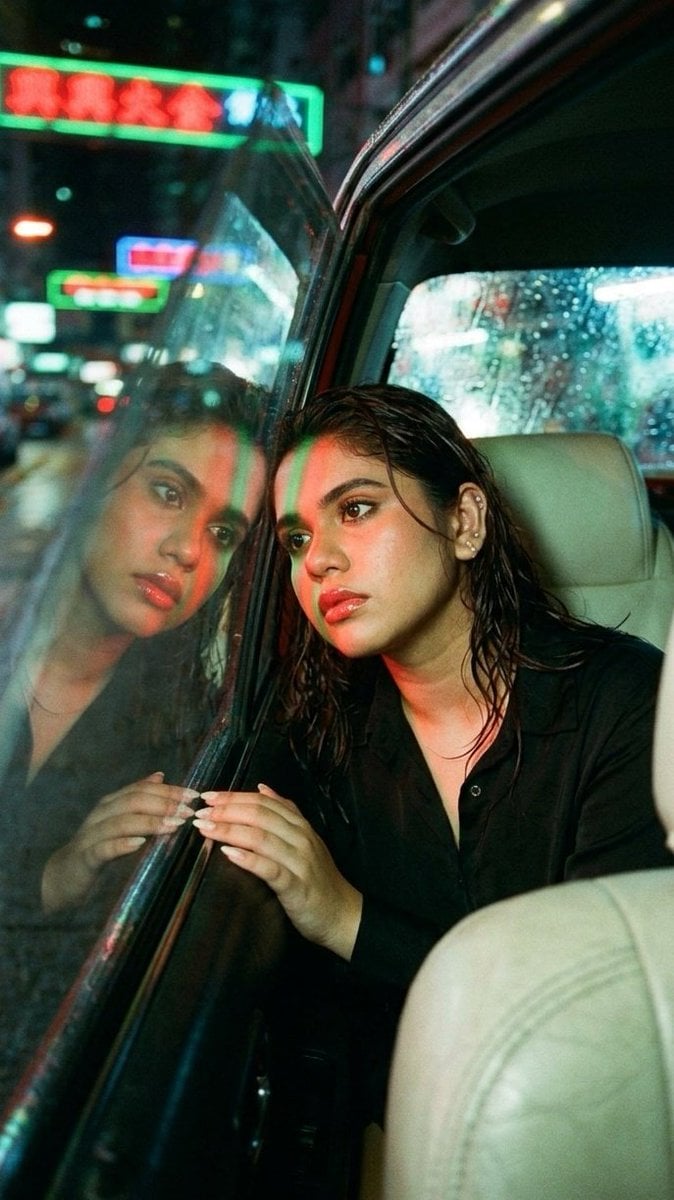
Wong Kar-wai Style Portrait in Taxi
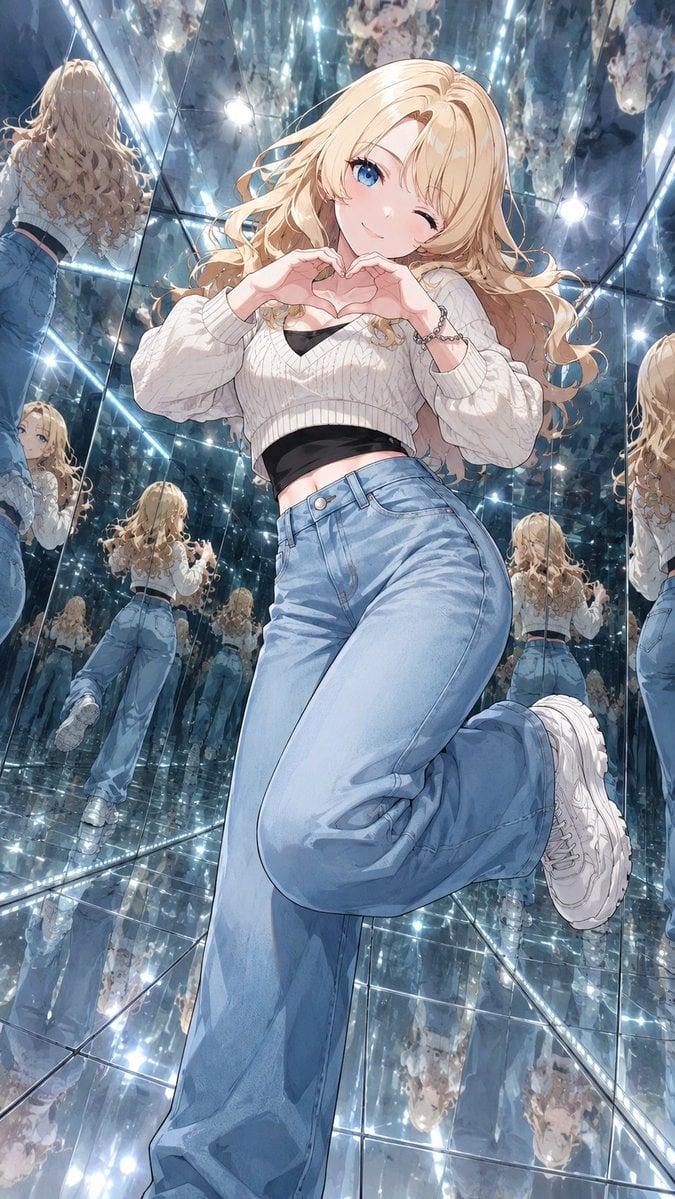
Anime Girl in Mirror Room
Browse template categories
Glacial Ice Warrior Facial Transformation questions
How do I use the Glacial Ice Warrior Facial Transformation template?
Add your photo if the template asks for one, edit the prompt if you like — the template's model and format are already selected — and press Generate. Your version opens in PicX Studio.
Can I customize the Glacial Ice Warrior Facial Transformation template?
Yes. You can change the subject, setting, lighting, mood, format, and available model controls before creating your image.
Is the Glacial Ice Warrior Facial Transformation template free?
Opening and editing this template is free. Generating uses credits, shown on the Generate button when you are signed in.
Which AI model should I use?
Start with Gemini 3 Pro Image Preview, which is the model associated with this template. You can compare another compatible model for a different finish.
Looking for something else? Browse all templates.

Your photo, any look
Thousands of ready templates for every top image and video model, from one credit balance.