
Ultra-Realistic Fashion Portrait Consistency
A comprehensive technical prompt designed for Nano Banana to achieve perfect facial and style consistency based on an uploaded reference image.
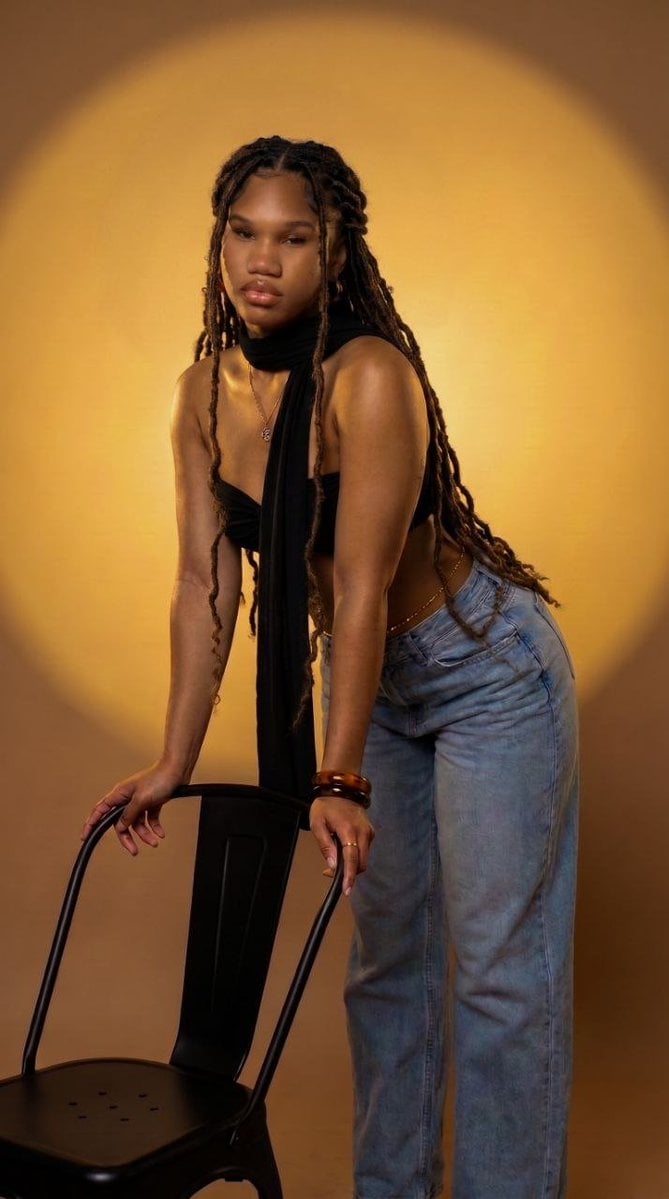
- Prompt included
- Model and format preset
- Free template
The prompt behind this image
Copy the exact prompt behind Ultra-Realistic Fashion Portrait Consistency, or open it in the studio and make it yours.
{ "prompt": "Using the uploaded image above with 100% facial accuracy, body size, haircut and shape, create a breathtaking 16K ultra-realistic editorial fashion portrait of the same beautiful African woman. Preserve every facial feature exactly as in the uploaded image, including her face shape, warm brown skin tone, expressive eyes, eyebrows, nose, lips, smile, natural makeup, body proportions, hairstyle, head wrap, braided locs, jewelry placement, and confident pose. Maintain her right hand resting on her head and her left hand placed on her waist exactly as shown. She is wearing the same black bandeau-style wrap top with a long draped scarf in the center, low-rise light blue denim jeans, waist chain, bracelets, rings, necklace, and matching accessories. The background is a warm golden studio backdrop with the soft circular spotlight glow, identical lighting direction, smooth wall texture, and shallow depth of field. Illuminate the subject with luxurious golden-hour cinematic lighting, soft key light, subtle rim lighting, realistic shadows, and natural skin reflections. Capture with a professional full-frame cinema camera using an 85mm f/1.2 portrait lens, producing creamy bokeh, crystal-clear eyes, ultra-detailed skin pores, natural melanin texture, realistic hair strands, detailed fabric textures, physically accurate lighting, HDR, RAW image quality, ray-traced global illumination, volumetric lighting, subsurface scattering, premium fashion magazine quality, luxury editorial photography, masterpiece composition, hyper-realistic rendering, true-to-life colors, flawless anatomy, no distortion, no AI artifacts, and maximum photorealism.", "negative_prompt": "cartoon, anime, CGI, illustration, painting, blurry, low quality, pixelated, noisy, oversharpened, overexposed, underexposed, plastic skin, fake skin texture, deformed anatomy, inaccurate facial features, extra fingers, missing fingers, extra limbs, duplicated body parts, crossed eyes, distorted proportions, bad hands, watermark, logo, text, frame, cropped body, unrealistic lighting, unnatural colors, compression artifacts", "aspect_ratio": "16:9", "resolution": "15360x8640", "quality": "16K Ultra HD", "style": "Ultra-Realistic Editorial Fashion Photography", "camera": { "model": "Sony A1 II", "lens": "Sony FE 85mm f/1.2 GM", "focal_length": "85mm", "aperture": "f/1.2", "iso": 100, "shutter_speed": "1/200 sec", "focus": "Eye Autofocus" }, "lighting": { "style": "Golden cinematic studio lighting", "key_light": "Large warm softbox positioned front-left", "fill_light": "Soft reflected fill", "rim_light": "Warm edge light for subject separation", "background_light": "Soft circular golden spotlight matching the reference image", "hdr": true }, "render_settings": { "engine": "Photorealistic", "ray_tracing": true, "global_illumination": true, "ambient_oc
How to use Ultra-Realistic Fashion Portrait Consistency in 3 steps
- 1Upload ImagePNG, JPG or paste
Add your photo
Upload the photo the template builds on. The prompt, model and format are already set.
- 2…a portrait of your subject in softgolden-hour light, 85mm…
Personalize
Edit the subject and creative details for your destination.
- 3Generate
Generate
Press Generate — your image is created in PicX Studio, so you can compare it with the original and refine one variable at a time.
More like this
Templates with the same subject, style or setup. Open one to see its prompt.

Nano Banana 2 High Fashion Sports Campai

Couture Fashion Editorial Woman and Drag

Ive Yujin Fashion Portrait in Blue

Nano Banana 2 Editorial Fashion Portrait

Caution Tape Fashion — Industrial Editorial
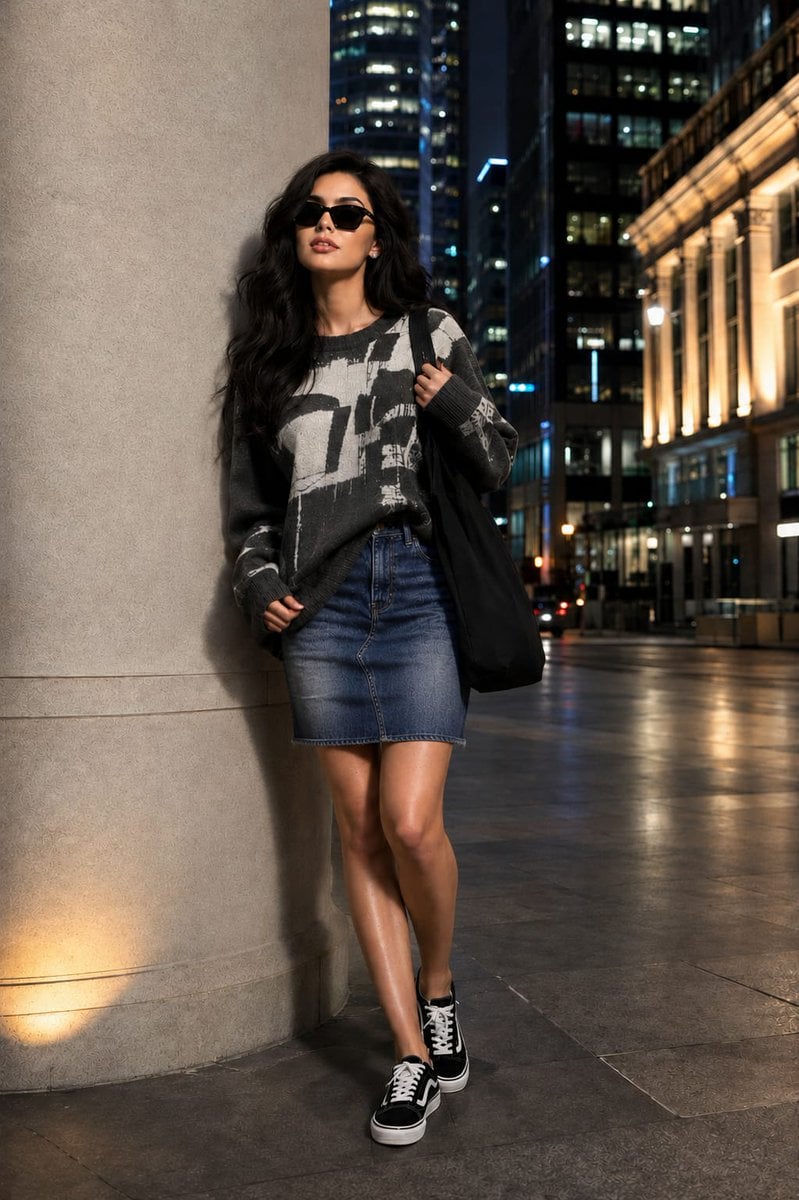
Fashion Editorial Portrait with Facial Consistency
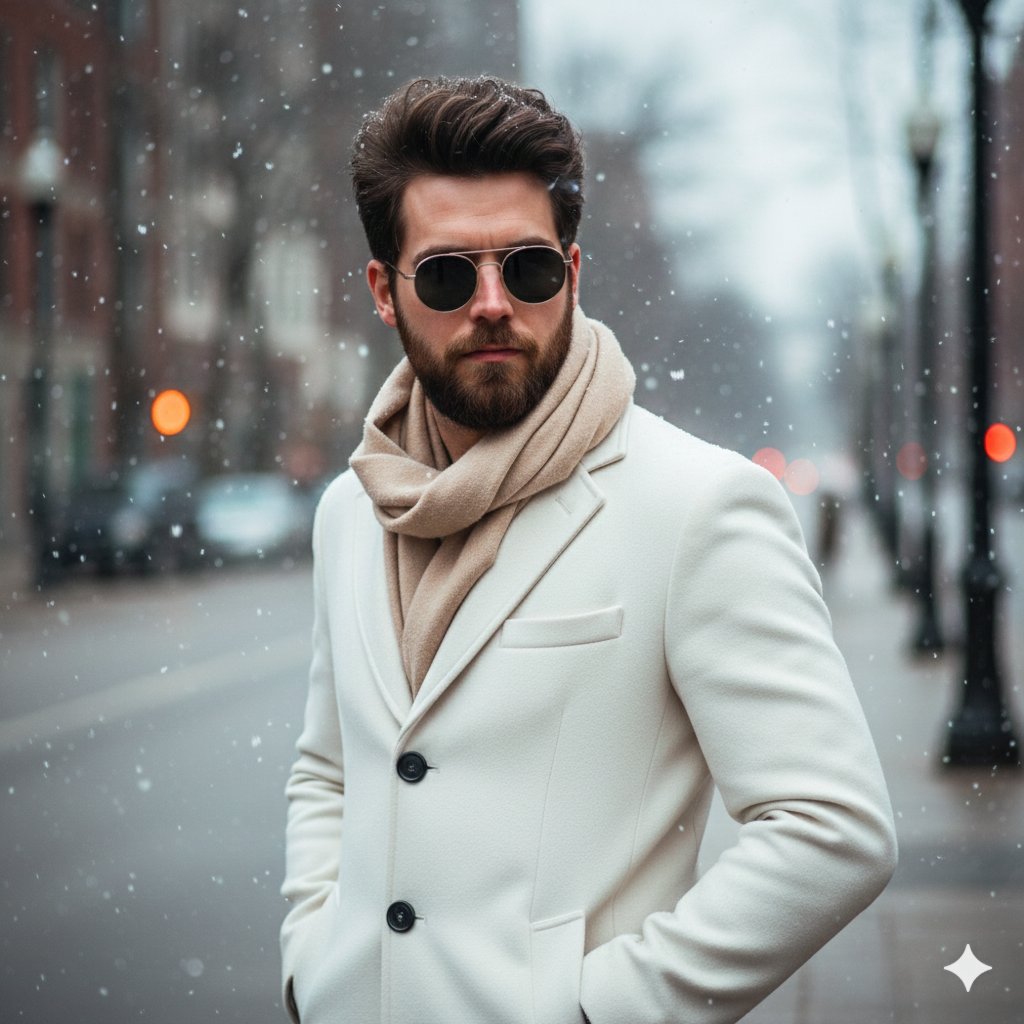
Winter Fashion Portrait with Face Consistency
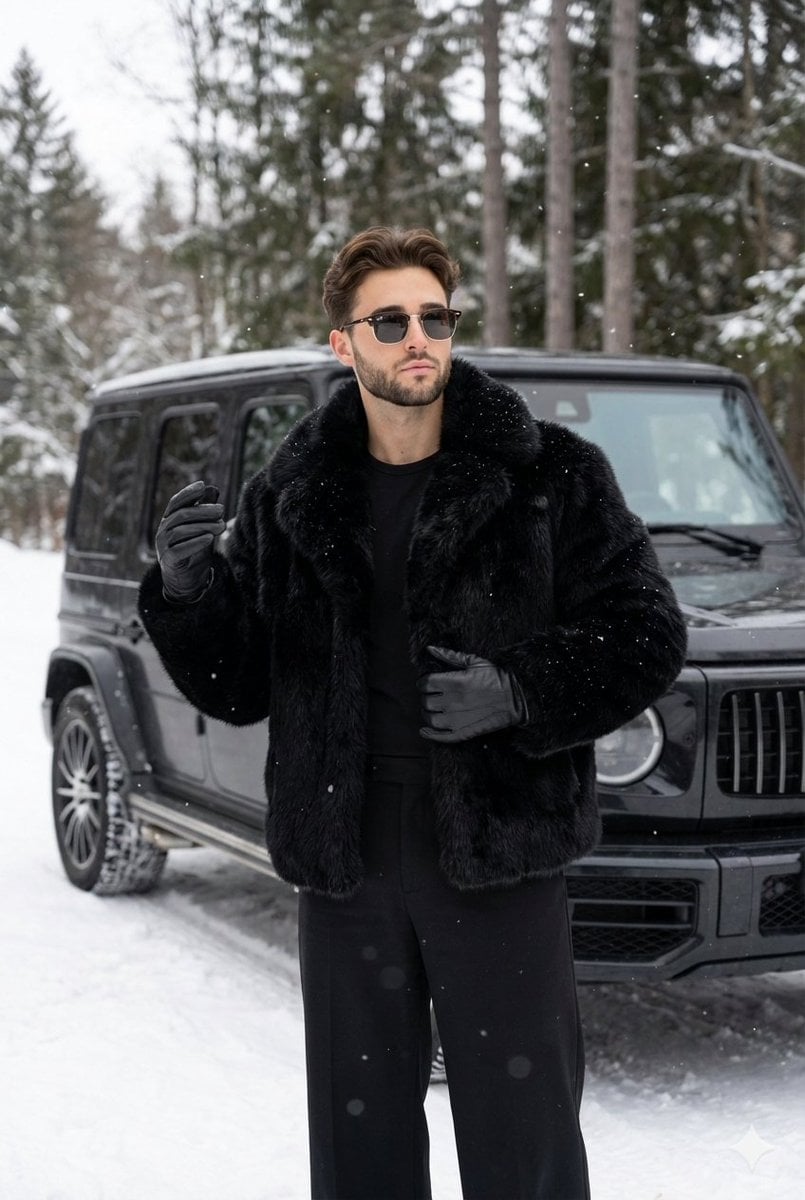
Winter Fashion Portrait with G-Wagon and Face Consistency Prompt

Nano Banana Pro Photoreal Playful Couple

Miniature Self Portrait Collage

Found Photograph: Us, 1970

80s Couple Studio Portrait
Make it yours
Ultra-Realistic Fashion Portrait Consistency works as-is. These are the safest ways to change it without losing the look.
Change one field
Copy a single group, rewrite it, and generate again so you can see what that field is doing.
Keep the frame, change the subject
Hold the composition and light of Ultra-Realistic Fashion Portrait Consistency, then swap wardrobe, props or the person for a new take.
| If the result… | Why | Fix |
|---|---|---|
| The result drifts from the preview | Too many fields changed at once. | Reuse Ultra-Realistic Fashion Portrait Consistency as-is first, then change one group — subject, light, or setting. |
| The model over-stylizes the scene | The prose prompt leaves finish and camera underspecified. | Add one camera or lighting sentence and stay on Gemini 3 Pro Image Preview. |
More Gemini 3 Pro Image Preview templates
Other prompts made for Gemini 3 Pro Image Preview.

Creative Character in Pink Office

Avant-Garde Asian Fashion Model

Underwater Macro Face Portrait

Water-level Bridge Modification

Noir Punk Street Portrait

High Contrast Cinematic Face Portrait

Monochrome Studio Portrait with Colored Lens

Ultra-Realistic Yacht Sunset Portrait

Mushroom Still Life Composition

Whimsical Anthropomorphic Friendly Insect
More image prompts
Fresh picks from across the catalog.
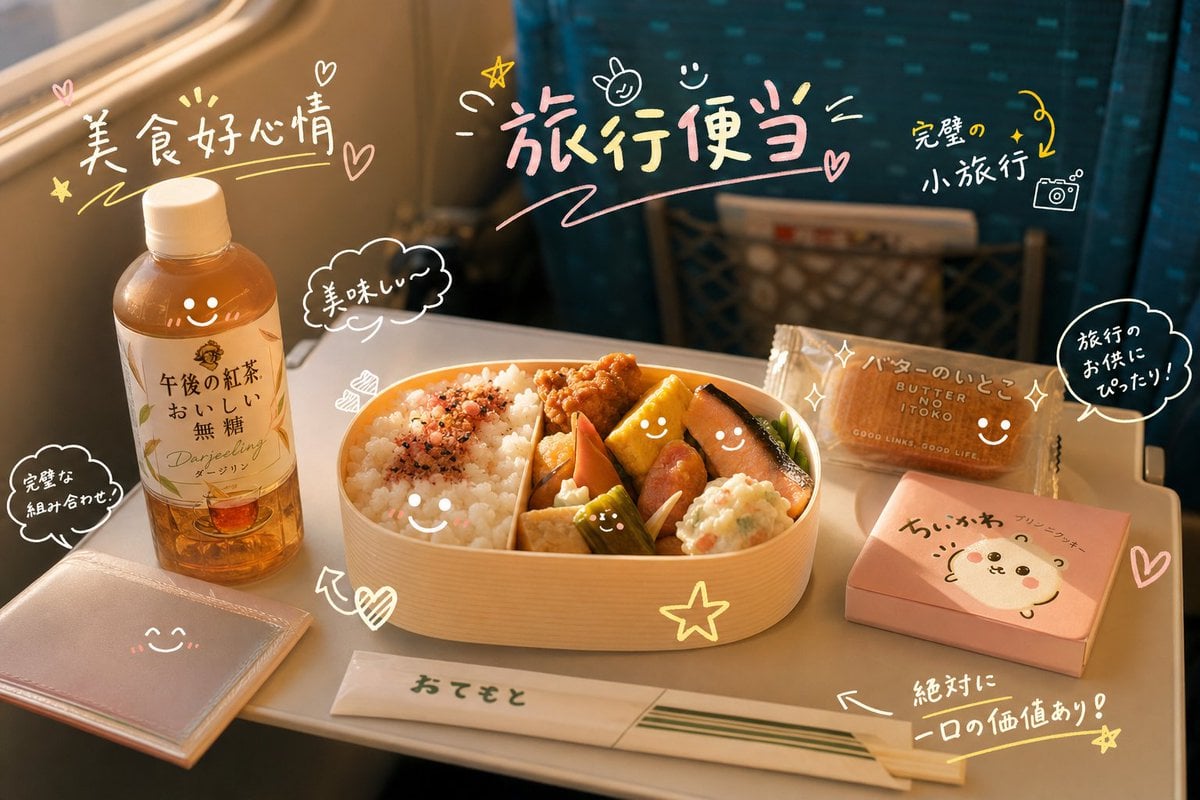
Cute Doodle Train Bento Photo

Hyper-Realistic Commercial Food Photography Prompt for Gemini Nano Banana Pro
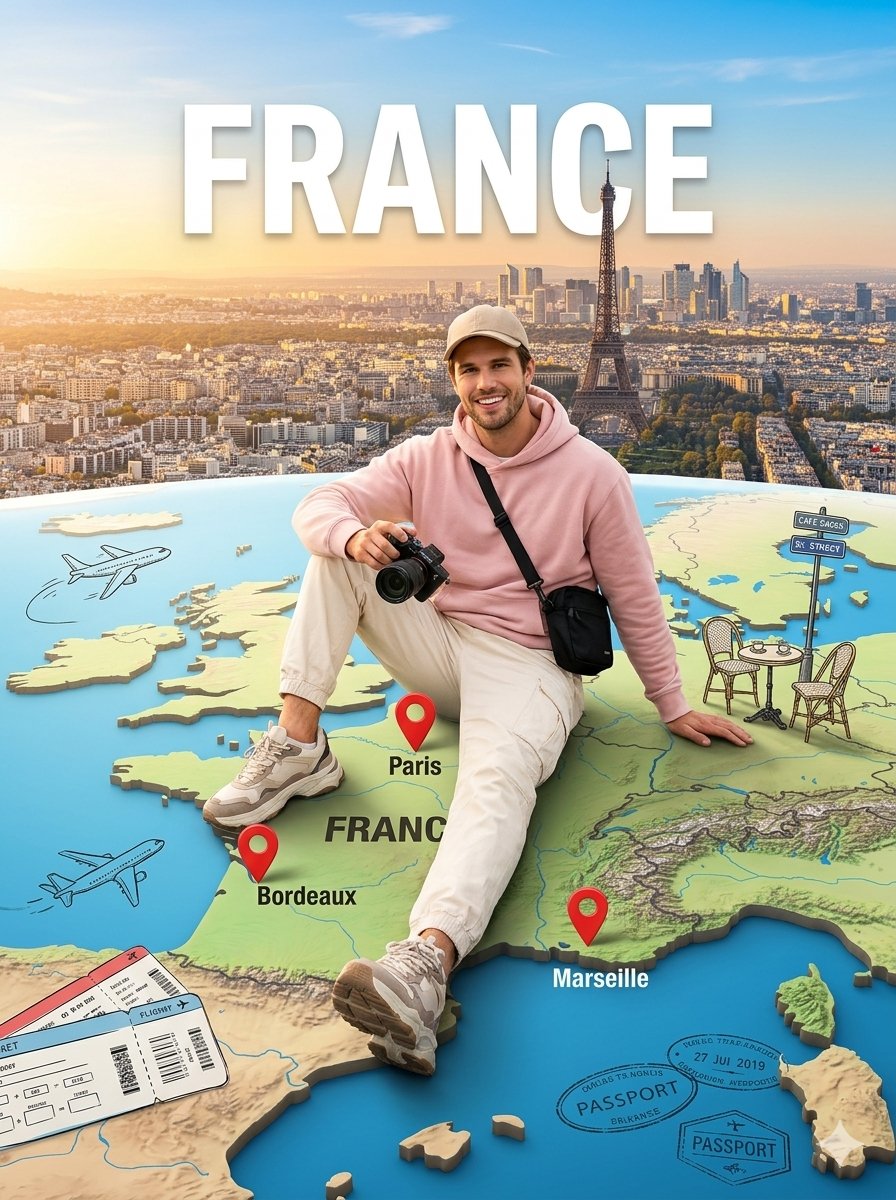
Cinematic Travel Photos with Nano Banana
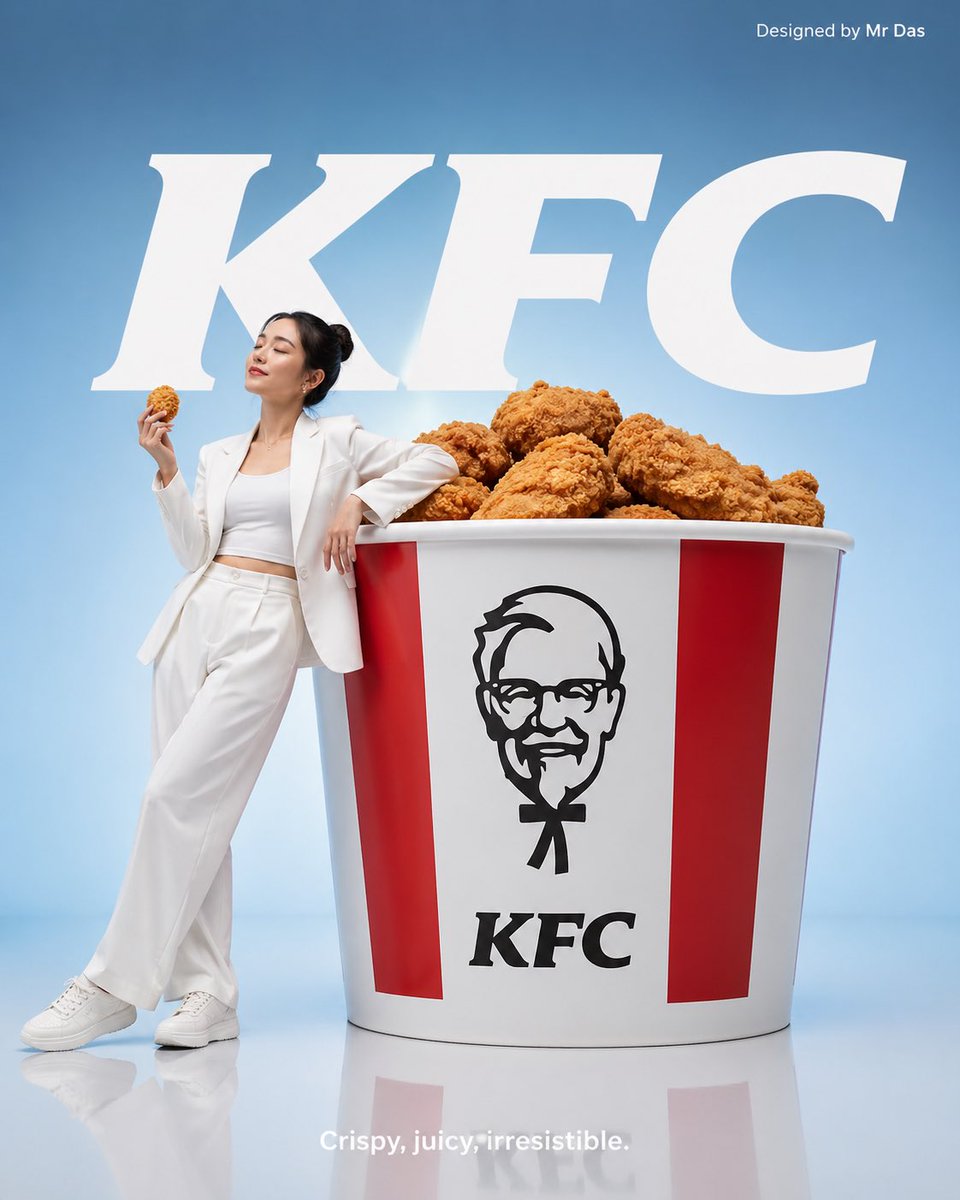
Minimalist KFC Commercial Advertisement
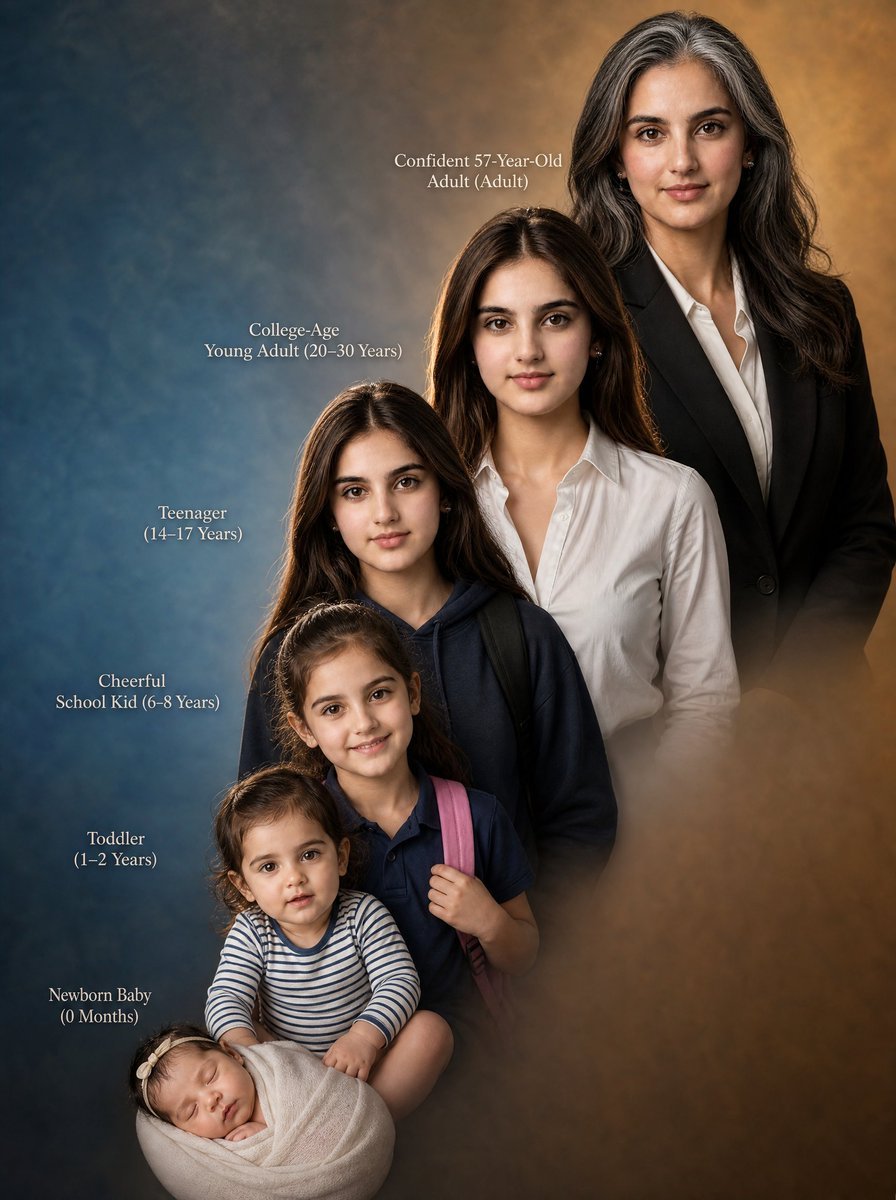
Female Life Progression Portrait
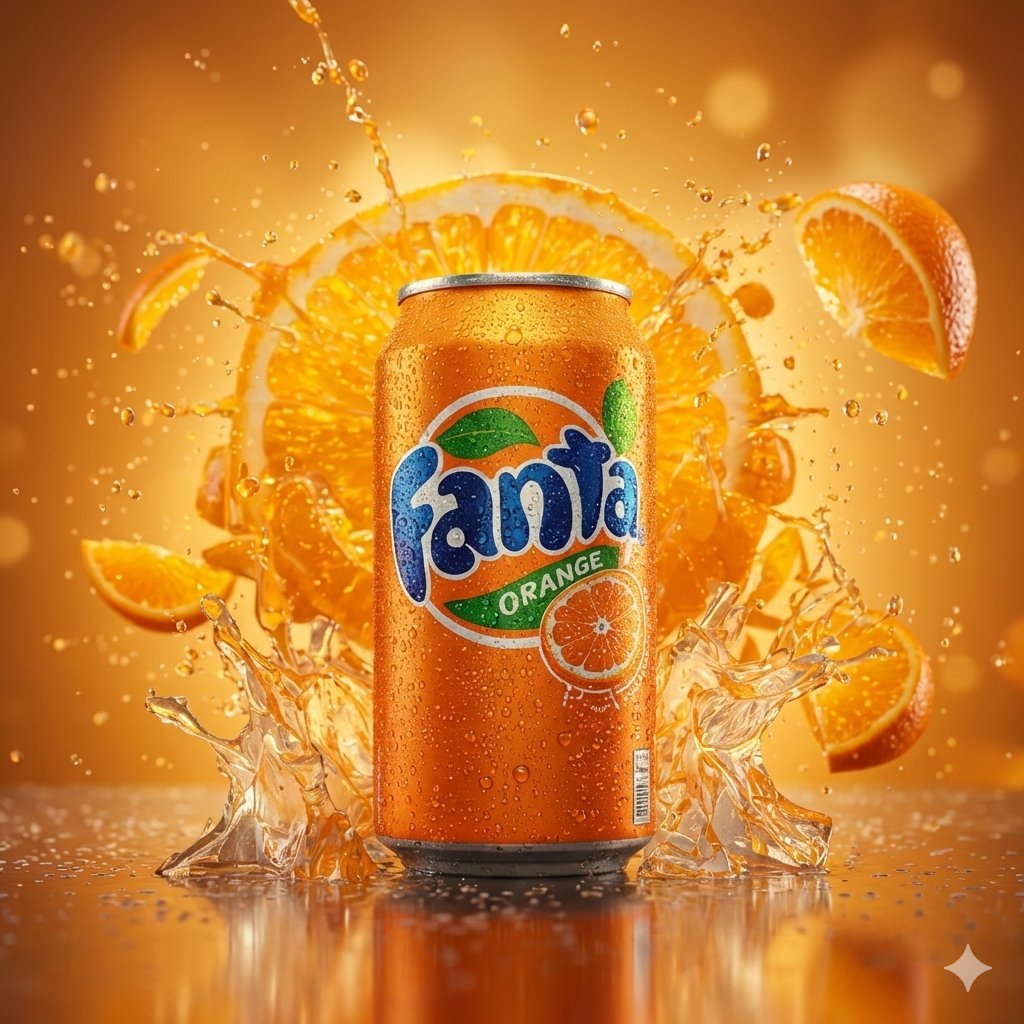
Hyper-realistic cinematic product shot of Fanta Orange can with exploding orange slices

08 Rodeo Drive Luxury Exit — California Series
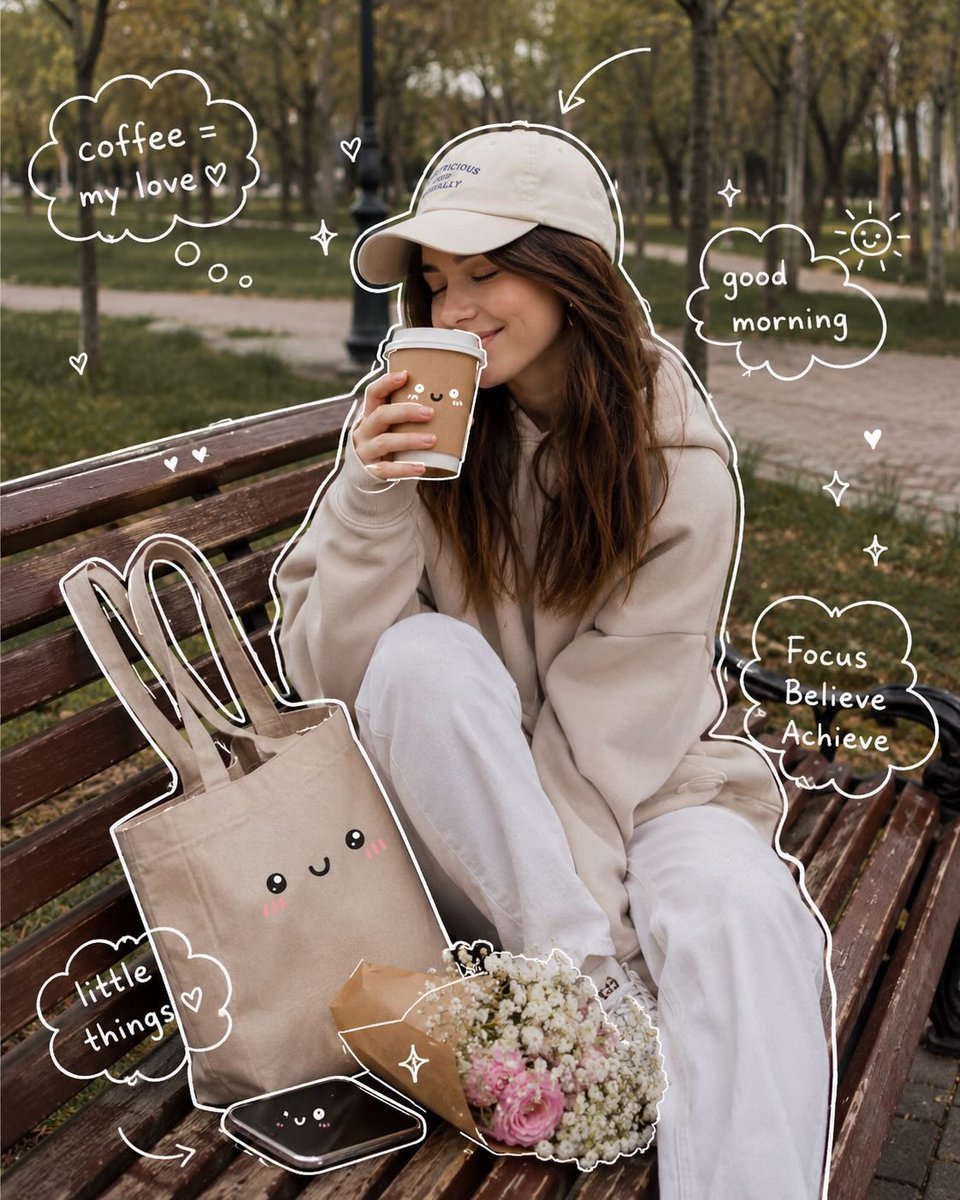
Cozy Aesthetic Park Photography
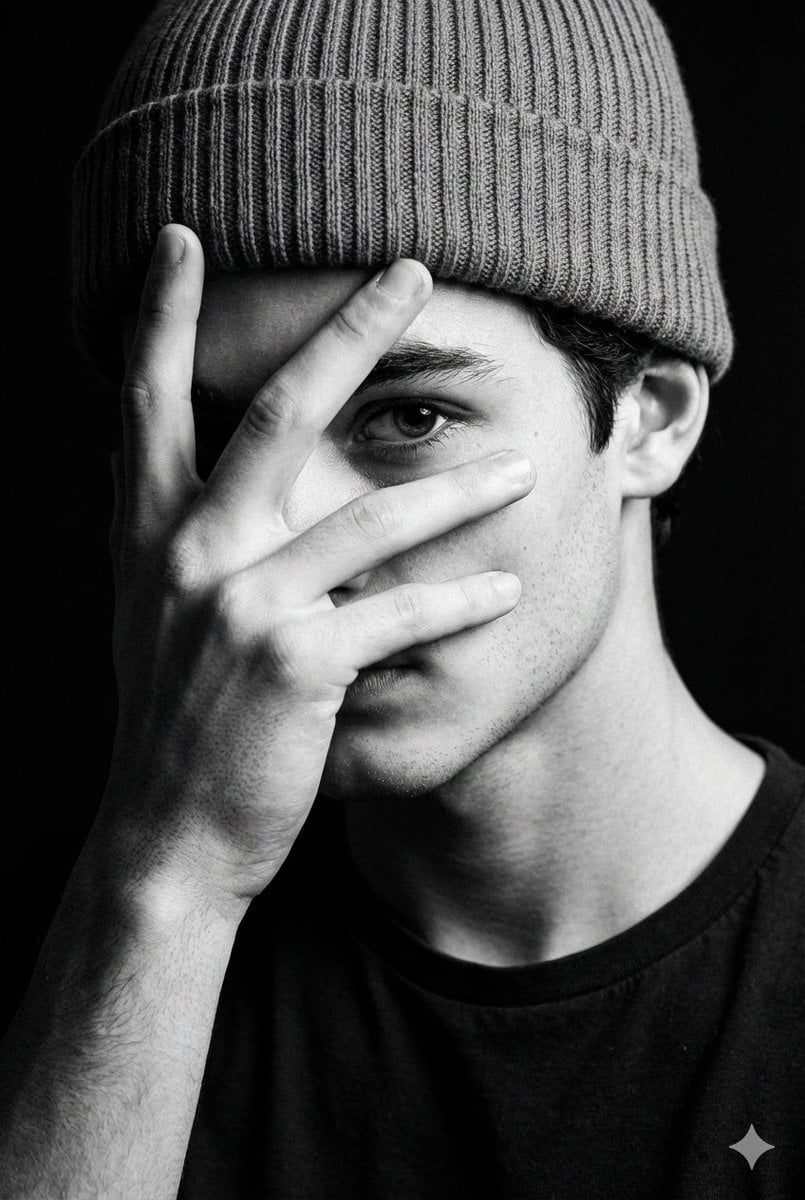
Dramatic Low-Key Monochrome Portrait Prompt
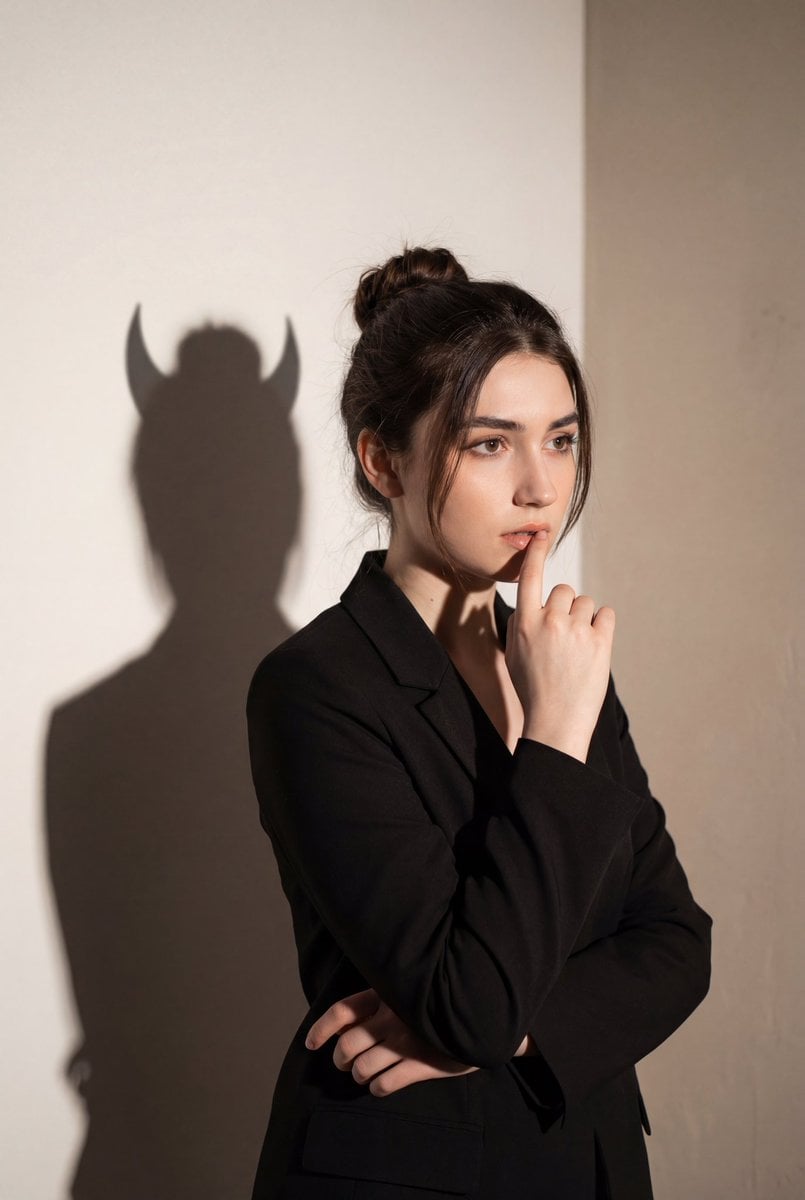
Conceptual Portrait with Symbolic Devil Horn Shadow
Browse template categories
Ultra-Realistic Fashion Portrait Consistency questions
How do I use the Ultra-Realistic Fashion Portrait Consistency template?
Add your photo if the template asks for one, edit the prompt if you like — the template's model and format are already selected — and press Generate. Your version opens in PicX Studio.
Can I customize the Ultra-Realistic Fashion Portrait Consistency template?
Yes. You can change the subject, setting, lighting, mood, format, and available model controls before creating your image.
Is the Ultra-Realistic Fashion Portrait Consistency template free?
Opening and editing this template is free. Generating uses credits, shown on the Generate button when you are signed in.
Which AI model should I use?
Start with Gemini 3 Pro Image Preview, which is the model associated with this template. You can compare another compatible model for a different finish.
Looking for something else? Browse all templates.

Your photo, any look
Thousands of ready templates for every top image and video model, from one credit balance.