
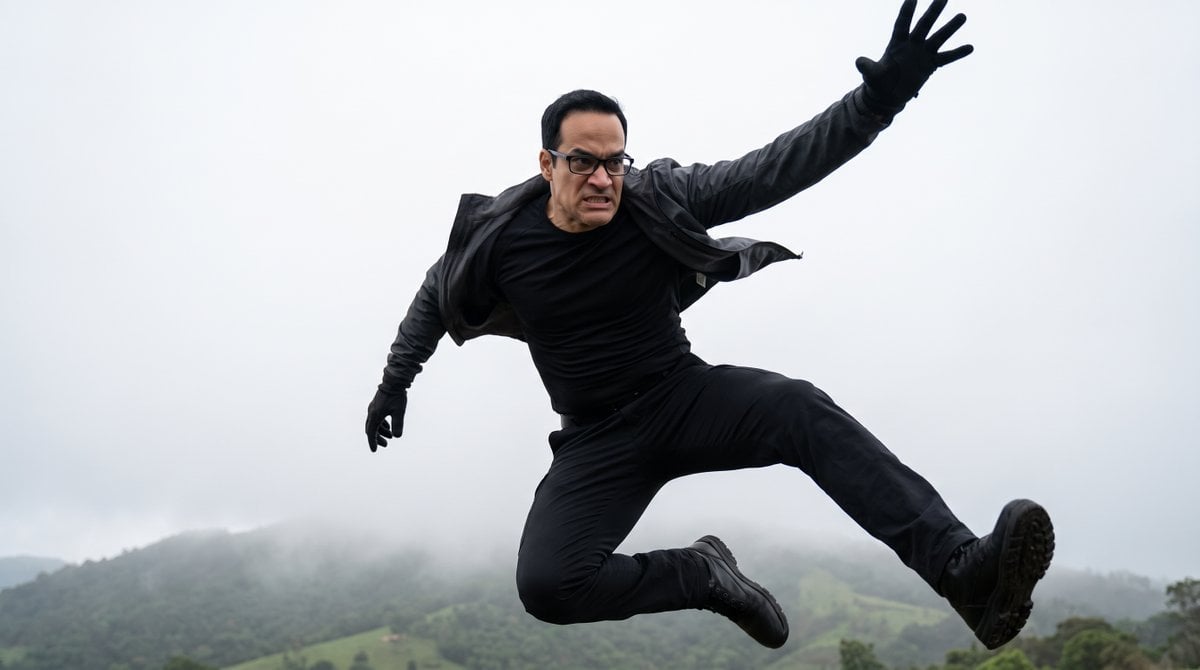
Cinematic Mid-Air Action Shot
An intense action-hero style prompt for a mid-air leap, inspired by a Netflix series, using reference image inputs.
- Prompt included
- Model and format preset
- Free template
The prompt behind this image
Copy the exact prompt behind Cinematic Mid-Air Action Shot, or open it in the studio and make it yours.
A dynamic mid-air action shot of an {argument name="subject" default="man with short black hair and black rectangular glasses"}, captured at the peak of a powerful jump. He is frozen in a dramatic leaping pose: body twisted slightly to the side, right leg bent sharply at the knee and pushed forward, left leg extended straight backward and downward, both feet pointed. His right arm is stretched high above his head with fingers splayed open as if reaching or balancing, while his left arm is bent close to his body with a black gloved hand tensed. He wears a {argument name="outfit" default="tight black long-sleeve shirt, black trousers, black gloves, and black shoes"}, with a dark jacket half-slipping off his shoulders from the force of the jump. His facial expression is intense and focused — brows furrowed, teeth slightly gritted, eyes sharp behind the glasses — conveying pure determination mixed with controlled effort.The man is suspended high in the air against a {argument name="background" default="hazy, foggy outdoor background of distant green hills and trees under an overcast white sky"}. Camera angle is a low-angle three-quarter shot looking slightly upward, emphasizing the height and power of the leap, with the subject filling most of the frame. Realistic physics of motion: clothing fabric and jacket flaps pulled backward by air resistance, body weight shifted forward as if he just launched from a higher surface, limbs arranged in a classic action-hero jump silhouette that shows both explosive energy and temporary weightlessness. The overall feeling is intense, cinematic, and heroic — a frozen moment of raw physical power, focus, and mid-air freedom, as if captured from an action film sequence. Highly detailed, photorealistic, sharp focus on the subject, soft atmospheric fog in the background.
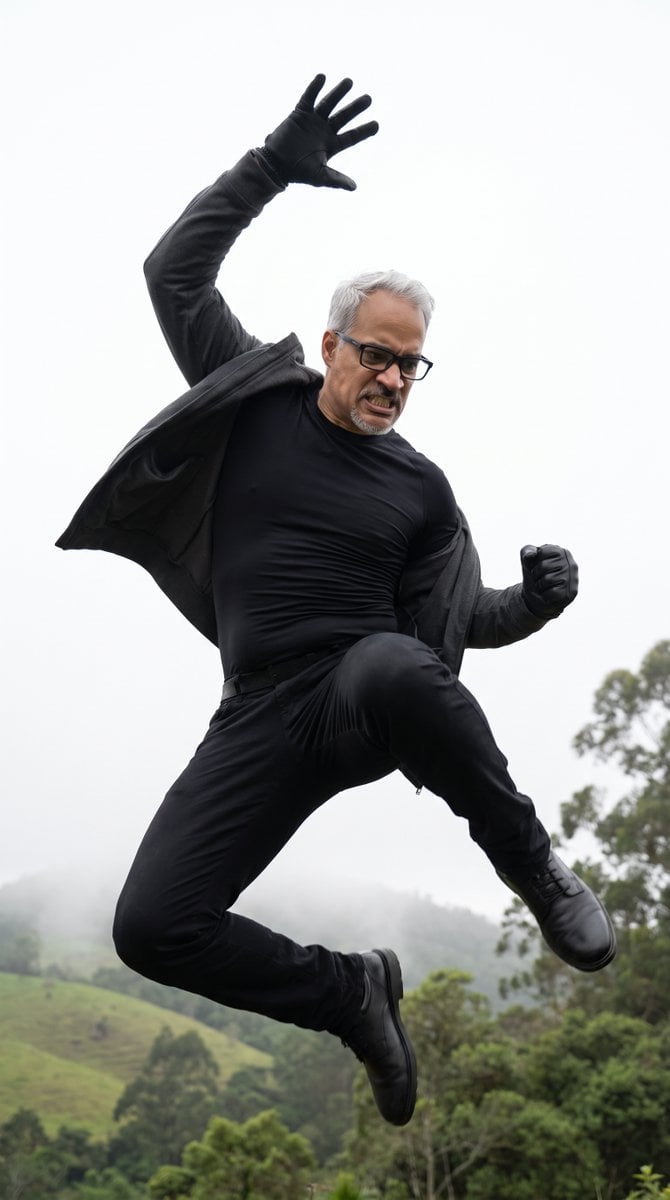
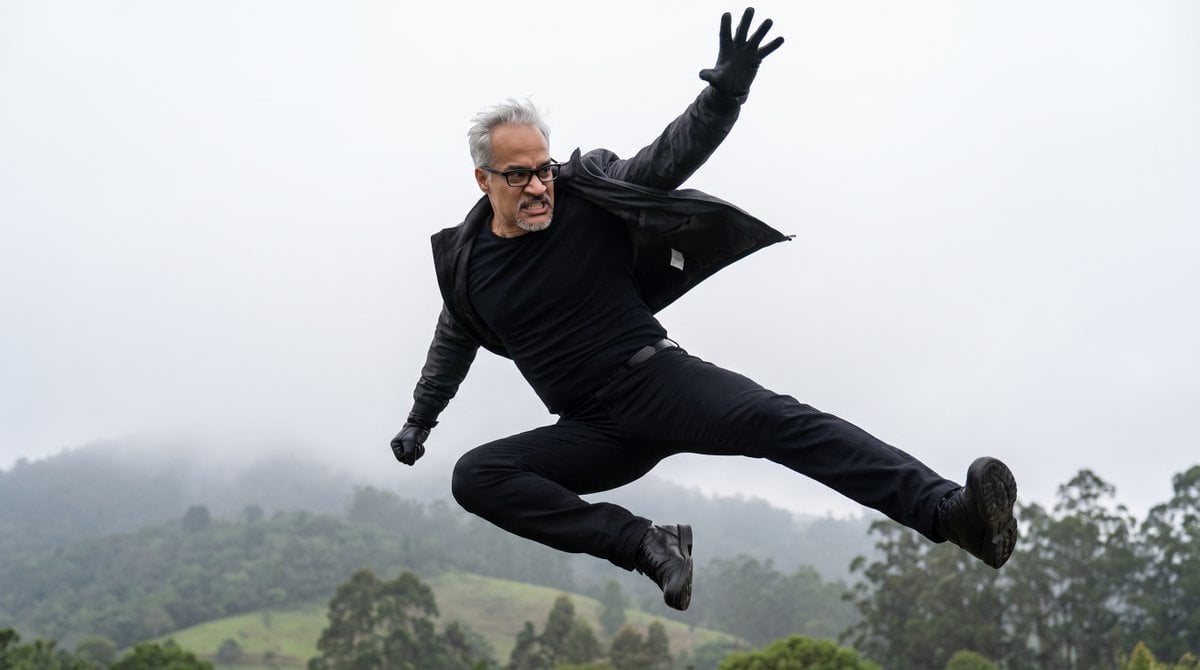
Reference images included
Cinematic Mid-Air Action Shot needs input media to work. They load alongside the prompt when you open it in the studio.
How to use Cinematic Mid-Air Action Shot in 3 steps
- 1Upload ImagePNG, JPG or paste
Add your photo
Upload the photo the template builds on. The prompt, model and format are already set.
- 2…a portrait of your subject in softgolden-hour light, 85mm…
Personalize
Edit the subject and creative details for your destination.
- 3Generate
Generate
Press Generate — your image is created in PicX Studio, so you can compare it with the original and refine one variable at a time.
More like this
Templates with the same subject, style or setup. Open one to see its prompt.
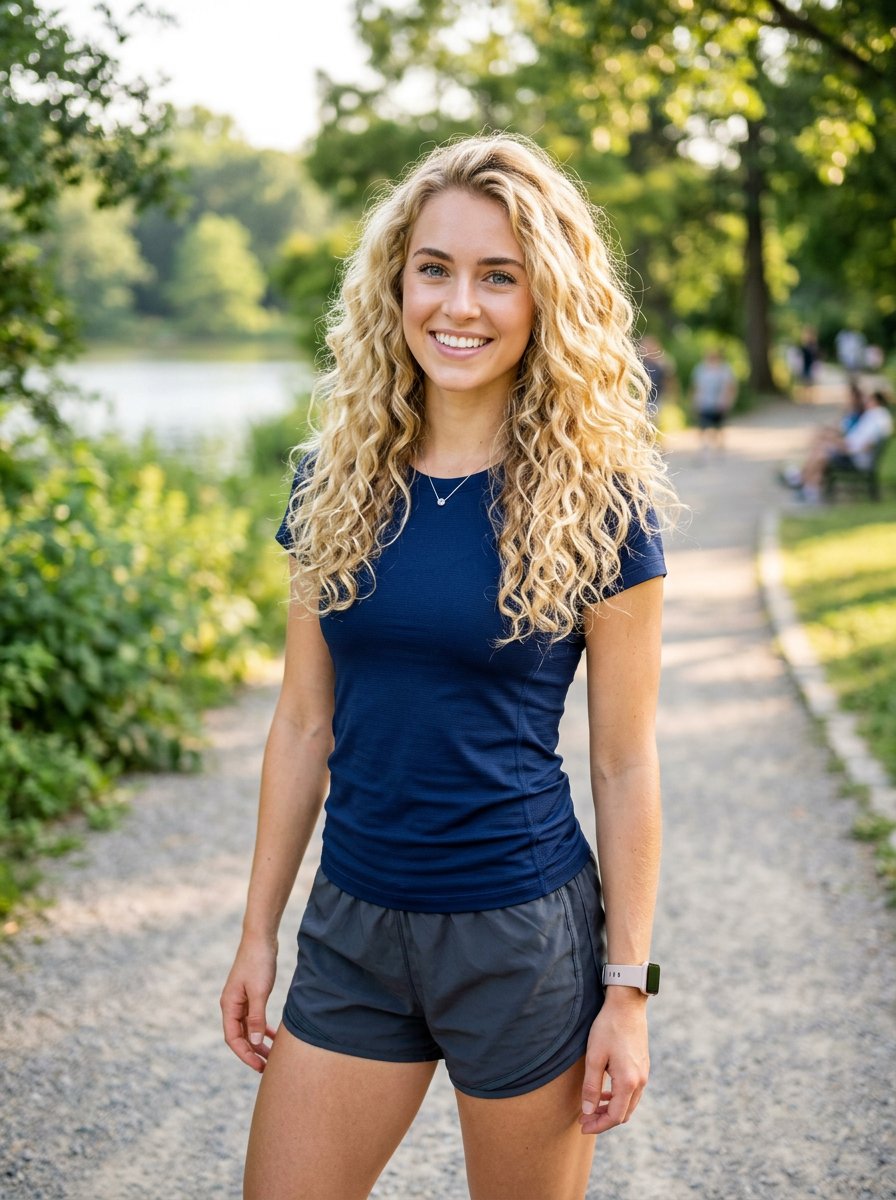
Athletic Blonde Curly Hair Portrait

Creative Character in Pink Office

Avant-Garde Asian Fashion Model

Underwater Macro Face Portrait

Water-level Bridge Modification

Noir Punk Street Portrait

High Contrast Cinematic Face Portrait

Monochrome Studio Portrait with Colored Lens

Ultra-Realistic Yacht Sunset Portrait

Mushroom Still Life Composition

Whimsical Anthropomorphic Friendly Insect

Pop Art Summer Fruit Fashion Illustration
Make it yours
Cinematic Mid-Air Action Shot works as-is. These are the safest ways to change it without losing the look.
Change one field
Copy a single group, rewrite it, and generate again so you can see what that field is doing.
Keep the frame, change the subject
Hold the composition and light of Cinematic Mid-Air Action Shot, then swap wardrobe, props or the person for a new take.
| If the result… | Why | Fix |
|---|---|---|
| The result drifts from the preview | Too many fields changed at once. | Reuse Cinematic Mid-Air Action Shot as-is first, then change one group — subject, light, or setting. |
| The model over-stylizes the scene | The prose prompt leaves finish and camera underspecified. | Add one camera or lighting sentence and stay on Gemini 3 Pro Image Preview. |
More Gemini 3 Pro Image Preview templates
Other prompts made for Gemini 3 Pro Image Preview.

Cinematic Urban Night Billboard Portrait

Ultra-Realistic iPhone Selfie with Motion Blur

Cinematic Mirror Reflection Portrait

Elegant Men's Twilight Editorial

Coastal Freedom Sunset Portrait

Ergonomic Office Chair E-commerce Mobile Detail Page

Macro Guitar Fret Dressing

Cinematic Black and White Studio Portrait

1980s Retro Salon Portrait

Felt Frog Diorama Beach
More image prompts
Fresh picks from across the catalog.
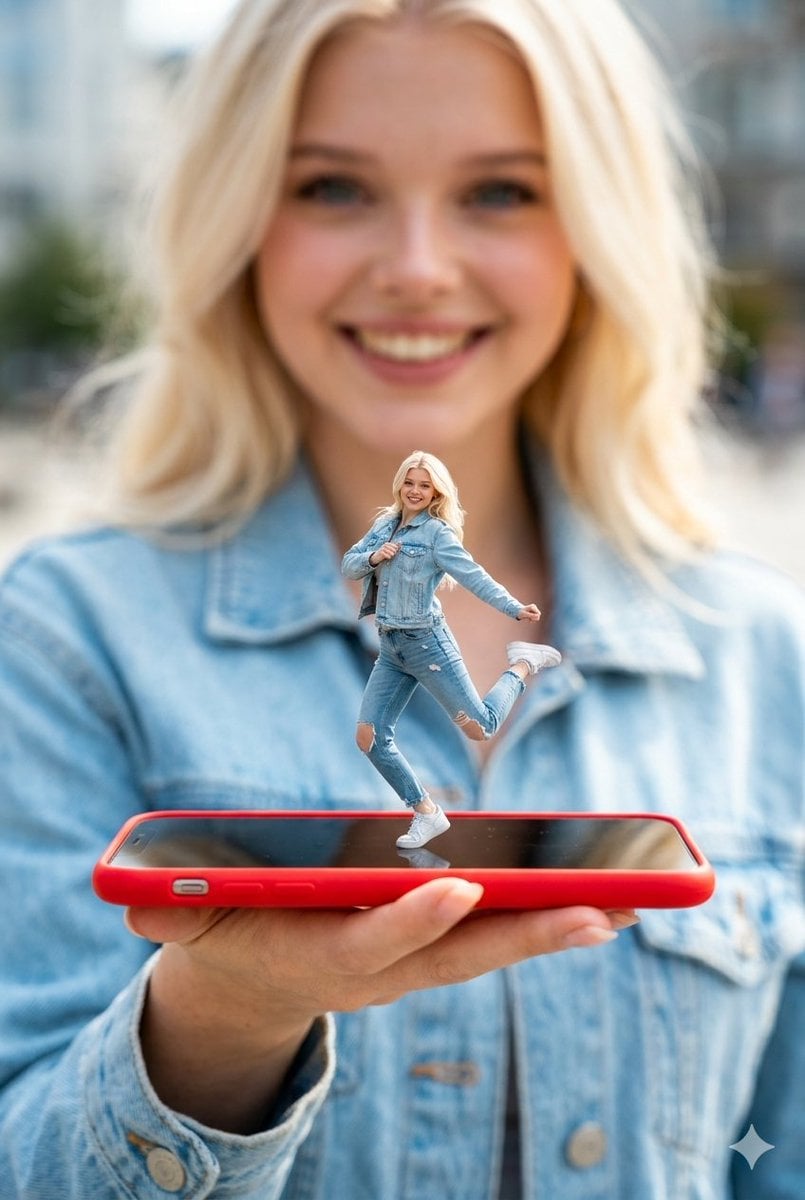
Surreal Miniature Dancing Composite Photo Prompt
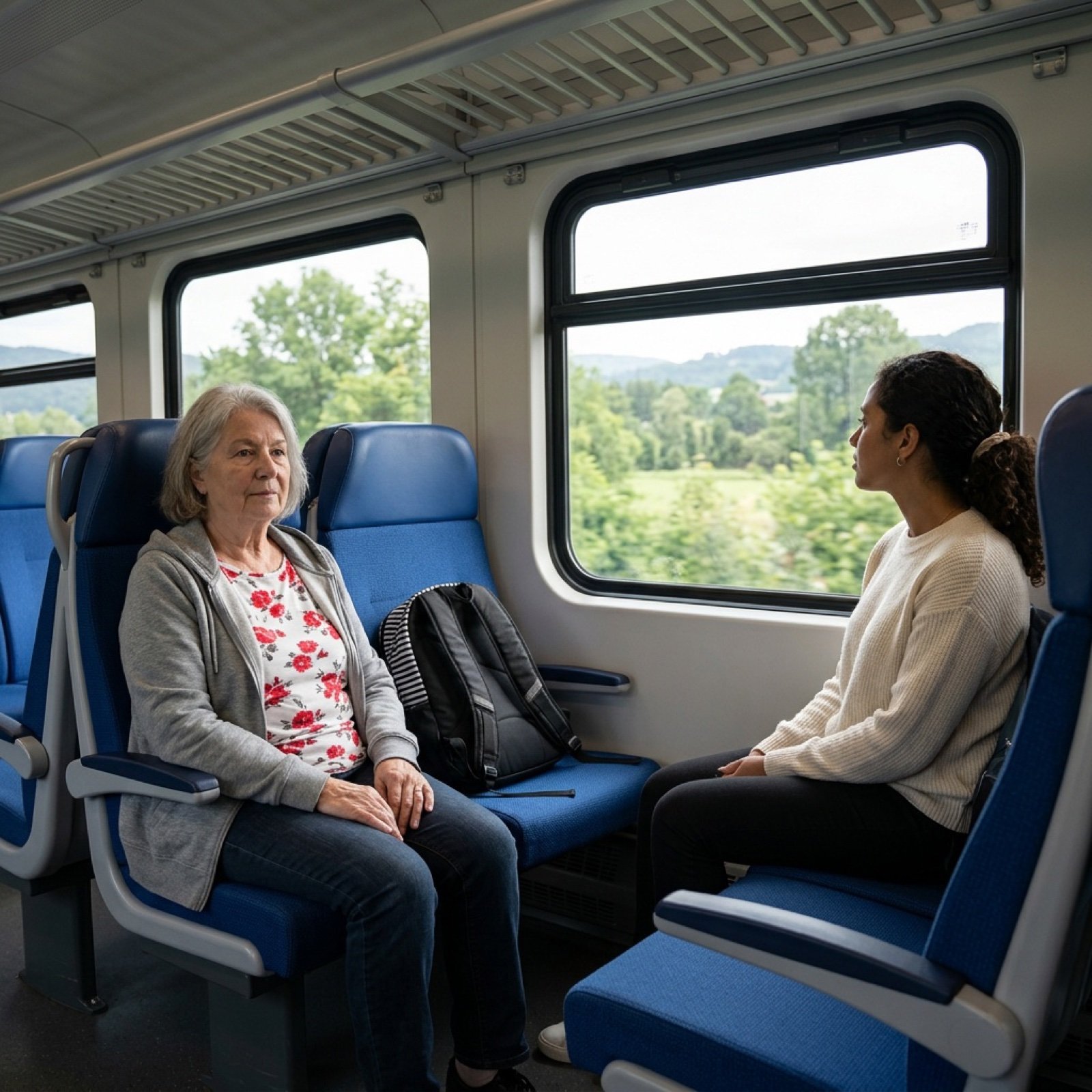
Inpainting/Adding a Person to an Image
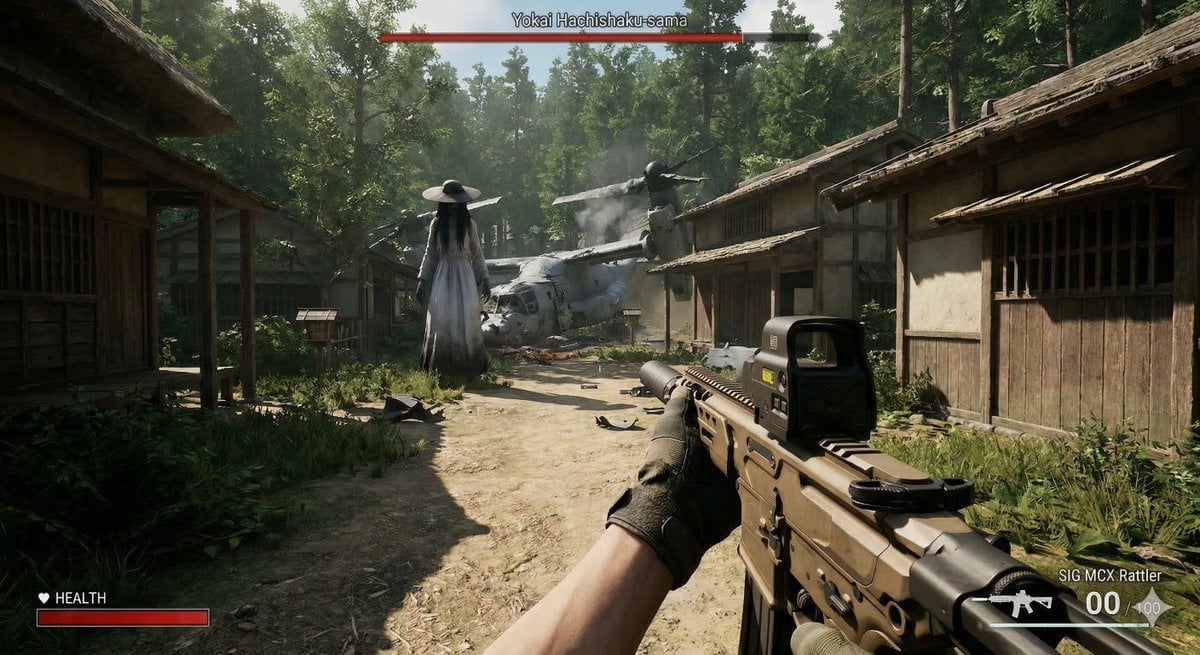
Human VS. Yokai Haxtusyaku-sama in FPS Game Style
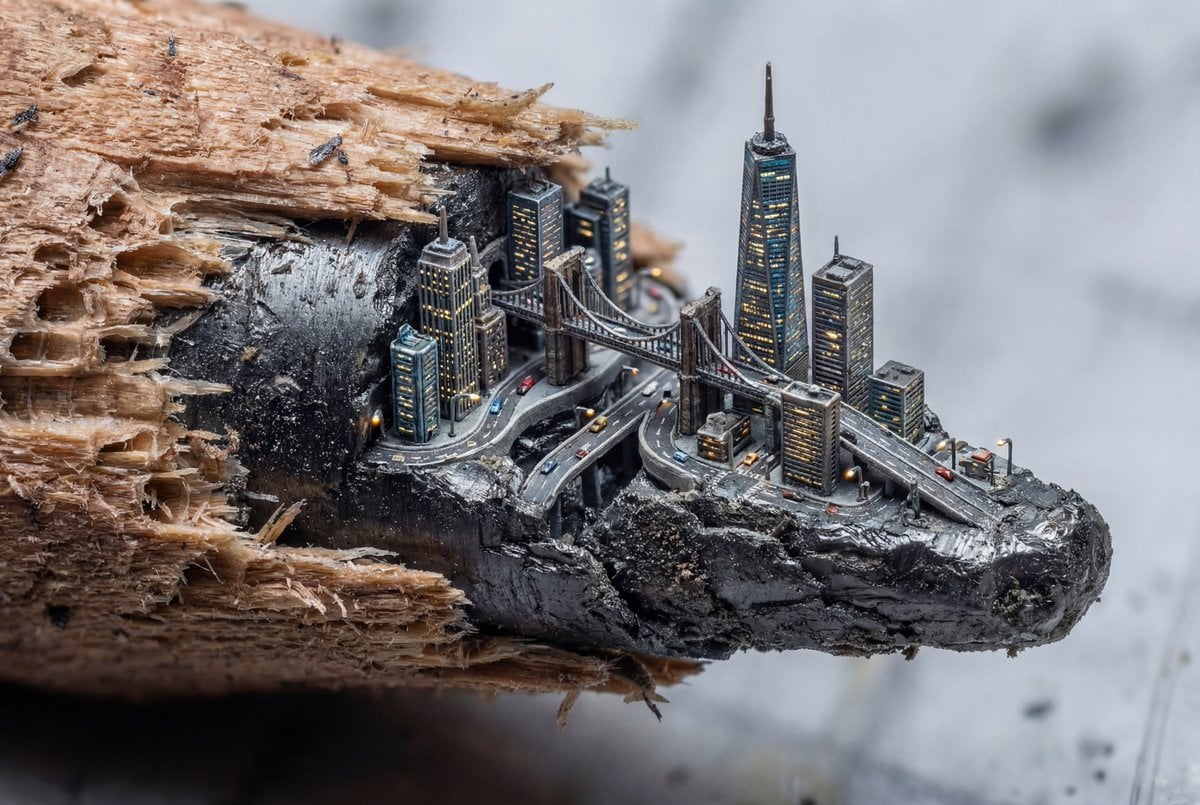
Microscopic City Art Addition Prompt
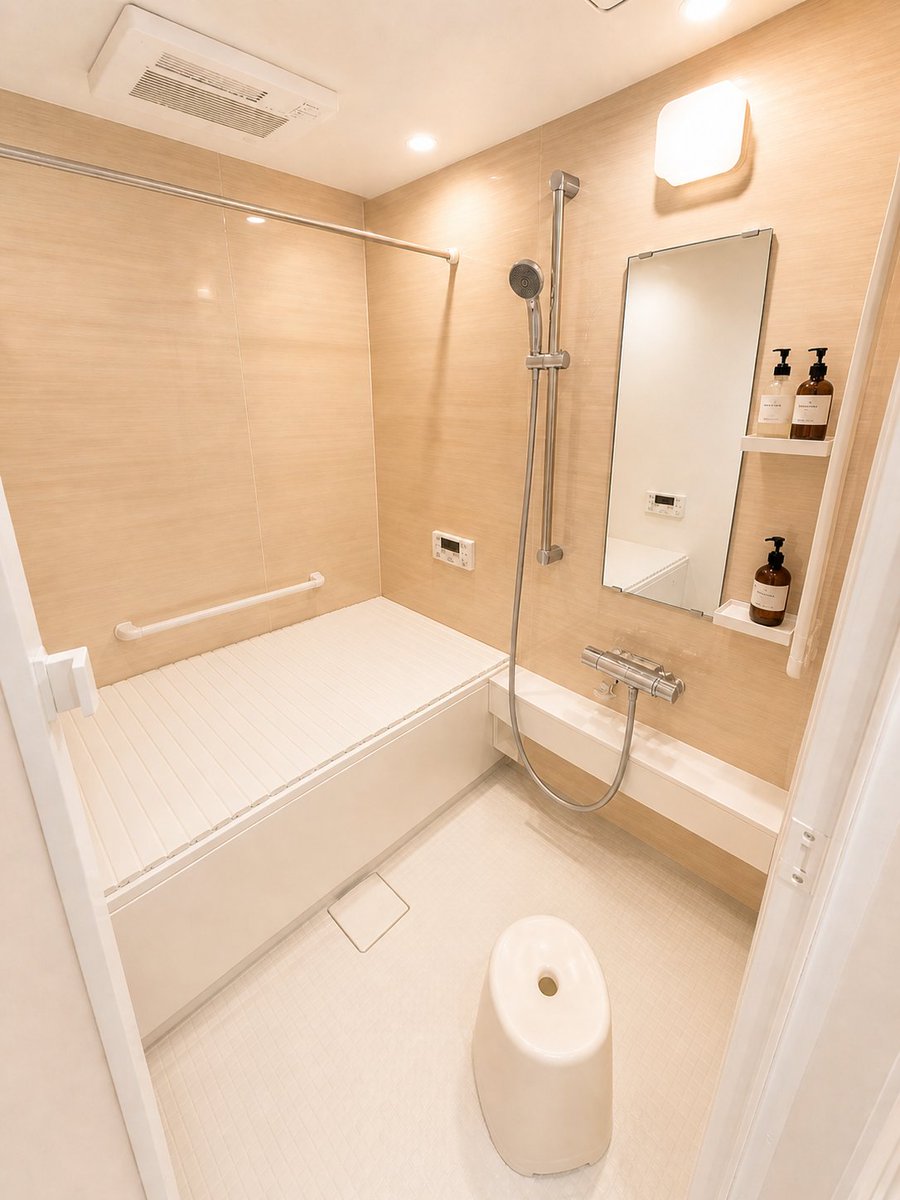
Hotel-Style Real Estate Bathroom Staging

Kine-Style Multi-Frame Japanese Night Festival Collage
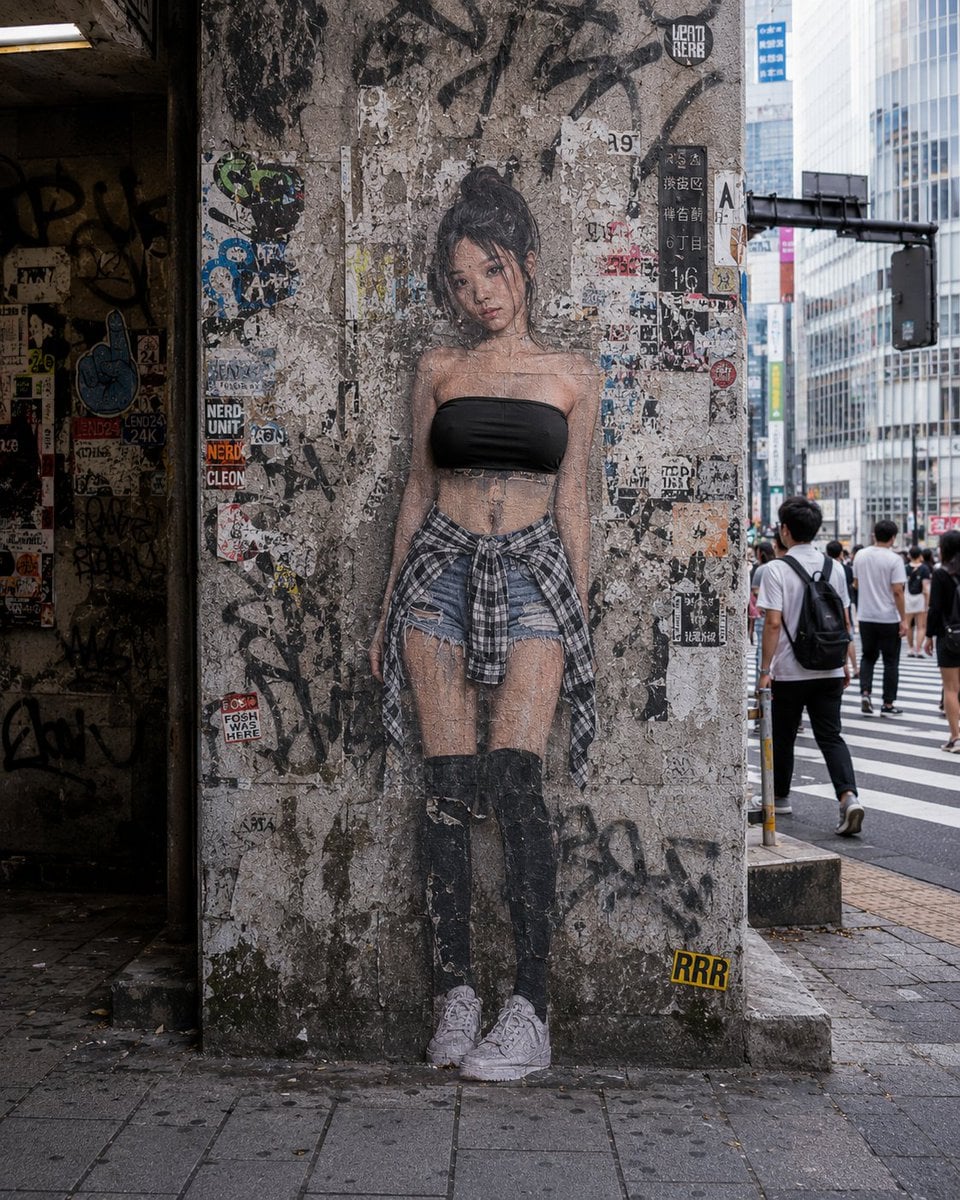
2D to 3D Surreal Street Photography
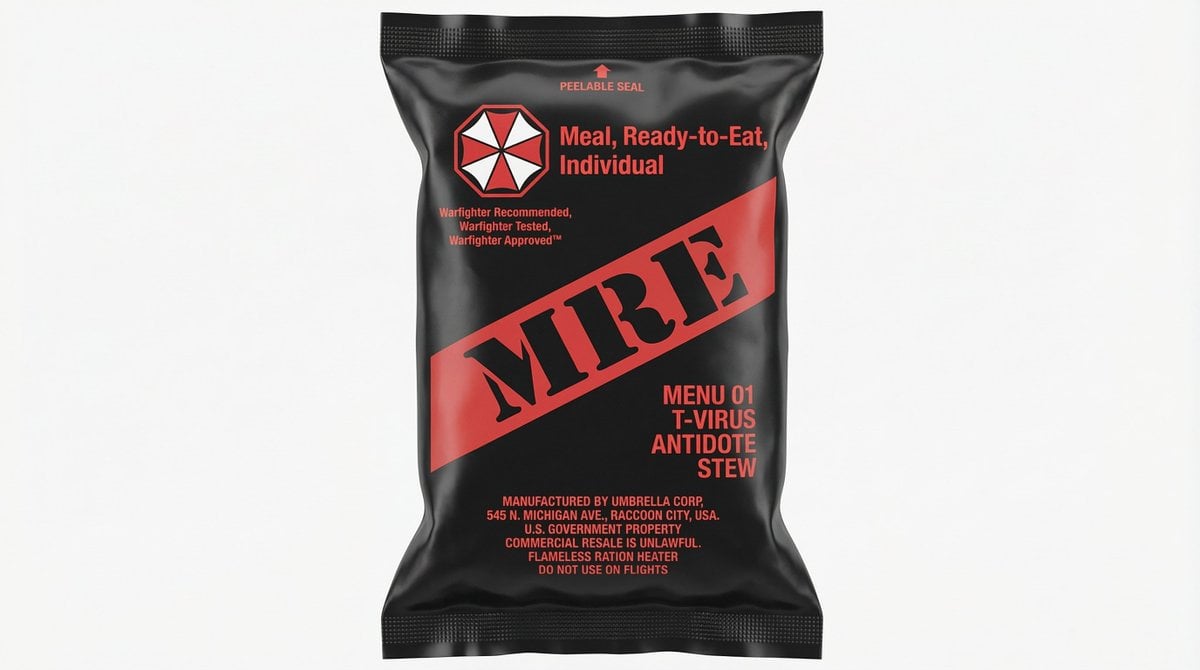
MRE Package Design Prompt (Short)
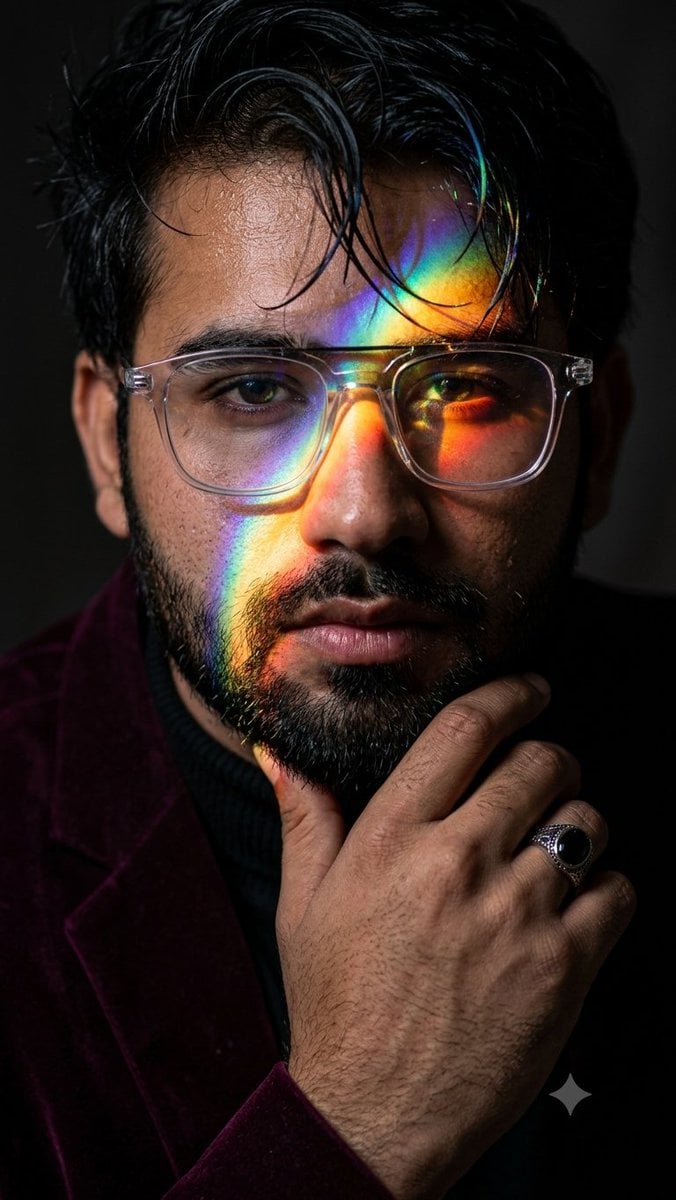
Prismatic Rainbow Light High Fashion Portrait
untitled
Browse template categories
Cinematic Mid-Air Action Shot questions
How do I use the Cinematic Mid-Air Action Shot template?
Add your photo if the template asks for one, edit the prompt if you like — the template's model and format are already selected — and press Generate. Your version opens in PicX Studio.
Can I customize the Cinematic Mid-Air Action Shot template?
Yes. You can change the subject, setting, lighting, mood, format, and available model controls before creating your image.
Is the Cinematic Mid-Air Action Shot template free?
Opening and editing this template is free. Generating uses credits, shown on the Generate button when you are signed in.
Which AI model should I use?
Start with Gemini 3 Pro Image Preview, which is the model associated with this template. You can compare another compatible model for a different finish.
Looking for something else? Browse all templates.

Your photo, any look
Thousands of ready templates for every top image and video model, from one credit balance.