
Street-Style Fashion Portrait
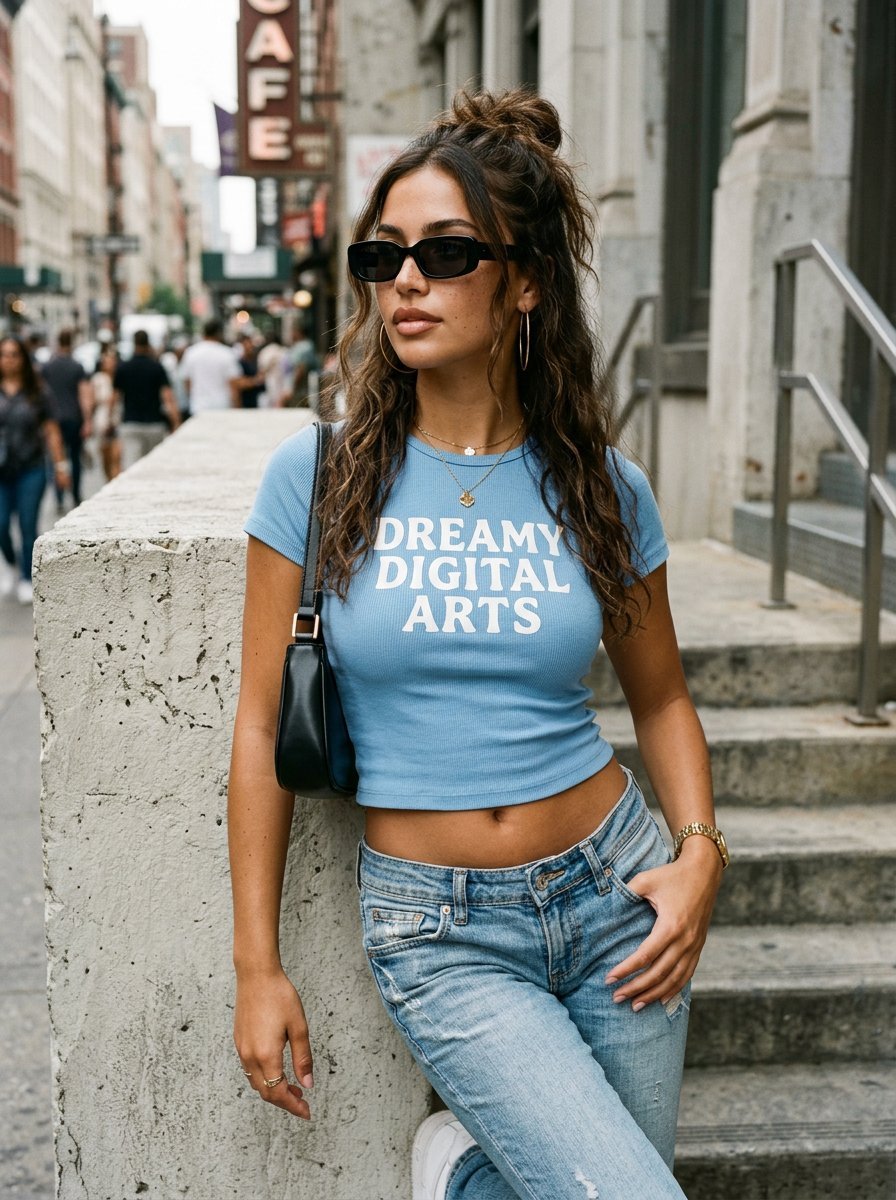
A trendy street-style fashion prompt for a young woman in an urban setting, featuring casual attire and realistic daylight.
- Prompt included
- Model and format preset
- Free template
The prompt behind this image
Copy the exact prompt behind Street-Style Fashion Portrait, or open it in the studio and make it yours.
Photorealistic street-style portrait of a {argument name="subject" default="stunning young woman in her early 20s"} with tanned olive skin, light freckles across her nose and cheeks, full lips with natural makeup, and long wavy dark brown hair styled in a messy half-up bun with loose strands framing her face. She wears black rectangular sunglasses, large thin gold hoop earrings, and a delicate gold necklace with a small four-leaf clover pendant. She is dressed in a {argument name="top" default="tight light-blue ribbed short-sleeve crop top with white text reading \"[enter your text]\""} across the chest, paired with low-rise light-wash blue denim jeans. A sleek black leather shoulder bag hangs from her right shoulder. She leans casually against a textured light-grey concrete wall with concrete stairs visible on the right side, one hand tucked into her front jeans pocket, body slightly angled, head turned looking off to the side with a calm confident expression. Soft natural daylight, sharp focus, realistic skin texture, high detail, fashion photography style --ar 3:4 --stylize 250 --v 6
How to use Street-Style Fashion Portrait in 3 steps
- 1
Open
The prompt is already in the box next to the preview, with the template's model and format selected.
- 2…a portrait of your subject in softgolden-hour light, 85mm…
Personalize
Edit the subject and creative details for your destination.
- 3Generate
Generate
Press Generate — your image is created in PicX Studio, so you can compare it with the original and refine one variable at a time.
More like this
Templates with the same subject, style or setup. Open one to see its prompt.

Nano Banana 2 High Fashion Sports Campai

Couture Fashion Editorial Woman and Drag
Ive Yujin Fashion Portrait in Blue

Nano Banana 2 Editorial Fashion Portrait

Caution Tape Fashion — Industrial Editorial
Nano Banana - Street Paris T-Shirt
Kawaii Street Fashion Duo Portrait
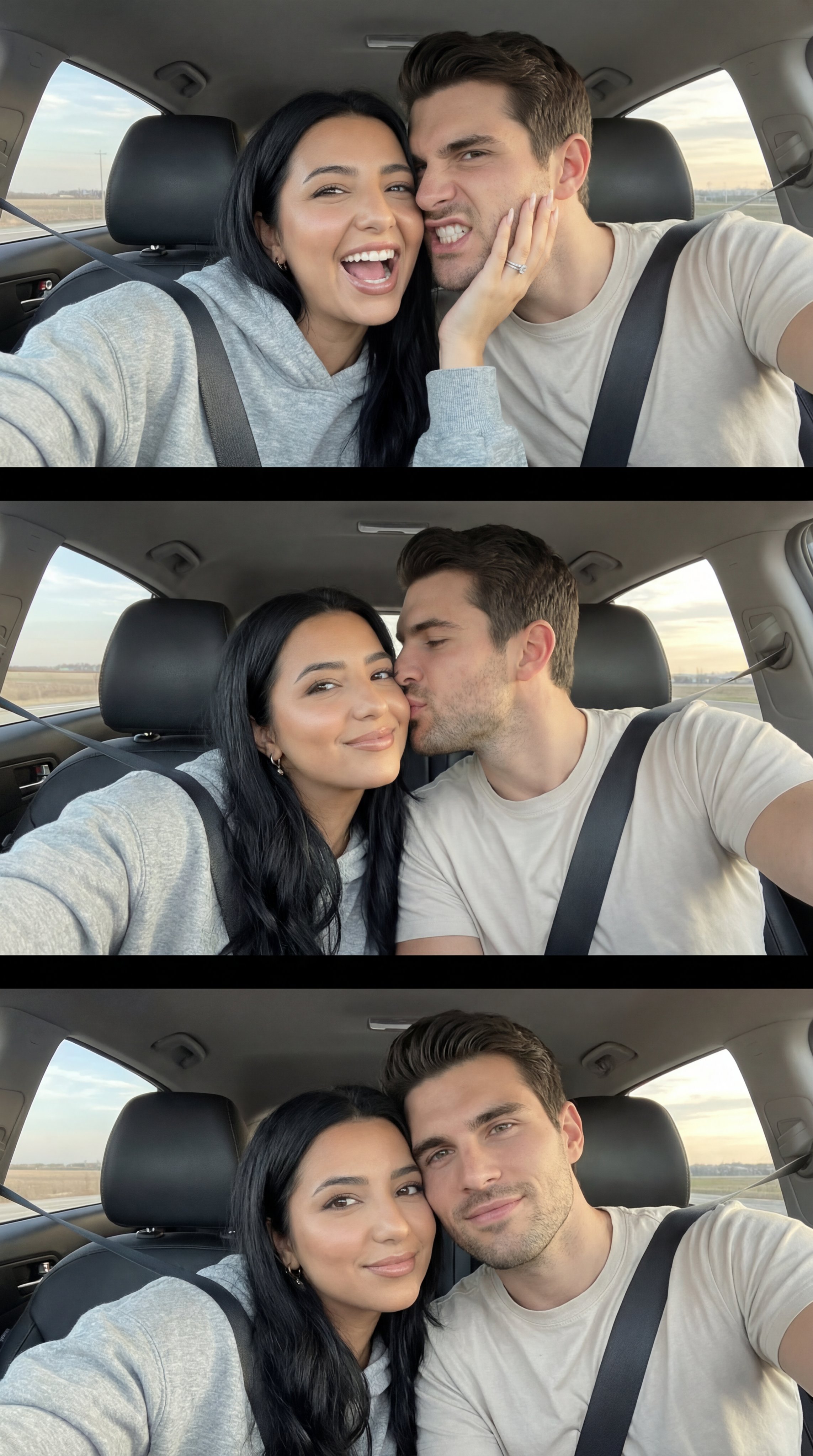
Nano Banana Pro Photoreal Playful Couple
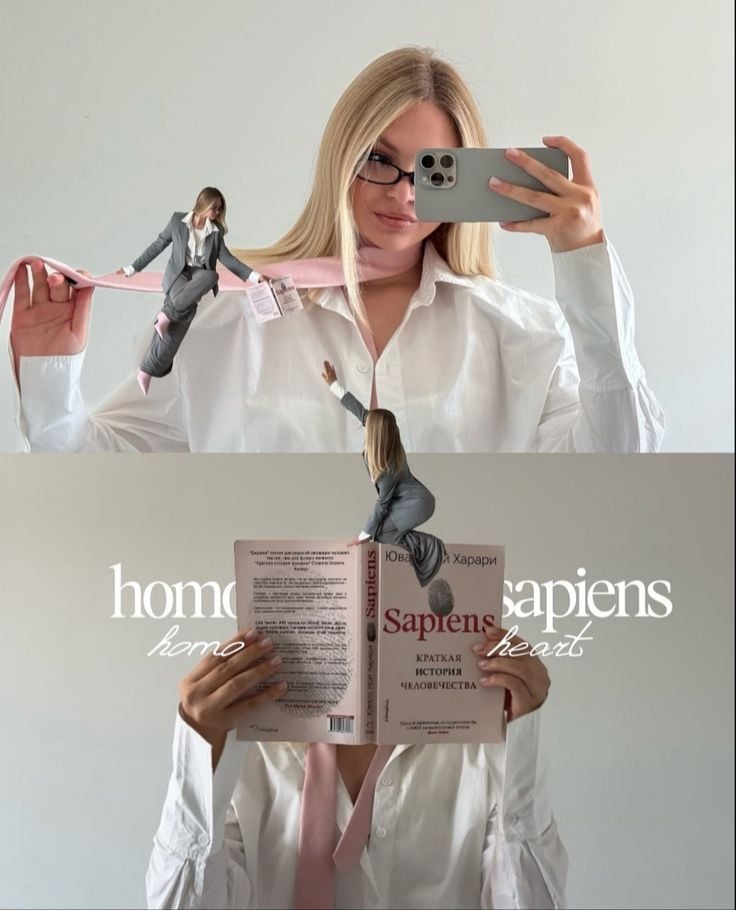
Miniature Self Portrait Collage

Two Tickets, One Night

Found Photograph: Us, 1970

Meet Me When It Rains
Make it yours
Street-Style Fashion Portrait works as-is. These are the safest ways to change it without losing the look.
Change one field
Copy a single group, rewrite it, and generate again so you can see what that field is doing.
Keep the frame, change the subject
Hold the composition and light of Street-Style Fashion Portrait, then swap wardrobe, props or the person for a new take.
| If the result… | Why | Fix |
|---|---|---|
| The result drifts from the preview | Too many fields changed at once. | Reuse Street-Style Fashion Portrait as-is first, then change one group — subject, light, or setting. |
| The model over-stylizes the scene | The prose prompt leaves finish and camera underspecified. | Add one camera or lighting sentence and stay on Gemini 3 Pro Image Preview. |
More Gemini 3 Pro Image Preview templates
Other prompts made for Gemini 3 Pro Image Preview.
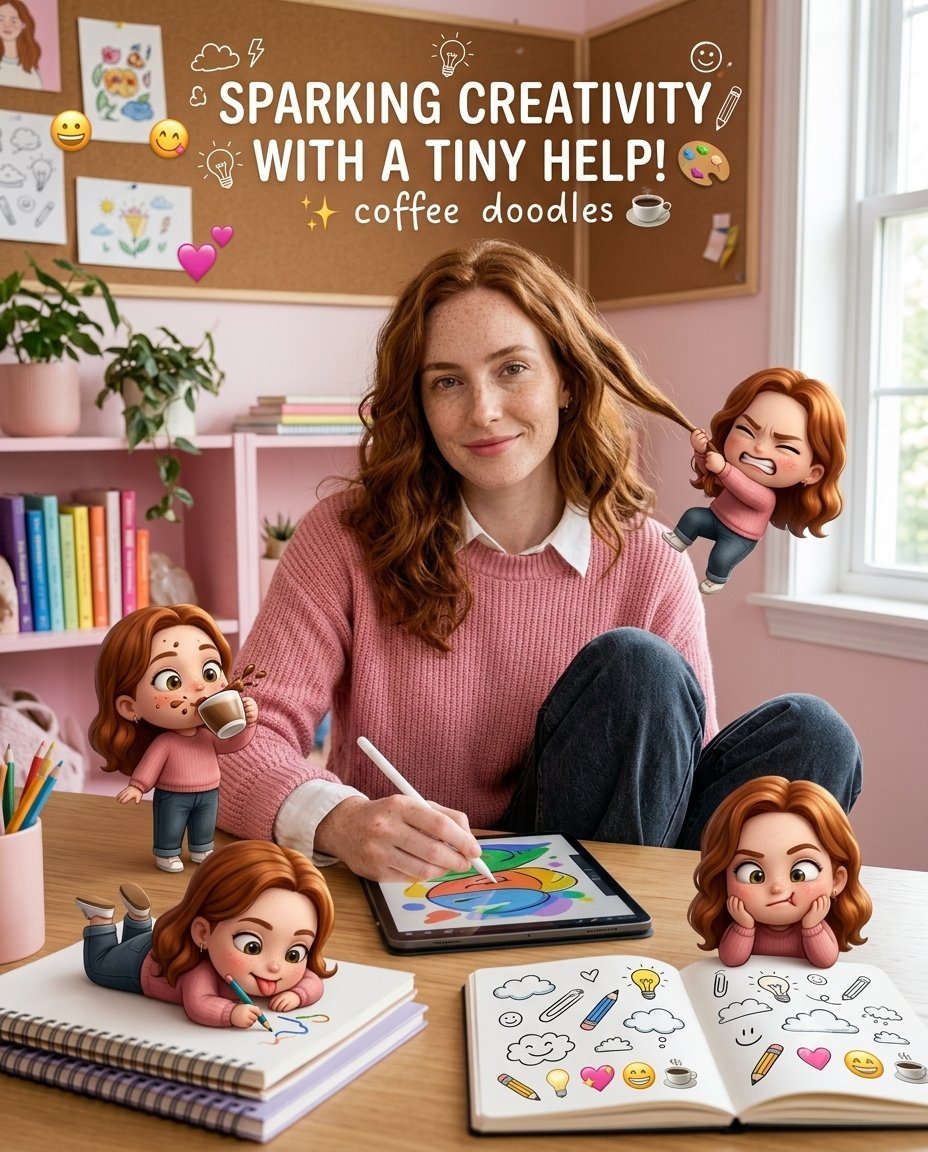
Creative Character in Pink Office
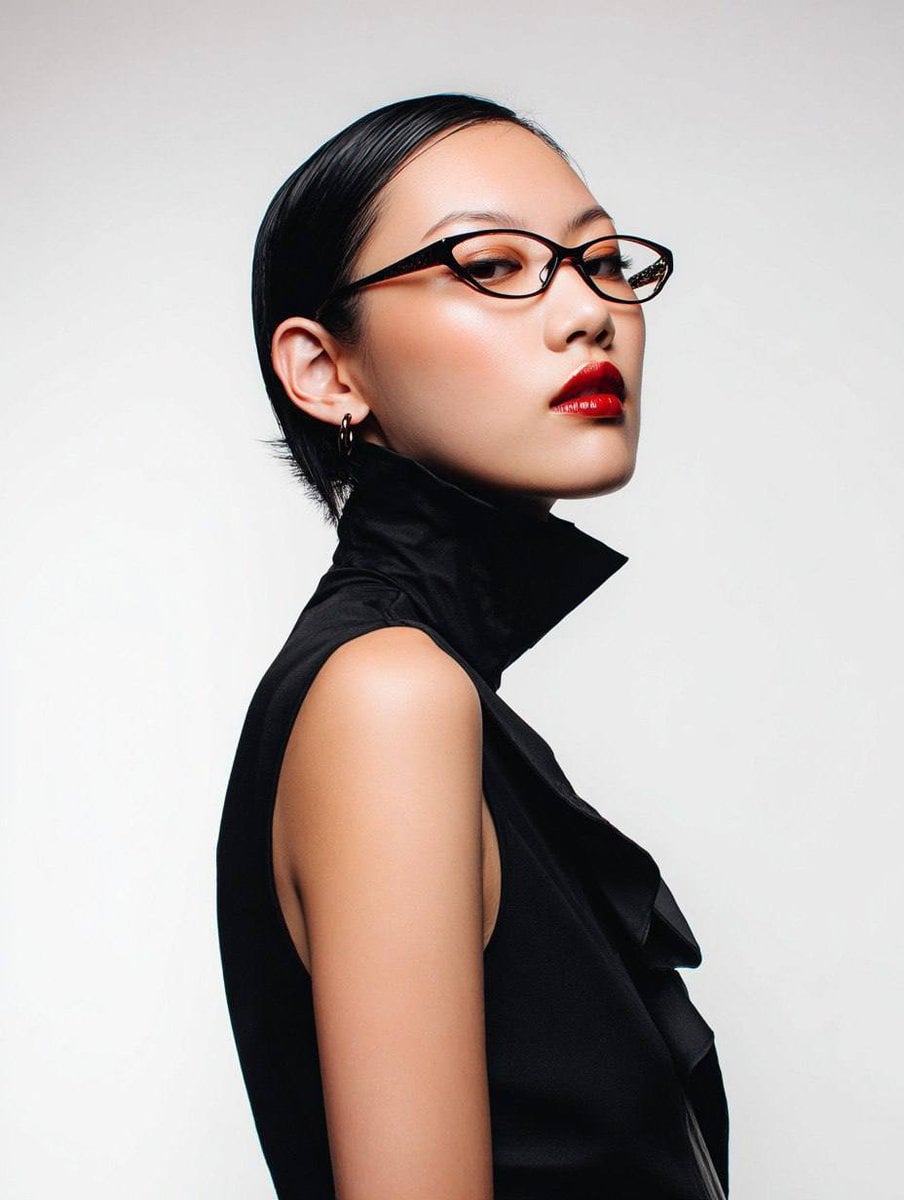
Avant-Garde Asian Fashion Model

Underwater Macro Face Portrait
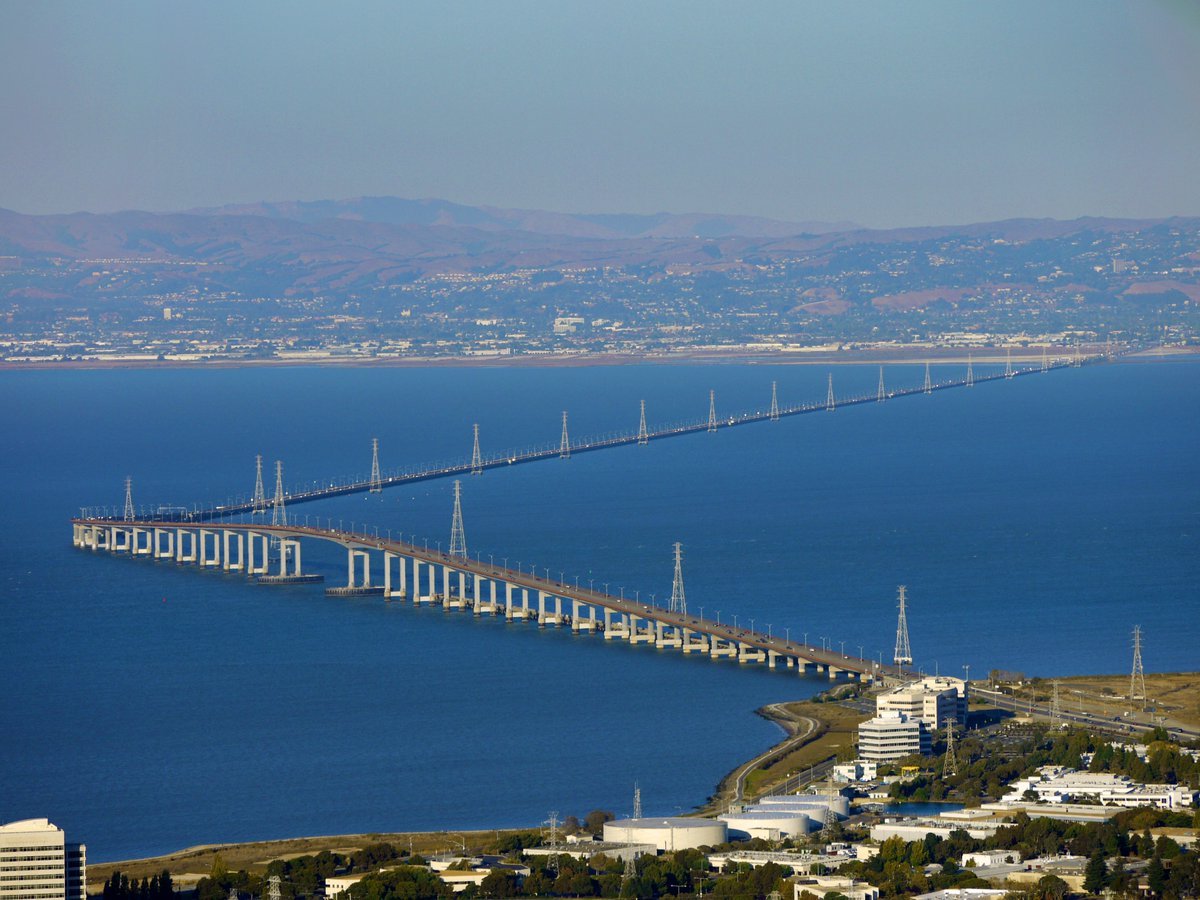
Water-level Bridge Modification
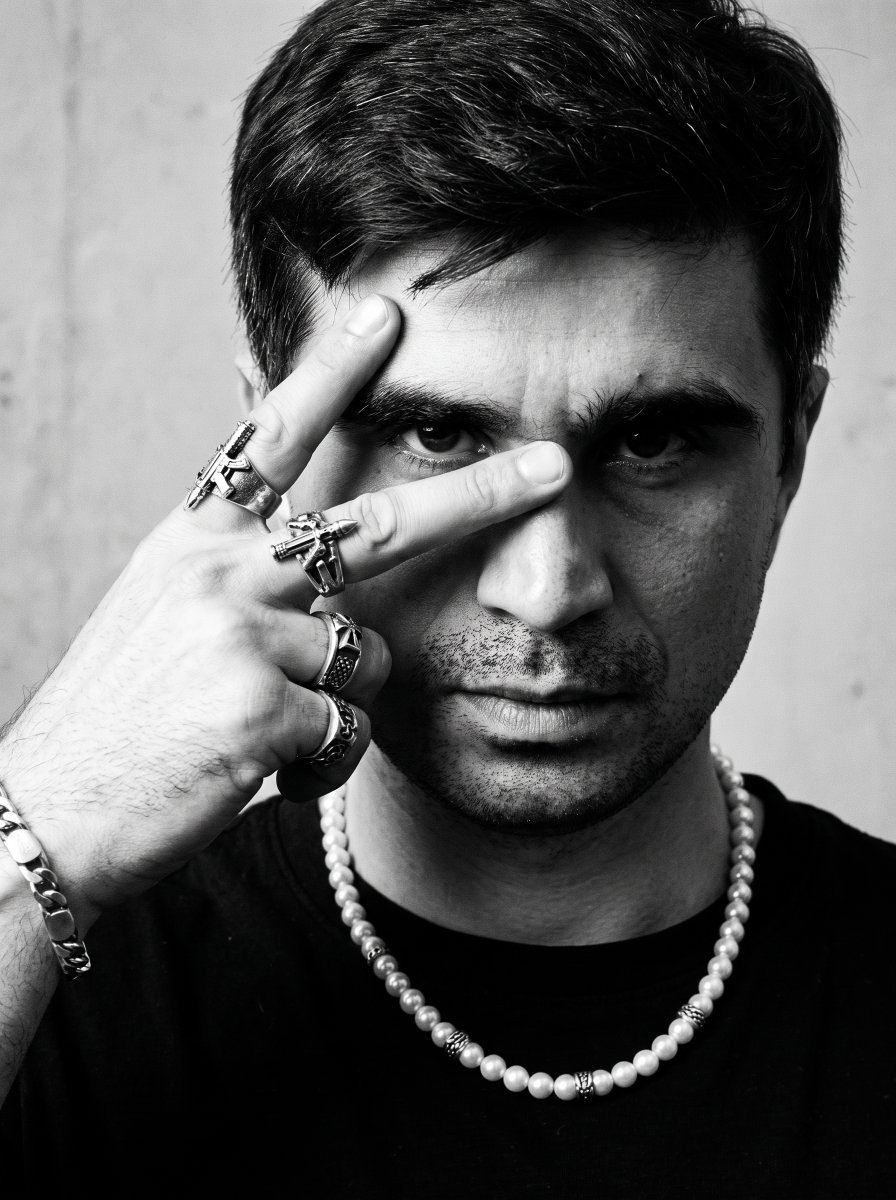
Noir Punk Street Portrait
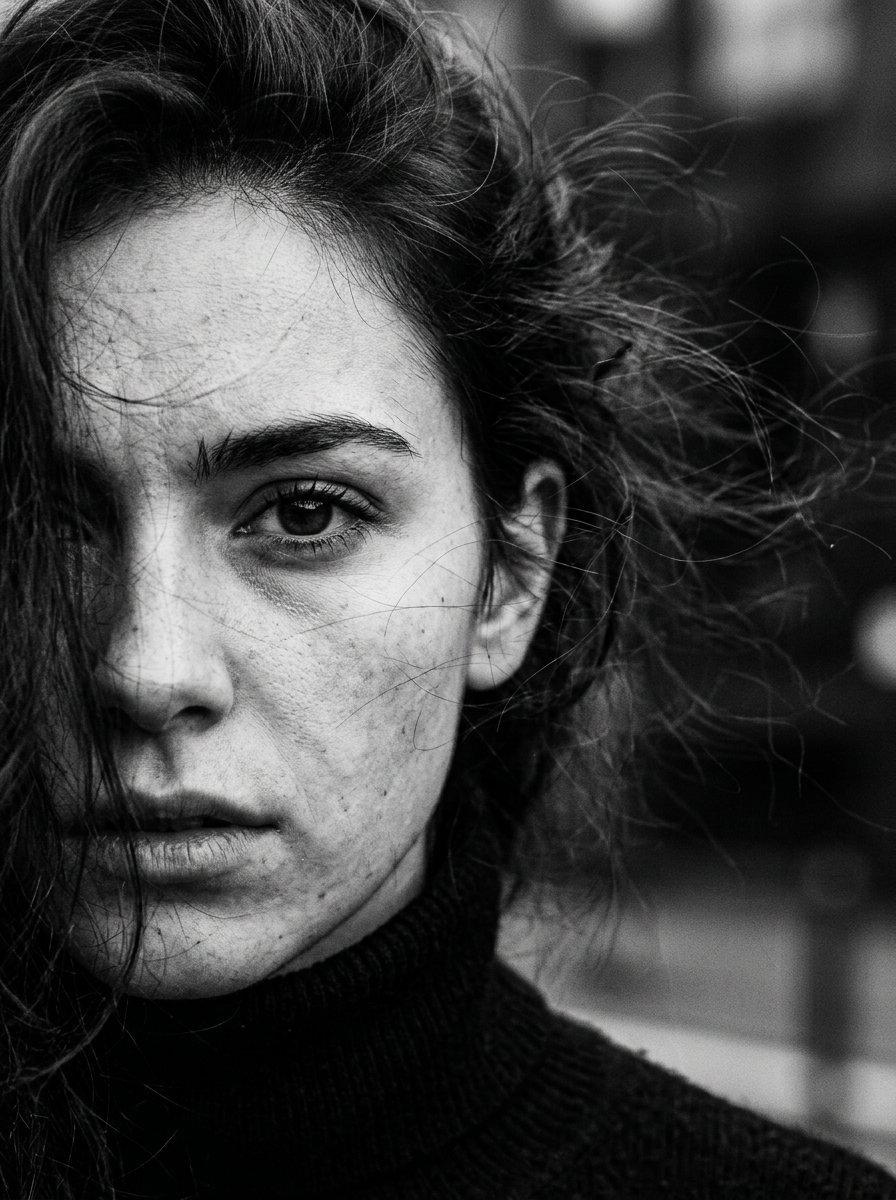
High Contrast Cinematic Face Portrait
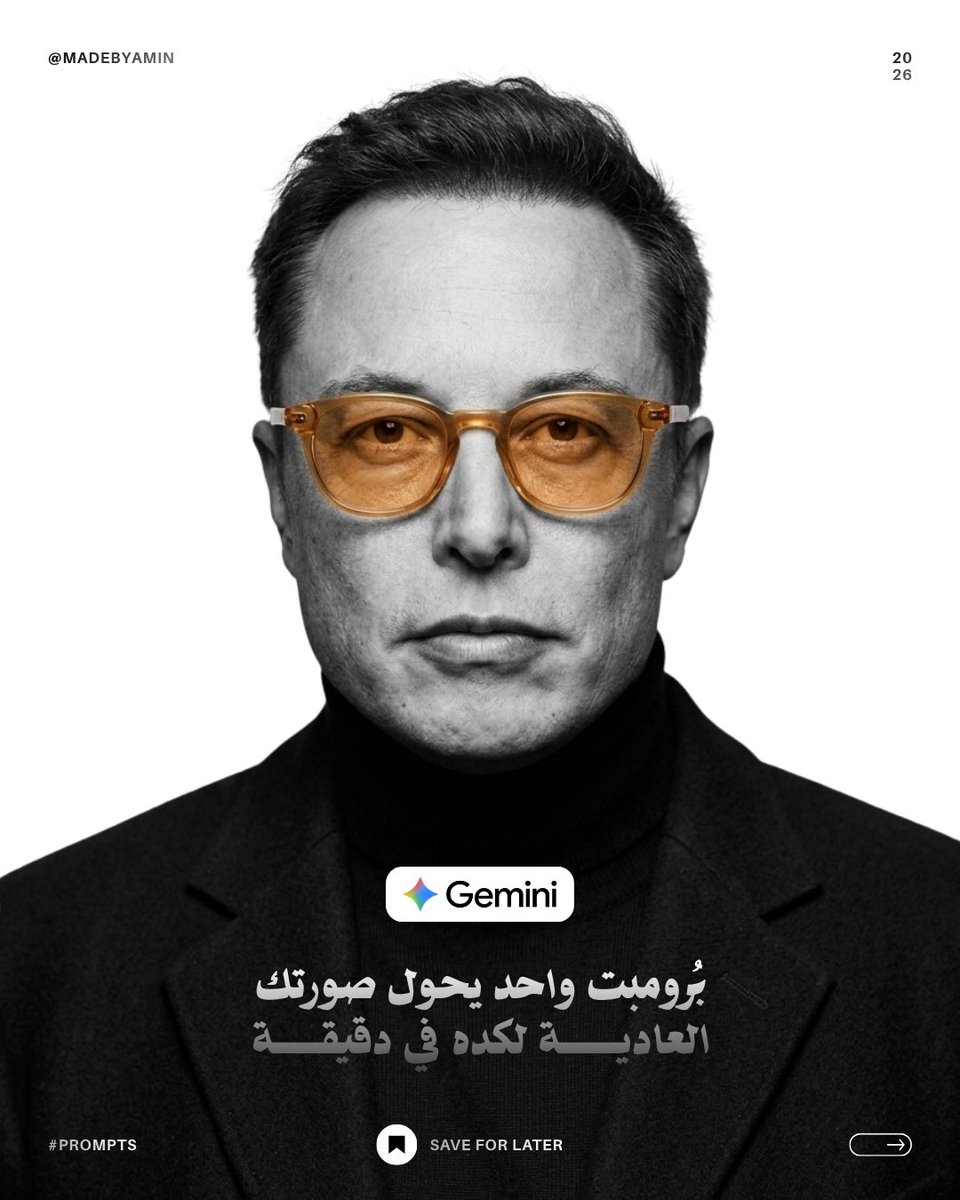
Monochrome Studio Portrait with Colored Lens

Ultra-Realistic Yacht Sunset Portrait

Mushroom Still Life Composition
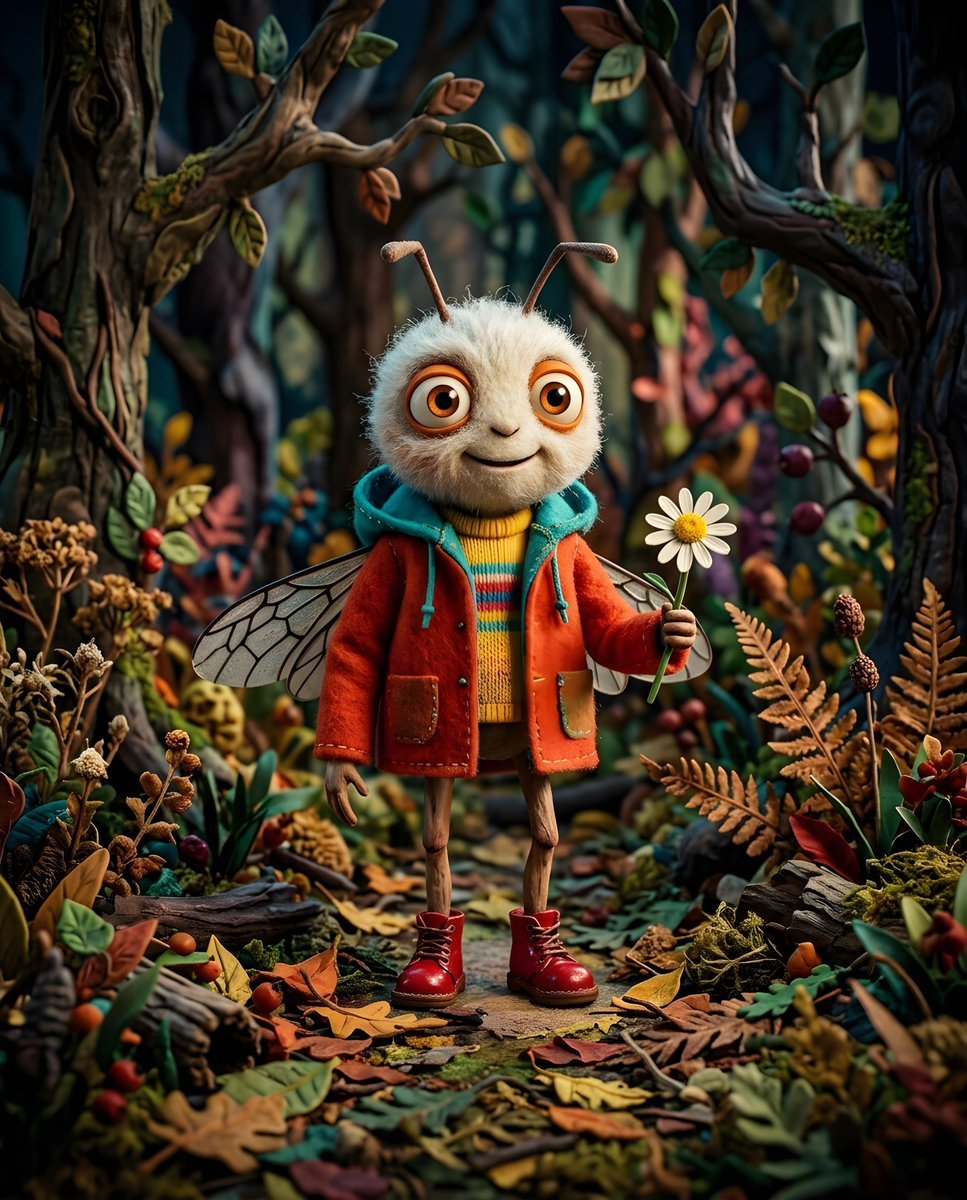
Whimsical Anthropomorphic Friendly Insect
More image prompts
Fresh picks from across the catalog.
1980s classy magazine ad with Rolex and Riesling
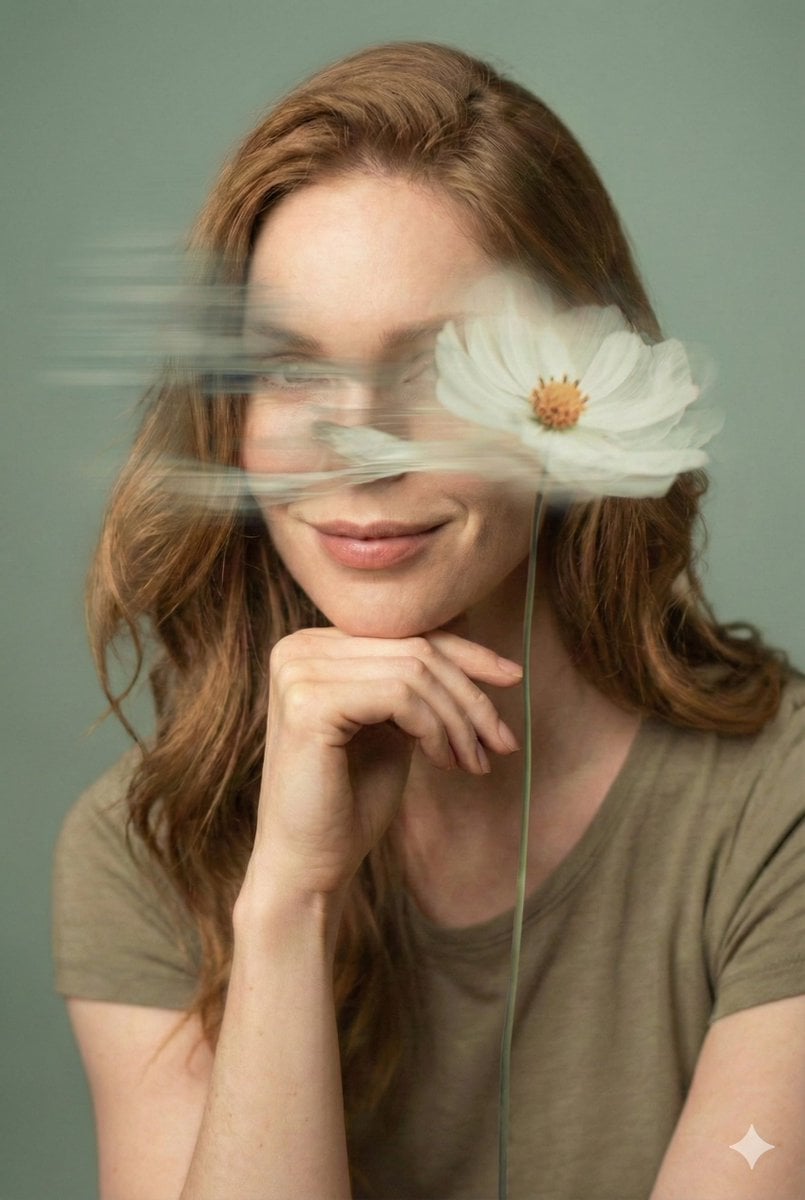
Dreamy Fine-Art Editorial Portrait with Double Exposure
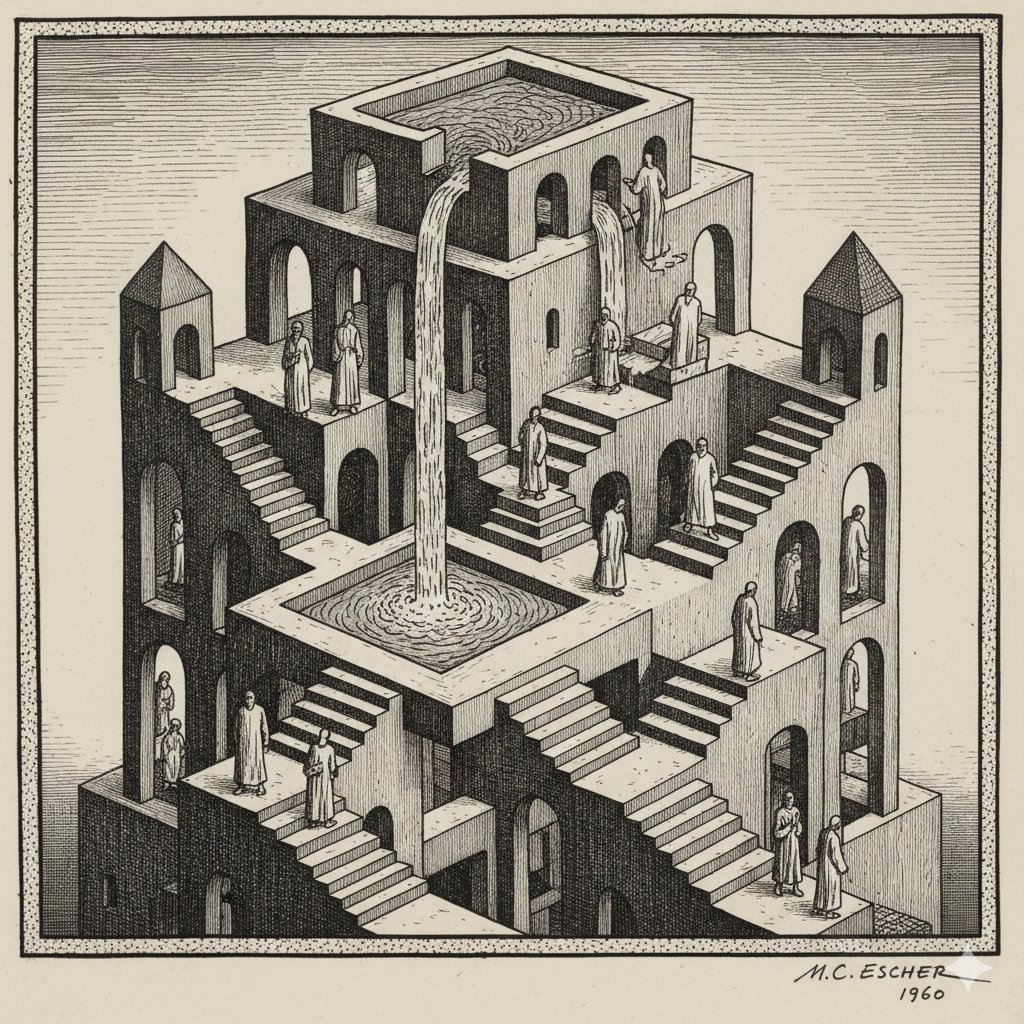
Escher-style Optical Illusion Generation
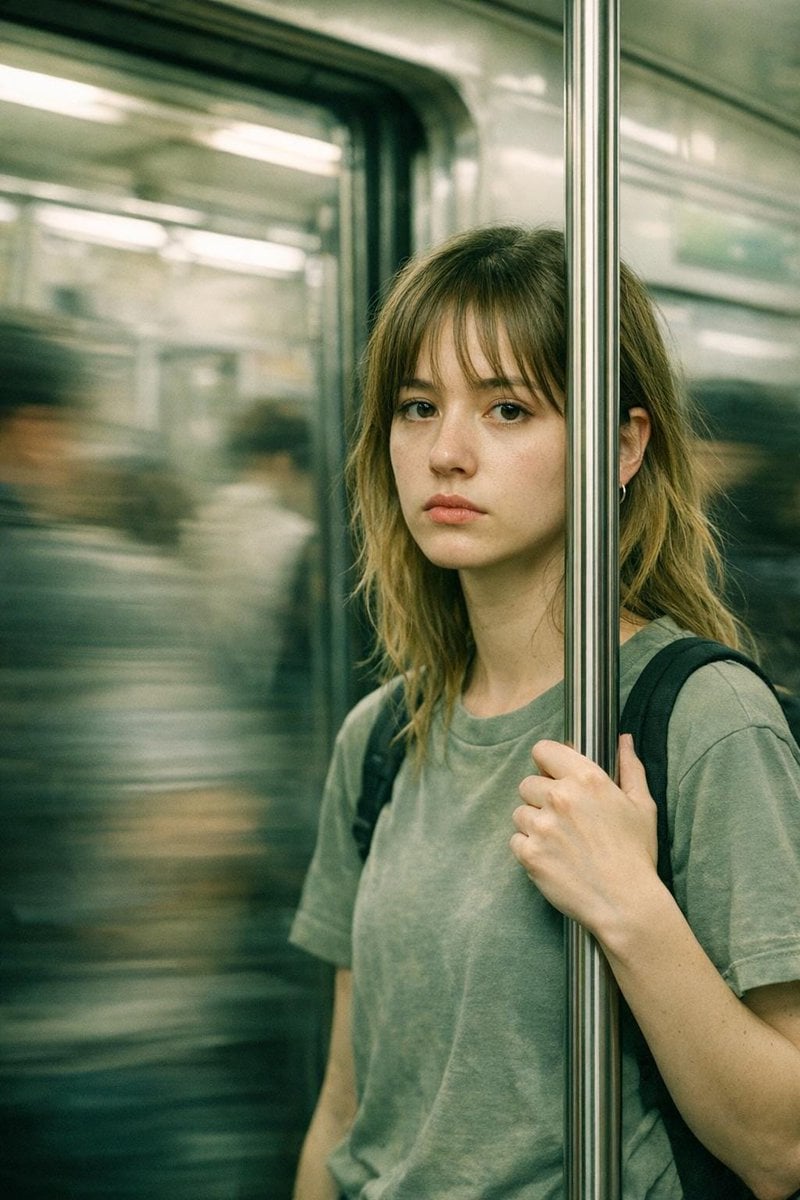
Abstract Cinematic Portrait Style Prompt

Minimalist Equestrian Luxury Wallpaper
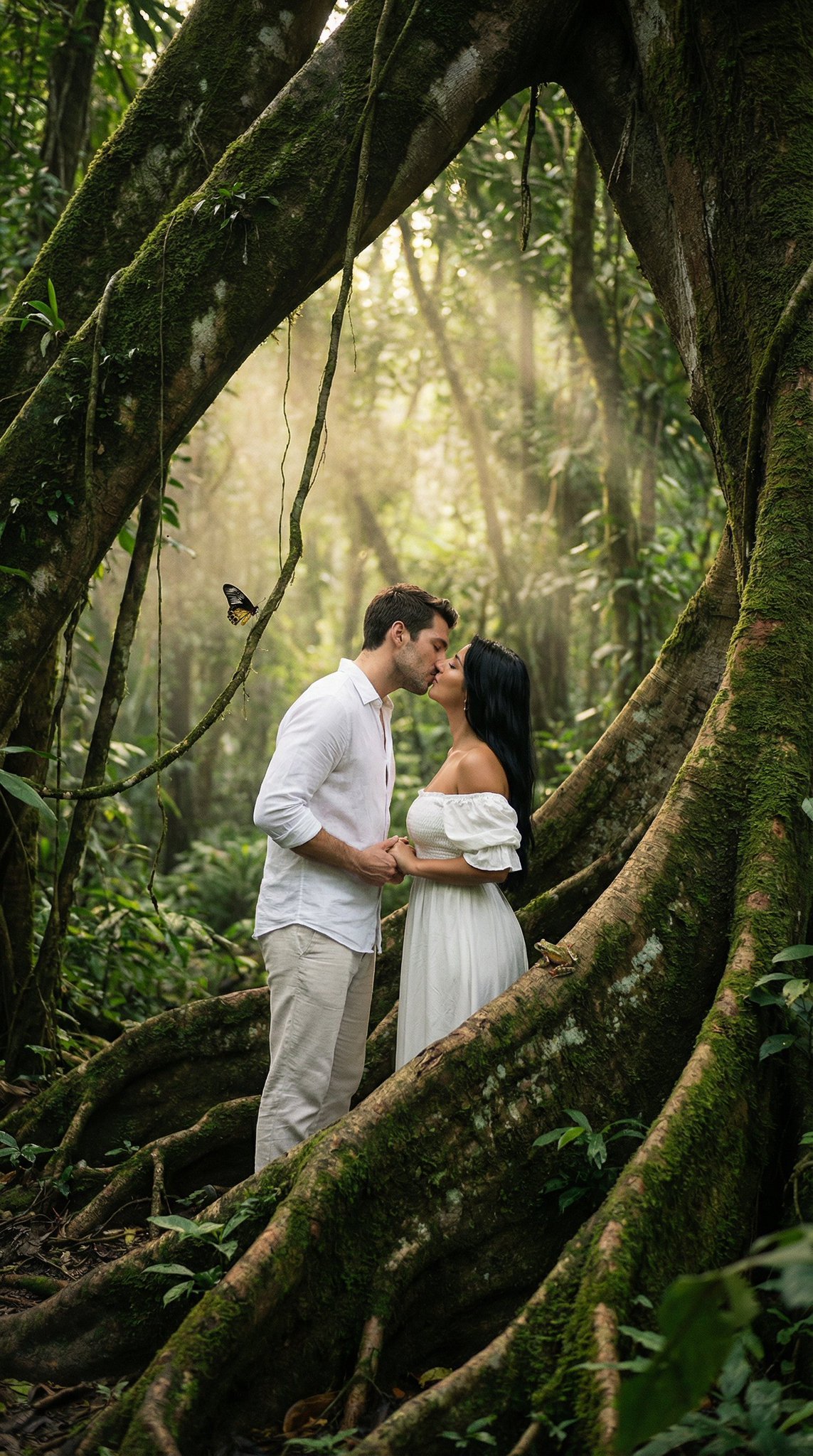
Seedance 2 0 Bullet Time Selfie Modular
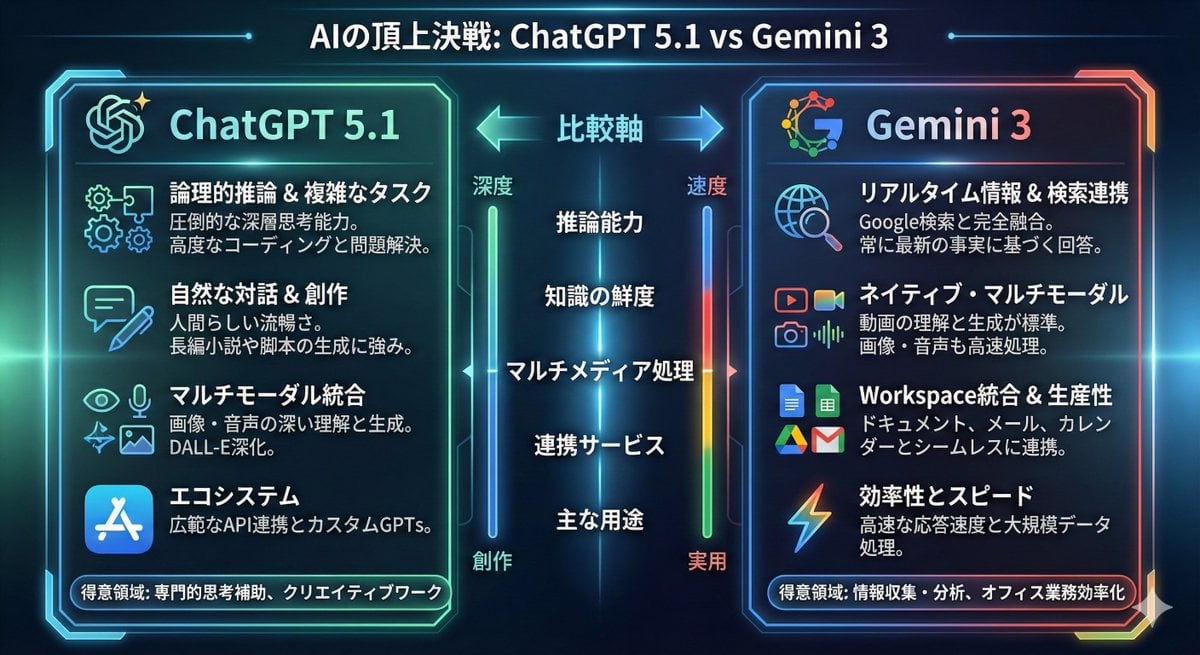
Infographic comparing ChatGPT 5.1 and Gemini 3
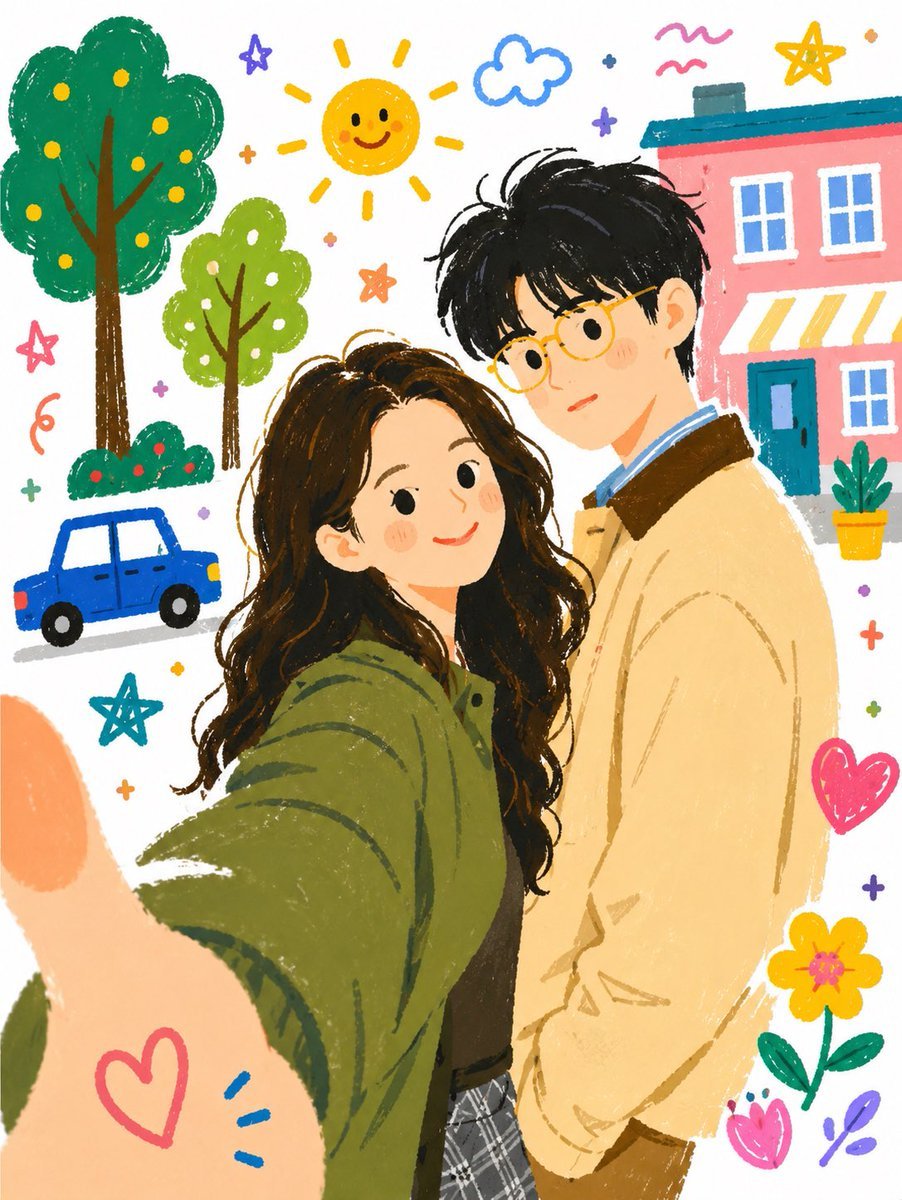
Whimsical Couple Selfie Illustration
News Reporter Toy Store Scene
Cozy Workspace Café Portrait
Browse template categories
Street-Style Fashion Portrait questions
How do I use the Street-Style Fashion Portrait template?
Add your photo if the template asks for one, edit the prompt if you like — the template's model and format are already selected — and press Generate. Your version opens in PicX Studio.
Can I customize the Street-Style Fashion Portrait template?
Yes. You can change the subject, setting, lighting, mood, format, and available model controls before creating your image.
Is the Street-Style Fashion Portrait template free?
Opening and editing this template is free. Generating uses credits, shown on the Generate button when you are signed in.
Which AI model should I use?
Start with Gemini 3 Pro Image Preview, which is the model associated with this template. You can compare another compatible model for a different finish.
Looking for something else? Browse all templates.

Your photo, any look
Thousands of ready templates for every top image and video model, from one credit balance.