
Culture Magazine Editorial Portrait
A sophisticated prompt for creating editorial portraits in the style of high-end Japanese culture magazines like BRUTUS or POPEYE, focusing on natural lighting and integrated typography.
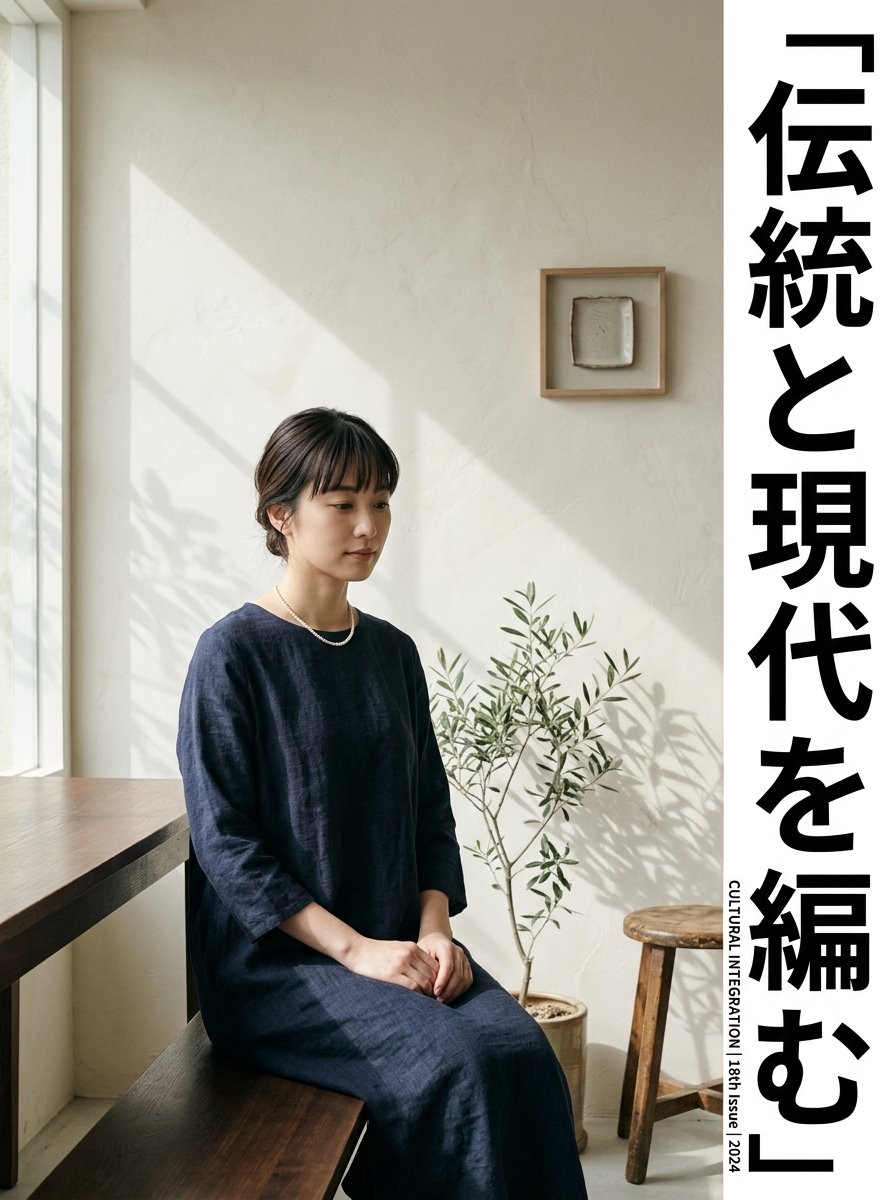
- Prompt included
- Model and format preset
- Free template
The prompt behind this image
Copy the exact prompt behind Culture Magazine Editorial Portrait, or open it in the studio and make it yours.
【被写体情報】 ・お名前/キャラクター: {argument name="姓名" default="田中 琴音"} ・インタビューのテーマ: {argument name="主題" default="日本の次世代創造の波"} 【テキスト・グラフィックの配置指定】 ・配置するキャッチコピー: {argument name="キャッチコピー" default="「伝統と現代を編む」"} 【画質・演出・構図指定】 ・スタイル: 洗練された日本のカルチャー雑誌(『BRUTUS』や『POPEYE』、『&Premium』等)の表紙または特集ページ用のエディトリアルポートレート。 ・構図: 被写体のバストアップまたはミディアムショット。被写体の個性や知性がにじみ出る自然な表情。 ・背景: 微細なテクスチャのある土壁や、差し込む自然光と影が交差するコンクリートなど、ミニマルかつ深みのある空間。 ・照明: サイドから差し込む柔らかい自然光(窓明かり)、コントラストを抑えたニュアンスのあるトーン。 ・色彩: 落ち着いたアーストーン、少し彩度を抑えたシネマティックな色調。 ・文字の配置(GPT-image / Nano Banana Pro向け): {argument name="キャッチコピー" default="「伝統と現代を編む」"}という文字が、デザイン的に美しく調和するフォントとサイズで、画面の余白(例えば左側や下部)にタイポグラフィとして配置されている。 【レイアウトおよび出力上の厳格な制約(必須)】 ・完成したデザインそのものを、画面全体いっぱいに出力してください。デザイン内部の背景やシーン描写(壁・空間・影など)は本文の指示に従って構いません。 ・禁止事項:完成ポスターを額縁に入れた写真、壁に貼った状態の写真、机や紙の上に置いたモックアップ写真、紙の縁の遠近の歪みやドロップシャドウ。 ・Output the finished flat 2D design itself, filling the entire canvas. Scene elements inside the design (walls, rooms, shadows) described above are allowed. Absolutely NO photo-of-a-poster mockups: no picture frames, no poster-on-wall or poster-on-desk shots, no perspective warp or drop shadow around the artwork's edges. ・アスペクト比: --ar 3:4
How to use Culture Magazine Editorial Portrait in 3 steps
- 1
Open
The prompt is already in the box next to the preview, with the template's model and format selected.
- 2…a portrait of your subject in softgolden-hour light, 85mm…
Personalize
Edit the subject and creative details for your destination.
- 3Generate
Generate
Press Generate — your image is created in PicX Studio, so you can compare it with the original and refine one variable at a time.
More like this
Templates with the same subject, style or setup. Open one to see its prompt.

untitled

Caution Tape Fashion — Industrial Editorial
Chunky Cinematic Pop Culture Character

Nano Banana Pro Photoreal Playful Couple

Couture Fashion Editorial Woman and Drag

Nano Banana 2 Editorial Fashion Portrait

Found Photograph: Us, 1970

80s Couple Studio Portrait

80s Bollywood Star

80s Golden Hour Cinema

Me in 1985

1985 Studio Portrait
Make it yours
Culture Magazine Editorial Portrait works as-is. These are the safest ways to change it without losing the look.
Change one field
Copy a single group, rewrite it, and generate again so you can see what that field is doing.
Keep the frame, change the subject
Hold the composition and light of Culture Magazine Editorial Portrait, then swap wardrobe, props or the person for a new take.
| If the result… | Why | Fix |
|---|---|---|
| The result drifts from the preview | Too many fields changed at once. | Reuse Culture Magazine Editorial Portrait as-is first, then change one group — subject, light, or setting. |
| The model over-stylizes the scene | The prose prompt leaves finish and camera underspecified. | Add one camera or lighting sentence and stay on Gemini 3 Pro Image Preview. |
More Gemini 3 Pro Image Preview templates
Other prompts made for Gemini 3 Pro Image Preview.

Underwater Macro Face Portrait

Water-level Bridge Modification

Noir Punk Street Portrait

High Contrast Cinematic Face Portrait

Monochrome Studio Portrait with Colored Lens

Ultra-Realistic Yacht Sunset Portrait

Mushroom Still Life Composition

Whimsical Anthropomorphic Friendly Insect

Cinematic Urban Night Billboard Portrait

Pop Art Summer Fruit Fashion Illustration
More image prompts
Fresh picks from across the catalog.
Sunset Ancient Spanish City Landscape
Custom Anime Vending Machine Design
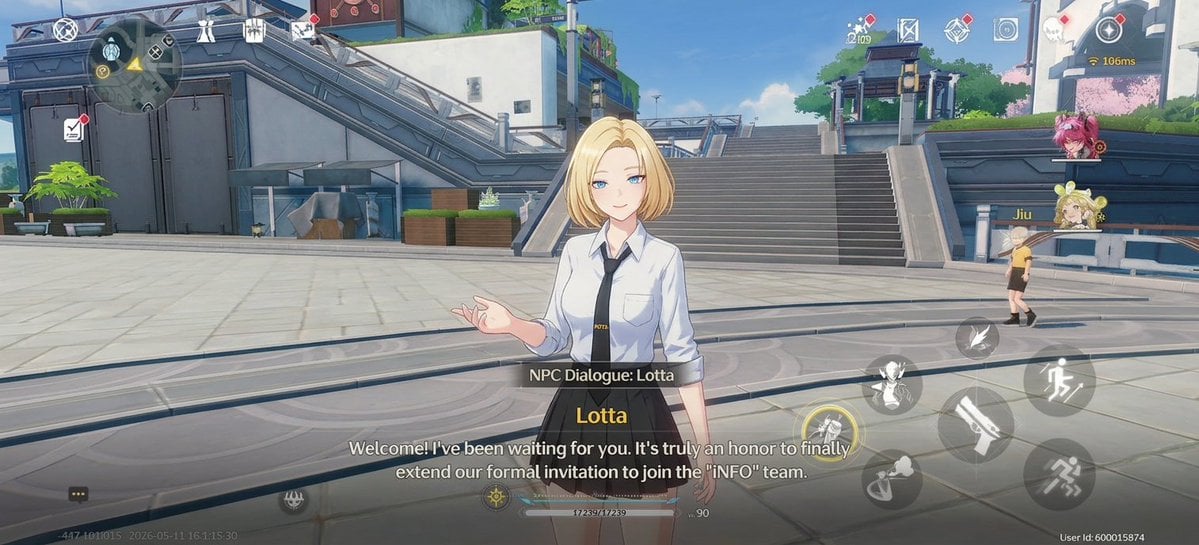
Anime RPG Dialogue Screenshot
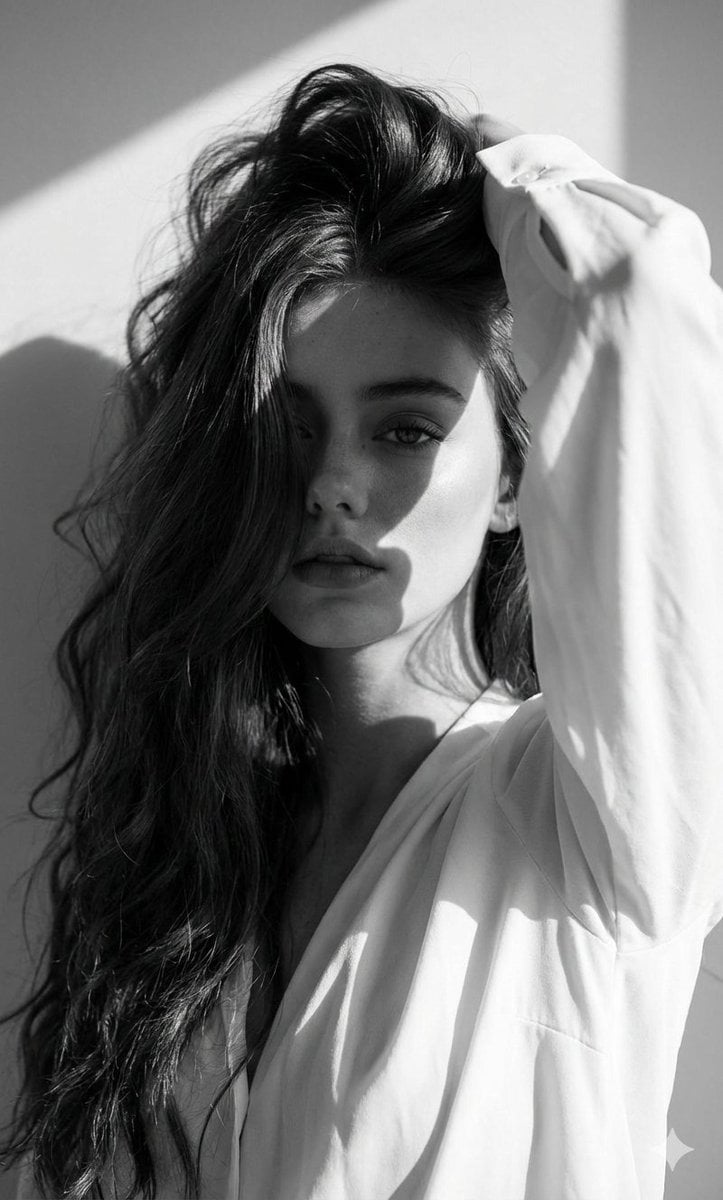
High-Fashion Black and White Editorial Portrait Prompt (Facial Lock)
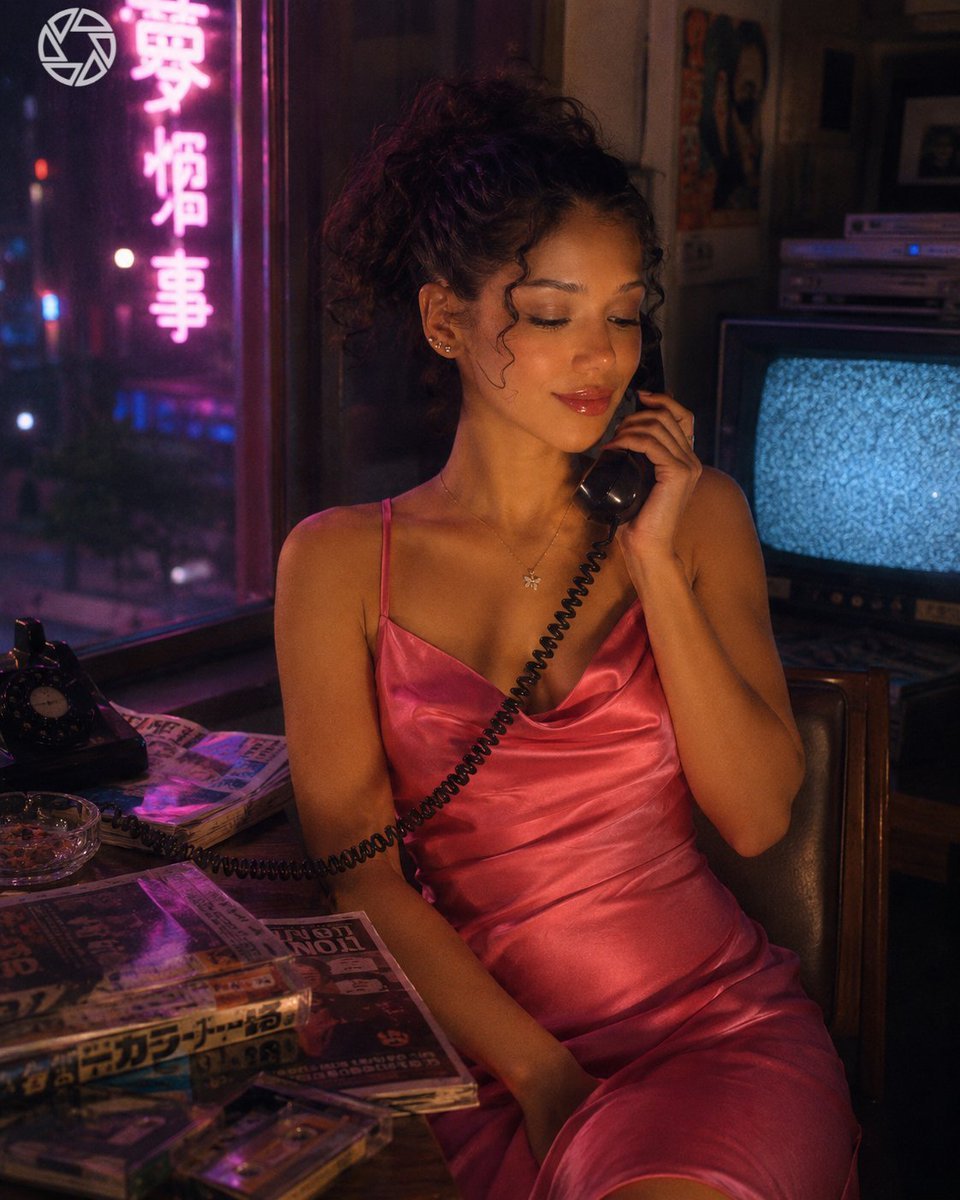
Retro Neon Night Phone Portrait
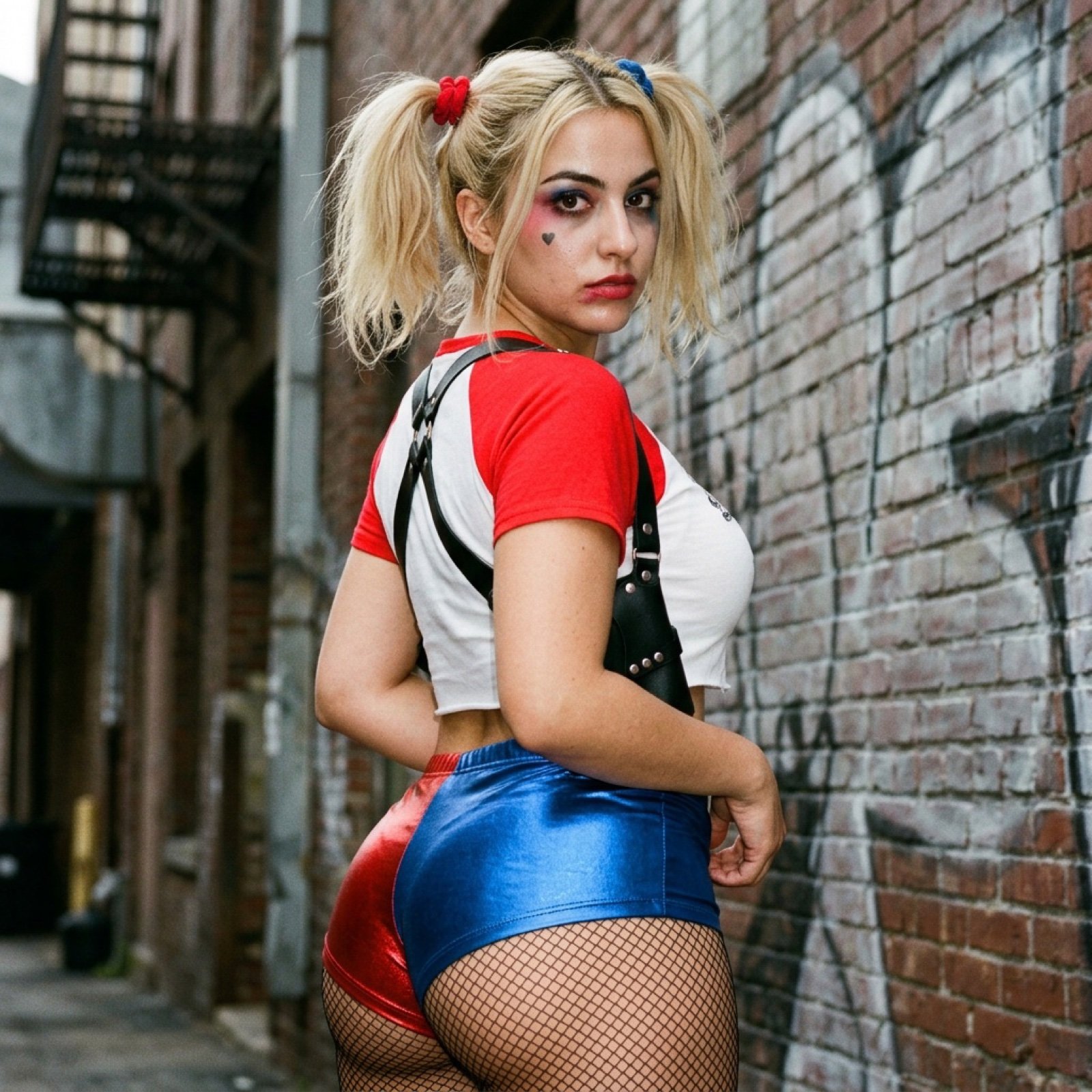
Harley Quinn Cosplay Side-Profile Snapshot
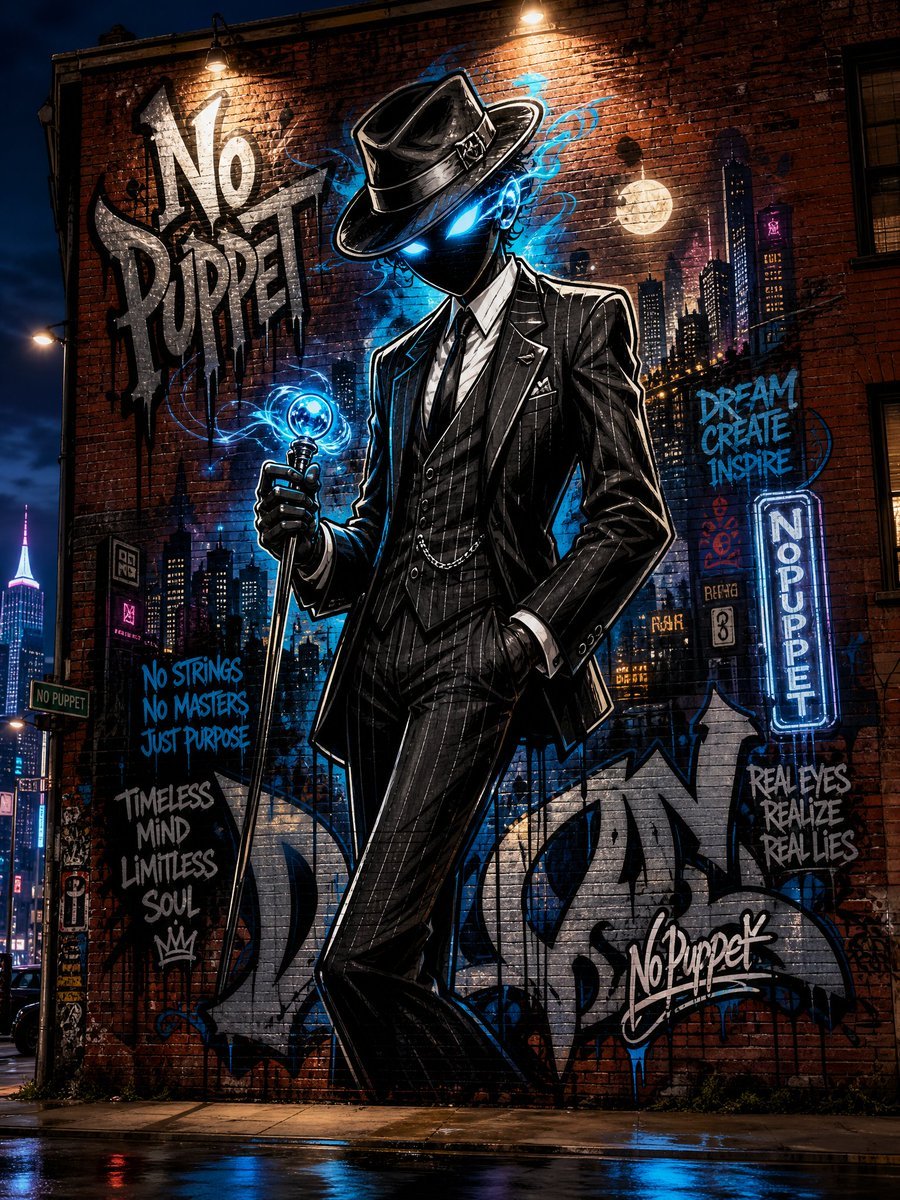
No Puppet Noir Graffiti Mural
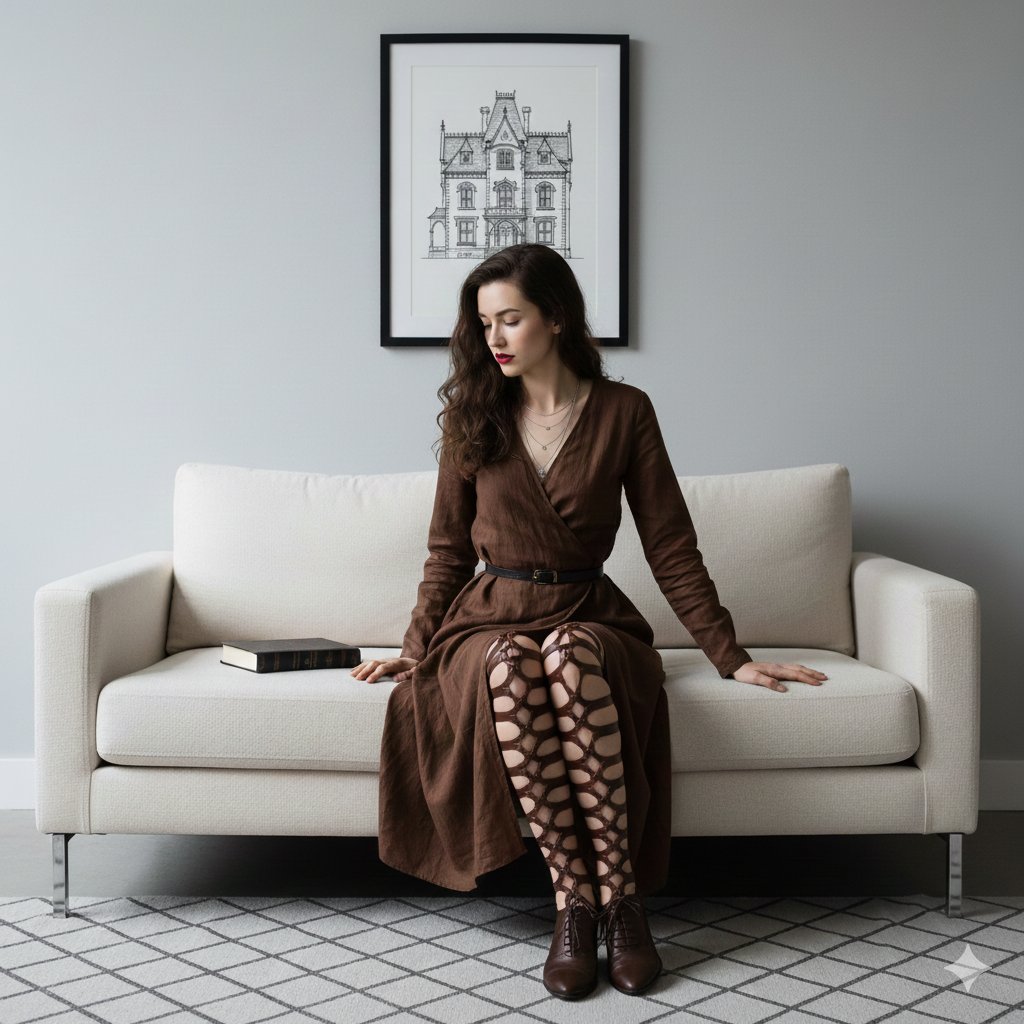
Dark Academia Portrait Prompt
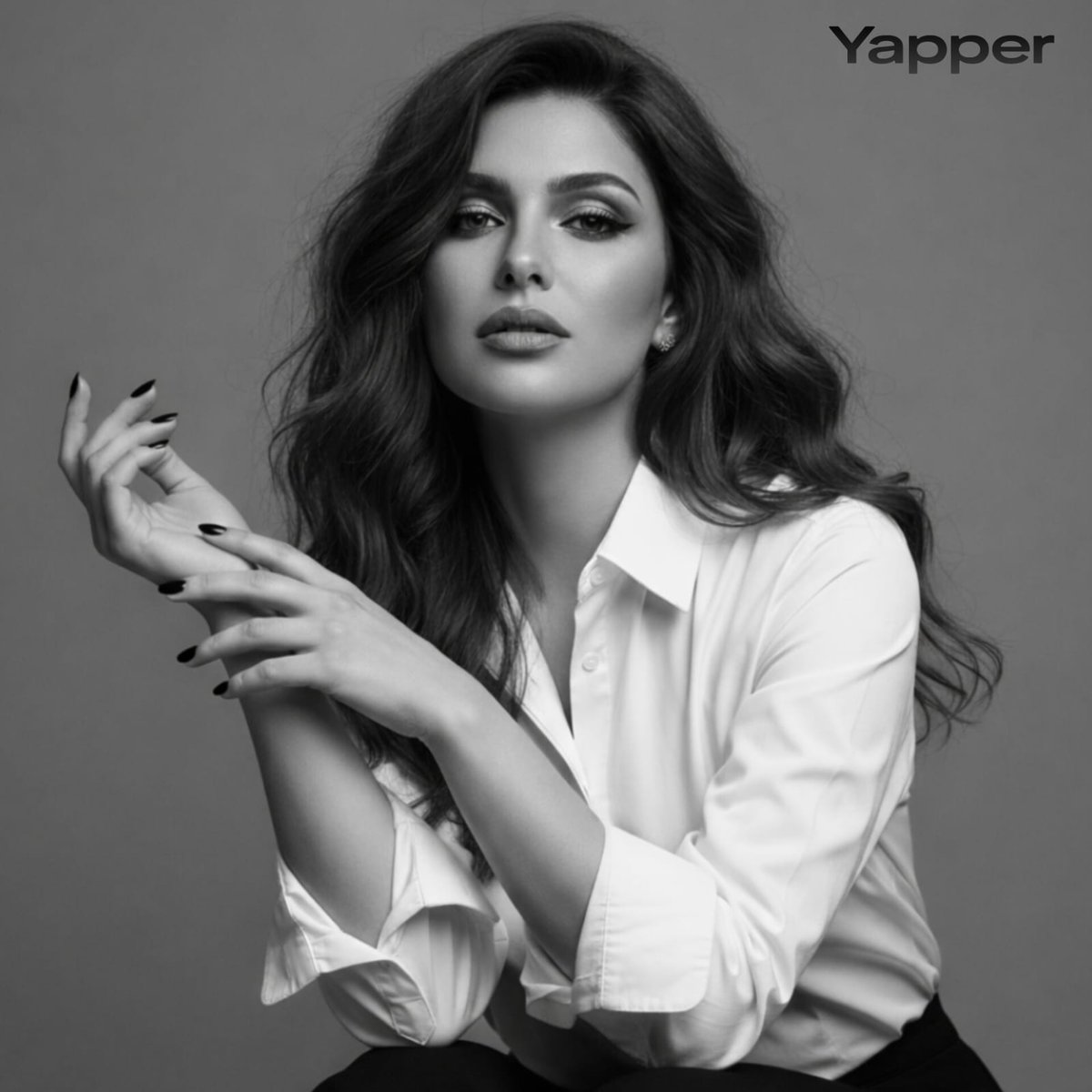
Black-and-White Fine Art Studio Portrait Prompt
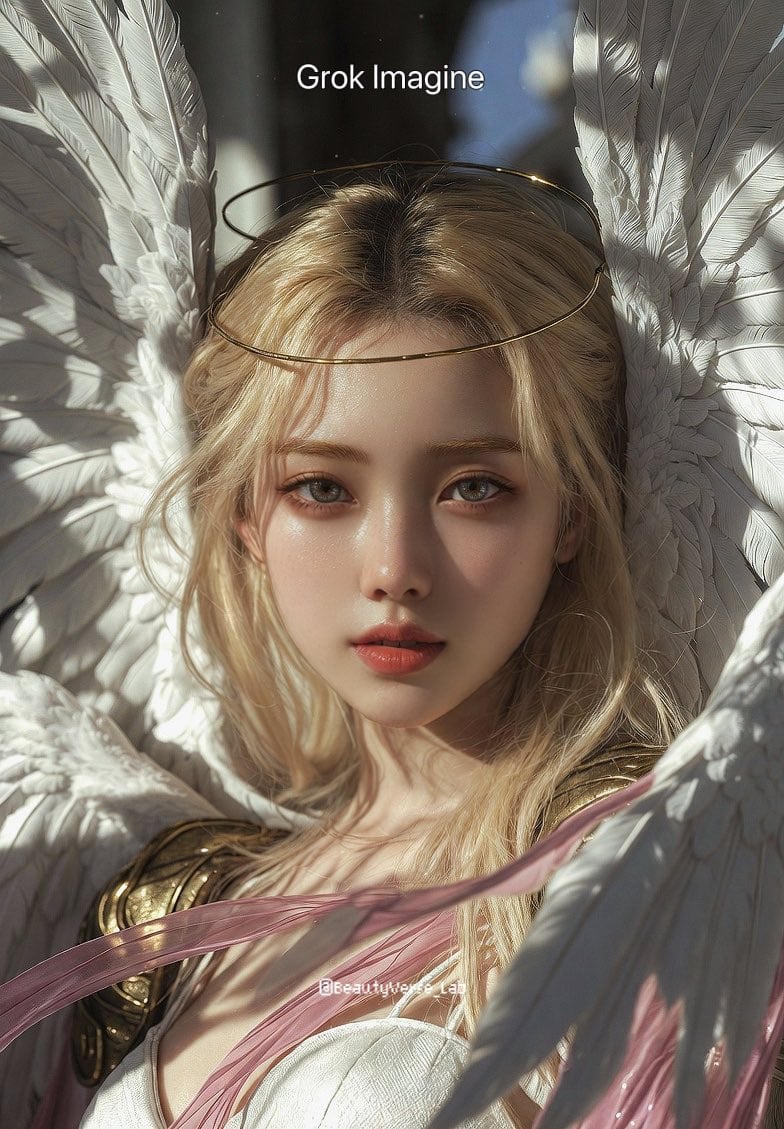
Grok Imagine vs. Nano Banana Pro: Angewomon K-pop Idol Prompt
Browse template categories
Culture Magazine Editorial Portrait questions
How do I use the Culture Magazine Editorial Portrait template?
Add your photo if the template asks for one, edit the prompt if you like — the template's model and format are already selected — and press Generate. Your version opens in PicX Studio.
Can I customize the Culture Magazine Editorial Portrait template?
Yes. You can change the subject, setting, lighting, mood, format, and available model controls before creating your image.
Is the Culture Magazine Editorial Portrait template free?
Opening and editing this template is free. Generating uses credits, shown on the Generate button when you are signed in.
Which AI model should I use?
Start with Gemini 3 Pro Image Preview, which is the model associated with this template. You can compare another compatible model for a different finish.
Looking for something else? Browse all templates.

Your photo, any look
Thousands of ready templates for every top image and video model, from one credit balance.