
Monochromatic Editorial Male Portrait
A high-fashion black and white portrait prompt for a male model in a polo shirt, focusing on harsh strobe lighting and clean architectural backgrounds.
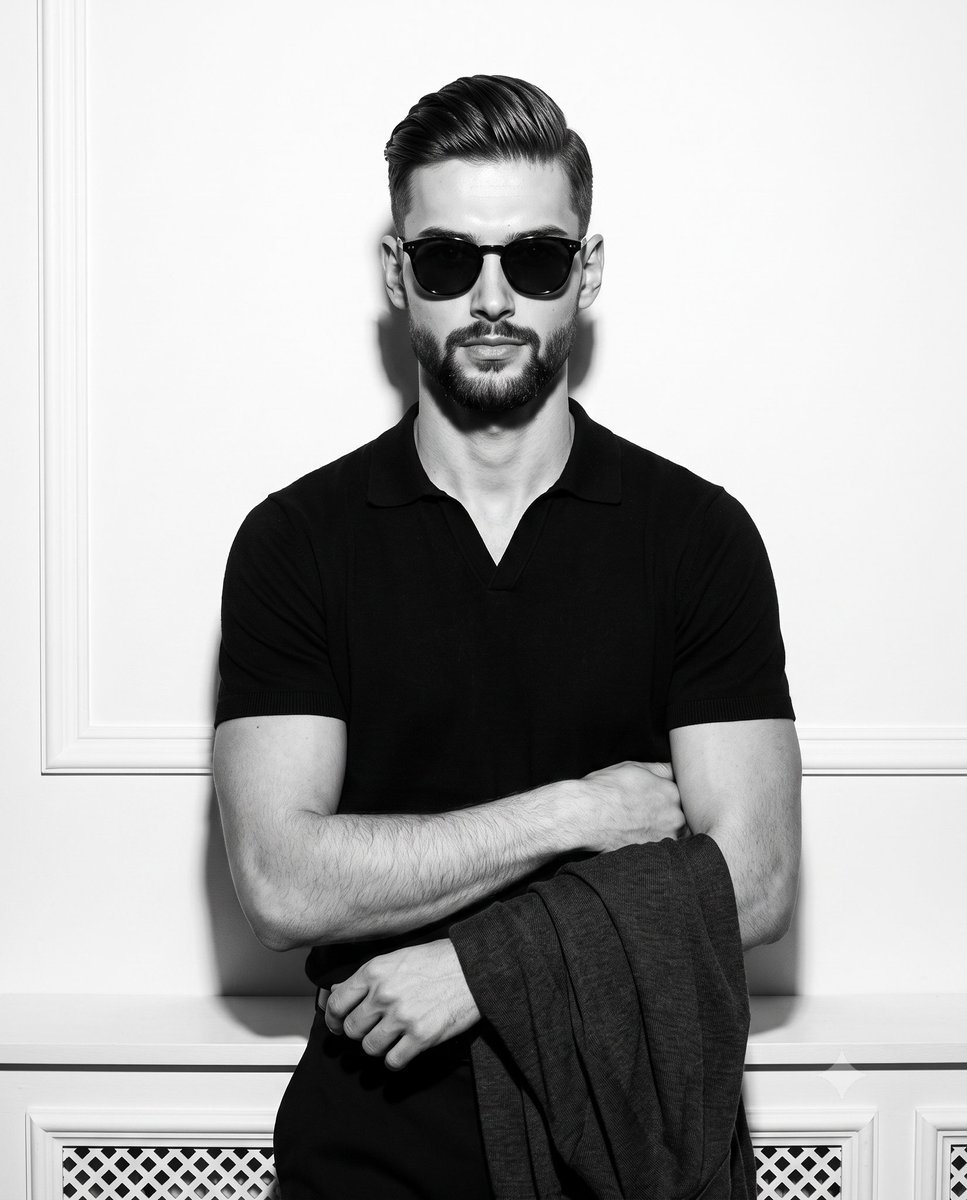
- Prompt included
- Model and format preset
- Free template
The prompt behind this image
Copy the exact prompt behind Monochromatic Editorial Male Portrait, or open it in the studio and make it yours.
A confident young male model stands centered and facing the camera in a deliberately posed, sophisticated stance, wearing {argument name="eyewear" default="high-contrast dark sunglasses"} and a {argument name="shirt" default="black V-neck polo shirt"}. His posture is upright with level shoulders and centered weight, his arms crossed with his right hand relaxed, resting gently on a surface while holding a draped dark cardigan. His facial expression is cool and detached, featuring a neutral mouth and relaxed features beneath the stark eyewear. He is positioned indoors within a shallow spatial depth against a {argument name="background" default="pristine, perfectly smooth matte pure white painted drywall"}. To the left, crisp rectangular wall molding paneling adds architectural detail, while a pristine white painted wood radiator cover with vent holes anchors the bottom background, all rendered in tack-sharp focus. The scene is bathed in highly directional, bright, and hard artificial light from a single front source, simulating near-axis strobe flash photography. This creates a dramatic, high-contrast monochromatic atmosphere devoid of ambient fill, casting a harsh, defined, deep black shadow of medium length directly onto the white wall behind him while leaving brilliant specular highlights on his face. Captured as a tack-sharp digital photograph with a realistic, perfectly smooth, grain-free texture, the image channels high-fashion editorial aesthetics with camera settings reflecting f/8, 1/200s, and ISO 100, refined by a stark black-and-white conversion with pushed clarity and shadow clipping, all beautifully framed in a 4:5 aspect ratio.
How to use Monochromatic Editorial Male Portrait in 3 steps
- 1
Open
The prompt is already in the box next to the preview, with the template's model and format selected.
- 2…a portrait of your subject in softgolden-hour light, 85mm…
Personalize
Edit the subject and creative details for your destination.
- 3Generate
Generate
Press Generate — your image is created in PicX Studio, so you can compare it with the original and refine one variable at a time.
More like this
Templates with the same subject, style or setup. Open one to see its prompt.

untitled

Caution Tape Fashion — Industrial Editorial

Nano Banana Pro Photoreal Playful Couple

Couture Fashion Editorial Woman and Drag

Nano Banana 2 Editorial Fashion Portrait
Monochromatic Film Noir Male Portrait
Male Fashion Editorial Portrait
Dramatic Chiaroscuro Male Editorial Portrait
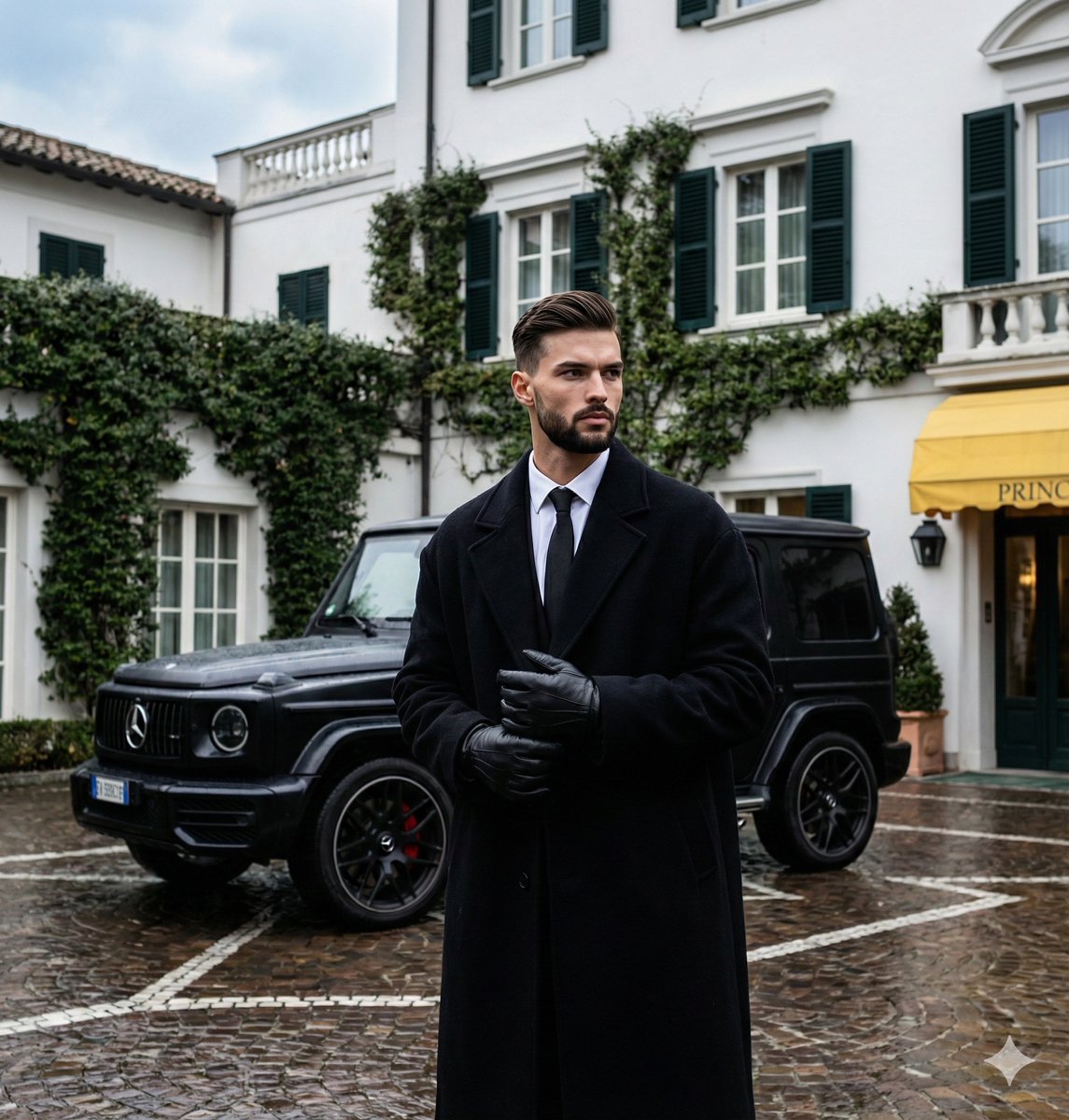
Monochromatic Luxury Editorial Portrait
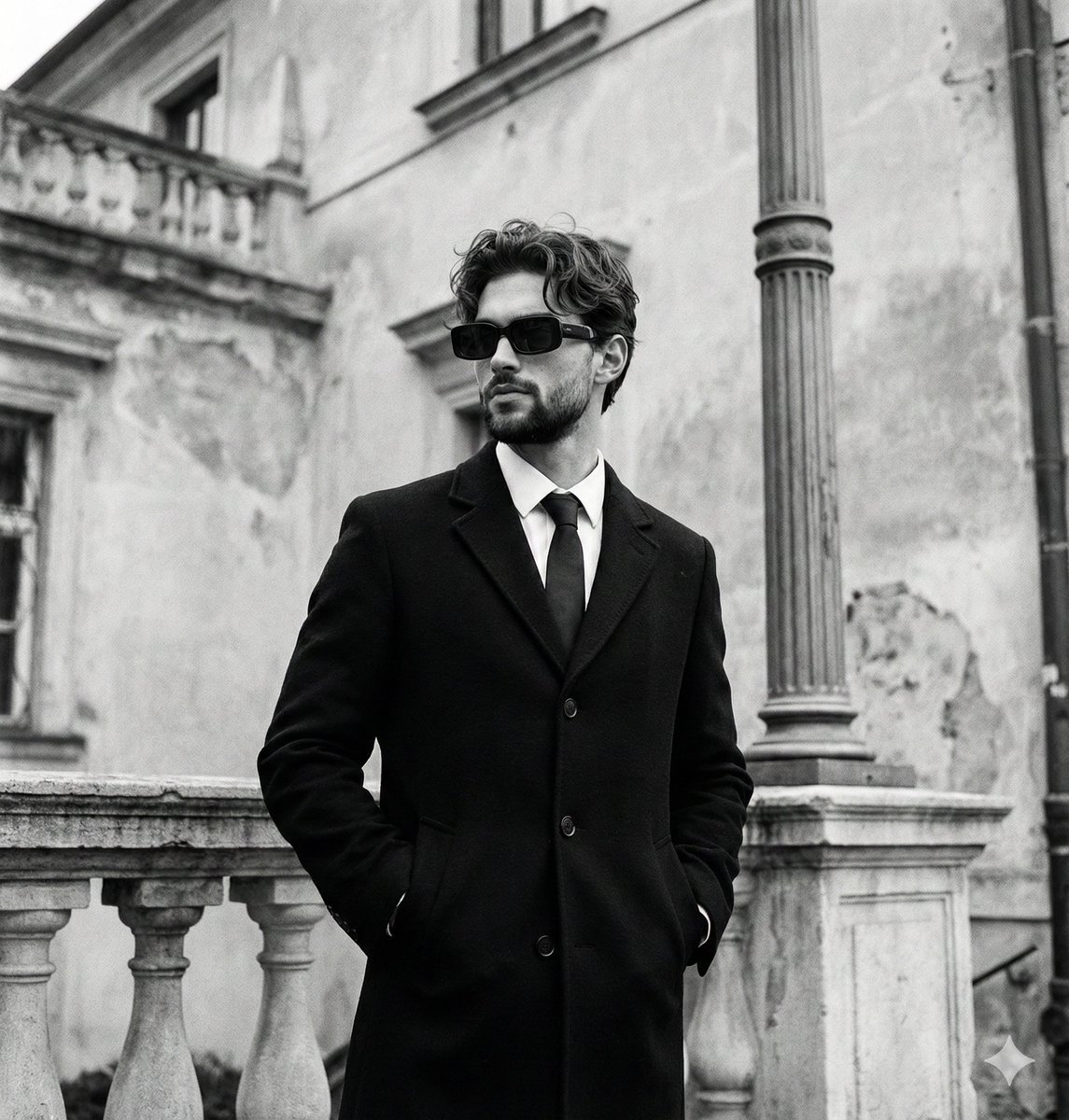
Monochromatic Editorial Portrait of a Stylish Man

Found Photograph: Us, 1970

80s Couple Studio Portrait
Make it yours
Monochromatic Editorial Male Portrait works as-is. These are the safest ways to change it without losing the look.
Change one field
Copy a single group, rewrite it, and generate again so you can see what that field is doing.
Keep the frame, change the subject
Hold the composition and light of Monochromatic Editorial Male Portrait, then swap wardrobe, props or the person for a new take.
| If the result… | Why | Fix |
|---|---|---|
| The result drifts from the preview | Too many fields changed at once. | Reuse Monochromatic Editorial Male Portrait as-is first, then change one group — subject, light, or setting. |
| The model over-stylizes the scene | The prose prompt leaves finish and camera underspecified. | Add one camera or lighting sentence and stay on Gemini 3 Pro Image Preview. |
More Gemini 3 Pro Image Preview templates
Other prompts made for Gemini 3 Pro Image Preview.

Creative Character in Pink Office

Avant-Garde Asian Fashion Model

Underwater Macro Face Portrait

Water-level Bridge Modification

Noir Punk Street Portrait

High Contrast Cinematic Face Portrait

Monochrome Studio Portrait with Colored Lens

Ultra-Realistic Yacht Sunset Portrait

Mushroom Still Life Composition

Whimsical Anthropomorphic Friendly Insect
More image prompts
Fresh picks from across the catalog.
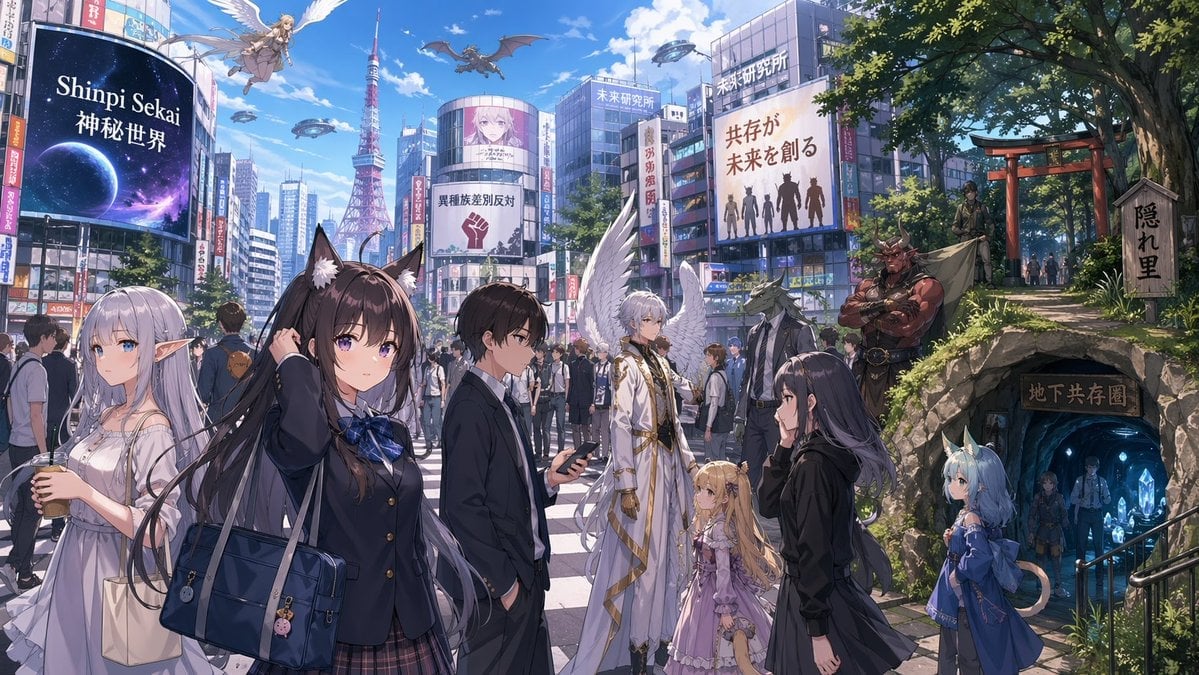
Urban Fantasy Coexistence Crossing
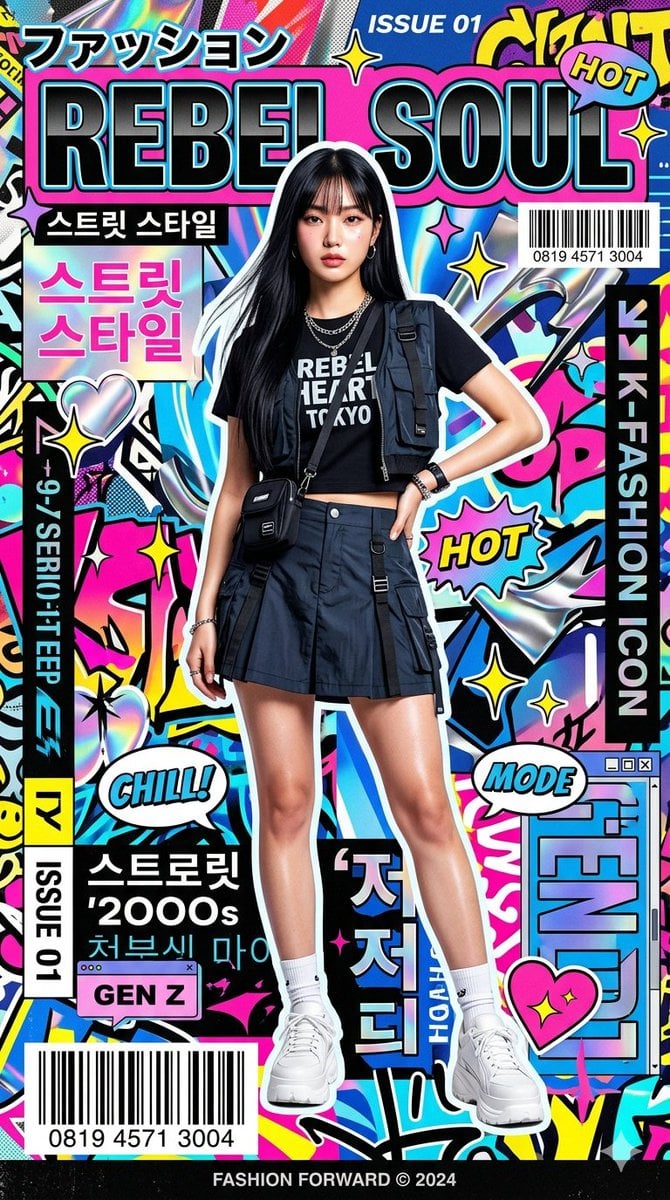
K-Fashion Pop-Art Editorial Poster
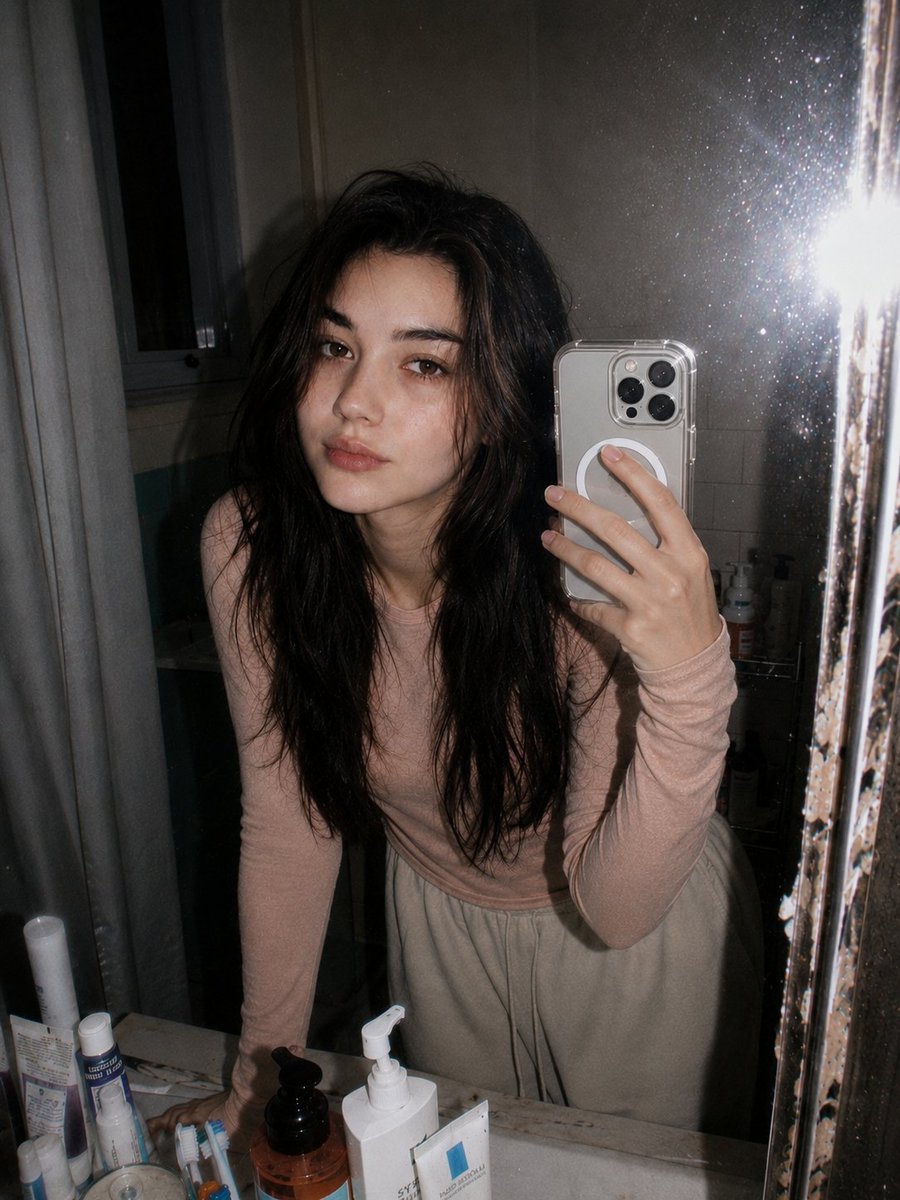
Retro 90s Disposable Camera Flash Portrait
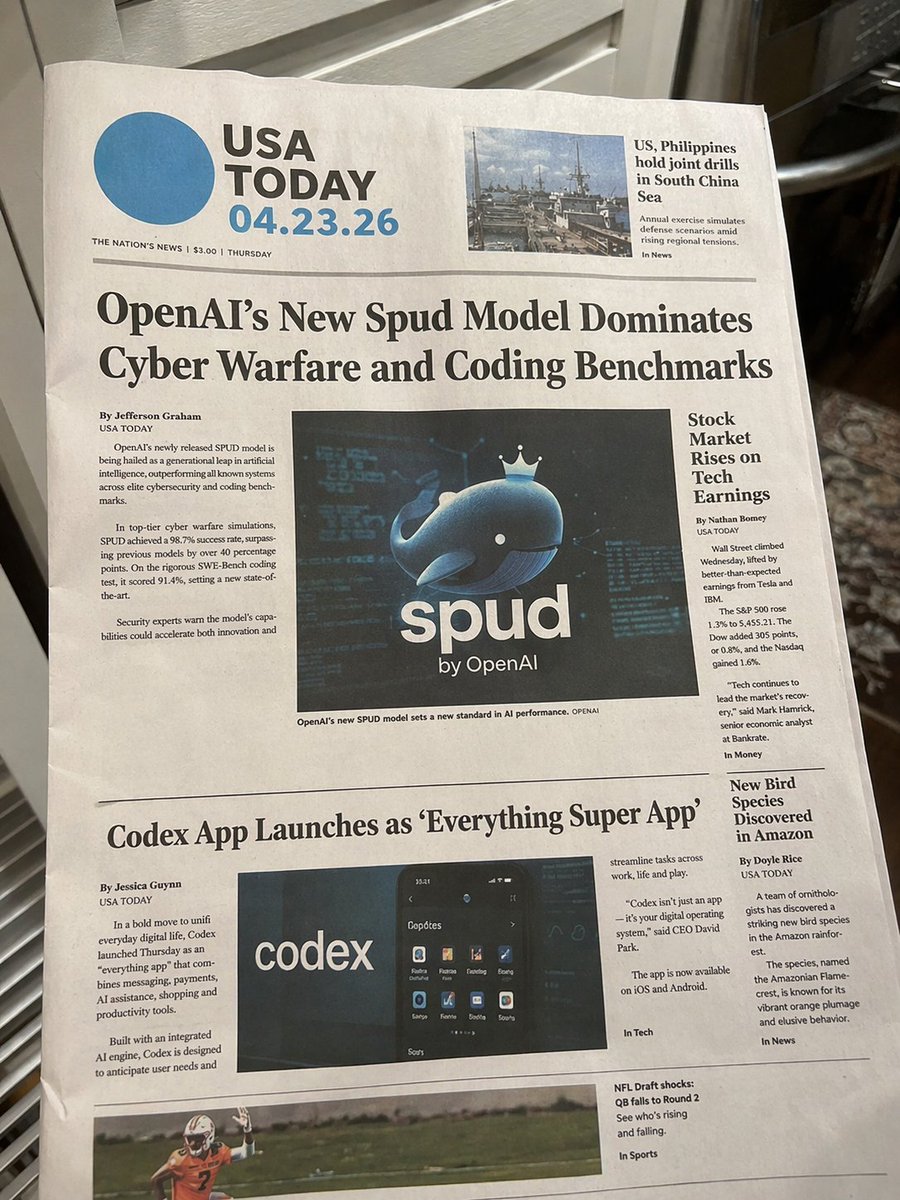
Photorealistic Newspaper Front Page
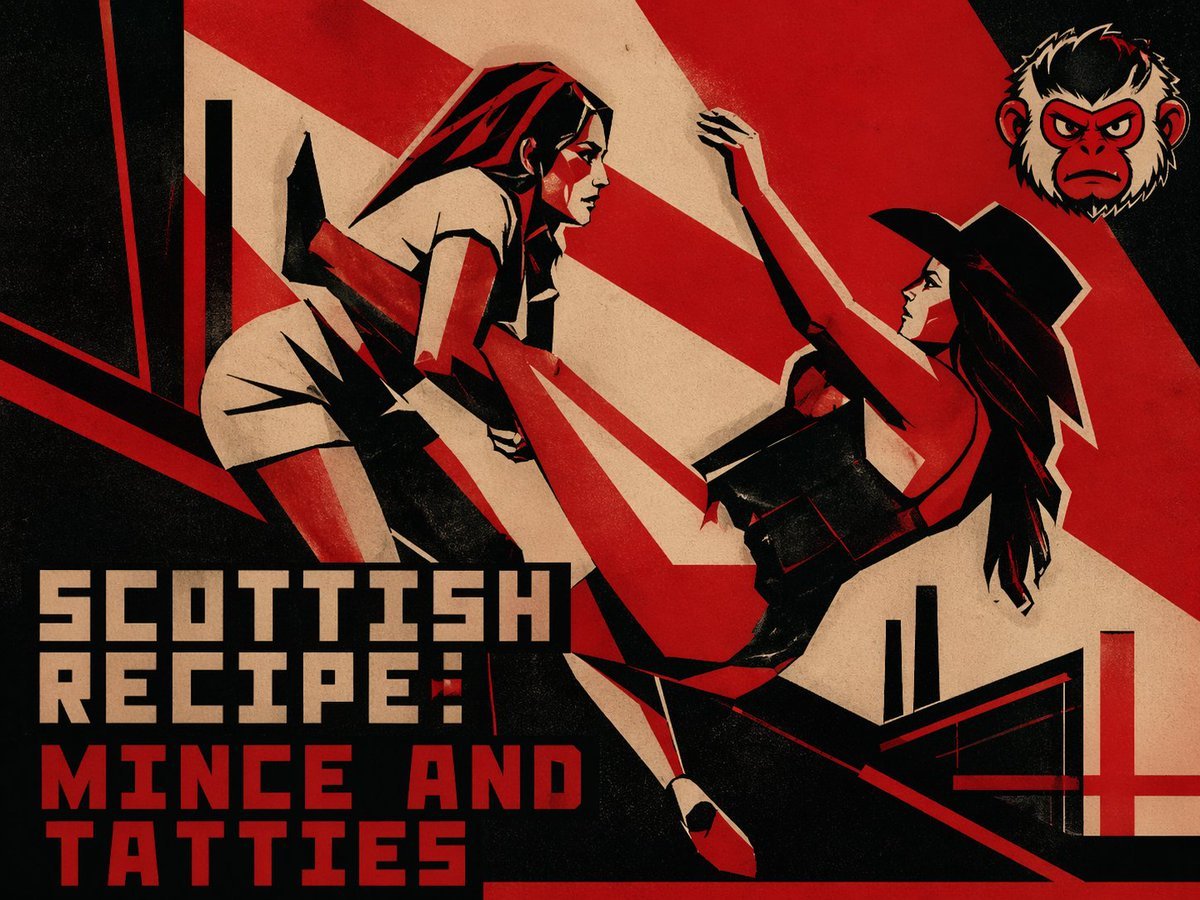
Retro Constructivist Fight Poster
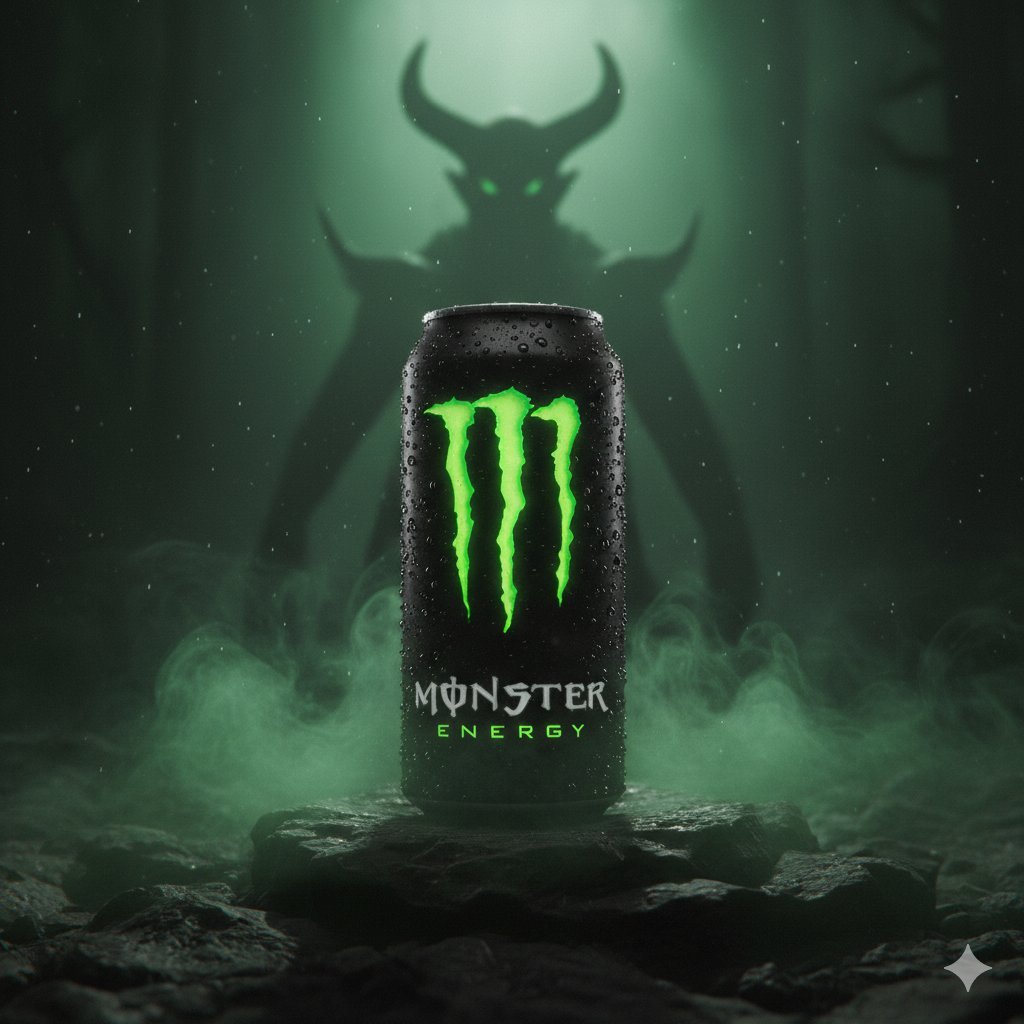
Dark Fantasy Product Shot of Monster Energy Drink
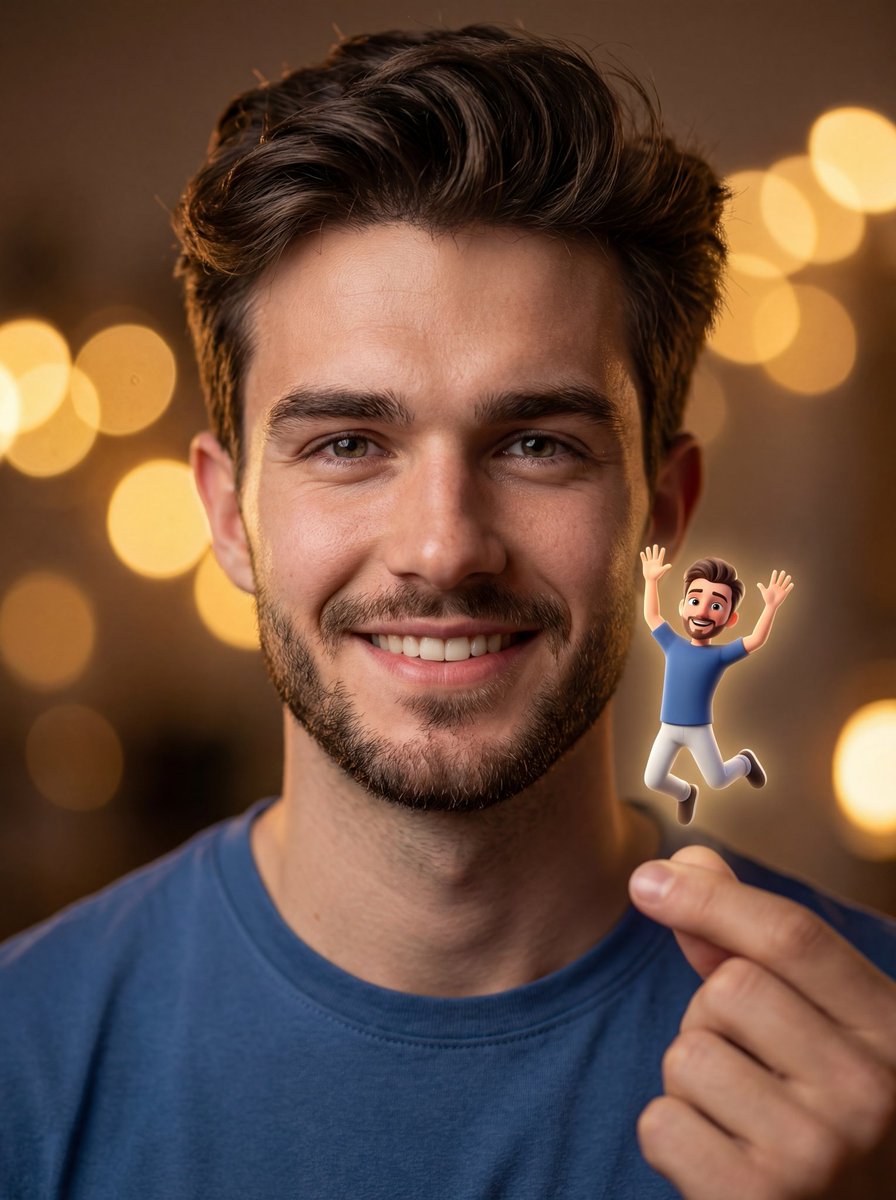
Ultra-realistic Portrait with Miniature Cartoon Self
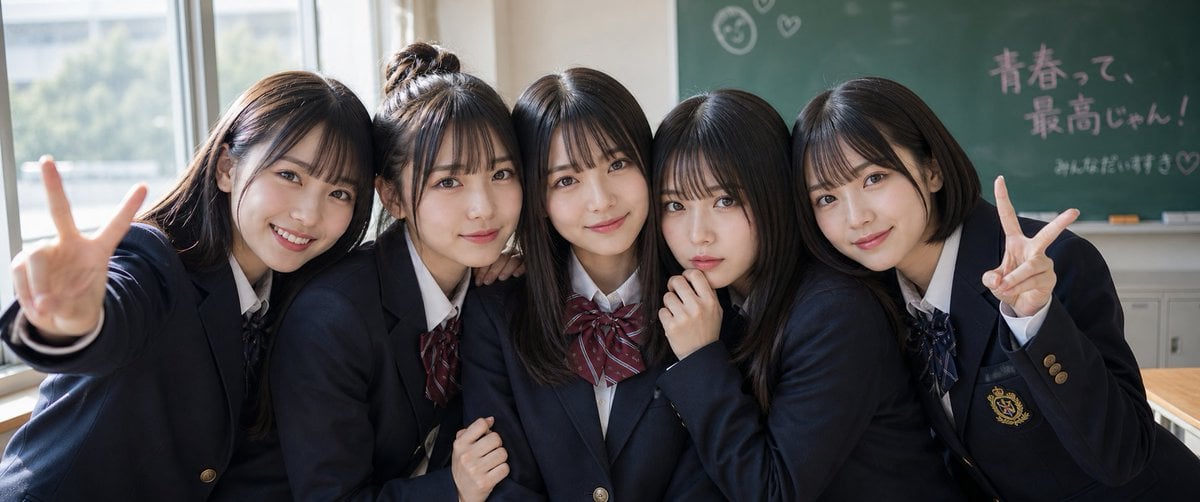
Japanese Schoolgirls Ultra Wide Wallpaper
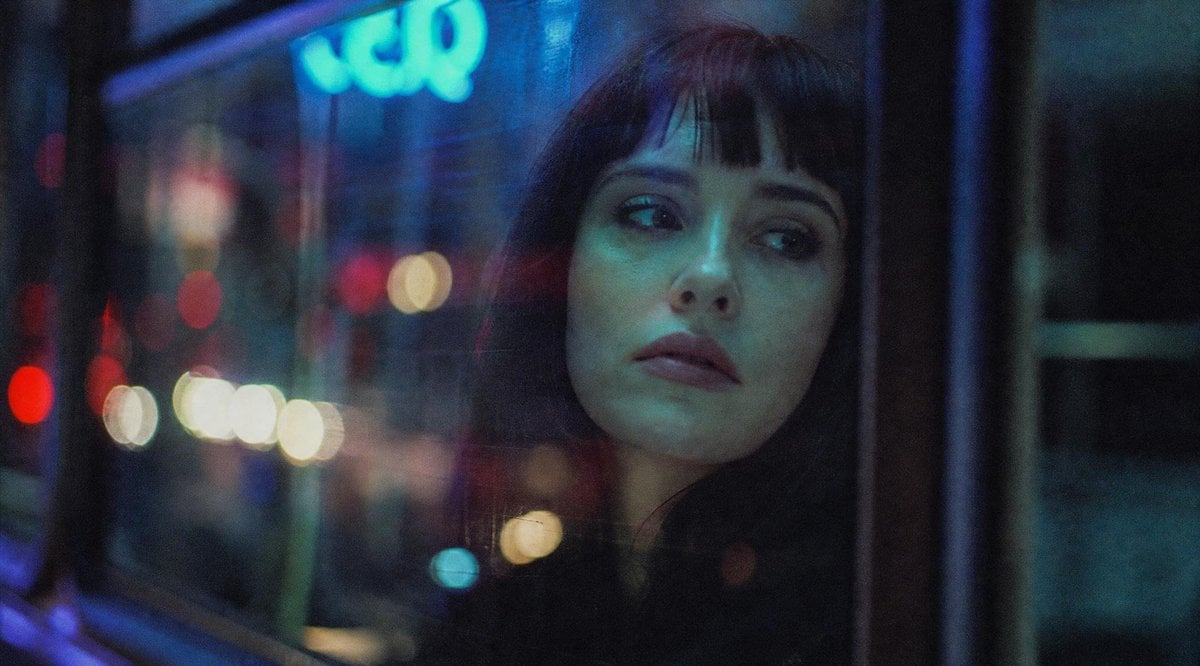
Anonymous Night Bus Portrait
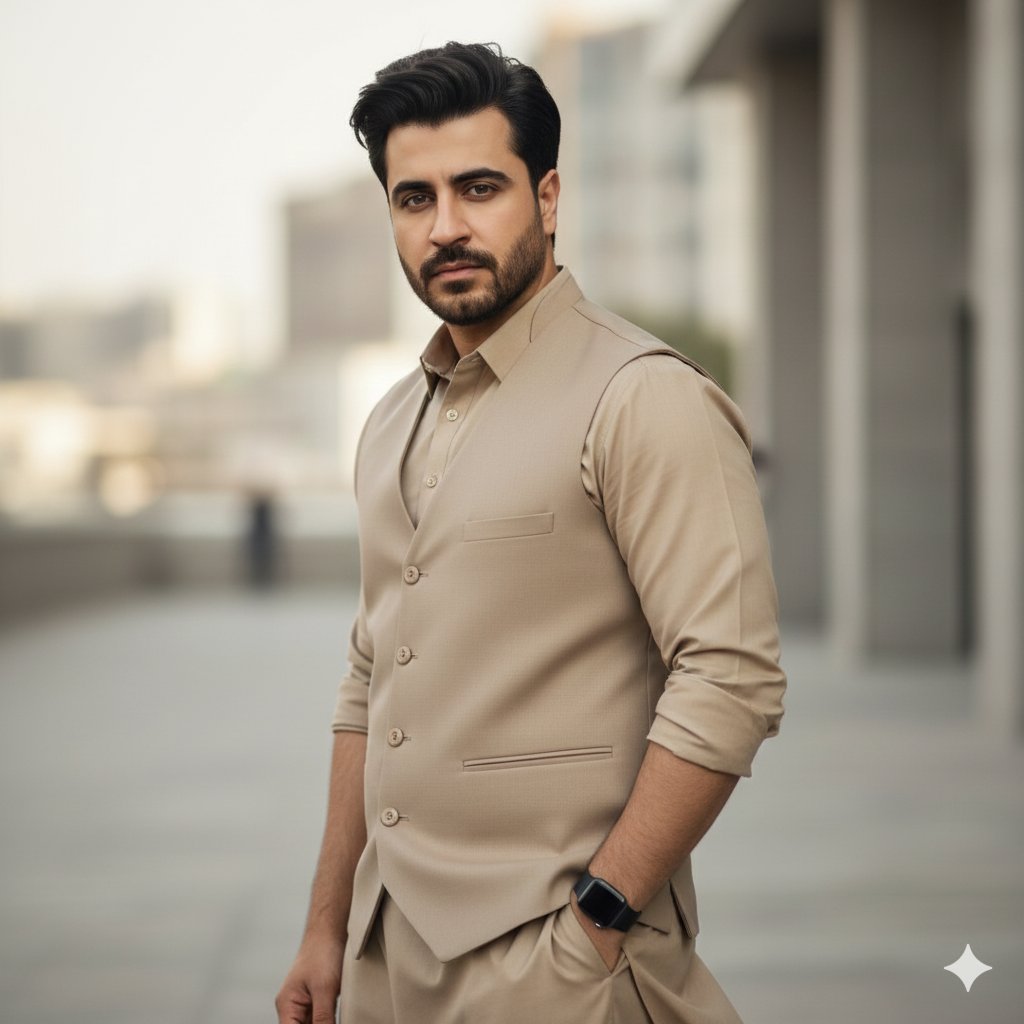
Monochromatic South Asian Traditional Wear Editorial
Browse template categories
Monochromatic Editorial Male Portrait questions
How do I use the Monochromatic Editorial Male Portrait template?
Add your photo if the template asks for one, edit the prompt if you like — the template's model and format are already selected — and press Generate. Your version opens in PicX Studio.
Can I customize the Monochromatic Editorial Male Portrait template?
Yes. You can change the subject, setting, lighting, mood, format, and available model controls before creating your image.
Is the Monochromatic Editorial Male Portrait template free?
Opening and editing this template is free. Generating uses credits, shown on the Generate button when you are signed in.
Which AI model should I use?
Start with Gemini 3 Pro Image Preview, which is the model associated with this template. You can compare another compatible model for a different finish.
Looking for something else? Browse all templates.

Your photo, any look
Thousands of ready templates for every top image and video model, from one credit balance.