How do I use the Stylish Young Women in a Modern Lounge template?
Choose the primary action to open PicX Studio with the available template settings. Review the model and format, personalize the creative direction, and generate when ready.
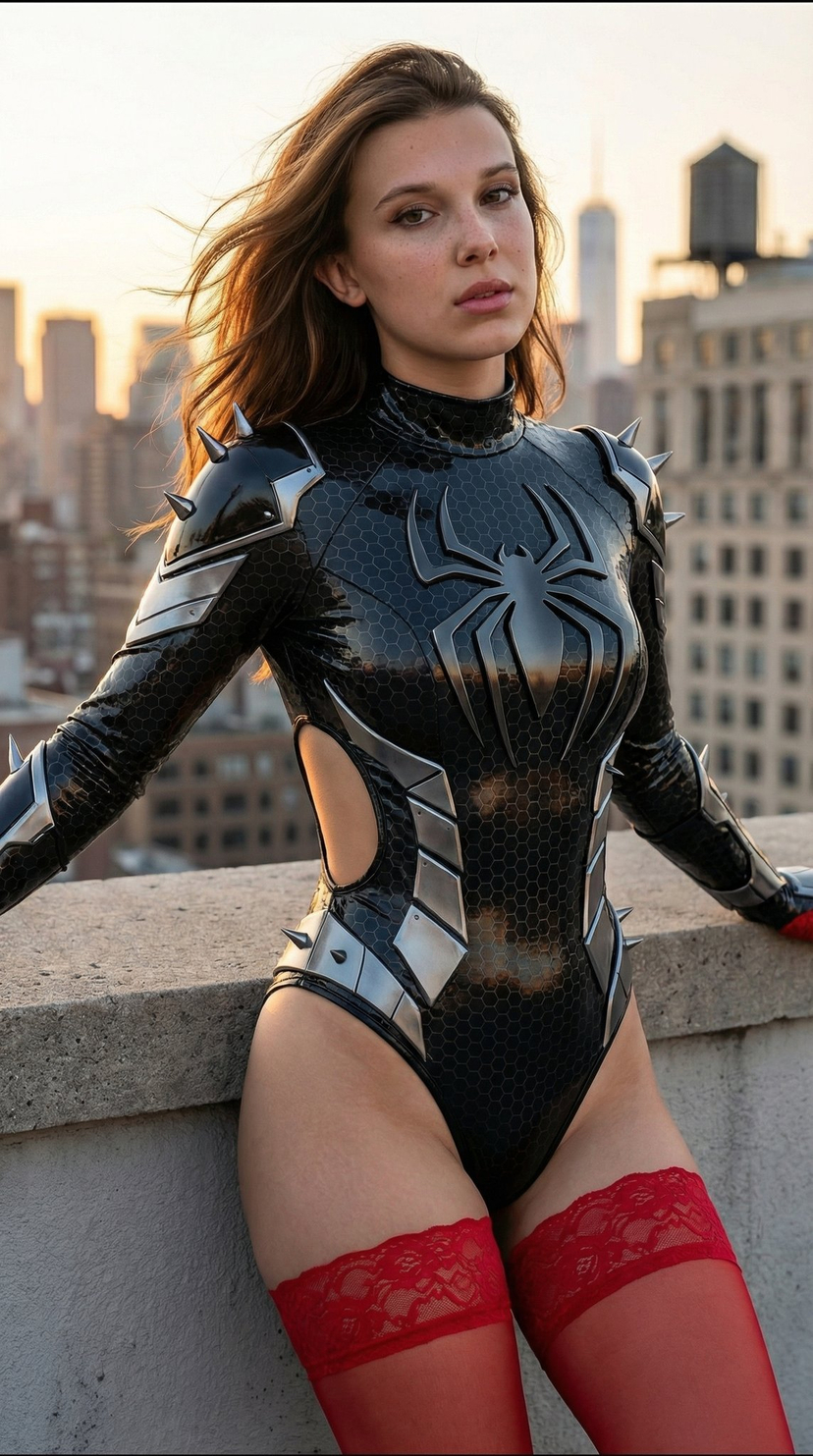
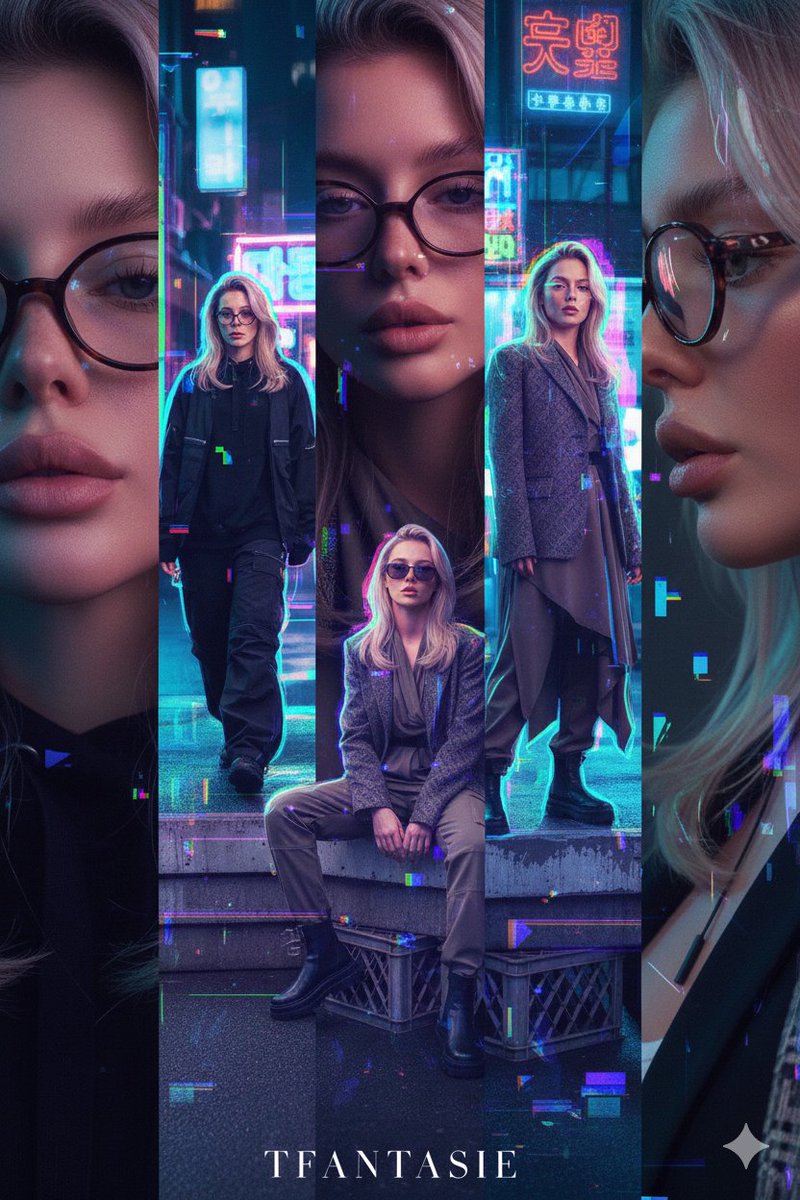
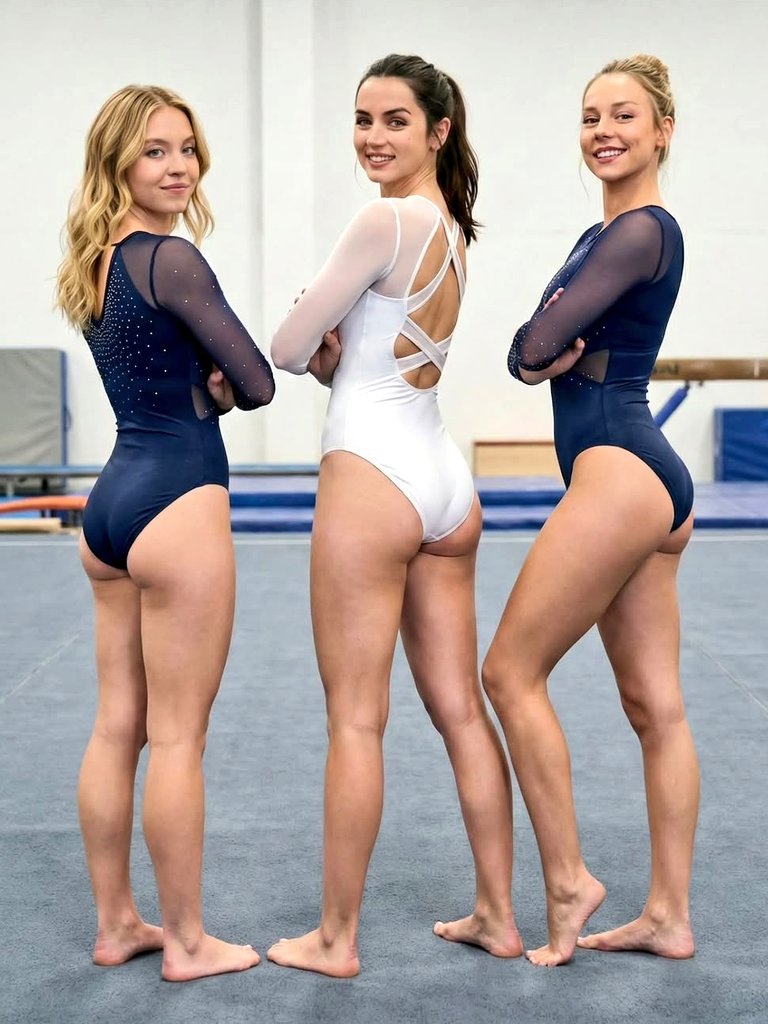
A highly detailed, structured prompt for generating a photorealistic image of two stylish young women sitting on a gray leather sectional sofa in a modern lounge. The prompt meticulously defines their clothing, poses, expressions, and the lighting conditions, emphasizing a high-contrast, upscale fashion aesthetic. (free to use) — Free AI image template on PicX Studio.
{ "subject": { "description": "Two stylish young adult women sitting close together on a gray leather sectional sofa in a modern lounge, dressed in sleek black going-out outfits and sheer stockings; left woman looks down at a smartphone with a cool, composed expression while the right woman smiles warmly at the camera.", "mirror_rules": "Not a mirror selfie; no mirror artifacts, no mirrored text, no reflection distortions.", "age": "mid-20s", "expression": { "eyes": { "look": "left woman focused on phone screen; right woman engaging the viewer", "energy": "left: calm and aloof; right: bright and inviting", "direction": "left: downward to phone; right: toward camera" }, "mouth": { "position": "left: relaxed closed lips; right: gentle smile showing teeth slightly", "energy": "left: neutral; right: friendly and confident" }, "overall": "a candid pre-night-out moment captured in daylight, contrasting glamorous styling with quiet, real-life ease" }, "face": { "preserve_original": true, "makeup": "polished glam makeup: defined brows, eyeliner, soft contour, muted nude lips; right woman slightly brighter lip tone" }, "hair": { "color": "left: dark brown/black; right: light brown/blonde", "style": "left: sleek long ponytail; right: neat updo/low bun with a center part", "effect": "smooth, glossy hair with tidy edges, no flyaways emphasized" }, "body": { "frame": "slim, model-like proportions for both", "waist": "defined waistlines emphasized by fitted outfits", "chest": "structured neckline on the left; deep V halter neckline on the right", "legs": "long legs extended forward, knees slightly angled, legs crossed/overlapped for an elegant seated pose", "skin": { "visible_areas": "faces, shoulders, arms, upper thighs, knees, lower legs through sheer stockings", "tone": "light to light-medium warm tone", "texture": "skin looks smooth and well-moisturized; stockings add a soft, silky friction texture over the legs", "lighting_effect": "diffused daylight wraps softly, gentle highlight on cheekbones and shoulders, minimal harsh shadow" } }, "pose": { "position": "both seated on the sofa near the edge, close together", "base": "left hand holding a black smartphone; right arm relaxed with hand resting near the left woman's knee/thigh area", "overall": "intimate, composed lounge pose with slightly angled torsos and forward-pointed heels" }, "clothing": { "top": { "type": "left: black corset-style bodysuit with structured seams and sheer cutout panels; right: black glossy halter mini dress with deep V neckline", "color": "black", "details": "left: sculpted bust cups, vertical boning lines, semi-sheer geometric panels; right: smooth shiny fabric, clean minimal seams", "effect": "high-contrast fashion silhouette, elegant and upscale rather than playful" }, "bottom": { "type": "left: sheer black pantyhose with subtle small lettering print; right: sheer black thigh-high stockings with wide lace top band", "color": "black", "de
Use Stylish Young Women in a Modern Lounge to plan an AI image around nano-banana-2 generation. Match the preview's composition first, then personalize the subject, setting, and mood for your own project.
Use the primary action to load the template settings in PicX Studio.
Adjust the subject and creative details for your destination.
Create the image, compare the result with the preview, and refine one variable at a time.
A continuous mix — similar concepts first, woven with same-model prompts and fresh picks from the catalog.
Choose the primary action to open PicX Studio with the available template settings. Review the model and format, personalize the creative direction, and generate when ready.
Yes. You can change the subject, setting, lighting, mood, format, and available model controls before creating your image.
This template is free to open and customize. Generation usage is shown in PicX Studio before you create.
Start with nano-banana-2, which is the model associated with this template. You can compare another compatible model for a different finish.
Follow a topic to a crawlable collection of related PicX Studio templates.
39,155 public templates available. Verified via the PicX Studio public templates API; refreshed hourly.
A continuous mix — similar concepts first, woven with same-model prompts and fresh picks from the catalog.