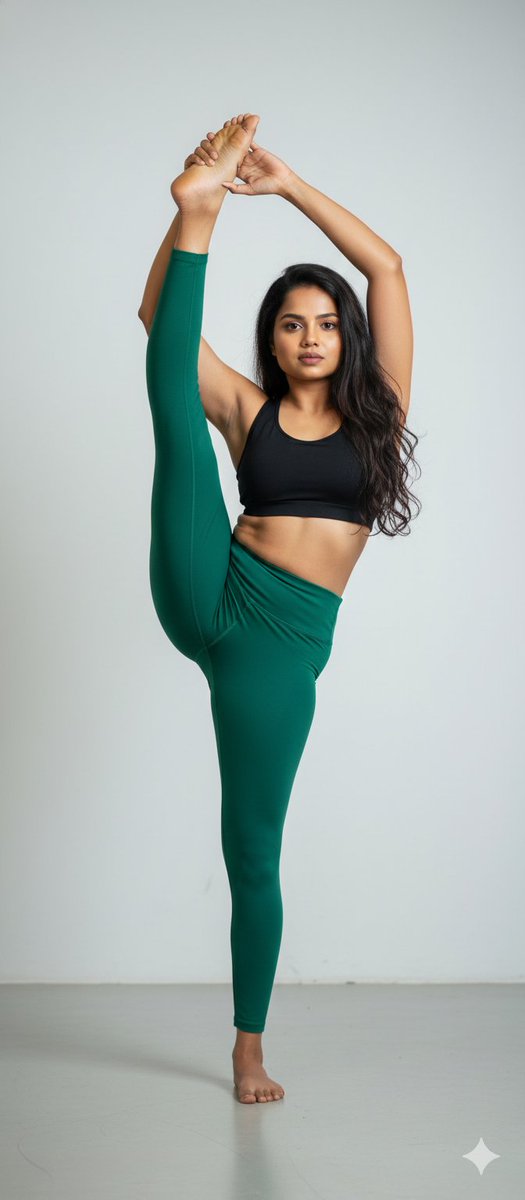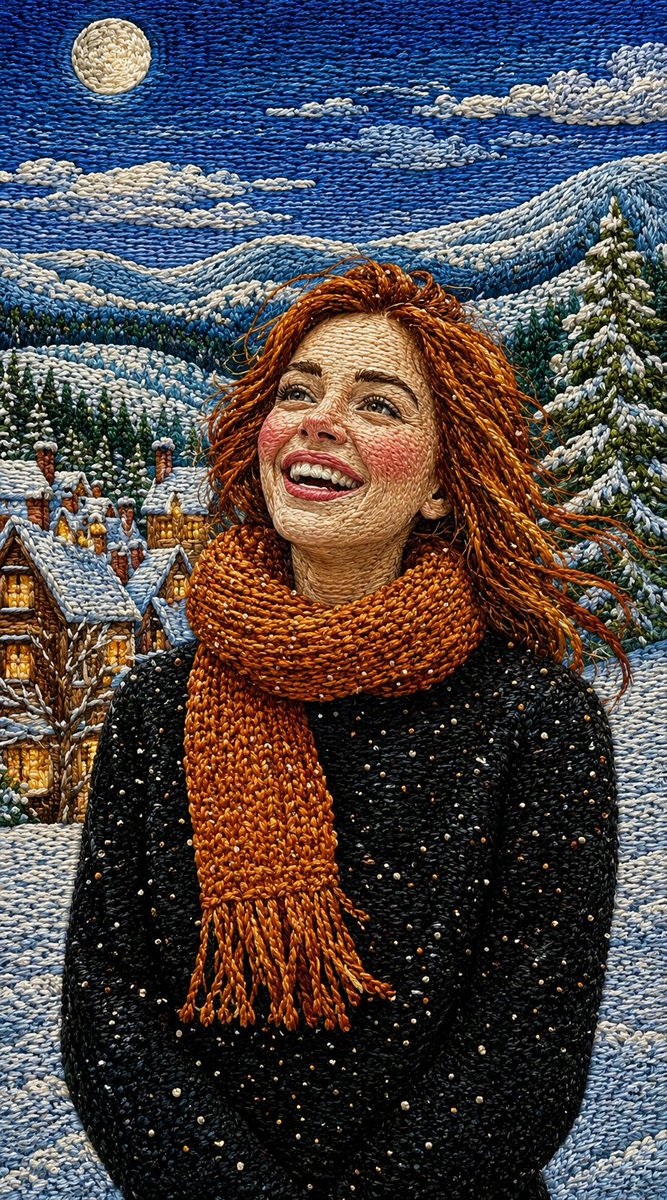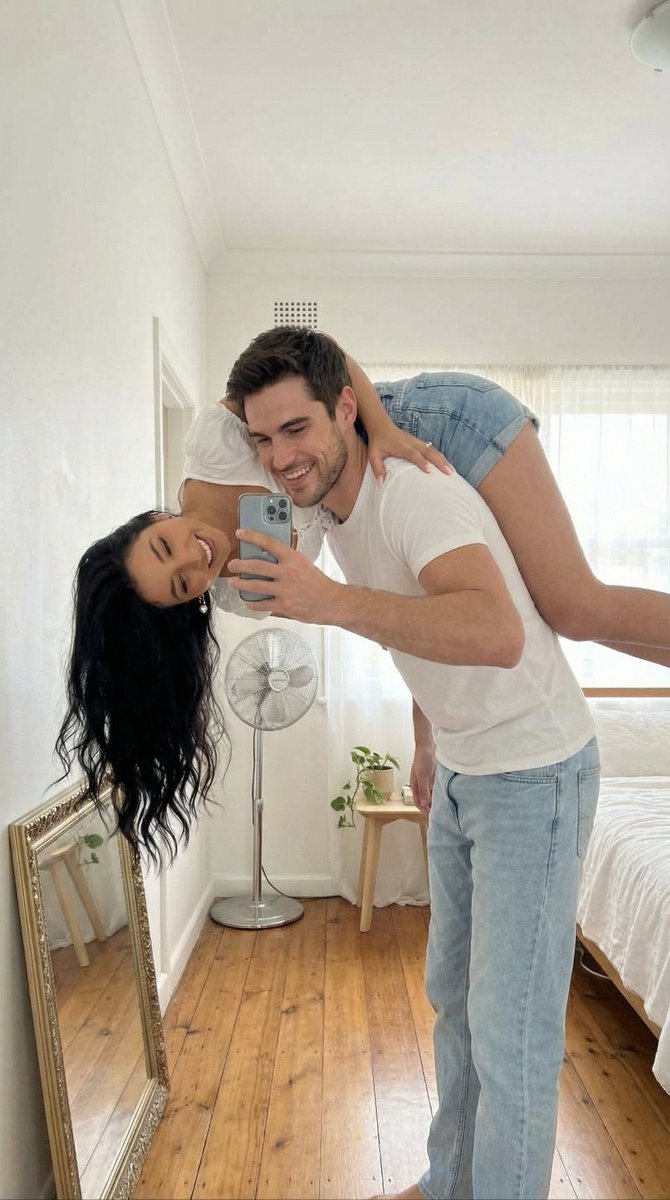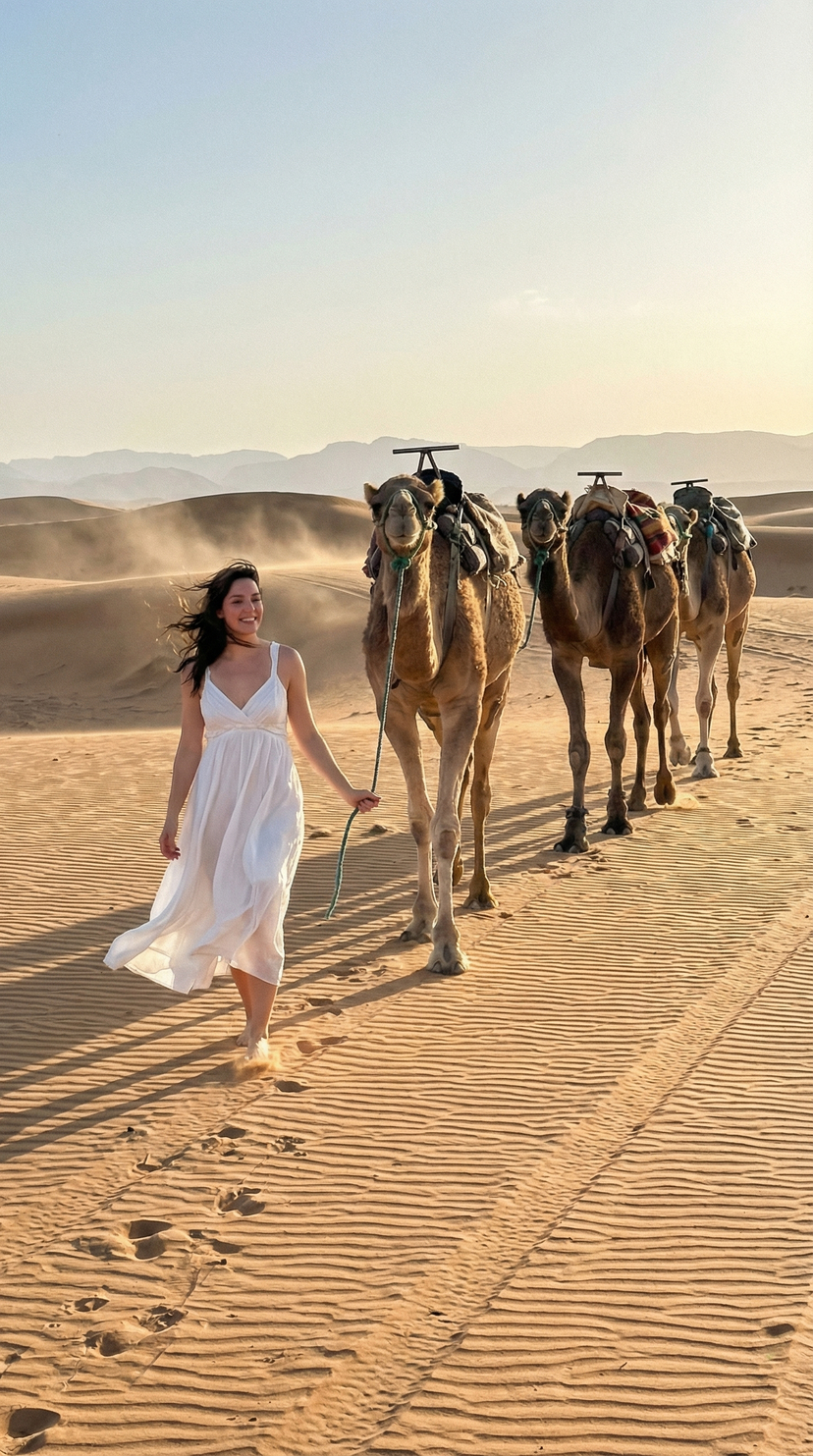

How do I use the Ultra-Photorealistic Traditional Saree Portrait template?
Choose the primary action to open PicX Studio with the available template settings. Review the model and format, personalize the creative direction, and generate when ready.
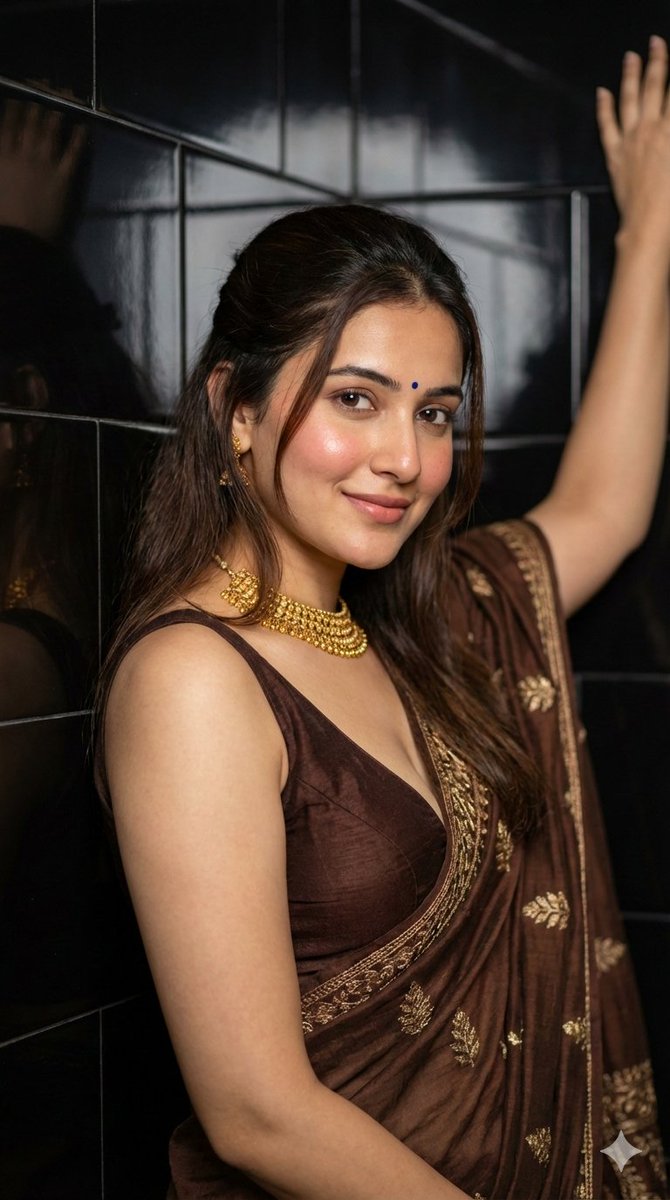
A highly structured JSON prompt for generating an ultra-photorealistic editorial fashion portrait of a young woman wearing a traditional saree, requiring 100% identity preservation from a reference image and focusing on realistic textures, soft lighting, and traditional Indian glam makeup. (free to use) — Free AI image template on PicX Studio.
{ "type": "image_generation", "model_style": "ultra_photorealistic", "aspect_ratio": "9:16", "resolution": "8K", "quality": "editorial_fashion_realism", "identity_reference": { "use_reference_image": true, "face_preservation": "100%", "body_preservation": "100%", "no_facial_changes": true, "no_body_changes": true }, "scene": { "location": "indoor setting with dark glossy tiled wall", "background": "black reflective tiles with soft depth", "atmosphere": "intimate, elegant, traditional-modern fusion" }, "subject": { "gender": "female", "age": "young adult", "pose": "upper-body portrait, one arm raised and resting against wall, relaxed confident posture", "expression": "soft calm smile, natural and composed", "gaze": "looking directly at camera", "hair": { "color": "dark brown", "style": "half-tied with loose front strands", "texture": "natural, realistic flyaways" }, "skin": { "tone": "fair warm complexion", "detail": "visible pores, natural blush, no smoothing" }, "makeup": { "style": "soft traditional glam", "details": [ "natural brows", "soft brown eye makeup", "subtle eyeliner", "rosy nude lips", "small blue bindi on forehead" ] } }, "outfit": { "style": "traditional saree look", "blouse": "deep brown sleeveless blouse with plunging neckline", "saree": "brown saree with gold embroidered patterns", "fabric_behavior": "realistic drape, natural folds and weight" }, "accessories": [ "heavy gold choker necklace", "small gold earrings" ], "lighting": { "type": "soft directional indoor lighting", "source": "side-front light", "effect": "gentle highlights on face, soft shadows, cinematic depth" }, "camera": { "device": "professional portrait camera", "lens": "85mm portrait lens", "angle": "eye-level close portrait", "focus": "sharp eyes and face", "depth_of_field": "shallow, creamy background blur" }, "rendering_rules": { "no_cartoon": true, "no_ai_artifacts": true, "no_over_smoothing": true, "no_extra_limbs": true, "no_distorted_hands": true, "no_text_or_watermark": true }, "final_look": "indistinguishable from a real high-end fashion portrait, ultra-realistic, same pose and mood" }
Use Ultra-Photorealistic Traditional Saree Portrait to plan an AI image around nano-banana-2 generation. Match the preview's composition first, then personalize the subject, setting, and mood for your own project.
Use the primary action to load the template settings in PicX Studio.
Adjust the subject and creative details for your destination.
Create the image, compare the result with the preview, and refine one variable at a time.
A continuous mix — similar concepts first, woven with same-model prompts and fresh picks from the catalog.
Choose the primary action to open PicX Studio with the available template settings. Review the model and format, personalize the creative direction, and generate when ready.
Yes. You can change the subject, setting, lighting, mood, format, and available model controls before creating your image.
This template is free to open and customize. Generation usage is shown in PicX Studio before you create.
Start with nano-banana-2, which is the model associated with this template. You can compare another compatible model for a different finish.
Follow a topic to a crawlable collection of related PicX Studio templates.
39,155 public templates available. Verified via the PicX Studio public templates API; refreshed hourly.
A continuous mix — similar concepts first, woven with same-model prompts and fresh picks from the catalog.