
3D Animated Soda Commercial
A stylized 3D animation prompt for a magical soda commercial featuring a cute green monster.
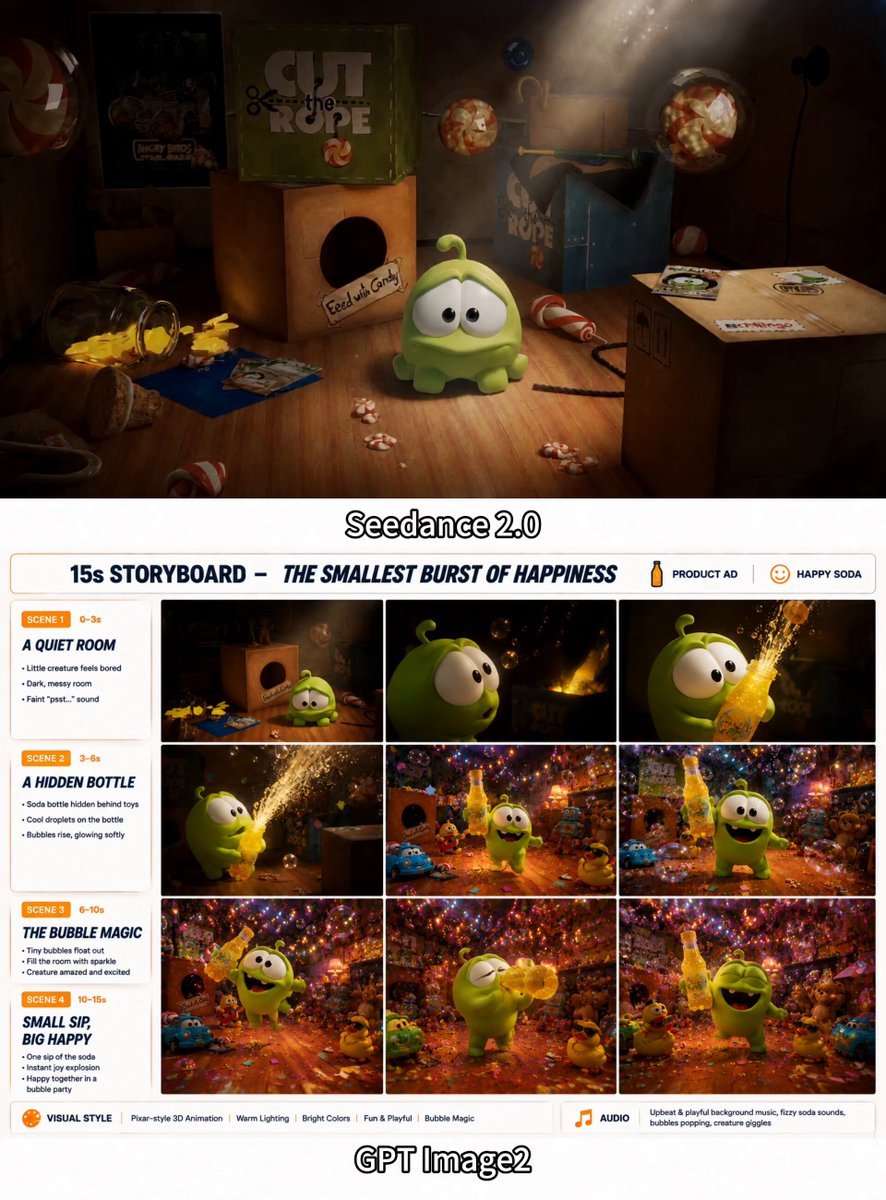
- Prompt included
- Model and format preset
- Free template
The prompt behind this video
Copy the exact prompt behind 3D Animated Soda Commercial, or open it in the studio and make it yours.
Create a 15-second 16:9 premium stylized 3D animated soda commercial with a cute, cinematic family-animation look. Use the uploaded reference images to maintain the exact same round green monster, yellow “Bubble Pop” soda bottle, room layout, toys, proportions, colors, and facial features throughout the video. 0–3s — Bored in the dark Inside a dim, dusty playroom, the cute round green monster sits sadly on a wooden floor among cardboard boxes, candy wrappers, and vintage toys. He slowly pokes a wrapper with a bored expression. Desaturated colors, low-key lighting, quiet melancholy, slow camera push-in. 3–6s — A magical discovery Glowing golden bubbles float out from behind a toy box. The monster looks up in surprise as warm light reflects in his large eyes. Reveal a chilled yellow “Bubble Pop” soda bottle hidden in the shadows, covered with realistic condensation. The camera gently follows one glowing bubble toward his face. Soft volumetric light rays and a growing sense of wonder. 6–10s — Pop open the fun The monster excitedly grabs the bottle and pops off the cap. In brief slow motion, sparkling golden soda and luminous bubbles burst upward from the bottle. The dark room instantly transforms into a bright, colorful party space filled with warm neon light. Background toys begin to wake up and move. Create a dramatic but smooth lighting transition from dark and muted to vivid and joyful. 10–15s — Celebration and product hero The green monster runs, jumps, and dances happily while proudly holding the Bubble Pop bottle. Iridescent bubbles and colorful confetti fill the room. A toy robot, a teddy bear, and a rubber duck wearing sunglasses dance in the background. Use an energetic wide shot, then smoothly move into a polished final product shot: the smiling monster beside the chilled condensation-covered soda bottle, surrounded by glowing bubbles. Keep the product label clear and readable. Visual style: premium stylized 3D animation, cute expressive character, bright saturated colors, cinematic lighting, soft rounded shapes, realistic soda bubbles and condensation, smooth camera movement, playful commercial energy, polished beverage advertising finish. Audio: begin with quiet room ambience and slow playful music; add magical bubble sounds, a crisp bottle-cap “pssh-pop,” sparkling soda fizz, then switch into upbeat electronic party music with toy movement, happy character reactions, confetti sounds, and a bright final product chime. sounds, and a bright final product chime. Avoid character redesign, facial inconsistency, changing bottle shape, incorrect label text, extra limbs, distorted hands, dark final frames, excessive liquid covering the character, messy composition, unreadable packaging, flickering objects, abrupt camera cuts, or
How to use 3D Animated Soda Commercial in 3 steps
- 1Upload ImagePNG, JPG or paste
Add your photo
Upload the photo the template builds on. The prompt, model and format are already set.
- 2…a portrait of your subject in softgolden-hour light, 85mm…
Personalize
Edit the subject and creative details for your destination.
- 3Generate
Generate
Press Generate — your video is created in PicX Studio, so you can compare it with the original and refine one variable at a time.
More like this
Templates with the same subject, style or setup. Open one to see its prompt.
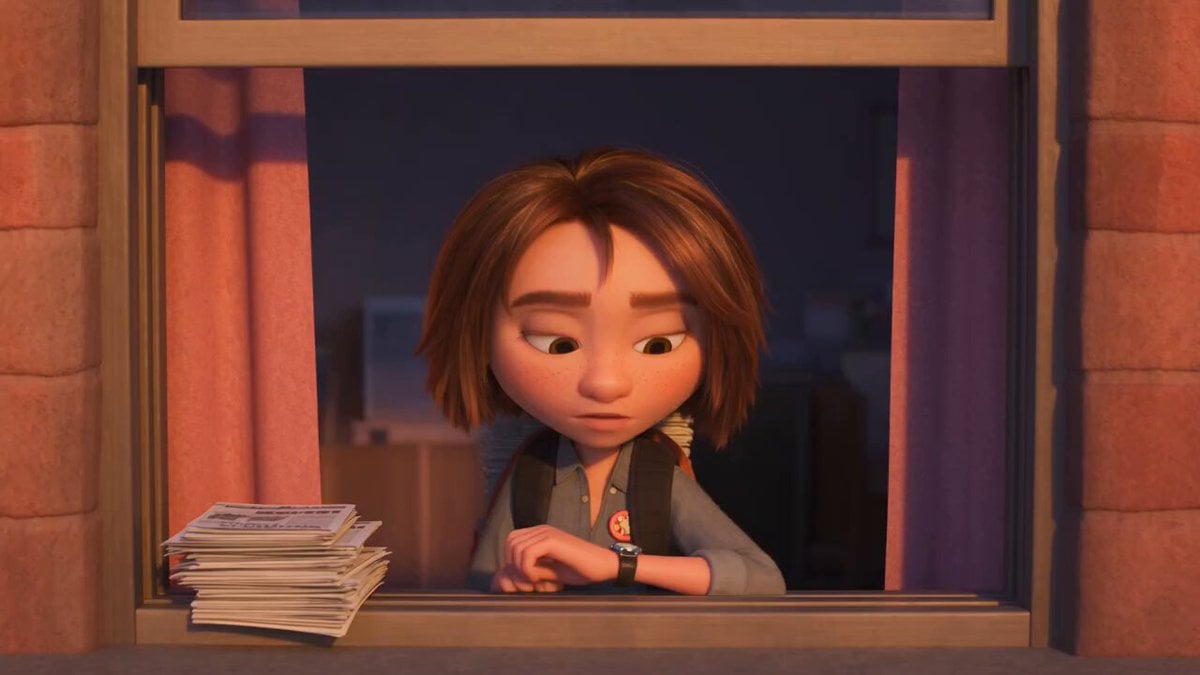
3D Animated Newspaper Delivery Short - Seedance 2.5
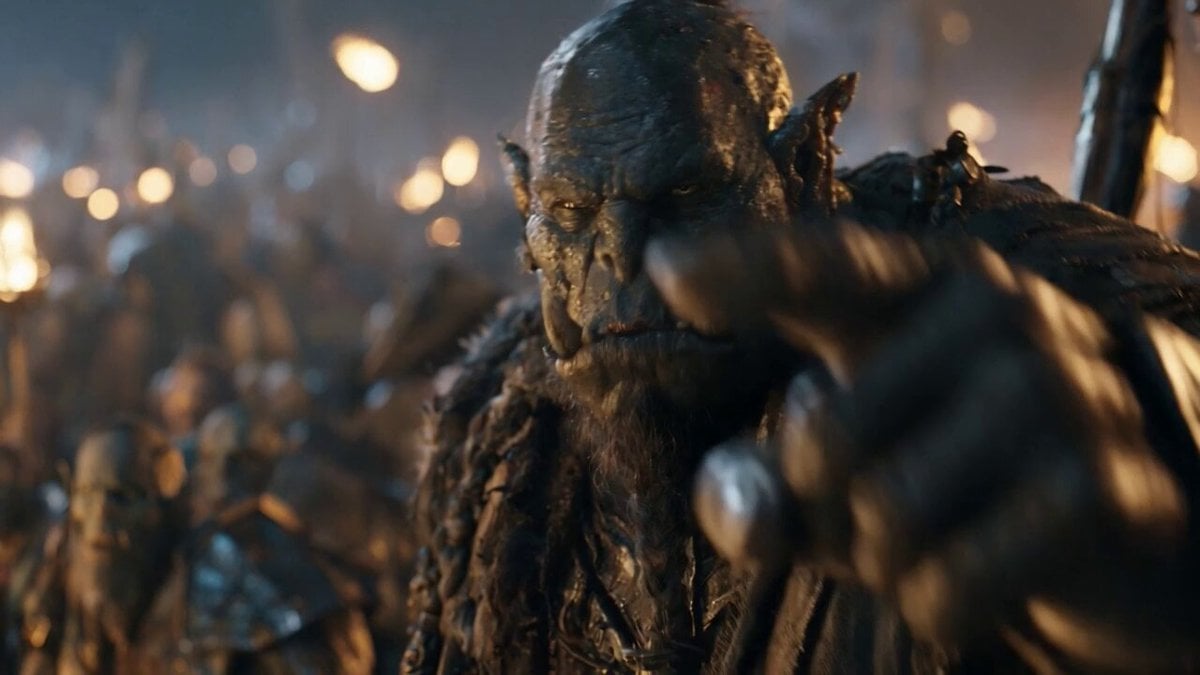
3D Animated Cat and Old Man - Seedance
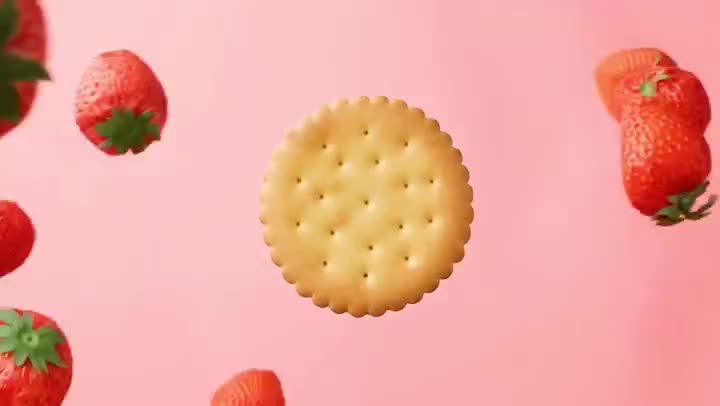
Fruit Cookie Commercial

Silk Road Pomegranate Folk Animation
Mechanical Flower Bloom Brand Film
Crystal Ball Match-Cut Brand Film

Sneaker Product Commercial
Skincare Product Commercial 3
Cinematic Portrait Study 3
Product UGC Commercial
Cinematic Portrait Study
Skincare Product Commercial
Make it yours
3D Animated Soda Commercial works as-is. These are the safest ways to change it without losing the look.
Change one field
Copy a single group, rewrite it, and generate again so you can see what that field is doing.
Keep the frame, change the subject
Hold the composition and light of 3D Animated Soda Commercial, then swap wardrobe, props or the person for a new take.
| If the result… | Why | Fix |
|---|---|---|
| The result drifts from the preview | Too many fields changed at once. | Reuse 3D Animated Soda Commercial as-is first, then change one group — subject, light, or setting. |
| The model over-stylizes the scene | The prose prompt leaves finish and camera underspecified. | Add one camera or lighting sentence and stay on Seedance 2.0. |
More Seedance 2.0 templates
Other prompts made for Seedance 2.0.

Comical Martial Arts Punch Scene

Maglev Train Action Sequence

Martial Arts Fight Sequence

Wuxia Protection and Trust Script

Vintage Korean Arcade MiniDV Vlog

Mercedes 190 SL Luxury Ad

Rainy Night Supernatural Reverse Comedy Video Script

Amazon Civilization Discovery

Futuristic South Asian City Transformation

Cozy Luxury Cafe Commercial
More video prompts
Fresh picks from across the catalog.
Surreal Sports Broadcast Reaction

Sci-fi short film: The Girl vs. the Robot Spider
Mysterious Rainforest Tribal Encounter
Driver Seat Action Sequence
Cybernetic Space Book Promotion
Arsenal Stadium Crowd Reaction
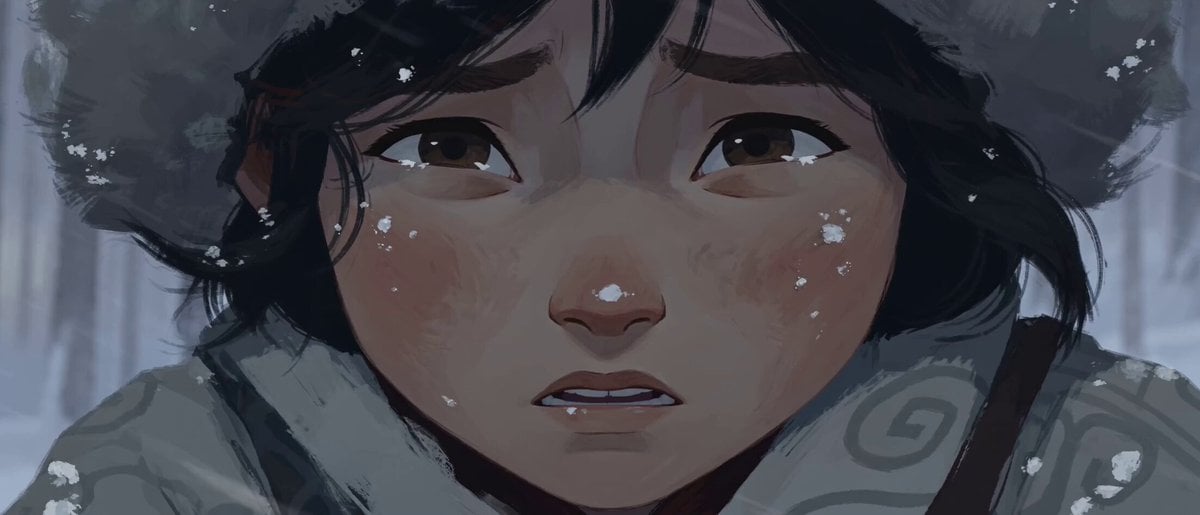
Hand-Drawn 2D Snowstorm Animation
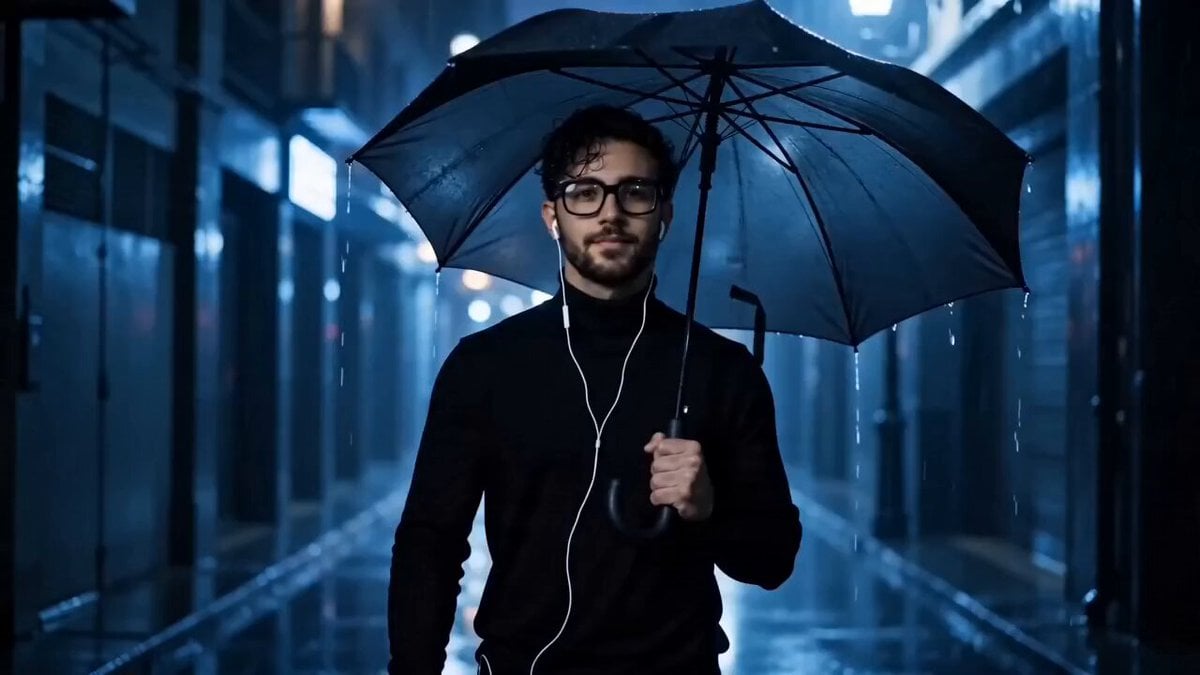
Cinematic Cyberpunk Rain Alley Encounter
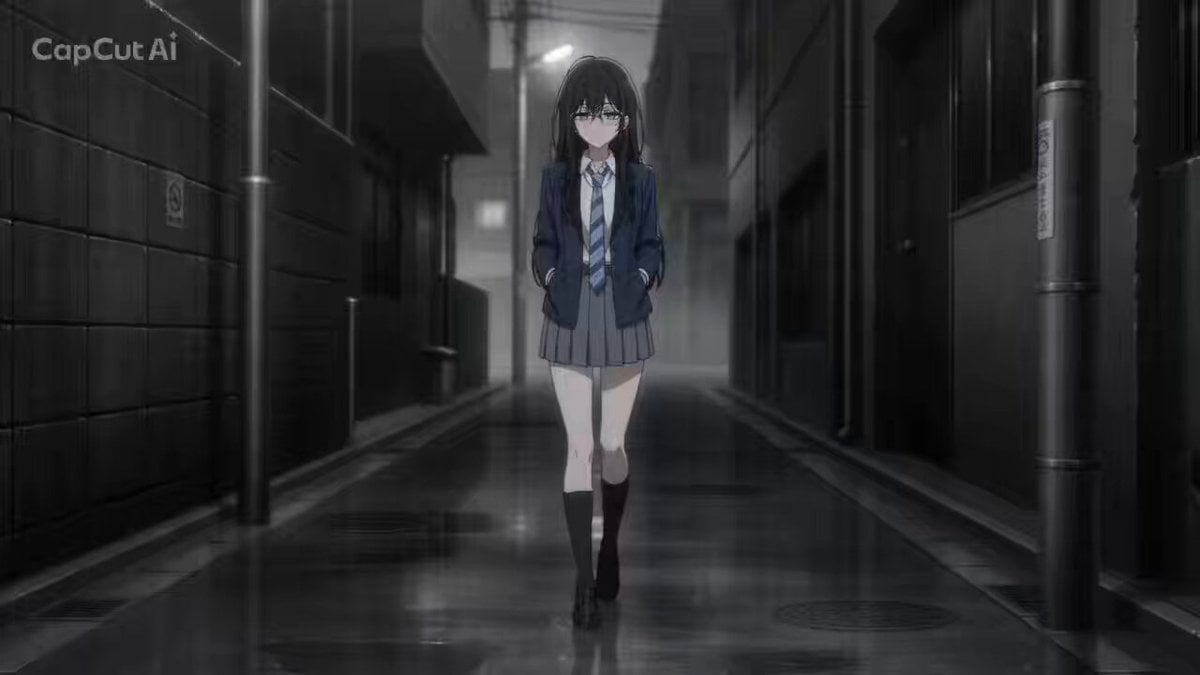
Cinematic Female Gun Action Sequence
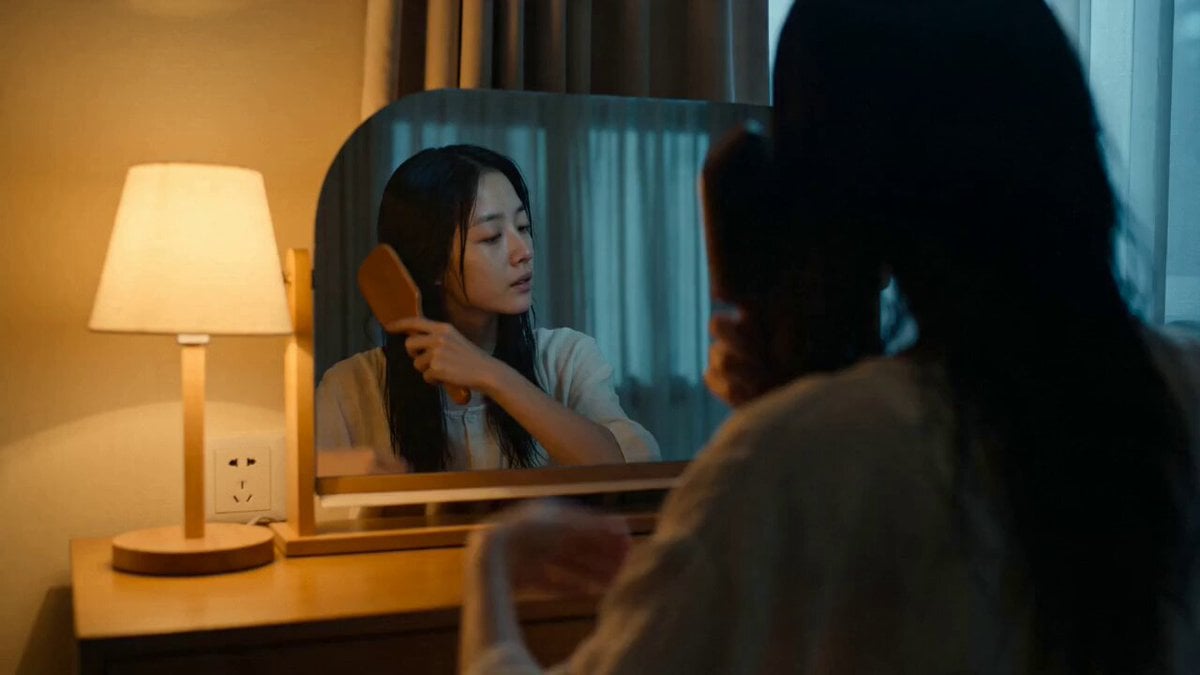
Suspenseful Mirror Reflection Horror Scene
Browse template categories
3D Animated Soda Commercial questions
How do I use the 3D Animated Soda Commercial template?
Add your photo if the template asks for one, edit the prompt if you like — the template's model and format are already selected — and press Generate. Your version opens in PicX Studio.
Can I customize the 3D Animated Soda Commercial template?
Yes. You can change the subject, setting, lighting, mood, format, and available model controls before creating your video.
Is the 3D Animated Soda Commercial template free?
Opening and editing this template is free. Generating uses credits, shown on the Generate button when you are signed in.
Which AI model should I use?
Start with Seedance 2.0, which is the model associated with this template. You can compare another compatible model for a different finish.
Looking for something else? Browse all templates.

Your photo, any look
Thousands of ready templates for every top image and video model, from one credit balance.