
Inferno Hot-Rod Ambush
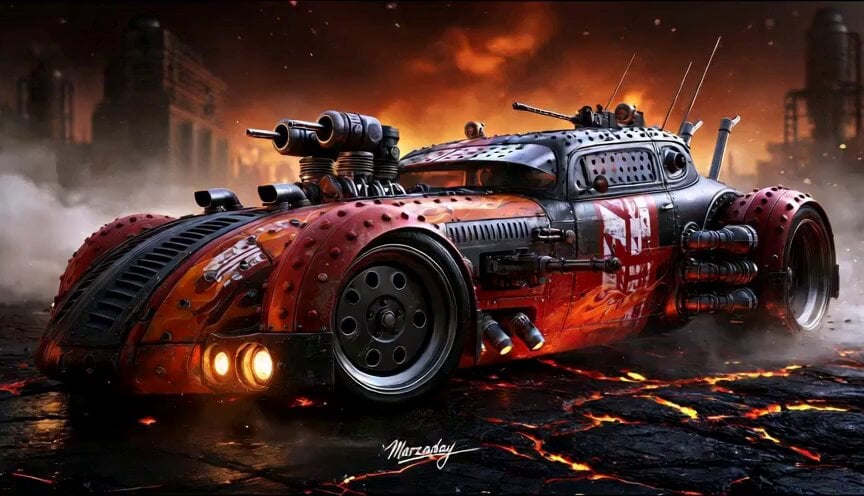
An aggressive, hyper-realistic cinematic action sequence featuring a futuristic armored hot-rod escaping an ambush in a fiery lava wasteland.
- Prompt included
- Model and format preset
- Free template
The prompt behind this video
Copy the exact prompt behind Inferno Hot-Rod Ambush, or open it in the studio and make it yours.
Inferno Hot-Rod Ambush Hyper-realistic cinematic action sequence, 15 seconds, aspect ratio 16:9. One futuristic armored hot-rod is the main subject. It is ultra pimped out, low and aggressive, with heavy plated bodywork, hidden weapon mounts, integrated twin gun turrets, side-mounted machine guns, exposed pistons, heat vents, exhaust stacks, riveted metal panels, enclosed cockpit with bulletproof canopy glass, flame decals, and deep orange, red, matte black, and white markings. The setting is a bleak fiery wasteland with cracked lava ground, ruined industrial structures, dust, smoke, and a stormy orange-red sky. The goal is simple: the hot-rod must blast through a deadly ambush and escape the collapsing road. The action starts with the hot-rod roaring across the lava-cracked wasteland at high speed, tires throwing sparks and dust. Heat shimmer rises from the ground. As it races past the ruins of an old industrial refinery, a hidden mechanical roadblock suddenly erupts out of the ground ahead, and automated gun towers unfold from the wreckage on both sides. The hot-rod swerves hard into a violent powerslide as the first shots tear across the road. Hidden twin gun turrets rise from the bodywork and fire back. Side-mounted machine guns erupt in short bursts, blasting one gun tower apart in sparks and metal. The car straightens, rockets forward, then the lava-cracked road begins splitting open in front of it. Now the set piece escalates. A huge slab of roadway collapses into a glowing lava fissure. The hot-rod hits full throttle, jumps the broken section, lands hard, and smashes through the mechanical roadblock while fire, debris, and broken metal explode around it. One side panel scrapes sparks off the wreckage, but the car keeps charging forward. At the end, the hot-rod bursts clear of the ambush zone and powers through smoke and ember glow while the ruined refinery behind erupts in secondary explosions and the cracked lava road continues collapsing. Style: hyper-realistic, cinematic, intense, aggressive, dark and moody, award-winning automotive editorial feel, dramatic three-quarter low-angle energy, clear readable action, one hero vehicle only, no extra hero cars, the hot-rod must remain the star, sleek armored dieselpunk military engineering, flaming wasteland atmosphere, smoke, embers, heavy shadows, subtle reflections on dusty or heated surfaces, no text, no logos, no cartoon style, no slow motion, no famous driver face, no celebrity resemblance. Keep proportions. Keep style and features. Aspect ratio 16:9.
How to use Inferno Hot-Rod Ambush in 3 steps
- 1
Open
The prompt is already in the box next to the preview, with the template's model and format selected.
- 2…a portrait of your subject in softgolden-hour light, 85mm…
Personalize
Edit the subject and creative details for your destination.
- 3Generate
Generate
Press Generate — your video is created in PicX Studio, so you can compare it with the original and refine one variable at a time.
More like this
Templates with the same subject, style or setup. Open one to see its prompt.

Grok Imagine prompt: Grok driving a cosmic hot rod spaceship
Hot-Air Balloon Travel Vlog
NYC Wingsuit Hot Dog Landing
Australian Football Fan Eating Hot Dog
New York Street Basketball Janitor Shot
Photorealistic Lifestyle Influencer Vlog Prompt
Modern log cabin in Forty Rod Flat, Wyoming
Seedance 2.0 Prompt for Time Stop Scenario in Hot Spring
Warehouse Breach to Rooftop Inferno Cinematic Script
Luminous Jellyfish and Kronosaurus Ambush
Alien Ambush Action Sequence

Crocodile Ambush Action Sequence
Make it yours
Inferno Hot-Rod Ambush works as-is. These are the safest ways to change it without losing the look.
Change one field
Copy a single group, rewrite it, and generate again so you can see what that field is doing.
Keep the frame, change the subject
Hold the composition and light of Inferno Hot-Rod Ambush, then swap wardrobe, props or the person for a new take.
| If the result… | Why | Fix |
|---|---|---|
| The result drifts from the preview | Too many fields changed at once. | Reuse Inferno Hot-Rod Ambush as-is first, then change one group — subject, light, or setting. |
| The model over-stylizes the scene | The prose prompt leaves finish and camera underspecified. | Add one camera or lighting sentence and stay on Seedance 2.0. |
More Seedance 2.0 templates
Other prompts made for Seedance 2.0.

Comical Martial Arts Punch Scene

Maglev Train Action Sequence

Martial Arts Fight Sequence

Wuxia Protection and Trust Script

Vintage Korean Arcade MiniDV Vlog

Mercedes 190 SL Luxury Ad

Rainy Night Supernatural Reverse Comedy Video Script

Amazon Civilization Discovery

Futuristic South Asian City Transformation

Cozy Luxury Cafe Commercial
More video prompts
Fresh picks from across the catalog.
Hyper-realistic Night Portrait of an Asian Woman in Chongqing

Chaotic Morning Animated Short

Peaceful Fairy Women and Lotus Animation

Video Script for 'Accidentally Touching Girlfriend' using Seedance 2.0
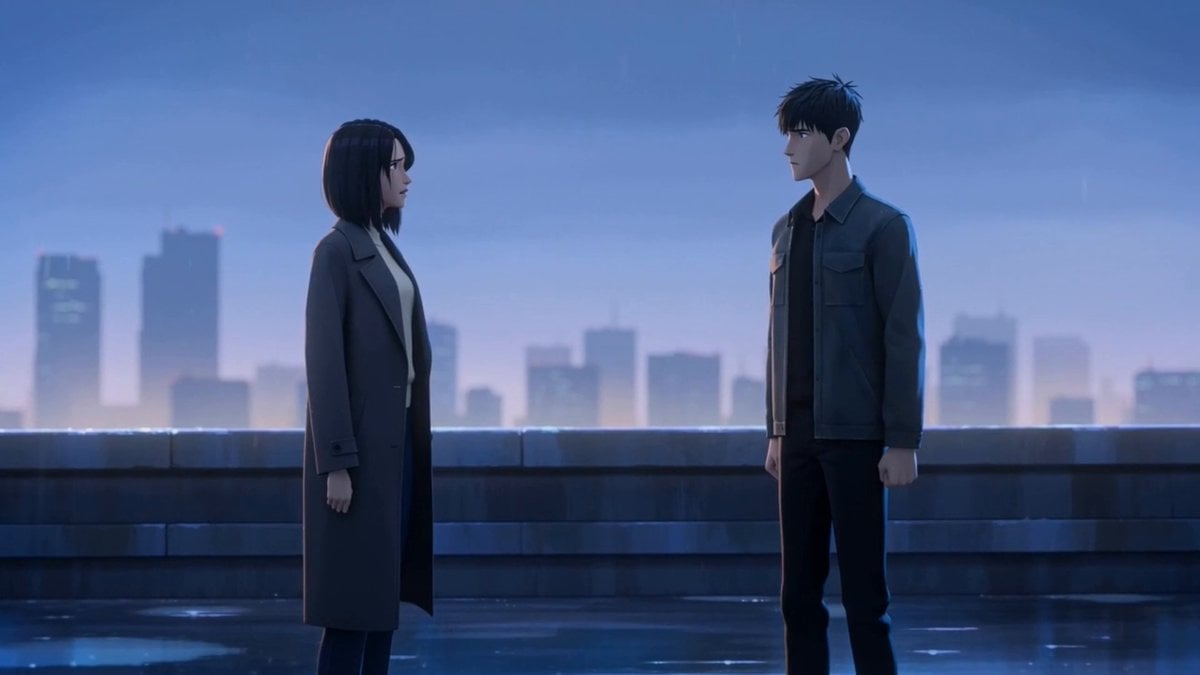
Cinematic Emotional Confrontation Prompt

Dancing Puppies in Hoodies
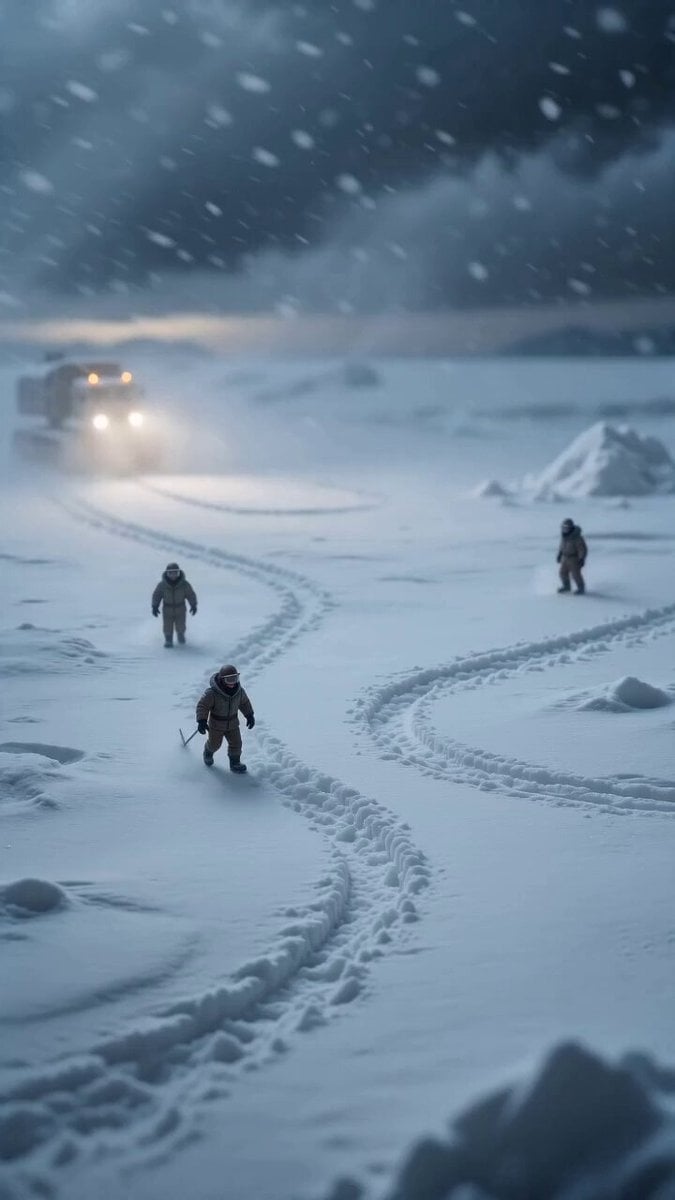
Miniature Ice Cream Construction Sequence
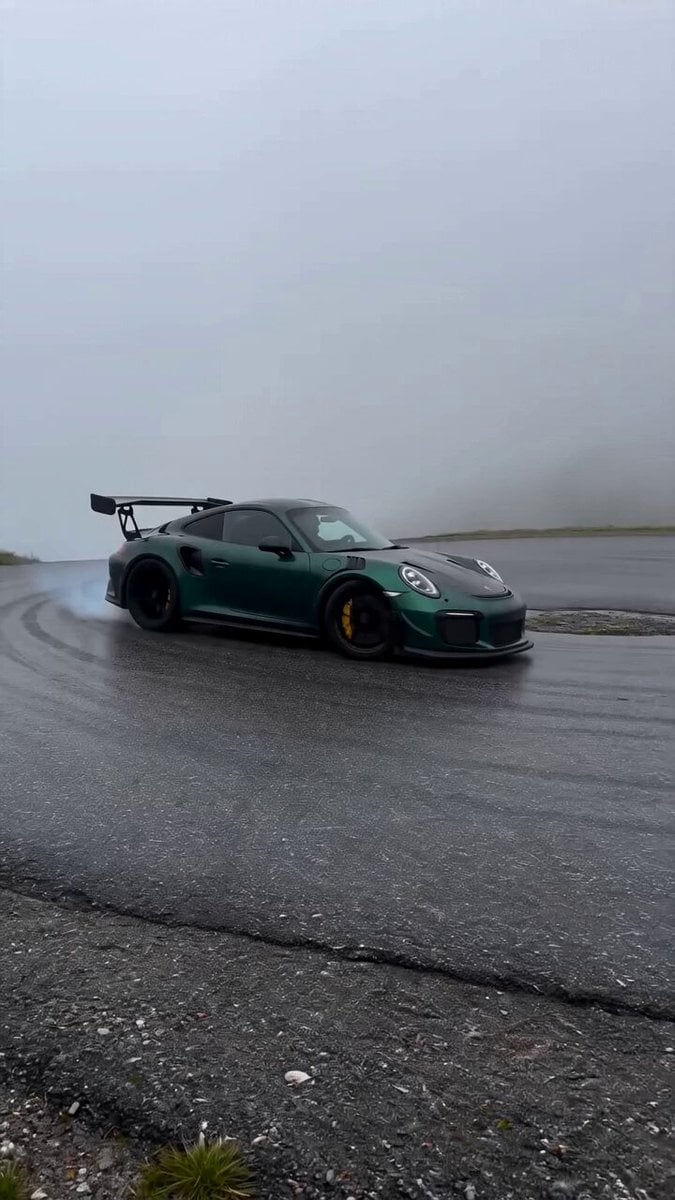
Porsche 911 Alpine Drift
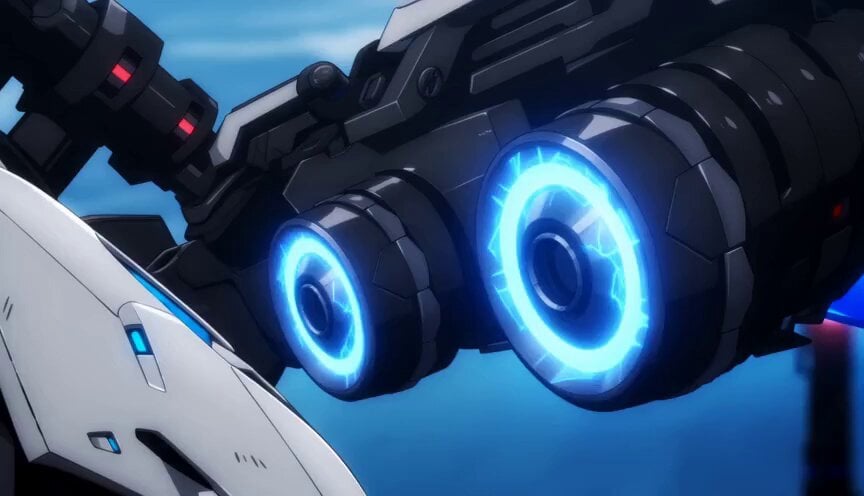
Cinematic Anime Battle Sequence

Singing Happy Birthday with Candles
Browse template categories
Inferno Hot-Rod Ambush questions
How do I use the Inferno Hot-Rod Ambush template?
Add your photo if the template asks for one, edit the prompt if you like — the template's model and format are already selected — and press Generate. Your version opens in PicX Studio.
Can I customize the Inferno Hot-Rod Ambush template?
Yes. You can change the subject, setting, lighting, mood, format, and available model controls before creating your video.
Is the Inferno Hot-Rod Ambush template free?
Opening and editing this template is free. Generating uses credits, shown on the Generate button when you are signed in.
Which AI model should I use?
Start with Seedance 2.0, which is the model associated with this template. You can compare another compatible model for a different finish.
Looking for something else? Browse all templates.

Your photo, any look
Thousands of ready templates for every top image and video model, from one credit balance.