
Seaside Photo and Charcoal Sketch Poster
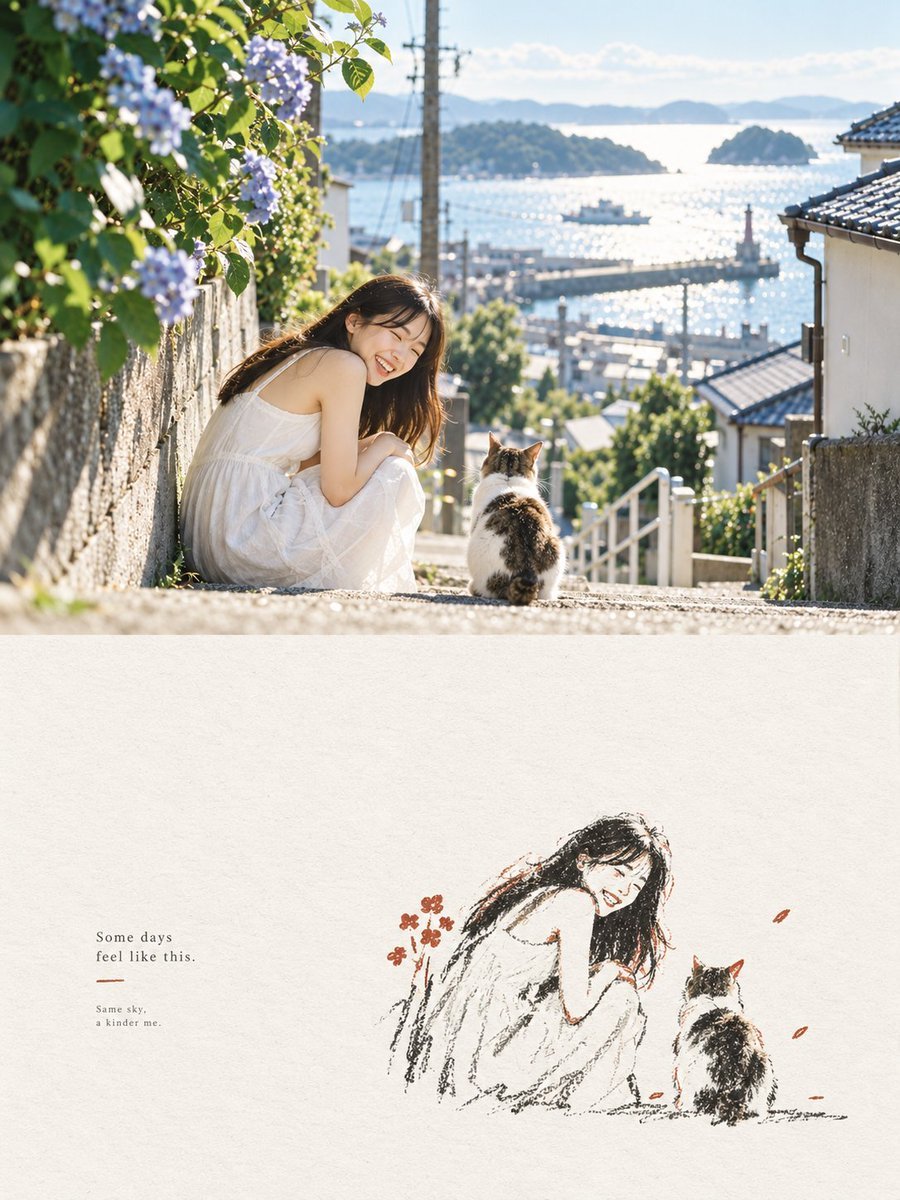
Generates a serene vertical diptych combining a sunny coastal lifestyle photo with a minimalist charcoal sketch and poetic caption.
- Prompt included
- Model and format preset
- Free template
The prompt behind this image
Copy the exact prompt behind Seaside Photo and Charcoal Sketch Poster, or open it in the studio and make it yours.
Create a vertical editorial poster split into 2 stacked panels. Top panel: a bright, dreamy realistic photograph of a young woman with long dark hair wearing a loose white sleeveless summer dress, sitting on sunlit stone steps on a steep seaside town street. She is turned toward the camera, smiling warmly, with 1 calico cat sitting beside her facing away toward the harbor. The street slopes down between old Japanese-style houses with tiled roofs, white railings, stone walls, utility poles, greenery, and blooming pale purple hydrangeas on the left foreground. In the background, show a sparkling blue inland sea with small islands, a harbor pier, tiny boats, soft distant mountains, and a clear pale blue sky. Use golden morning sunlight, backlit highlights, shallow depth of field, natural lens flare, airy coastal atmosphere, and a nostalgic Japanese travel-photography aesthetic. Bottom panel: large off-white handmade paper texture with a minimalist charcoal-and-colored-pencil sketch recreation of the same scene placed slightly right of center: exactly 2 figures, the smiling seated woman in a white dress and the calico cat facing the sea, drawn with loose black carbon-pencil strokes, sparse warm brown and muted red accents, and a few small red-orange petals or flowers. On the left side of the bottom panel, add small serif text reading exactly: “Some days\nfeel like this.” then a short thin muted red underline, then smaller text reading exactly: “Same sky,\na kinder me.” Keep the top half photographic and the bottom half hand-drawn, with generous negative space, soft grain, elegant magazine layout, calm healing mood, no extra people, no watermark. Customizable elements: {argument name="main subject" default="young woman with long dark hair in a loose white sleeveless summer dress"}, {argument name="animal companion" default="calico cat"}, {argument name="location" default="sunlit Japanese seaside town overlooking a harbor and islands"}, {argument name="main quote" default="Some days\nfeel like this."}, {argument name="small caption" default="Same sky,\na kinder me."}
How to use Seaside Photo and Charcoal Sketch Poster in 3 steps
- 1Upload ImagePNG, JPG or paste
Add your photo
Upload the photo the template builds on. The prompt, model and format are already set.
- 2…a portrait of your subject in softgolden-hour light, 85mm…
Personalize
Edit the subject and creative details for your destination.
- 3Generate
Generate
Press Generate — your image is created in PicX Studio, so you can compare it with the original and refine one variable at a time.
More like this
Templates with the same subject, style or setup. Open one to see its prompt.
Expressive Charcoal Drawing Sketch
Charcoal Sketch Portrait Illustration
Monochrome Pencil and Charcoal Portrait Sketch
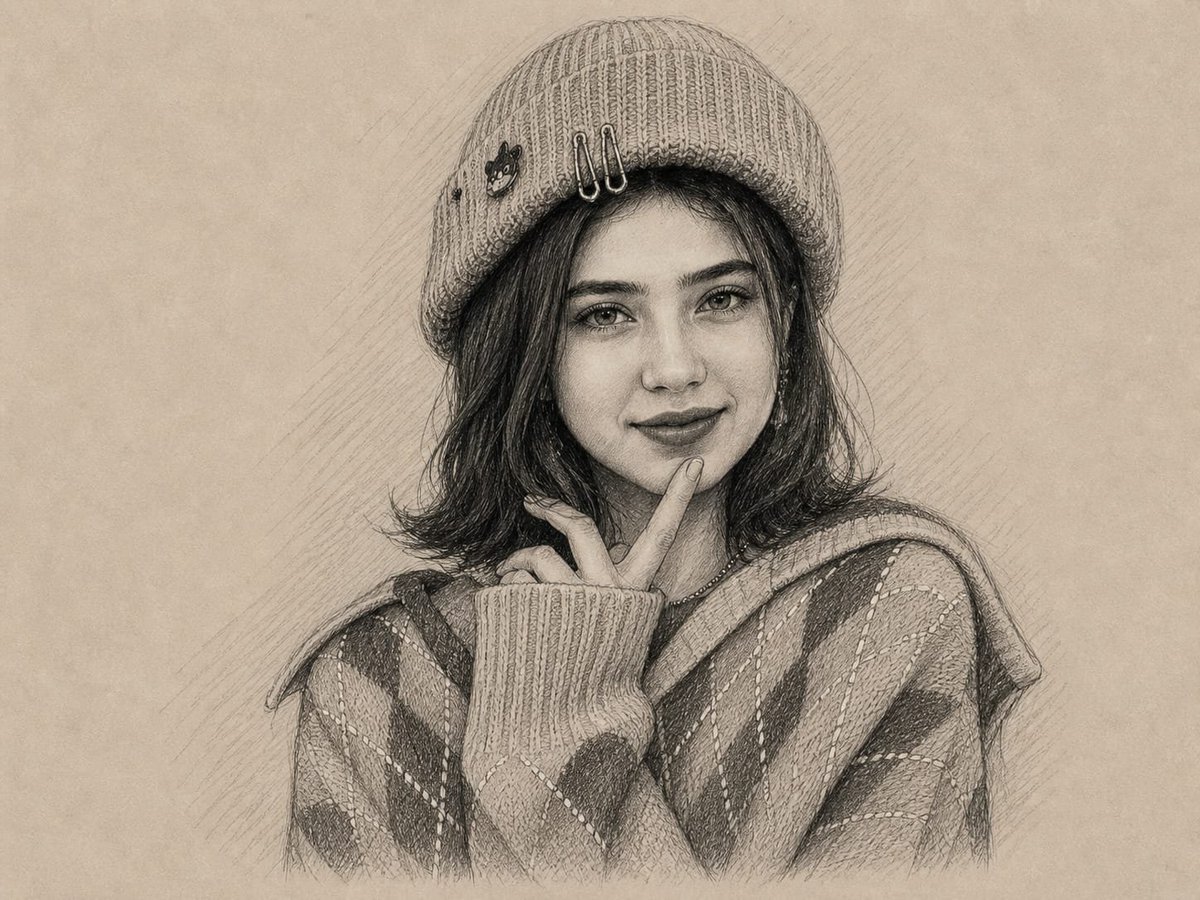
Graphite and Charcoal Portrait Sketch

Japan Travel Brochure Poster
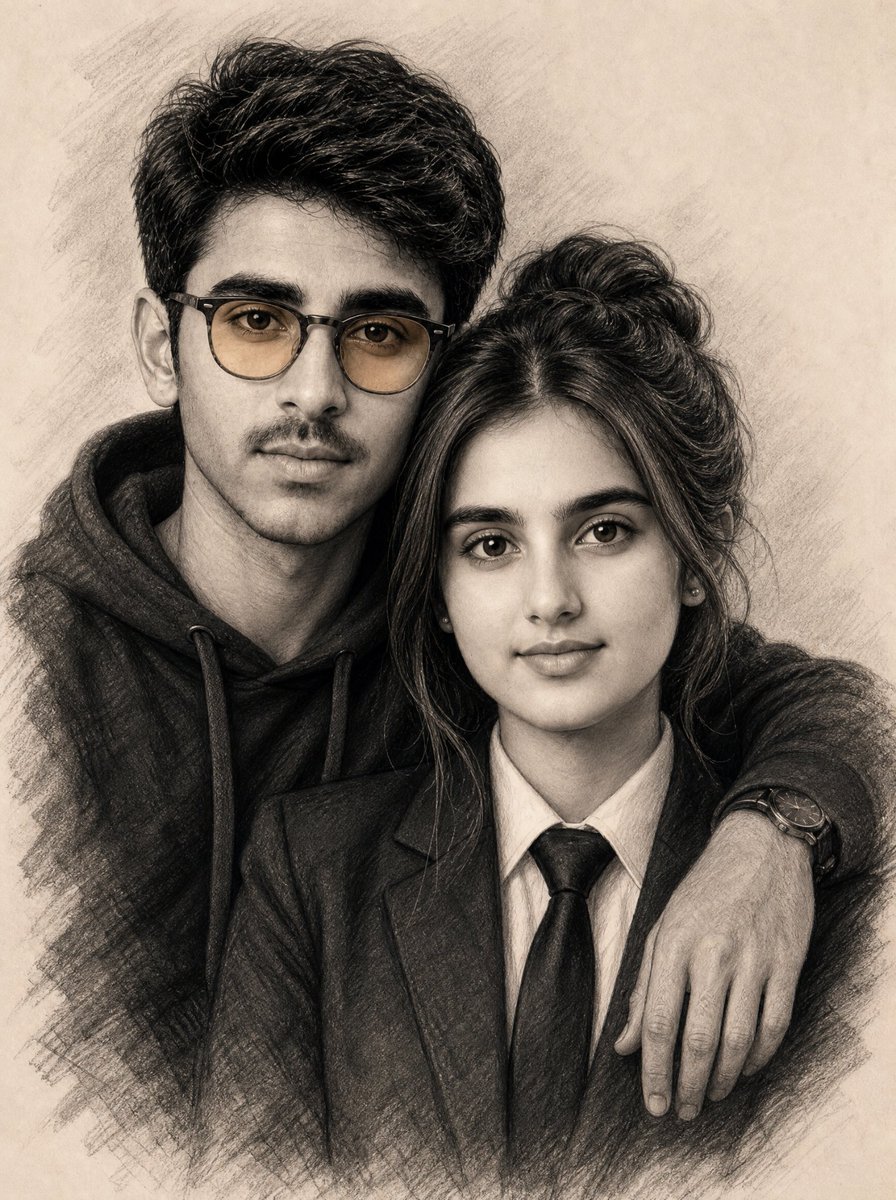
Realistic Charcoal Sketch Couple Portrait
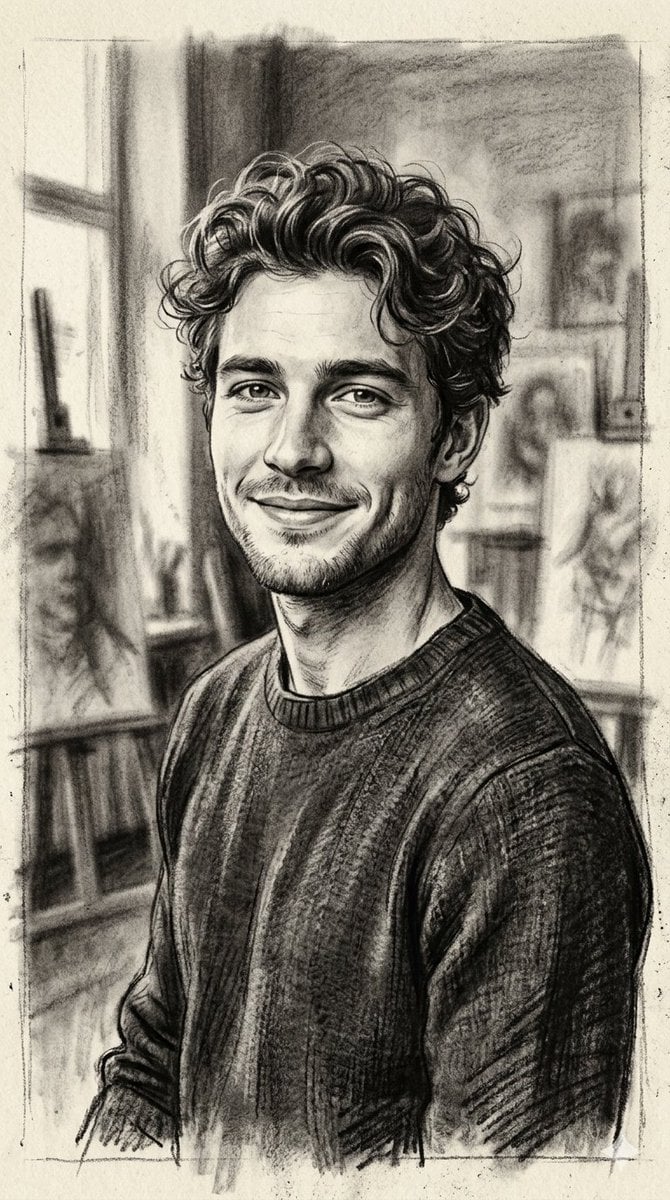
Hand-Drawn Charcoal Sketch Portrait
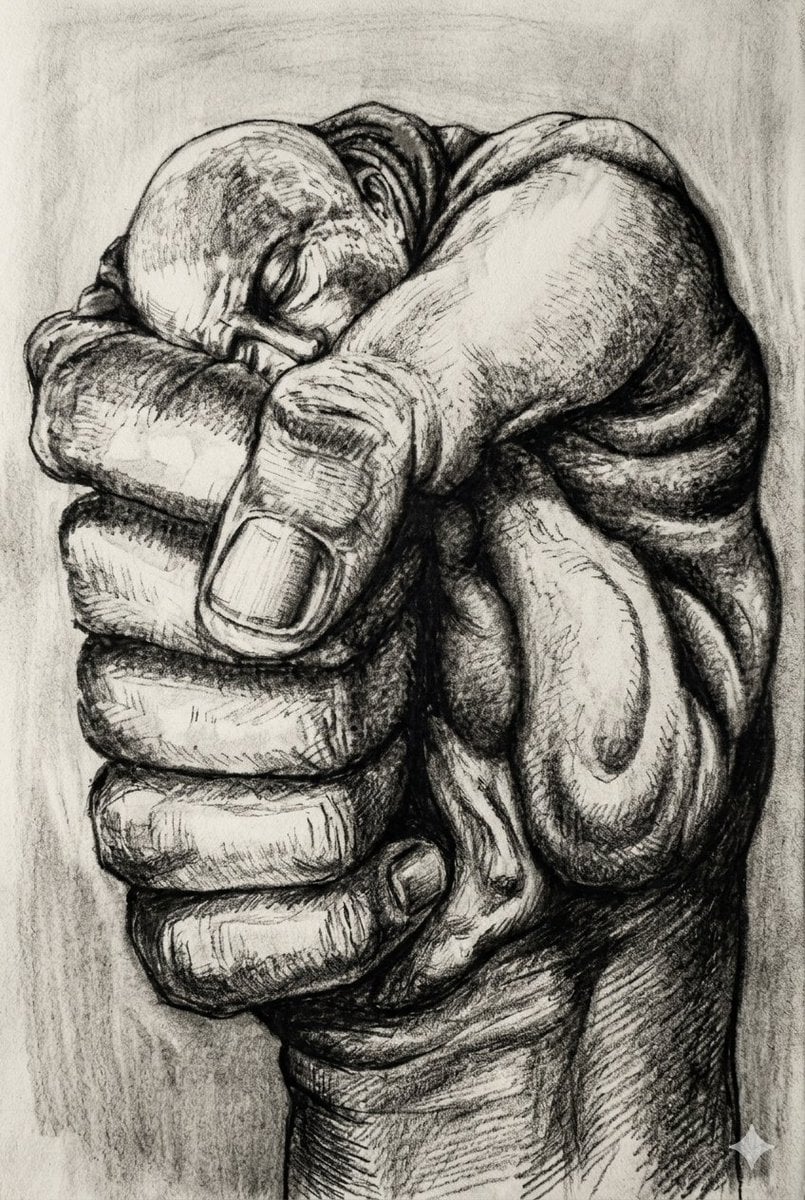
Surreal Charcoal Fist Sketch

Cartoon TV Show Poster Pack
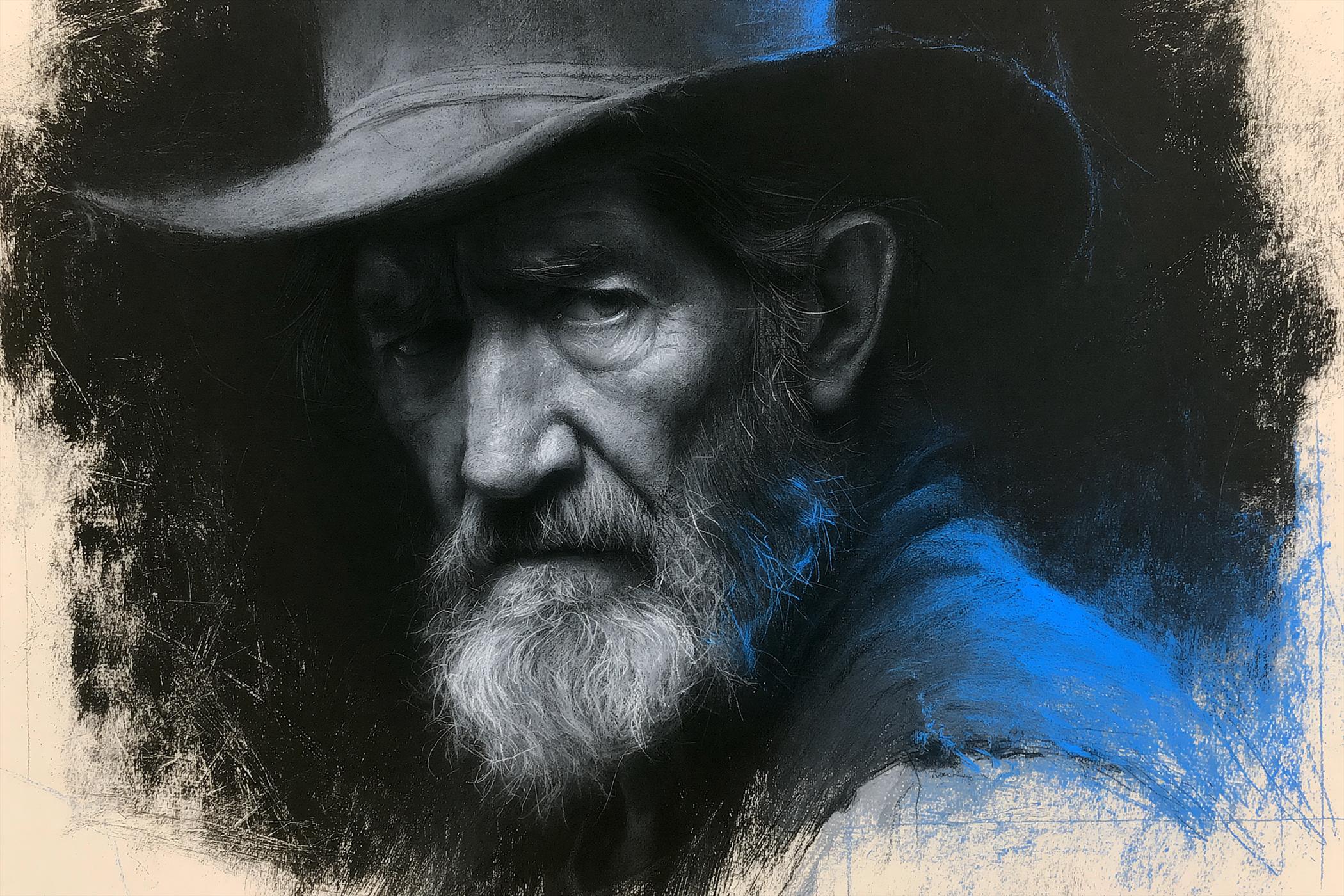
Charcoal Chiaroscuro Portraiture

Trendy Cafe Drink Promo Poster

Urban Fashion Editorial Collage Streetwear Poster
Make it yours
Seaside Photo and Charcoal Sketch Poster works as-is. These are the safest ways to change it without losing the look.
Change one field
Copy a single group, rewrite it, and generate again so you can see what that field is doing.
Keep the frame, change the subject
Hold the composition and light of Seaside Photo and Charcoal Sketch Poster, then swap wardrobe, props or the person for a new take.
| If the result… | Why | Fix |
|---|---|---|
| The result drifts from the preview | Too many fields changed at once. | Reuse Seaside Photo and Charcoal Sketch Poster as-is first, then change one group — subject, light, or setting. |
| The model over-stylizes the scene | The prose prompt leaves finish and camera underspecified. | Add one camera or lighting sentence and stay on GPT Image 2. |
More GPT Image 2 templates
Other prompts made for GPT Image 2.

Six VTuber Japanese Logo Sheet

Realistic Portrait of Woman and Deer

The Vista Modular Condo Poster

AI Model Routing Comparison Infographic

2.5D Anime Art Board

Isometric Productivity Desk Scene

New York Double Exposure Poster

Four-Panel AI Landscape Comparison

Japanese Tatami Lifestyle Magazine Cover

NESCAFÉ Coffee Map Poster
More image prompts
Fresh picks from across the catalog.
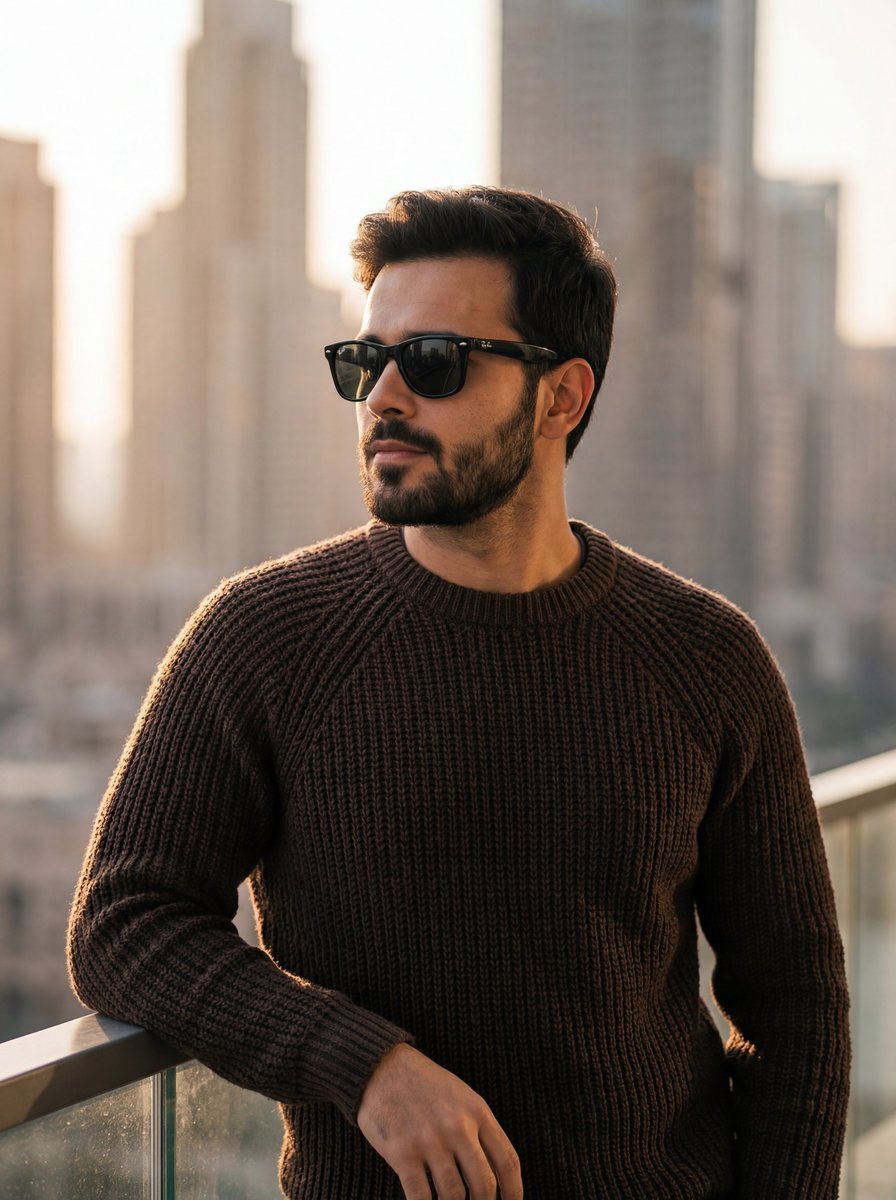
Golden Hour Portrait of Stylish Man on Balcony
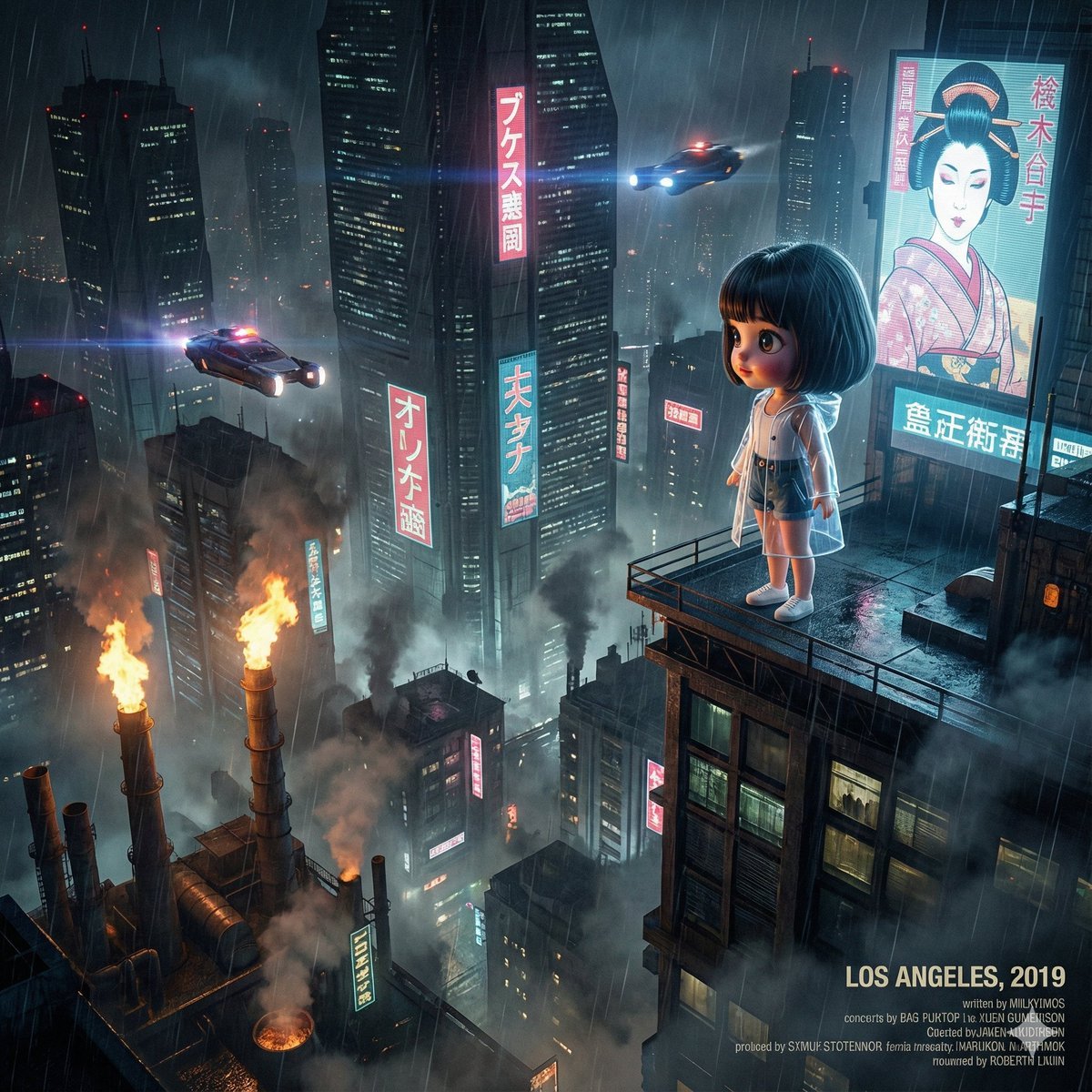
Blade Runner Opening Style Image
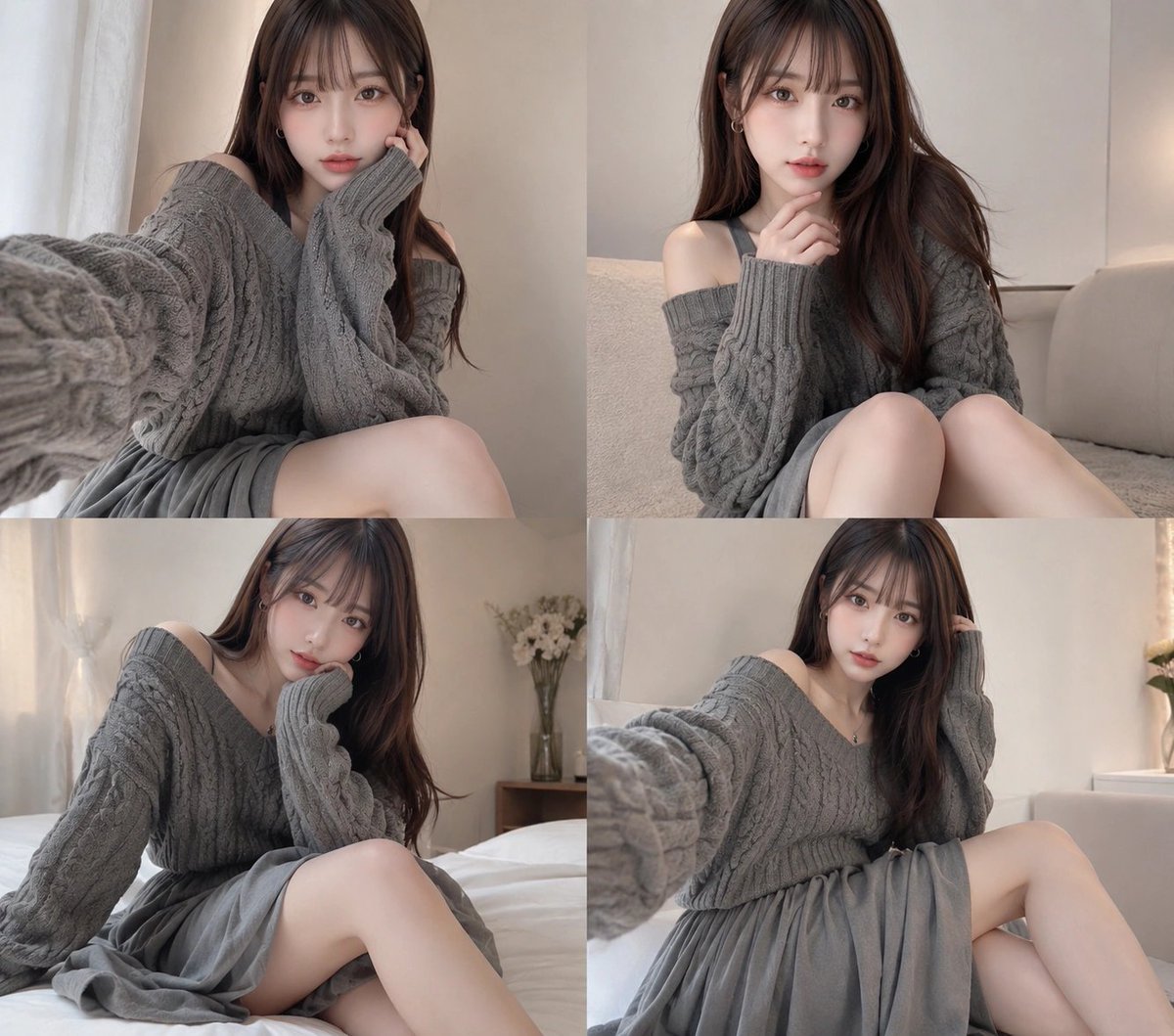
Four-Panel Cozy Gray Sweater Selfie Collage
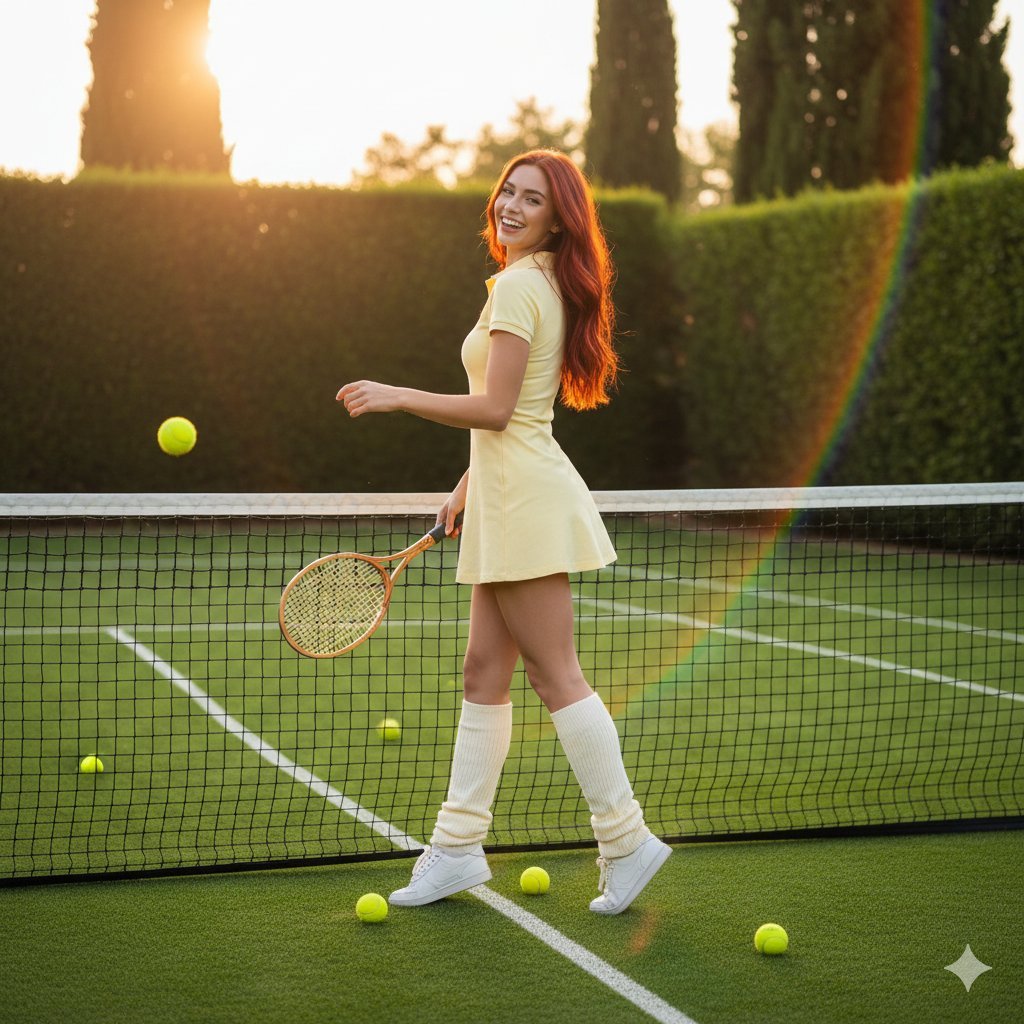
Golden Hour Tennis Lifestyle Photo Prompt
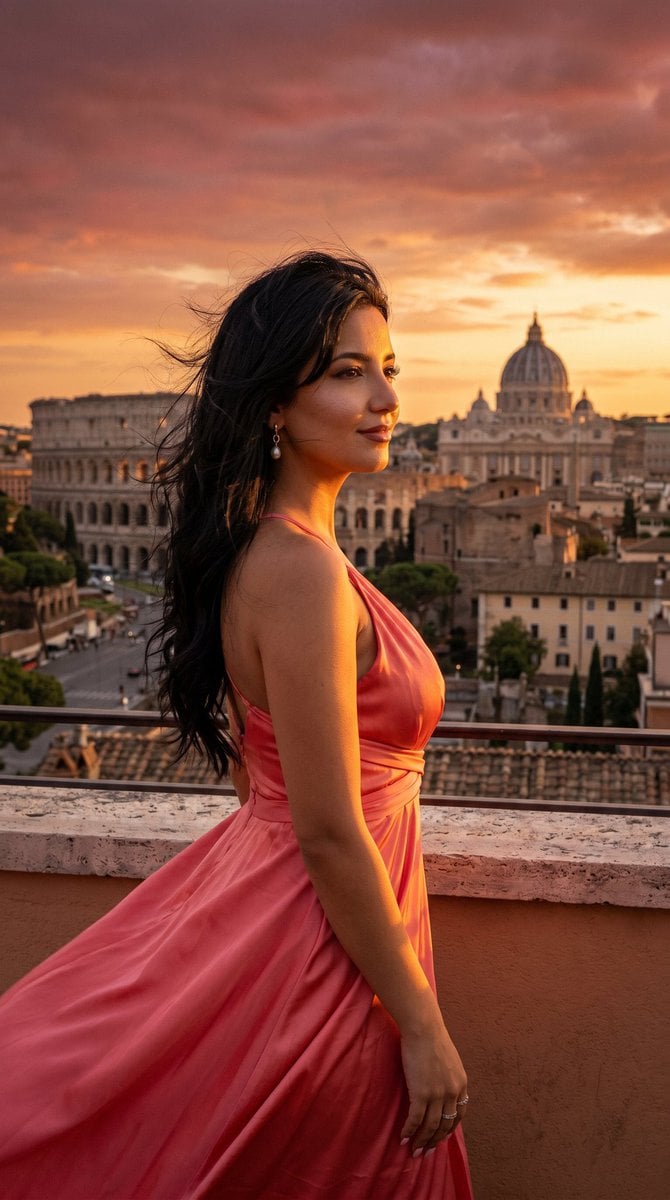
Rome Skyline Sunset Cinematic Portrait
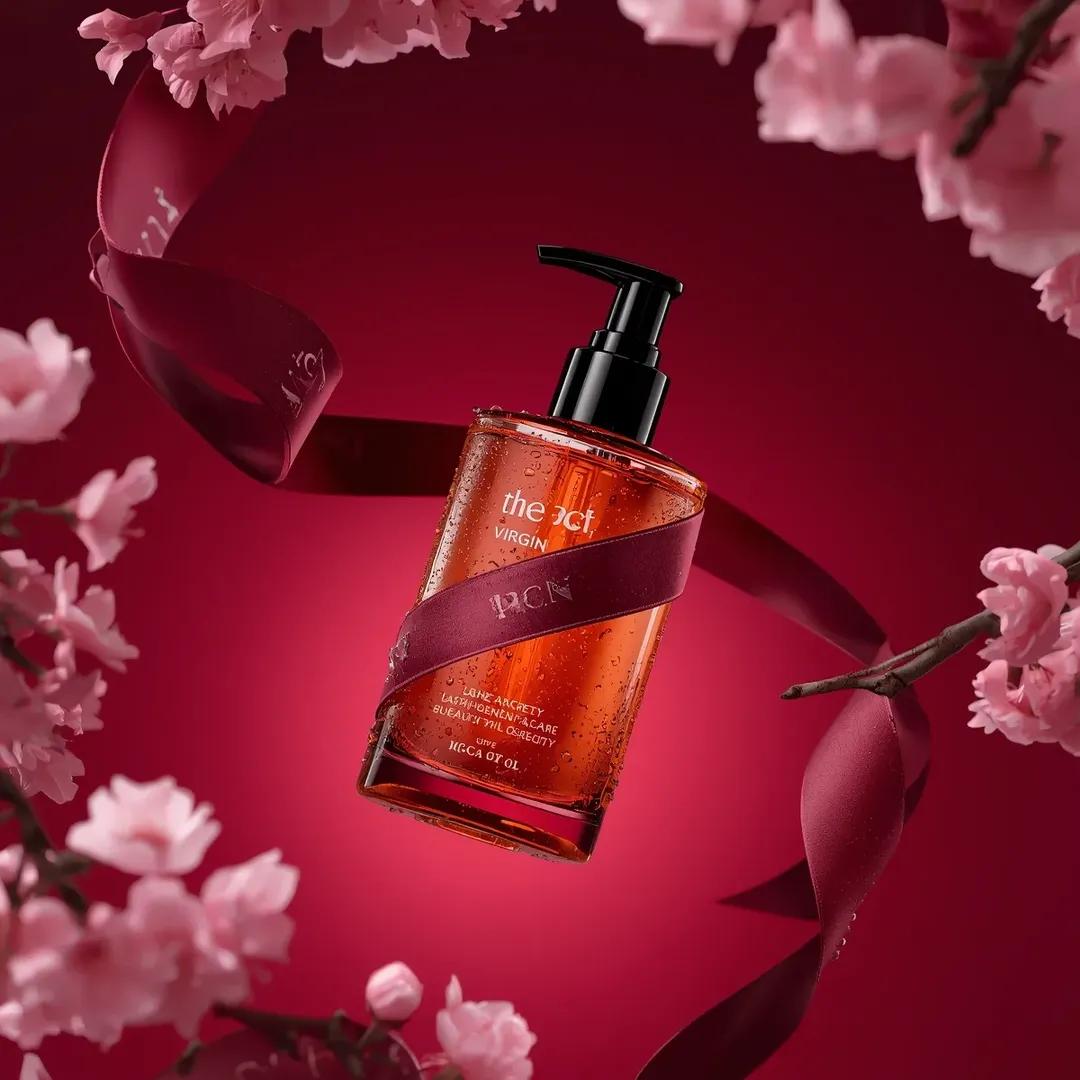
Ultra-Realistic Luxury Body Oil Product Photography
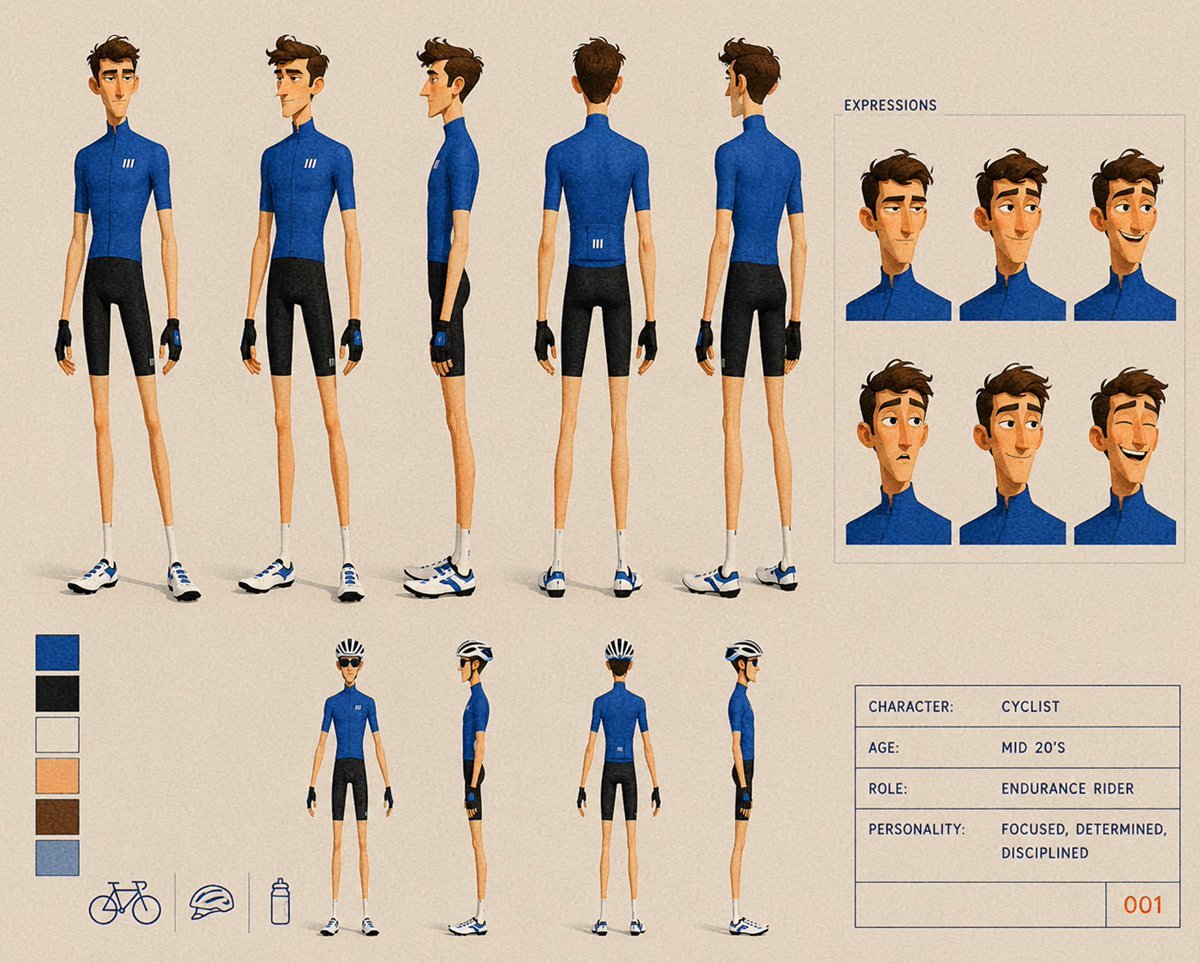
Cyclist Character Design Sheet
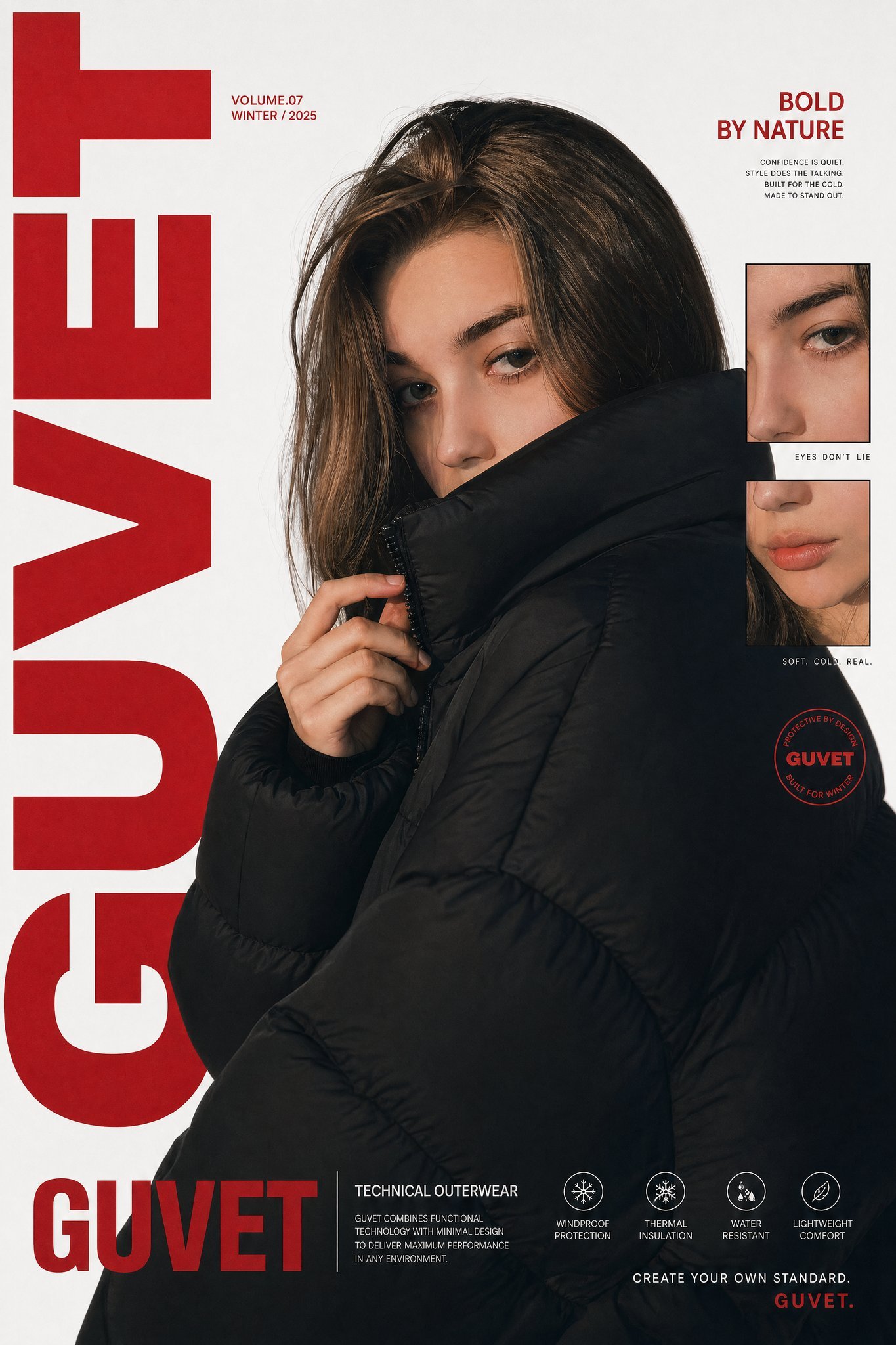
X Saniaspeaks Created with Gpt Image 2 on Chatgpt
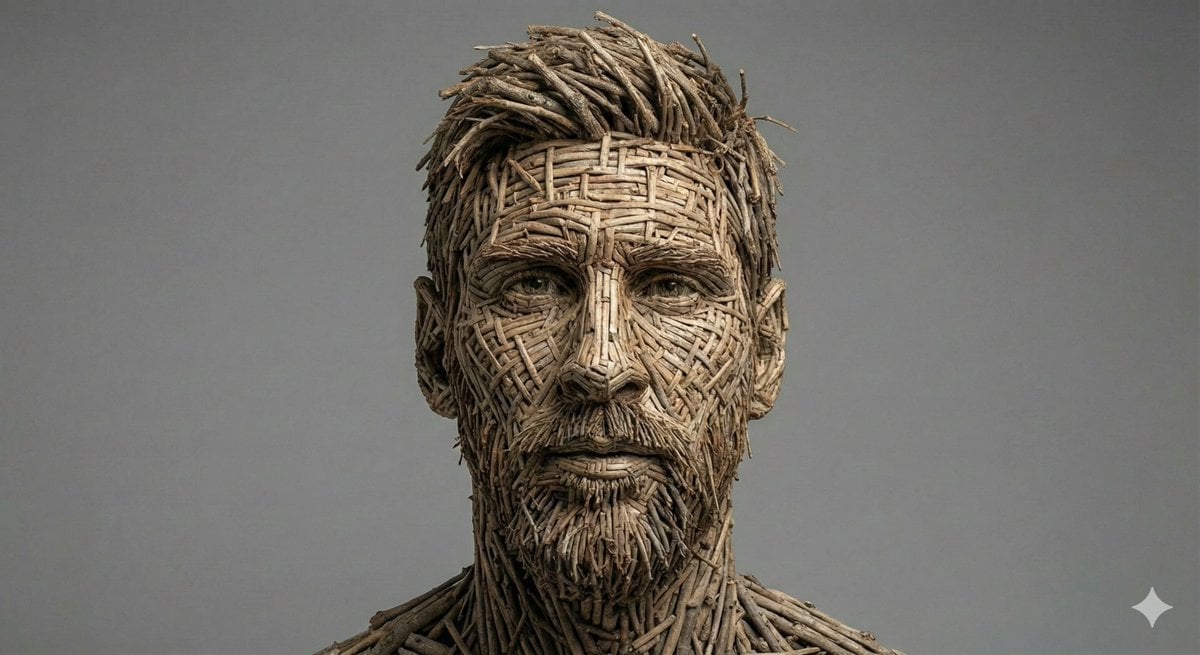
Woven Wooden Twig Portrait with Identity Lock
Peaceful anime hillside landscape
Browse template categories
Seaside Photo and Charcoal Sketch Poster questions
How do I use the Seaside Photo and Charcoal Sketch Poster template?
Add your photo if the template asks for one, edit the prompt if you like — the template's model and format are already selected — and press Generate. Your version opens in PicX Studio.
Can I customize the Seaside Photo and Charcoal Sketch Poster template?
Yes. You can change the subject, setting, lighting, mood, format, and available model controls before creating your image.
Is the Seaside Photo and Charcoal Sketch Poster template free?
Opening and editing this template is free. Generating uses credits, shown on the Generate button when you are signed in.
Which AI model should I use?
Start with GPT Image 2, which is the model associated with this template. You can compare another compatible model for a different finish.
Looking for something else? Browse all templates.

Your photo, any look
Thousands of ready templates for every top image and video model, from one credit balance.