
90s Flash Polaroid Aesthetic
90s Flash Polaroid Aesthetic is a ready photo look.
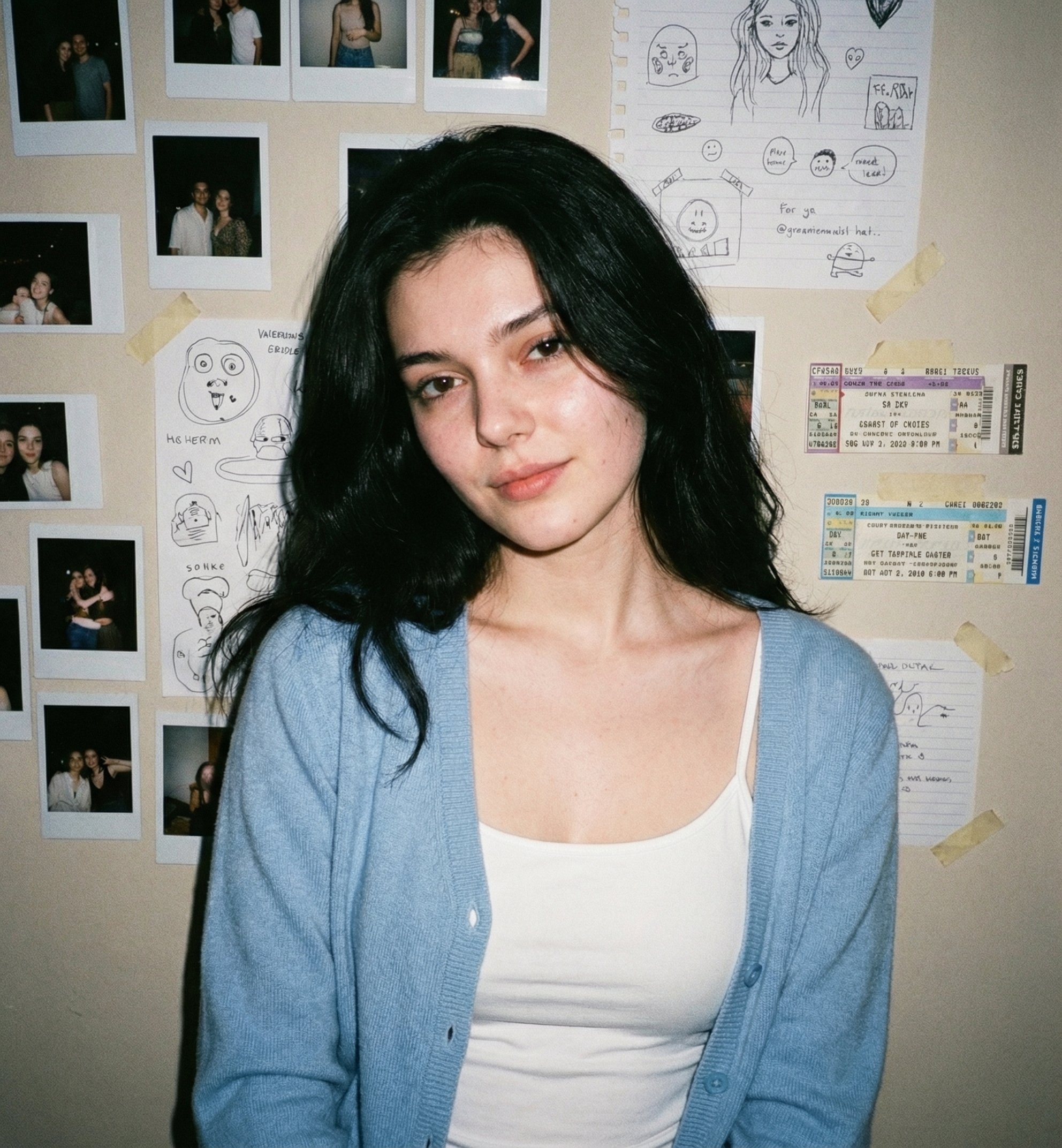
- Prompt included
- Model and format preset
- Free template
The prompt behind this image
Copy the exact prompt behind 90s Flash Polaroid Aesthetic, or open it in the studio and make it yours.
A young woman with the same unchanged face, pale soft complexion, caught in a classic 90s disposable-camera snapshot. Her loose black hair falls naturally around her face. She gives a subtle smirk, relaxed and unbothered. She’s wearing a soft sky-blue cardigan over a simple white camisole. The background is a light beige wall cluttered with polaroids, doodles, and taped-up concert tickets. The on-camera flash creates gentle shadows and airy nostalgic realism.
How to use 90s Flash Polaroid Aesthetic in 3 steps
- 1
Open
The prompt is already in the box next to the preview, with the template's model and format selected.
- 2…a portrait of your subject in softgolden-hour light, 85mm…
Personalize
Edit the subject and creative details for your destination.
- 3Generate
Generate
Press Generate — your image is created in PicX Studio, so you can compare it with the original and refine one variable at a time.
More like this
Templates with the same subject, style or setup. Open one to see its prompt.
Mirror Selfie Chibi Characters Pixar Style

A k.pop idol on the stage with mic
Minimalist Fashion Editorial Split Layout

Warm Window Side Café Studio Portrait
Nostalgic Digicam Café Afternoon Portrait

Cozy Café Ice Cream Hands Close-Up
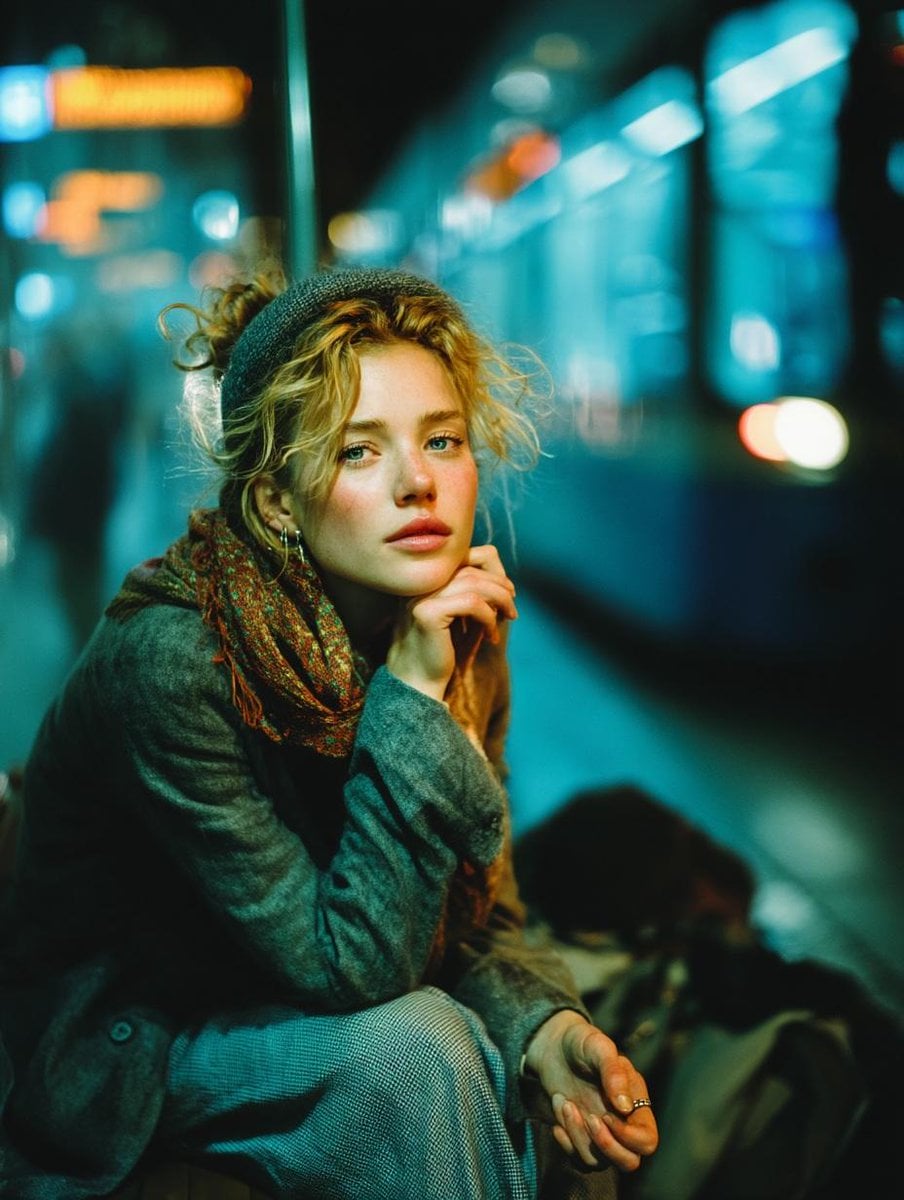
Subway Platform Quiet Introspective Portrait
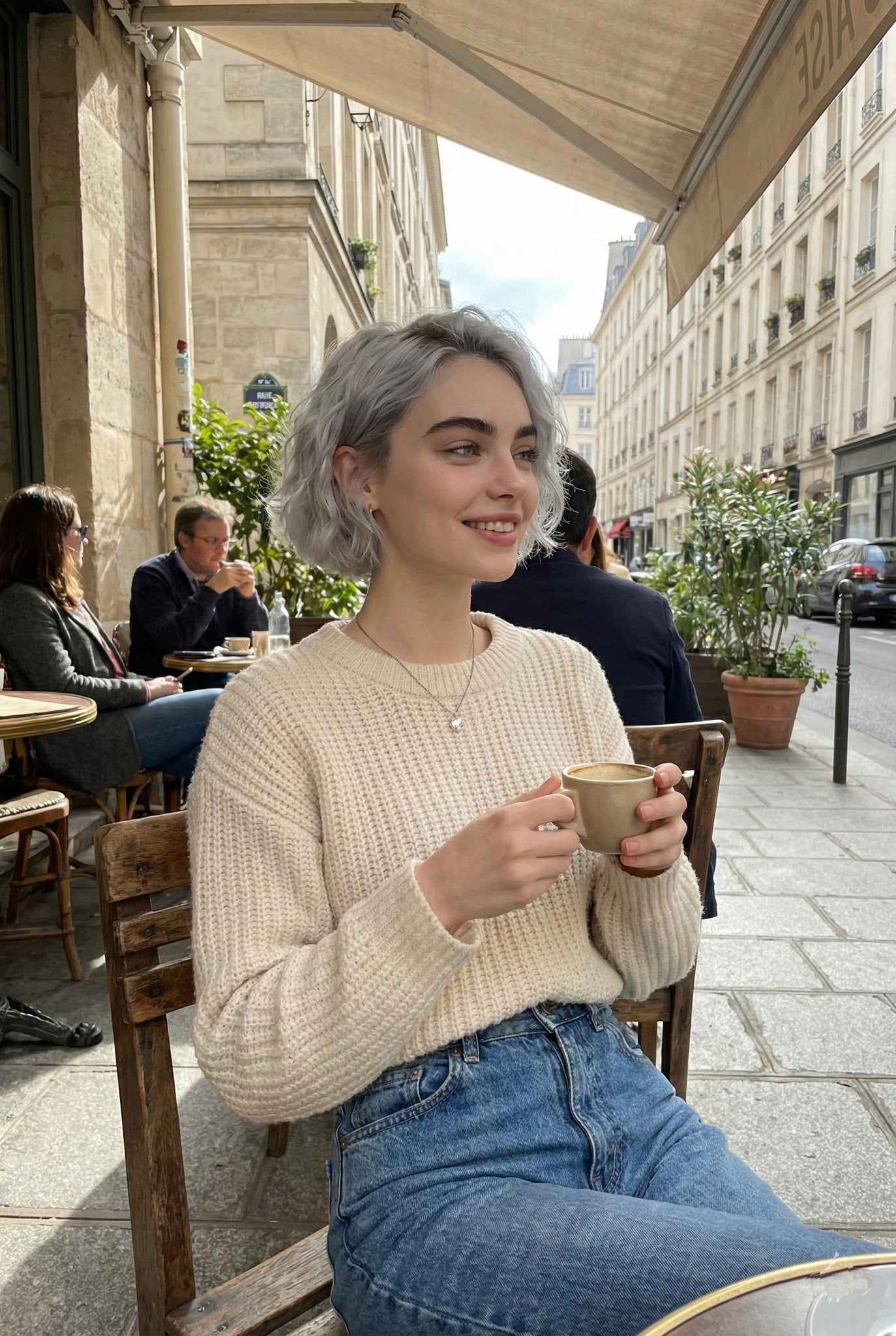
Parisian Outdoor Café Silver-Hair Portrait
Warm Window Side Café Studio Portrait
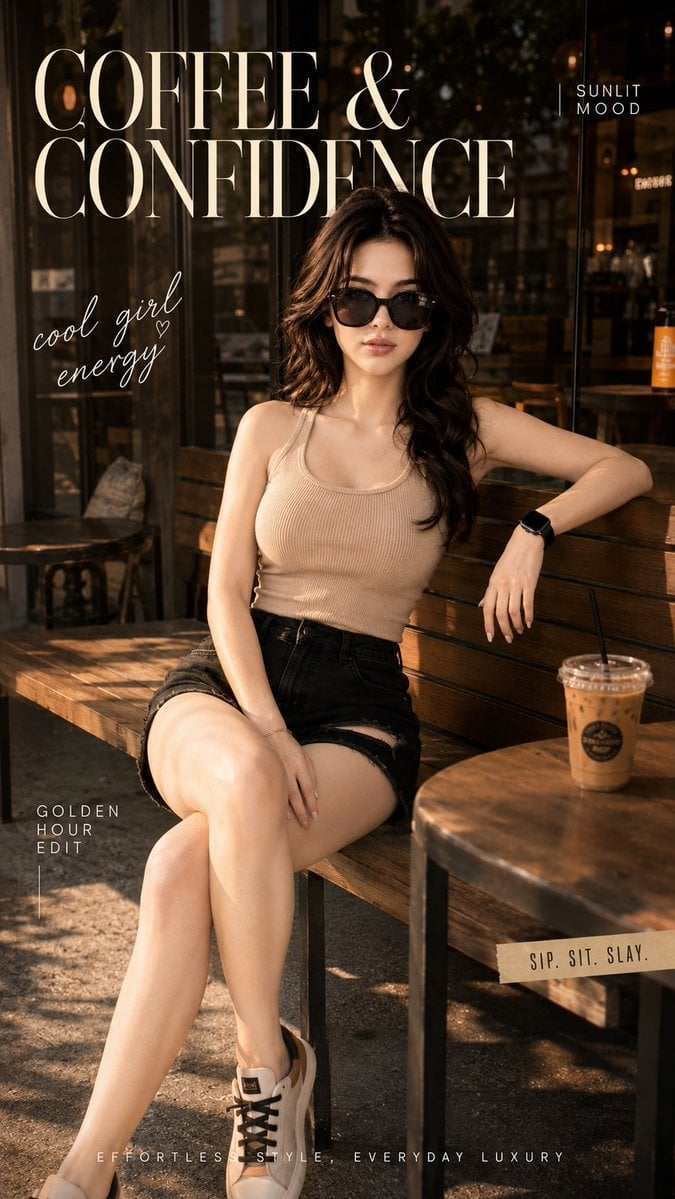
Ultra-Cinematic Lifestyle Fashion Portrait
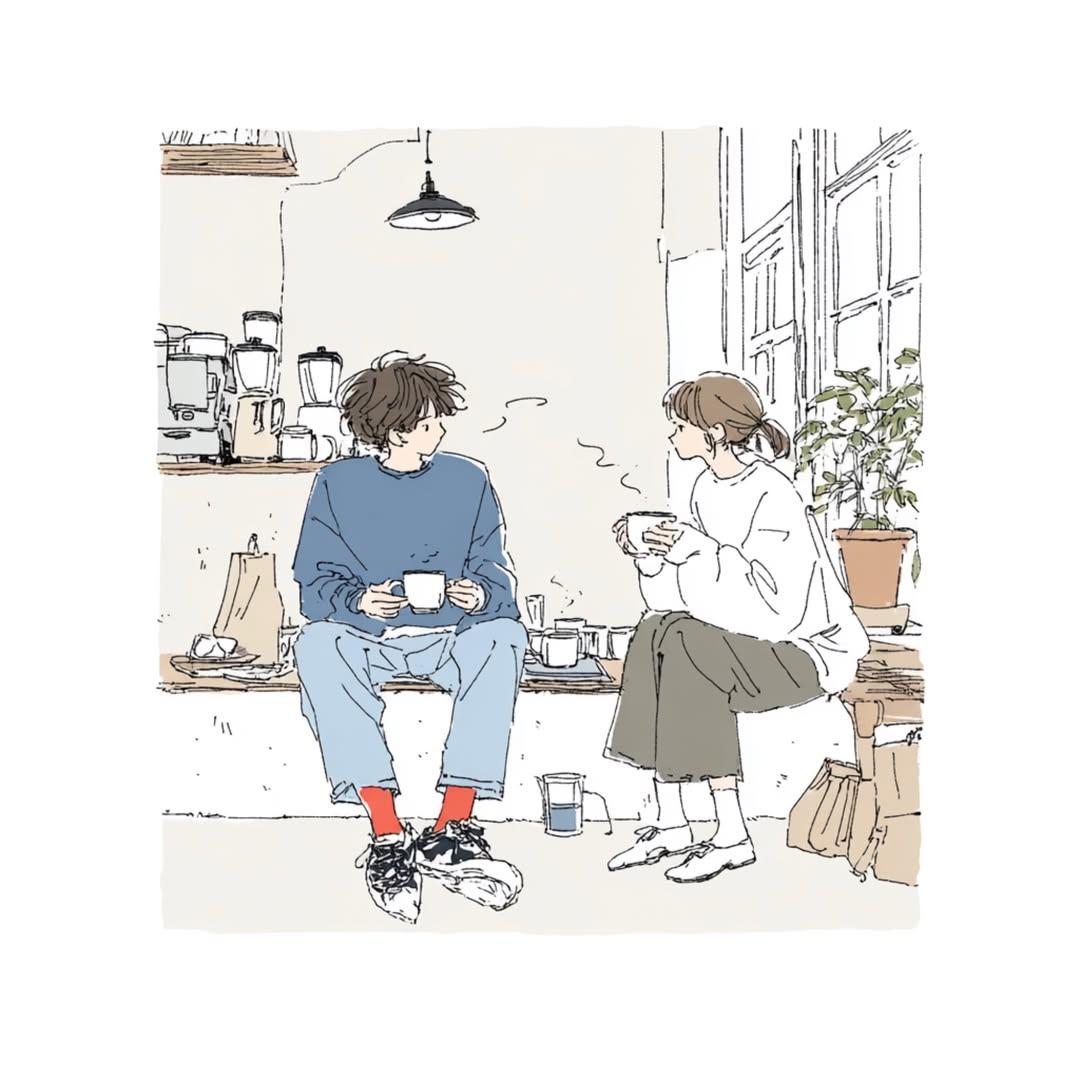
Delicate Japanese Café Lifestyle Illustration
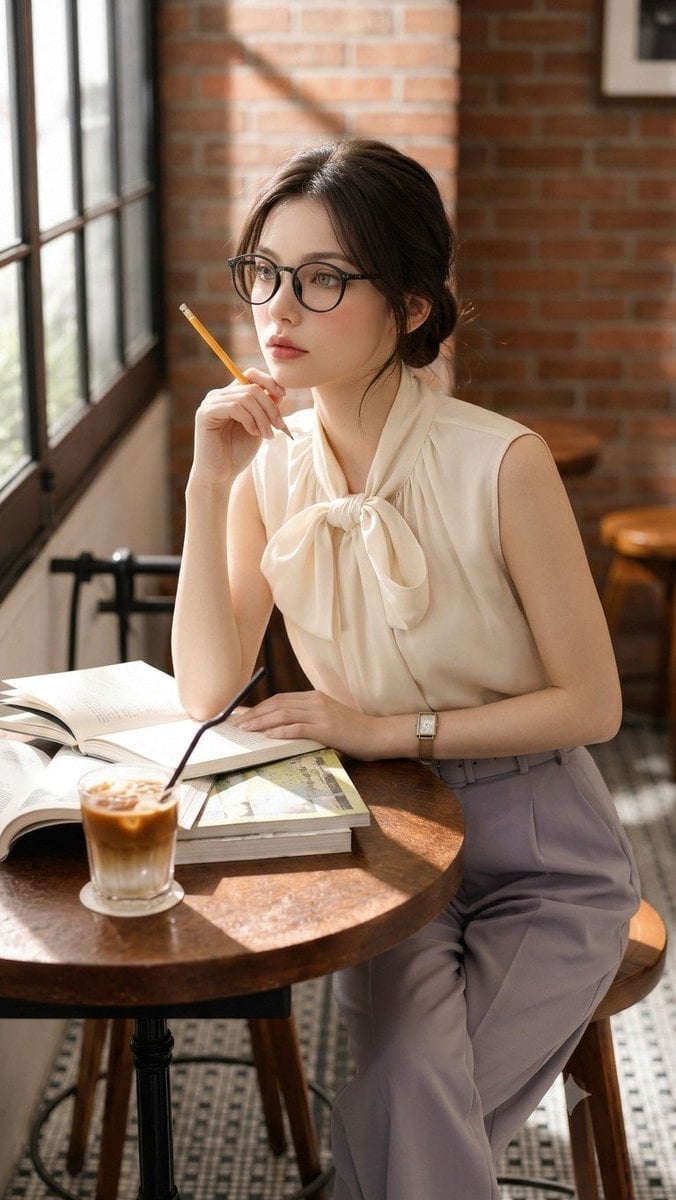
Douyin Aesthetic Café Study Portrait
Make it yours
90s Flash Polaroid Aesthetic works as-is. These are the safest ways to change it without losing the look.
Change one field
Copy a single group, rewrite it, and generate again so you can see what that field is doing.
Keep the frame, change the subject
Hold the composition and light of 90s Flash Polaroid Aesthetic, then swap wardrobe, props or the person for a new take.
| If the result… | Why | Fix |
|---|---|---|
| The result drifts from the preview | Too many fields changed at once. | Reuse 90s Flash Polaroid Aesthetic as-is first, then change one group — subject, light, or setting. |
| The model over-stylizes the scene | The prose prompt leaves finish and camera underspecified. | Add one camera or lighting sentence and stay on PicX Studio. |
More image prompts
Fresh picks from across the catalog.
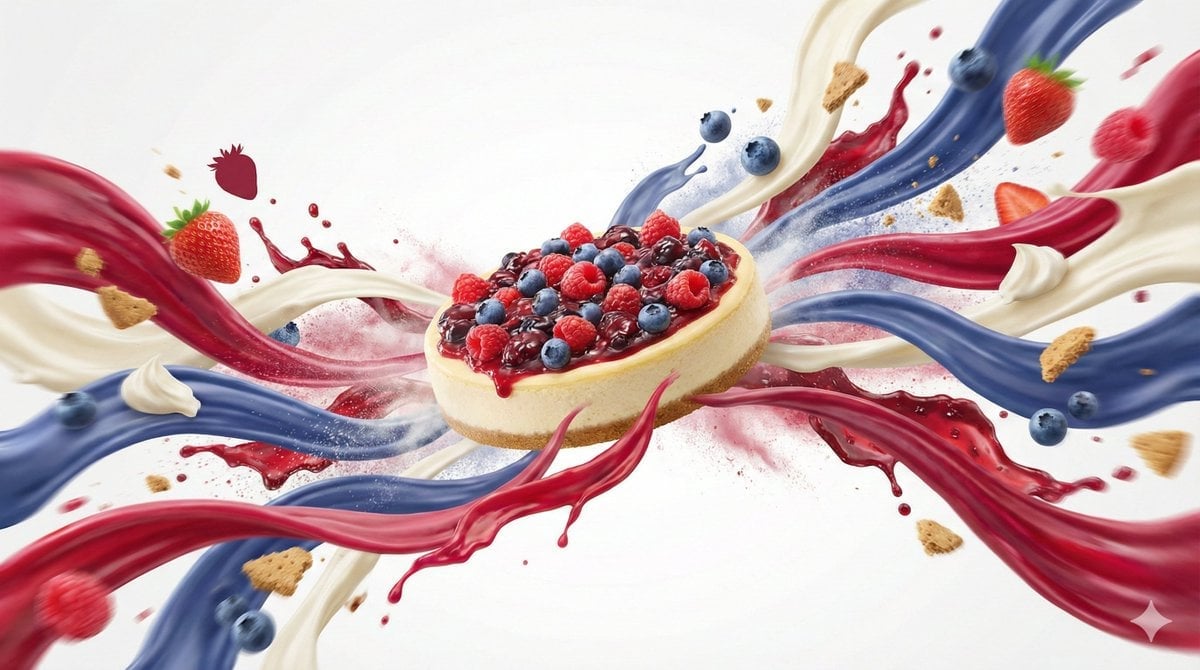
Dynamic Food Advertisement with Flavor Wave
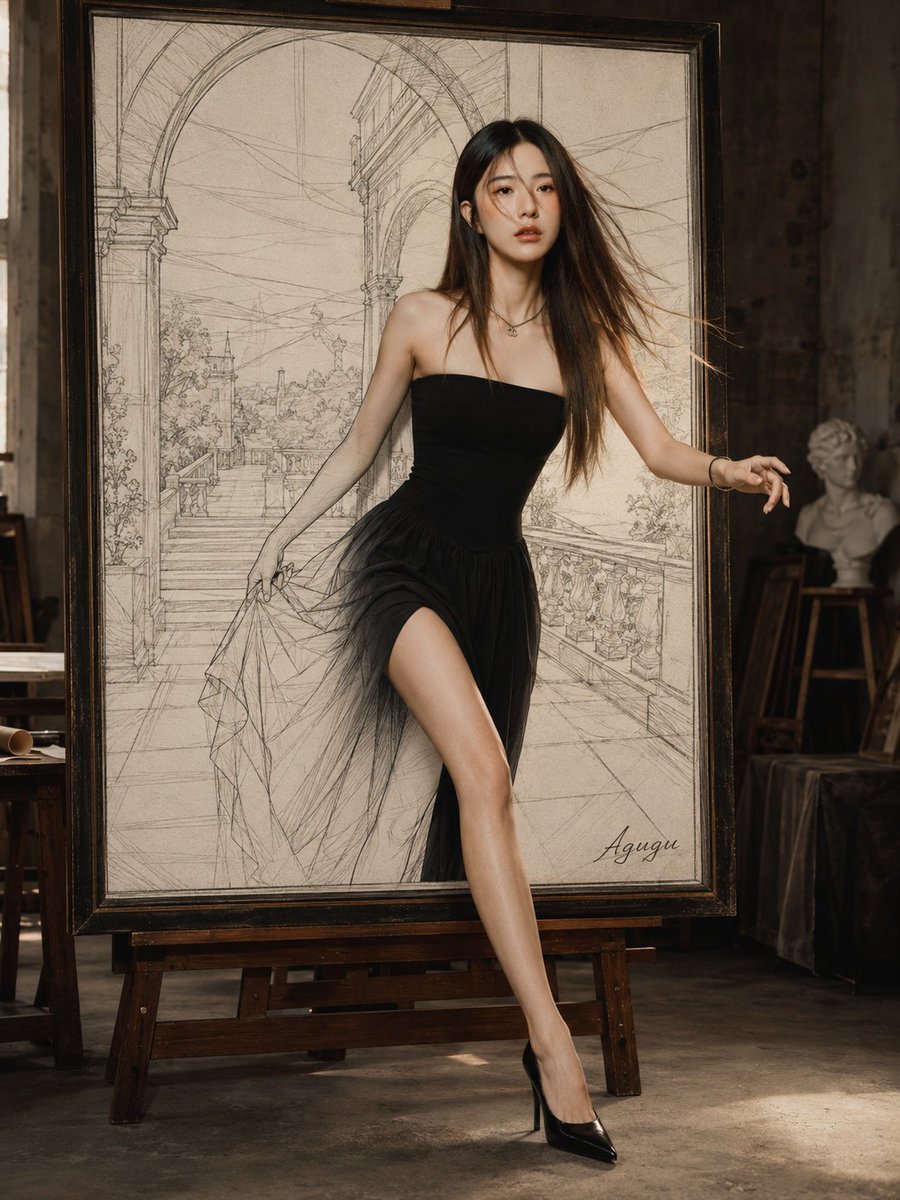
Woman Stepping Out of Sketch
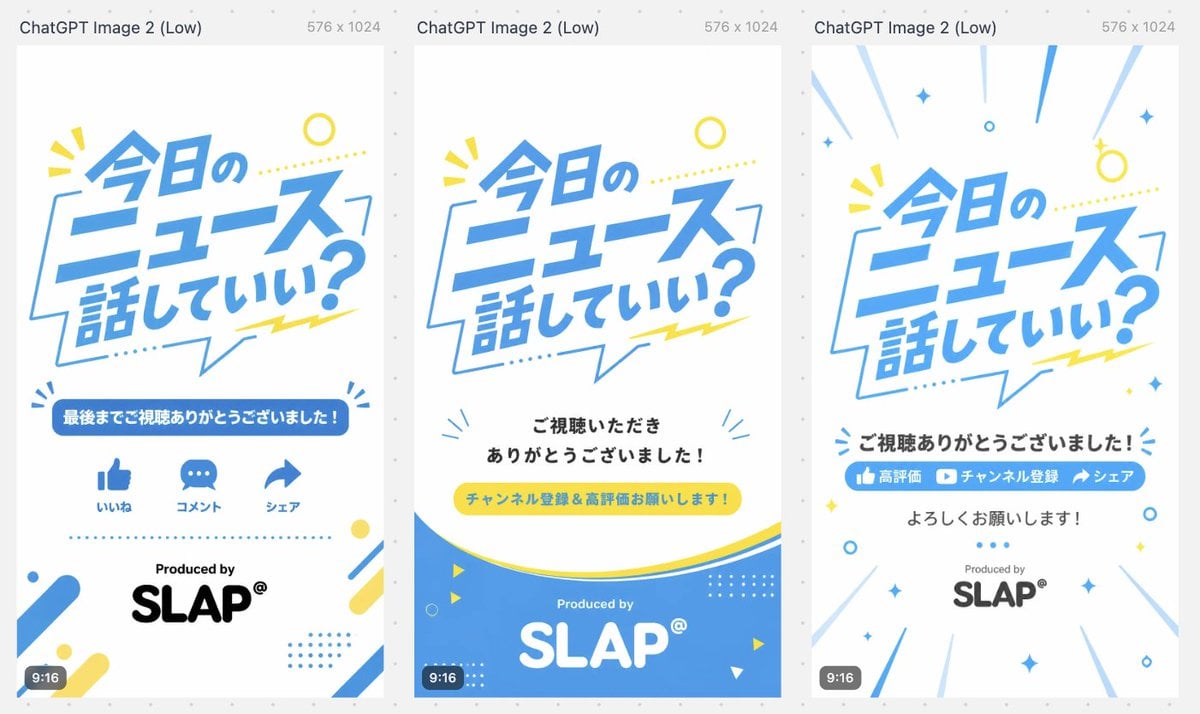
Japanese Short Video Outro Variants
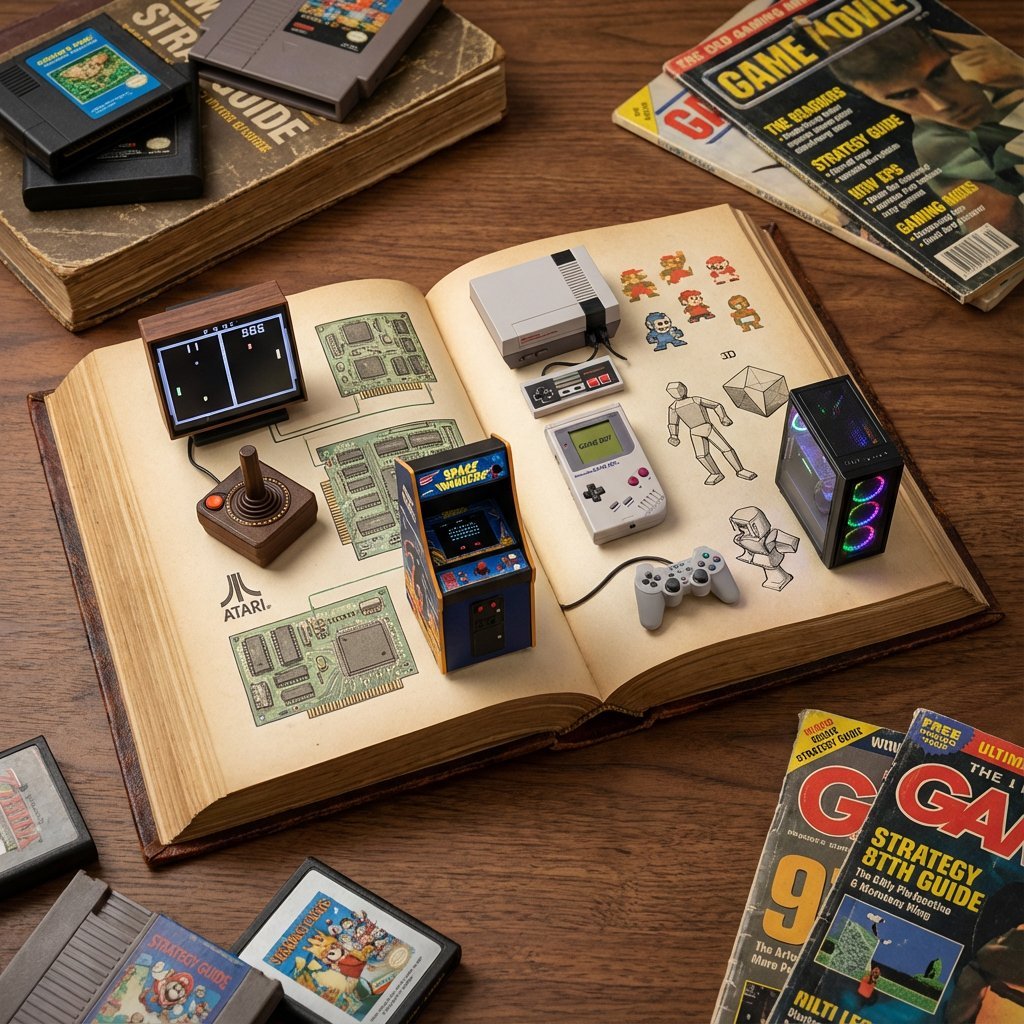
History of Gaming Diorama Book Template Prompt
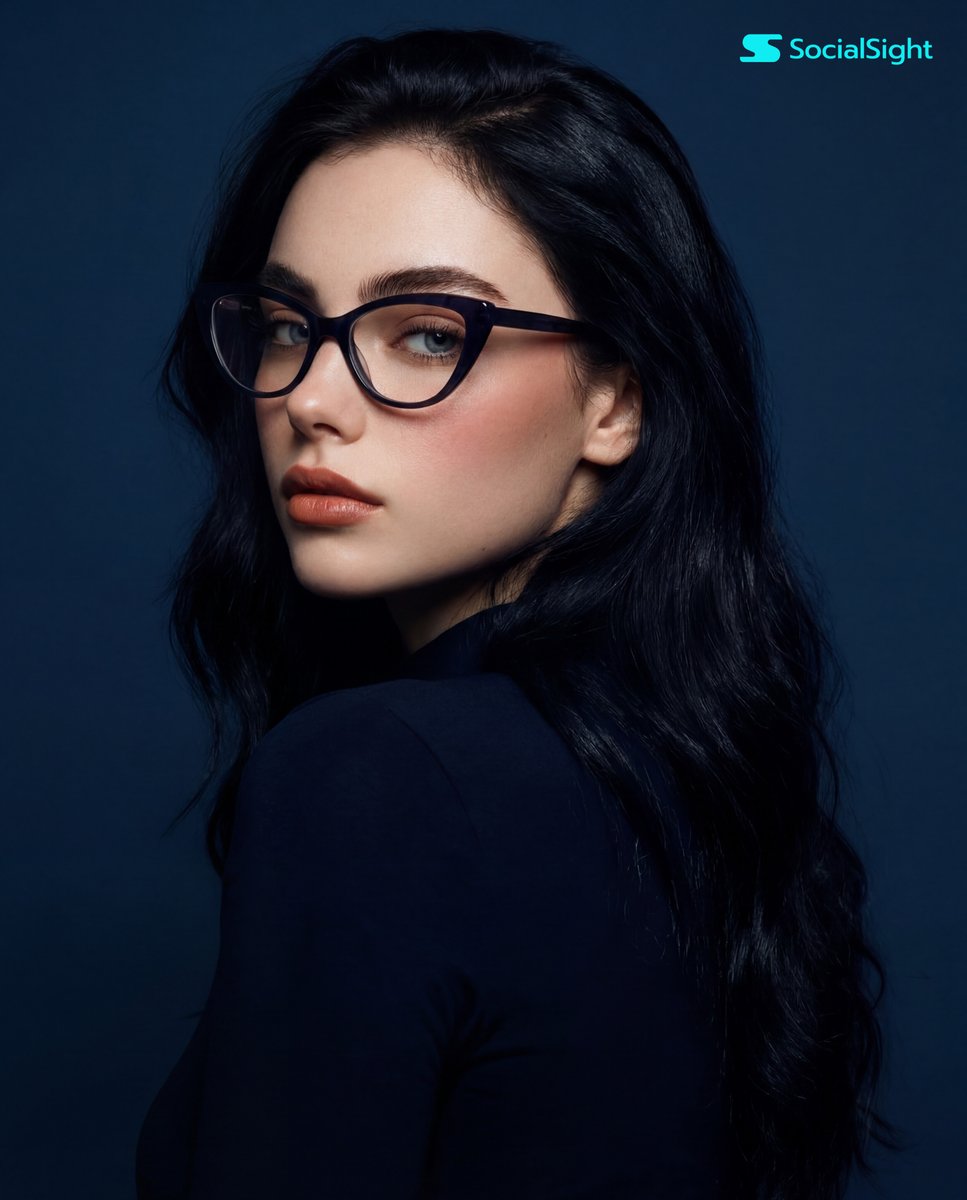
Dramatic Studio Portrait with Cat-Eye Glasses
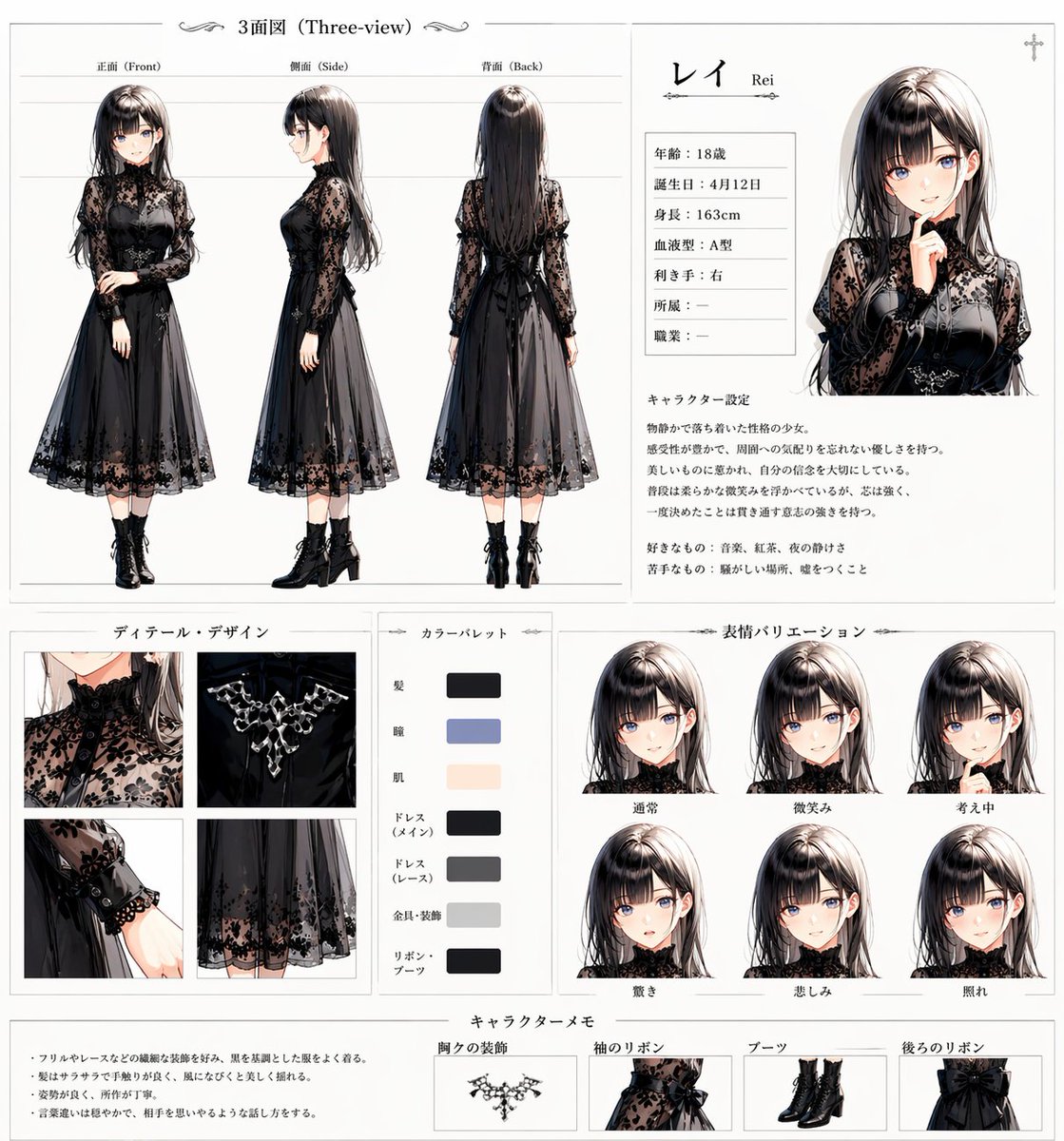
Gothic Anime Character Sheet
Macro Photography of Galaxy Ice Cream Scoop
Anime AI Course Presentation Thumbnail
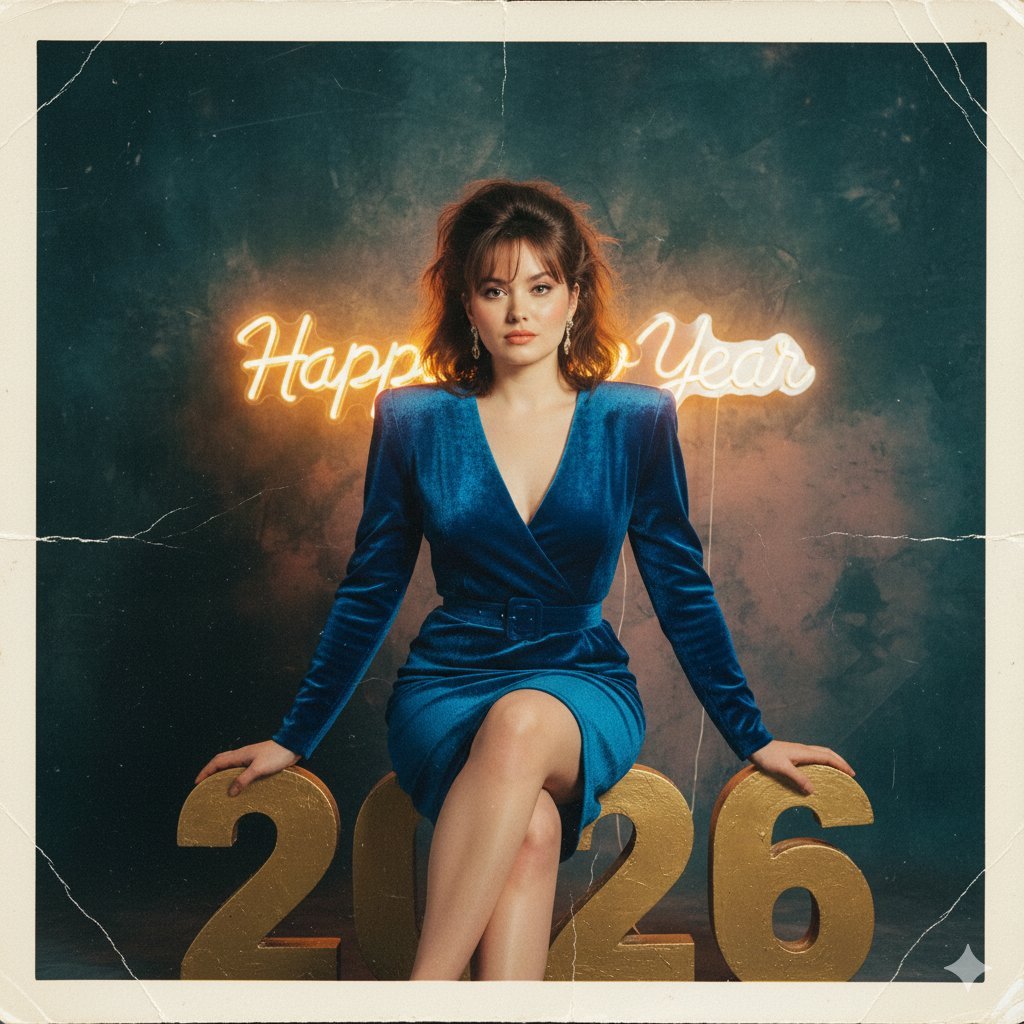
1980s Analog New Year's Eve Portrait Prompt
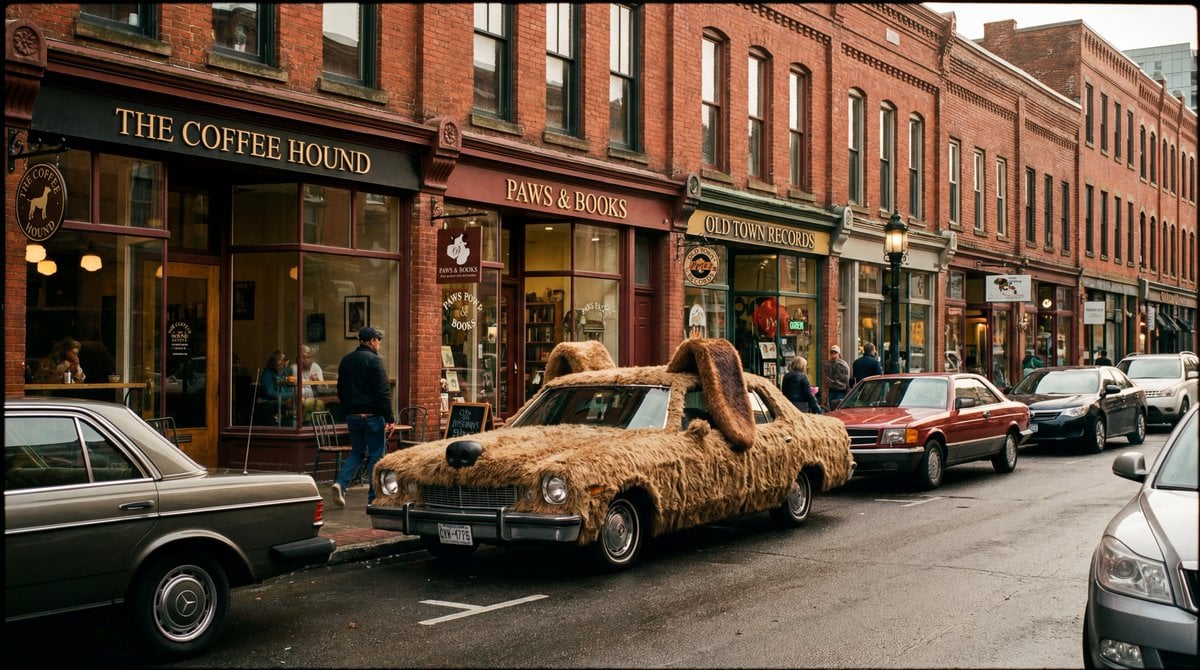
Cinematic Wide-Shot with Dog Fur Car
Featured in prompt roundups
Hand-picked collections that include this template.
Browse template categories
90s Flash Polaroid Aesthetic questions
How do I use the 90s Flash Polaroid Aesthetic template?
Add your photo if the template asks for one, edit the prompt if you like — the template's model and format are already selected — and press Generate. Your version opens in PicX Studio.
Can I customize the 90s Flash Polaroid Aesthetic template?
Yes. You can change the subject, setting, lighting, mood, format, and available model controls before creating your image.
Is the 90s Flash Polaroid Aesthetic template free?
Opening and editing this template is free. Generating uses credits, shown on the Generate button when you are signed in.
Which AI model should I use?
Choose a compatible model in PicX Studio based on the style, speed, and output controls your project needs.
Looking for something else? Browse all templates.

Your photo, any look
Thousands of ready templates for every top image and video model, from one credit balance.