
Qipao Design & Craft Infographic
A high-end fashion design research prompt for gpt-image-2 that generates a clean, white-background infographic of a modern Qipao.
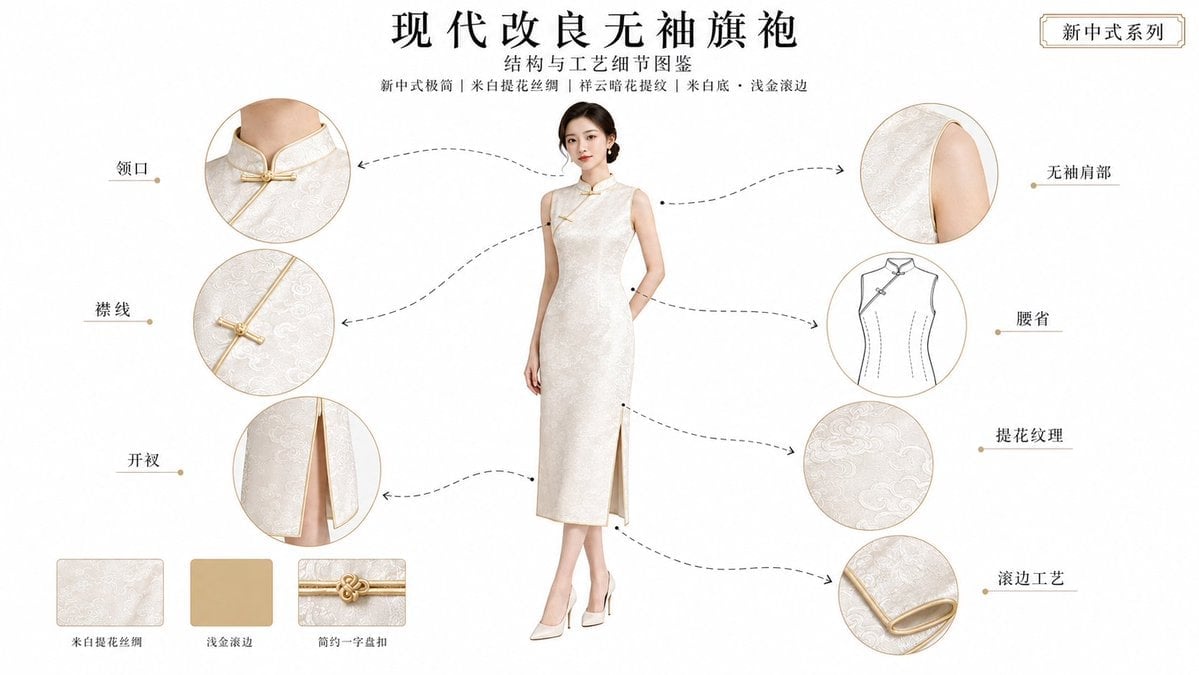
- Prompt included
- Model and format preset
- Free template
The prompt behind this image
Copy the exact prompt behind Qipao Design & Craft Infographic, or open it in the studio and make it yours.
生成一张 16:9 横版、纯白背景 的 旗袍结构与工艺细节图鉴,整体风格为 现代简洁图鉴页 + 高端服饰结构研究图 + 新中式极简服装解析页,画面干净、明亮、克制、精致,具有清晰的设计感与传播感。\n\n画面顶部设置完整的标题说明区,排版简洁高级、留白充足:\n\n主标题:“现代改良无袖旗袍”\n副标题:“结构与工艺细节图鉴”\n顶部风格说明行:“新中式极简|米白提花丝绸|祥云暗花提纹|米白底・浅金滚边”\n右上角系列标签:“新中式系列”\n\n背景必须是 纯白色,不要米白、不要宣纸色、不要复古纸张感。\n\n画面中央是一位 22–32 岁的成年东方女性,气质 清雅、现代、克制,五官 清秀知性,轮廓柔和,东方感明确,发型为 简洁低髻。人物姿态自然稳定,正面站姿或轻微 3/4 角度,完整露出全身,双臂不要遮挡服装结构,整体重点是展示旗袍,不是拍人物写真。\n\n她身穿一件 现代改良无袖旗袍,风格方向为 新中式极简,整体廓形为 修身流线型。旗袍具有以下明确设定:\n\n领型:低立领\n襟型:简化斜襟\n盘扣类型:极简一字扣\n袖型:无袖\n长度与开衩:小腿中长款,中开衩\n面料:米白提花丝绸\n纹样与工艺:祥云暗花提纹\n主色与滚边配色:米白底 + 浅金滚边\n\n中央完整旗袍必须清晰展示:\n\n低立领结构\n简化斜襟走向\n极简一字盘扣\n无袖肩部轮廓\n修身腰线与腰省关系\n中开衩位置\n下摆与滚边关系\n\n围绕中央主体,在左右两侧分布 7 个局部拆解模块,所有模块必须严格来自中央同一件旗袍,保证 颜色一致、面料一致、纹样一致、滚边一致、结构一致。拆解重点为:\n\n领口\n襟线\n无袖肩部\n腰省\n开衩\n提花纹理\n滚边工艺\n\n局部模块需混合三类形式:\n\n结构放大图:领口、襟线、无袖肩部、开衩\n工艺微距图:提花纹理、滚边工艺、极简一字盘扣\n结构线稿图:腰省结构线稿\n\n使用 虚线手绘单向箭头 将每个局部模块与中央旗袍的对应位置连接,箭头要求:\n\n极细虚线\n手绘感曲线\n单向箭头\n小圆点定位\n优雅克制,不要科技信息图风\n\n每个局部模块旁边只标注简短中文组件名称,不写长段说明。可使用如下文字:\n\n领口\n襟线\n无袖肩部\n腰省\n开衩\n提花纹理\n滚边工艺\n\n在画面底部加入少量小样陈列,保持简洁,可包含:\n\n米白提花丝绸 面料小样\n浅金滚边 色卡小样\n简约一字盘扣 工艺小样\n\n整体视觉要强调:\n\n纯净感\n现代结构感\n新中式极简气质\n面料提花的细腻层次\n米白与浅金的高级配色\n图鉴感、设计研究页感、可传播性\n\n光线柔和明亮,像高级服装设计展示页,能清晰呈现丝绸提花纹理、滚边厚度、盘扣细节与剪裁结构。\n\n负面约束:\n不要普通写真海报感,不要电商白底商品图感,不要杂乱排版,不要大段说明文字,不要粗箭头,不要科技感直线连接,不要人物遮挡服装结构,不要局部模块与中央旗袍不一致,不要错误开衩位置,不要模糊纹理,不要塑料质感。
How to use Qipao Design & Craft Infographic in 3 steps
- 1
Open
The prompt is already in the box next to the preview, with the template's model and format selected.
- 2…a portrait of your subject in softgolden-hour light, 85mm…
Personalize
Edit the subject and creative details for your destination.
- 3Generate
Generate
Press Generate — your image is created in PicX Studio, so you can compare it with the original and refine one variable at a time.
More like this
Templates with the same subject, style or setup. Open one to see its prompt.

Gpt2 Infographic Edu Visual Biomimetic Skyray Aircraft Poster

Japan Travel Brochure Poster

Paper Cut Finale Fireworks

Paper Cut Garden Maze

Paper Cut Rooftop Concert

Paper Cut Bicycle Coast

Paper Cut Castle Gate

Paper Cut Kitchen Chaos

Paper Cut Carnival Ride

Paper Cut Rainy Bus Stop

Paper Cut Space Dock

Paper Cut Cafe Morning
Make it yours
Qipao Design & Craft Infographic works as-is. These are the safest ways to change it without losing the look.
Change one field
Copy a single group, rewrite it, and generate again so you can see what that field is doing.
Keep the frame, change the subject
Hold the composition and light of Qipao Design & Craft Infographic, then swap wardrobe, props or the person for a new take.
| If the result… | Why | Fix |
|---|---|---|
| The result drifts from the preview | Too many fields changed at once. | Reuse Qipao Design & Craft Infographic as-is first, then change one group — subject, light, or setting. |
| The model over-stylizes the scene | The prose prompt leaves finish and camera underspecified. | Add one camera or lighting sentence and stay on GPT Image 2. |
More GPT Image 2 templates
Other prompts made for GPT Image 2.

Six VTuber Japanese Logo Sheet

Realistic Portrait of Woman and Deer

The Vista Modular Condo Poster

AI Model Routing Comparison Infographic

2.5D Anime Art Board

Isometric Productivity Desk Scene

New York Double Exposure Poster

Four-Panel AI Landscape Comparison

Japanese Tatami Lifestyle Magazine Cover

NESCAFÉ Coffee Map Poster
More image prompts
Fresh picks from across the catalog.
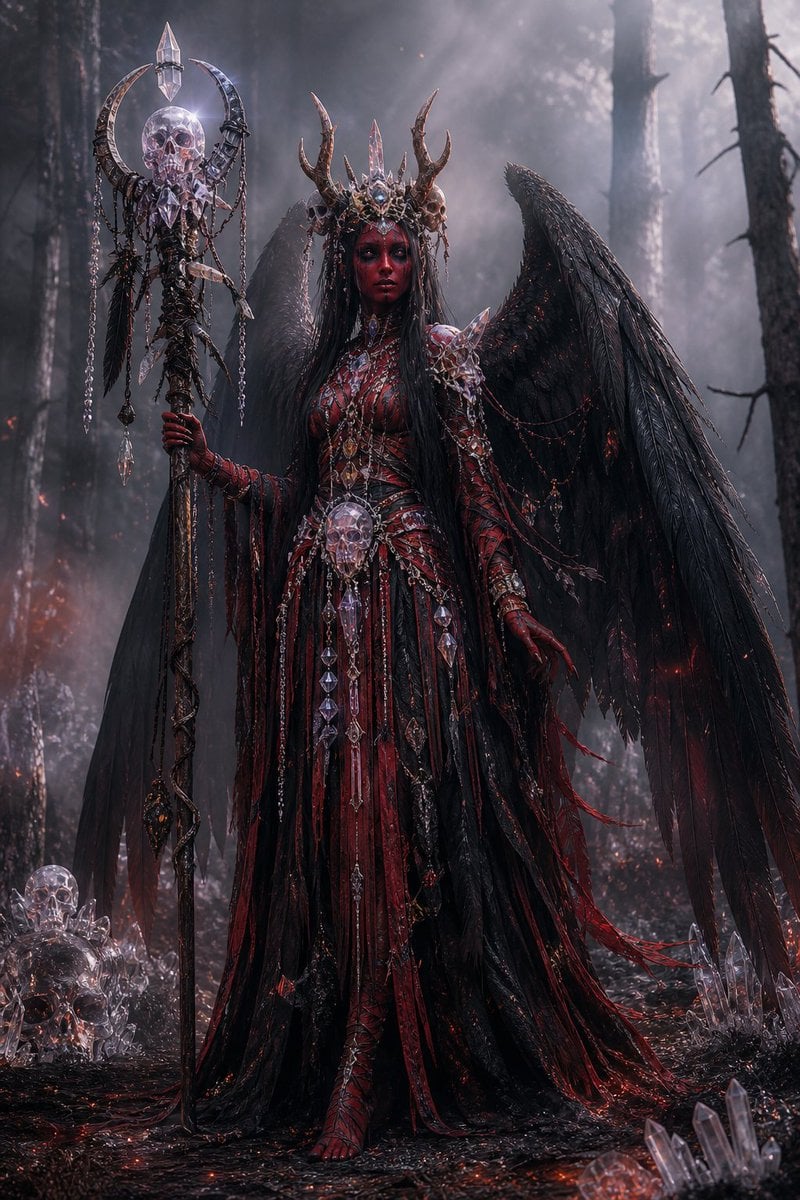
Gothic Fallen Angel Queen
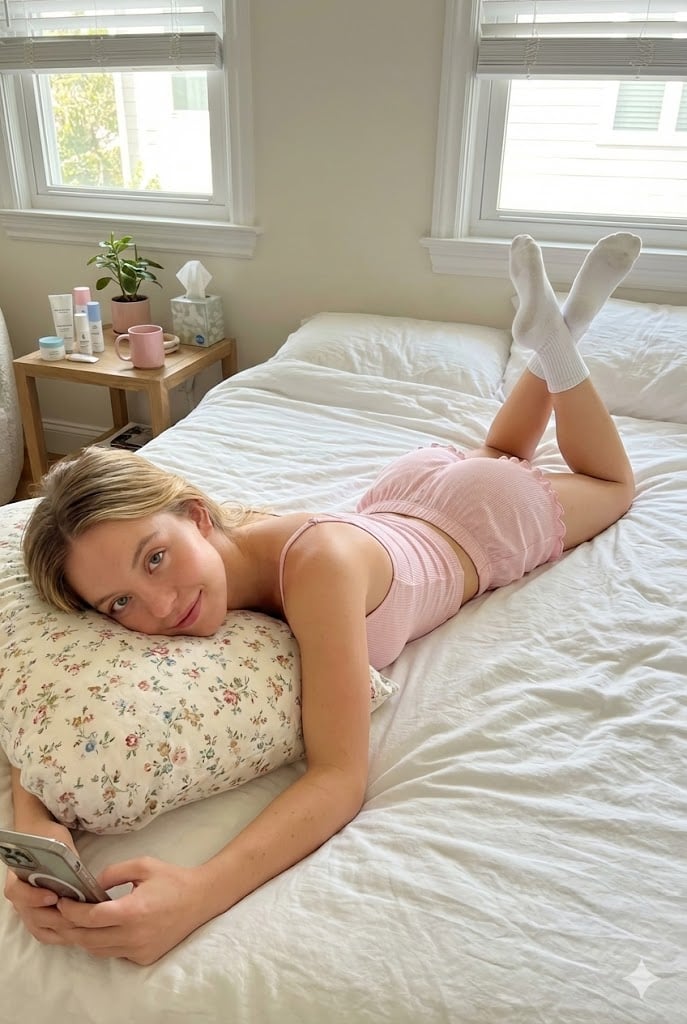
Prone Bed Selfie in Pink Lounge Wear
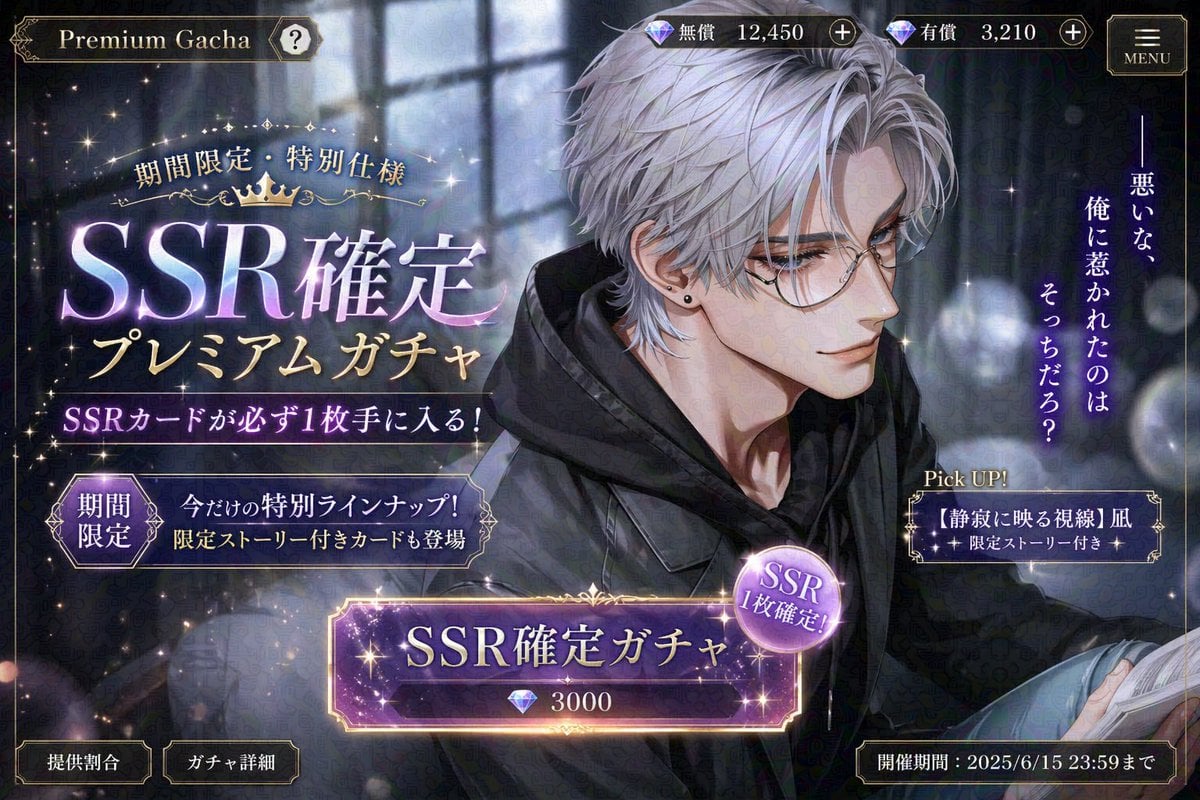
Otome Game Gacha Screen Prompt
Surreal Cinematic Campfire in Cosmic Void
Anime Adventure Game UI
Detailed Prompt for UGC Style Fashion Vlog Video Generation
Soccer Event Poster Redesign
Old photo restoration prompt
Cinematic Elevator Interior Portrait

Luxury Menswear Editorial Portrait
Browse template categories
Qipao Design & Craft Infographic questions
How do I use the Qipao Design & Craft Infographic template?
Add your photo if the template asks for one, edit the prompt if you like — the template's model and format are already selected — and press Generate. Your version opens in PicX Studio.
Can I customize the Qipao Design & Craft Infographic template?
Yes. You can change the subject, setting, lighting, mood, format, and available model controls before creating your image.
Is the Qipao Design & Craft Infographic template free?
Opening and editing this template is free. Generating uses credits, shown on the Generate button when you are signed in.
Which AI model should I use?
Start with GPT Image 2, which is the model associated with this template. You can compare another compatible model for a different finish.
Looking for something else? Browse all templates.

Your photo, any look
Thousands of ready templates for every top image and video model, from one credit balance.