
Oriental Fantasy City Poster
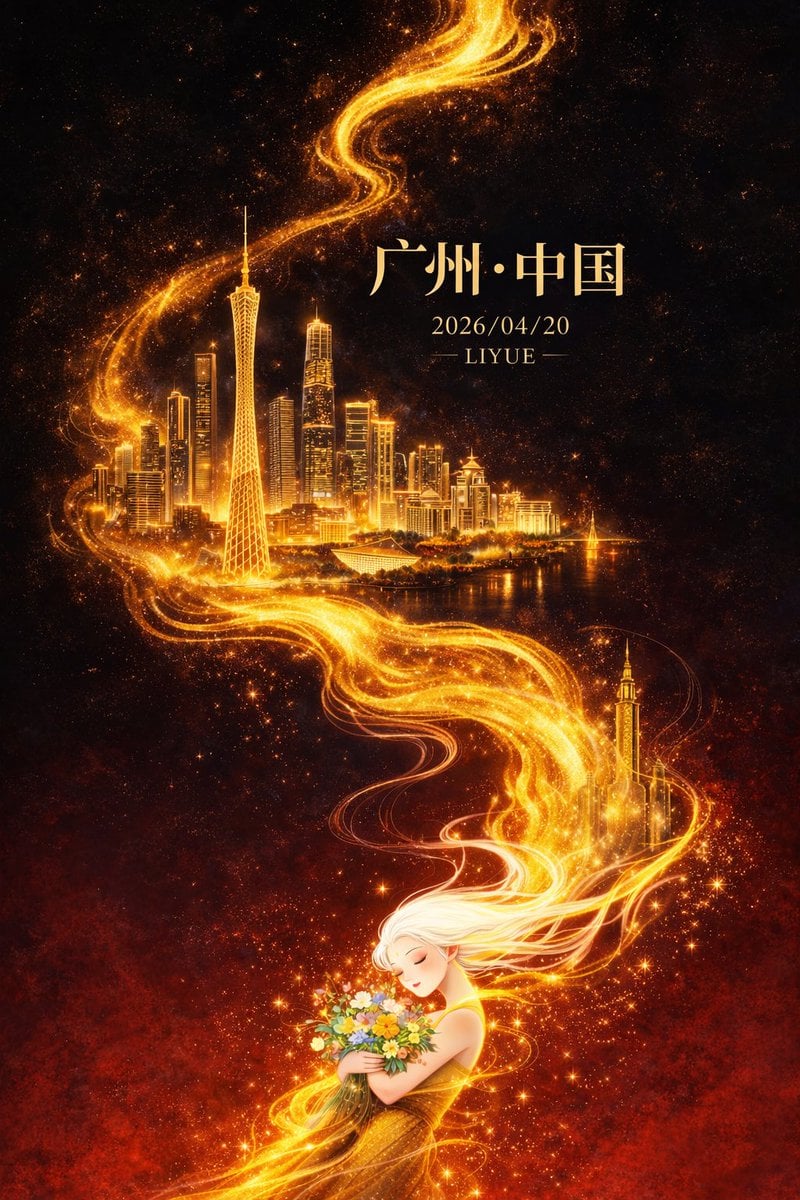
A high-end city poster prompt for GPT-Image-2 featuring oriental fantasy elements, golden energy flows, and architectural landmarks like the Canton Tower.
- Prompt included
- Model and format preset
- Free template
The prompt behind this image
Copy the exact prompt behind Oriental Fantasy City Poster, or open it in the studio and make it yours.
平面插画,东方幻想风格高端城市海报设计,竖版9:16构图,整体采用对角线+S型流动构图,从左下向右上延展,画面以深邃黑色为背景,自上而下渐变至浓烈暗红色,形成强烈冷暖对比与空间纵深,背景带微弱星尘与颗粒质感。画面中央一条金色流动能量线条如火焰般蜿蜒贯穿,自底部向上延伸,具有流体质感、粒子光效与渐变高光,局部带细微能量碎屑与体积光。 金色流光中逐层浮现{argument name="城市" default="广州"}城市地标建筑群:广州塔为视觉核心,比例突出,周围融合珠江新城高楼群、猎德大桥及现代与岭南建筑元素,建筑采用“精细线描 + 金色发光体块”表现,轮廓清晰、细节丰富,在金色光晕映衬下仿佛悬浮于虚空,形成超现实空间层次,远景轻微雾化增强纵深感。 画面底部为一位东方白发女性形象,长发飘逸,如烟似雾,与金色流光自然衔接并逐渐融合,发丝半透明带渐变光感,姿态柔美,双目微闭,神情宁静,怀抱一束多彩鲜花,花间点缀微光粒子与星点效果,象征人与城市能量的精神连接,人物细节适度简化以突出整体设计感。 光影集中于金色流线、建筑与人物轮廓,形成强烈明暗对比与视觉聚焦,整体氛围宏大、神秘、具有东方神话意境且略带治愈感。色彩以黑与暗红为基底,高亮鎏金为主视觉强调,金色具备丰富明暗层次,辅以小面积高饱和花束色彩点缀,整体高级克制。 页面文字与画面融合排版:顶部居中宋体大字“{argument name="城市" default="广州"}·中国”,下方小字“{argument name="日期" default="2026/04/20"}”,再下方小字“{argument name="作者" default="LIYUE"}”,文字采用淡金色或柔和暖白色,与整体光影统一。高品质细节,电影级光影表现,体积光与粒子细节丰富,画面干净无噪点,超高清8K分辨率,商业级海报质感。
How to use Oriental Fantasy City Poster in 3 steps
- 1
Open
The prompt is already in the box next to the preview, with the template's model and format selected.
- 2…a portrait of your subject in softgolden-hour light, 85mm…
Personalize
Edit the subject and creative details for your destination.
- 3Generate
Generate
Press Generate — your image is created in PicX Studio, so you can compare it with the original and refine one variable at a time.
More like this
Templates with the same subject, style or setup. Open one to see its prompt.
Japan Neon Speed City Racing Poster
Oriental Fantasy Heroine 3D Poster

Anime Fantasy Celestial Movie Poster
Anime Fantasy Celestial Movie Poster
Modern Oriental Papercut Art Cityscape
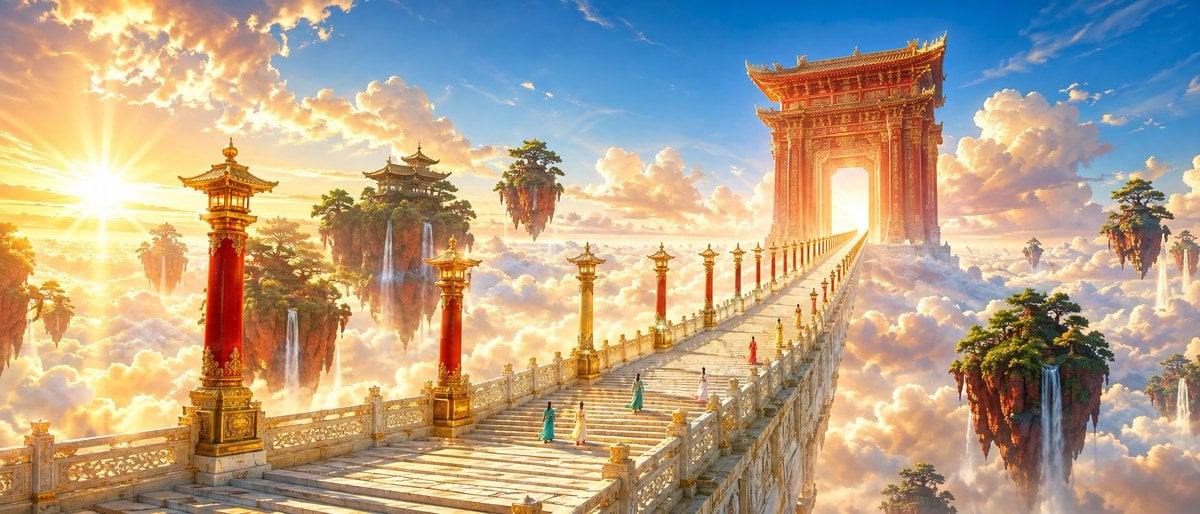
Oriental Fantasy Celestial Realm

Japan Travel Brochure Poster

Cartoon TV Show Poster Pack

Trendy Cafe Drink Promo Poster

Urban Fashion Editorial Collage Streetwear Poster

Premium Fashion Editorial Cover Layout System

Polo Ralph Lauren Luxury American Heritage Fashion Campaign
Make it yours
Oriental Fantasy City Poster works as-is. These are the safest ways to change it without losing the look.
Change one field
Copy a single group, rewrite it, and generate again so you can see what that field is doing.
Keep the frame, change the subject
Hold the composition and light of Oriental Fantasy City Poster, then swap wardrobe, props or the person for a new take.
| If the result… | Why | Fix |
|---|---|---|
| The result drifts from the preview | Too many fields changed at once. | Reuse Oriental Fantasy City Poster as-is first, then change one group — subject, light, or setting. |
| The model over-stylizes the scene | The prose prompt leaves finish and camera underspecified. | Add one camera or lighting sentence and stay on GPT Image 2. |
More GPT Image 2 templates
Other prompts made for GPT Image 2.

Six VTuber Japanese Logo Sheet

Realistic Portrait of Woman and Deer

The Vista Modular Condo Poster

AI Model Routing Comparison Infographic

2.5D Anime Art Board

Isometric Productivity Desk Scene

New York Double Exposure Poster

Four-Panel AI Landscape Comparison

Japanese Tatami Lifestyle Magazine Cover

NESCAFÉ Coffee Map Poster
More image prompts
Fresh picks from across the catalog.
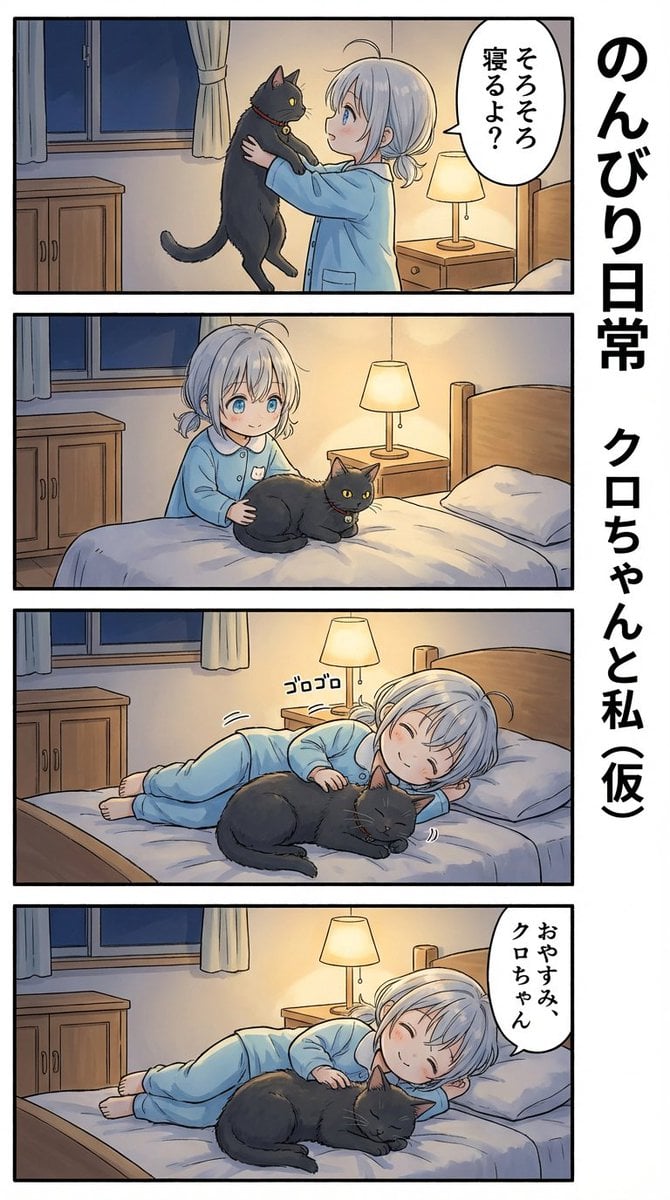
AI Manga: Cat Doesn't Want to Sleep
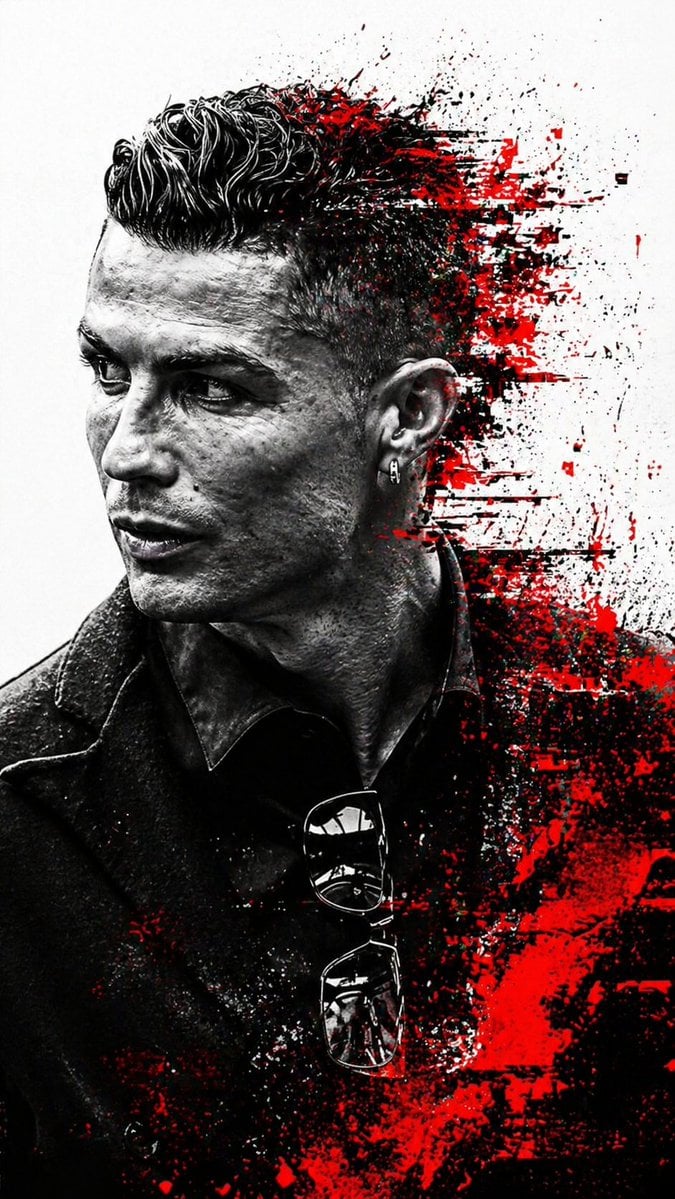
Cyberpunk Glitch Profile Portrait

Mirror Pose Selfie Aesthetic Prompt
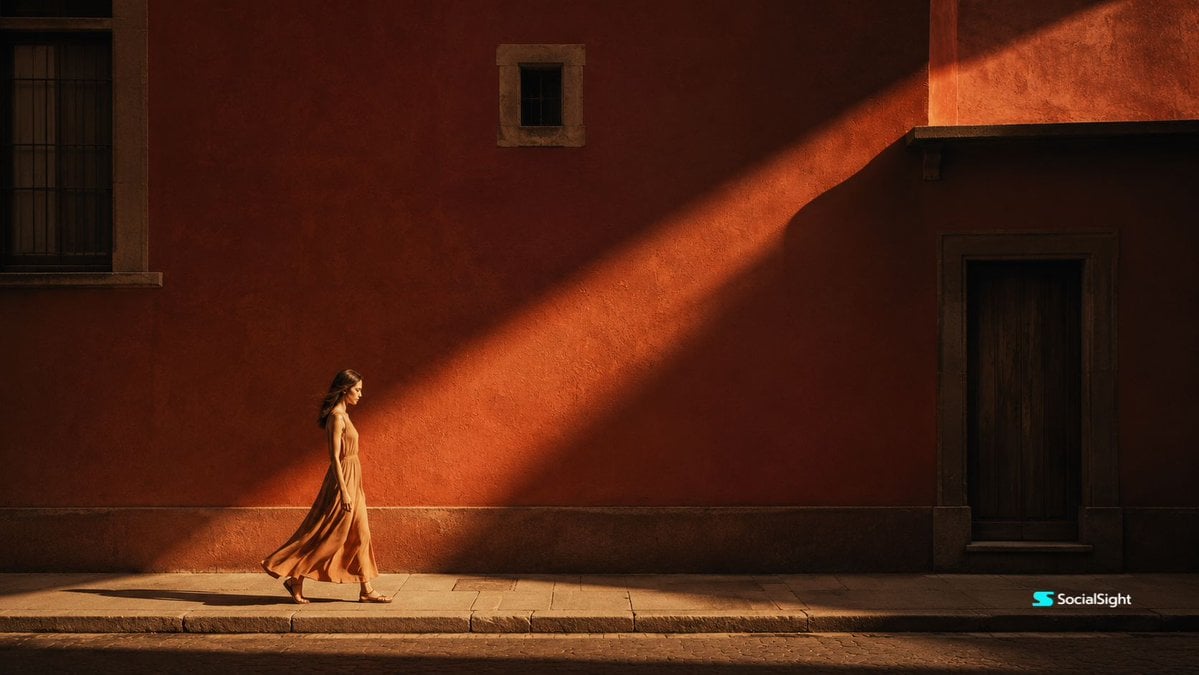
Cinematic Editorial Urban Golden Hour
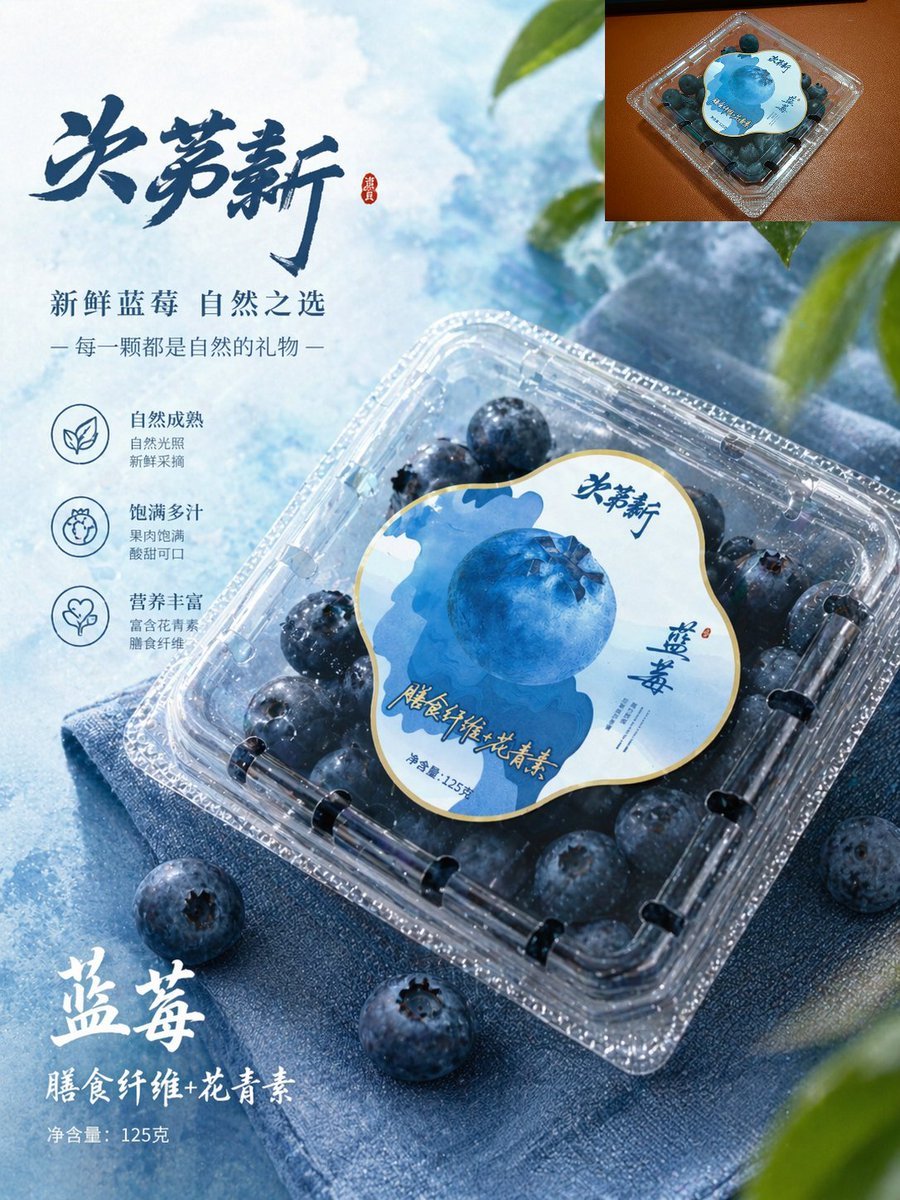
Premium Blueberry Product Poster
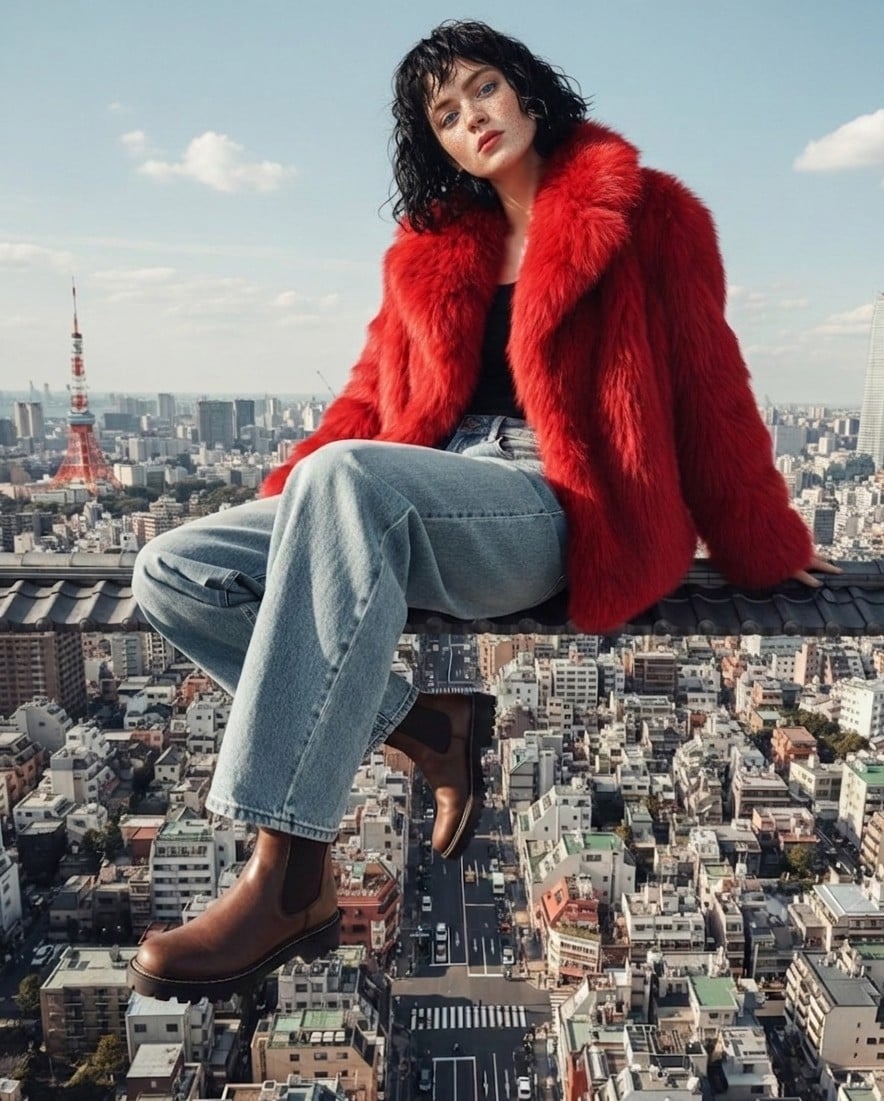
High Fashion Editorial Prompt using Nano Banana 2
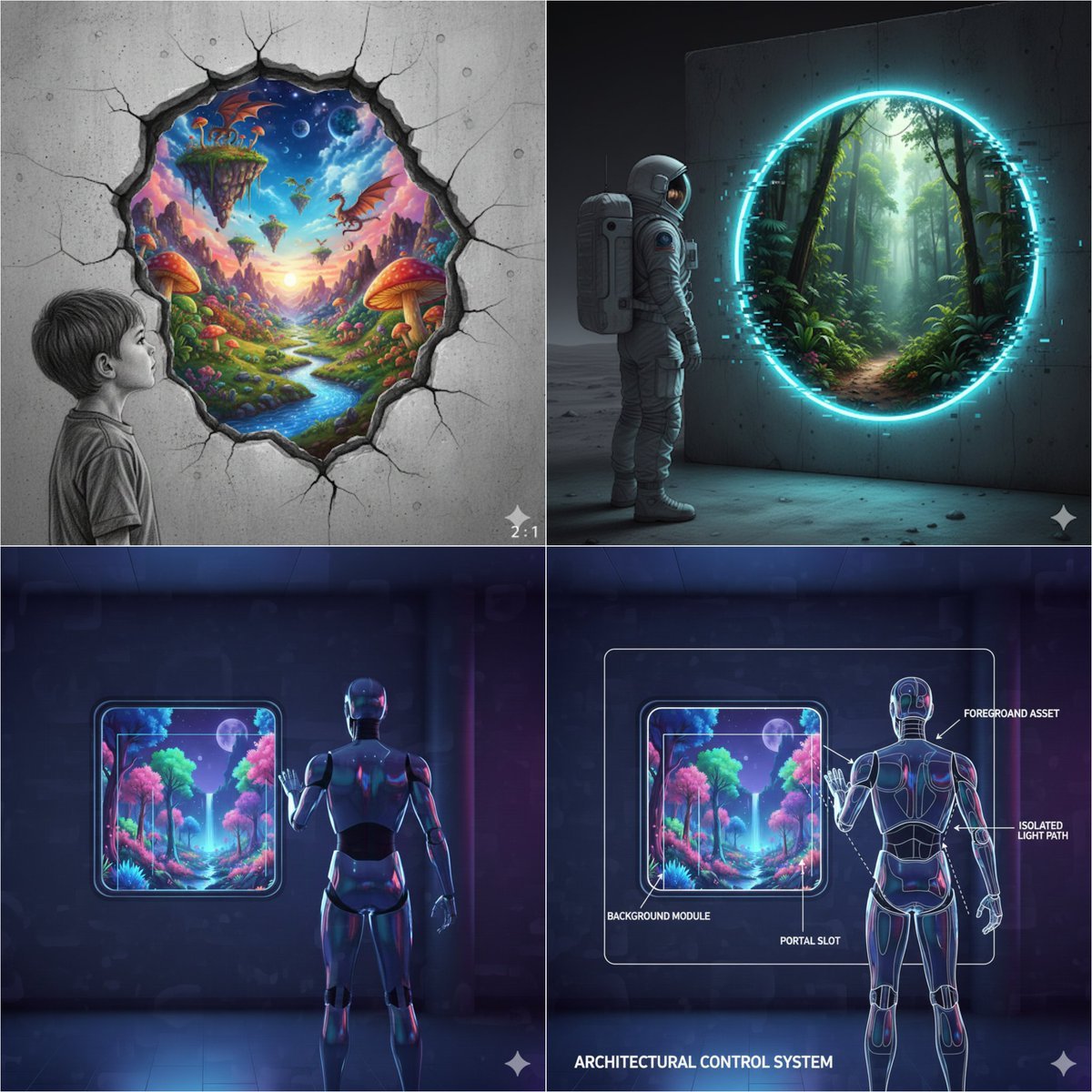
Object-Oriented prompt for controlling foreground and background
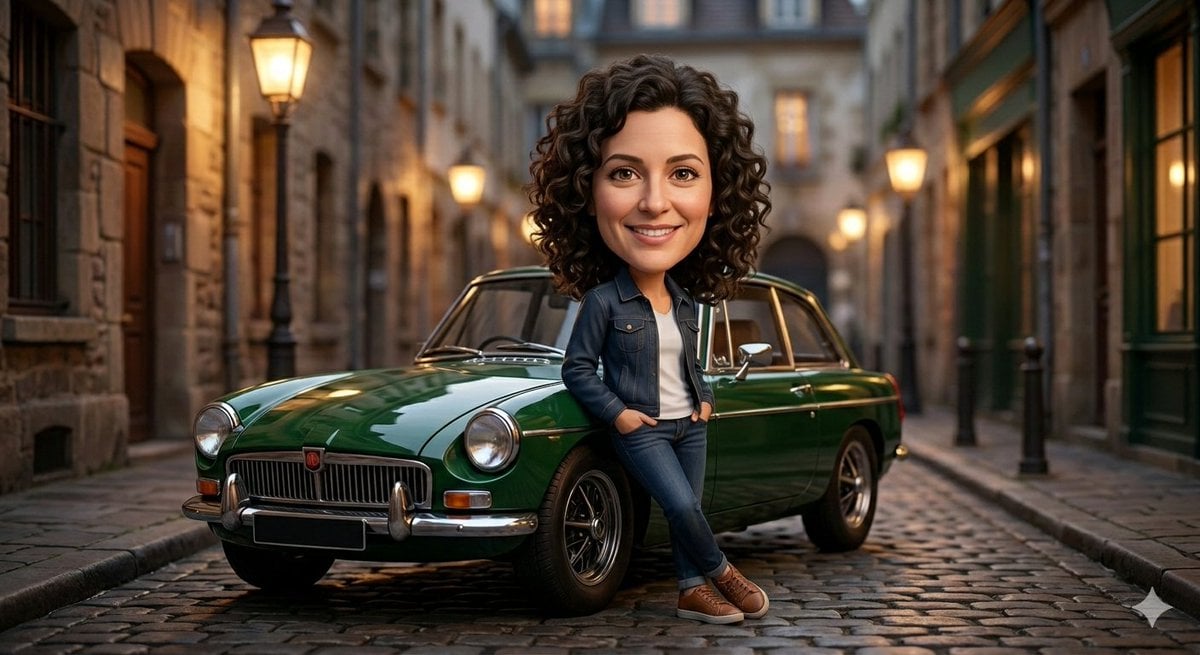
Stylized 3D Caricature Image Generation Prompt
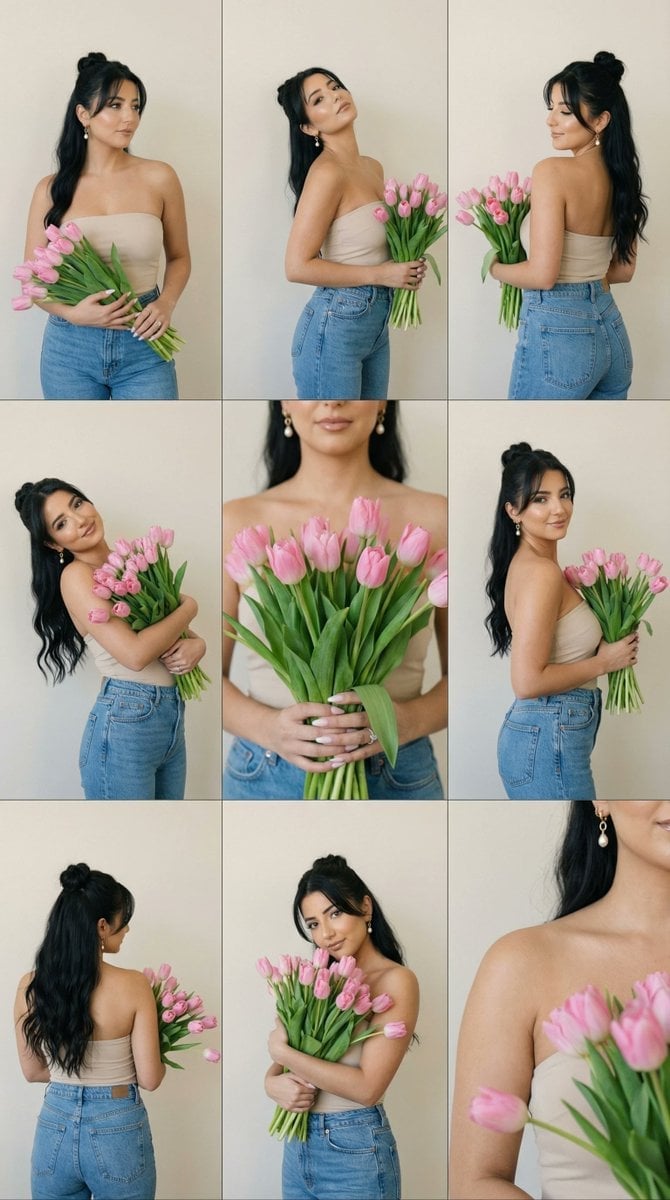
Editorial Contact Sheet Prompt: Woman with Pink Tulips
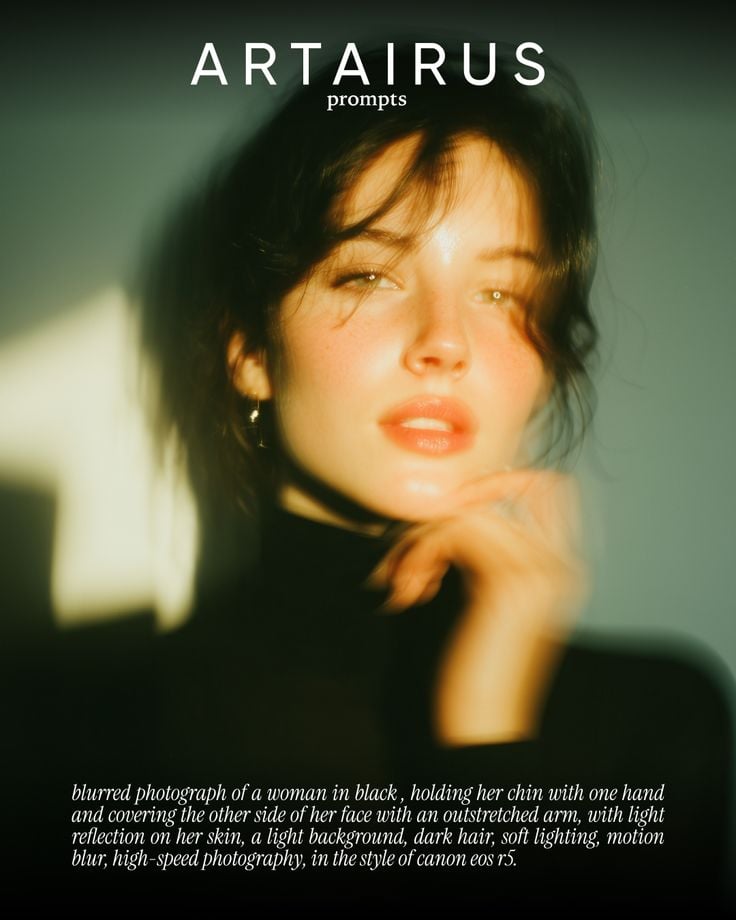
Cinematic Portrait with Soft Golden Light Prompt
Browse template categories
Oriental Fantasy City Poster questions
How do I use the Oriental Fantasy City Poster template?
Add your photo if the template asks for one, edit the prompt if you like — the template's model and format are already selected — and press Generate. Your version opens in PicX Studio.
Can I customize the Oriental Fantasy City Poster template?
Yes. You can change the subject, setting, lighting, mood, format, and available model controls before creating your image.
Is the Oriental Fantasy City Poster template free?
Opening and editing this template is free. Generating uses credits, shown on the Generate button when you are signed in.
Which AI model should I use?
Start with GPT Image 2, which is the model associated with this template. You can compare another compatible model for a different finish.
Looking for something else? Browse all templates.

Your photo, any look
Thousands of ready templates for every top image and video model, from one credit balance.