
Vintage Digital Camera Mirror Selfie
A prompt for generating a nostalgic Y2K-style digital camera mirror selfie, focusing on preserving the identity of the reference subject with specific hair clips and soft lighting.
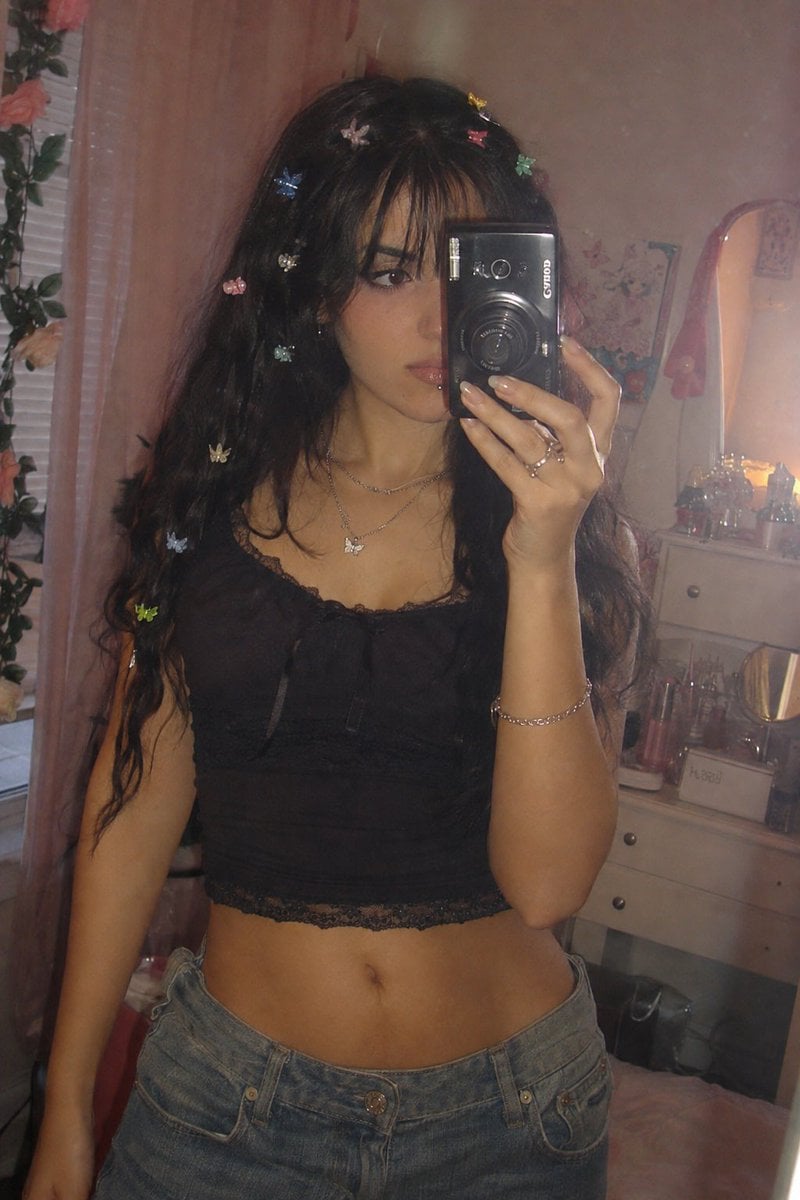
- Prompt included
- Model and format preset
- Free template
The prompt behind this image
Copy the exact prompt behind Vintage Digital Camera Mirror Selfie, or open it in the studio and make it yours.
Create an ultra-realistic dreamy vintage digital-camera mirror selfie of the same clearly {argument name="subject" default="adult woman"} from the reference image, preserving her recognizable facial identity, natural facial proportions, facial structure, skin tone, and individual features exactly as they appear in the reference. Do not alter, beautify, or reshape her face. Give her a distinctly Portuguese/European appearance while keeping the reference identity consistent, with long, voluminous dark hair and soft wispy bangs naturally falling across part of her forehead. Her hair is decorated with multiple tiny colorful butterfly and flower-shaped clips scattered naturally throughout. She has expressive dark eyes, realistic fair-to-medium skin with natural texture and subtle imperfections, soft rosy blush, glossy natural pink lips, delicate facial features, and a tiny silver lip piercing below her lower lip. She looks directly toward the camera with a calm, slightly dreamy and confident expression while holding a compact black digital camera close to her face, naturally covering part of one side of her face. She wears an attractive casual {argument name="outfit style" default="Y2K-inspired outfit"} that feels youthful, stylish, and effortlessly feminine rather than formal: a fitted dark cropped camisole-style top with delicate detailing, paired with low-rise relaxed-fit denim jeans and a few subtle silver accessories. Keep the outfit fashionable and flattering while remaining tasteful and natural. Add a delicate layered necklace with a small pendant. Place her in a {argument name="setting" default="cozy softly lit bedroom"} with dreamy pastel decorations, subtle floral elements, a vanity or small dresser, and softly reflected shapes visible around the mirror. The setting should feel authentic, personal, and slightly nostalgic rather than like a professional studio. Strong early-2000s premium compact-digital-camera aesthetic, authentic straight-out-of-camera JPEG character, subtle direct-flash reflection, hazy glow, gentle bloom, slight lens softness, realistic skin texture, natural imperfections, muted pastel tones, mild digital noise, nostalgic Y2K atmosphere, intimate candid mirror-selfie composition, realistic mirror reflections, shallow depth of field, high photographic detail, photorealistic, vertical portrait.
How to use Vintage Digital Camera Mirror Selfie in 3 steps
- 1Upload ImagePNG, JPG or paste
Add your photo
Upload the photo the template builds on. The prompt, model and format are already set.
- 2…a portrait of your subject in softgolden-hour light, 85mm…
Personalize
Edit the subject and creative details for your destination.
- 3Generate
Generate
Press Generate — your image is created in PicX Studio, so you can compare it with the original and refine one variable at a time.
More like this
Templates with the same subject, style or setup. Open one to see its prompt.
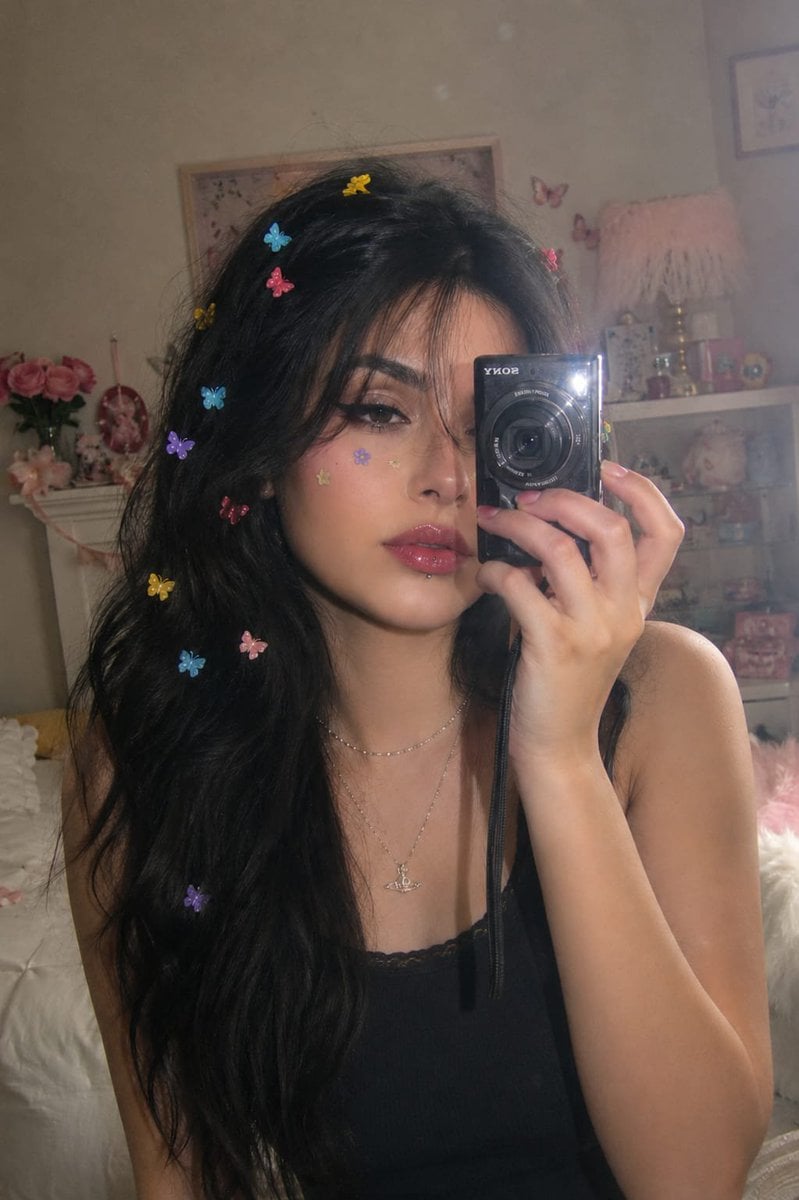
Dreamy Y2K Digital Camera Mirror Selfie

Rooftop Fisheye — Cat-Ear Balaclava at Golden Hour

Felt & Knit 3D Character — Photo-Exact Face, Pixar-Quality Plush Figurine

Surreal Cat Astronaut — Humanoid Face Freefall
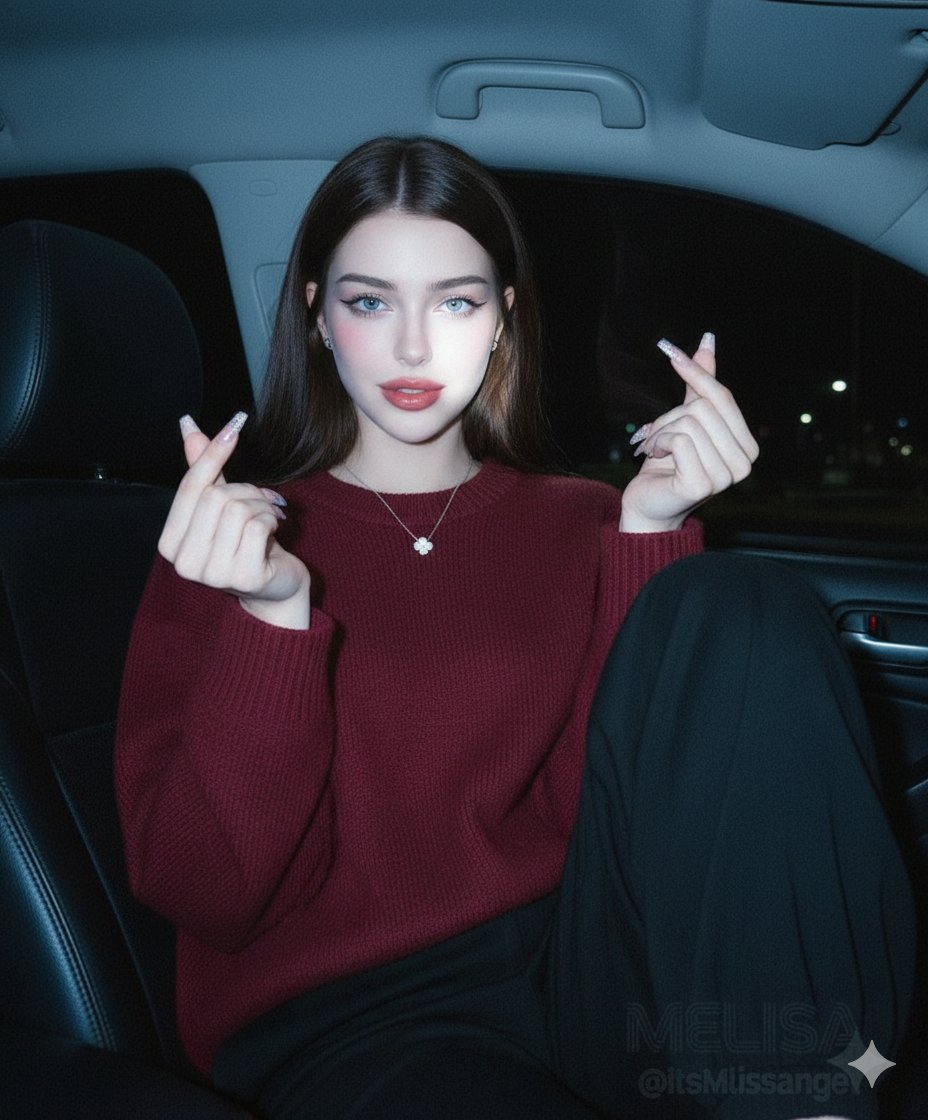
Vintage Digital Camera Car Selfie Prompt
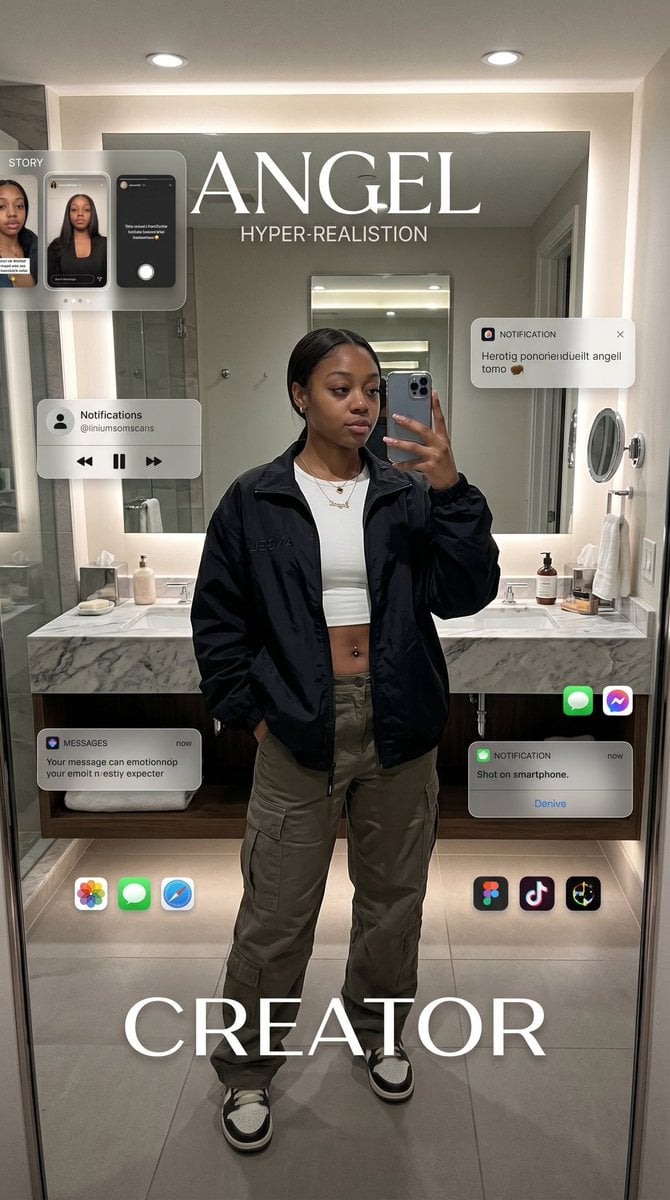
Digital Creator Mirror Selfie Poster
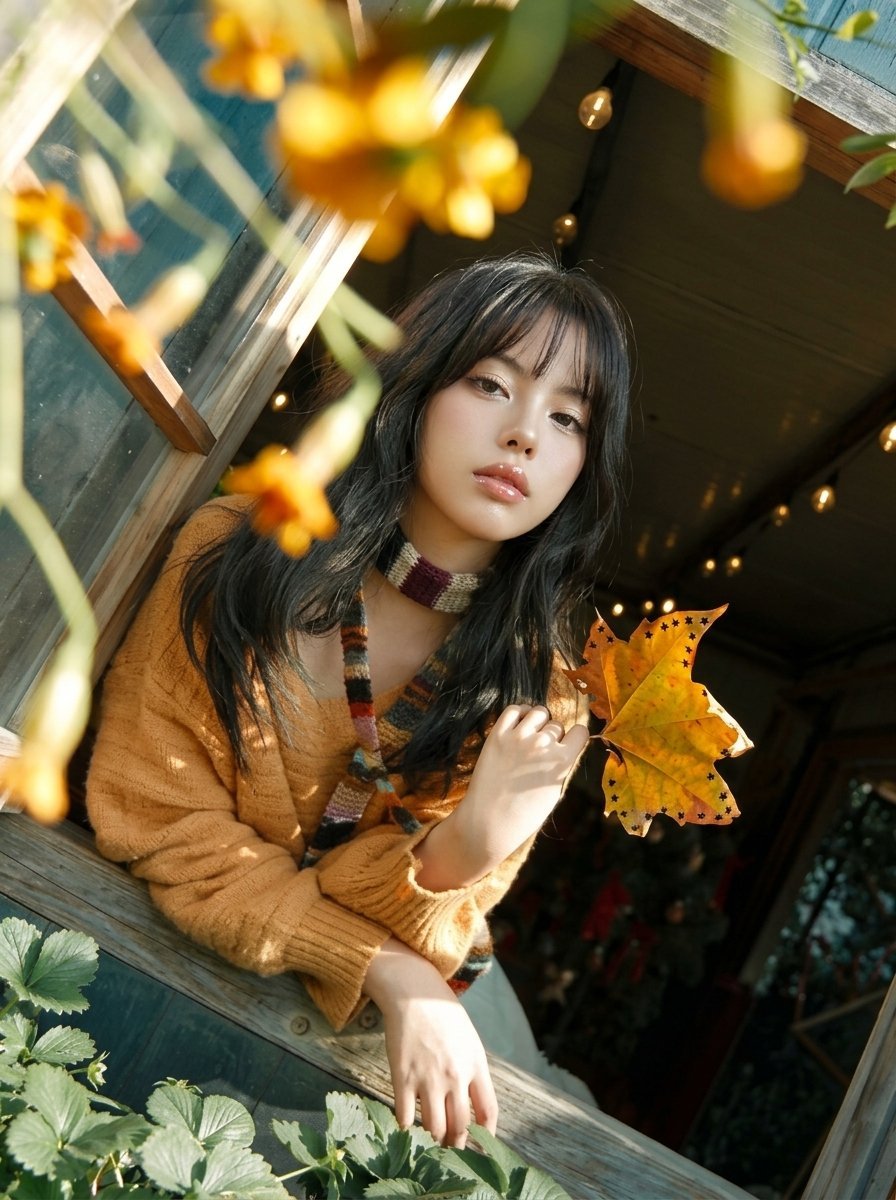
Y2K Windowsill Maple Leaf — Early 2000s Digital Photo

Sunday Afternoon, 1988

Two Tickets, One Night

If We Met in 1985

Found Photograph: Us, 1970

One Dance Before Midnight
Make it yours
Vintage Digital Camera Mirror Selfie works as-is. These are the safest ways to change it without losing the look.
Change one field
Copy a single group, rewrite it, and generate again so you can see what that field is doing.
Keep the frame, change the subject
Hold the composition and light of Vintage Digital Camera Mirror Selfie, then swap wardrobe, props or the person for a new take.
| If the result… | Why | Fix |
|---|---|---|
| The result drifts from the preview | Too many fields changed at once. | Reuse Vintage Digital Camera Mirror Selfie as-is first, then change one group — subject, light, or setting. |
| The model over-stylizes the scene | The prose prompt leaves finish and camera underspecified. | Add one camera or lighting sentence and stay on GPT Image 2. |
More GPT Image 2 templates
Other prompts made for GPT Image 2.

Six VTuber Japanese Logo Sheet

Realistic Portrait of Woman and Deer

The Vista Modular Condo Poster

AI Model Routing Comparison Infographic

2.5D Anime Art Board

Isometric Productivity Desk Scene

New York Double Exposure Poster

Four-Panel AI Landscape Comparison

Japanese Tatami Lifestyle Magazine Cover

NESCAFÉ Coffee Map Poster
More image prompts
Fresh picks from across the catalog.
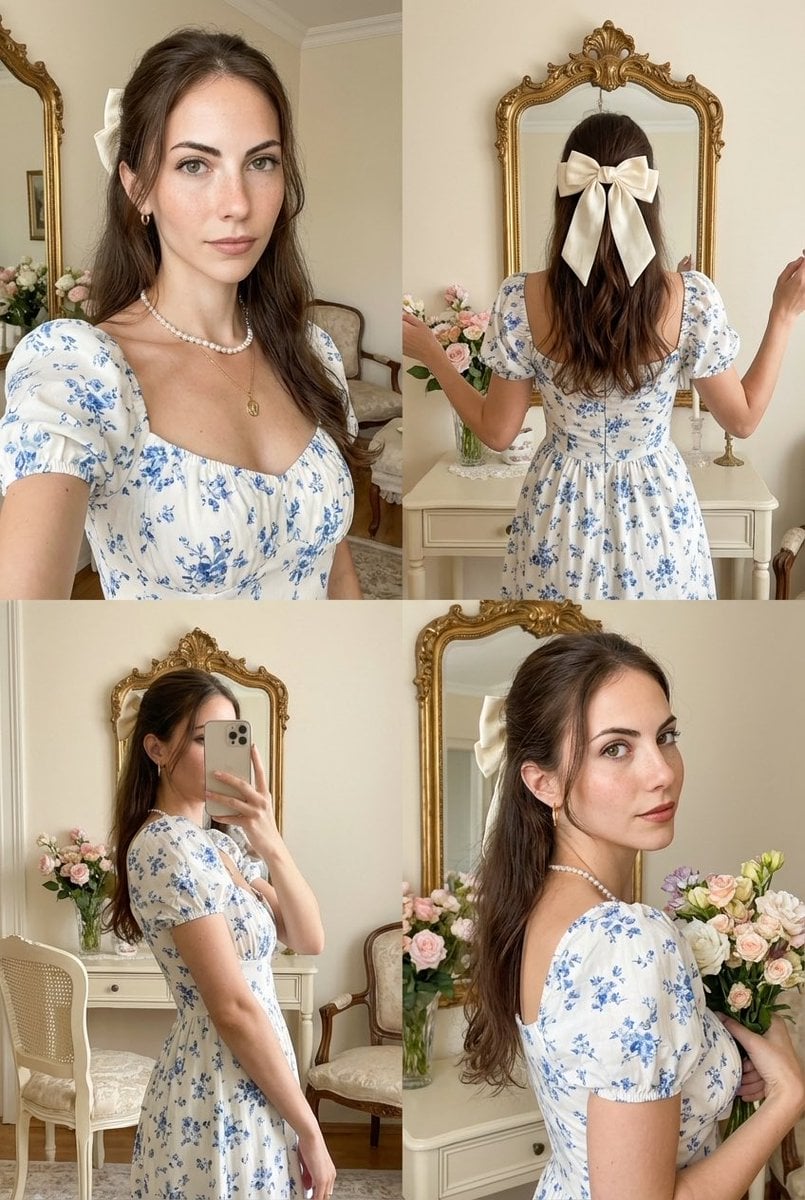
Four-Panel Collage with Strict Identity and Pose Matching

Travel Poster Graphic Collage
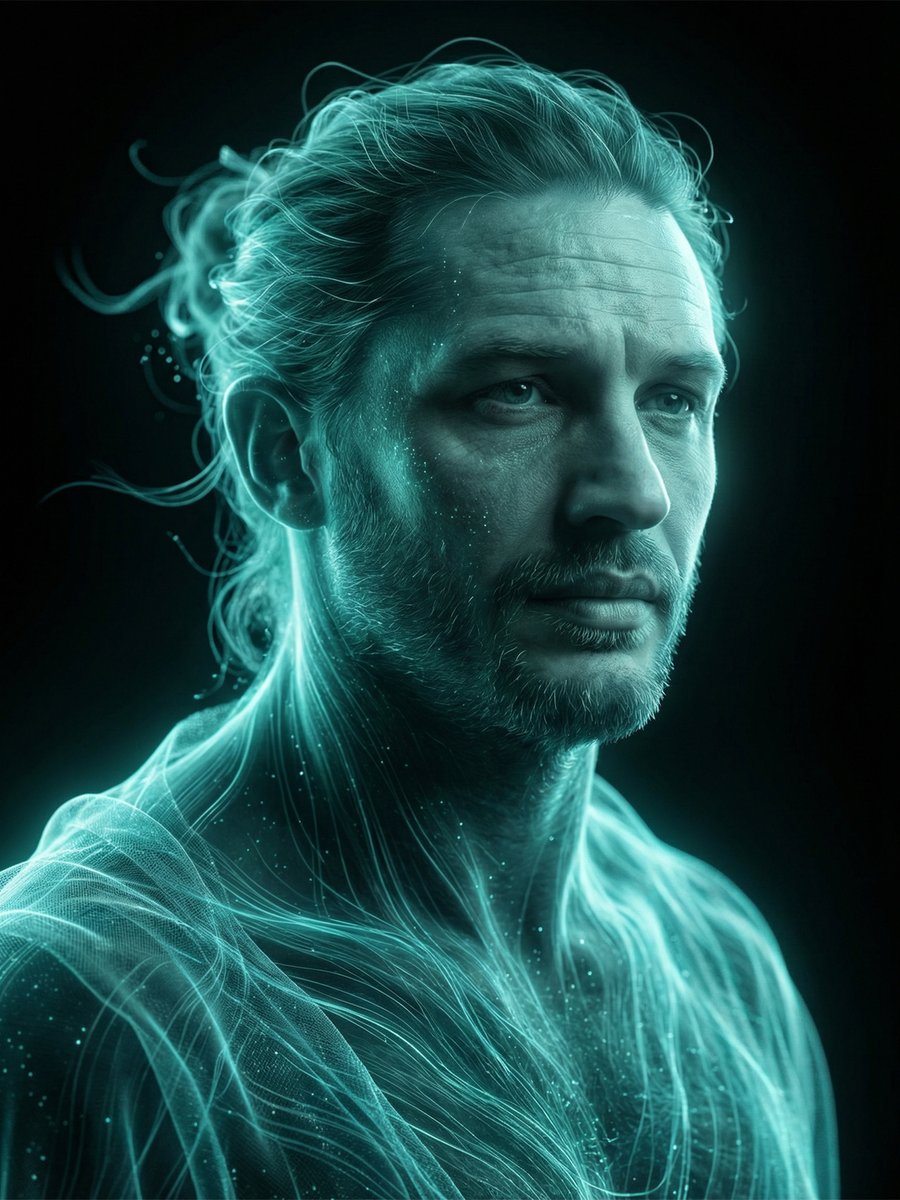
Cinematic Portrait Prompt for Nano Banana
New Year's Eve Story Generation Prompt (Text-Based)
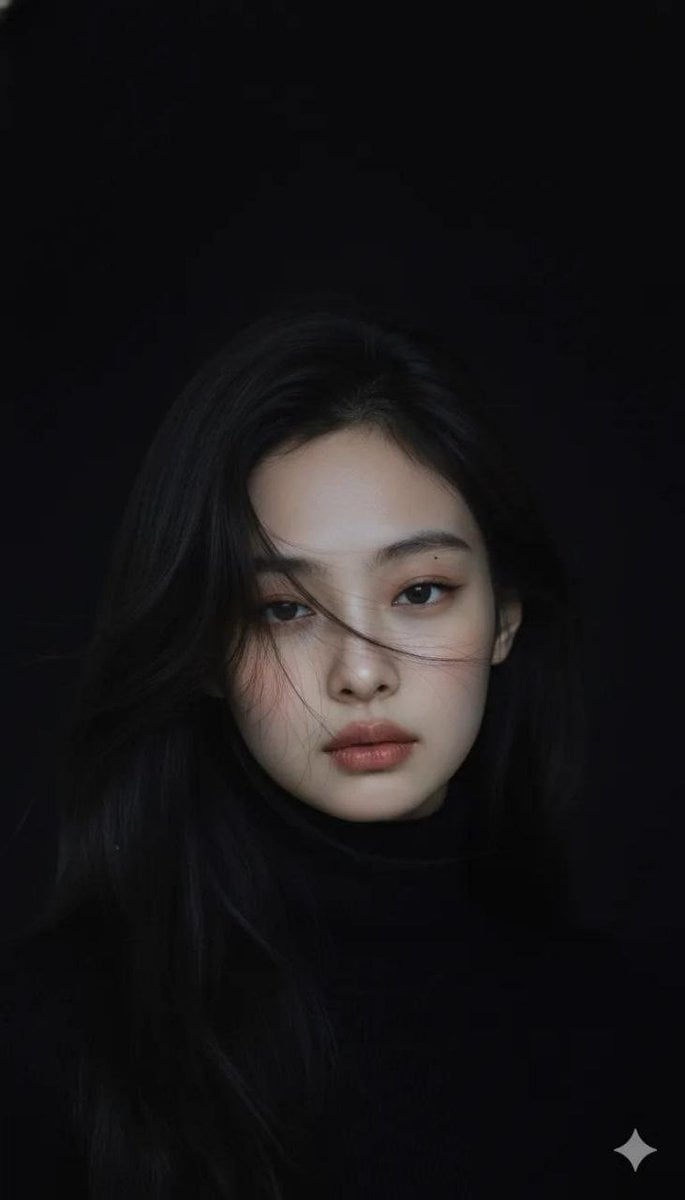
Moody Cinematic Portrait in Black Turtleneck
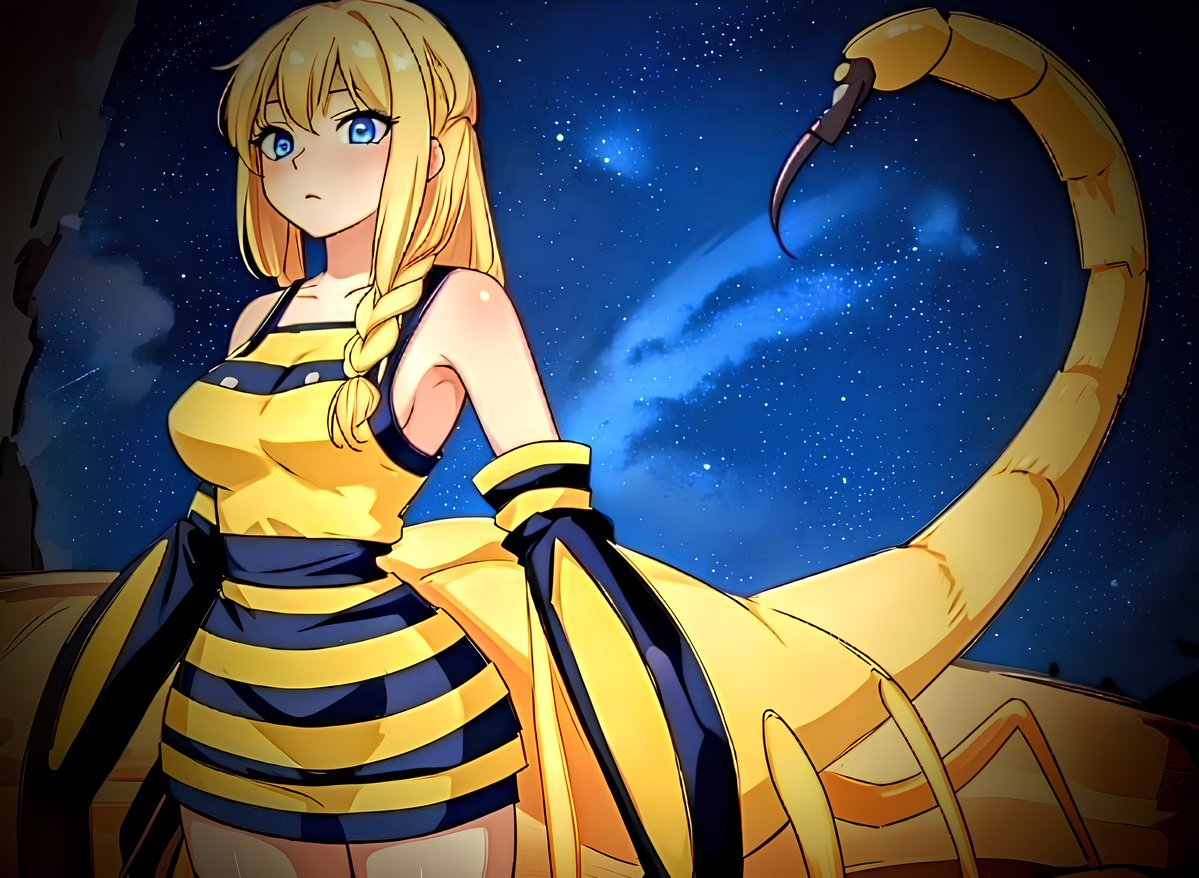
Deathstalker Arachne Personification
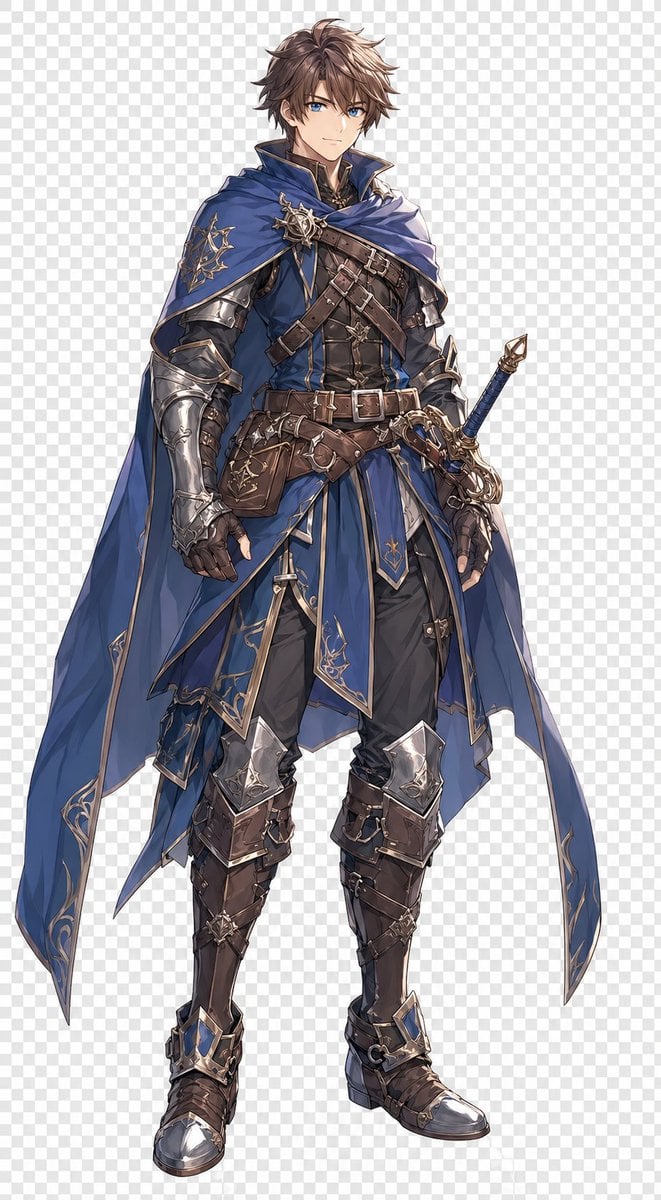
Blue Fantasy Knight Character
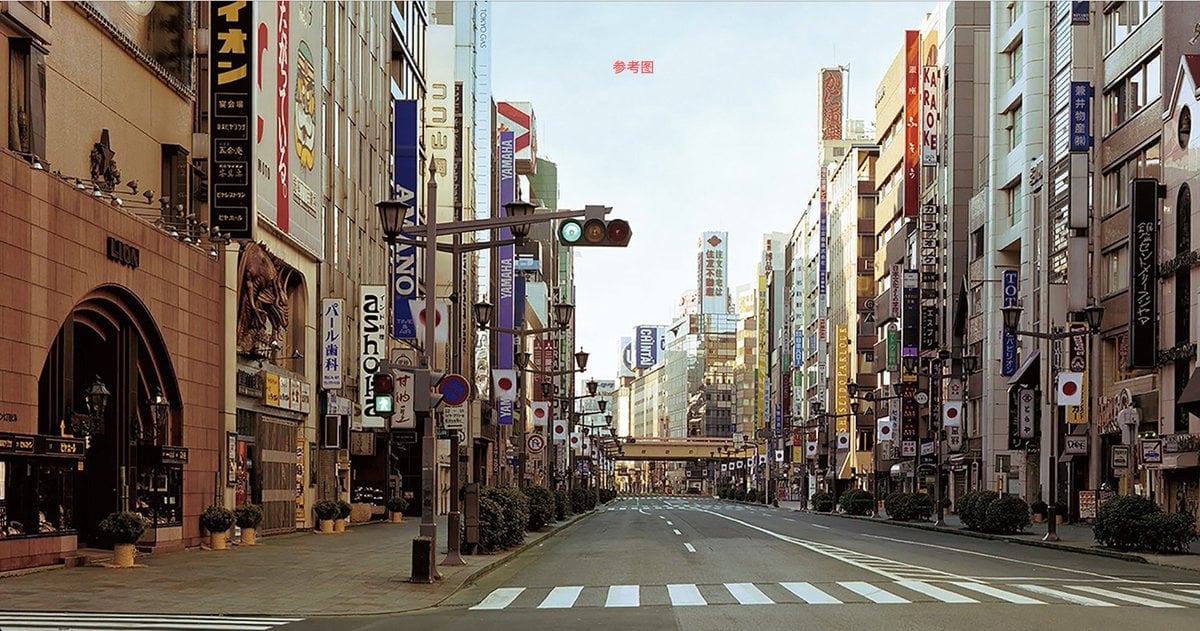
Style Transfer to Watercolor Painting
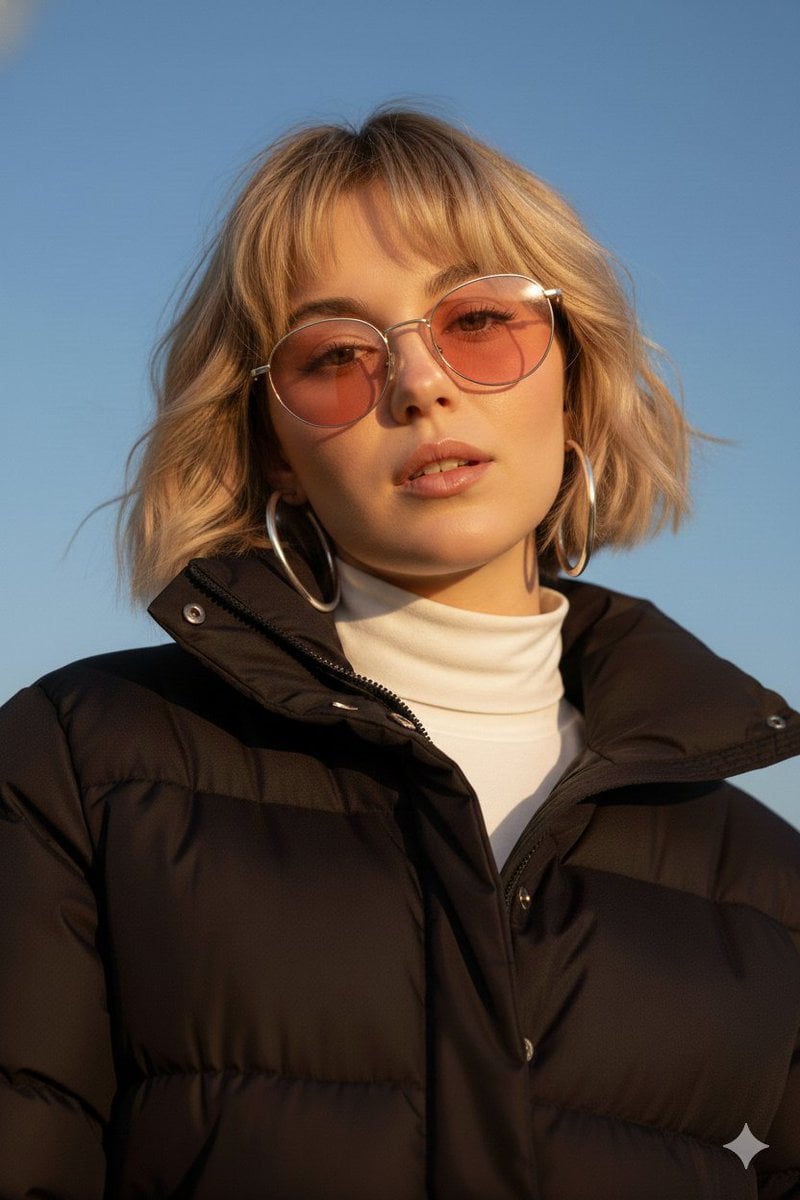
Cinematic Fashion Portrait Prompt
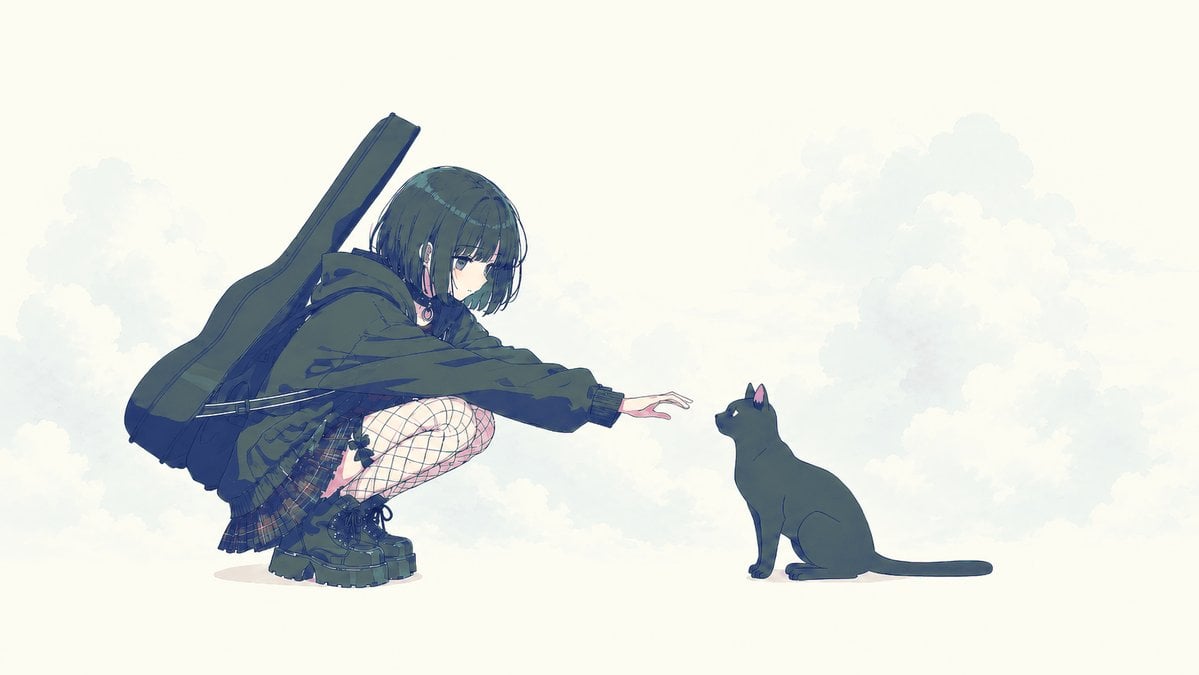
Anime Girl Reaching Toward Cat
Browse template categories
Vintage Digital Camera Mirror Selfie questions
How do I use the Vintage Digital Camera Mirror Selfie template?
Add your photo if the template asks for one, edit the prompt if you like — the template's model and format are already selected — and press Generate. Your version opens in PicX Studio.
Can I customize the Vintage Digital Camera Mirror Selfie template?
Yes. You can change the subject, setting, lighting, mood, format, and available model controls before creating your image.
Is the Vintage Digital Camera Mirror Selfie template free?
Opening and editing this template is free. Generating uses credits, shown on the Generate button when you are signed in.
Which AI model should I use?
Start with GPT Image 2, which is the model associated with this template. You can compare another compatible model for a different finish.
Looking for something else? Browse all templates.

Your photo, any look
Thousands of ready templates for every top image and video model, from one credit balance.