
Infrastructural Typography Architecture
A technical architectural prompt for creating monumental typography built from realistic city infrastructure and transit systems.
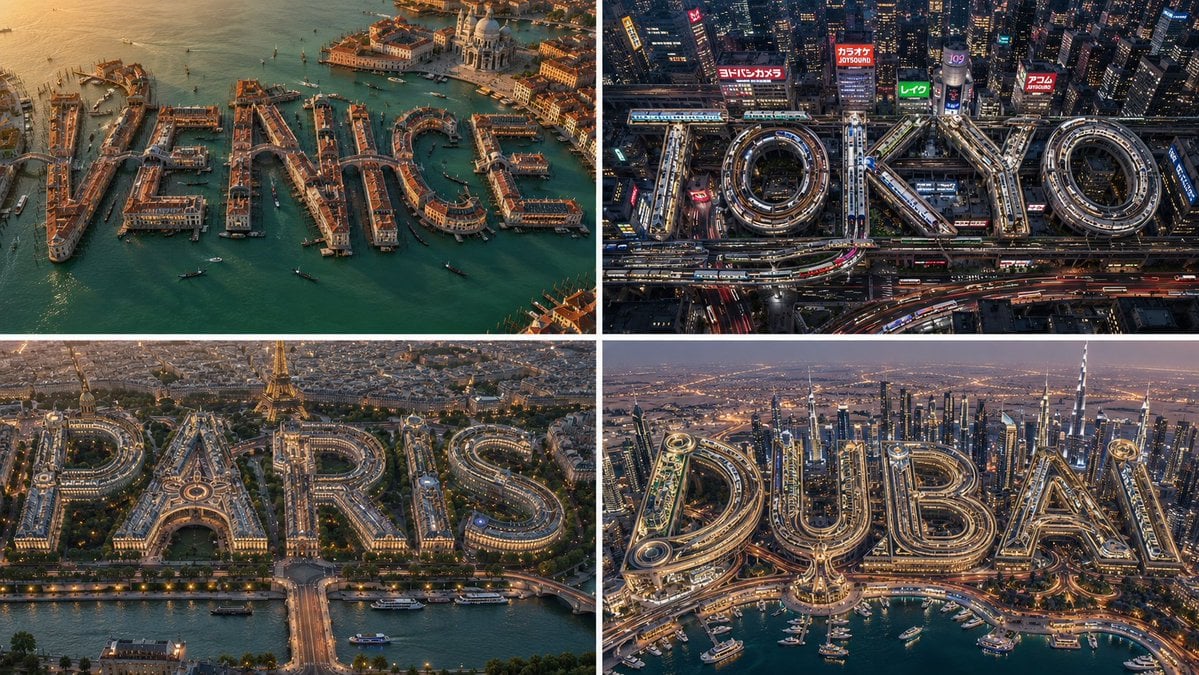
- Prompt included
- Model and format preset
- Free template
The prompt behind this image
Copy the exact prompt behind Infrastructural Typography Architecture, or open it in the studio and make it yours.
2x2 grid, 16:9, do this for 4 tourist cities: input = [{argument name="location" default="city"} + {argument name="infrastructure type" default="infrastructure system"} + environment + {argument name="style" default="optional style"}] run infrastructural_typography_extraction: text_content := parse word_or_place word_identity := infer whether text is a city, brand, concept, landmark, district, event, or fictional place font_personality := infer heavy, elegant, brutalist, futuristic, coastal, industrial, organic, luxury, playful, or monumental letter style infrastructure_dna := infer visual grammar of infrastructure_system network_behavior := infer flow, looping, branching, stacking, crossing, tunneling, ramping, glowing, routing, or circulation logic letter_mapping := map infrastructure onto each glyph’s stems, bowls, counters, diagonals, curves, crossbars, and terminals material_system := infer realistic construction materials light_system := infer city lights, traffic trails, signage glow, window grids, reflections, or ambient illumination environment_logic := infer surrounding urban/landscape context scale_anchors := infer vehicles, people, trees, buildings, waterways, or transit elements camera := infer cinematic aerial, street-level, drone, tilt-shift, or architectural visualization view render: a readable monumental word built from the inferred infrastructure system. constraints: - no fixed city - no fixed road system - no copied composition - no random transport spaghetti - infrastructure must physically construct the typography - word remains readable at thumbnail scale
How to use Infrastructural Typography Architecture in 3 steps
- 1
Open
The prompt is already in the box next to the preview, with the template's model and format selected.
- 2…a portrait of your subject in softgolden-hour light, 85mm…
Personalize
Edit the subject and creative details for your destination.
- 3Generate
Generate
Press Generate — your image is created in PicX Studio, so you can compare it with the original and refine one variable at a time.
More like this
Templates with the same subject, style or setup. Open one to see its prompt.

Motion Graphics Finale Fireworks

Motion Graphics Garden Maze

Motion Graphics Castle Gate

Motion Graphics Kitchen Chaos

Motion Graphics Carnival Ride

Motion Graphics Rainy Bus Stop

Motion Graphics Space Dock

Motion Graphics Cafe Morning

Motion Graphics Mountain Summit
Motion Graphics Underwater Reef

Motion Graphics Street Festival

Motion Graphics Ballroom Dance
Make it yours
Infrastructural Typography Architecture works as-is. These are the safest ways to change it without losing the look.
Change one field
Copy a single group, rewrite it, and generate again so you can see what that field is doing.
Keep the frame, change the subject
Hold the composition and light of Infrastructural Typography Architecture, then swap wardrobe, props or the person for a new take.
| If the result… | Why | Fix |
|---|---|---|
| The result drifts from the preview | Too many fields changed at once. | Reuse Infrastructural Typography Architecture as-is first, then change one group — subject, light, or setting. |
| The model over-stylizes the scene | The prose prompt leaves finish and camera underspecified. | Add one camera or lighting sentence and stay on GPT Image 2. |
More GPT Image 2 templates
Other prompts made for GPT Image 2.

Six VTuber Japanese Logo Sheet

Realistic Portrait of Woman and Deer

The Vista Modular Condo Poster

AI Model Routing Comparison Infographic

2.5D Anime Art Board

Isometric Productivity Desk Scene

New York Double Exposure Poster

Four-Panel AI Landscape Comparison

Japanese Tatami Lifestyle Magazine Cover

NESCAFÉ Coffee Map Poster
More image prompts
Fresh picks from across the catalog.
Multi-Cut Scene Generation and Extraction Prompt
Conceptual Stationery Design Prompt for Toyohashi Specialties
Minimal Black Ink Illustration Blueprint Prompt
Isometric Miniature 3D City Cartoon Scene

Ultra-Realistic - India Patriotic Portrait
Neumorphic Smart Dashboard UI
Vintage Photo Restoration of East Asian Girl
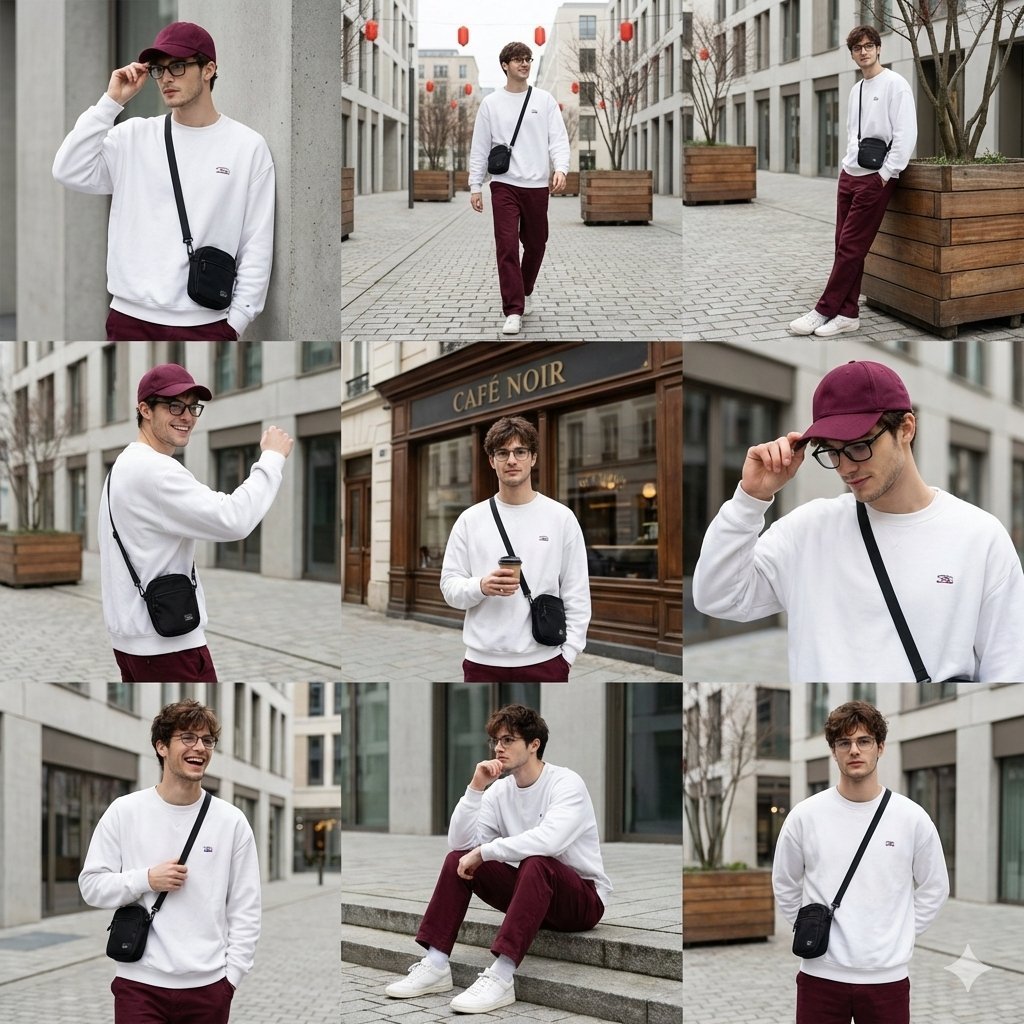
Urban Fashion Lookbook Collage
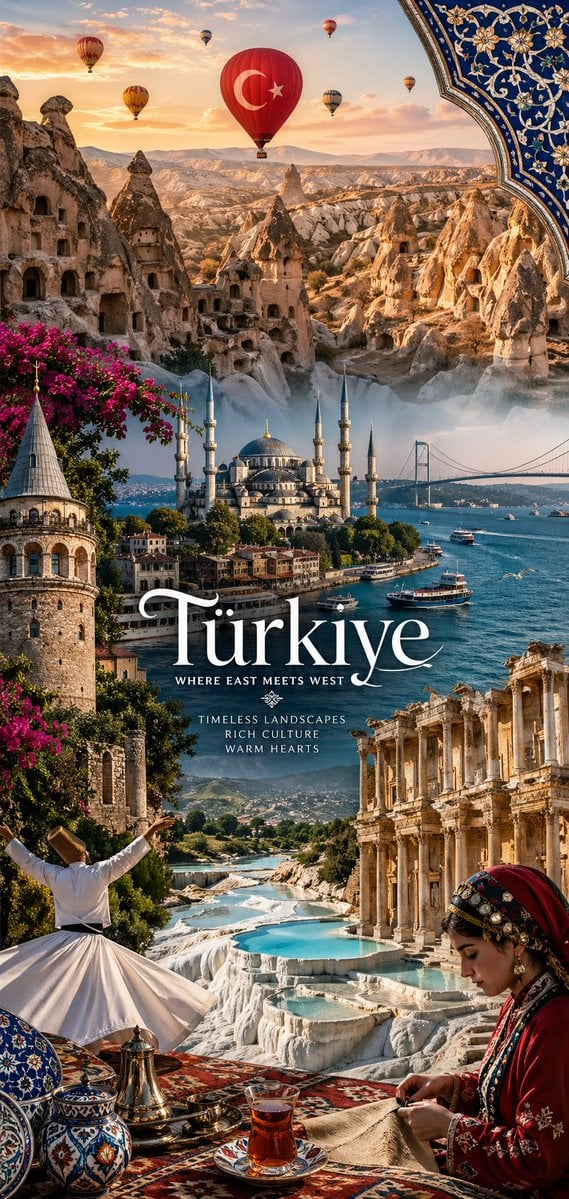
National Identity Mobile Wallpaper
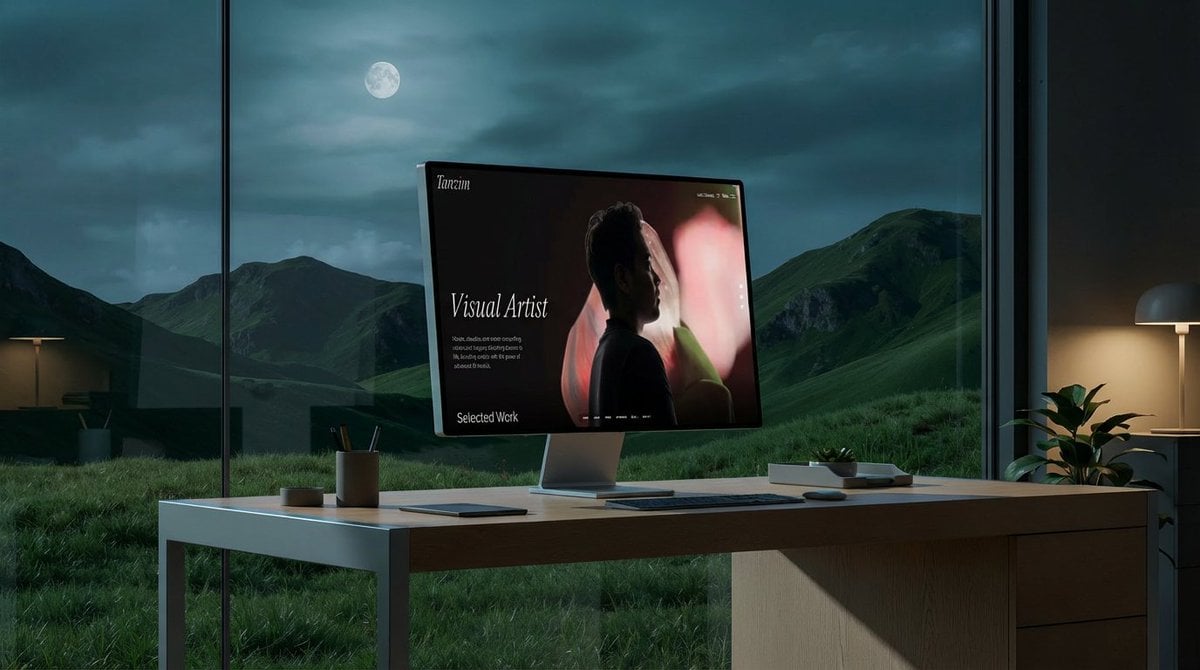
Mockup generation prompt for screen replacement
Browse template categories
Infrastructural Typography Architecture questions
How do I use the Infrastructural Typography Architecture template?
Add your photo if the template asks for one, edit the prompt if you like — the template's model and format are already selected — and press Generate. Your version opens in PicX Studio.
Can I customize the Infrastructural Typography Architecture template?
Yes. You can change the subject, setting, lighting, mood, format, and available model controls before creating your image.
Is the Infrastructural Typography Architecture template free?
Opening and editing this template is free. Generating uses credits, shown on the Generate button when you are signed in.
Which AI model should I use?
Start with GPT Image 2, which is the model associated with this template. You can compare another compatible model for a different finish.
Looking for something else? Browse all templates.

Your photo, any look
Thousands of ready templates for every top image and video model, from one credit balance.