
Anime Dragon Lounge Wallpaper
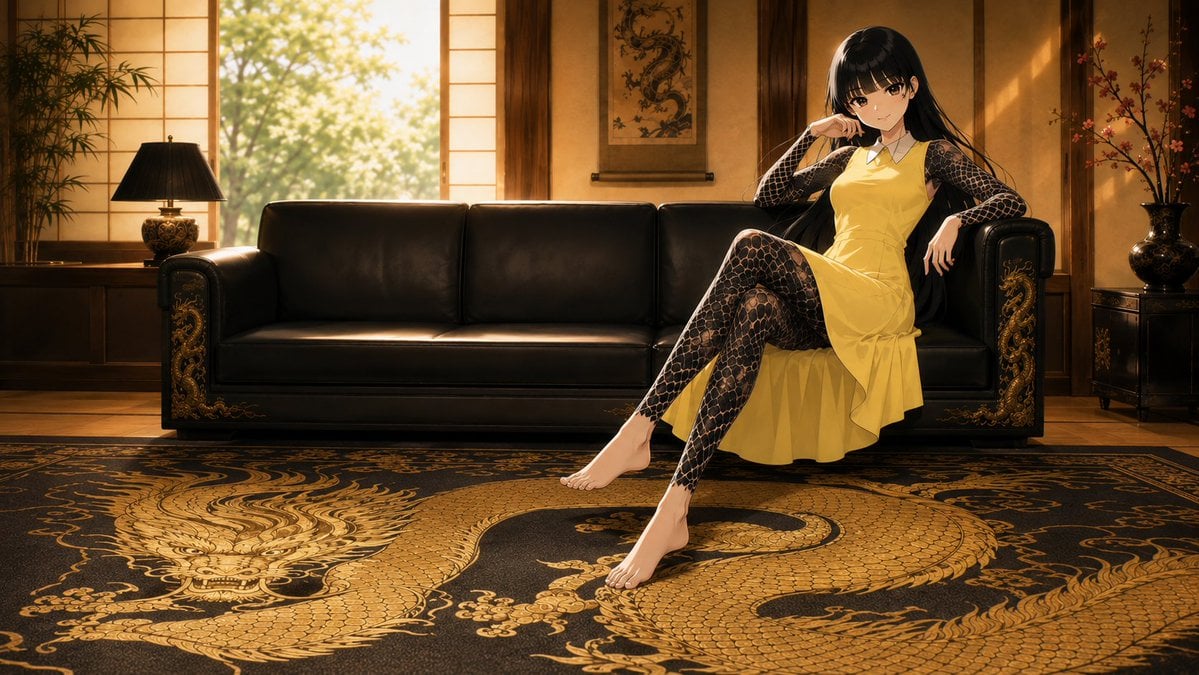
A cinematic anime desktop wallpaper of an elegant black-haired woman reclining on a black leather sofa in a warm Japanese luxury lounge with gold dragon decor.
- Prompt included
- Model and format preset
- Free template
The prompt behind this image
Copy the exact prompt behind Anime Dragon Lounge Wallpaper, or open it in the studio and make it yours.
Create a cinematic 16:9 desktop wallpaper in polished anime style featuring {argument name="character name" default="Kirara"}, a beautiful young woman with long glossy {argument name="hair color" default="black"} hair and soft bangs, sitting confidently on the right side of a luxurious black leather sofa. She wears a sleeveless {argument name="dress color" default="yellow"} knee-length dress with a small white collar, layered over a sheer black full-body lace/net-pattern garment covering her arms and legs. Pose her with one leg crossed and extended forward, bare feet visible, one elbow resting on the sofa arm, one hand near her face, smiling calmly with a cool, elegant expression. Set the scene in an opulent Japanese-inspired lounge at golden hour: warm wooden wall panels, shoji-style windows glowing with sunlight, leafy trees visible outside, a hanging dragon scroll centered behind the sofa, a potted bamboo plant and black table lamp on the left, and a decorative vase with flowering branches on the right. The sofa is black leather with ornate gold dragon carvings on both armrests. In the foreground, place a large black rug with an enormous intricate {argument name="rug motif" default="gold dragon"} design spanning the floor, highly detailed scales, claws, whiskers, and swirling ornamental patterns. Use dramatic warm backlighting, soft sunbeams, rich amber shadows, high-detail textures, elegant composition, shallow depth of field, and a premium desktop wallpaper finish. No text, no watermark, no extra characters.
How to use Anime Dragon Lounge Wallpaper in 3 steps
- 1Upload ImagePNG, JPG or paste
Add your photo
Upload the photo the template builds on. The prompt, model and format are already set.
- 2…a portrait of your subject in softgolden-hour light, 85mm…
Personalize
Edit the subject and creative details for your destination.
- 3Generate
Generate
Press Generate — your image is created in PicX Studio, so you can compare it with the original and refine one variable at a time.
More like this
Templates with the same subject, style or setup. Open one to see its prompt.




Make it yours
Anime Dragon Lounge Wallpaper works as-is. These are the safest ways to change it without losing the look.
Change one field
Copy a single group, rewrite it, and generate again so you can see what that field is doing.
Keep the frame, change the subject
Hold the composition and light of Anime Dragon Lounge Wallpaper, then swap wardrobe, props or the person for a new take.
| If the result… | Why | Fix |
|---|---|---|
| The result drifts from the preview | Too many fields changed at once. | Reuse Anime Dragon Lounge Wallpaper as-is first, then change one group — subject, light, or setting. |
| The model over-stylizes the scene | The prose prompt leaves finish and camera underspecified. | Add one camera or lighting sentence and stay on GPT Image 2. |
More GPT Image 2 templates
Other prompts made for GPT Image 2.

Six VTuber Japanese Logo Sheet

Realistic Portrait of Woman and Deer

The Vista Modular Condo Poster

AI Model Routing Comparison Infographic

2.5D Anime Art Board

Isometric Productivity Desk Scene

New York Double Exposure Poster

Four-Panel AI Landscape Comparison

Japanese Tatami Lifestyle Magazine Cover

NESCAFÉ Coffee Map Poster
More image prompts
Fresh picks from across the catalog.
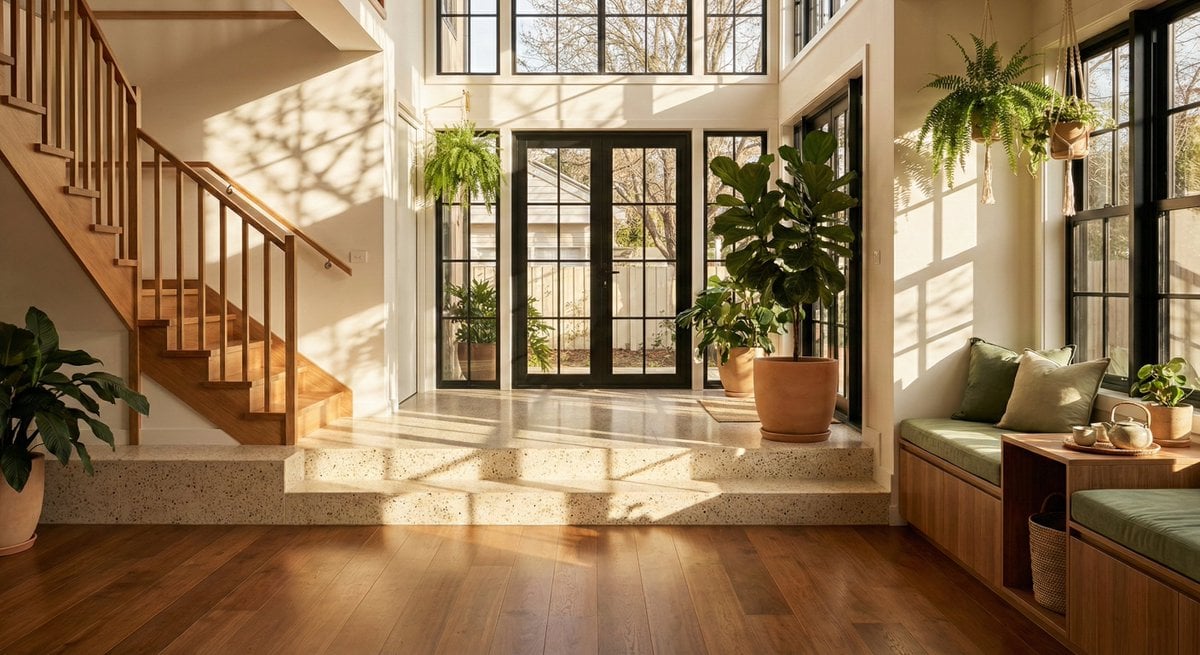
Sun-Drenched Modern Entryway Architectural Photograph Prompt
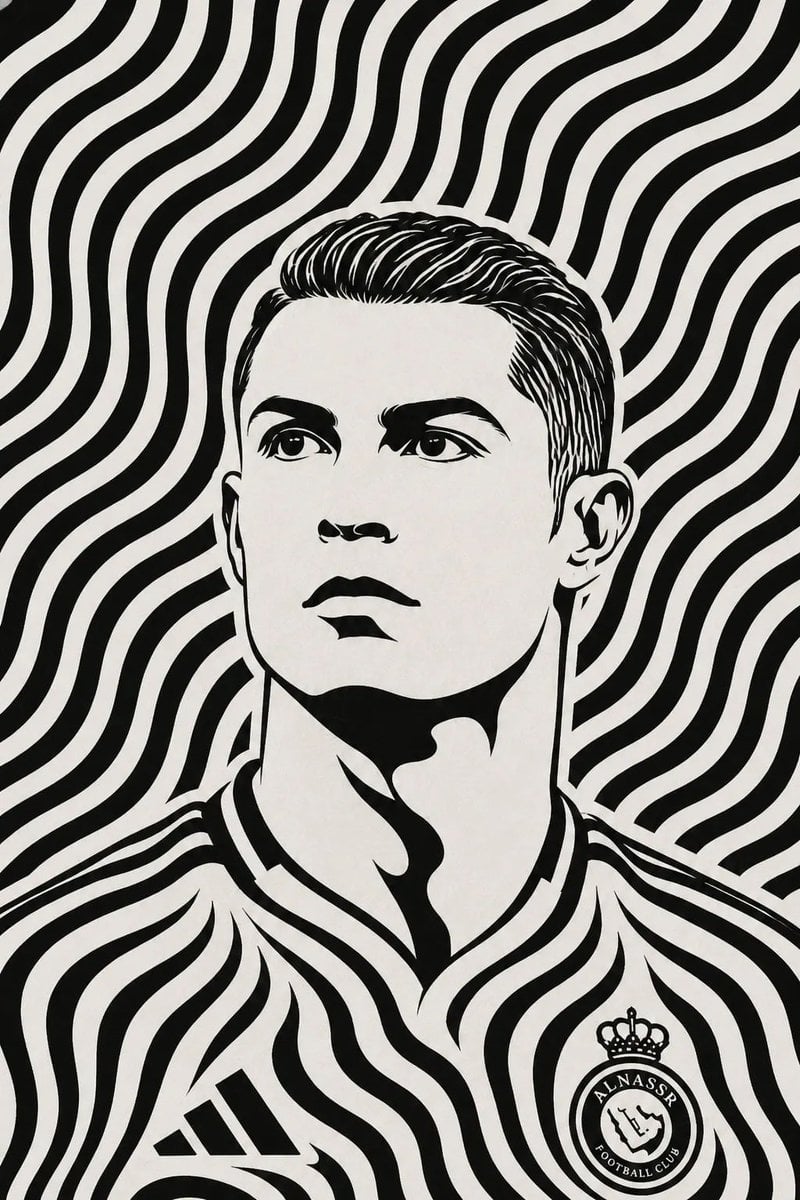
Black and White Optical Illusion Portrait
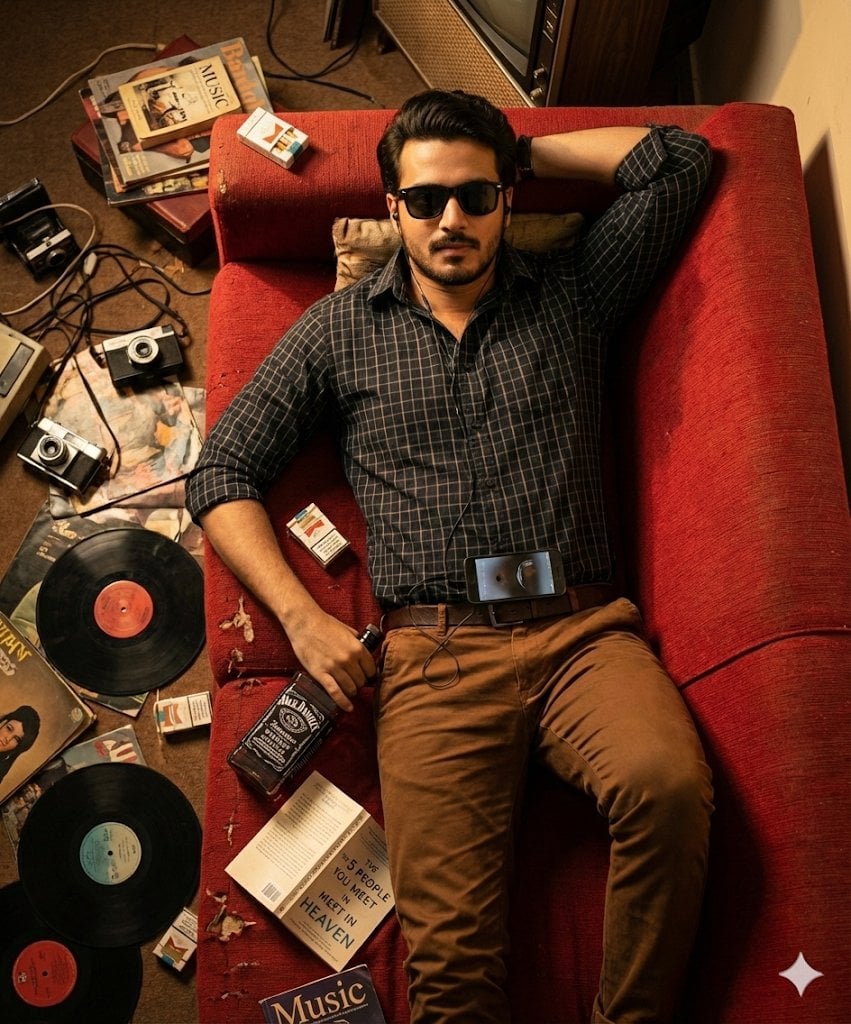
Cinematic Overhead Portrait of a Man on a Red Couch
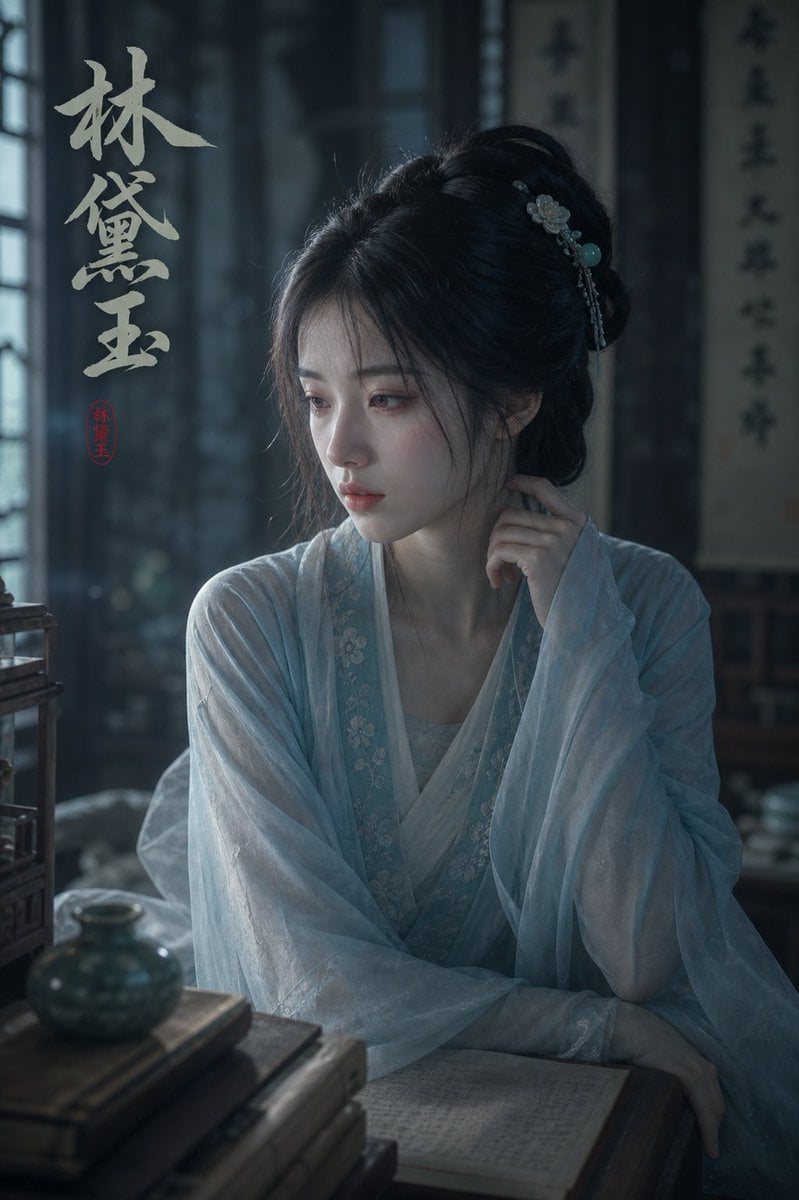
Melancholic Lin Daiyu Portrait
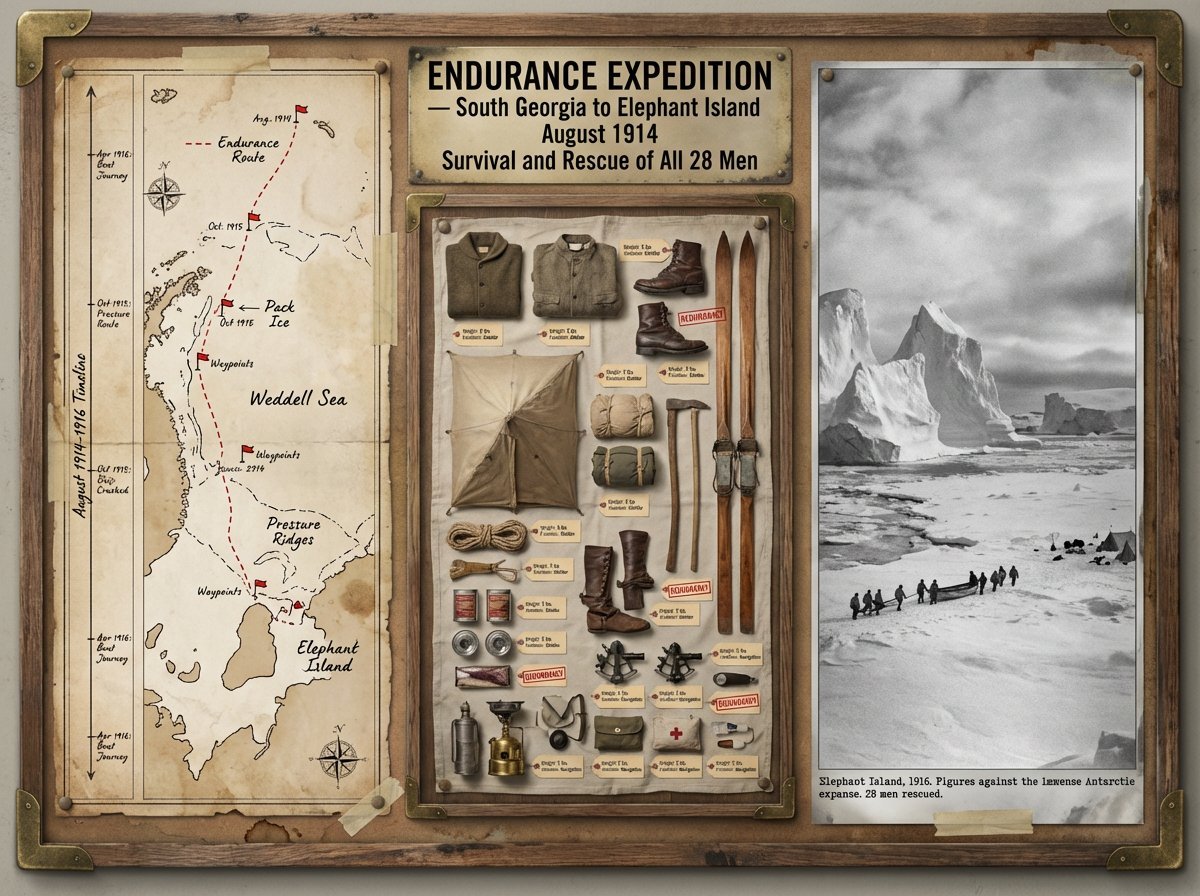
Expedition Planning Board Collage Prompt
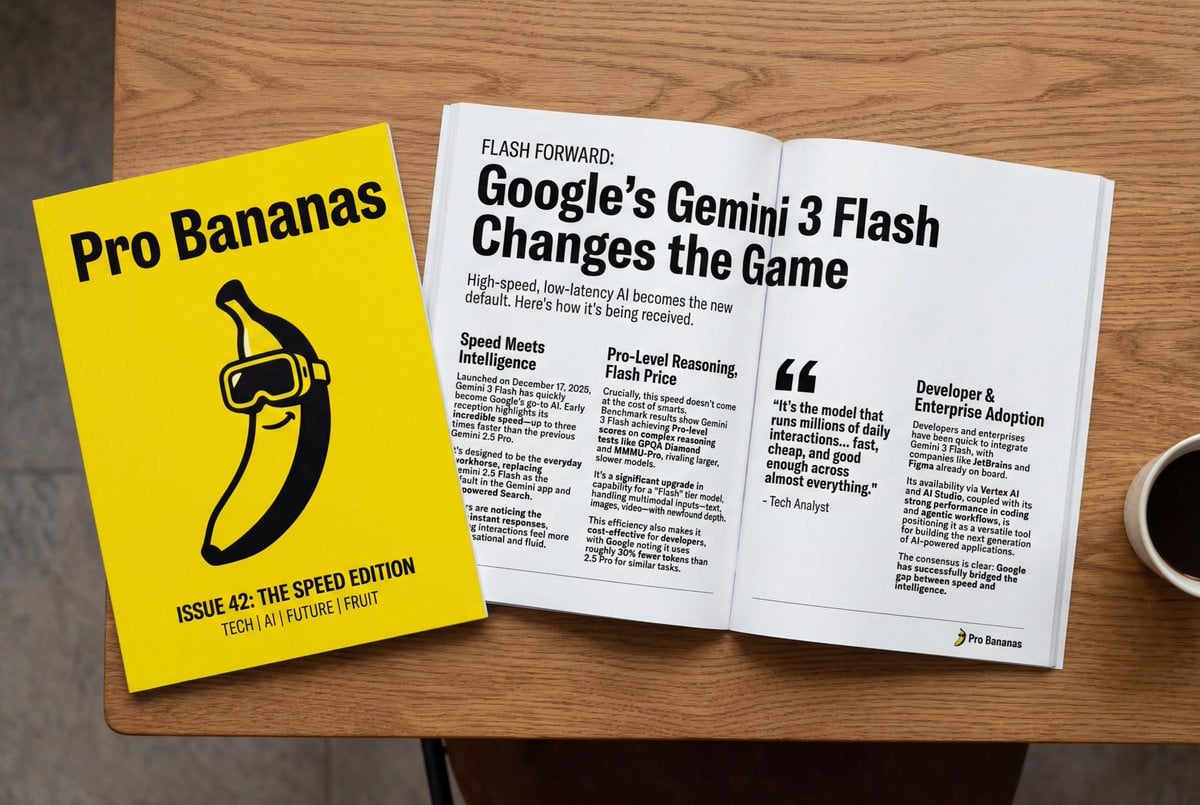
Generate Magazine Article and Cover (LLM/Image)
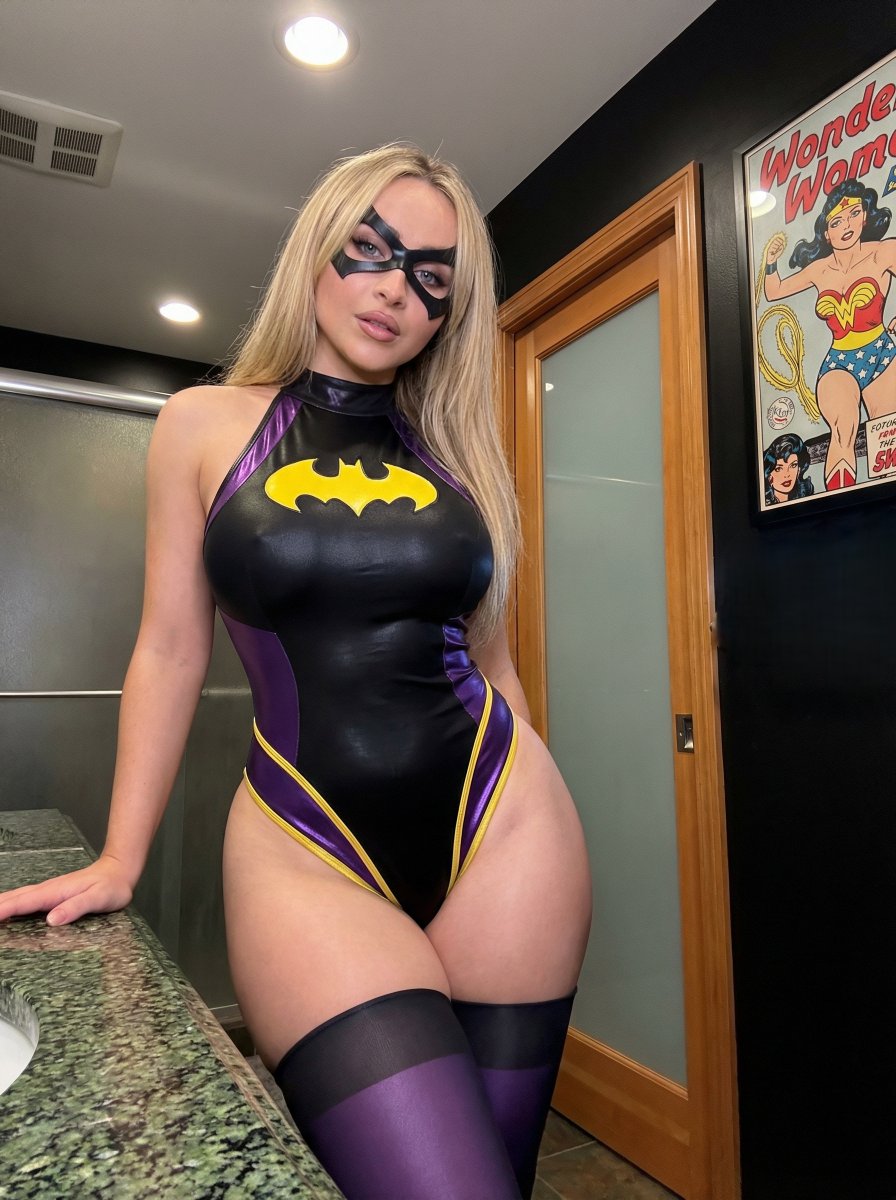
Batgirl Bodysuit Portrait with Likeness Preservation Prompt
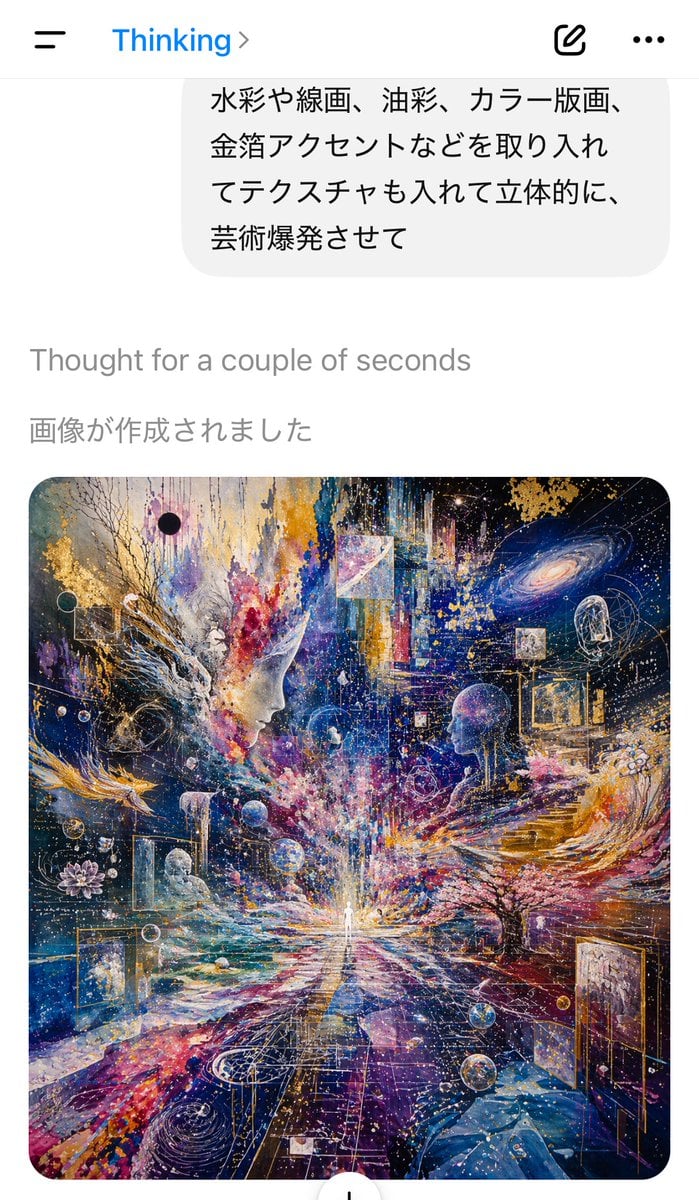
AI Chat Screenshot with Cosmic Artwork
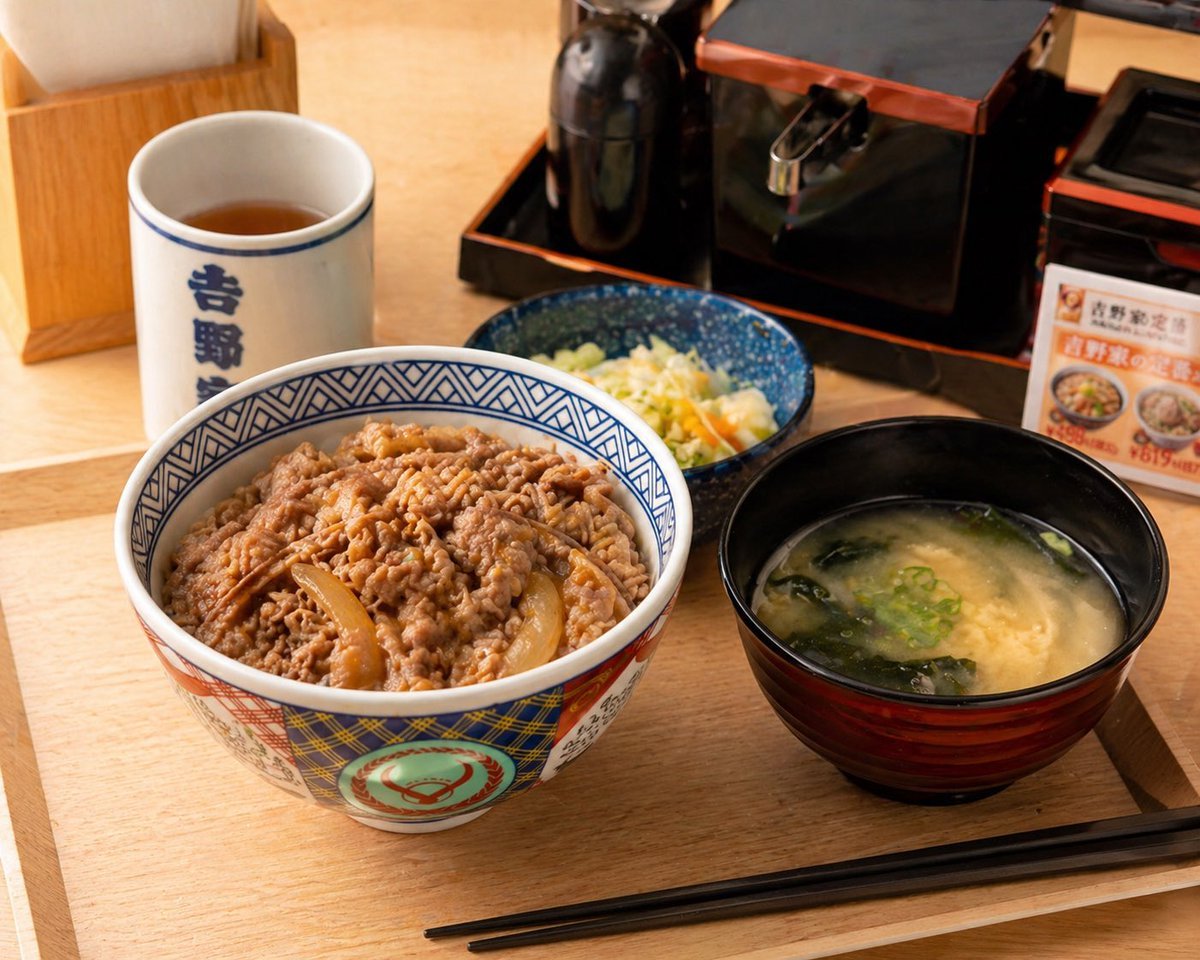
Food Image Professional Retouching Prompt
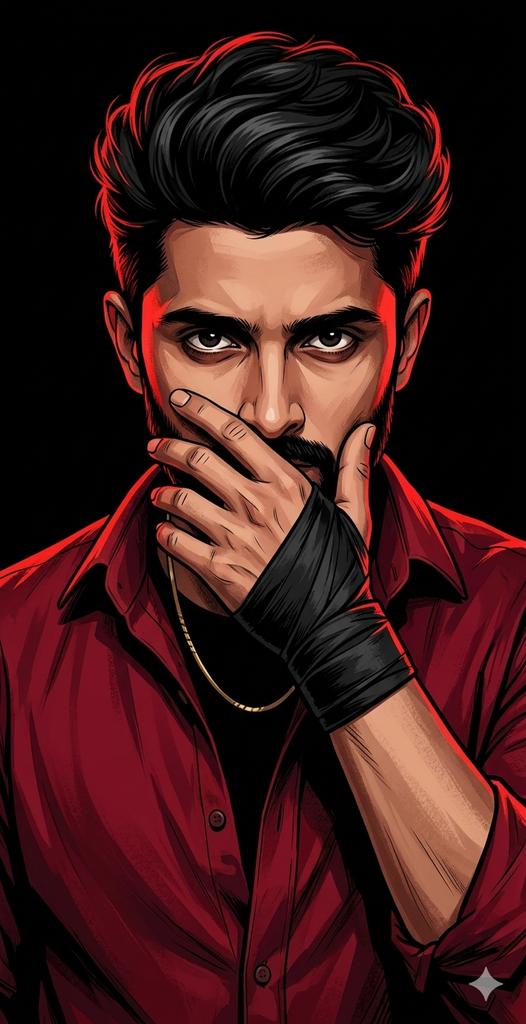
Dramatic Red Rim Lighting Portrait
Browse template categories
Anime Dragon Lounge Wallpaper questions
How do I use the Anime Dragon Lounge Wallpaper template?
Add your photo if the template asks for one, edit the prompt if you like — the template's model and format are already selected — and press Generate. Your version opens in PicX Studio.
Can I customize the Anime Dragon Lounge Wallpaper template?
Yes. You can change the subject, setting, lighting, mood, format, and available model controls before creating your image.
Is the Anime Dragon Lounge Wallpaper template free?
Opening and editing this template is free. Generating uses credits, shown on the Generate button when you are signed in.
Which AI model should I use?
Start with GPT Image 2, which is the model associated with this template. You can compare another compatible model for a different finish.
Looking for something else? Browse all templates.

Your photo, any look
Thousands of ready templates for every top image and video model, from one credit balance.