
Shoji Door Whispering Anime Scene
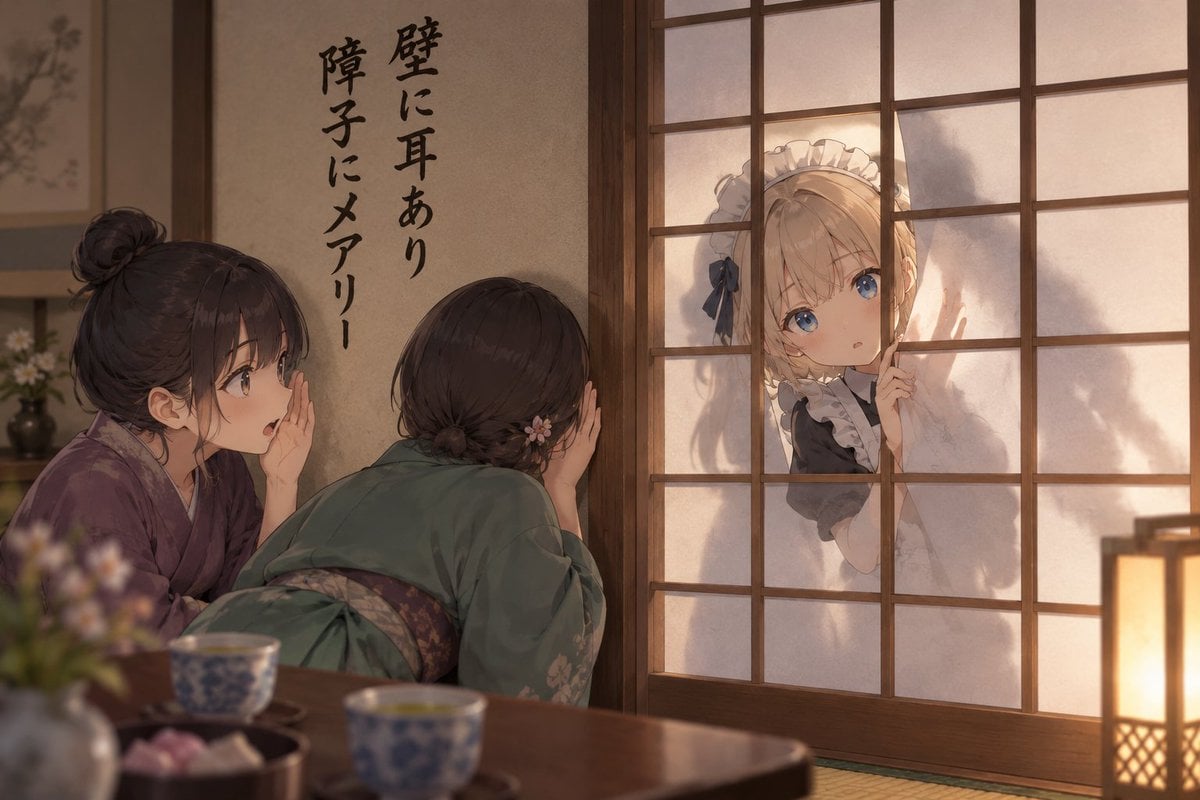
A cinematic anime prompt for creating a humorous traditional Japanese room scene with kimono girls whispering while a maid peeks through a shoji door.
- Prompt included
- Model and format preset
- Free template
The prompt behind this image
Copy the exact prompt behind Shoji Door Whispering Anime Scene, or open it in the studio and make it yours.
Create a warm cinematic anime illustration set inside a traditional Japanese tatami room at dusk. Show exactly three girls: two Japanese girls in kimono inside the room on the left, whispering conspiratorially toward a shoji sliding door, and one blonde blue-eyed foreign maid outside on the right, peeking through the translucent paper door with one finger raised to her lips. The inside girl on the far left has dark hair in a messy bun, wears a muted purple kimono, cups one hand near her mouth, and looks surprised while whispering. The second inside girl is seen mostly from behind, leaning forward in a green kimono with a floral hairpin, pressing her ear toward the wall or door as if listening. The outside maid has {argument name="hair color" default="blonde"} hair, large blue eyes, a frilled white maid headband, a black-and-white maid dress, and a slightly innocent, secretive expression. On the plaster wall above the two kimono girls, add vertical black brush-calligraphy text reading {argument name="wall calligraphy" default="壁に耳あり 障子にメアリー"}. Use a wooden shoji grid door occupying the right half of the image, with soft silhouettes and warm backlight behind the paper panels. Foreground: a low wooden table partially blurred with exactly two blue-and-white teacups, one small dish of sweets, and a blurred flower vase at the lower left. Background: muted hanging scroll and simple ikebana flowers. Style: high-quality Japanese anime key visual, painterly lighting, soft depth of field, warm amber lantern glow from the lower right, detailed wood grain, delicate fabric folds, cozy historical interior, humorous visual pun mood, no modern objects, no watermark.
How to use Shoji Door Whispering Anime Scene in 3 steps
- 1Upload ImagePNG, JPG or paste
Add your photo
Upload the photo the template builds on. The prompt, model and format are already set.
- 2…a portrait of your subject in softgolden-hour light, 85mm…
Personalize
Edit the subject and creative details for your destination.
- 3Generate
Generate
Press Generate — your image is created in PicX Studio, so you can compare it with the original and refine one variable at a time.
More like this
Templates with the same subject, style or setup. Open one to see its prompt.












Make it yours
Shoji Door Whispering Anime Scene works as-is. These are the safest ways to change it without losing the look.
Change one field
Copy a single group, rewrite it, and generate again so you can see what that field is doing.
Keep the frame, change the subject
Hold the composition and light of Shoji Door Whispering Anime Scene, then swap wardrobe, props or the person for a new take.
| If the result… | Why | Fix |
|---|---|---|
| The result drifts from the preview | Too many fields changed at once. | Reuse Shoji Door Whispering Anime Scene as-is first, then change one group — subject, light, or setting. |
| The model over-stylizes the scene | The prose prompt leaves finish and camera underspecified. | Add one camera or lighting sentence and stay on GPT Image 2. |
More GPT Image 2 templates
Other prompts made for GPT Image 2.

Six VTuber Japanese Logo Sheet

Realistic Portrait of Woman and Deer

The Vista Modular Condo Poster

AI Model Routing Comparison Infographic

2.5D Anime Art Board

Isometric Productivity Desk Scene

New York Double Exposure Poster

Four-Panel AI Landscape Comparison

Japanese Tatami Lifestyle Magazine Cover

NESCAFÉ Coffee Map Poster
More image prompts
Fresh picks from across the catalog.
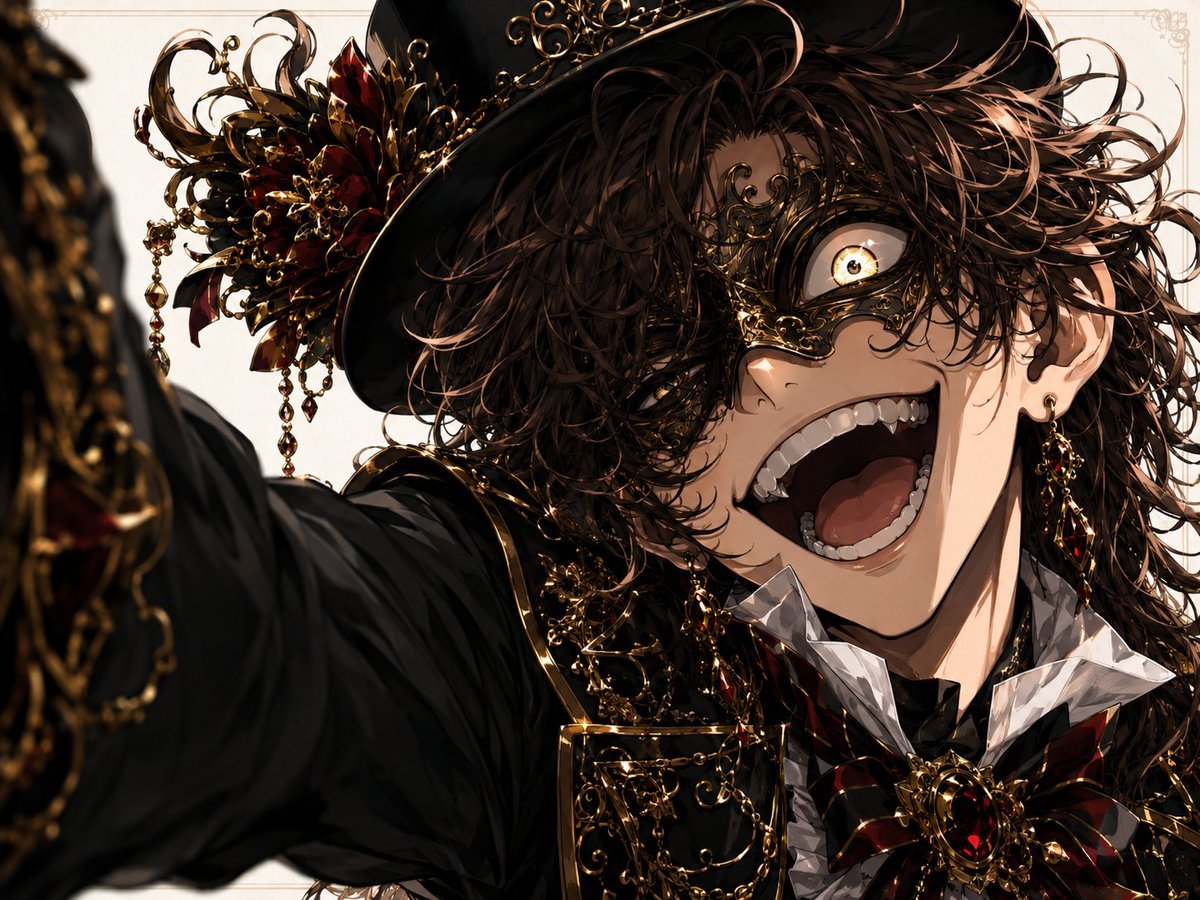
Wide-Angle Dramatic Facial Close-up
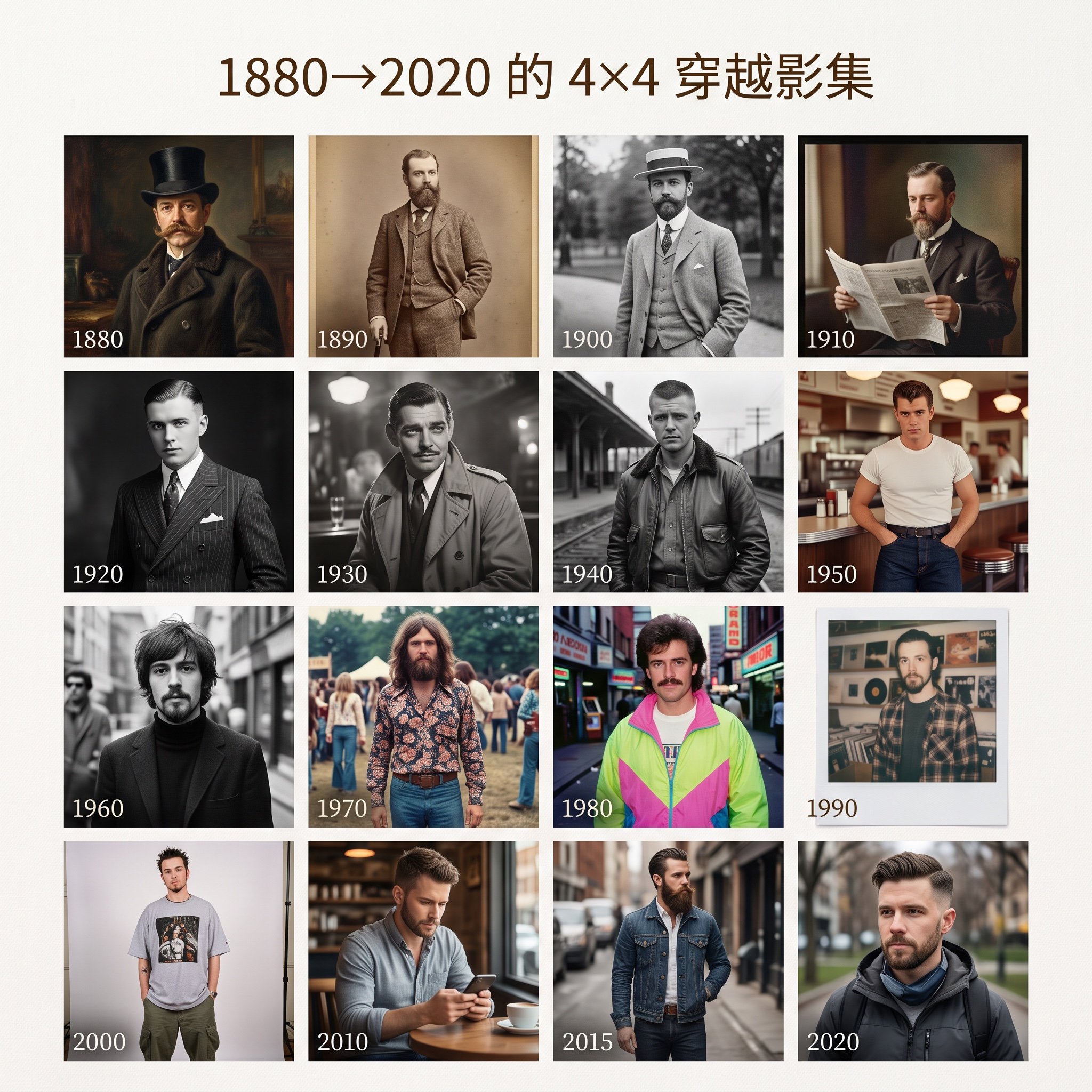
4x4 Time Travel Photo Album
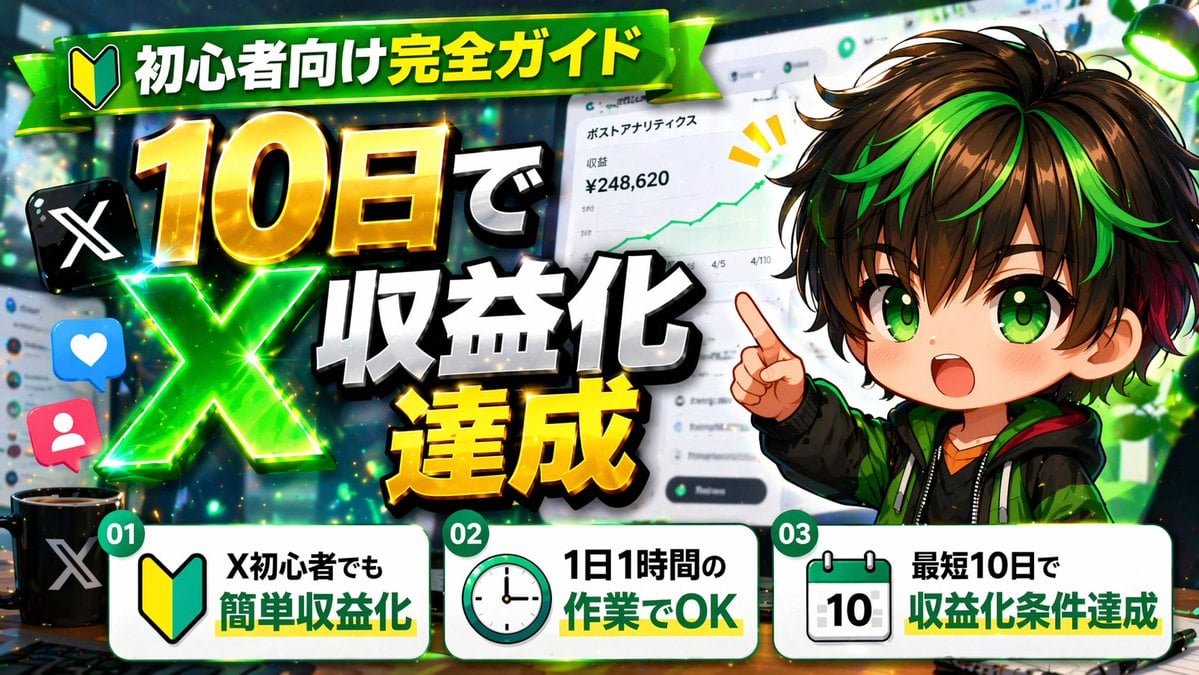
Japanese X Monetization Thumbnail
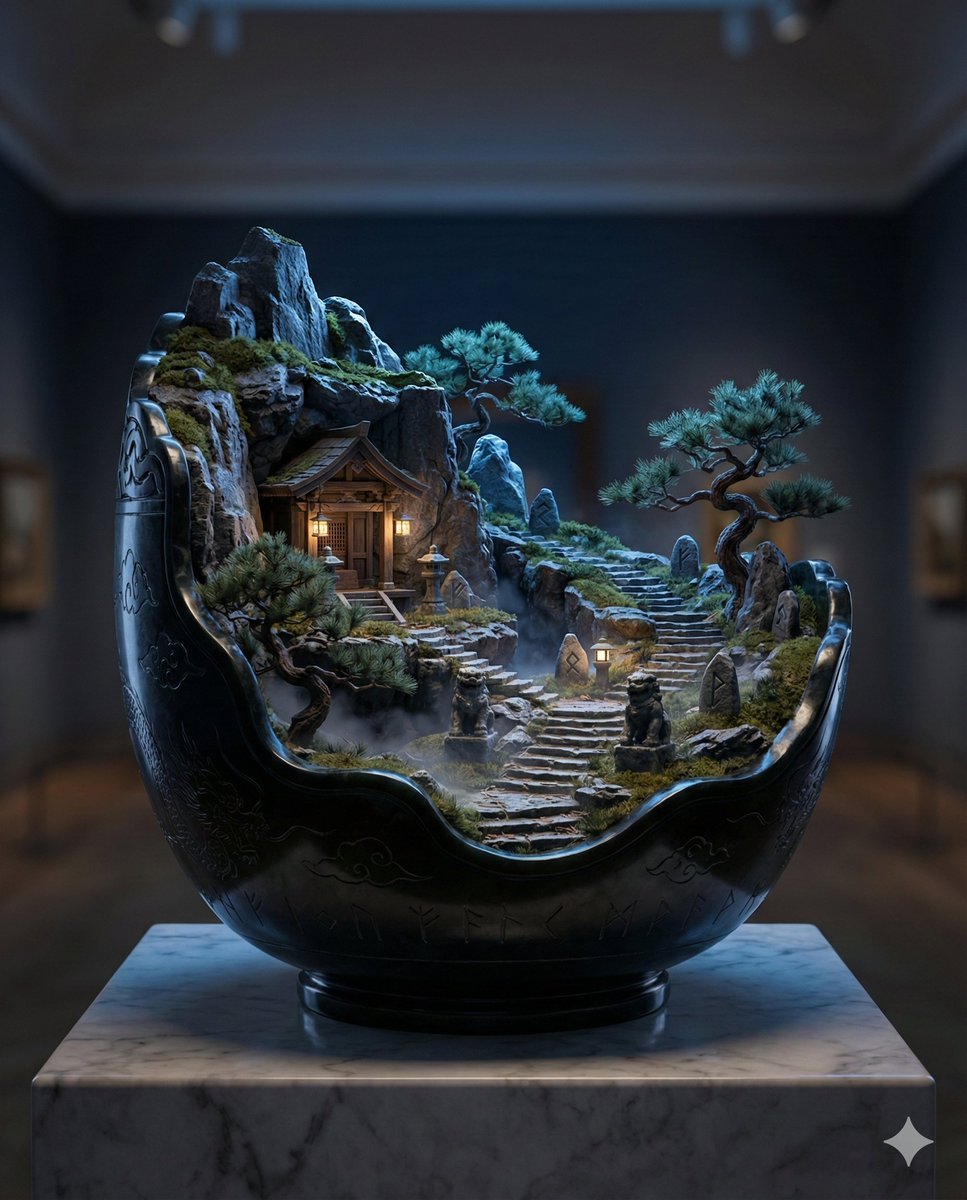
Black Jade Diorama of Night Mountain of the Ancients
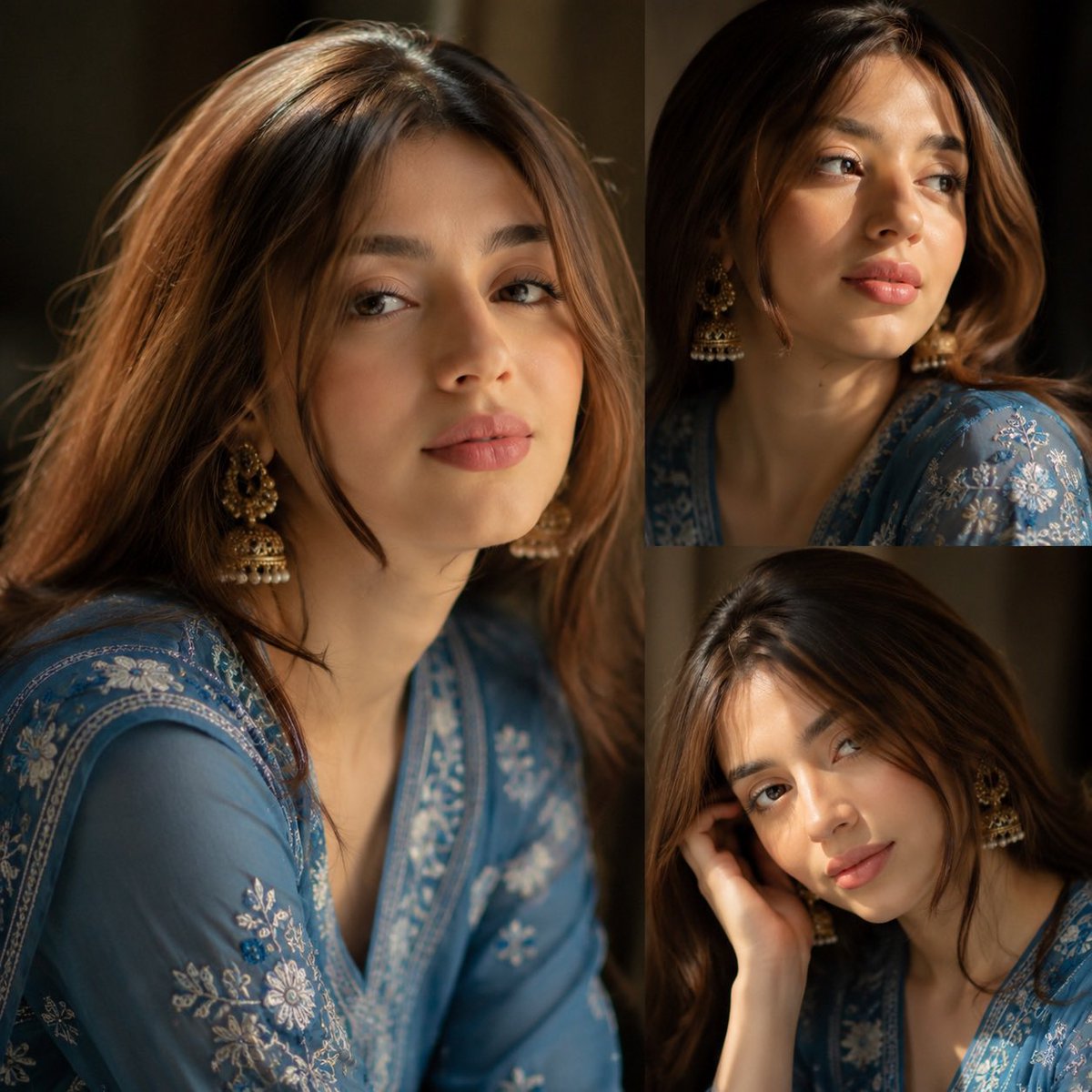
Traditional Kurta Portrait Collage
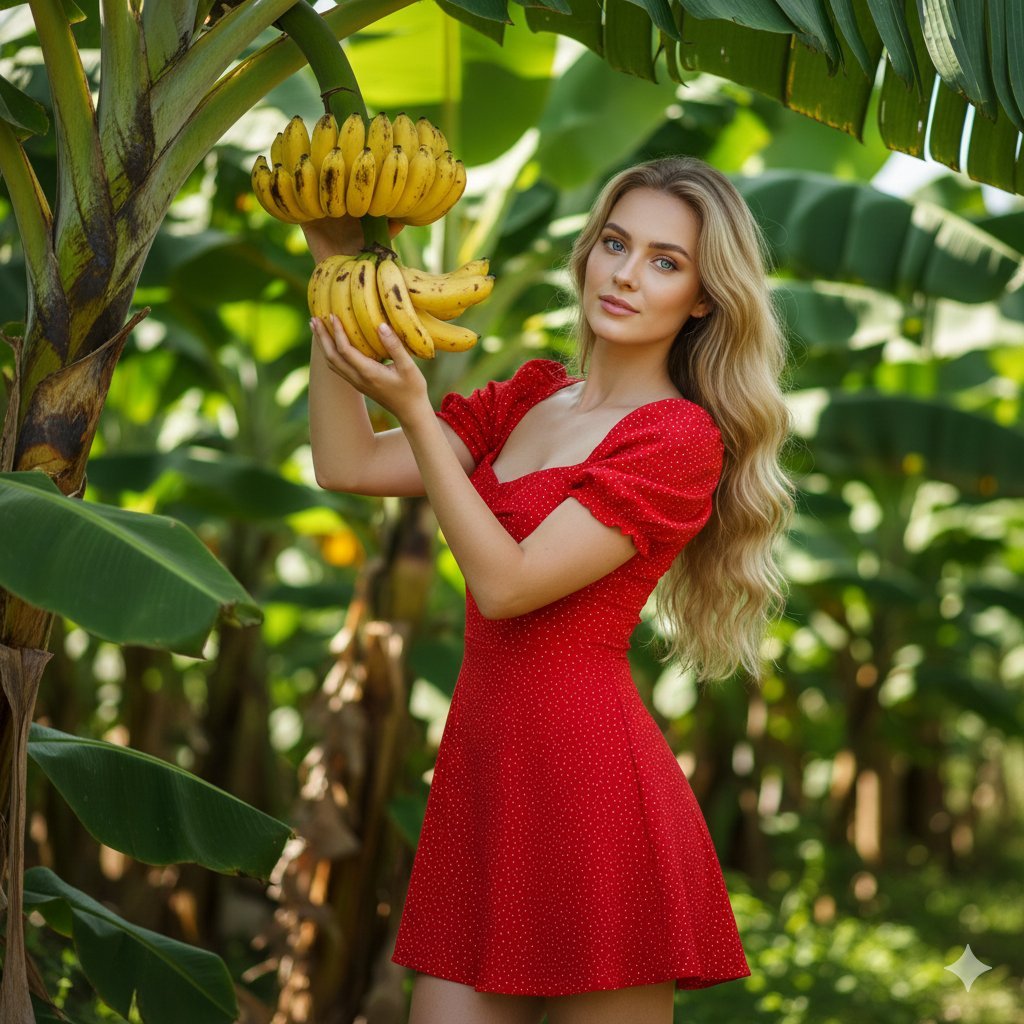
Banana Plantation Portrait in Red Mini Dress

Photorealistic Influencer Lifestyle Portrait Prompt (Yellow Loungewear) (Duplicate)
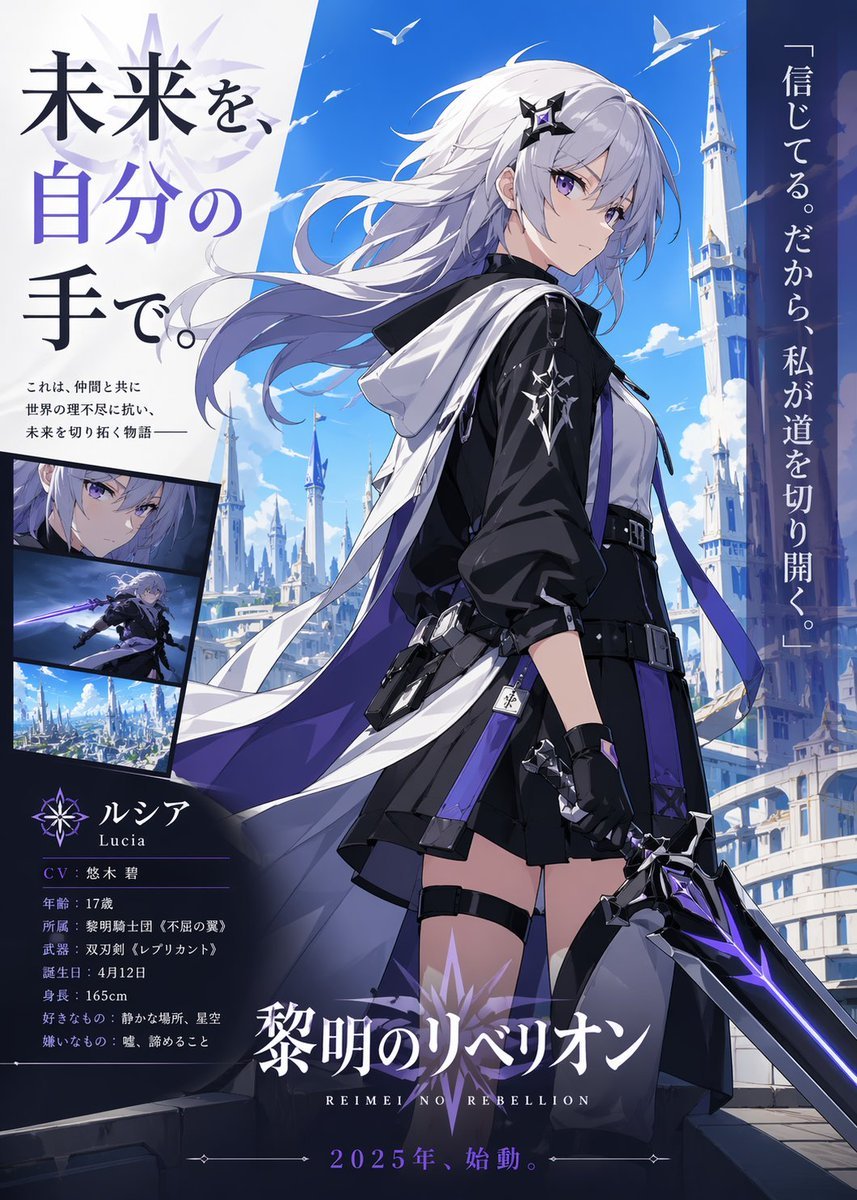
Anime Heroine Promo Poster
Conceptual Fashion Portrait Prompt
Generating 'Meme Hybrid' Beauties using Nano Banana Pro
Browse template categories
Shoji Door Whispering Anime Scene questions
How do I use the Shoji Door Whispering Anime Scene template?
Add your photo if the template asks for one, edit the prompt if you like — the template's model and format are already selected — and press Generate. Your version opens in PicX Studio.
Can I customize the Shoji Door Whispering Anime Scene template?
Yes. You can change the subject, setting, lighting, mood, format, and available model controls before creating your image.
Is the Shoji Door Whispering Anime Scene template free?
Opening and editing this template is free. Generating uses credits, shown on the Generate button when you are signed in.
Which AI model should I use?
Start with GPT Image 2, which is the model associated with this template. You can compare another compatible model for a different finish.
Looking for something else? Browse all templates.

Your photo, any look
Thousands of ready templates for every top image and video model, from one credit balance.