
Polar Bear Mascot Variation Sheet
Generates a 4-by-4 grid of cute hand-drawn polar bear mascot design variations for character concept exploration.
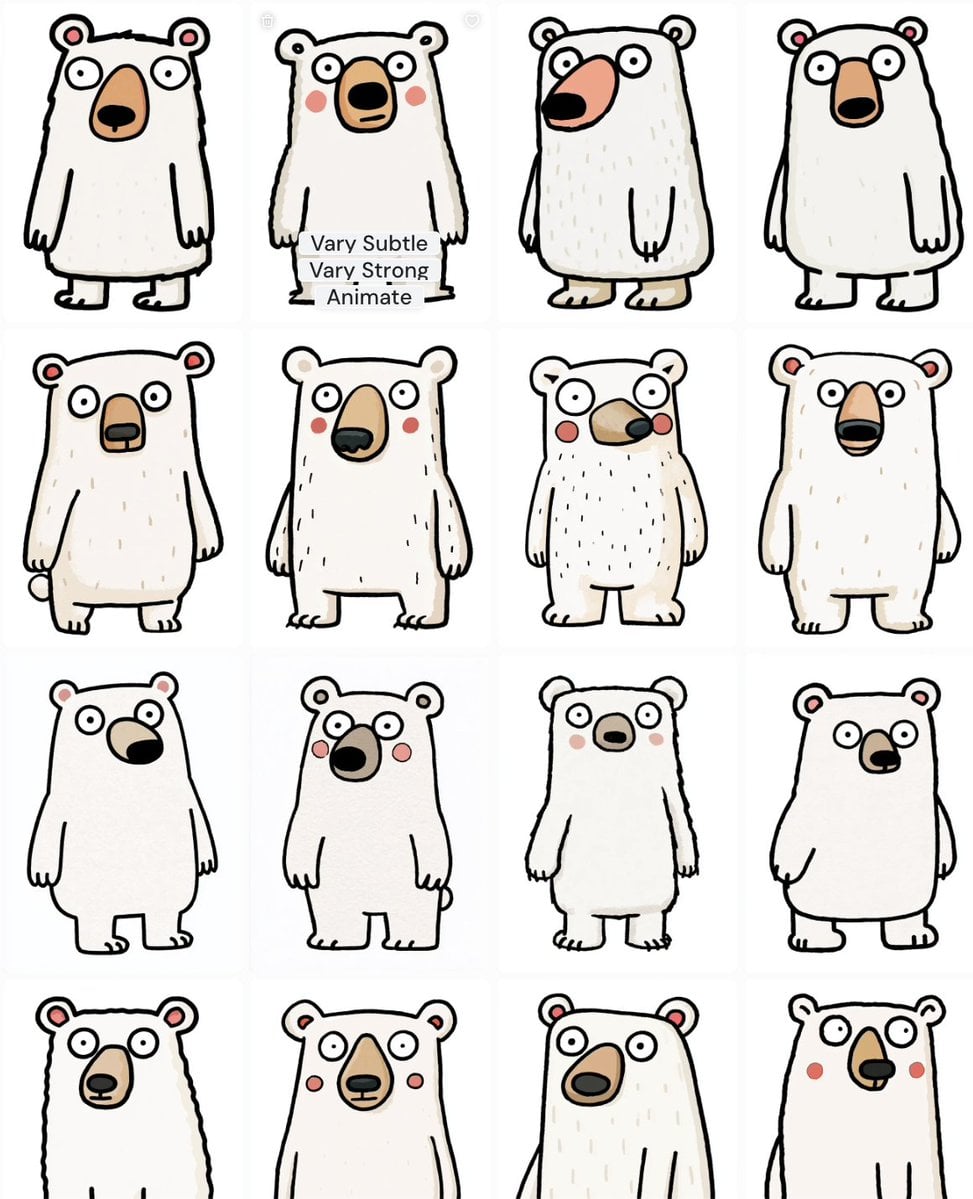
- Prompt included
- Model and format preset
- Free template
The prompt behind this image
Copy the exact prompt behind Polar Bear Mascot Variation Sheet, or open it in the studio and make it yours.
Goal: Create a character design variation sheet for a cute white polar bear mascot, showing exactly 16 discrete bear designs arranged in a clean 4-by-4 grid. Canvas: Square image on a plain white background, like a screenshot of an image-generation variation gallery. Use faint tile divisions between the 16 panels, with soft off-white spacing and no decorative border. Layout: Four rows and four columns, each tile containing one full-body or cropped white bear character centered in its panel. Keep the bears similar but not identical, varying the body silhouette, snout shape, ear placement, cheek marks, posture, and line wobble. Include a small translucent interface overlay on the second bear in the first row with three stacked labels: “Vary Subtle”, “Vary Strong”, and “Animate”. Subject details: The character is a hand-drawn, childlike {argument name="character type" default="white polar bear mascot"} with a simple upright stance, round staring eyes, small rounded ears with pink inner ears, a tan or peach muzzle, black nose, tiny paws, and occasional pink cheeks. The body should be slightly tubby and rectangular-to-pear-shaped, with short arms hanging down and small feet. Use black uneven marker-like outlines, simple flat coloring, and sparse pale beige fur strokes on some bears. Count and visible variations: Show exactly 16 bears total. Row 1: 1) tall rectangular bear with pink inner ears and long peach muzzle, 2) similar bear with blush cheeks and UI overlay across the legs, 3) shaggy narrow bear with oversized sideways salmon muzzle, 4) clean rounded bear with tall vertical tan muzzle. Row 2: 5) stocky bear with tiny side tail and gray-black nose patch, 6) taller bear with blush cheeks and drooping black nose, 7) smaller furry bear with round red cheeks and horizontal snout, 8) rounded bear with open smiling black mouth inside tan muzzle. Row 3: 9) simplified smooth bear with large side-pointing black nose, 10) upright bear with red cheeks and dark oval nose, 11) slim bear with tiny muzzle and blush cheeks, 12) pear-shaped bear with side-facing snout and one arm visible. Row 4: 13) cropped upper body bear with long oval muzzle, 14) cropped upper body bear with pointed tan muzzle and red cheeks, 15) cropped upper body bear with tilted oval muzzle and light fur marks, 16) cropped upper body bear with curled ears, red cheeks, and small dark nose. Visual style: Cute naive doodle illustration, loose black ink contour lines, minimal shading, warm off-white fur, soft pink accents, playful imperfect proportions, whimsical mascot exploration sheet. The art should feel like an iterative concept sheet moving toward a charming polar bear character. Constraints: Do not add scenery, props, logos, or extra characters. Keep the background white and the grid clean. Preserve the exact 16-panel count and the three overlay labels on the first-row second panel. Avoid realistic fur, 3D rendering, or polished vector smoothness.
How to use Polar Bear Mascot Variation Sheet in 3 steps
- 1Upload ImagePNG, JPG or paste
Add your photo
Upload the photo the template builds on. The prompt, model and format are already set.
- 2…a portrait of your subject in softgolden-hour light, 85mm…
Personalize
Edit the subject and creative details for your destination.
- 3Generate
Generate
Press Generate — your image is created in PicX Studio, so you can compare it with the original and refine one variable at a time.
More like this
Templates with the same subject, style or setup. Open one to see its prompt.
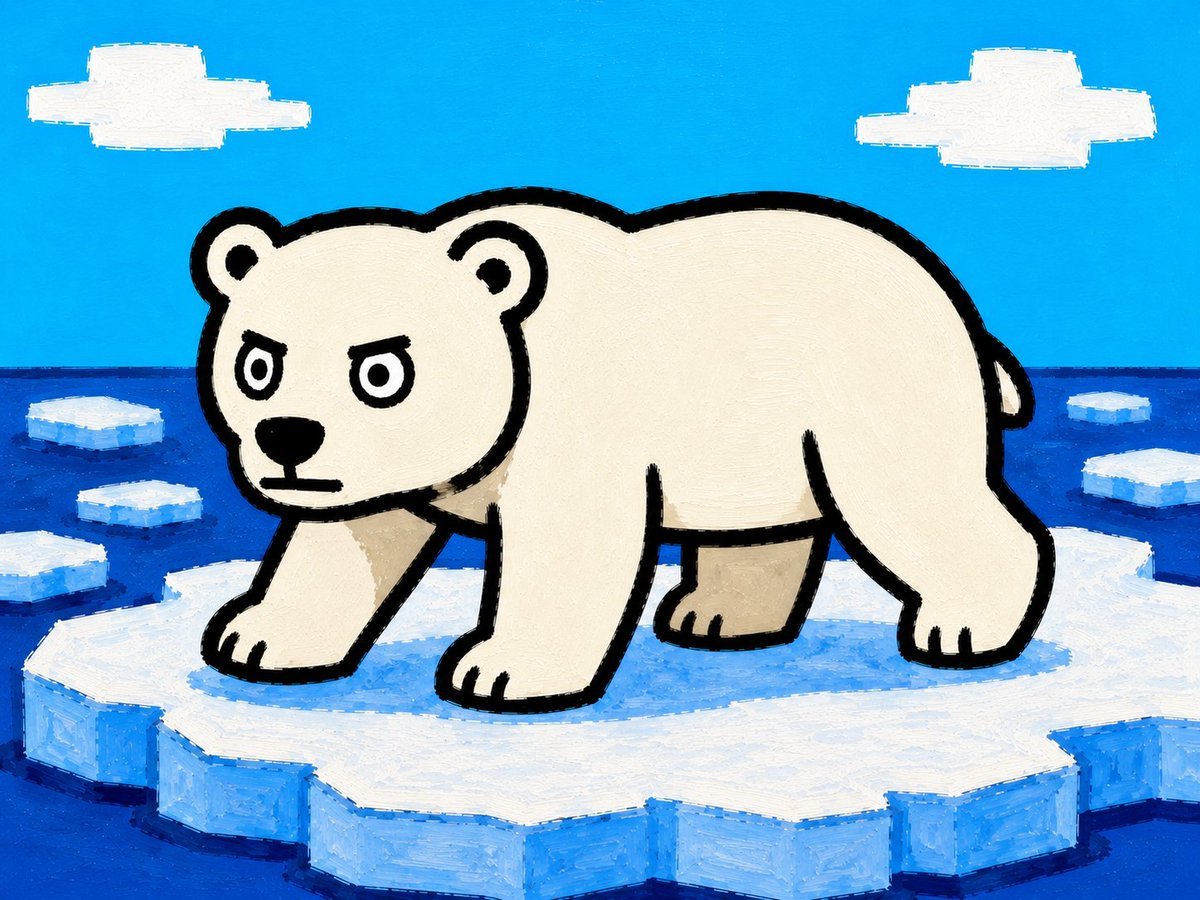
Cartoon Polar Bear on Ice Floe
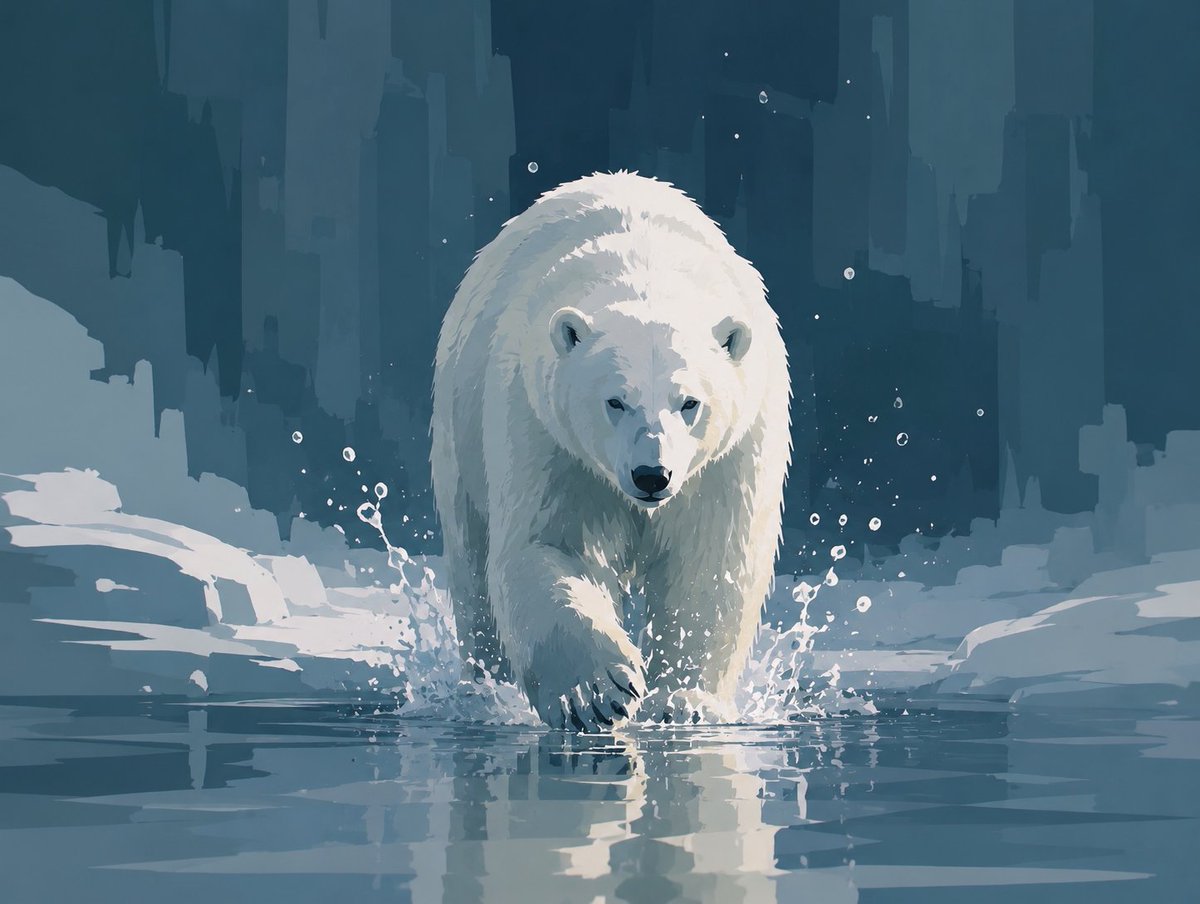
Abstract Polar Bear in Icy Water

Anime Rain Poncho Parade

Anime Street Performer Magic

Anime Ferry Boat Arrival

Anime Hidden Mickey Hunt

Anime Popcorn Cart Hero

Anime Nighttime Projection

Anime Character Meet Tent

Anime Splash Mountain Drop

Anime Balloon Seller Lane

Anime Pirate Ship Stage
Make it yours
Polar Bear Mascot Variation Sheet works as-is. These are the safest ways to change it without losing the look.
Change one field
Copy a single group, rewrite it, and generate again so you can see what that field is doing.
Keep the frame, change the subject
Hold the composition and light of Polar Bear Mascot Variation Sheet, then swap wardrobe, props or the person for a new take.
| If the result… | Why | Fix |
|---|---|---|
| The result drifts from the preview | Too many fields changed at once. | Reuse Polar Bear Mascot Variation Sheet as-is first, then change one group — subject, light, or setting. |
| The model over-stylizes the scene | The prose prompt leaves finish and camera underspecified. | Add one camera or lighting sentence and stay on GPT Image 2. |
More GPT Image 2 templates
Other prompts made for GPT Image 2.

Six VTuber Japanese Logo Sheet

Realistic Portrait of Woman and Deer

The Vista Modular Condo Poster

AI Model Routing Comparison Infographic

2.5D Anime Art Board

Isometric Productivity Desk Scene

New York Double Exposure Poster

Four-Panel AI Landscape Comparison

Japanese Tatami Lifestyle Magazine Cover

NESCAFÉ Coffee Map Poster
More image prompts
Fresh picks from across the catalog.
Photorealistic Influencer Lifestyle Portrait Prompt (Yellow Loungewear) (Duplicate)
Action Samurai Fruit Slicing
Cinematic Portrait on a Bustling City Street at Twilight
Orange Nectar Product Advertisement
LZA
Miniature Self on Palm Concept
Fictional World Map Attempts Collage
Soft Intimate Indoor Portrait with Window Light
Mediterranean Luxury Editorial
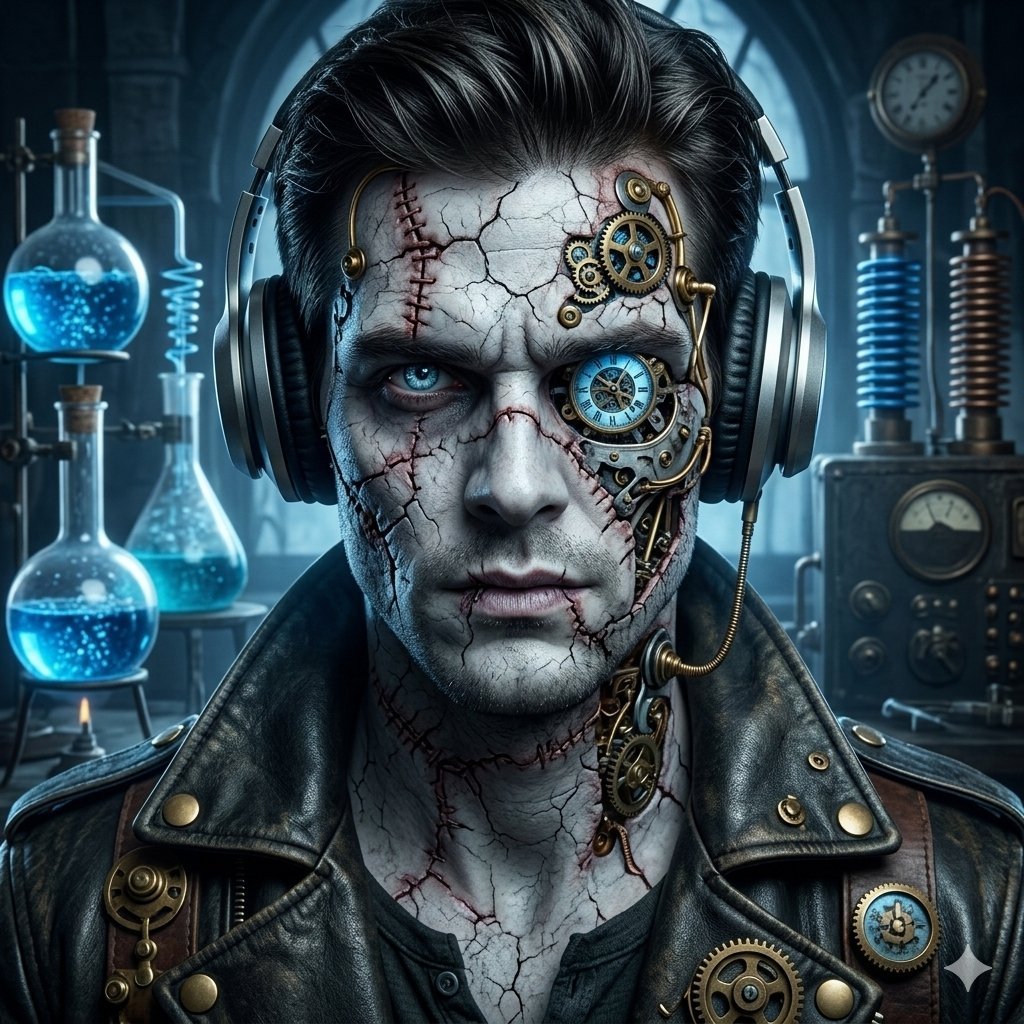
Steampunk Frankenstein Cyborg Concept Art
Browse template categories
Polar Bear Mascot Variation Sheet questions
How do I use the Polar Bear Mascot Variation Sheet template?
Add your photo if the template asks for one, edit the prompt if you like — the template's model and format are already selected — and press Generate. Your version opens in PicX Studio.
Can I customize the Polar Bear Mascot Variation Sheet template?
Yes. You can change the subject, setting, lighting, mood, format, and available model controls before creating your image.
Is the Polar Bear Mascot Variation Sheet template free?
Opening and editing this template is free. Generating uses credits, shown on the Generate button when you are signed in.
Which AI model should I use?
Start with GPT Image 2, which is the model associated with this template. You can compare another compatible model for a different finish.
Looking for something else? Browse all templates.

Your photo, any look
Thousands of ready templates for every top image and video model, from one credit balance.