
Abstract Polar Bear in Icy Water
A painterly arctic scene featuring a lone polar bear advancing through cold water, ideal for expressive wildlife concept art.
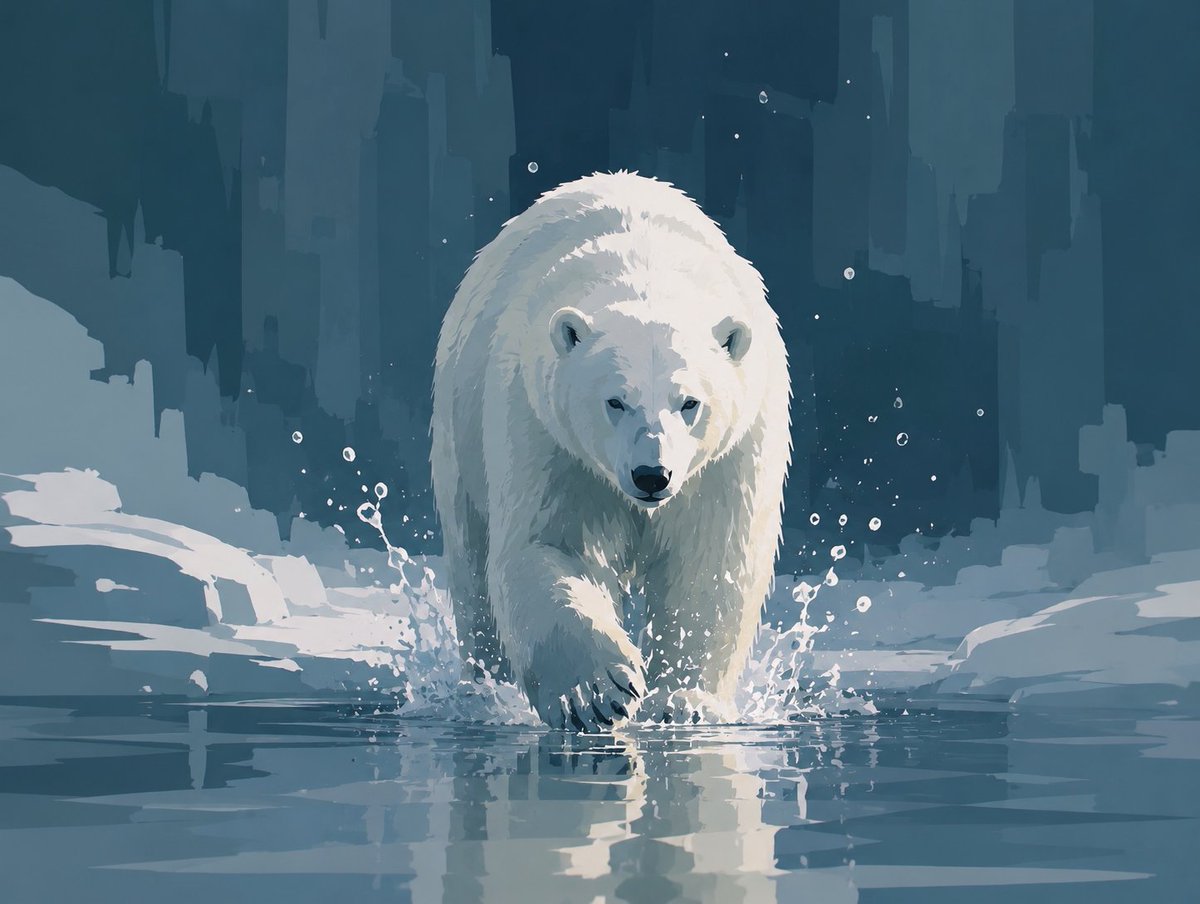
- Prompt included
- Model and format preset
- Premium template
The prompt behind this image
Copy the exact prompt behind Abstract Polar Bear in Icy Water, or open it in the studio and make it yours.
Create a stylized semi-abstract digital painting of a single polar bear walking directly toward the viewer through shallow icy water. The bear is centered, large, and imposing, with a lowered head, dark nose and eyes, rounded ears, thick white fur rendered with painterly angular brushstrokes, and one front paw stepping forward into the water. Show cold splashes around both front legs and a clear reflection of the bear on the water surface. The environment is an arctic ice landscape with flat snowbanks and broken ice shelves on both sides, using only color and shape to express coldness and silence rather than photorealism. In the background, create tall abstract vertical glacier or ice-cliff silhouettes like a frozen city skyline, in deep teal, blue-gray, and muted navy layers. Include exactly one polar bear, many small white droplets and specks around the splashing water, no other animals or humans, no text. Use a limited palette of icy whites, pale blue-gray, desaturated teal, and dark blue shadows; soft diffused lighting; high contrast on the bear; painterly concept-art style with broad geometric brush marks, crisp splash details, calm atmosphere, square-ish landscape composition.
How to use Abstract Polar Bear in Icy Water in 3 steps
- 1Upload ImagePNG, JPG or paste
Add your photo
Upload the photo the template builds on. The prompt, model and format are already set.
- 2…a portrait of your subject in softgolden-hour light, 85mm…
Personalize
Edit the subject and creative details for your destination.
- 3Generate
Generate
Press Generate — your image is created in PicX Studio, so you can compare it with the original and refine one variable at a time.
More like this
Templates with the same subject, style or setup. Open one to see its prompt.
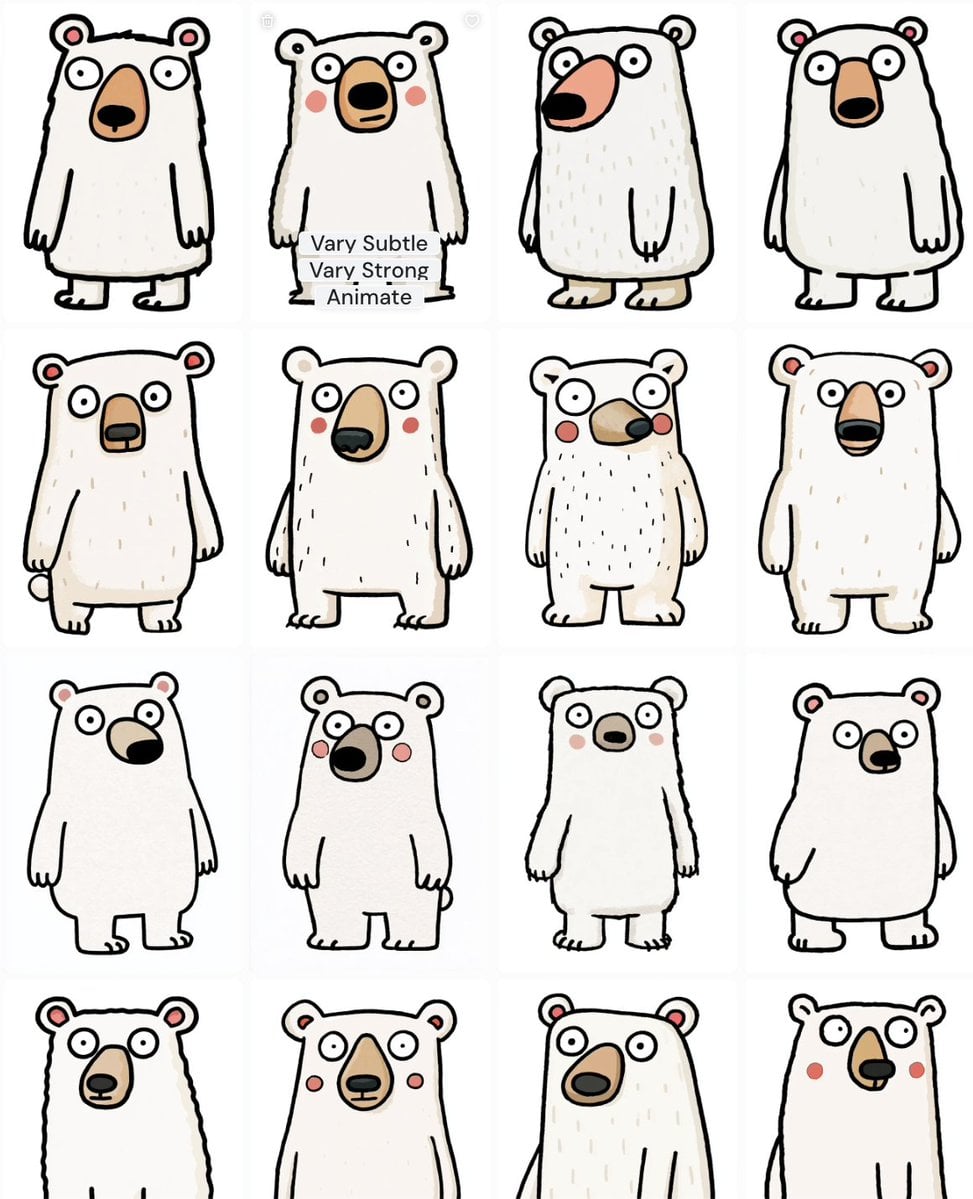
Polar Bear Mascot Variation Sheet
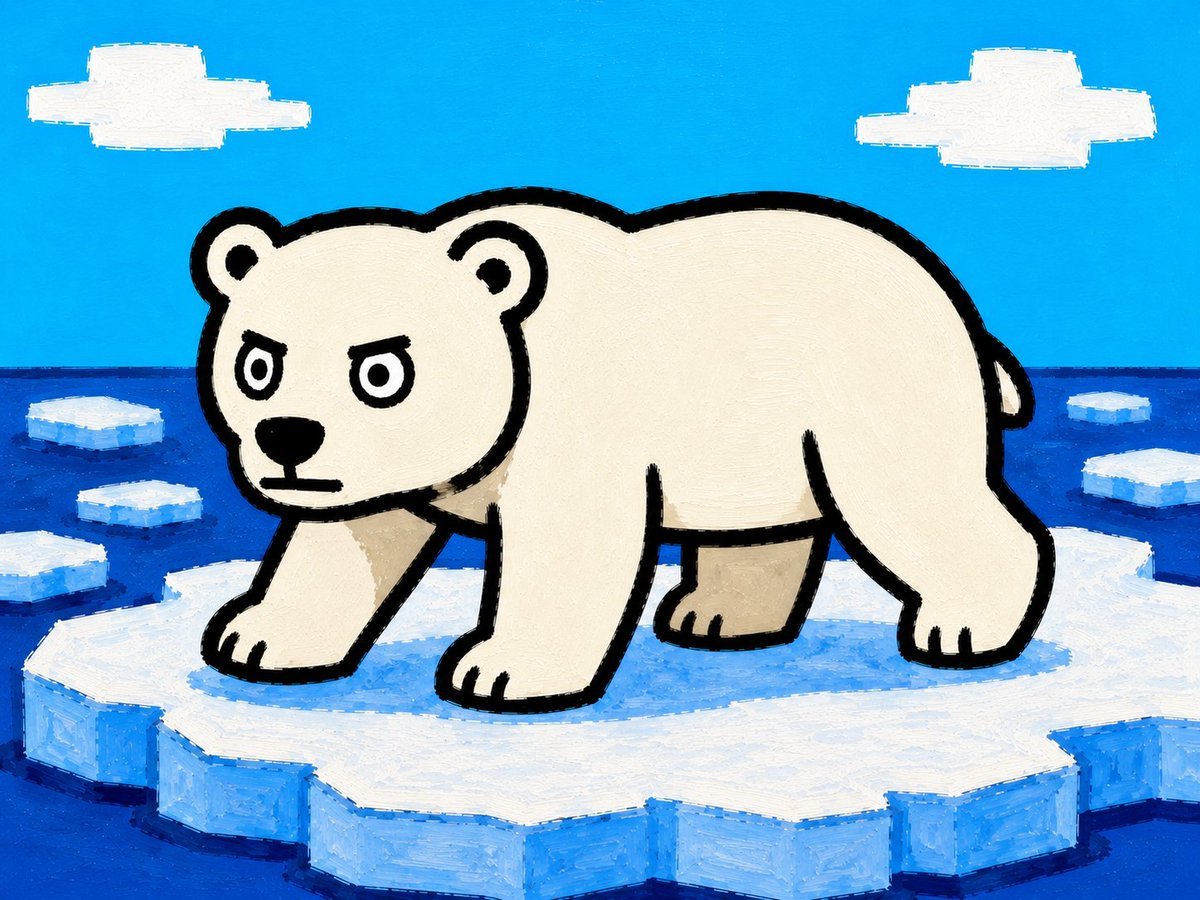
Cartoon Polar Bear on Ice Floe
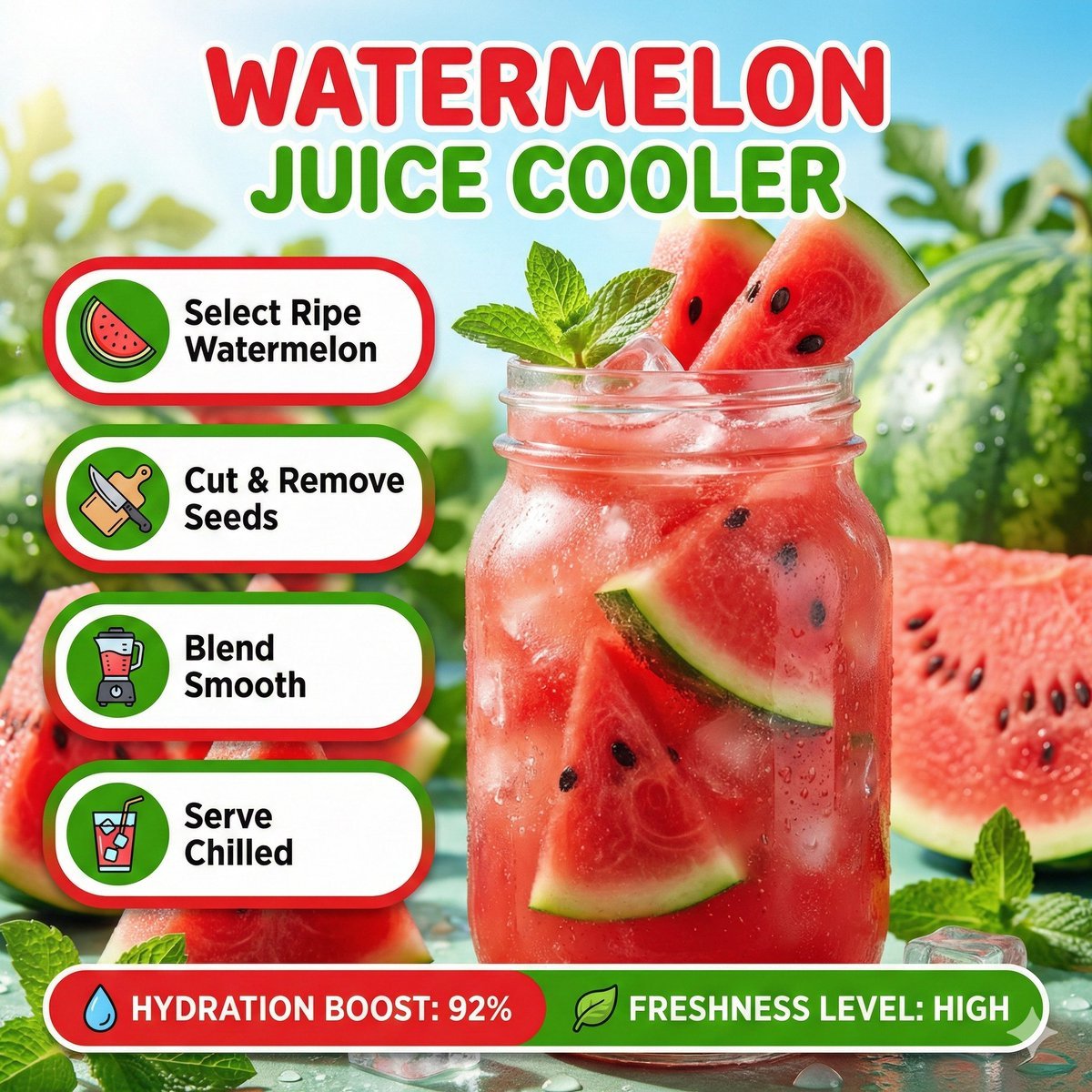
Bright summer infographic showcasing watermelon juice, icy texture

Floraverse Botanical Fusion

FLORAVERSE BOTANICAL FUSION

Minimalist Skincare Product Water Stone Still
Minimalist Skincare Product Water Stone Still
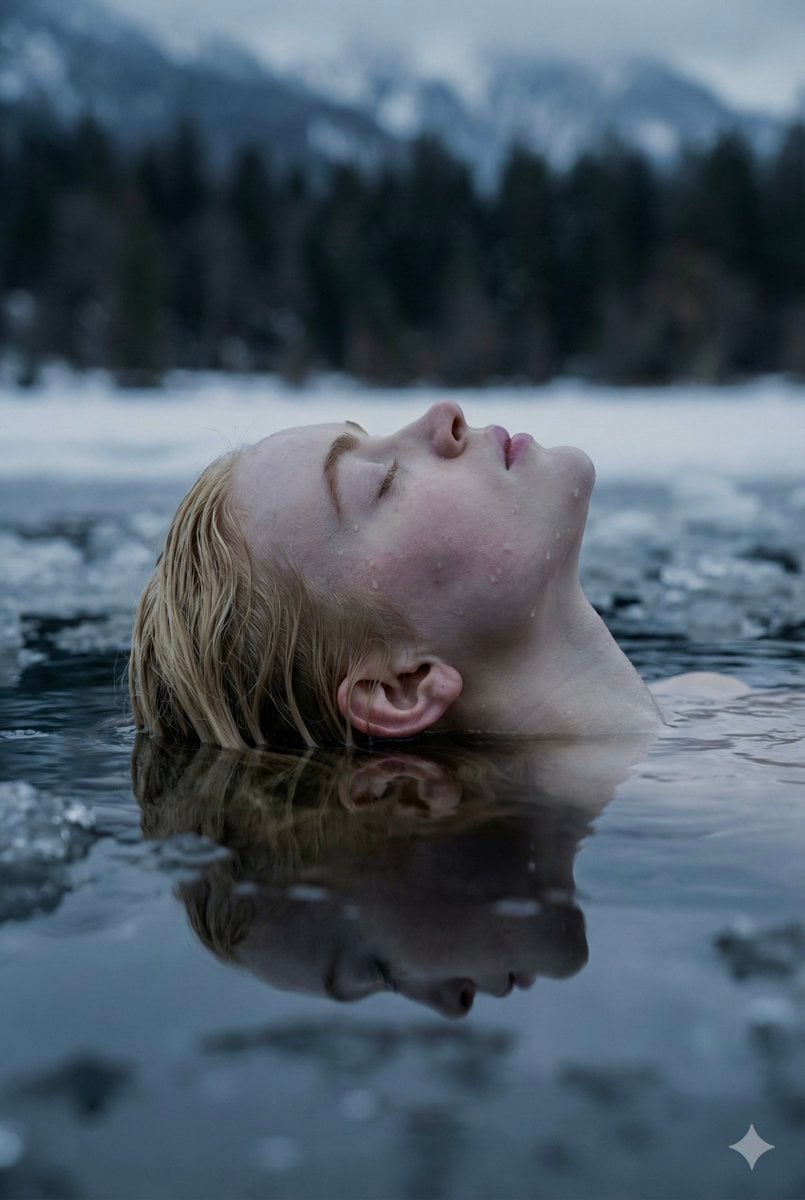
Ethereal Submerged Portrait in Icy Water
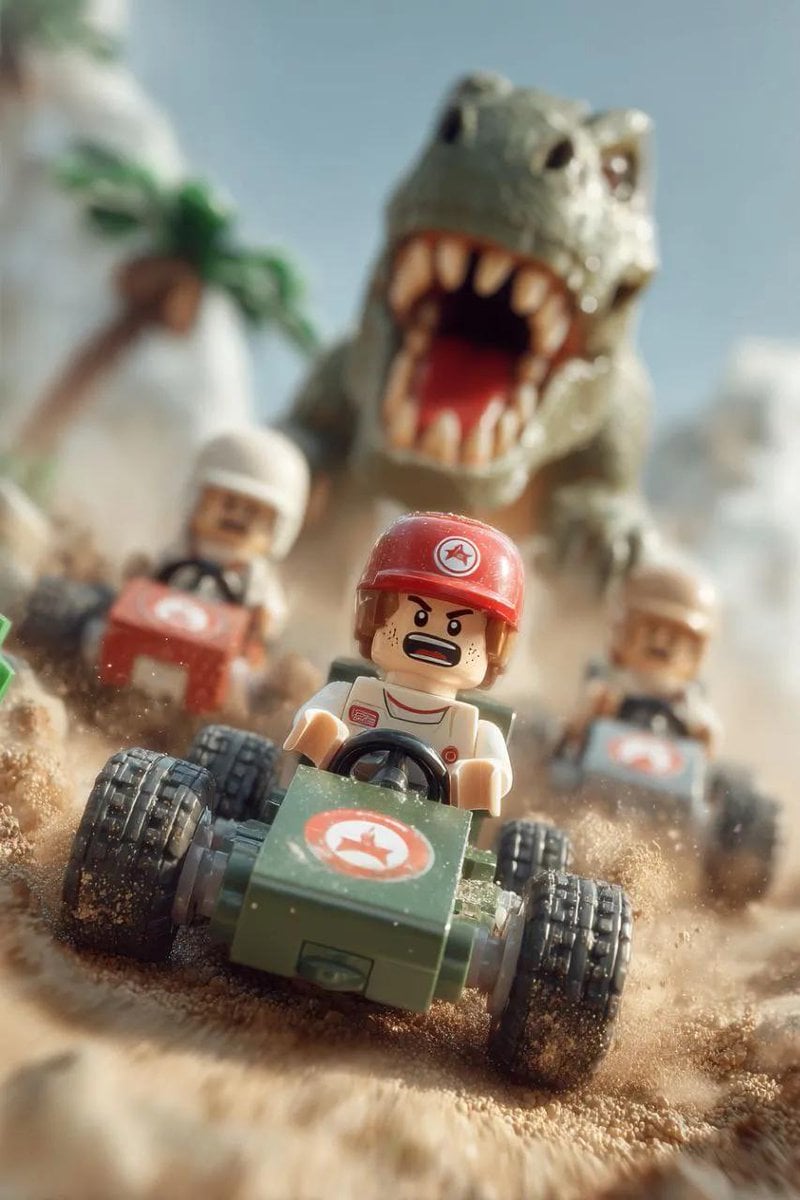
Lego Explorer Chased by Polar Bear (Video Prompt)

Transparent Bear Character Cutout
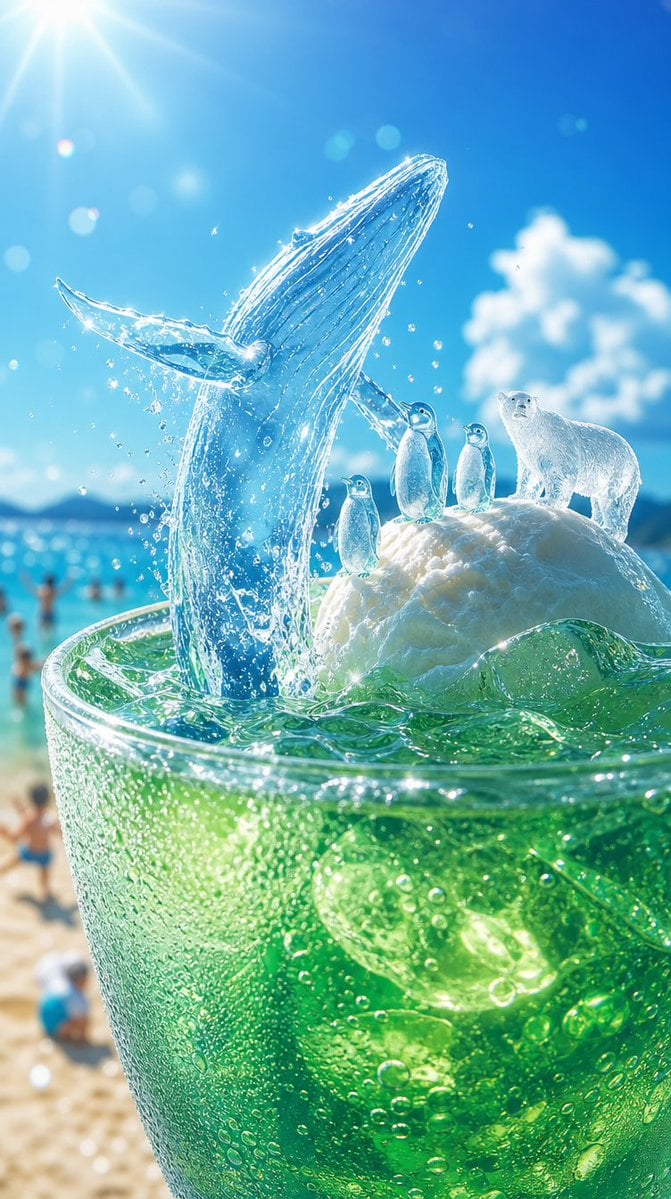
Icy Whale Summer Soda
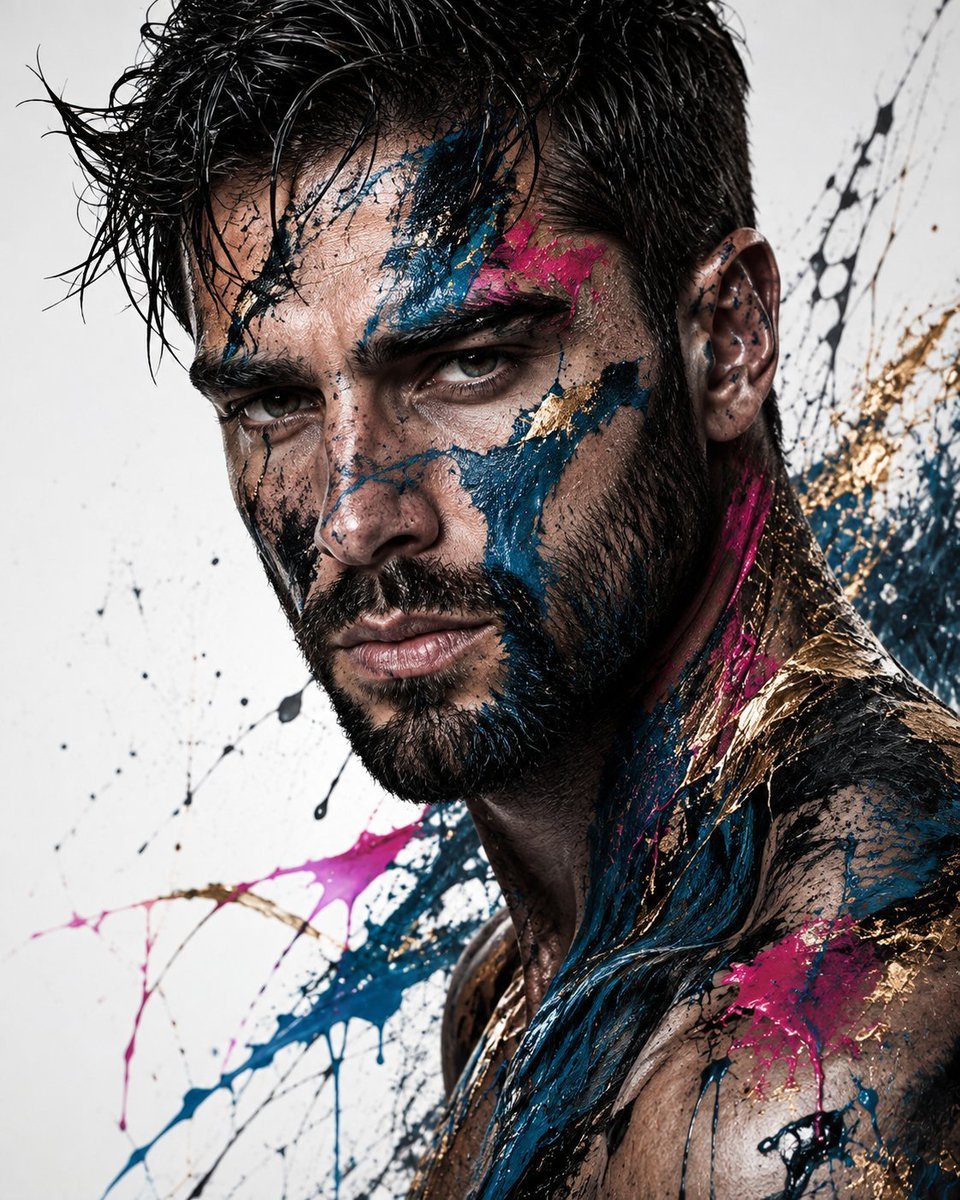
Abstract Fine-Art Editorial Portrait
Make it yours
Abstract Polar Bear in Icy Water works as-is. These are the safest ways to change it without losing the look.
Change one field
Copy a single group, rewrite it, and generate again so you can see what that field is doing.
Keep the frame, change the subject
Hold the composition and light of Abstract Polar Bear in Icy Water, then swap wardrobe, props or the person for a new take.
| If the result… | Why | Fix |
|---|---|---|
| The result drifts from the preview | Too many fields changed at once. | Reuse Abstract Polar Bear in Icy Water as-is first, then change one group — subject, light, or setting. |
| The model over-stylizes the scene | The prose prompt leaves finish and camera underspecified. | Add one camera or lighting sentence and stay on GPT Image 2. |
More GPT Image 2 templates
Other prompts made for GPT Image 2.

Six VTuber Japanese Logo Sheet

Realistic Portrait of Woman and Deer

The Vista Modular Condo Poster

AI Model Routing Comparison Infographic

2.5D Anime Art Board

Isometric Productivity Desk Scene

New York Double Exposure Poster

Four-Panel AI Landscape Comparison

Japanese Tatami Lifestyle Magazine Cover

NESCAFÉ Coffee Map Poster
More image prompts
Fresh picks from across the catalog.
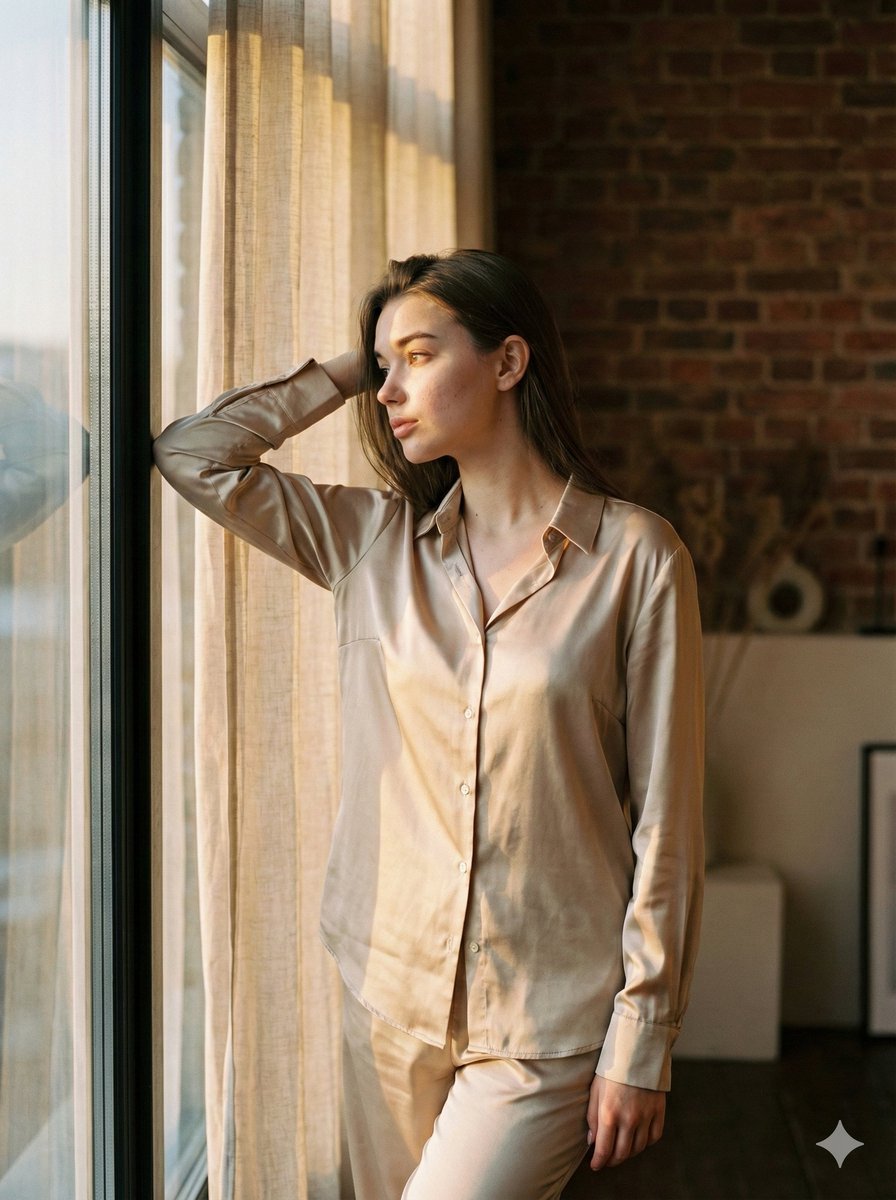
Golden Hour Loft Editorial Portrait JSON
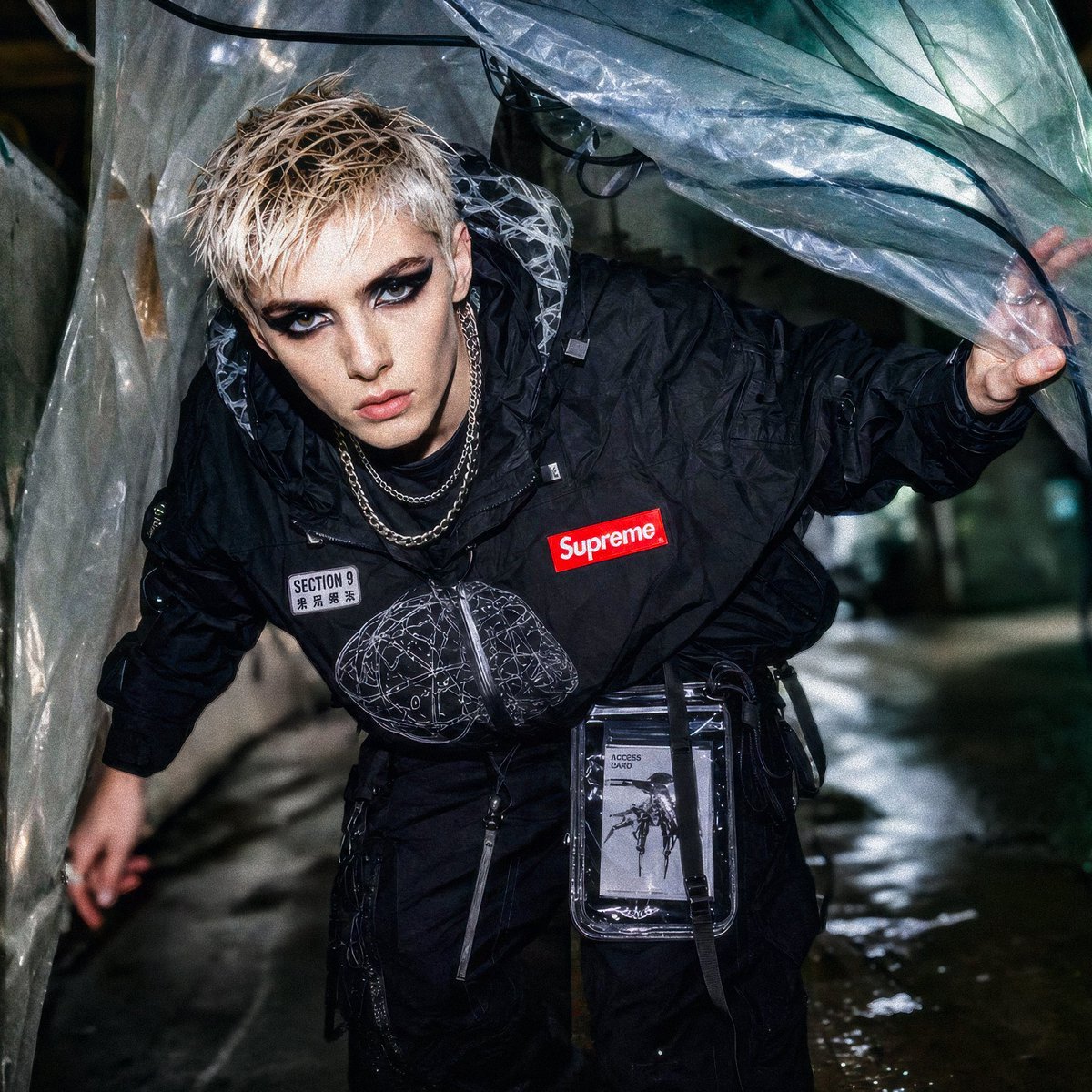
Supreme Section 9 Cyberpunk Streetwear
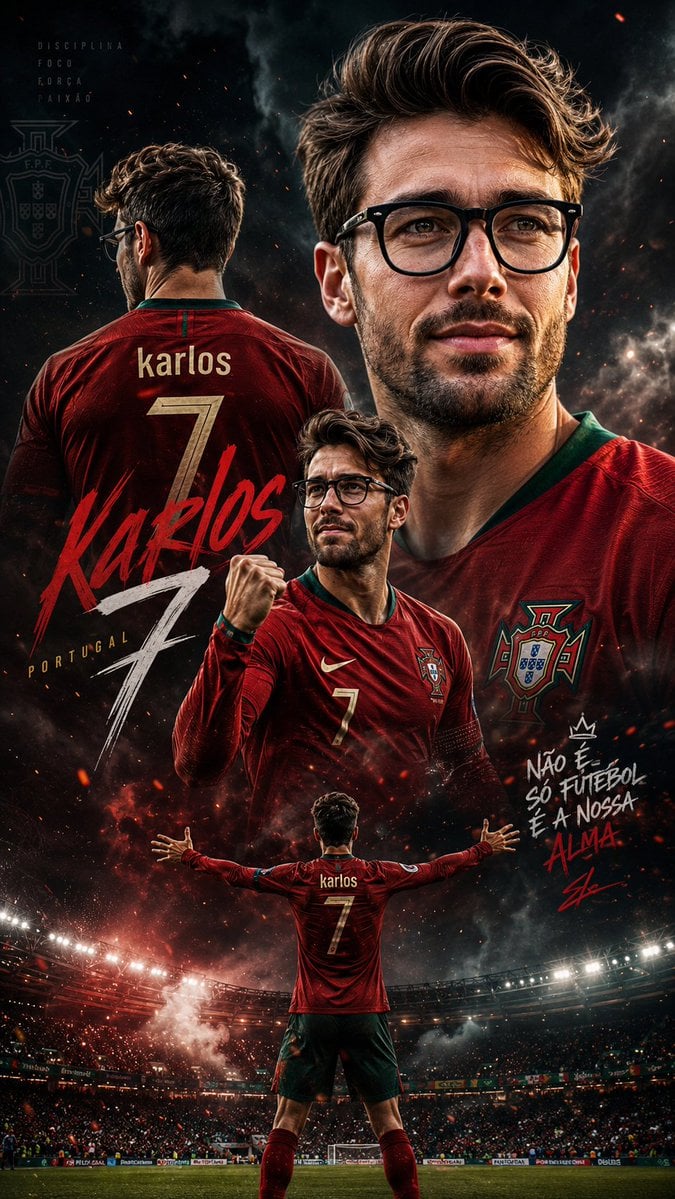
Cinematic Football Sports Poster

Felt Cat Character Reference Sheet
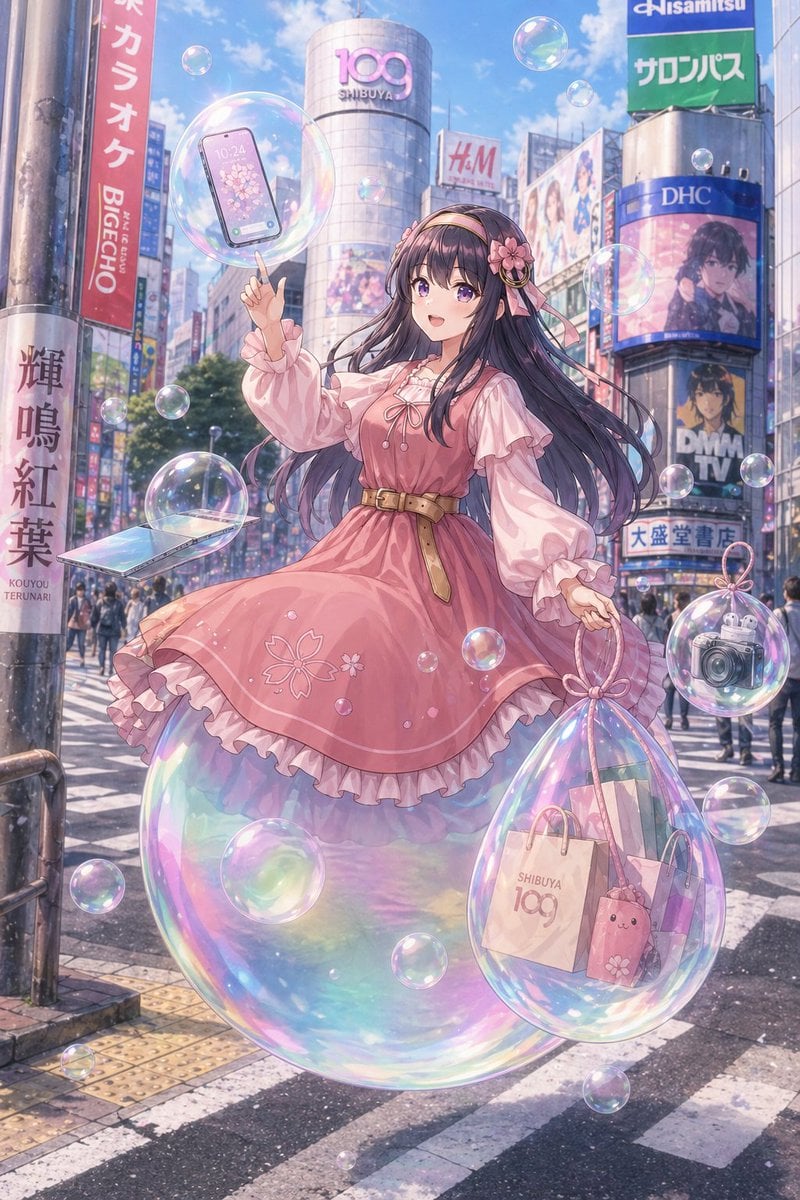
Pastel Anime Girl at Shibuya Crossing
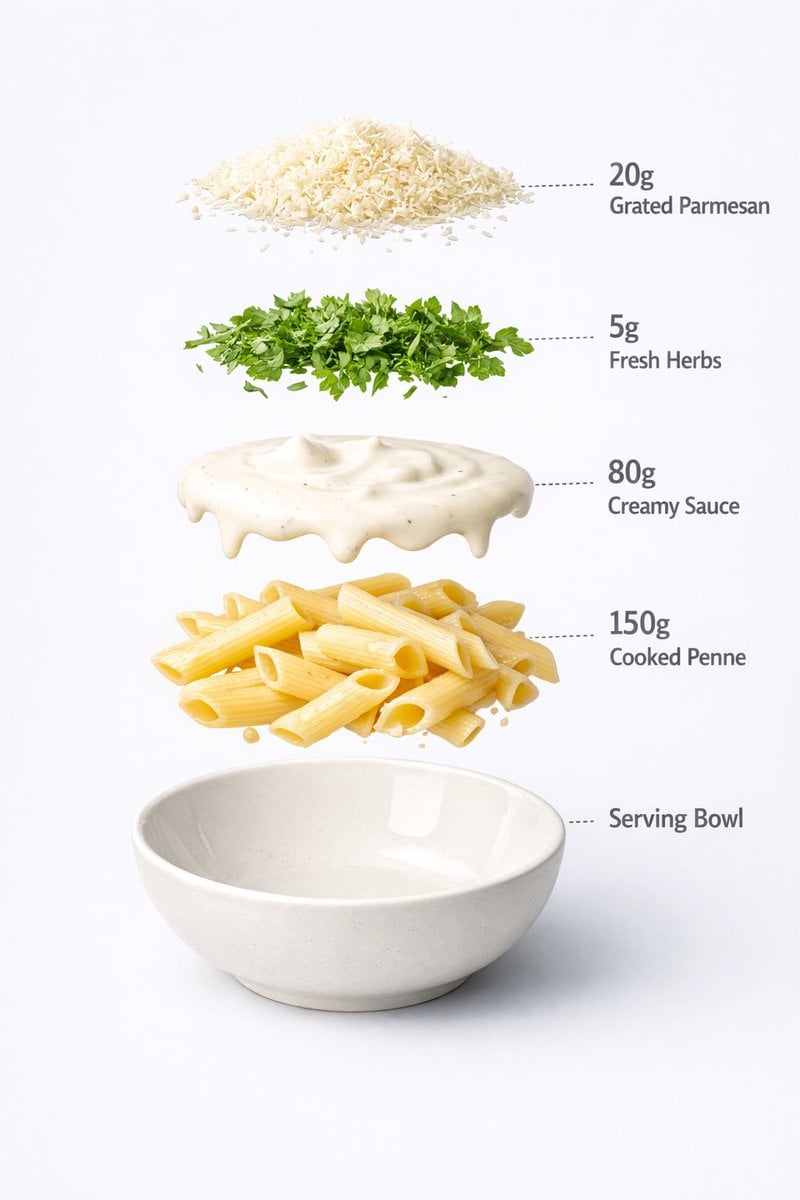
Motion and Image Prompt for Ultra-Realistic Food Photography of Pasta
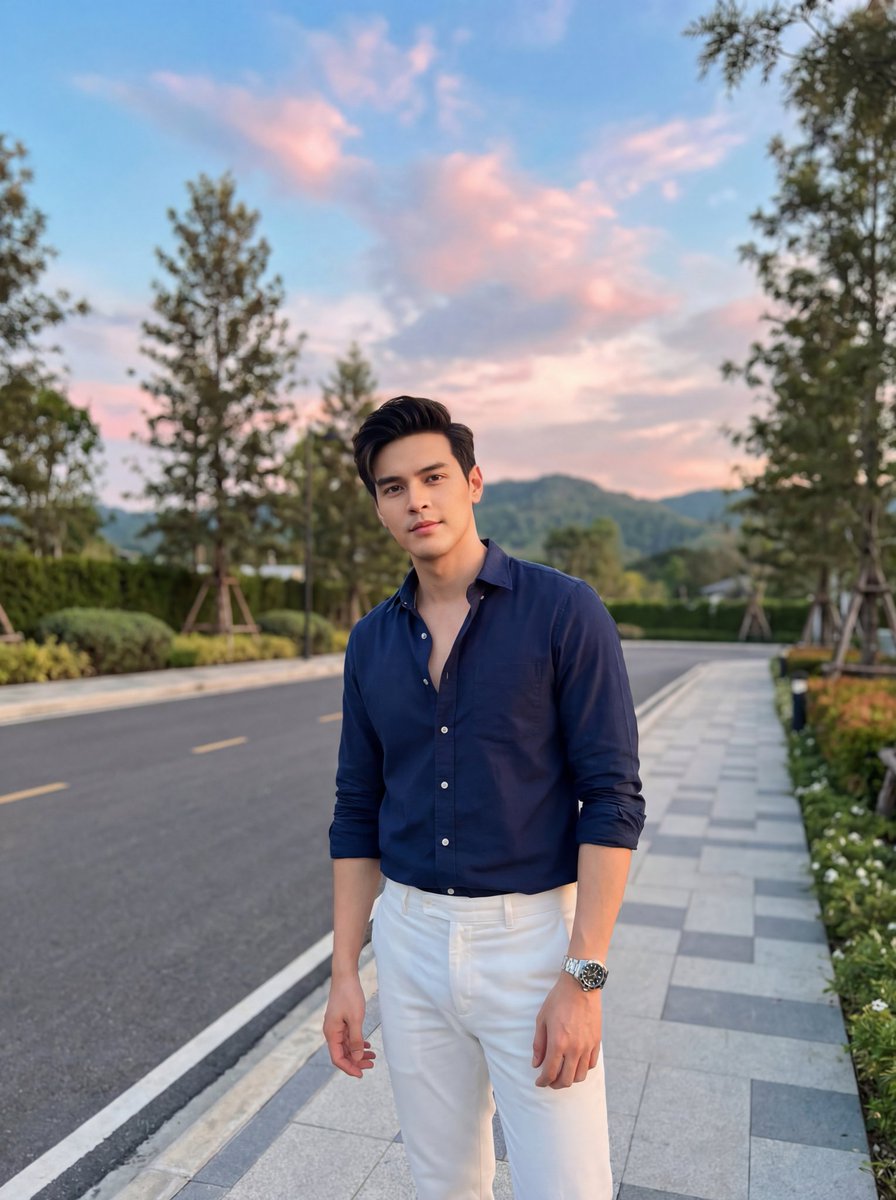
Stylish Man on Sidewalk at Sunset
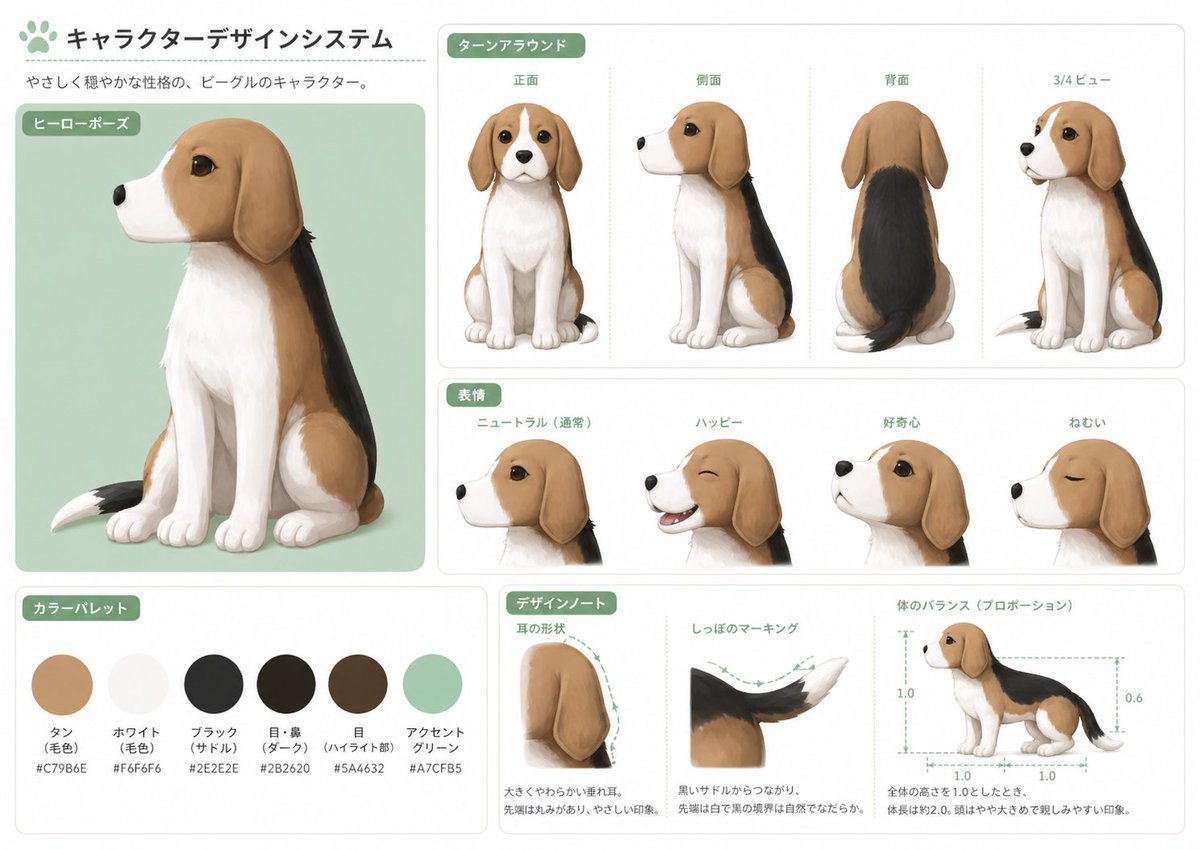
Japanese Beagle Character Design Sheet
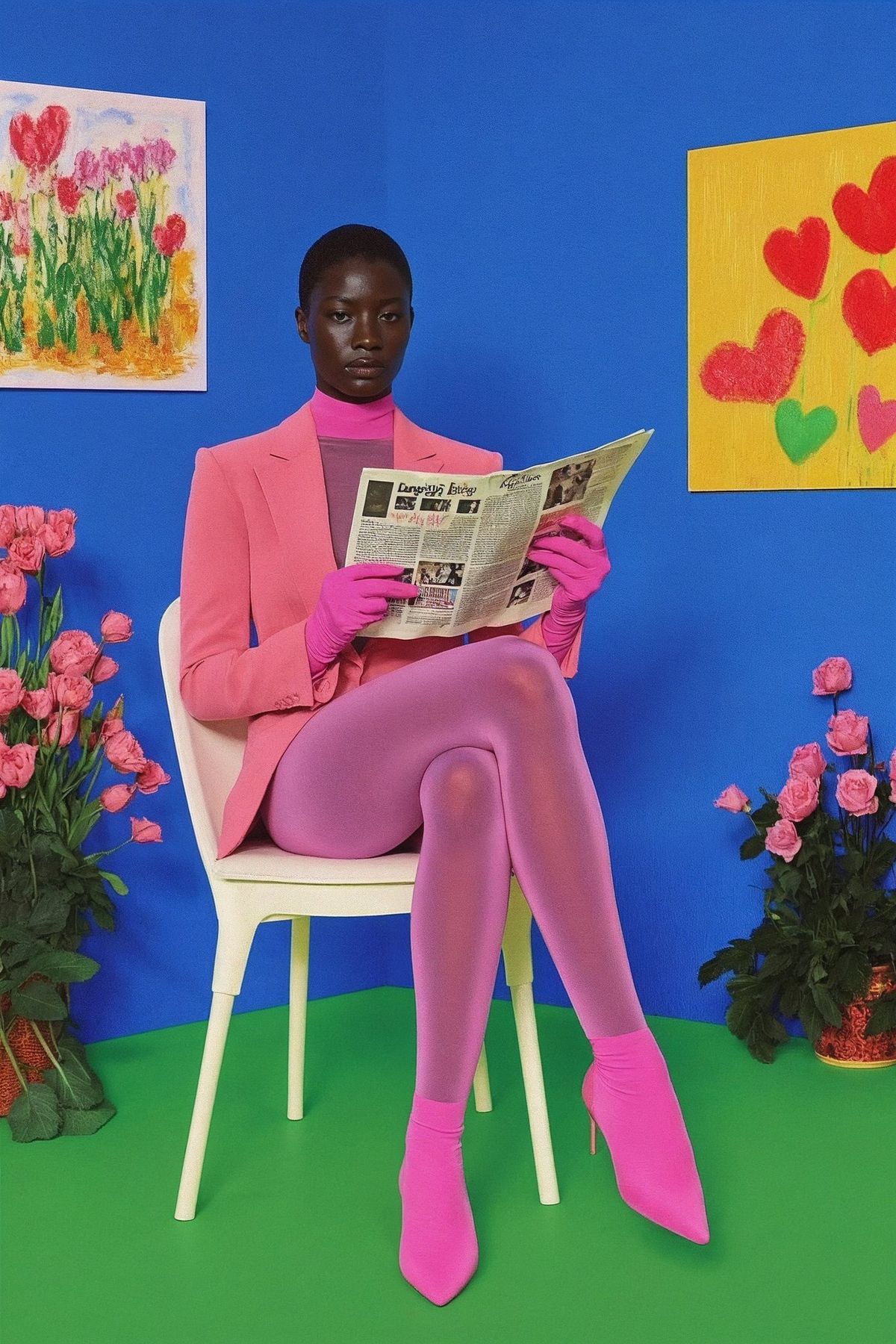
untitled
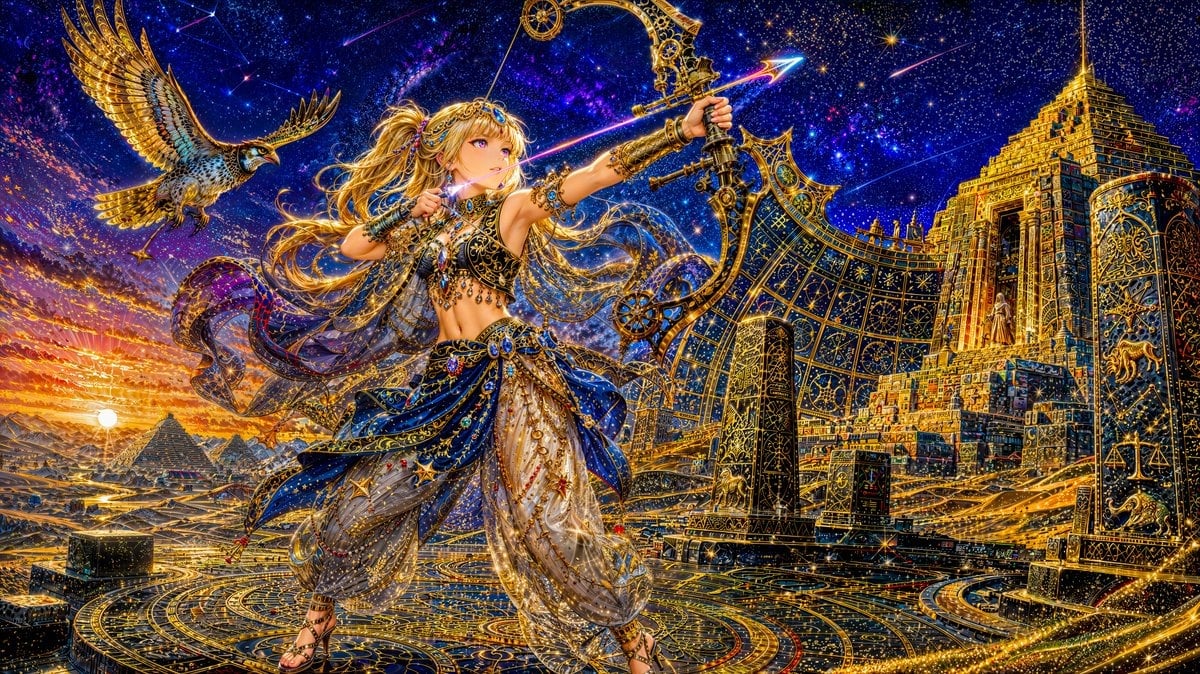
Celestial Archer in Golden Star Temple
Browse template categories
Abstract Polar Bear in Icy Water questions
How do I use the Abstract Polar Bear in Icy Water template?
Add your photo if the template asks for one, edit the prompt if you like — the template's model and format are already selected — and press Generate. Your version opens in PicX Studio.
Can I customize the Abstract Polar Bear in Icy Water template?
Yes. You can change the subject, setting, lighting, mood, format, and available model controls before creating your image.
Is the Abstract Polar Bear in Icy Water template free?
Opening and editing this template is free. Generating uses credits, shown on the Generate button when you are signed in.
Which AI model should I use?
Start with GPT Image 2, which is the model associated with this template. You can compare another compatible model for a different finish.
Looking for something else? Browse all templates.

Your photo, any look
Thousands of ready templates for every top image and video model, from one credit balance.