
Console Generations Rooftop Game Collage
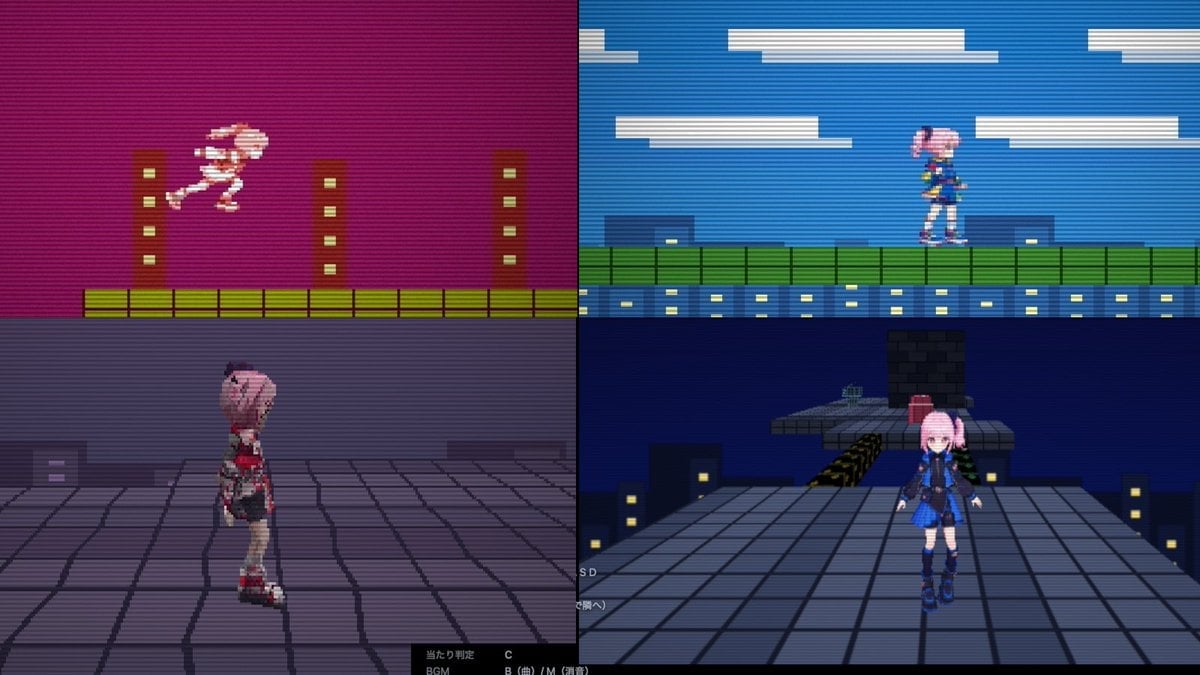
Generates a four-panel retro game comparison screenshot showing one rooftop stage across 8-bit, 16-bit, PS1, and PS2-inspired styles.
- Prompt included
- Model and format preset
- Free template
The prompt behind this image
Copy the exact prompt behind Console Generations Rooftop Game Collage, or open it in the studio and make it yours.
Create a 16:9 promotional screenshot collage for a retro puzzle-action game called {argument name="game title" default="ConsoleChaos"}, showing the same side-scrolling rooftop stage rendered in four different console-generation styles at once. Divide the canvas into an exact 2x2 grid with thin black borders between panels, like a technical pilot comparison screen. Use strong CRT scanlines across the entire image, low-resolution pixel-art aesthetics, slightly blurry capture artifacts, and dark cyberpunk city colors. Top-left panel: 8-bit / Famicom-style side-view platformer. Magenta-purple night sky, flat pixelated buildings, yellow-green tiled ground, three simple brown vertical towers with small pale windows. A tiny pink-haired anime girl sprite in white/pink is mid-jump moving right. Very limited palette, chunky pixels, high contrast. Top-right panel: 16-bit / Super Famicom-style side-view platformer. Bright blue sky with long flat white clouds, green rooftop fence/platform, blue building facade with rows of yellow-lit windows. The same pink-haired anime girl sprite stands on the platform facing right, wearing a blue outfit. Cleaner sprites and more colors than the top-left panel. Bottom-left panel: early PlayStation-style 3D view. Third-person camera behind and slightly to the side of a low-poly pink-haired anime girl character standing on a gray tiled rooftop. Purple foggy night skyline, blocky buildings with a few lit windows, visible polygon edges and jagged texture warping. Add a black UI strip along the bottom with tiny white Japanese debug-like text and button hints. Bottom-right panel: PlayStation 2-style 3D view. Third-person 3D rooftop scene at night with a larger, smoother anime girl character facing the camera, pink twin-tail hair, dark blue/black outfit with blue skirt and boots. She stands on a broad gray tiled rooftop with city buildings and yellow-lit windows below, a raised platform and blocky obstacle behind her, plus a small red object on the platform. Dark navy sky, more detailed geometry than bottom-left but still retro game-like. Include faint tiny white UI/debug text near the lower left edge. Character details: use one recurring heroine, {argument name="character name" default="pink-haired anime girl"}, with pastel pink hair and a blue/black futuristic school-uniform-inspired outfit in the later-generation panels. Keep the four render styles clearly distinct: 8-bit, 16-bit, PS1 low-poly, and PS2-era 3D. Do not add a title logo or extra explanatory captions; this should look like a captured development comparison image rather than a polished poster.
How to use Console Generations Rooftop Game Collage in 3 steps
- 1Upload ImagePNG, JPG or paste
Add your photo
Upload the photo the template builds on. The prompt, model and format are already set.
- 2…a portrait of your subject in softgolden-hour light, 85mm…
Personalize
Edit the subject and creative details for your destination.
- 3Generate
Generate
Press Generate — your image is created in PicX Studio, so you can compare it with the original and refine one variable at a time.
More like this
Templates with the same subject, style or setup. Open one to see its prompt.

Paper Cut Rooftop Concert

If We Met in 1985

Rooftop Fisheye — Cat-Ear Balaclava at Golden Hour
Cinematic Moonlight Rooftop Portrait Collage

Paper Cut Finale Fireworks

Paper Cut Garden Maze

Paper Cut Bicycle Coast

Paper Cut Castle Gate

Paper Cut Kitchen Chaos

Paper Cut Carnival Ride

Paper Cut Rainy Bus Stop

Paper Cut Space Dock
Make it yours
Console Generations Rooftop Game Collage works as-is. These are the safest ways to change it without losing the look.
Change one field
Copy a single group, rewrite it, and generate again so you can see what that field is doing.
Keep the frame, change the subject
Hold the composition and light of Console Generations Rooftop Game Collage, then swap wardrobe, props or the person for a new take.
| If the result… | Why | Fix |
|---|---|---|
| The result drifts from the preview | Too many fields changed at once. | Reuse Console Generations Rooftop Game Collage as-is first, then change one group — subject, light, or setting. |
| The model over-stylizes the scene | The prose prompt leaves finish and camera underspecified. | Add one camera or lighting sentence and stay on GPT Image 2. |
More GPT Image 2 templates
Other prompts made for GPT Image 2.

Six VTuber Japanese Logo Sheet

Realistic Portrait of Woman and Deer

The Vista Modular Condo Poster

AI Model Routing Comparison Infographic

2.5D Anime Art Board

Isometric Productivity Desk Scene

New York Double Exposure Poster

Four-Panel AI Landscape Comparison

Japanese Tatami Lifestyle Magazine Cover

NESCAFÉ Coffee Map Poster
More image prompts
Fresh picks from across the catalog.
Various playful test prompts for Nano Banana
Structured JSON Prompt for Arctic Cinematic Portrait

Spotify Discovery UI Concept Poster
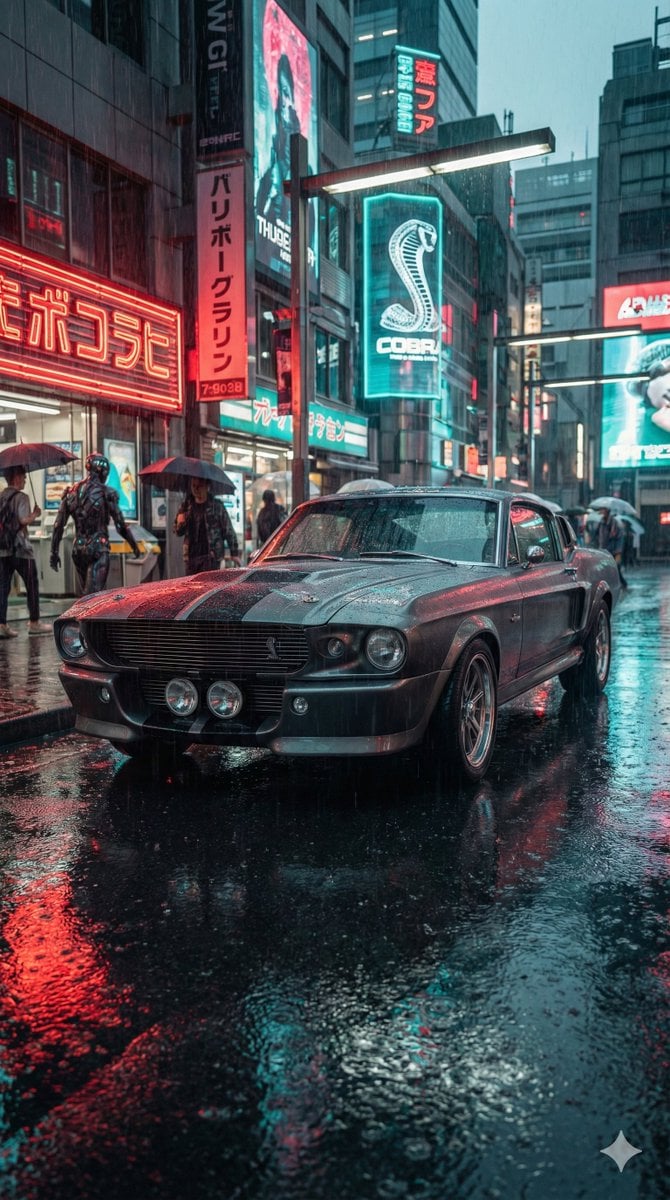
Cyberpunk Muscle Car Cinematic Prompt

Affogato Dessert Photography
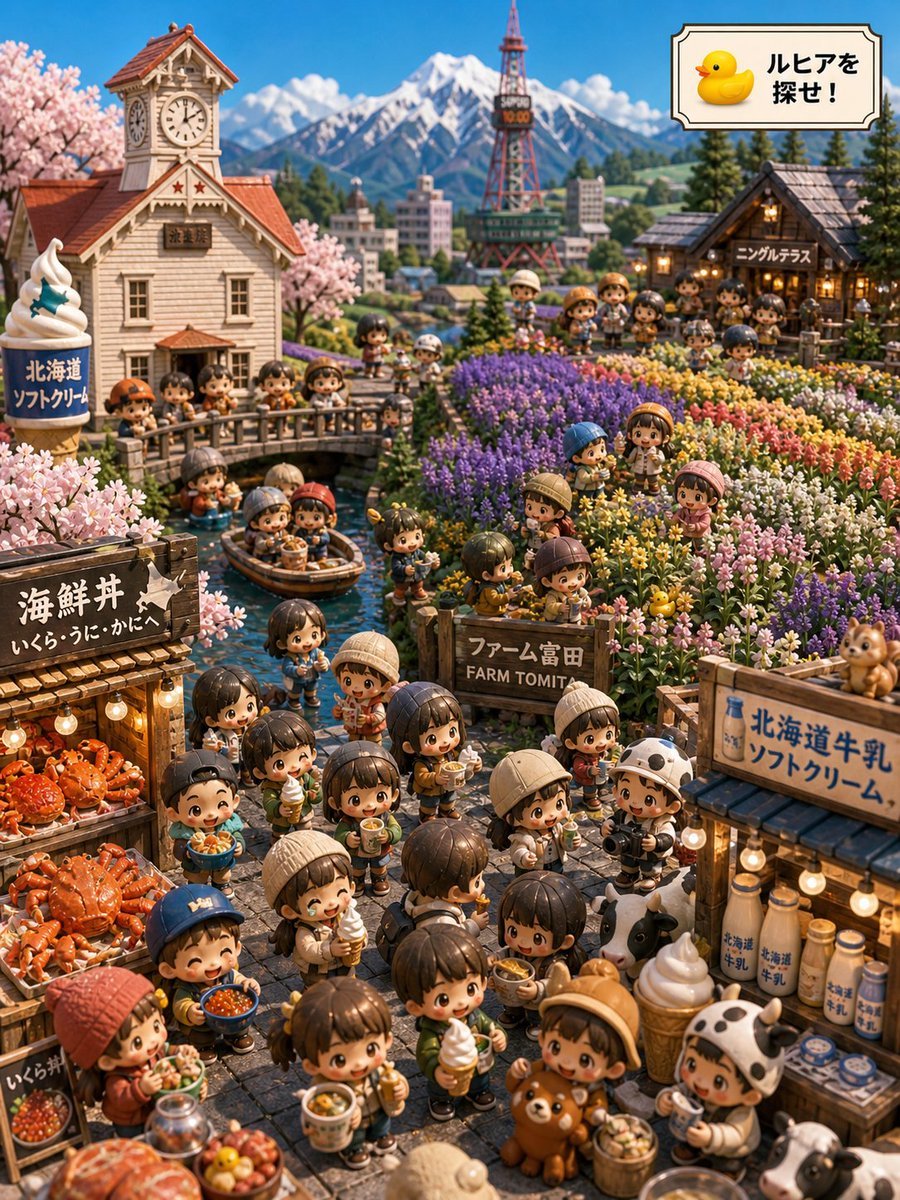
Hokkaido Hidden Duck Travel Puzzle

Consistent Product Photography for Dog Chews (3 Scenes)

High-Fashion Editorial Image with Exaggerated Fisheye Distortion
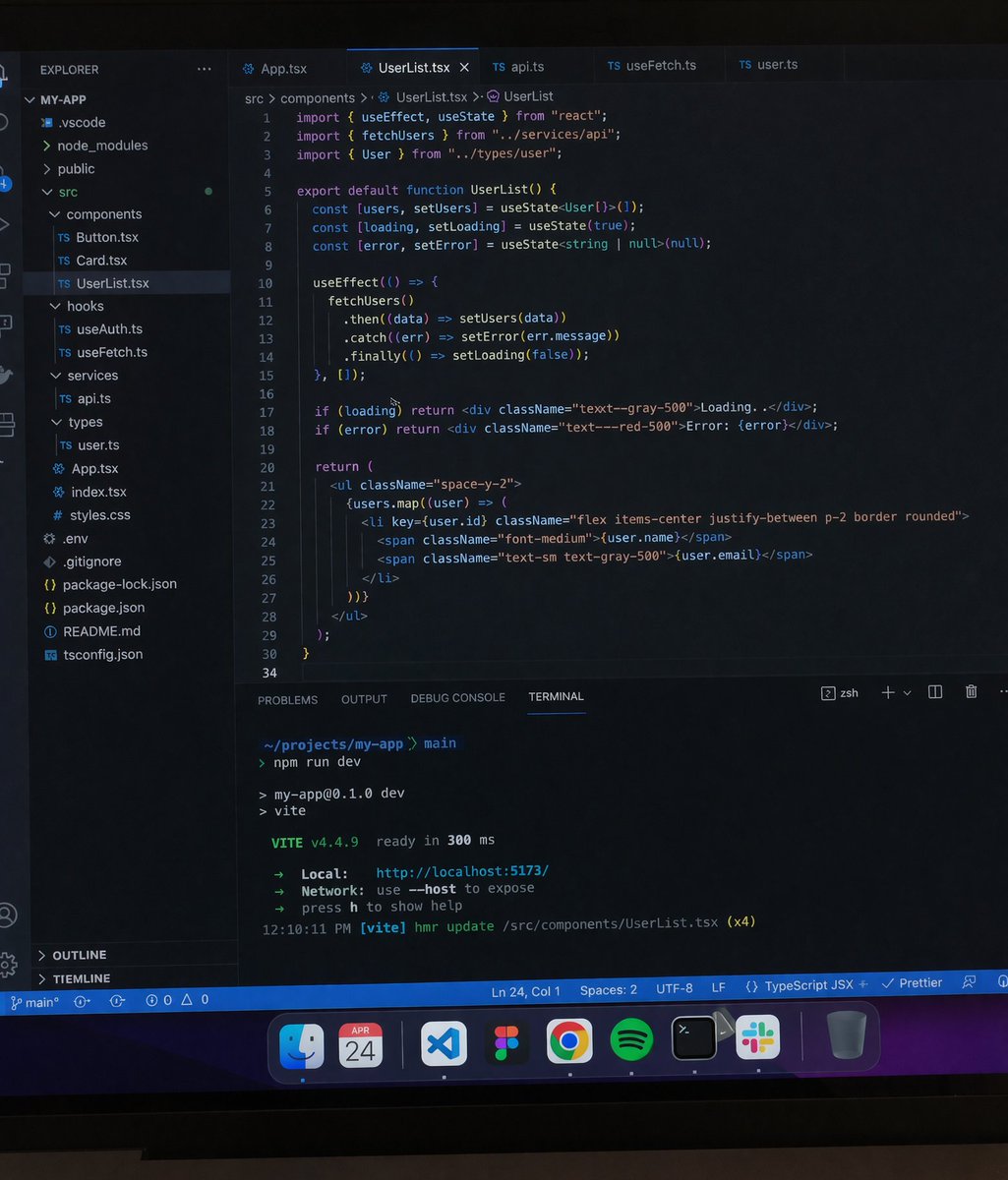
Professional workstation screen prompt

Minimalist Festive Greeting Illustration
Browse template categories
Console Generations Rooftop Game Collage questions
How do I use the Console Generations Rooftop Game Collage template?
Add your photo if the template asks for one, edit the prompt if you like — the template's model and format are already selected — and press Generate. Your version opens in PicX Studio.
Can I customize the Console Generations Rooftop Game Collage template?
Yes. You can change the subject, setting, lighting, mood, format, and available model controls before creating your image.
Is the Console Generations Rooftop Game Collage template free?
Opening and editing this template is free. Generating uses credits, shown on the Generate button when you are signed in.
Which AI model should I use?
Start with GPT Image 2, which is the model associated with this template. You can compare another compatible model for a different finish.
Looking for something else? Browse all templates.

Your photo, any look
Thousands of ready templates for every top image and video model, from one credit balance.