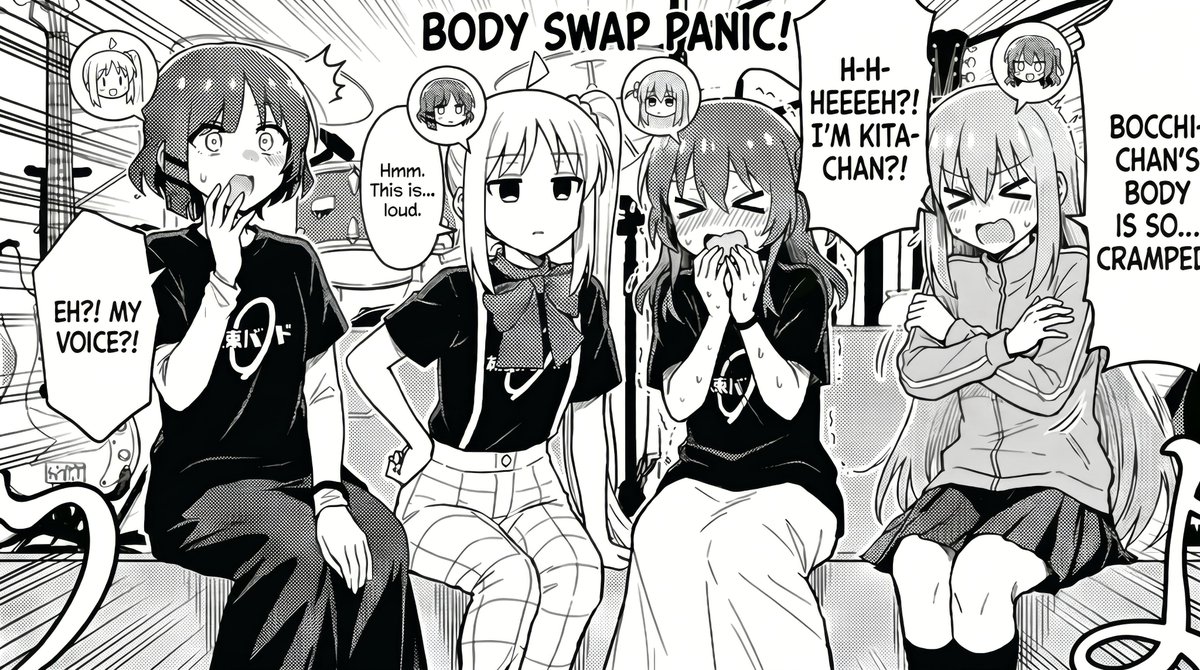
How do I use the Manga to Anime Style Transformation template?
Choose the primary action to open PicX Studio with the available template settings. Review the model and format, personalize the creative direction, and generate when ready.
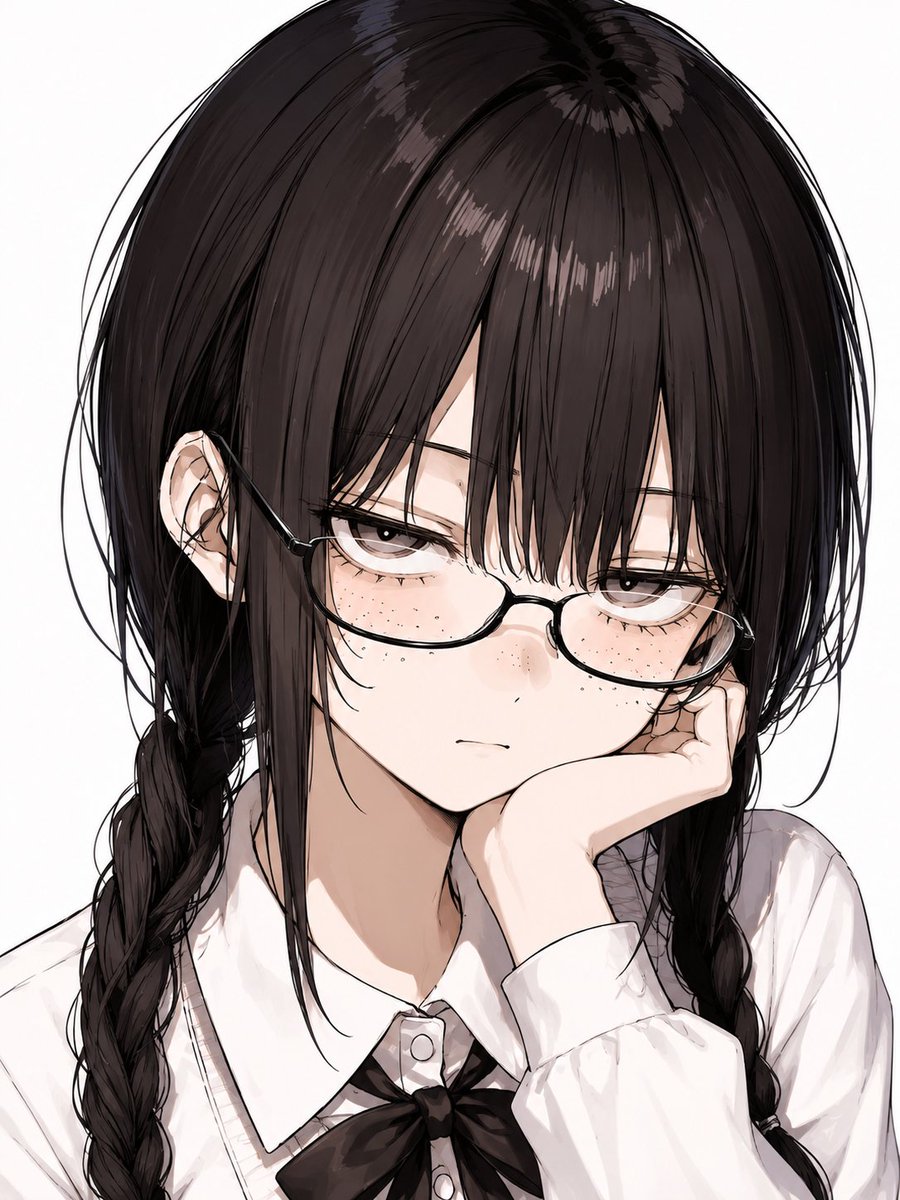
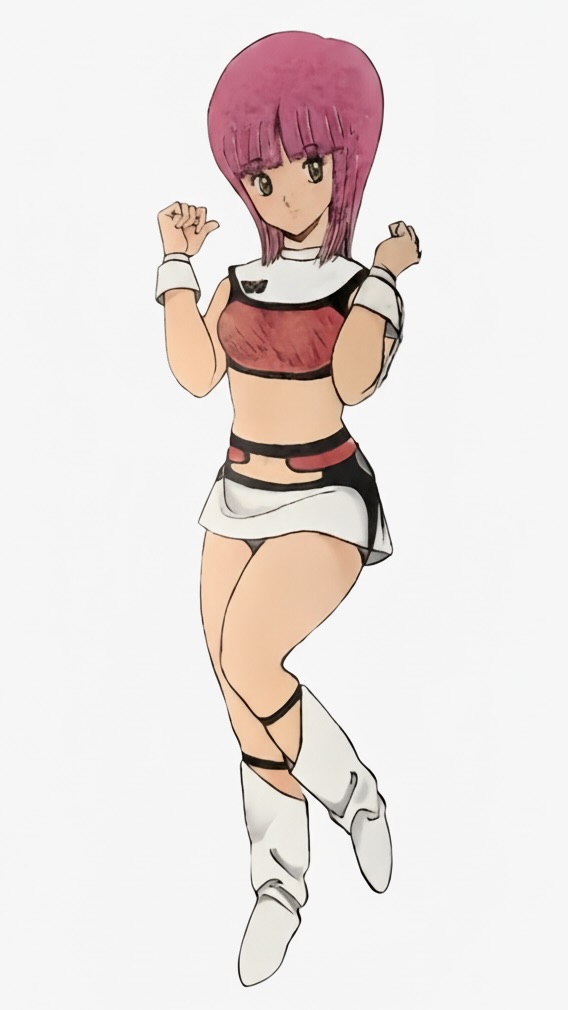
A prompt designed to faithfully convert manga line art into high-quality digital anime illustrations with specific lighting and shading structures.
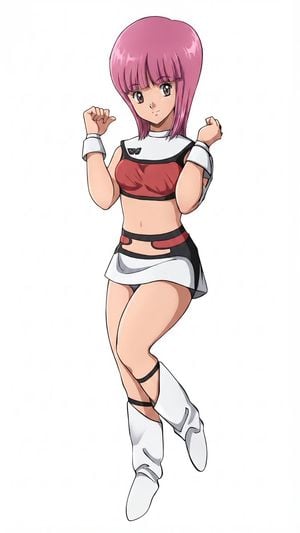
1枚目の漫画イラストを線画のディテールを忠実に再現し、線画のタッチと着色を{argument name="作画品質の年" default="2026年"}品質の{argument name="作画スタイル" default="デジタル作画アニメスタイル"}で再現して下さい、背景は{argument name="背景色" default="白"}、着色スタイルはベースカラー、影、ハイライトの三層構造で再現して下さい、
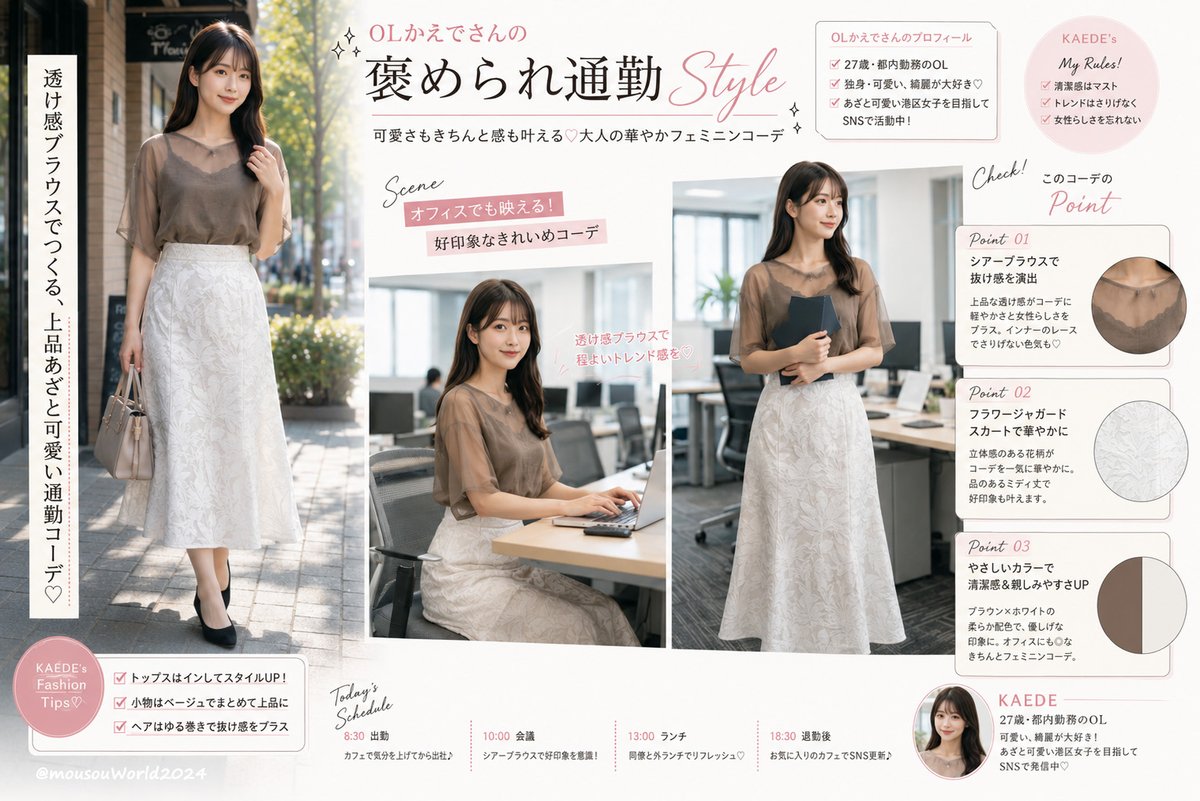
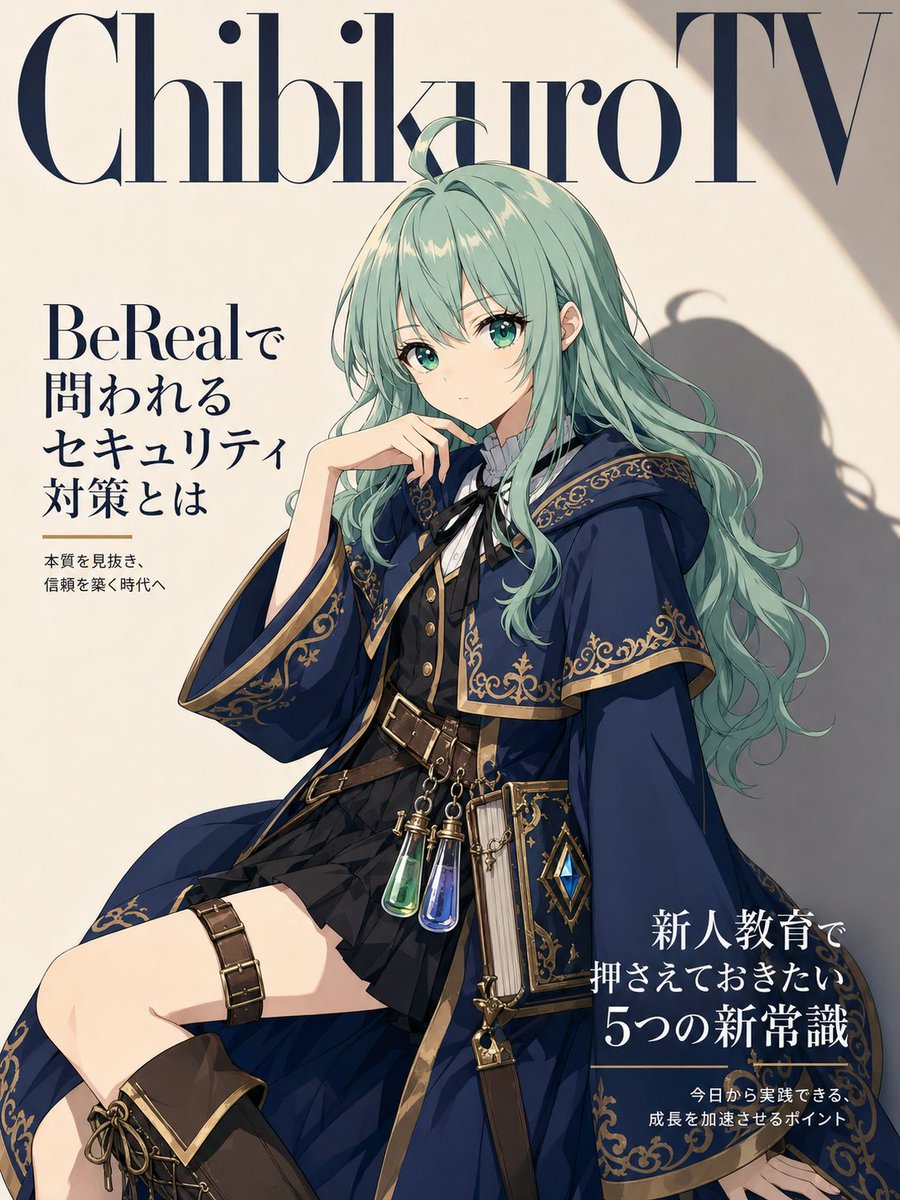
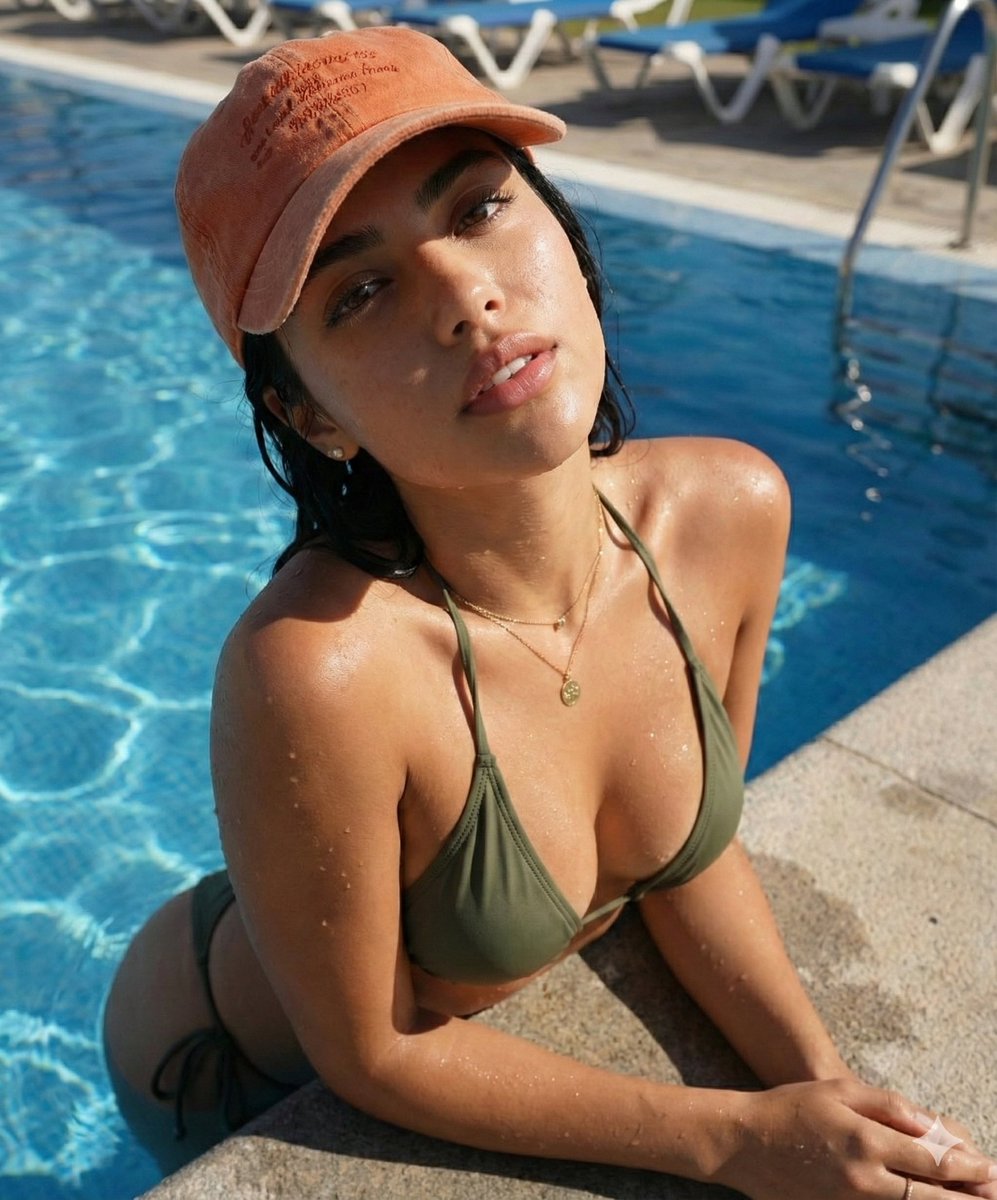
Manga to Anime Style Transformation needs input media to work. Open it in the studio and these load alongside the prompt — pick whichever ones your chosen model can take.
Choose the primary action to open PicX Studio with the available template settings. Review the model and format, personalize the creative direction, and generate when ready.
Yes. You can change the subject, setting, lighting, mood, format, and available model controls before creating your image.
This template is free to open and customize. Generation usage is shown in PicX Studio before you create.
Start with GPT Image 2, which is the model associated with this template. You can compare another compatible model for a different finish.
Follow a topic to a crawlable collection of related PicX Studio templates.