
Dog Café Washi Tape Collage
Generates a vertical split artwork with a realistic café dog breakfast photo on top and a handmade washi-tape scrapbook reconstruction below.
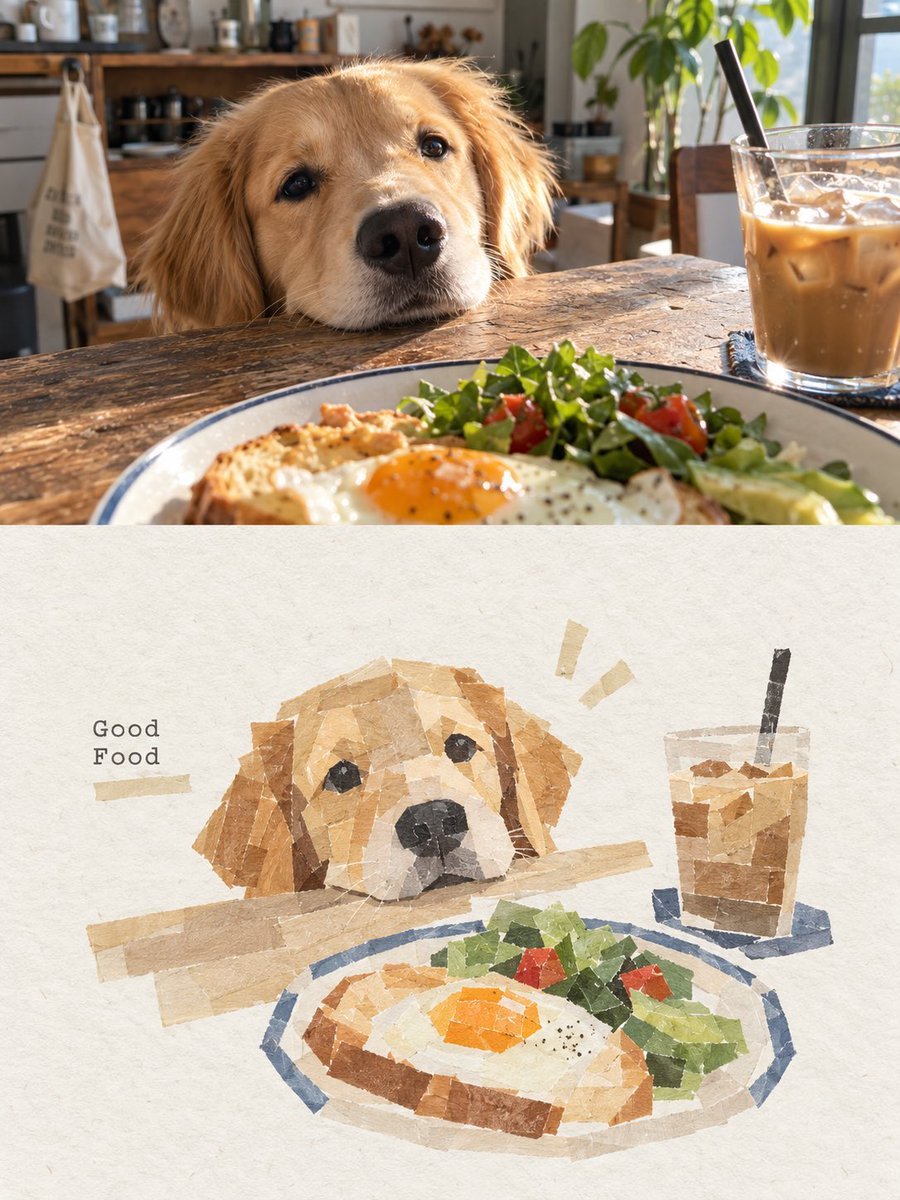
- Prompt included
- Model and format preset
- Free template
The prompt behind this image
Copy the exact prompt behind Dog Café Washi Tape Collage, or open it in the studio and make it yours.
Create a 3:4 vertical scrapbook washi-tape collage artwork from a cozy café breakfast scene. Canvas: split the image into two horizontal halves. The upper half is a realistic warm photo: a golden retriever rests its chin on a rustic wooden table, looking longingly at a breakfast plate in the foreground; the plate contains toast with a sunny-side-up egg, leafy salad, red tomato pieces, and avocado; on the right is a clear glass of iced coffee with ice cubes and a black straw; the background is a softly blurred home café interior with shelves, plants, window light, and morning sunlight. The lower half is an off-white textured handmade-paper background recreating the same scene as a torn paper tape collage, not a direct photo copy. Use about 10–18 visible torn washi-paper fragments per major subject, with semi-transparent beige masking-tape strips, irregular edges, layered paper texture, and muted watercolor-like colors. Include exactly 4 main illustrated components in the lower collage: 1 golden retriever head peeking over the table edge, 1 breakfast plate with egg toast and greens, 1 iced coffee glass with straw, and 1 small text label reading {argument name="caption text" default="Good Food"} on the left. The dog should be centered-left with soft tan and cream paper pieces, dark paper eyes and nose; the plate should sit along the lower center with a blue rim; the drink should stand on the right with brown coffee blocks and a dark straw. Add exactly 2 small beige decorative tape marks above the dog and one horizontal tape strip near the text. Style: minimalist Japanese journal collage, handmade torn masking tape, warm natural lighting, soft shadows, tactile paper grain, charming and cozy. Customize the scene with {argument name="dog breed" default="golden retriever"}, {argument name="main food" default="sunny-side-up egg on toast with salad"}, {argument name="drink" default="iced coffee with a black straw"}, and {argument name="setting" default="sunlit rustic home café"}. Constraints: vertical 3:4 composition, top half realistic photo, bottom half paper-tape reconstruction, no extra people, no watermark, keep the lower collage clean with ample blank paper around the subjects.
How to use Dog Café Washi Tape Collage in 3 steps
- 1Upload ImagePNG, JPG or paste
Add your photo
Upload the photo the template builds on. The prompt, model and format are already set.
- 2…a portrait of your subject in softgolden-hour light, 85mm…
Personalize
Edit the subject and creative details for your destination.
- 3Generate
Generate
Press Generate — your image is created in PicX Studio, so you can compare it with the original and refine one variable at a time.
More like this
Templates with the same subject, style or setup. Open one to see its prompt.












Make it yours
Dog Café Washi Tape Collage works as-is. These are the safest ways to change it without losing the look.
Change one field
Copy a single group, rewrite it, and generate again so you can see what that field is doing.
Keep the frame, change the subject
Hold the composition and light of Dog Café Washi Tape Collage, then swap wardrobe, props or the person for a new take.
| If the result… | Why | Fix |
|---|---|---|
| The result drifts from the preview | Too many fields changed at once. | Reuse Dog Café Washi Tape Collage as-is first, then change one group — subject, light, or setting. |
| The model over-stylizes the scene | The prose prompt leaves finish and camera underspecified. | Add one camera or lighting sentence and stay on GPT Image 2. |
More GPT Image 2 templates
Other prompts made for GPT Image 2.

Six VTuber Japanese Logo Sheet

Realistic Portrait of Woman and Deer

The Vista Modular Condo Poster

AI Model Routing Comparison Infographic

2.5D Anime Art Board

Isometric Productivity Desk Scene

New York Double Exposure Poster

Four-Panel AI Landscape Comparison

Japanese Tatami Lifestyle Magazine Cover

NESCAFÉ Coffee Map Poster
More image prompts
Fresh picks from across the catalog.

Photorealistic Portrait with Graphic Vector Art

Style Transfer with Nano Banana Pro
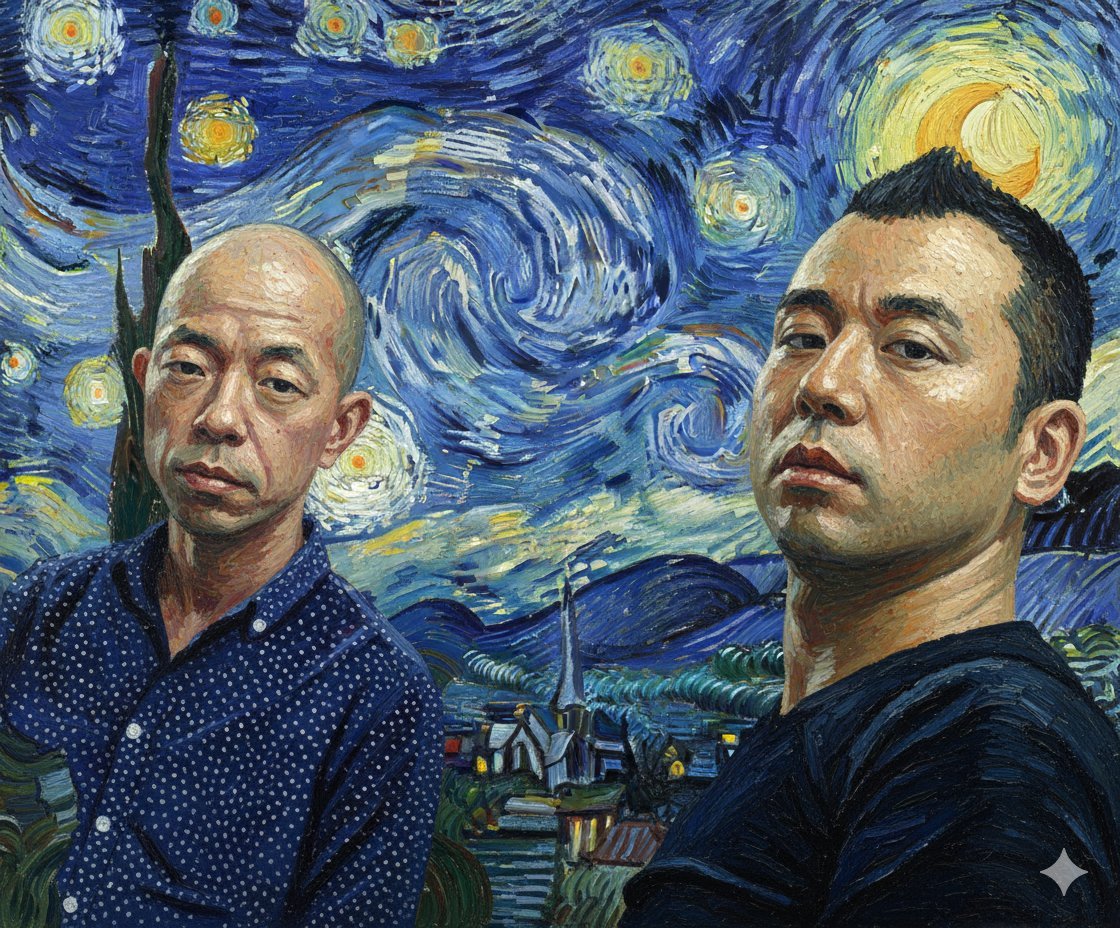
Image Style Transfer Prompt: Viking to Van Gogh's 'Starry Night' Style
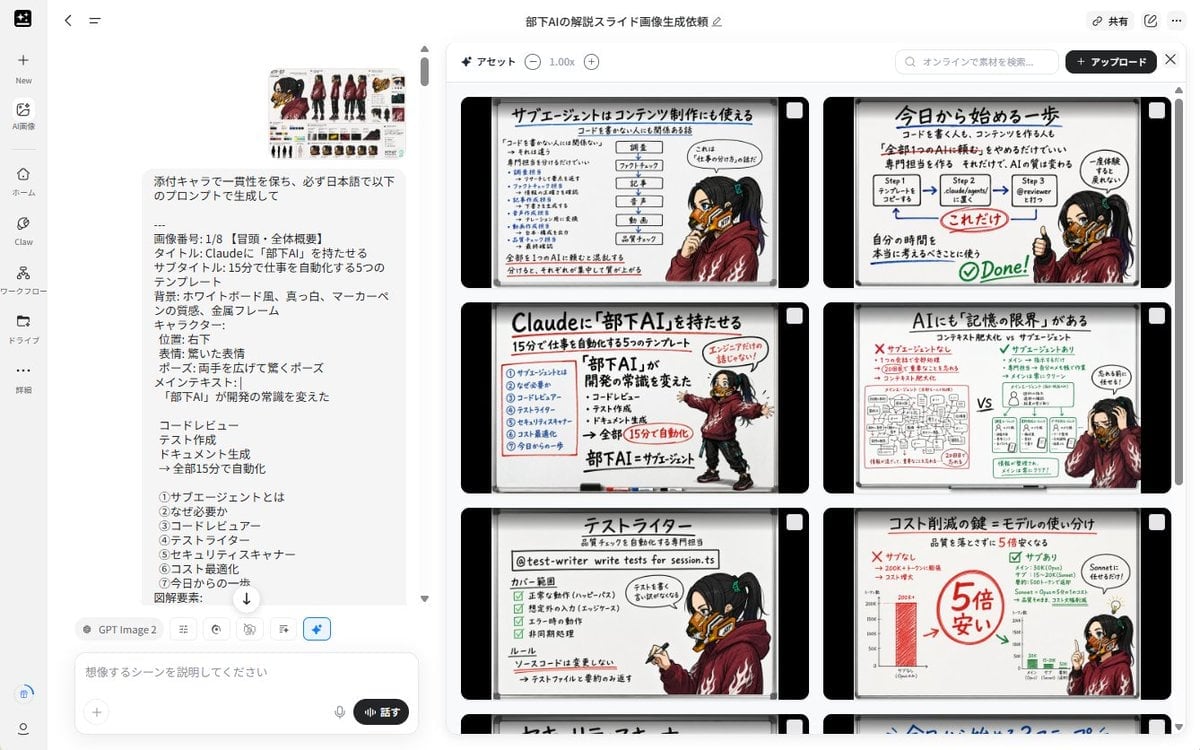
Notebook Slides With Reference Character

Cinematic Formula 1 Driver Poster

Nano Banana Pro Prompt for Generating 'Viral Diagrams'
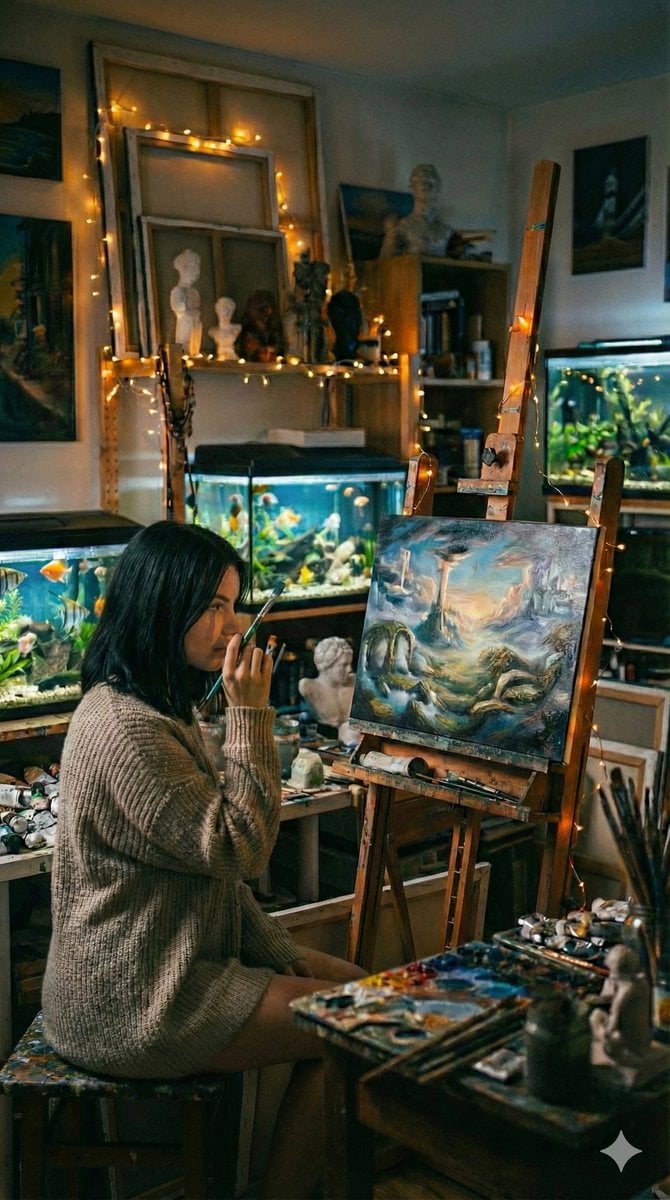
Cinematic Fine-Art Photography of an Artist in Her Studio
Futuristic Cyber Skincare Ad Poster

Minimalist Silhouette Portrait
Anime Trading Card Album Photo
Browse template categories
Dog Café Washi Tape Collage questions
How do I use the Dog Café Washi Tape Collage template?
Add your photo if the template asks for one, edit the prompt if you like — the template's model and format are already selected — and press Generate. Your version opens in PicX Studio.
Can I customize the Dog Café Washi Tape Collage template?
Yes. You can change the subject, setting, lighting, mood, format, and available model controls before creating your image.
Is the Dog Café Washi Tape Collage template free?
Opening and editing this template is free. Generating uses credits, shown on the Generate button when you are signed in.
Which AI model should I use?
Start with GPT Image 2, which is the model associated with this template. You can compare another compatible model for a different finish.
Looking for something else? Browse all templates.

Your photo, any look
Thousands of ready templates for every top image and video model, from one credit balance.