
Five-Panel Cafe Influencer Collage
Generates a realistic five-photo lifestyle collage of a young cafe influencer in cozy bedroom, cafe, restaurant, and car settings.
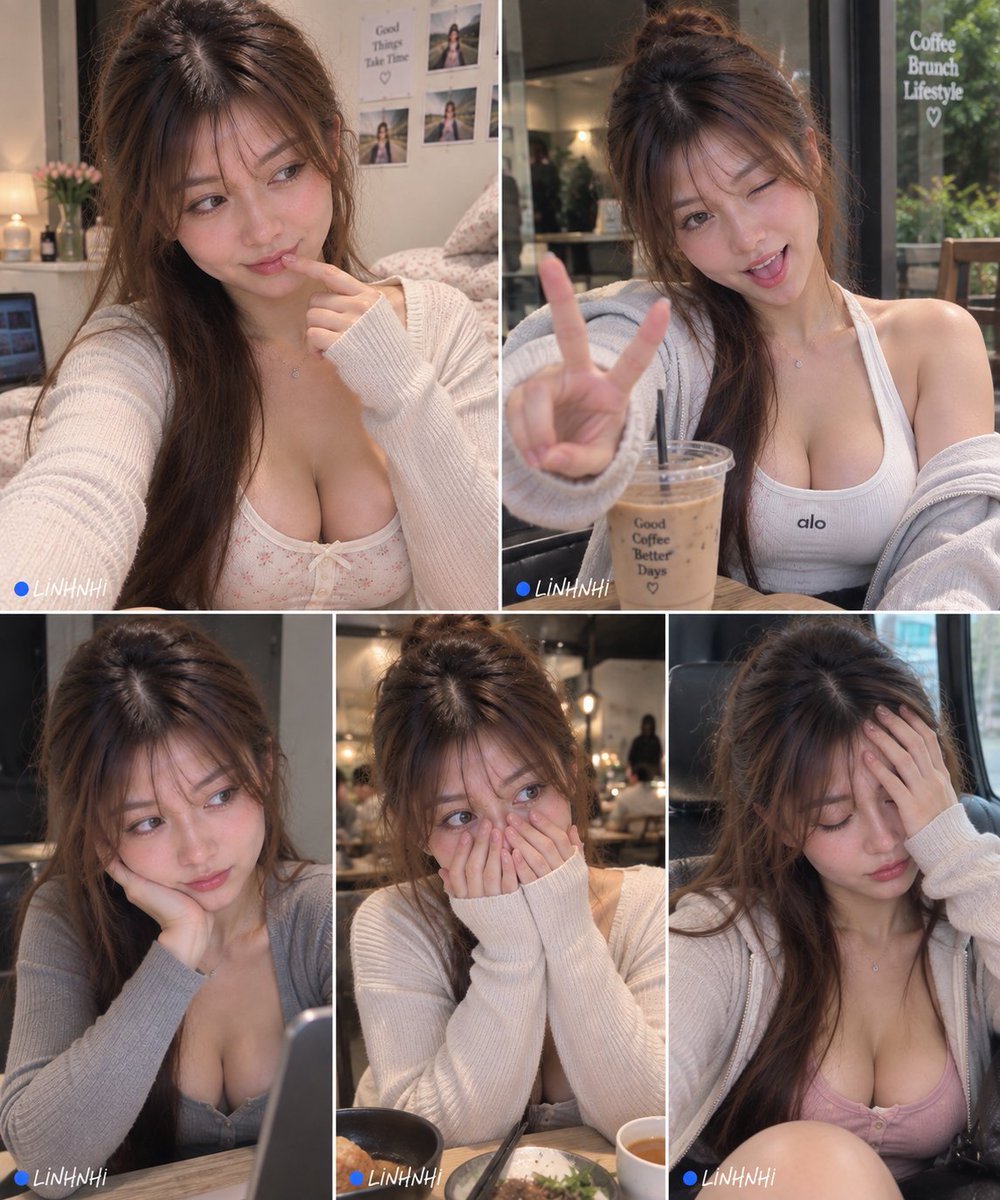
- Prompt included
- Model and format preset
- Free template
The prompt behind this image
Copy the exact prompt behind Five-Panel Cafe Influencer Collage, or open it in the studio and make it yours.
Goal: Create a realistic social-media-style photo collage of {argument name="character name" default="LINH NHI"}, a young East Asian cafe lifestyle influencer, shown in five candid portrait photos with soft warm lighting, natural skin texture, long brown hair with wispy bangs, a cozy cream cardigan/hoodie, delicate necklace, and feminine casual tank tops. The mood is cute, playful, slightly dreamy, and intimate, like a personal Instagram photo dump. Canvas: Vertical 4:5 collage, approximately 1000 x 1250 pixels, with thin white dividers between panels. Use a realistic smartphone photography look, shallow depth of field, warm indoor cafe and bedroom lighting, subtle film grain, and soft color grading. Layout: Use exactly 5 photo panels. Top row has 2 large panels of equal width. Bottom row has 3 smaller vertical panels of equal width. Add a small watermark in the lower-left corner of several panels: a blue dot followed by handwritten white text reading "LINHNHI". Panel count and contents: 1. Top-left panel: Bedroom selfie angle. The woman wears a cream knit cardigan over a light floral camisole, sits near a bed and wall photos, looks off to the side with a coy expression, one finger touching her lips. Background includes a lamp, flowers, bedding, small wall prints, and a note that reads "Good Things Take Time" with a heart. 2. Top-right panel: Cafe table portrait by a window. She wears a white ribbed tank top with a tiny "alo" logo and a pale gray zip hoodie slipped off one shoulder. She winks, sticks her tongue out slightly, and holds up a large peace sign close to the camera. In front of her is an iced coffee cup with printed text "Good Coffee Better Days" and a small heart. Window text in the background reads "Coffee Brunch Lifestyle" with a heart. 3. Bottom-left panel: Cafe portrait at a table. She wears a gray cardigan, rests her cheek on one hand, looks sideways with a bored or thoughtful expression. A laptop edge is visible in the foreground, background is softly blurred. 4. Bottom-middle panel: Restaurant/cafe dinner setting. She wears a cream cardigan and covers her mouth and cheeks with both sweater-covered hands, eyes looking sideways, shy expression. A bowl of food, chopsticks, and a drink are visible at the bottom edge; warm bokeh lights behind her. 5. Bottom-right panel: Car or window-seat portrait. She wears a cream hoodie over a pink camisole, eyes closed or looking down, one hand on her forehead as if tired or pensive. Soft daylight through the window, black seat and city blur in background. Visual style: Hyper-realistic Asian influencer photography, soft beauty-retouched but believable, natural facial expressions, warm beige and cream palette, cozy cafe aesthetic, glossy hair, gentle blush, no harsh shadows, no dramatic studio lighting. Constraints: Keep the same woman consistent across all 5 panels. Use exactly the 5 poses listed, exactly the 2-over-3 collage structure, thin white borders, and the recurring small blue-dot "LINHNHI" watermark. Avoid extra panels, extra people, distorted hands, unreadable main text, or cartoon/anime styling.
How to use Five-Panel Cafe Influencer Collage in 3 steps
- 1Upload ImagePNG, JPG or paste
Add your photo
Upload the photo the template builds on. The prompt, model and format are already set.
- 2…a portrait of your subject in softgolden-hour light, 85mm…
Personalize
Edit the subject and creative details for your destination.
- 3Generate
Generate
Press Generate — your image is created in PicX Studio, so you can compare it with the original and refine one variable at a time.
More like this
Templates with the same subject, style or setup. Open one to see its prompt.

Paper Cut Cafe Morning

Desert Wanderer Five-Panel Collage

Panel Mirror Selfie Collage

Cozy Six-Panel Bedtime Stages Collage

Six-Panel Retro Japanese Poster Collage

Cat Photobomb Selfie — 0.5x Wide Angle Café Chaos

Paper Cut Finale Fireworks

Paper Cut Garden Maze

Paper Cut Rooftop Concert

Paper Cut Bicycle Coast

Paper Cut Castle Gate

Paper Cut Kitchen Chaos
Make it yours
Five-Panel Cafe Influencer Collage works as-is. These are the safest ways to change it without losing the look.
Change one field
Copy a single group, rewrite it, and generate again so you can see what that field is doing.
Keep the frame, change the subject
Hold the composition and light of Five-Panel Cafe Influencer Collage, then swap wardrobe, props or the person for a new take.
| If the result… | Why | Fix |
|---|---|---|
| The result drifts from the preview | Too many fields changed at once. | Reuse Five-Panel Cafe Influencer Collage as-is first, then change one group — subject, light, or setting. |
| The model over-stylizes the scene | The prose prompt leaves finish and camera underspecified. | Add one camera or lighting sentence and stay on GPT Image 2. |
More GPT Image 2 templates
Other prompts made for GPT Image 2.

Six VTuber Japanese Logo Sheet

Realistic Portrait of Woman and Deer

The Vista Modular Condo Poster

AI Model Routing Comparison Infographic

2.5D Anime Art Board

Isometric Productivity Desk Scene

New York Double Exposure Poster

Four-Panel AI Landscape Comparison

Japanese Tatami Lifestyle Magazine Cover

NESCAFÉ Coffee Map Poster
More image prompts
Fresh picks from across the catalog.
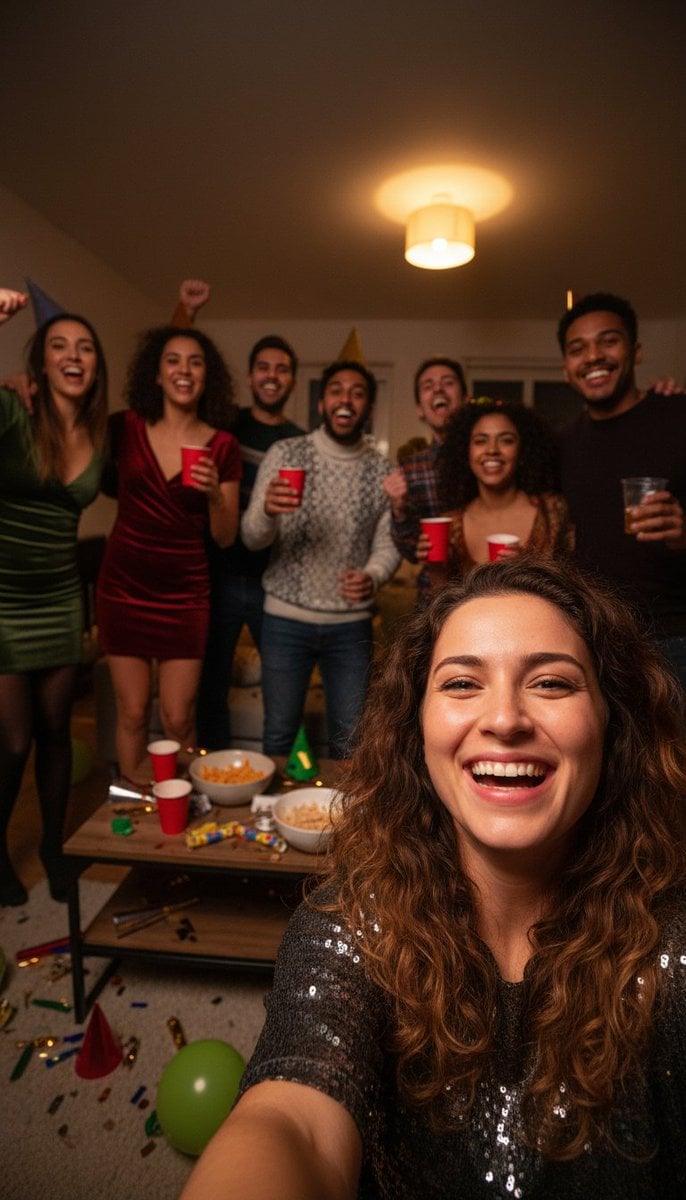
Realistic Group Selfie with Smartphone Flash Effect

Underwater Fantasy Portrait in Okinawa Sea

BL Game Package Design
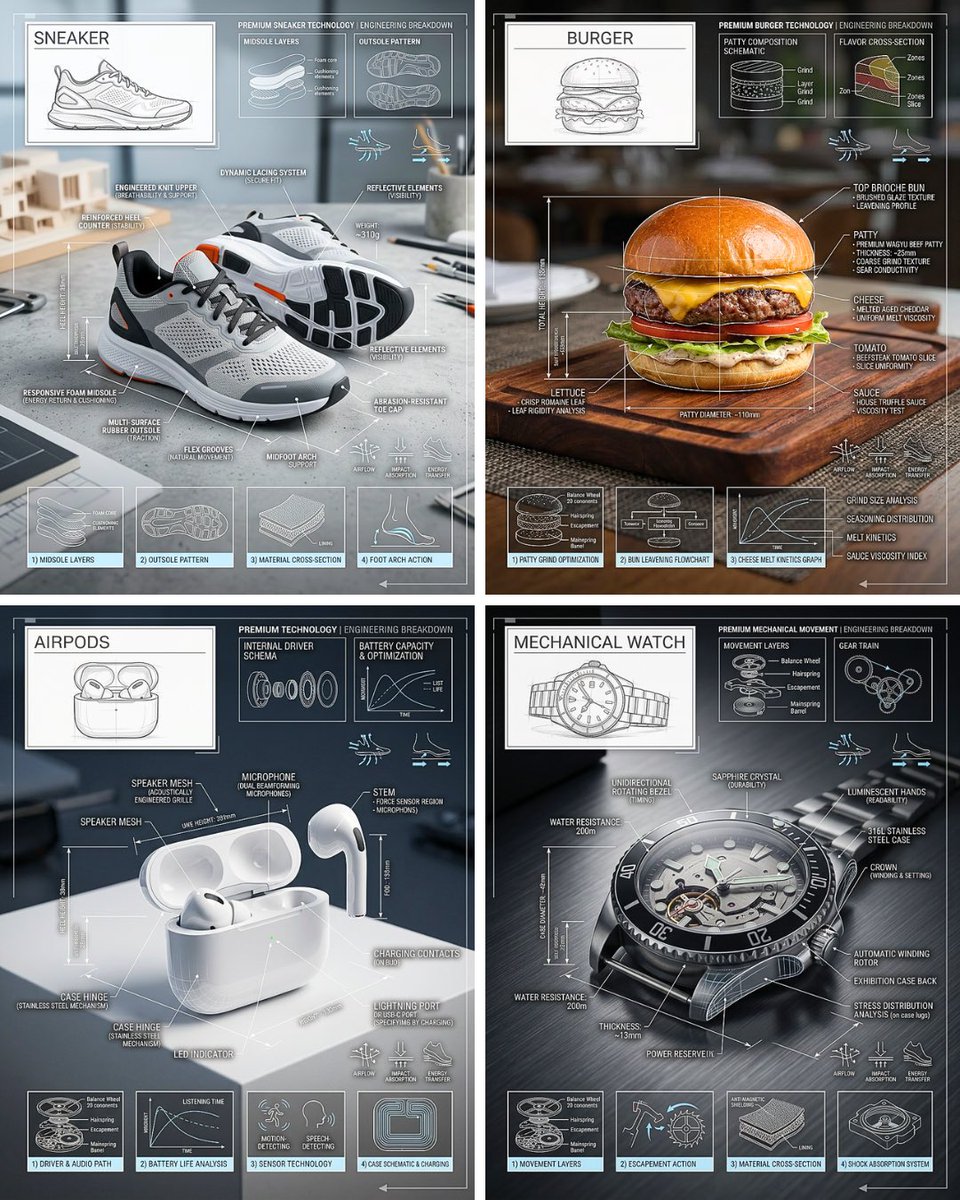
Technical Breakdown Infographic

Playful Chocolate Advertisement Poster
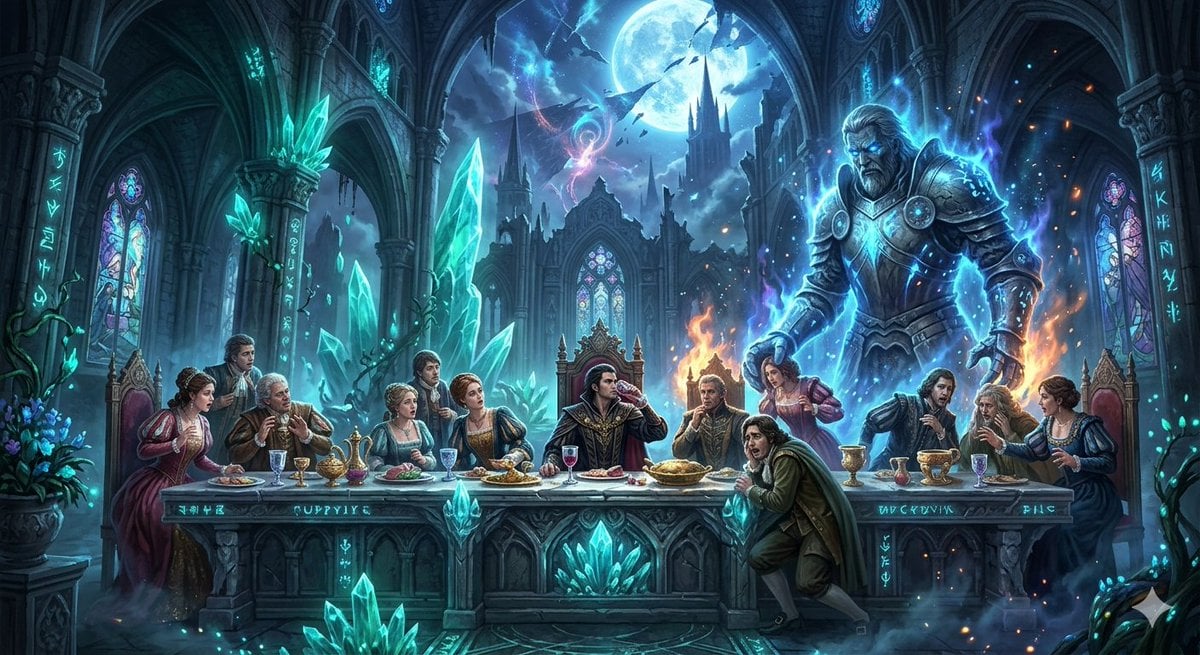
Mozart's Don Giovanni: The Last Supper

Nano Banana Pro Prompt for 'Scramble Spring' Fan Art
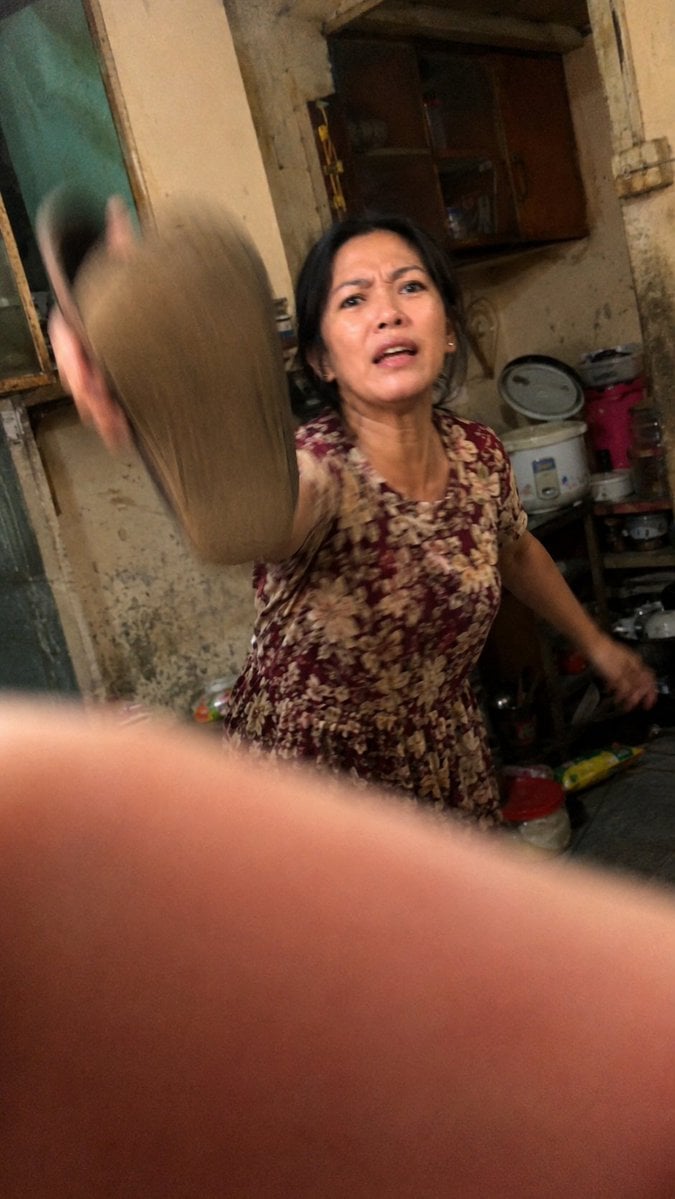
Accidental Kitchen Candid Realism

Cold Ethereal Chinese Fairy Portrait

Cinematic Tennis Sports Poster
Browse template categories
Five-Panel Cafe Influencer Collage questions
How do I use the Five-Panel Cafe Influencer Collage template?
Add your photo if the template asks for one, edit the prompt if you like — the template's model and format are already selected — and press Generate. Your version opens in PicX Studio.
Can I customize the Five-Panel Cafe Influencer Collage template?
Yes. You can change the subject, setting, lighting, mood, format, and available model controls before creating your image.
Is the Five-Panel Cafe Influencer Collage template free?
Opening and editing this template is free. Generating uses credits, shown on the Generate button when you are signed in.
Which AI model should I use?
Start with GPT Image 2, which is the model associated with this template. You can compare another compatible model for a different finish.
Looking for something else? Browse all templates.

Your photo, any look
Thousands of ready templates for every top image and video model, from one credit balance.