How do I use the Voluptuous Blonde in Car Portrait template?
Choose the primary action to open PicX Studio with the available template settings. Review the model and format, personalize the creative direction, and generate when ready.
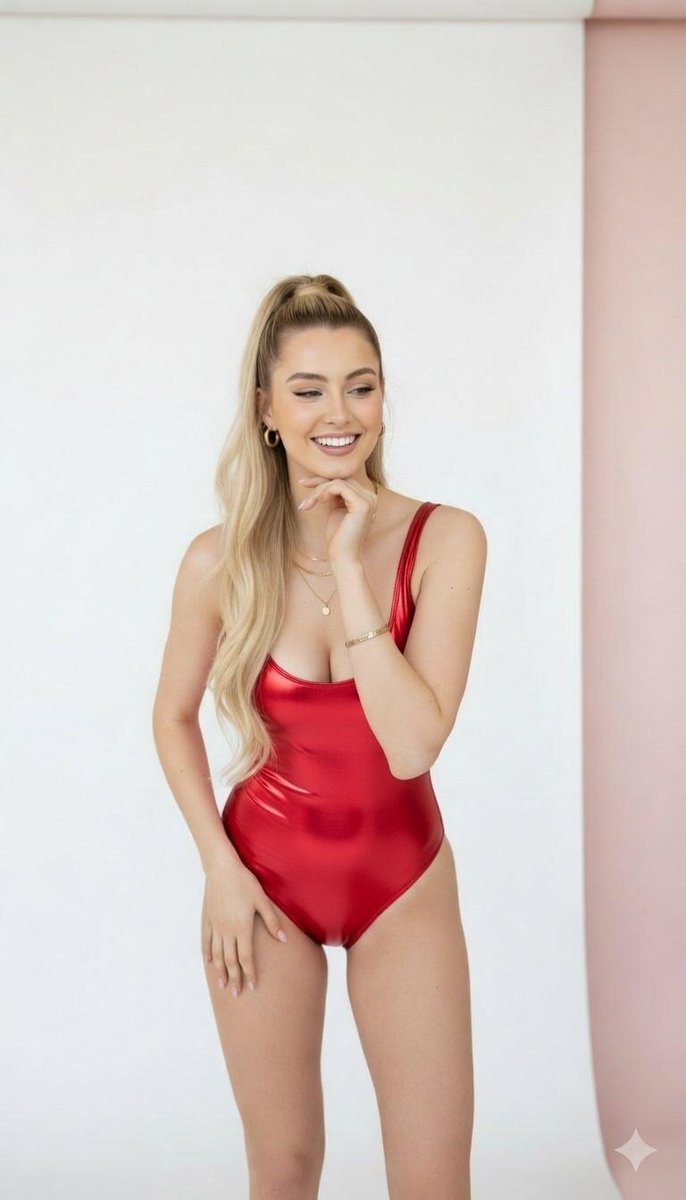
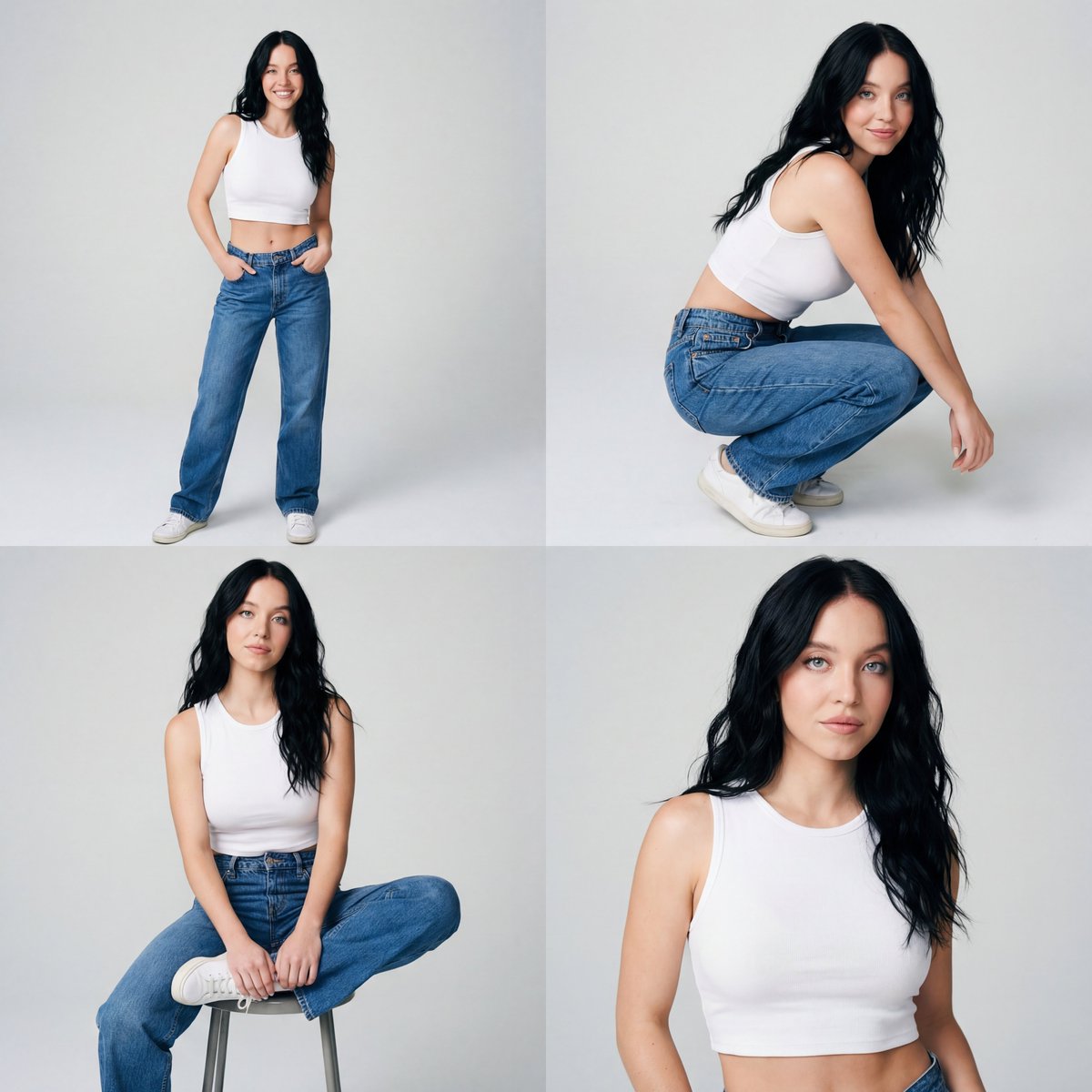
A highly detailed JSON-formatted prompt for Nano Banana Pro to generate a photorealistic, high-angle close-up portrait of a voluptuous young blonde woman seated in a vehicle, wearing a floral string bikini top, captured in natural daylight with a playful, flirtatious expression. (free to use) — Free AI image template on PicX Studio.
{ "subject": { "description": "Young woman with shoulder-length blonde wavy hair, seated in a vehicle. She has fair skin with natural texture, including a small mole on her chest. Her facial features include arched eyebrows, brown eyes, and deep dimples while smiling.", "body_characteristics": { "build": "Curvy and voluptuous", "bust": "Visibly large, full, and heavy bust volume with prominent cleavage and deep projection. Natural soft tissue behavior with gravity affecting the shape. Bust depth is significantly greater than ribcage depth.", "torso": "Narrow waist relative to bust size, soft skin texture." }, "clothing": { "item": "String bikini top", "color": "White or very pale blue base", "pattern": "Small purple floral print with green leaves", "fit": "Tight fit, emphasizing bust volume" }, "accessories": { "nails": "Long, squared shape with white polish" } }, "pose": { "type": "Seated portrait, close-up", "head": "Tilted slightly to her right, facing the camera directly", "expression": "Playful and flirtatious smile, showing teeth, with distinct dimples. She is biting her left thumb or resting it on her lower lip.", "arms": "Left arm raised with hand curled near mouth, thumb touching lip. Right arm down at side.", "body_orientation": "Upper torso angled slightly towards the camera, seated back against the car seat." }, "environment": { "location": "Interior of a vehicle, likely a Jeep Wrangler", "elements": "Black leather car seats with headrests, visible roll bars or vehicle frame in the background. Through the rear window, a blurred outdoor scene with a building and signage (partially visible text includes 'BANK' and 'REAL ESTATE') and a green trash bin.", "atmosphere": "Casual, sunny day, semi-open vehicle cabin" }, "camera": { "shot_type": "Close-up portrait, high-angle", "perspective": "Arm's length perspective (simulating a selfie angle without the phone visible)", "focal_length": "35mm to 50mm equivalent", "depth_of_field": "Moderate, keeping the subject in sharp focus while the car interior background is slightly softened but recognizable.", "framing": "Framed from the mid-torso up, centering on the face and chest." }, "lighting": { "type": "Natural daylight", "source": "Ambient sunlight entering the vehicle from the front and left", "quality": "Bright and diffuse, creating soft shadows under the chin and defining the contours of the collarbones and cleavage.", "highlights": "Natural highlights on the forehead, nose, and upper chest." }, "mood_and_expression": { "mood": "Playful, confident, flirtatious, happy", "expression": "Genuine smile with dimples, engaging eye contact, suggestive gesture with the thumb near the mouth." }, "style_and_realism": { "style": "Photorealistic, candid lifestyle photography", "fidelity": "High-fidelity texture rendering, capturing skin pores, hair strands, and fabric details without stylization." }, "colors_and_tone": { "palette": "Natural skin tones, bright blonde hair" }
Use Voluptuous Blonde in Car Portrait to plan an AI image around nano-banana-2 generation. Match the preview's composition first, then personalize the subject, setting, and mood for your own project.
Use the primary action to load the template settings in PicX Studio.
Adjust the subject and creative details for your destination.
Create the image, compare the result with the preview, and refine one variable at a time.
A continuous mix — similar concepts first, woven with same-model prompts and fresh picks from the catalog.
Choose the primary action to open PicX Studio with the available template settings. Review the model and format, personalize the creative direction, and generate when ready.
Yes. You can change the subject, setting, lighting, mood, format, and available model controls before creating your image.
This template is free to open and customize. Generation usage is shown in PicX Studio before you create.
Start with nano-banana-2, which is the model associated with this template. You can compare another compatible model for a different finish.
Follow a topic to a crawlable collection of related PicX Studio templates.
39,155 public templates available. Verified via the PicX Studio public templates API; refreshed hourly.
A continuous mix — similar concepts first, woven with same-model prompts and fresh picks from the catalog.