Intimate Low-Light Bedroom Selfie (Chiaroscuro)
{
"main_prompt": "intimate low-light bedroom selfie portrait, young woman in her early-mid 20s with fair pale skin and natural soft glow, short-to-medium auburn/reddish-brown hair in messy high messy bun with loose strands framing face, subtle natural makeup with defined brows, light mascara, glossy soft pink-nude lips in relaxed expression, wide innocent yet captivating eyes looking directly at camera with slight curiosity, wearing loose light pink camisole top with thin straps and subtle zipper detail at bust, delicate silver chunky chain necklace with large oval green gemstone pendant (emerald or malachite), large intricate silver hoop earrings with dangling elements, cozy dimly lit bedroom at night: warm orange tungsten bedside lamp light from side creating strong golden rim light on face, hair and shoulders, mixed with cool purple-blue LED or phone light fill from below/right casting violet shadows and highlights on skin and clothing, wooden headboard bed with floral-patterned pillow, rumpled sheets and blanket in earthy tones, curtains in warm brown/beige behind, phone visible in hand implied for selfie, soft lens flare and light bloom from lamp, slight vignette and warm color cast with purple-blue accents, photorealistic, ultra-detailed skin texture with realistic pores, subtle freckles and natural imperfections, individual hair strands catching colored lights, cinematic moody grading with strong chiaroscuro contrast between warm orange and cool purple tones, light film grain, dreamy intimate late-night vibe, shot on smartphone with night mode or low-light portrait, shallow depth of field focus on face with soft bokeh on background bed and curtains, raw unfiltered cozy bedroom energy, warm yet mysterious nighttime aesthetic",
"negative_prompt": "blurry, lowres, deformed hands, extra fingers, fused fingers, bad anatomy, poorly drawn face, bad proportions, extra limbs, mutated hands, ugly, disfigured, tiling, out of frame, jpeg artifacts, signature, watermark, text, error, cropped badly, worst quality, low quality, cartoon, 3d render, plastic skin, doll-like, airbrushed skin, overexposed, harsh flash, pale washed-out skin, heavy makeup, glamorous look, instagram face, duck lips, smiling overly happy, elderly, child, male, group shot, bright daylight, clean minimalist room, white walls, no colored lighting, flat lighting, cold dominant blue tones, desaturated colors, synthetic look, perfect symmetrical face, no grain, modern high-res filter, visible phone blocking face, deformed reflection if mirror, cluttered foreground",
"style_tags": [
"photorealistic",
"low-light intimate selfie",
"warm tungsten + cool purple mix",
"chiaroscuro bedroom lighting",
"cozy nighttime aesthetic",
"messy bun redhead vibe",
"raw phone camera portrait",
"film grain subtle",
"dreamy melancholic expression",
"urban apartment late night",
"colored rim light glow"
],
"technical": {
"aspect"
}
}























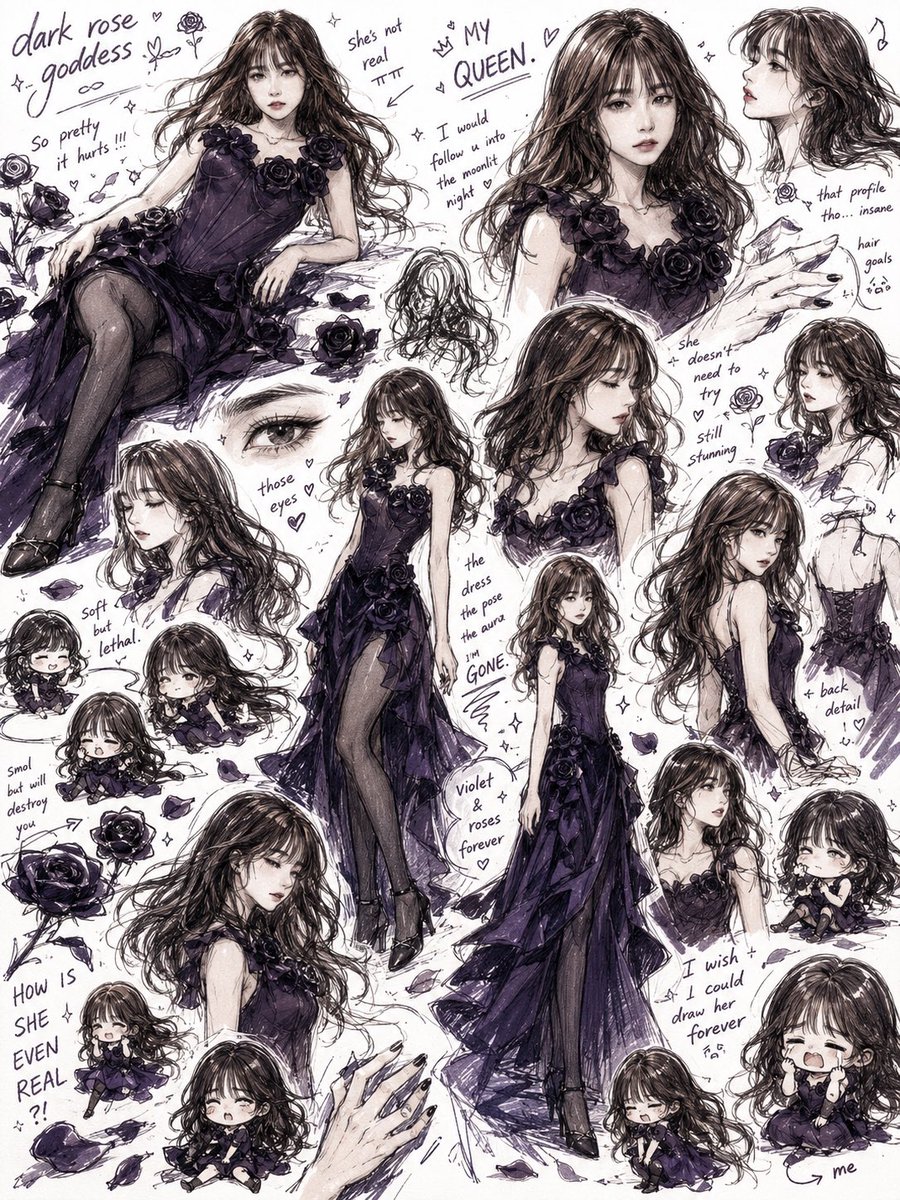
![Naive doodle-style subject illustration — A doodle-style {argument name="subject" default="[subject]"}, naive lines, humorous shape exaggeration](https://pbs.twimg.com/media/G6Wl2YxbsAARB2b.jpg)