
Split-Water Waterfall Adventure
Split-Water Waterfall Adventure is a ready photo look.
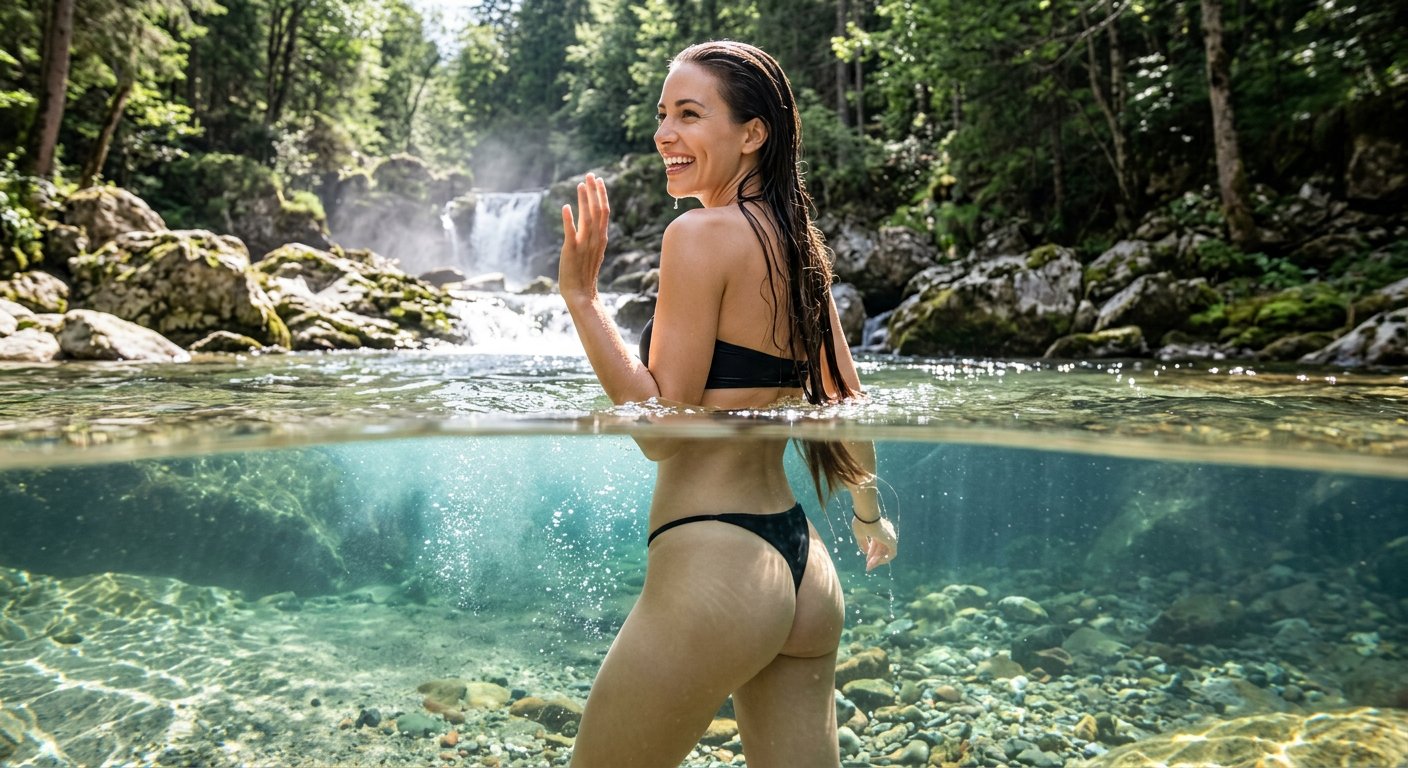
- Prompt included
- Model and format preset
- Free template
The prompt behind this image
Copy the exact prompt behind Split-Water Waterfall Adventure, or open it in the studio and make it yours.
Photorealistic over-under split waterline shot, camera half submerged in clear turquoise water, upper half showing a small waterfall and rocky forest scenery in warm sunlight, lower half revealing crystal clear riverbed with stones and underwater light rays. A woman with the same facial identity as the reference image stands chest deep in water facing away from the camera with long wet hair down her back, wearing black bikini. Her head is turned toward the camera with a broad smile and a playful wave, having fun in the water. Natural rippling waterline across middle of frame, underwater caustics reflecting on skin and riverbed. Shot on action camera with dome port lens, ultra wide angle, travel photography style, natural lighting, photorealistic textures.
How to use Split-Water Waterfall Adventure in 3 steps
- 1Upload ImagePNG, JPG or paste
Add your photo
Upload the photo the template builds on. The prompt, model and format are already set.
- 2…a portrait of your subject in softgolden-hour light, 85mm…
Personalize
Edit the subject and creative details for your destination.
- 3Generate
Generate
Press Generate — your image is created in PicX Studio, so you can compare it with the original and refine one variable at a time.
More like this
Templates with the same subject, style or setup. Open one to see its prompt.
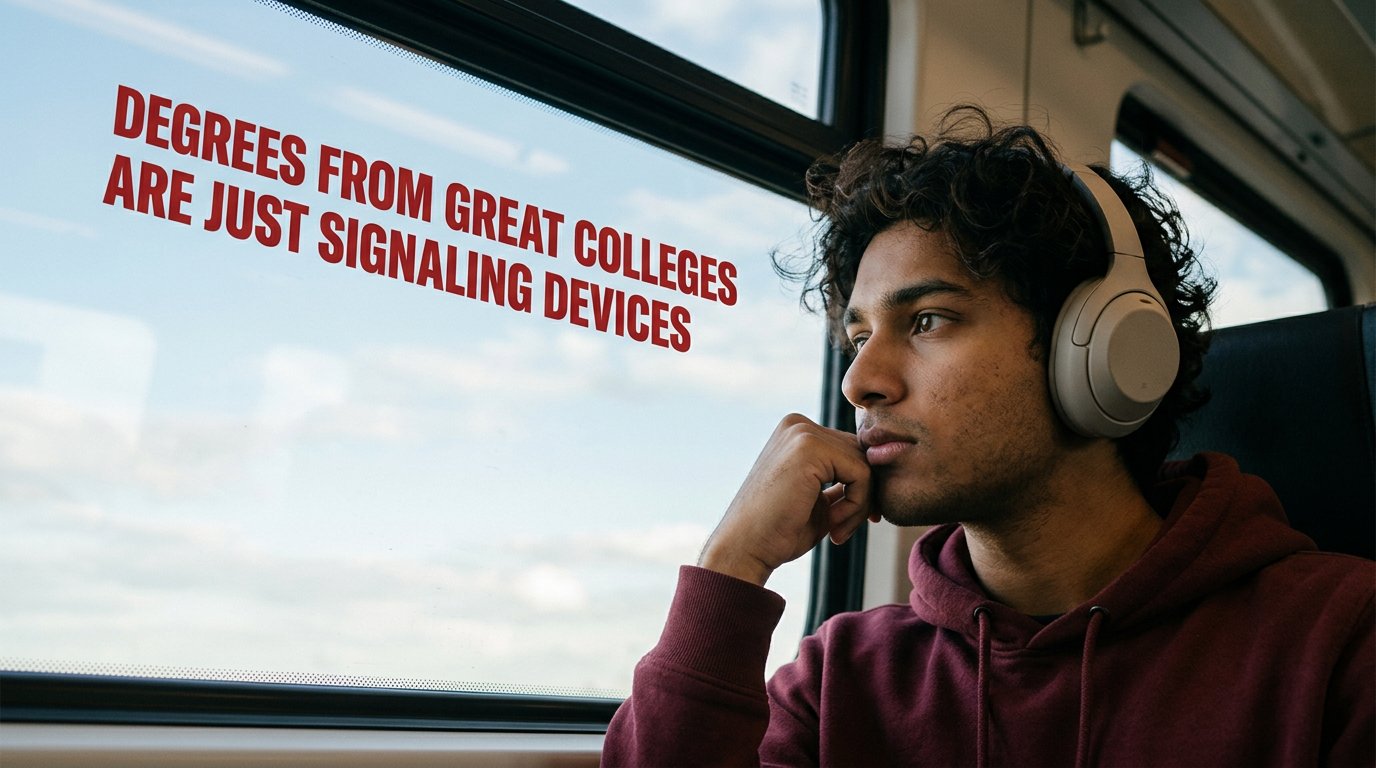
Cinematic Academic Signaling Thumbnail
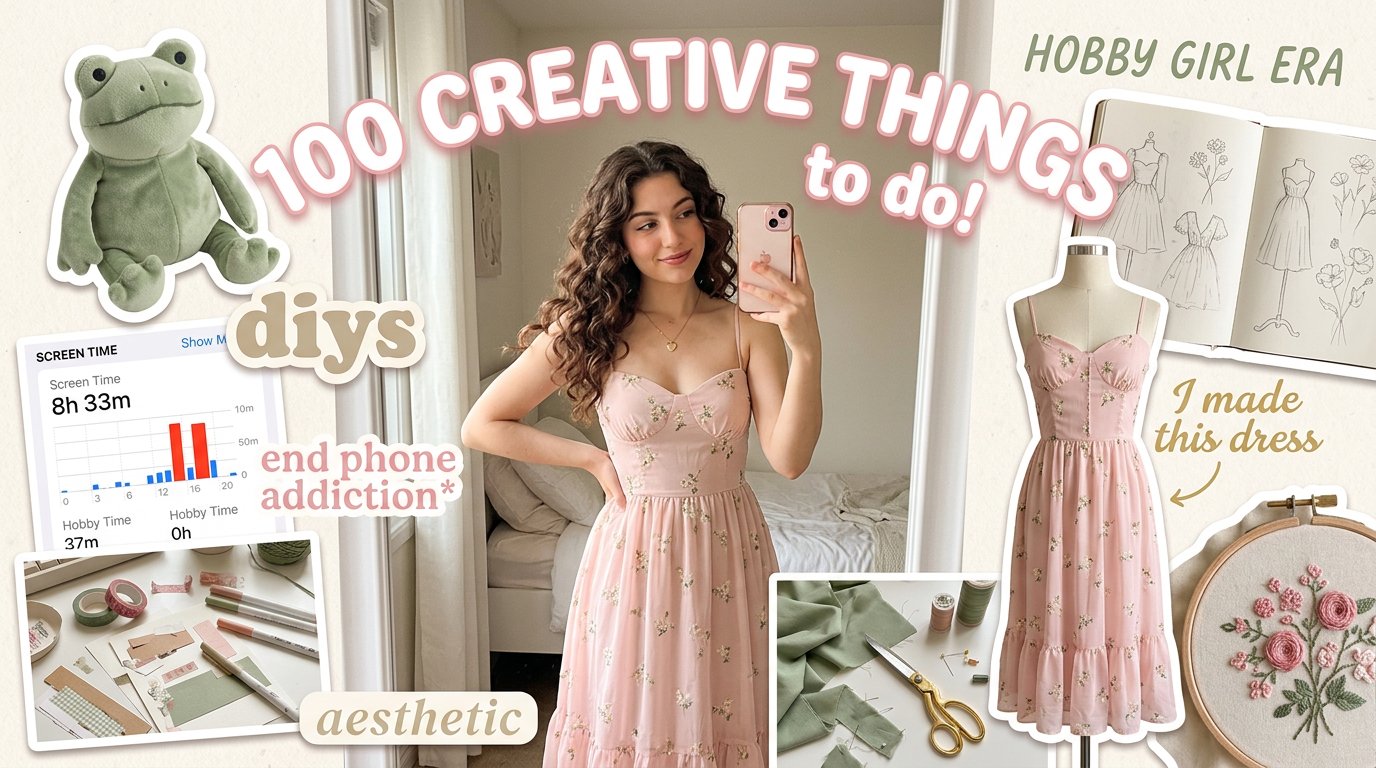
Aesthetic Hobby Girl Collage Youtube Thumbnail
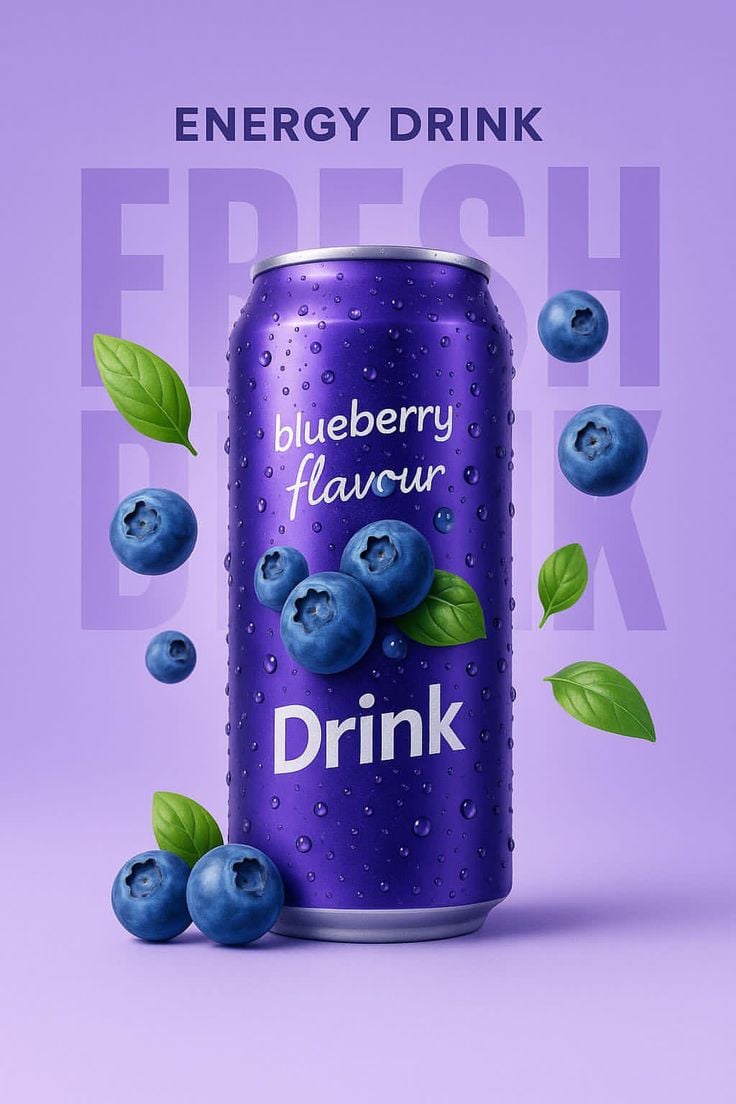
Blueberry Energy Drink Mockup

These PNG Don’t Exist
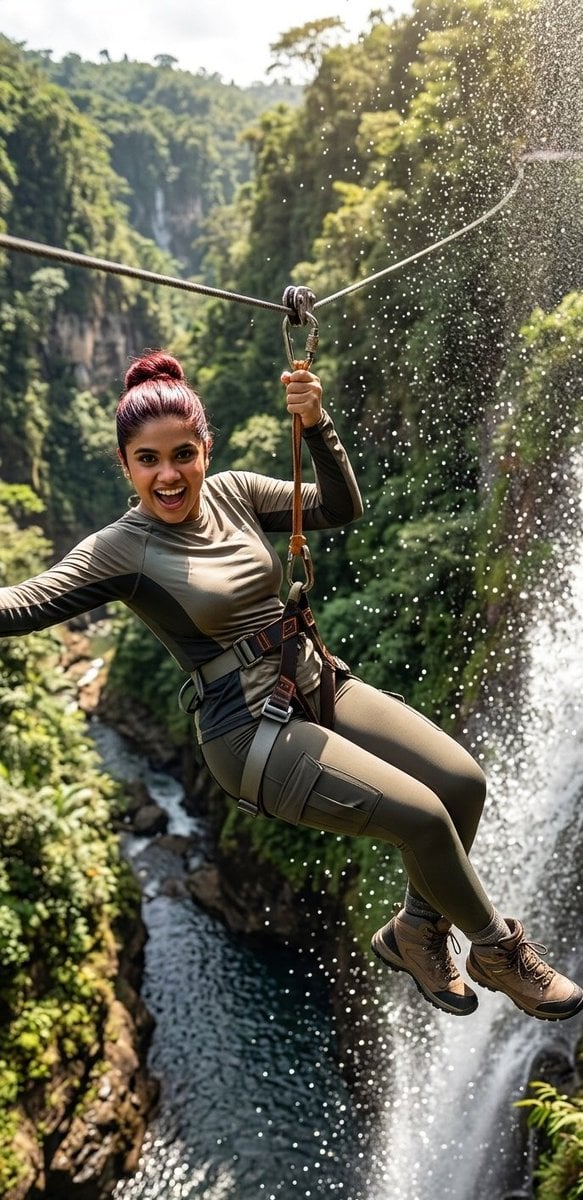
Waterfall Zipline Adventure Action Shot

Minimalist Fashion Editorial Split Layout
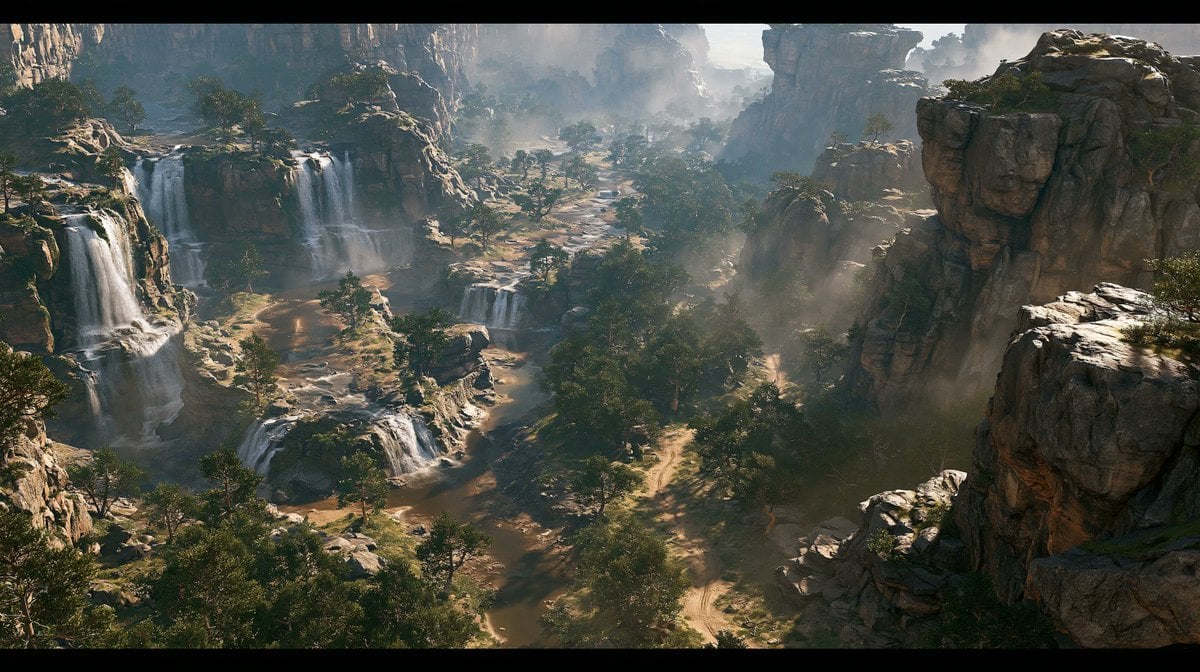
Cinematic Rocky Waterfall Valley
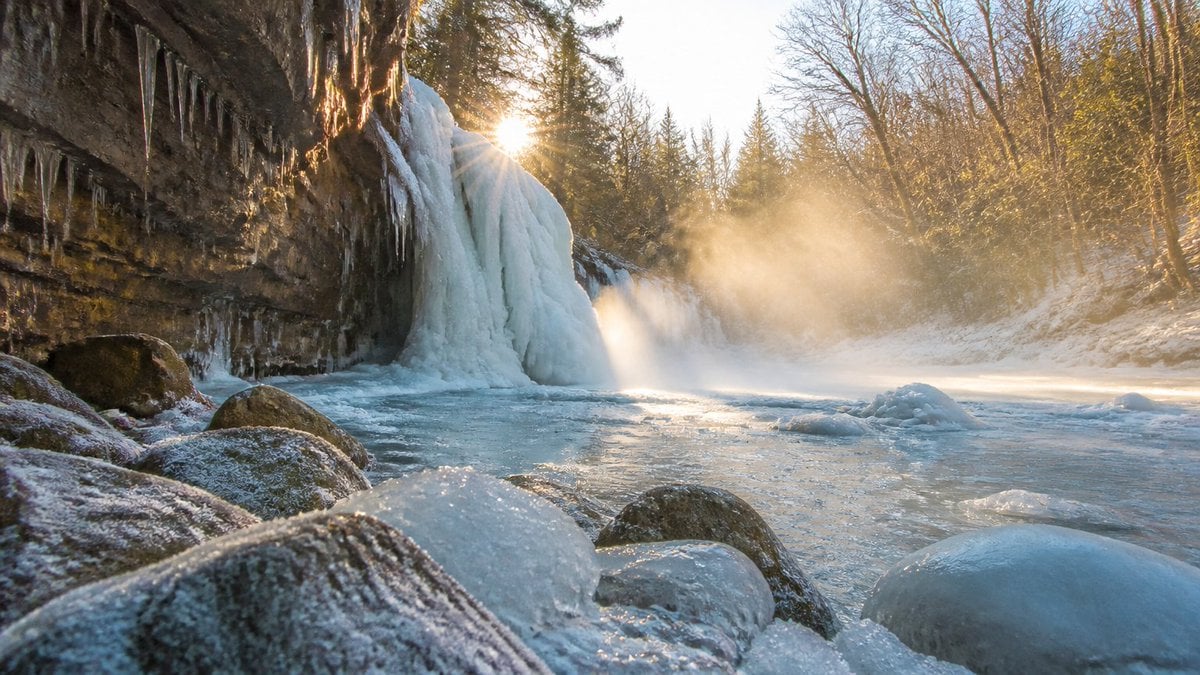
Frozen Waterfall Sunlit Crystal Landscape
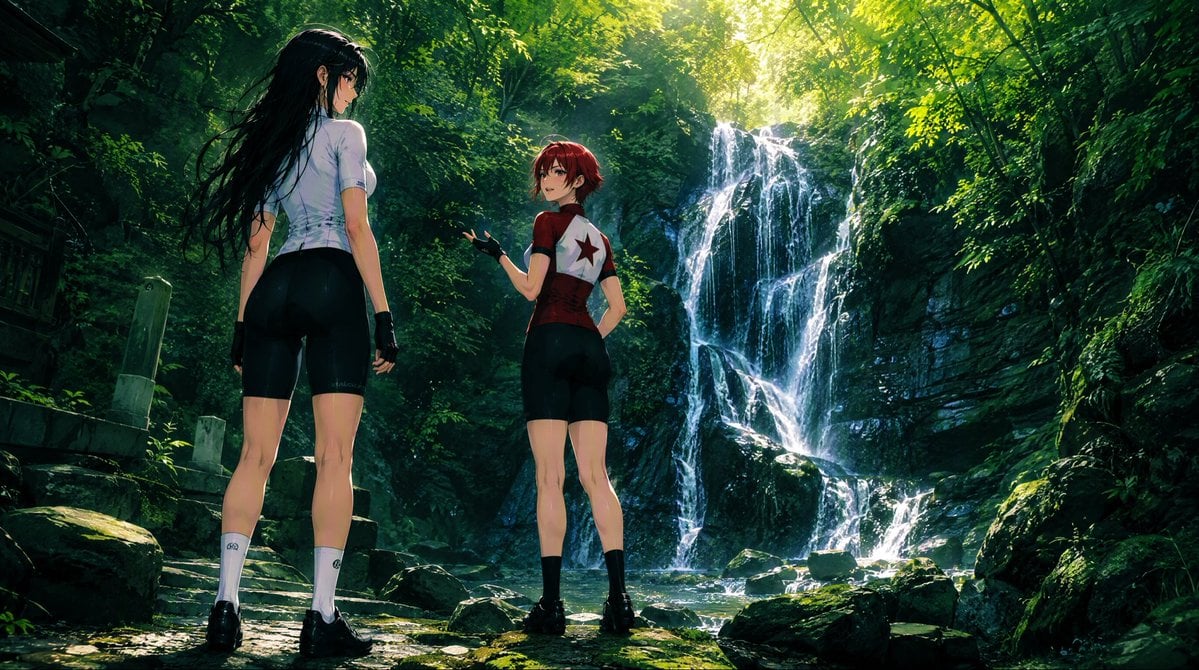
Anime Cyclists at Forest Waterfall
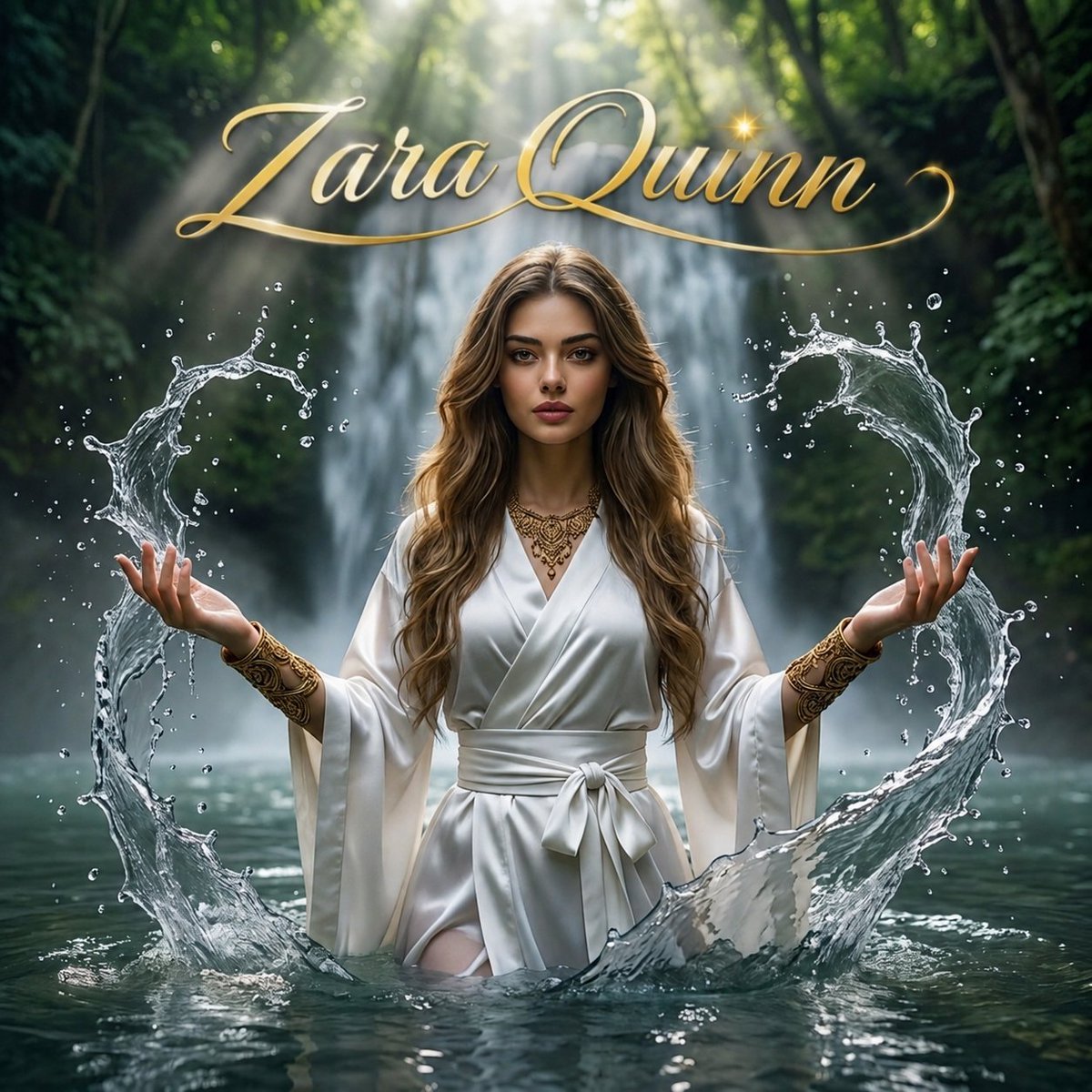
Mystical Waterfall Fantasy Portrait
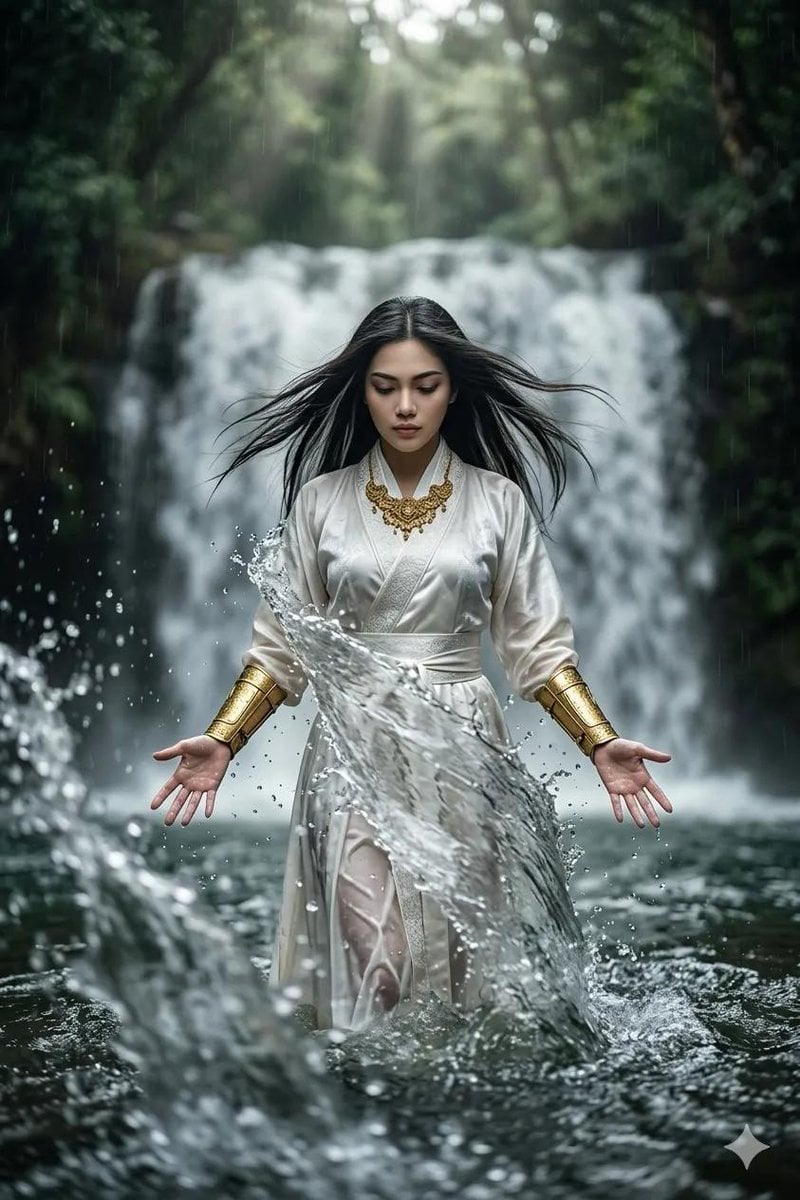
Mystical Woman by Cascading Waterfall

Mirror Selfie Chibi Characters Pixar Style
Make it yours
Split-Water Waterfall Adventure works as-is. These are the safest ways to change it without losing the look.
Change one field
Copy a single group, rewrite it, and generate again so you can see what that field is doing.
Keep the frame, change the subject
Hold the composition and light of Split-Water Waterfall Adventure, then swap wardrobe, props or the person for a new take.
| If the result… | Why | Fix |
|---|---|---|
| The result drifts from the preview | Too many fields changed at once. | Reuse Split-Water Waterfall Adventure as-is first, then change one group — subject, light, or setting. |
| The model over-stylizes the scene | The prose prompt leaves finish and camera underspecified. | Add one camera or lighting sentence and stay on PicX Studio. |
More image prompts
Fresh picks from across the catalog.
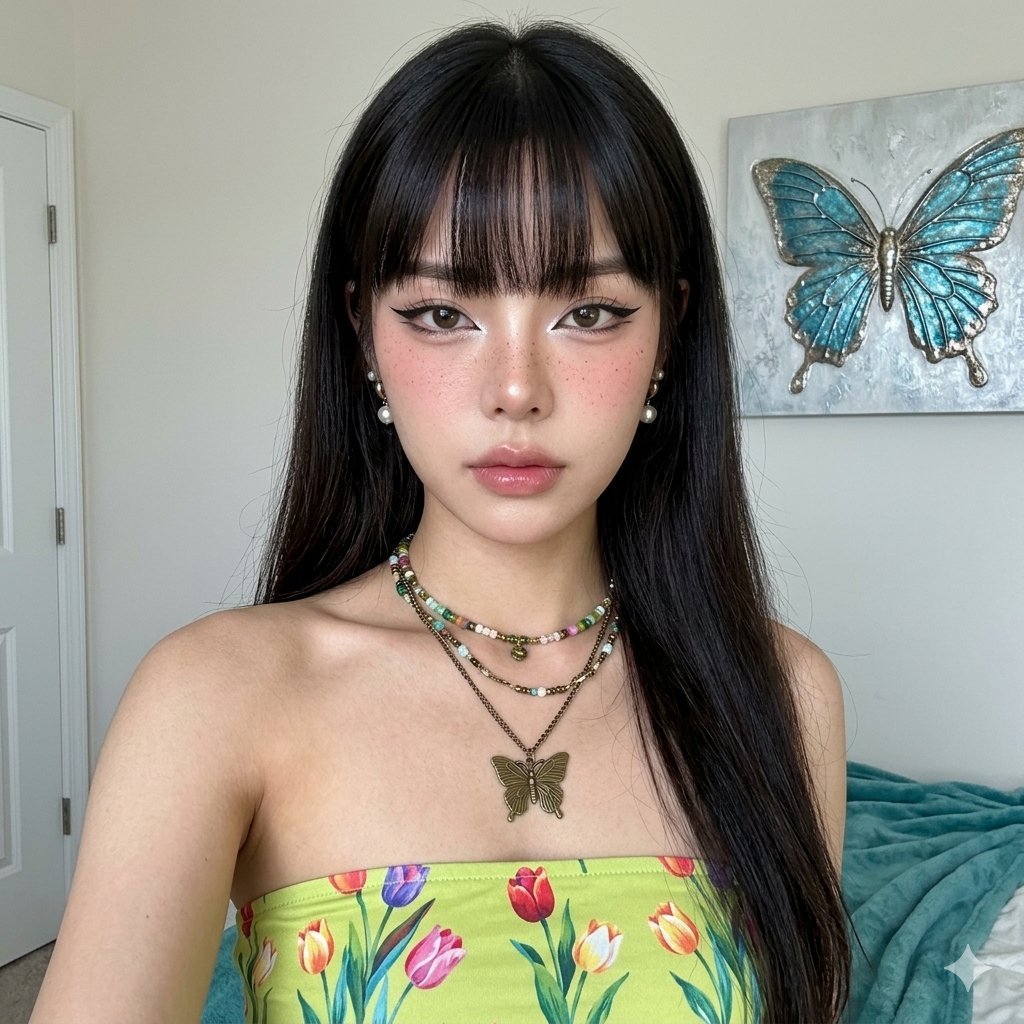
Hyper-Realistic Portrait with Reference Image
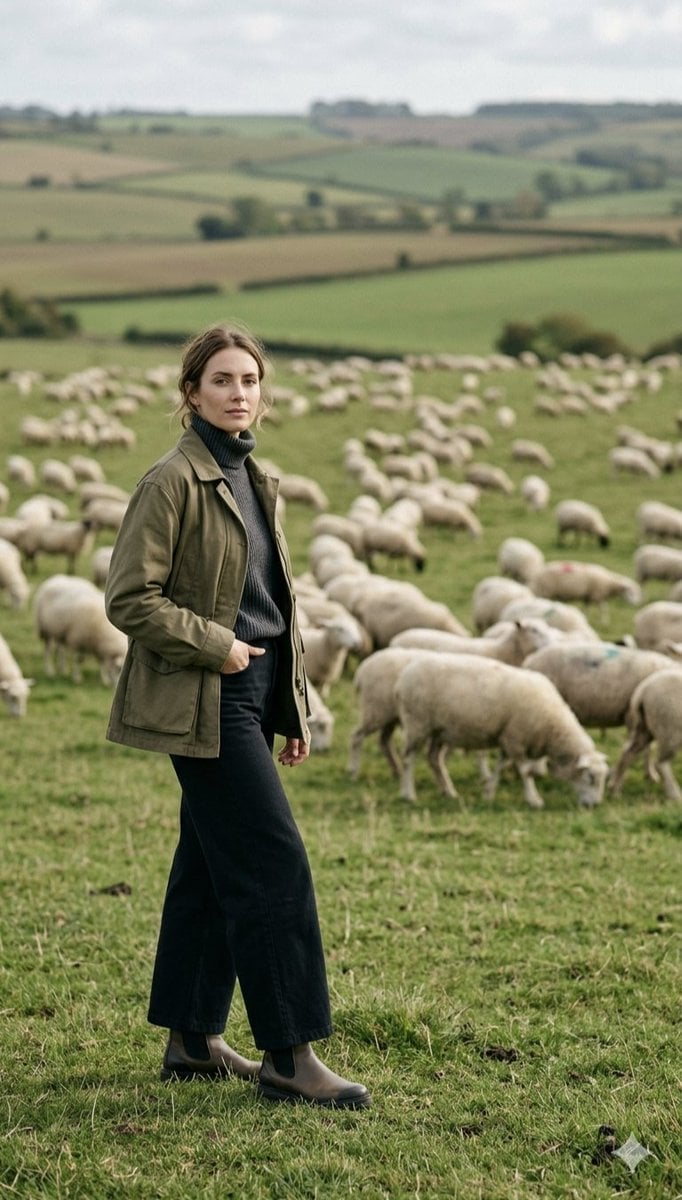
Pastoral Full-Body Portrait in Sheep Pasture
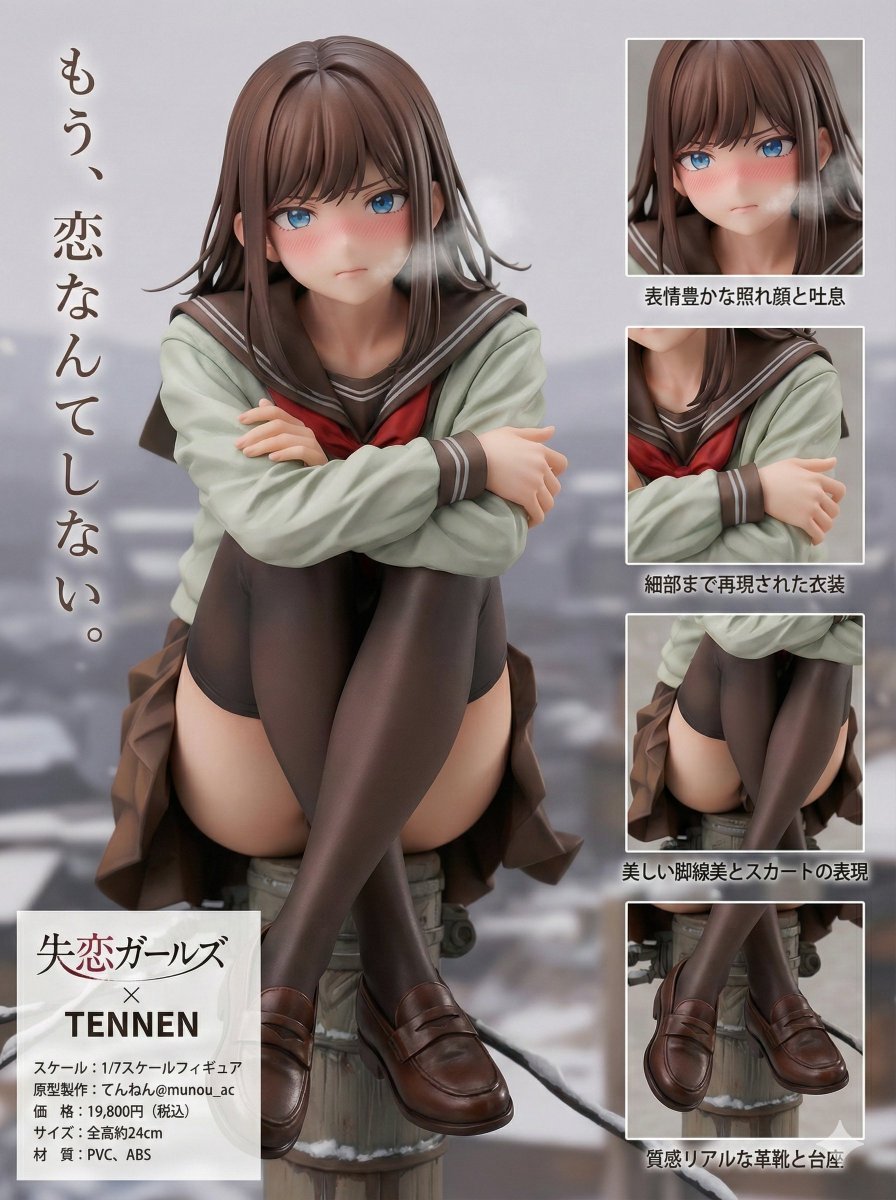
Figure Product Introduction Layout Prompt (Multilingual)
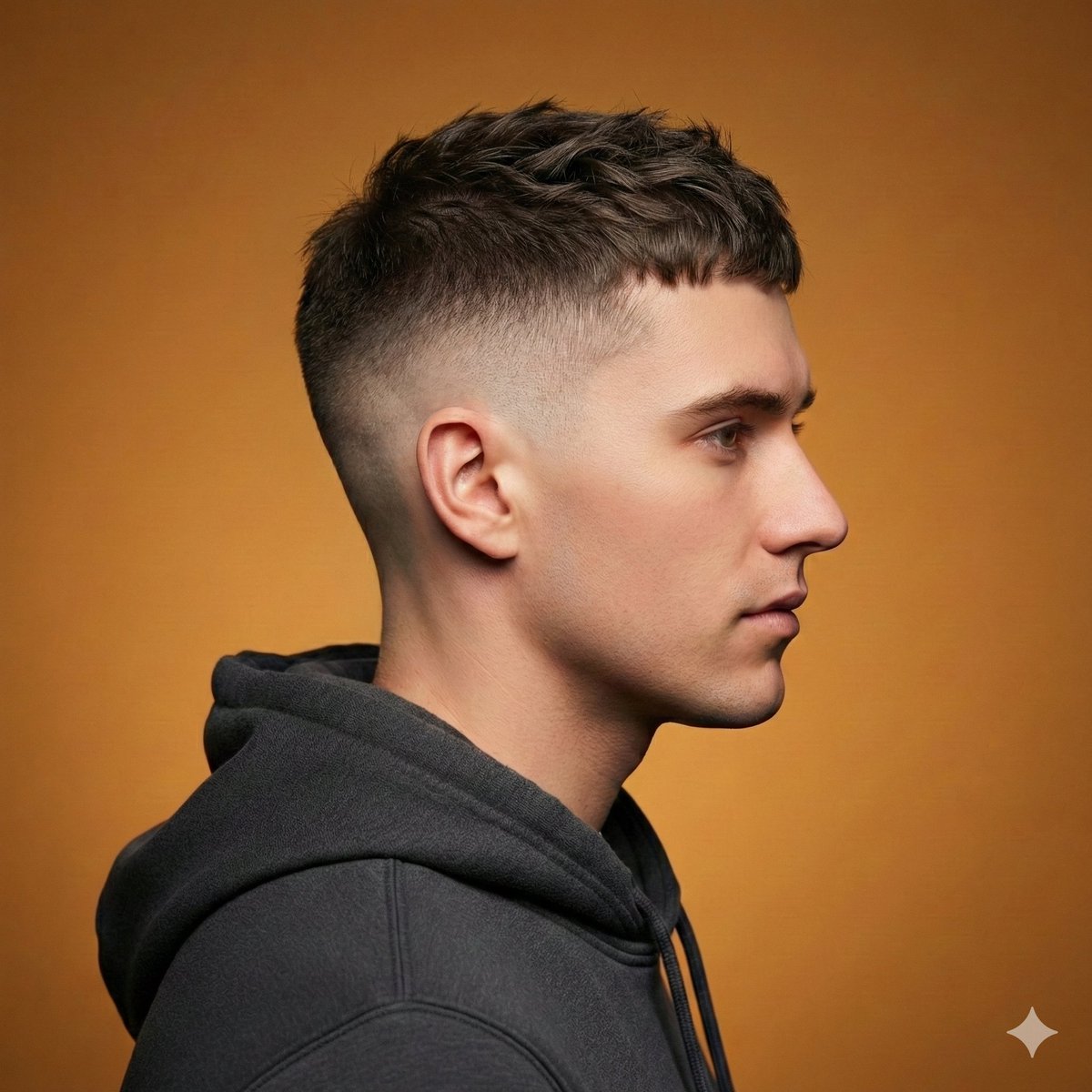
Ultra-Realistic Studio Haircut Portrait
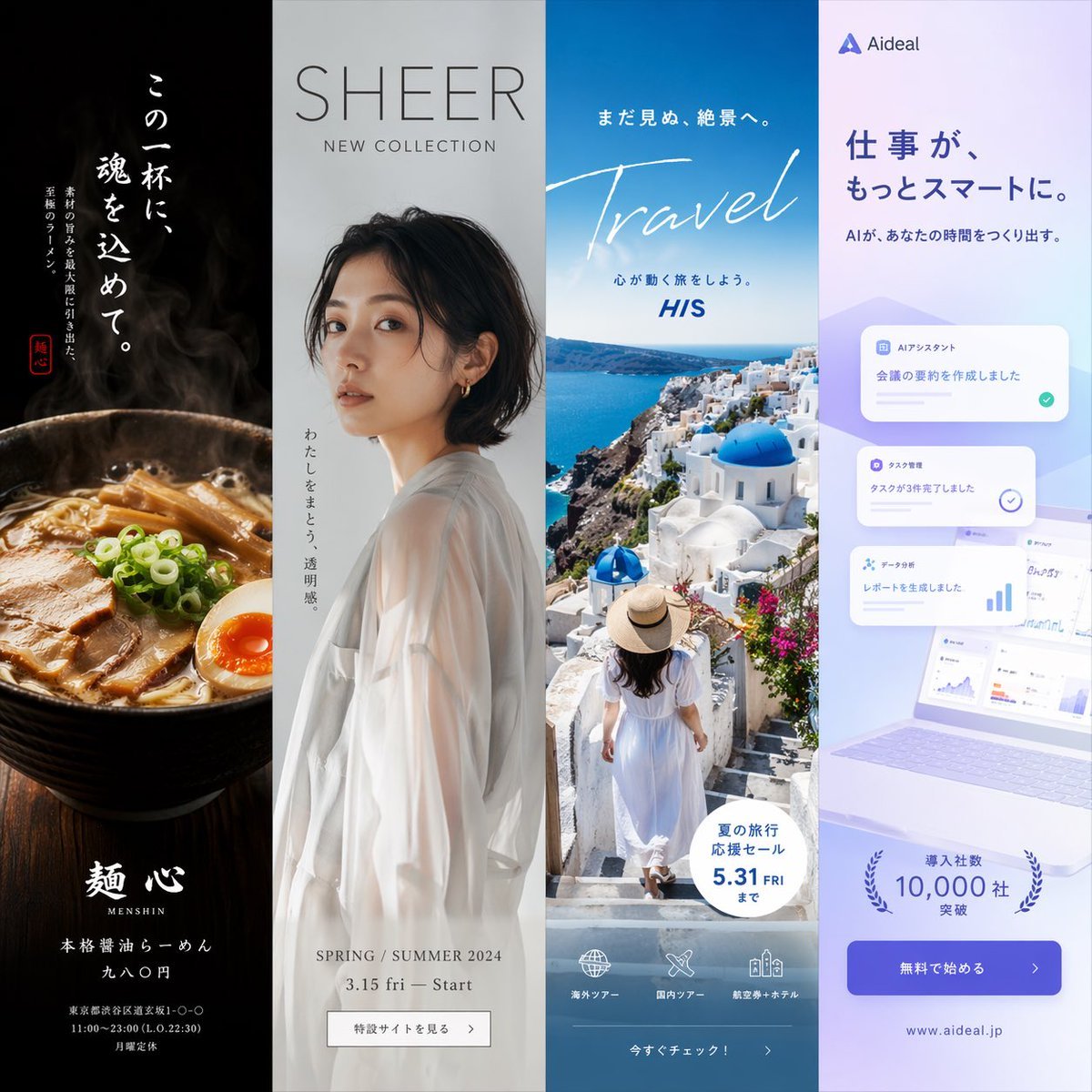
Four-Panel Vertical Advertisement Mockups
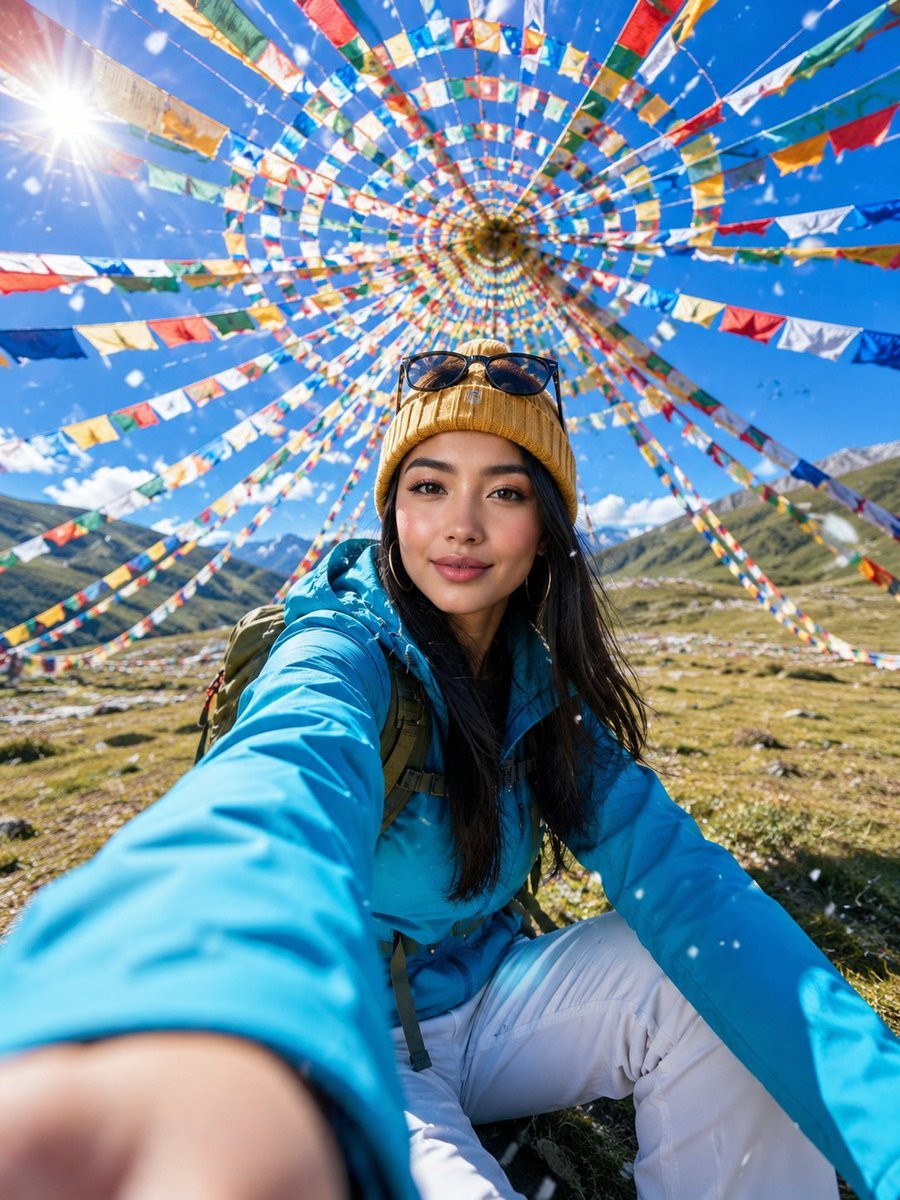
Alpine Meadow Travel Selfie Portrait
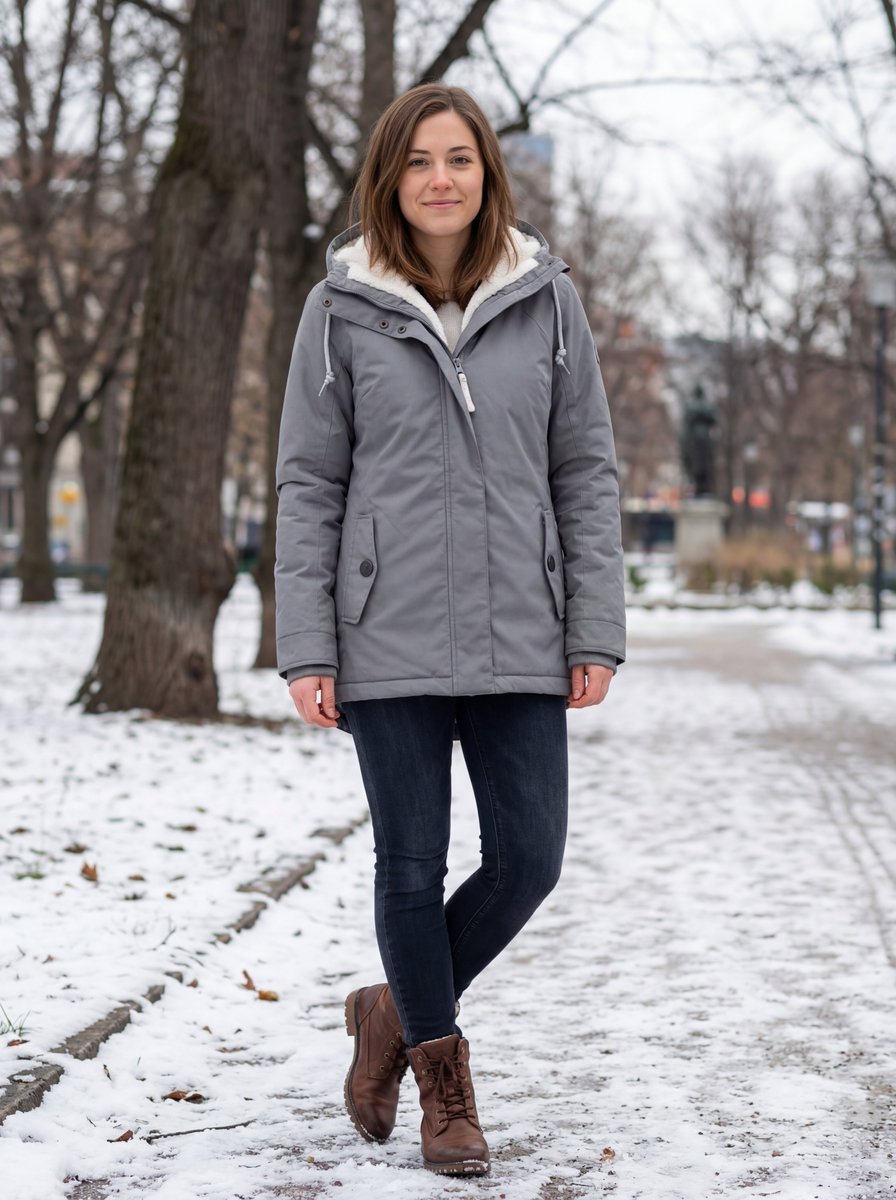
Hyper-realistic Outdoor Winter Fashion Catalog Prompt
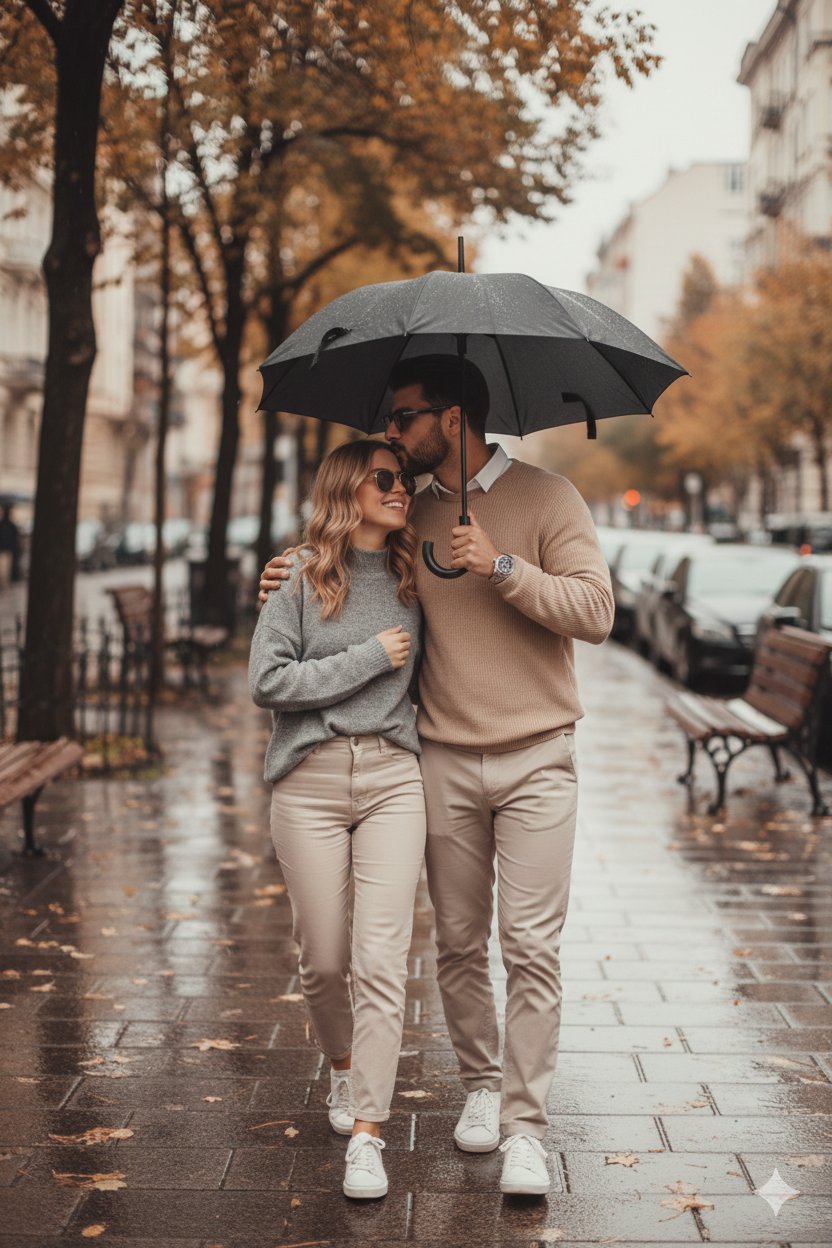
Hyper Realistic Cinematic Street
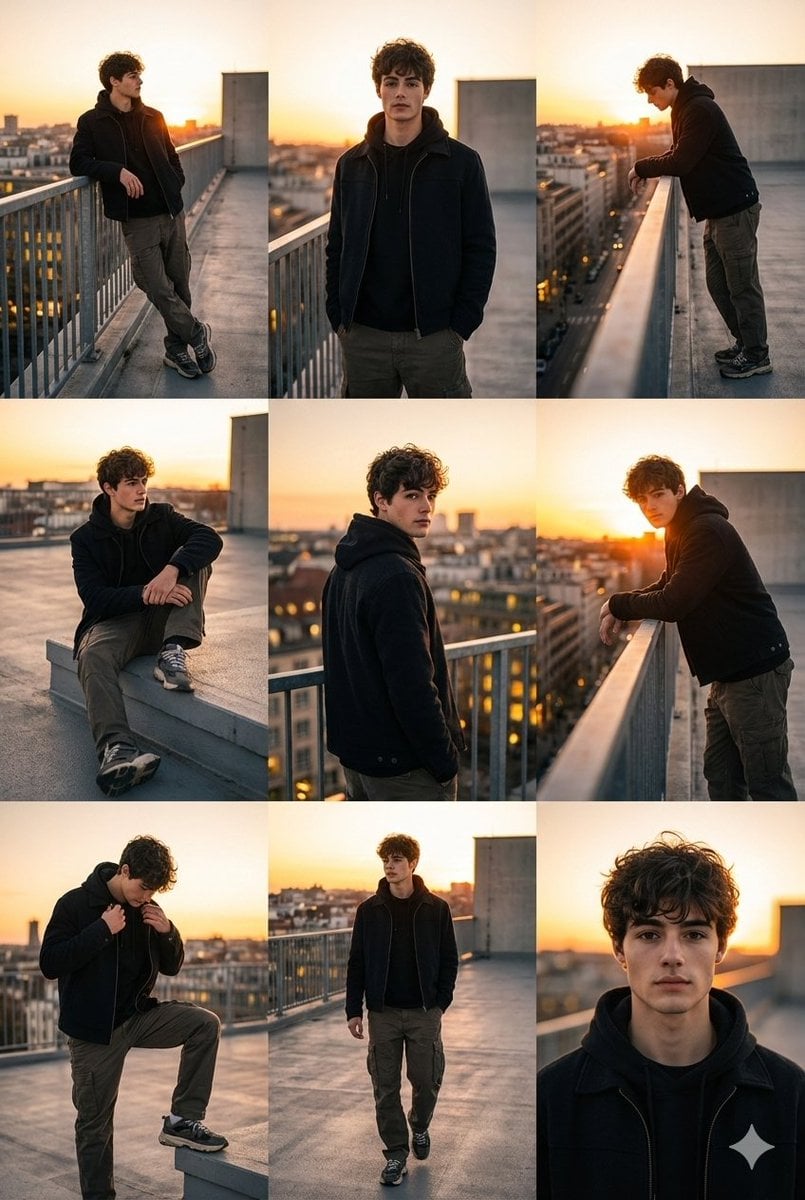
3x3 Cinematic Fashion Collage on a Rooftop at Sunset
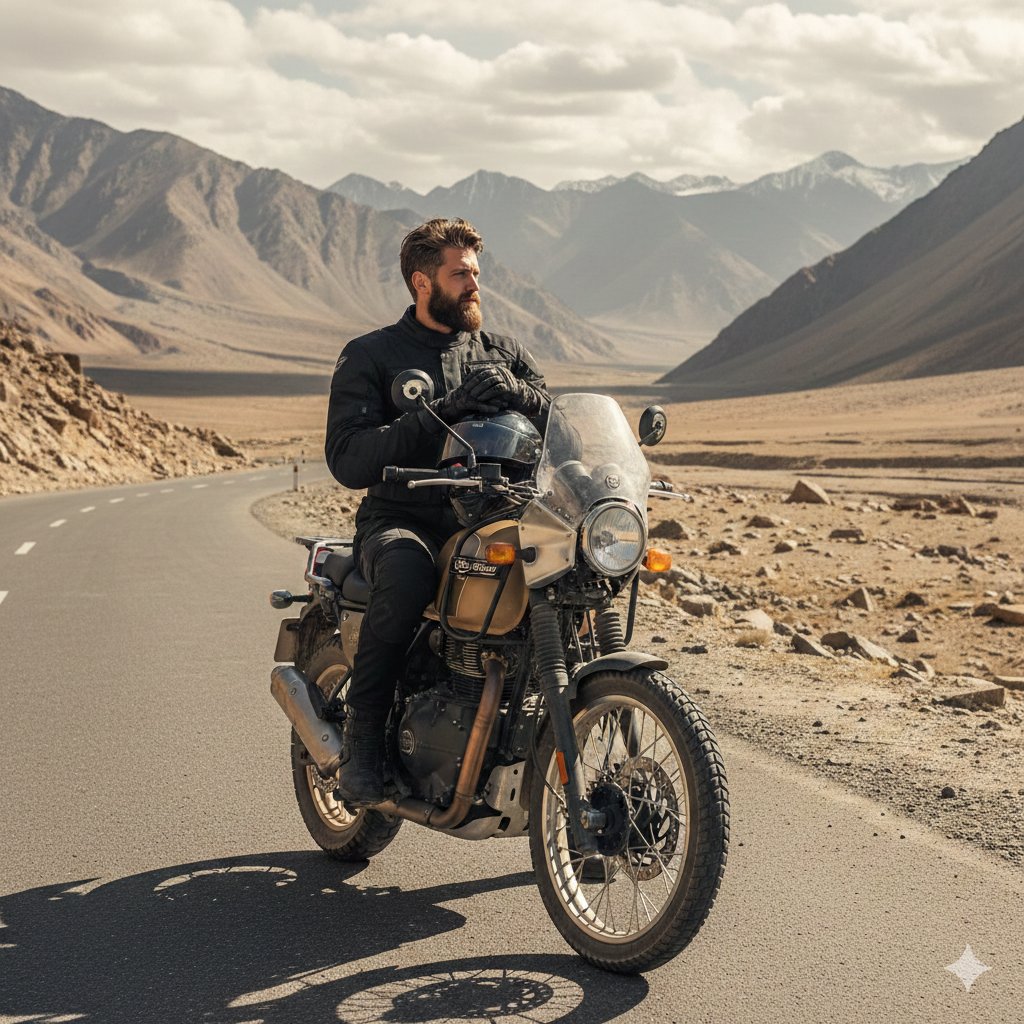
Himalayan Motorcycle Travel Photography
Featured in prompt roundups
Hand-picked collections that include this template.
Browse template categories
Split-Water Waterfall Adventure questions
How do I use the Split-Water Waterfall Adventure template?
Add your photo if the template asks for one, edit the prompt if you like — the template's model and format are already selected — and press Generate. Your version opens in PicX Studio.
Can I customize the Split-Water Waterfall Adventure template?
Yes. You can change the subject, setting, lighting, mood, format, and available model controls before creating your image.
Is the Split-Water Waterfall Adventure template free?
Opening and editing this template is free. Generating uses credits, shown on the Generate button when you are signed in.
Which AI model should I use?
Choose a compatible model in PicX Studio based on the style, speed, and output controls your project needs.
Looking for something else? Browse all templates.

Your photo, any look
Thousands of ready templates for every top image and video model, from one credit balance.