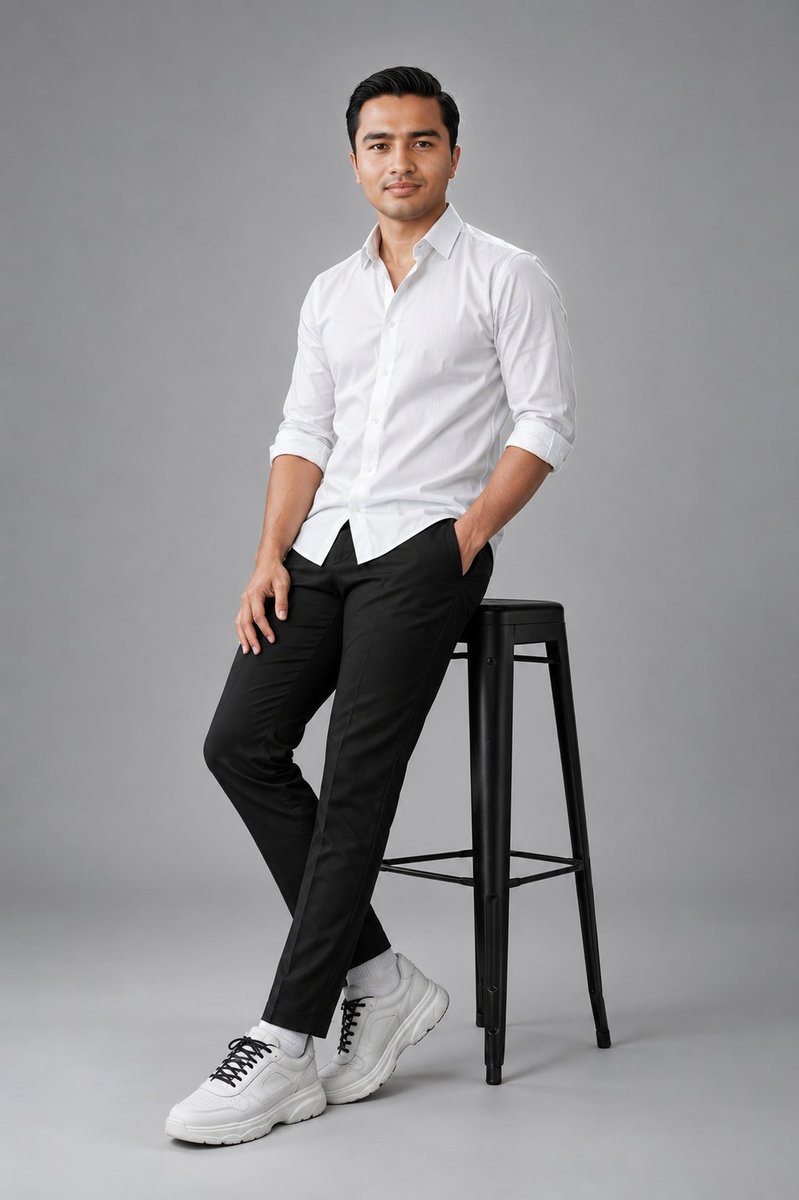
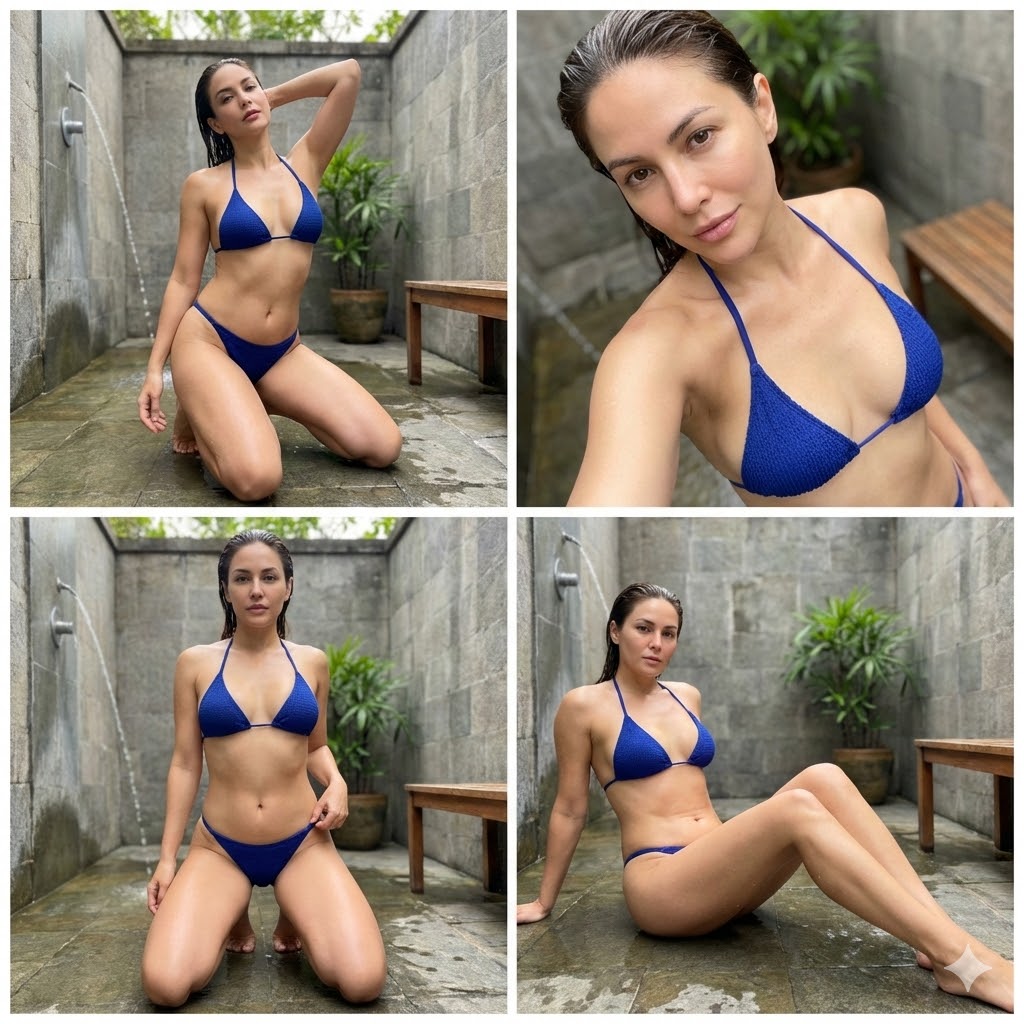
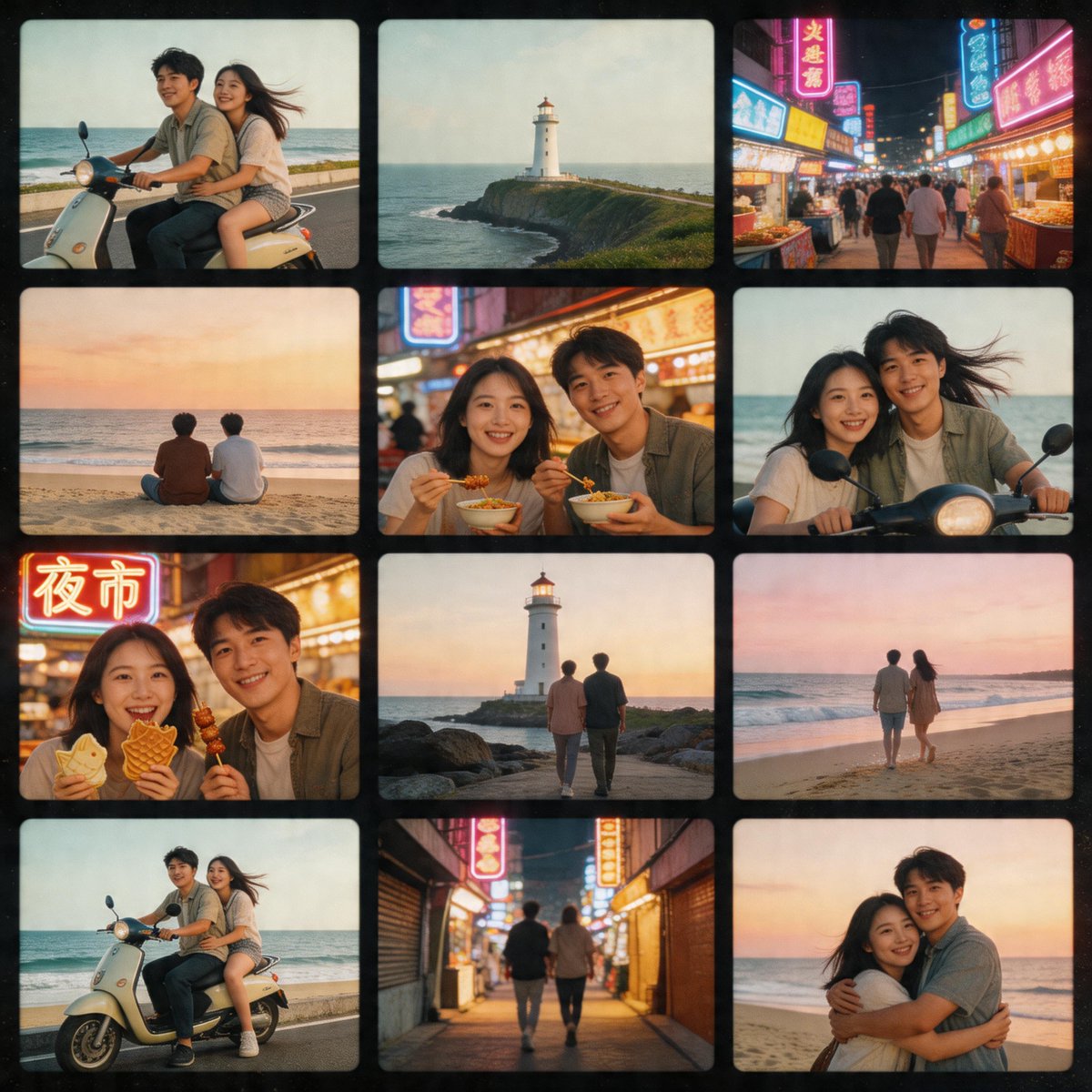
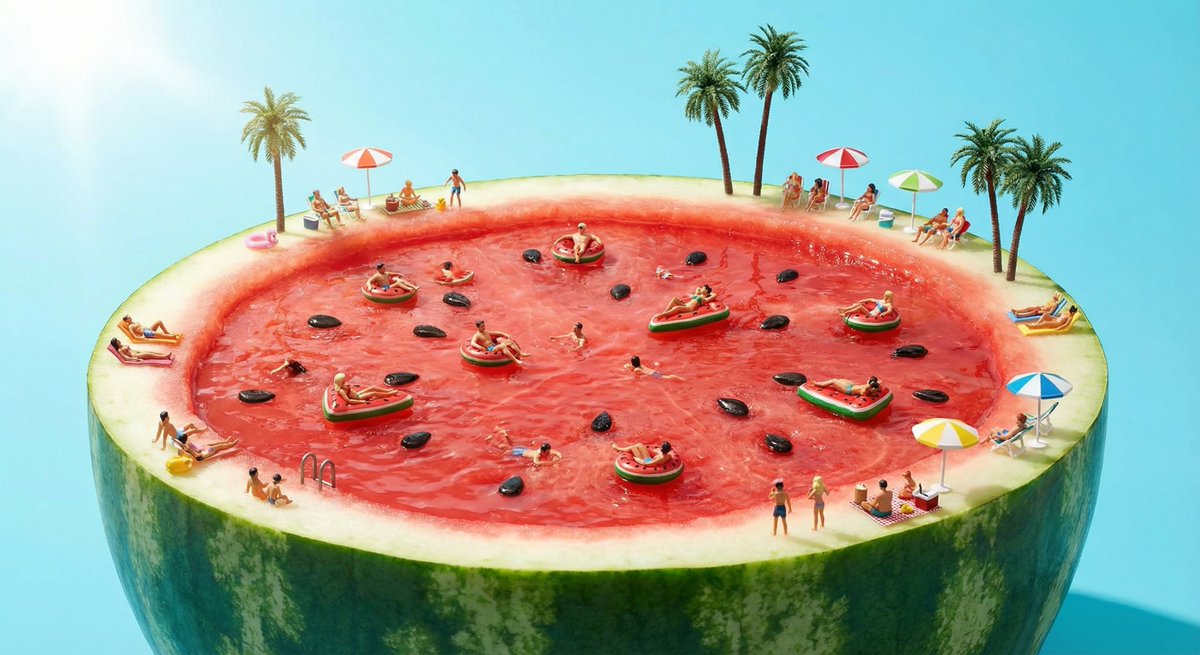
How do I use the Natural Portrait of Ana de Armas template?
Choose the primary action to open PicX Studio with the available template settings. Review the model and format, personalize the creative direction, and generate when ready.
A structured JSON prompt for Gemini Nano Banana Pro to generate an ultra-realistic 4K HD portrait of a woman resembling Ana de Armas, seated in a light champagne satin slip dress in a soft indoor setting, emphasizing natural skin texture and soft frontal lighting. Change the subject, setting, or lighting one variable at a time.

[ { "box_2d": [ { "subject": "Woman resembling {argument name="celebrity likeness" default="Ana de Armas"}, soft brunette-blonde wavy hair, natural rosy complexion", "pose": "Seated with legs gently crossed, left hand resting on lap, right hand lightly touching hair near the temple, gazing directly at the camera with a calm, relaxed expression", "clothing": { "dress": "Light champagne satin slip dress with a subtle cowl neckline, thin spaghetti straps, mini length" }, "accessories": { "earrings": "Minimal silver drop earrings with small crystal accents", "necklace": "Thin silver chain with a tiny understated pendant" }, "makeup": "No visible makeup, clean natural skin texture, bare lips, soft natural glow", "location": "Indoor setting, seated on a neutral beige upholstered chair, cream-colored curtains in the background with a dim window behind", "props": "Only visible furniture, no additional props" }, { "photography_style": "Ultra-realistic 4K HD portrait photography", "lighting": "Soft frontal lighting with gentle highlights, natural skin tones, no harsh shadows", "focus": "Crisp focus on facial features and fabric texture, shallow depth of field", "composition": "Medium portrait shot from knees upward, centered framing", "quality": "High-resolution, photorealistic, cinematic clarity", "aspect_ratio": "3:4" } ] } ]
Choose the primary action to open PicX Studio with the available template settings. Review the model and format, personalize the creative direction, and generate when ready.
Yes. You can change the subject, setting, lighting, mood, format, and available model controls before creating your image.
This template is free to open and customize. Generation usage is shown in PicX Studio before you create.
Start with Nano Banana 2, which is the model associated with this template. You can compare another compatible model for a different finish.
Follow a topic to a crawlable collection of related PicX Studio templates.
43,474 public templates available. Verified via the PicX Studio public templates API; refreshed hourly.




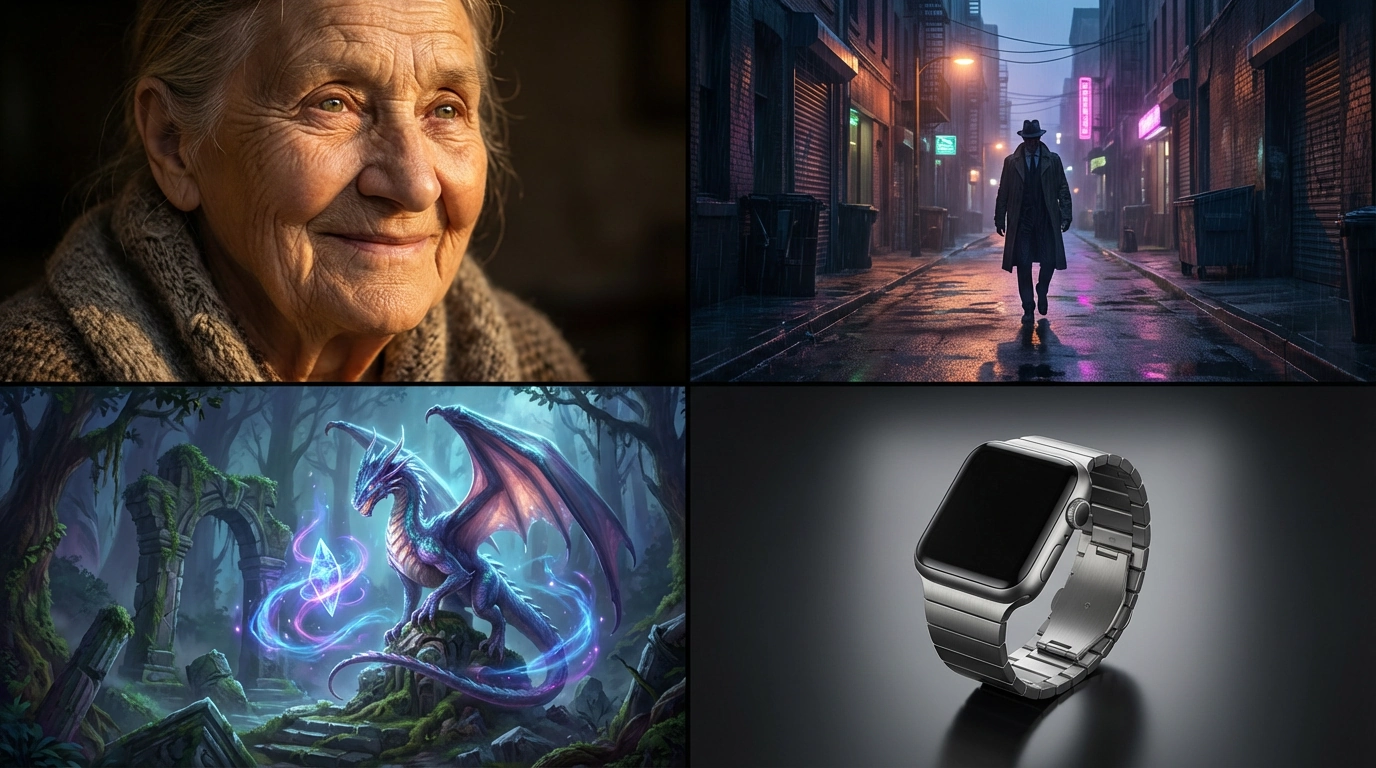








![118-google-nano-banana-pro-skincare-product- — A professional skincare shot of a [product container] with [cap/lid], labeled [brand, product, descriptor, volume](/_next/image?url=https%3A%2F%2Fcdn.picxstudio.com%2Fuploads%2Fpost118_img0_332898b8-29ea-42a9-87ab-9ed746a3f944.jpg&w=828&q=100)





![Naive doodle-style subject illustration — A doodle-style {argument name="subject" default="[subject]"}, naive lines, humorous shape exaggeration](https://pbs.twimg.com/media/G6Wl2YxbsAARB2b.jpg)











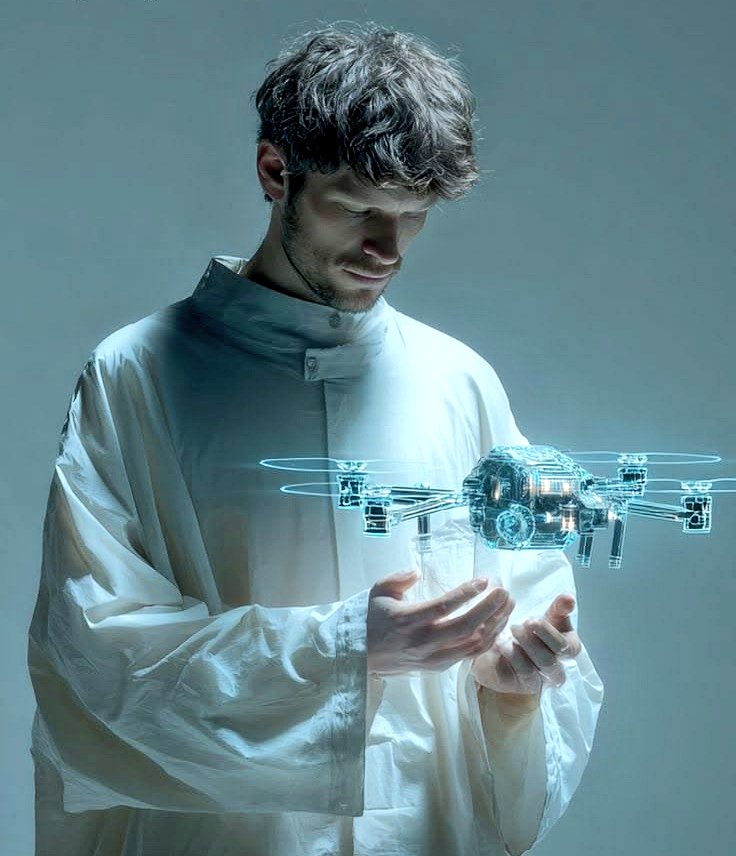

![Image Editing: Background and Object Replacement — Replace the background with [{argument name="holiday theme background" default="Holiday theme background"}].](https://pbs.twimg.com/media/G70ahO5WUAAdJ__.jpg)