
Lo-Fi Webcam Photobooth Couple Strip Prompt (JSON)
A detailed JSON prompt for generating a lo-fi, intimate, 3-frame photobooth strip of a couple captured on a simulated laptop webcam, emphasizing warm, dim lighting, digital noise, and a cozy bedroom atmosphere.
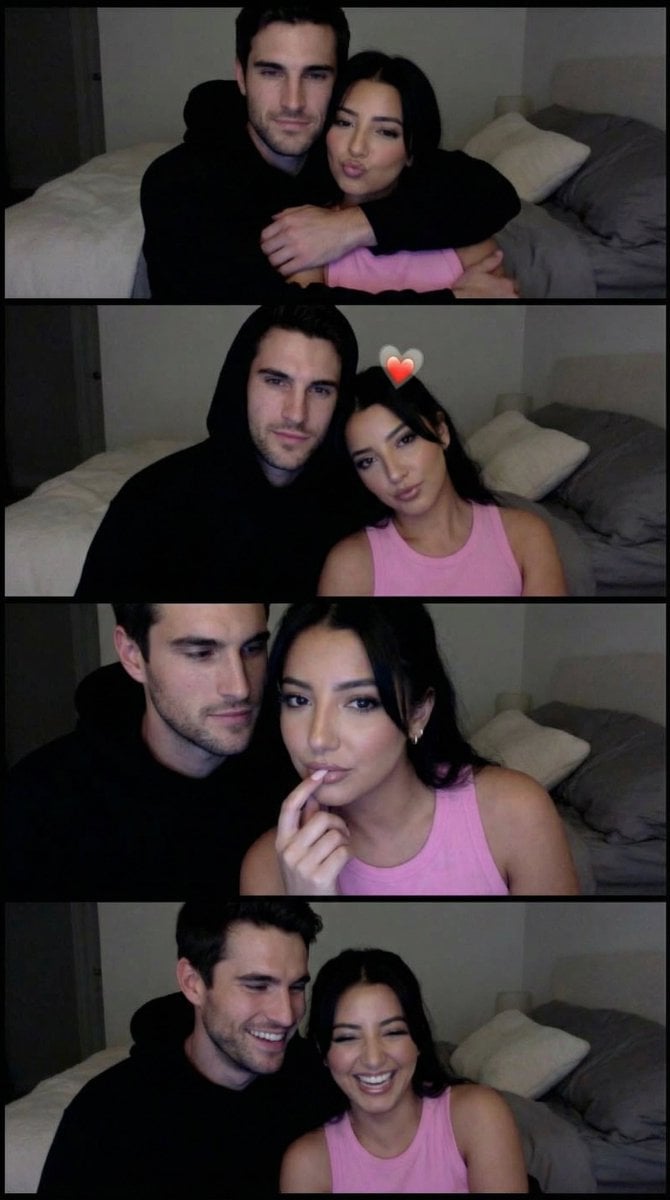
- Prompt included
- Model and format preset
- Free template
The prompt behind this image
Copy the exact prompt behind Lo-Fi Webcam Photobooth Couple Strip Prompt (JSON), or open it in the studio and make it yours.
- Generation Request › Meta Data › Task Type
- lofi_webcam_photobooth_couple_strip
- Generation Request › Meta Data › Priority
- highest
- Generation Request › Meta Data › Language
- en
- Generation Request › Meta Data › Style Version
- v1.0_webcam_couple_strip_hearts
- Generation Request › Output › Aspect Ratio
- 3:4
- Generation Request › Output › Resolution
- high
- Generation Request › Output › Num Images
- 1
- Generation Request › Scene › Concept
- a 3-frame photo booth strip captured on a laptop webcam, intimate and playful couple moment
- Generation Request › Scene › Environment
- cozy bedroom at night, warm dim lighting, bed and pillows softly visible, slightly messy realistic background
- Generation Request › Scene › Layout
- single image containing three horizontal frames stacked vertically (photobooth collage)
- Generation Request › Subjects › Type
- couple
- Generation Request › Subjects › Overall Mood
- cute, intimate, casual, lo-fi
- Generation Request › Subjects › Wardrobe › Woman
- pink tank top
- Generation Request › Subjects › Wardrobe › Man
- black hoodie with hood up
- Generation Request › Subjects › Frame 1 › Pose
- man hugging from behind, leaning close to her cheek, woman making a playful pout and pointing to her cheek
- Generation Request › Subjects › Frame 1 › Expressions
- woman playful pout, man smiling softly looking at her
- Generation Request › Subjects › Frame 2 › Pose
- same close framing, woman facing camera calmly, man gazing at her affectionately
- Generation Request › Subjects › Frame 2 › Overlay Filter
- soft pink heart sticker/filter floating above her head
- Generation Request › Subjects › Frame 2 › Expressions
- woman neutral-soft expression, man affectionate gaze
- Generation Request › Subjects › Frame 3 › Pose
- closer crop, woman touching her lips with fingers, man behind her looking toward camera
- Generation Request › Subjects › Frame 3 › Expressions
- woman dreamy, man calm
- Generation Request › Camera › Camera Type
- laptop webcam look
- Generation Request › Camera › Lens
- wide-ish webcam perspective, slight barrel distortion
- Generation Request › Camera › Focus
- soft but readable faces, not studio sharp
Raw JSON
{
  "generation_request": {
    "meta_data": {
      "task_type": "lofi_webcam_photobooth_couple_strip",
      "priority": "highest",
      "language": "en",
      "style_version": "v1.0_webcam_couple_strip_hearts"
    },

    "output": {
      "aspect_ratio": "3:4",
      "resolution": "high",
      "num_images": 1
    },

    "scene": {
      "concept": "a 3-frame photo booth strip captured on a laptop webcam, intimate and playful couple moment",
      "environment": "cozy bedroom at night, warm dim lighting, bed and pillows softly visible, slightly messy realistic background",
      "layout": "single image containing three horizontal frames stacked vertically (photobooth collage)"
    },

    "subjects": {
      "type": "couple",
      "overall_mood": "cute, intimate, casual, lo-fi",
      "wardrobe": {
        "woman": "pink tank top",
        "man": "black hoodie with hood up"
      },
      "frame_1": {
        "pose": "man hugging from behind, leaning close to her cheek, woman making a playful pout and pointing to her cheek",
        "expressions": "woman playful pout, man smiling softly looking at her"
      },
      "frame_2": {
        "pose": "same close framing, woman facing camera calmly, man gazing at her affectionately",
        "overlay_filter": "soft pink heart sticker/filter floating above her head",
        "expressions": "woman neutral-soft expression, man affectionate gaze"
      },
      "frame_3": {
        "pose": "closer crop, woman touching her lips with fingers, man behind her looking toward camera",
        "expressions": "woman dreamy, man calm"
      }
    },

    "camera": {
      "camera_type": "laptop webcam look",
      "lens": "wide-ish webcam perspective, slight barrel distortion",
      "focus": "soft but readable faces, not studio sharp",
      "framing": "tight head-and-shoulders, casual selfie distance"
    },

    "lighting": {
      "type": "dim warm bedroom lighting",
      "quality": "low-light noise and soft shadows, realistic webcam exposure",
      "highlights": "subtle sheen on skin, no harsh flash"
    },

    "color_grading": {
      "palette": "warm beige and soft pink tones, muted blacks",
      "white_balance": "slightly warm",
      "saturation": "slightly muted",
      "look": "lo-fi webcam aesthetic"
    },

    "film_effects": {
      "noise": "visible low-light digital noise",
      "softness": "slight blur and compression artifacts like a webcam screenshot",
      "vignette": "very subtle"
    },

    "global_constraints": {
      "rating": "PG-13",
      "no_nudity": true,
      "no_explicit_sexual_content": true,
      "no_text": true,
      "no_logos": true,
      "no_watermark": true,
      "no_ai_plastic_skin": true
    }
  }
}How to use Lo-Fi Webcam Photobooth Couple Strip Prompt (JSON) in 3 steps
- 1
Open
The prompt is already in the box next to the preview, with the template's model and format selected.
- 2…a portrait of your subject in softgolden-hour light, 85mm…
Personalize
Edit the subject and creative details for your destination.
- 3Generate
Generate
Press Generate — your image is created in PicX Studio, so you can compare it with the original and refine one variable at a time.
More like this
Templates with the same subject, style or setup. Open one to see its prompt.







Make it yours
Lo-Fi Webcam Photobooth Couple Strip Prompt (JSON) works as-is. These are the safest ways to change it without losing the look.
Swap the setting
Keep the rest of the prompt and replace the location block. The current setting is “cozy bedroom at night, warm dim lighting, bed and pillows softly visible, slight”.
Swap the light
One lighting change is enough to compare takes. Current light: “dim warm bedroom lighting”.
Change one field
Copy a single group, rewrite it, and generate again so you can see what that field is doing.
| If the result… | Why | Fix |
|---|---|---|
| The result drifts from the preview | Too many fields changed at once. | Reuse Lo-Fi Webcam Photobooth Couple Strip Prompt (JSON) as-is first, then change one group — subject, light, or setting. |
| Nano Banana 2 ignores part of the JSON | Some models flatten or skip nested keys. | Keep the same values and paste them as a short paragraph instead. |
More Nano Banana 2 templates
Other prompts made for Nano Banana 2.

Photorealistic Leaf Shaped Like a Dragon

K-Pop Idol Portrait Grid for Rapid Selection

Poetic Rain Forest Portrait During Golden Hour

Urban Street Portrait with Cartoon Inner Self Duo

Candid Nighttime Photo with Cat Prompt

High-Concept 3D Diorama Generation Prompt

Cinematic Futuristic Studio Portrait Template

Skincare Editorial Photography Collage Prompt

Hyper-Realistic Commercial Product Photography (Splash Effect)

Hyper-Realistic Nightclub Portrait Prompt
More image prompts
Fresh picks from across the catalog.

Zodiac Themed Yumi's Cells Poster
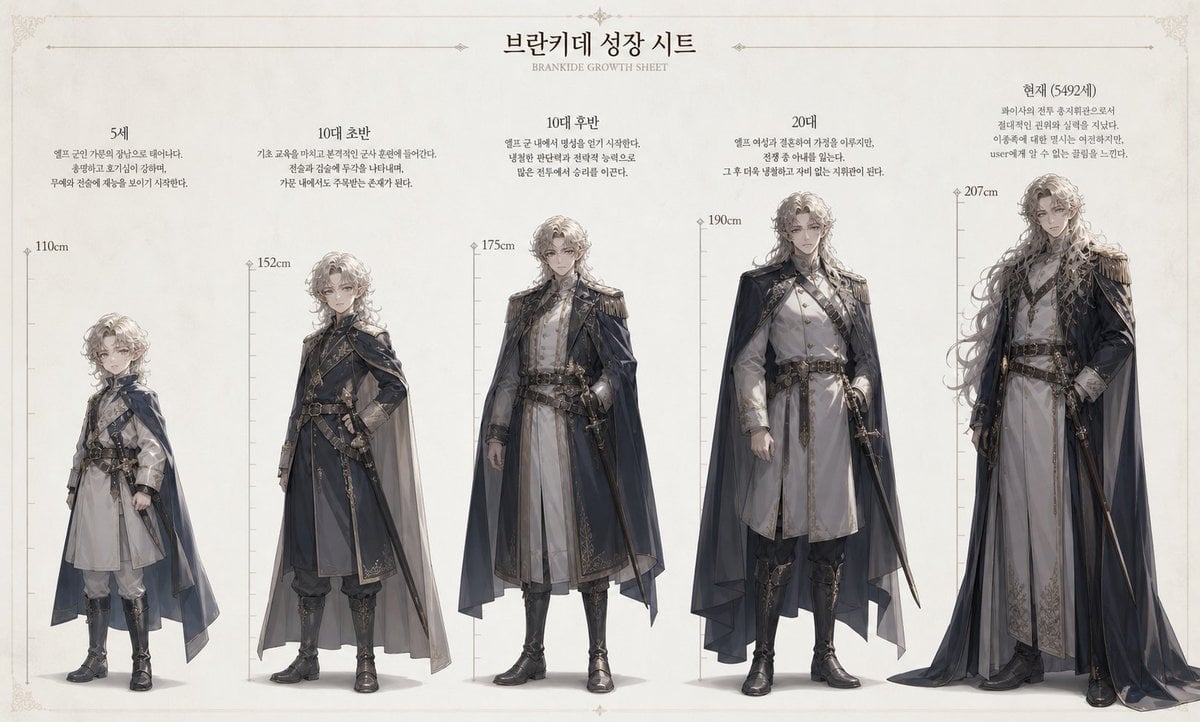
Character Growth Sheet Generator
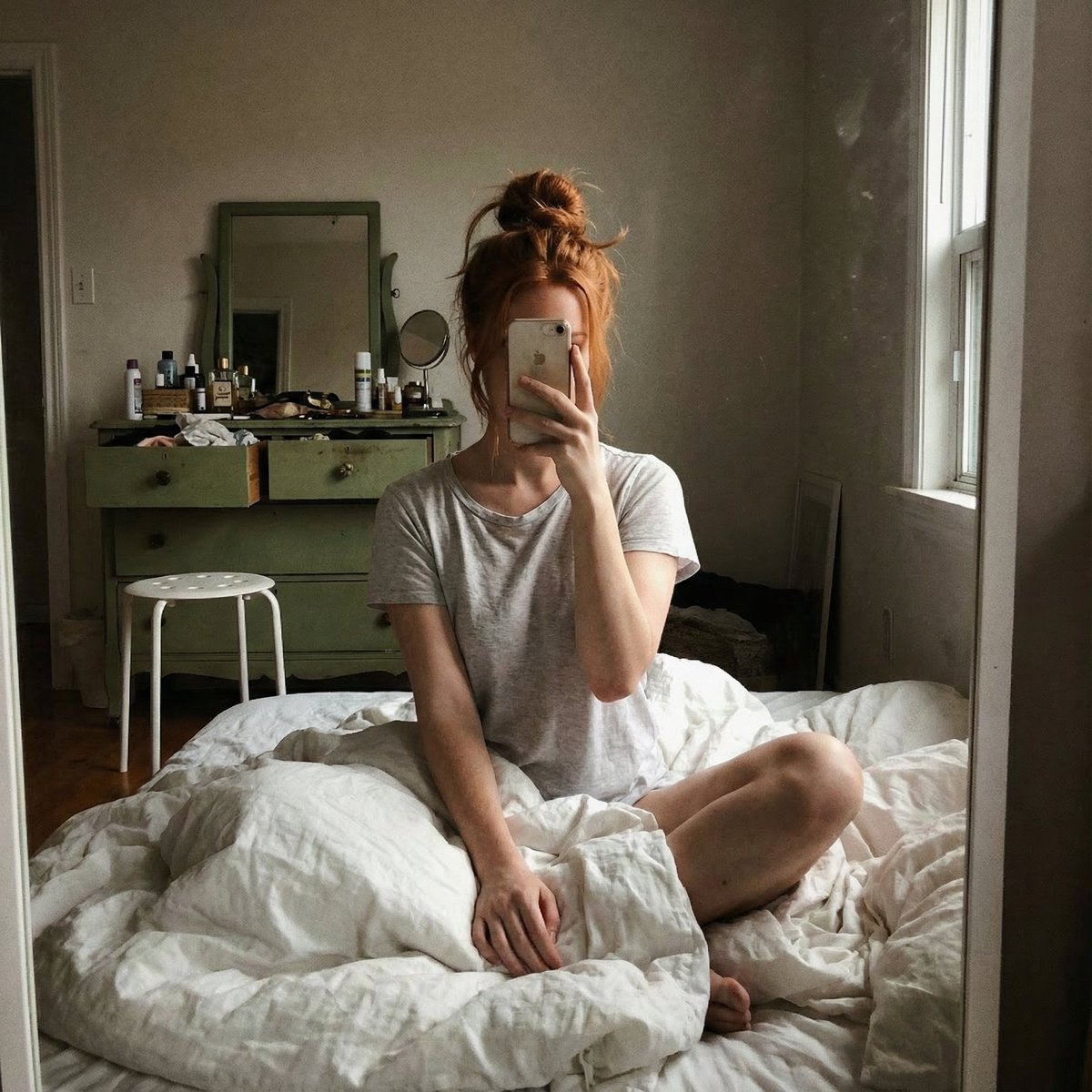
Structured JSON Prompt for Candid Mirror Selfie in a Bohemian Bedroom
Fox-Eared Dojo Sparring Scene
Photorealistic Indoor Portrait with Warm Cinematic Lighting
Gothic Fallen Angel Queen

Monochromatic Burnt-Orange Fashion Portrait
Generate black-and-white storyboards from an image

Ethereal Giant Woman Landscape
Close-up of a Young Japanese Woman
Browse template categories
Lo-Fi Webcam Photobooth Couple Strip Prompt (JSON) questions
How do I use the Lo-Fi Webcam Photobooth Couple Strip Prompt (JSON) template?
Add your photo if the template asks for one, edit the prompt if you like — the template's model and format are already selected — and press Generate. Your version opens in PicX Studio.
Can I customize the Lo-Fi Webcam Photobooth Couple Strip Prompt (JSON) template?
Yes. You can change the subject, setting, lighting, mood, format, and available model controls before creating your image.
Is the Lo-Fi Webcam Photobooth Couple Strip Prompt (JSON) template free?
Opening and editing this template is free. Generating uses credits, shown on the Generate button when you are signed in.
Which AI model should I use?
Start with Nano Banana 2, which is the model associated with this template. You can compare another compatible model for a different finish.
Looking for something else? Browse all templates.

Your photo, any look
Thousands of ready templates for every top image and video model, from one credit balance.