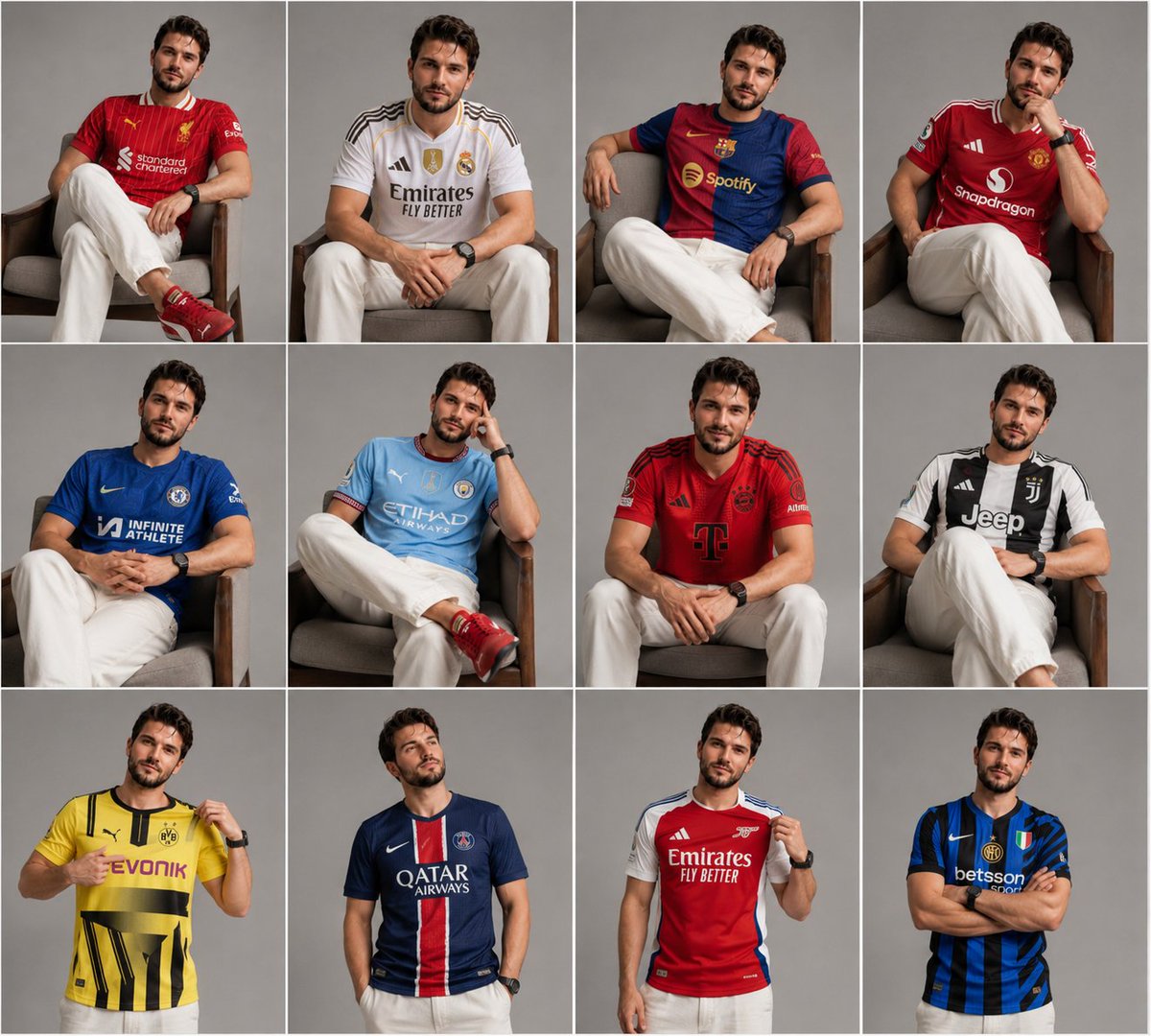
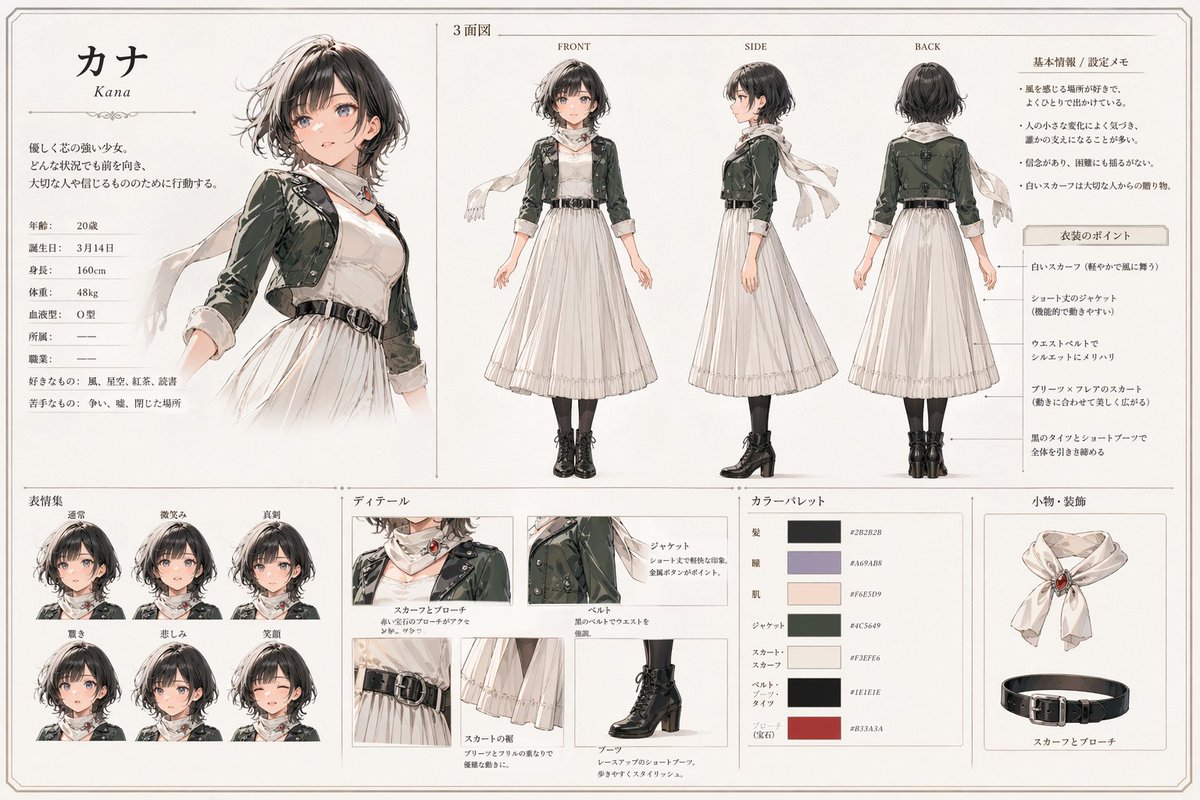
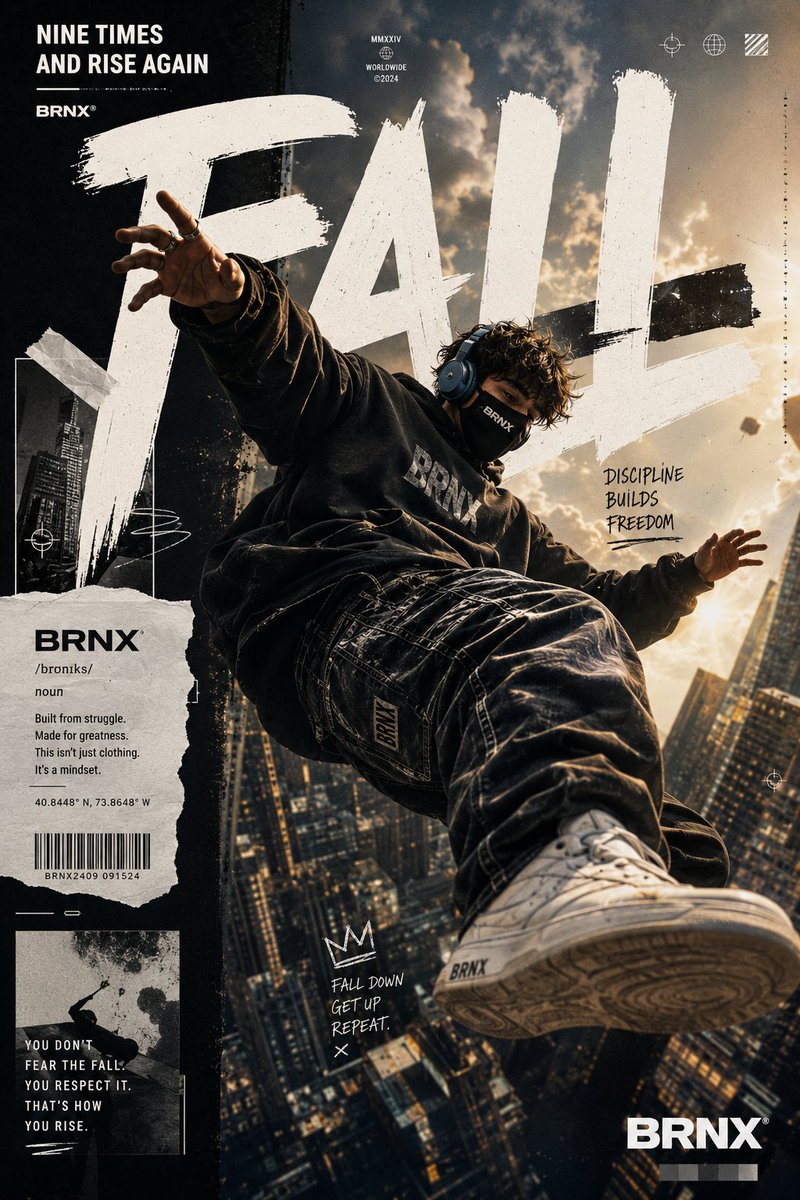
How do I use the Noir Detective High-Fashion Portrait template?
Choose the primary action to open PicX Studio with the available template settings. Review the model and format, personalize the creative direction, and generate when ready.
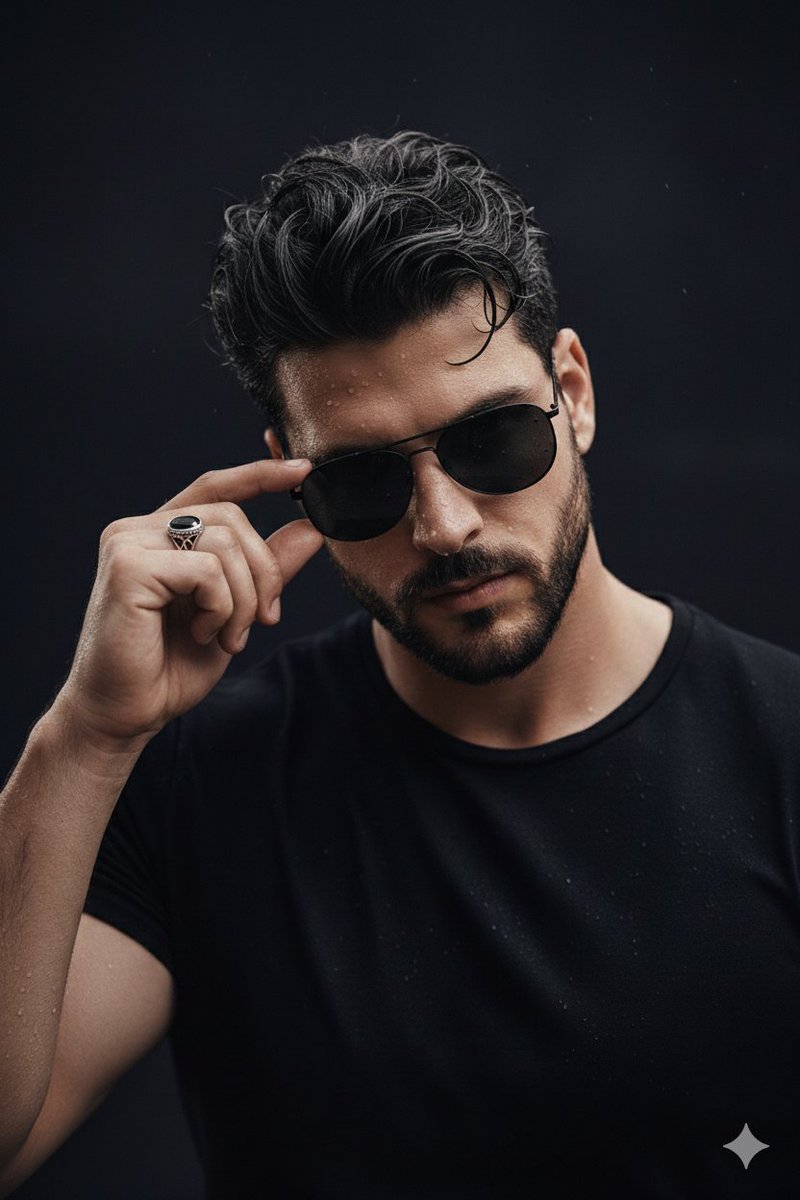
A detailed prompt for generating an ultra-realistic, high-fashion studio portrait of a male model with a tired, seductive gaze, styled as a 1940s noir detective, emphasizing specific attire, accessories, cinematic lighting, and warm color grading. (free to use) — Free AI image template on PicX Studio.
Ultra-realistic high-fashion studio portrait of a confident seductive male model ({argument name="age range" default="25–30"}), olive skin, lean athletic build, waist-up, centered, eye-level shot on an 85mm portrait lens. Sharp oval face, deep-set almond eyes with a tired seductive gaze, thick natural brows, straight nose, slightly parted lips, light stubble beard and moustache. Jet-black slicked-back hair with natural volume. Wearing a tailored charcoal-grey three-piece pinstripe suit, white spread-collar shirt, deep burgundy tie with gold tie bar, white pocket square, luxury metal watch. Silver ring on index finger. Left hand in trouser pocket, right hand raised near lips holding a toothpick, relaxed yet dominant posture. Black ink neck tattoo visible, subtle finger tattoos. Professional cinematic studio lighting: soft frontal key light, subtle fill, gentle rim light. Deep burgundy gradient background, smooth matte texture. Warm cinematic color grading, shallow depth of field, extreme realism, luxury fashion editorial,
Use Noir Detective High-Fashion Portrait to plan an AI image around nano-banana-2 generation. Match the preview's composition first, then personalize the subject, setting, and mood for your own project.
Use the primary action to load the template settings in PicX Studio.
Adjust the subject and creative details for your destination.
Create the image, compare the result with the preview, and refine one variable at a time.
A continuous mix — similar concepts first, woven with same-model prompts and fresh picks from the catalog.
Choose the primary action to open PicX Studio with the available template settings. Review the model and format, personalize the creative direction, and generate when ready.
Yes. You can change the subject, setting, lighting, mood, format, and available model controls before creating your image.
This template is free to open and customize. Generation usage is shown in PicX Studio before you create.
Start with nano-banana-2, which is the model associated with this template. You can compare another compatible model for a different finish.
Follow a topic to a crawlable collection of related PicX Studio templates.
39,155 public templates available. Verified via the PicX Studio public templates API; refreshed hourly.
A continuous mix — similar concepts first, woven with same-model prompts and fresh picks from the catalog.