
Luxury Closet Mirror Selfie with Dog and Reference Face
A prompt for generating a hyper-realistic 4K mirror selfie of a woman in a luxury walk-in closet, kneeling on the floor.
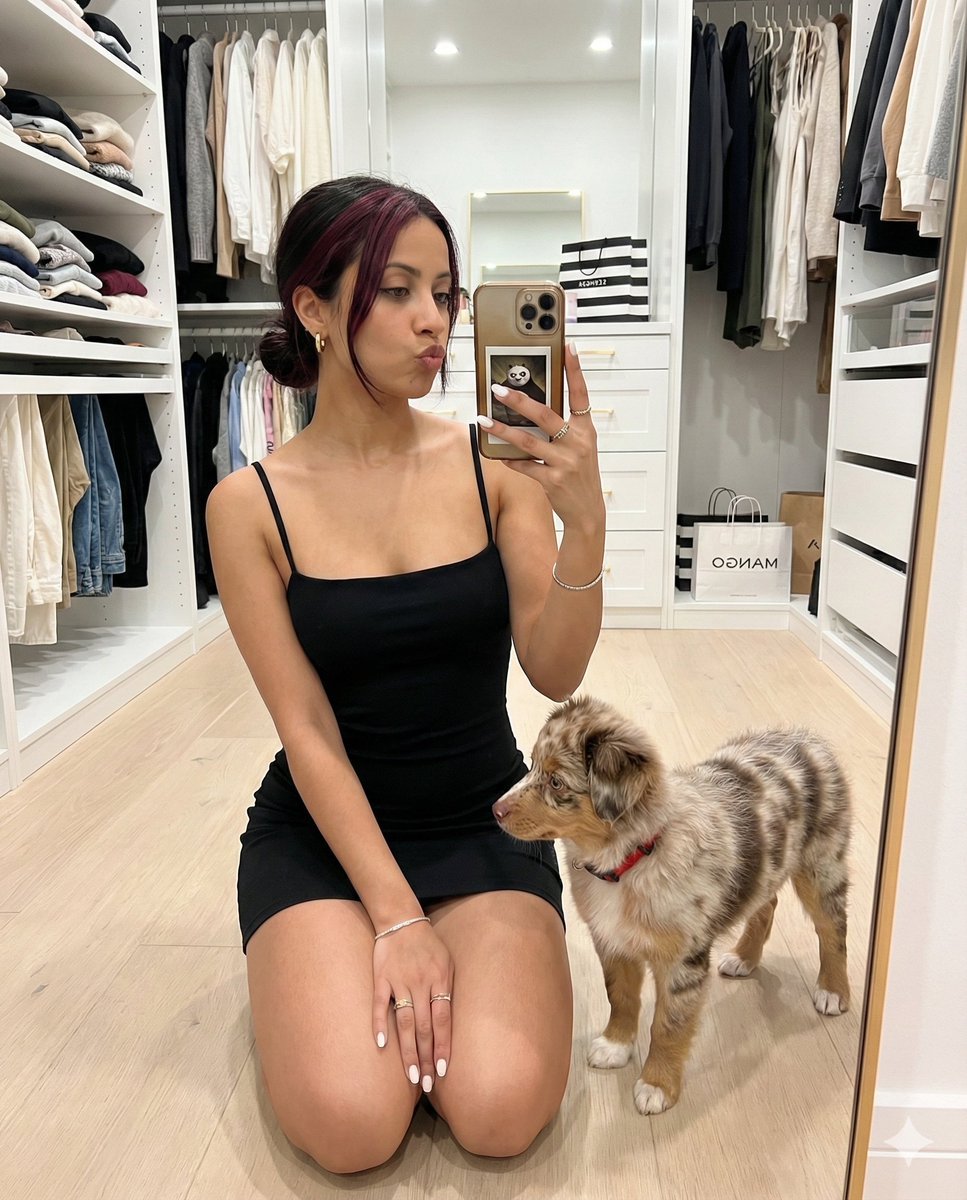
- Prompt included
- Model and format preset
- Free template
The prompt behind this image
Copy the exact prompt behind Luxury Closet Mirror Selfie with Dog and Reference Face, or open it in the studio and make it yours.
Create a 4:5 hyper-realistic 4K mirror-selfie image of a young adult woman kneeling on a light wood floor in a luxury walk-in closet. She wears a fitted black spaghetti-strap mini dress with a square neckline, short hem, and sleek silhouette. Her brown hair with burgundy front highlights is pulled into a low bun with loose strands framing her face. She makes a playful pout, looking directly at her mirror reflection while holding a smartphone with a tan/beige case in her right hand; a small Polaroid photo of Kung-fu Panda is tucked into the back of the case. Accessories include small gold hoop earrings, a thin silver bracelet on her left wrist, rings on her fingers, and a white polished manicure. A small fluffy dog with a merle coat (brown, tan, white patches) and a red/pink collar stands beside her, facing left in profile. The environment is a bright, tidy dressing room with a large floor-length mirror, open wardrobe shelves with folded clothes, hanging garments, white shelving, and visible Sephora and Mango shopping bags. Bright indoor artificial lighting with soft diffusion, eye-level mirror composition, neutral beige/wood/white palette with high-contrast black subject, sharp focus, photorealistic textures. Keep the face hundred percent the same from the reference picture.
How to use Luxury Closet Mirror Selfie with Dog and Reference Face in 3 steps
- 1Upload ImagePNG, JPG or paste
Add your photo
Upload the photo the template builds on. The prompt, model and format are already set.
- 2…a portrait of your subject in softgolden-hour light, 85mm…
Personalize
Edit the subject and creative details for your destination.
- 3Generate
Generate
Press Generate — your image is created in PicX Studio, so you can compare it with the original and refine one variable at a time.
More like this
Templates with the same subject, style or setup. Open one to see its prompt.
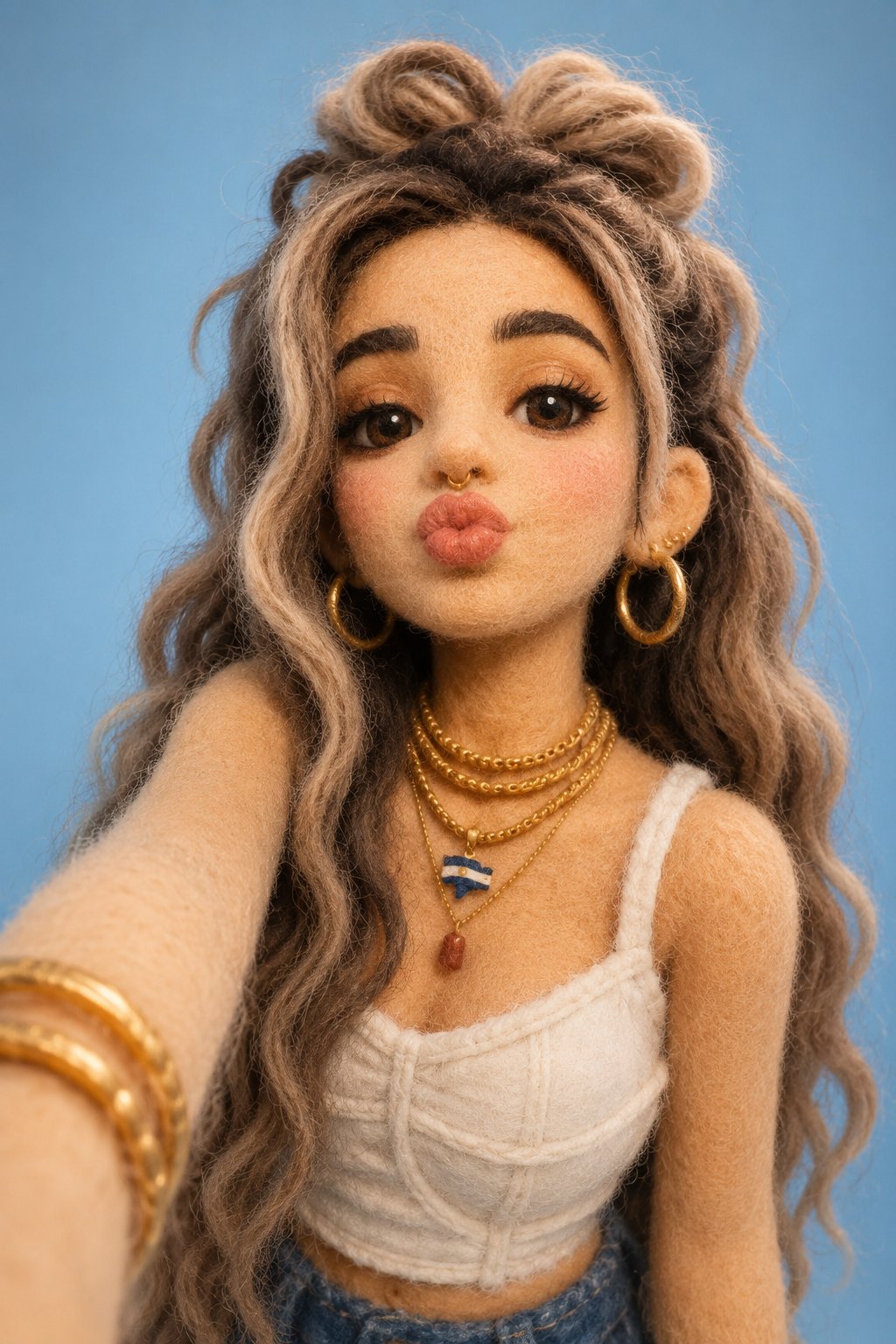
Felt & Knit 3D Character — Photo-Exact Face, Pixar-Quality Plush Figurine
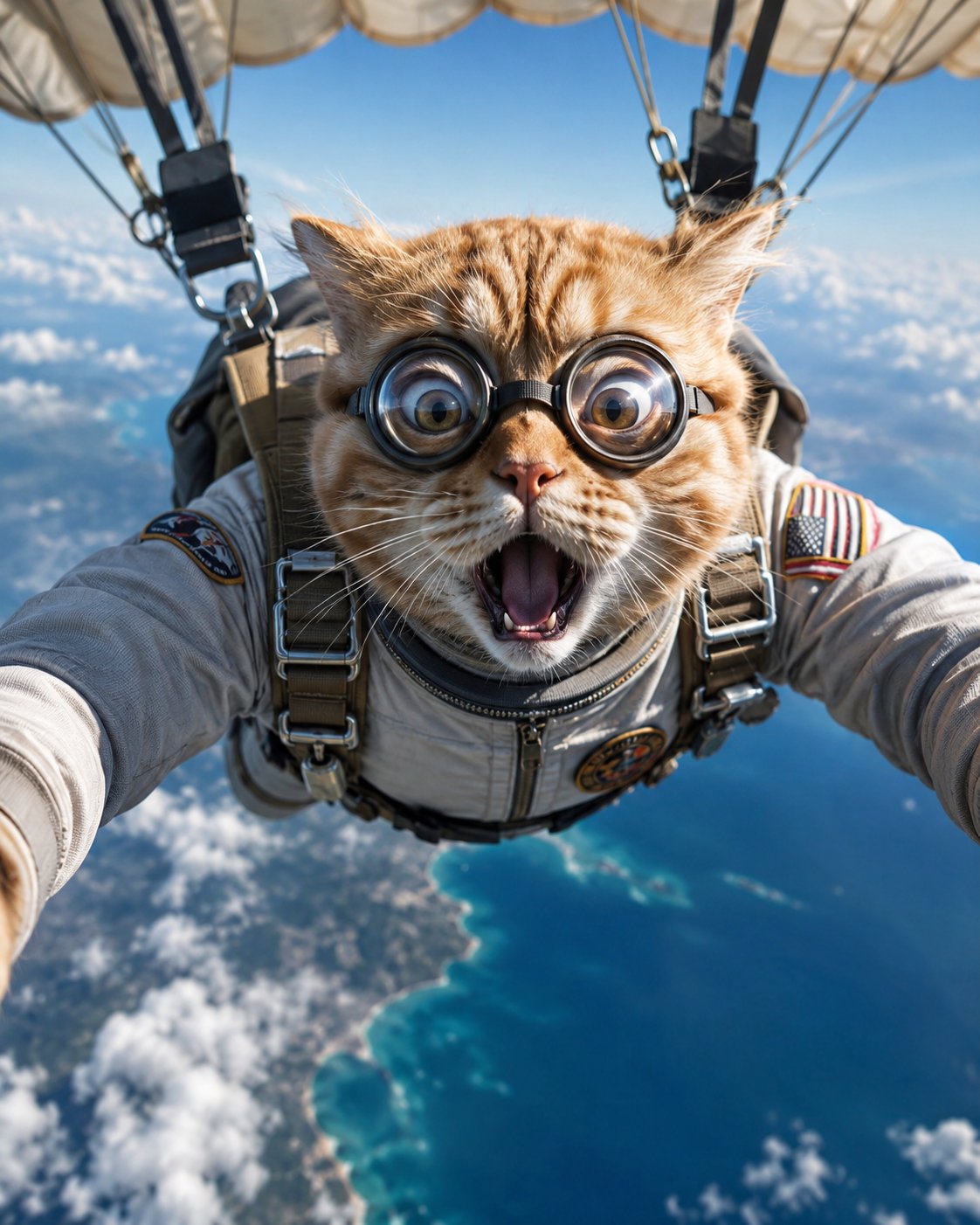
Surreal Cat Astronaut — Humanoid Face Freefall

Rooftop Fisheye — Cat-Ear Balaclava at Golden Hour
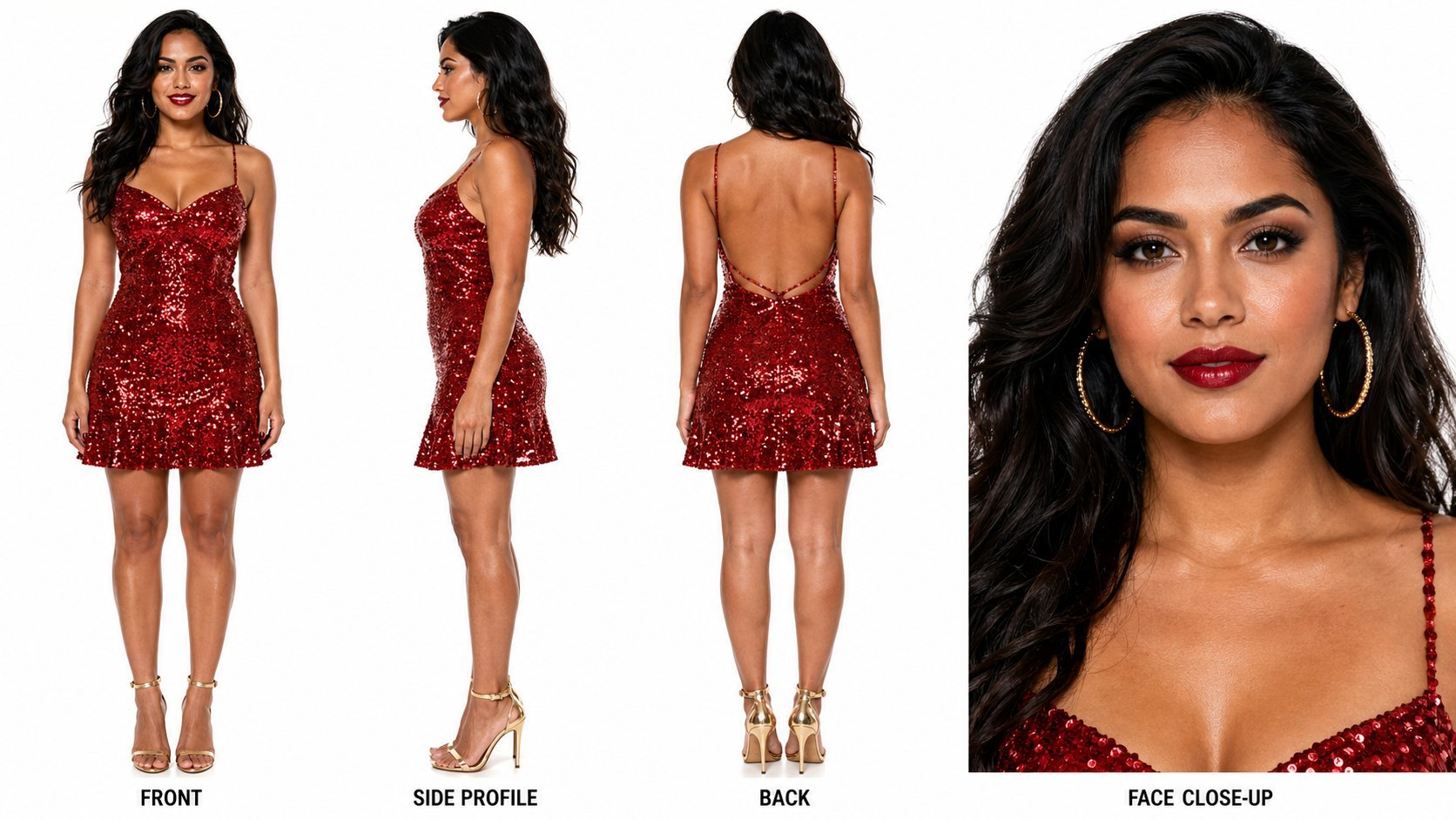
Dancer Character - Four View Reference Sheet
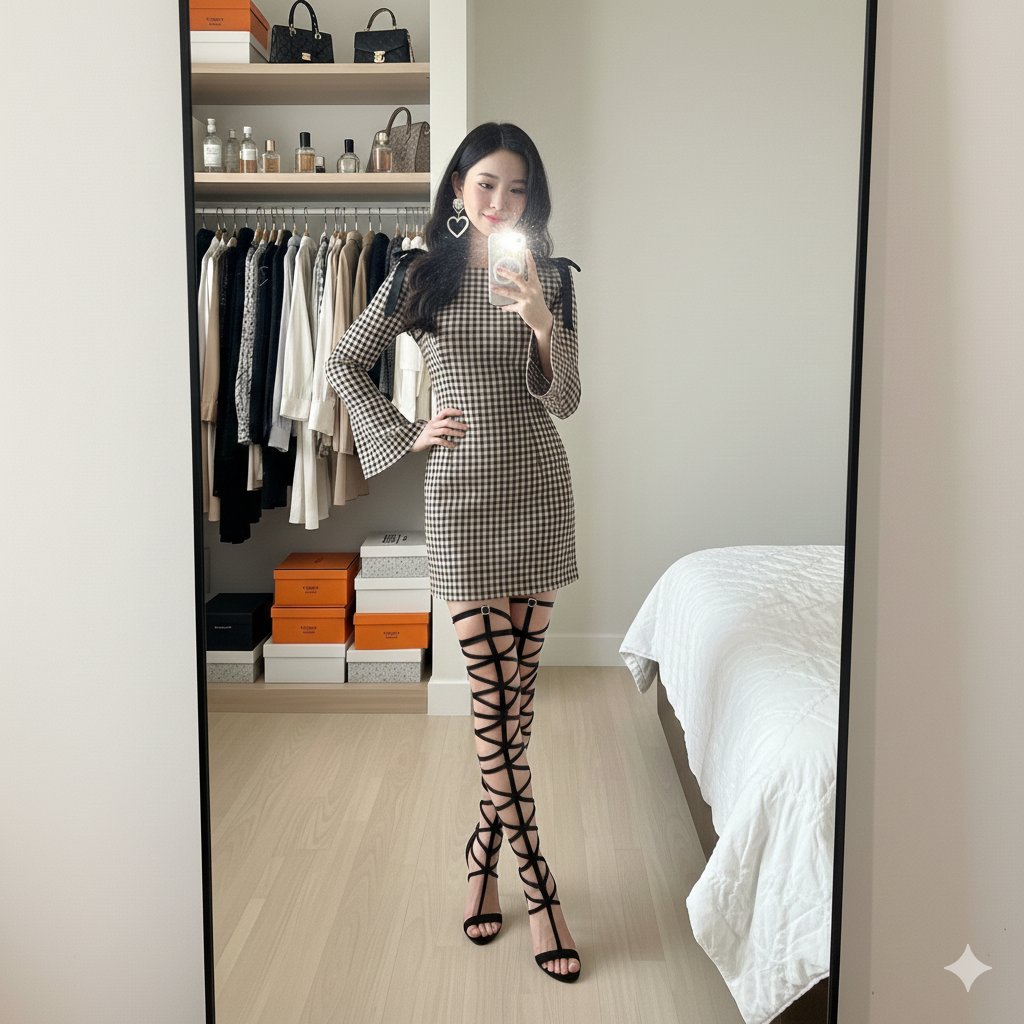
Mirror Selfie in Walk-In Closet Prompt
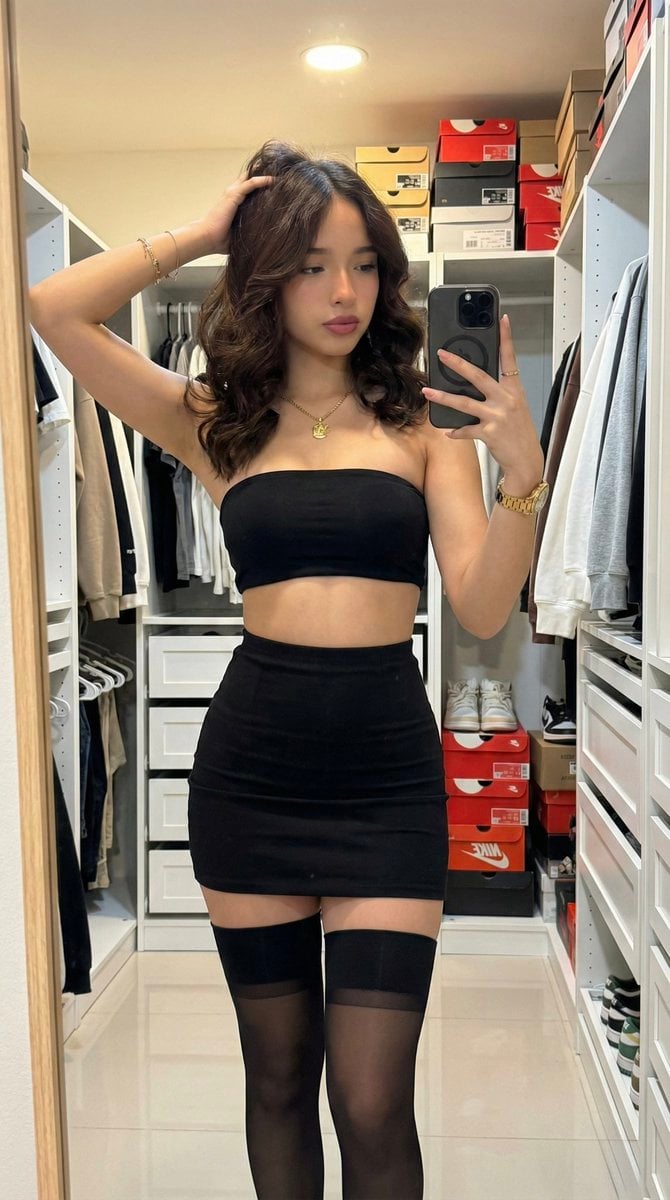
Raw High-Fidelity Mirror Selfie in Walk-in Closet
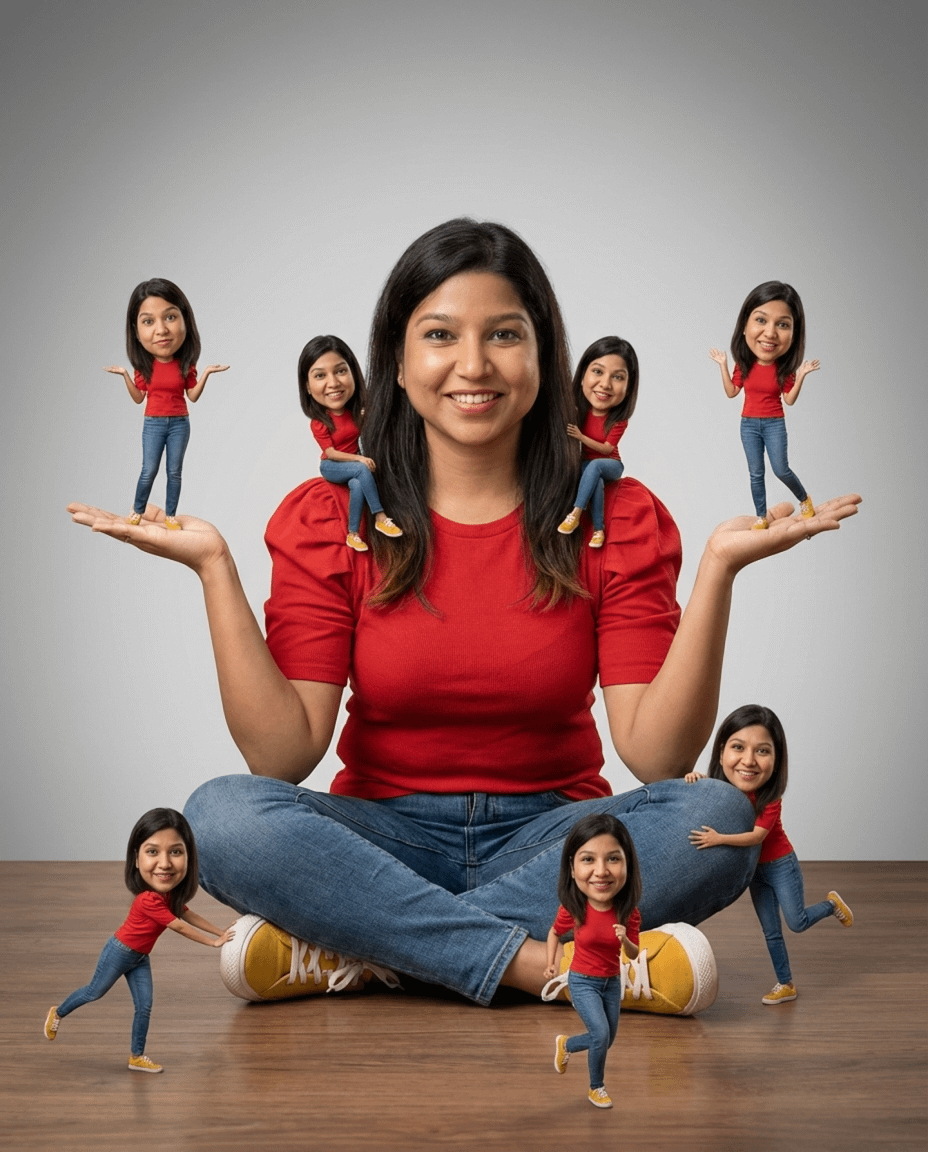
Nano Banana Pro Identity Lock — Composition + Face Reference
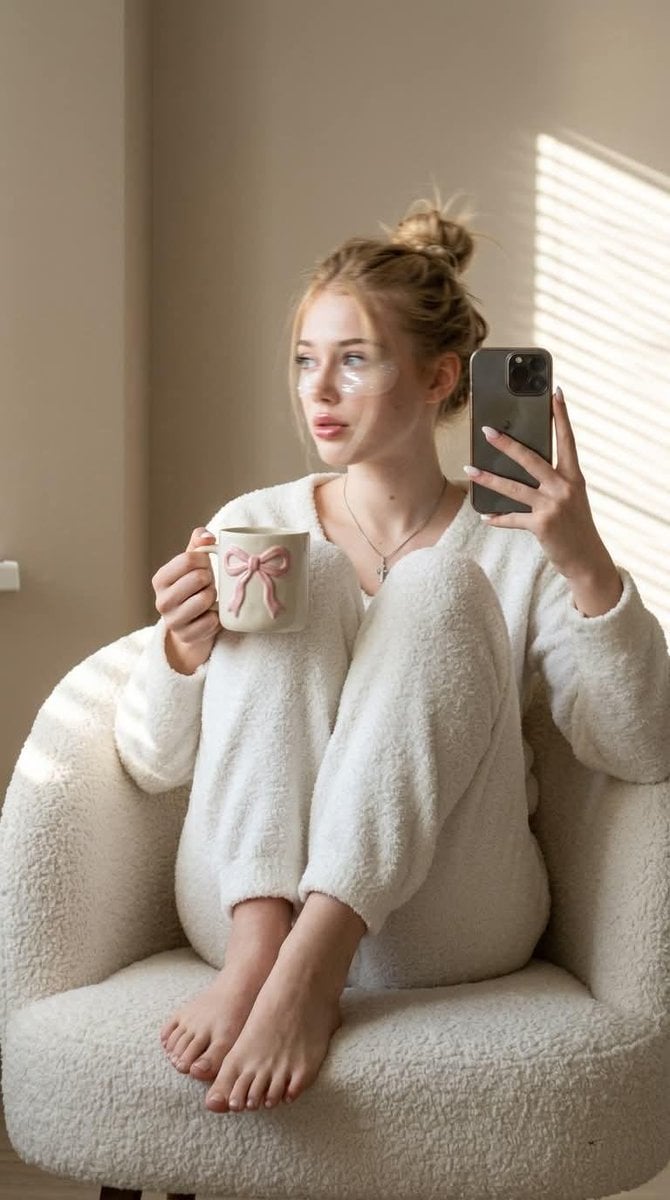
Morning Mirror Selfie Candid
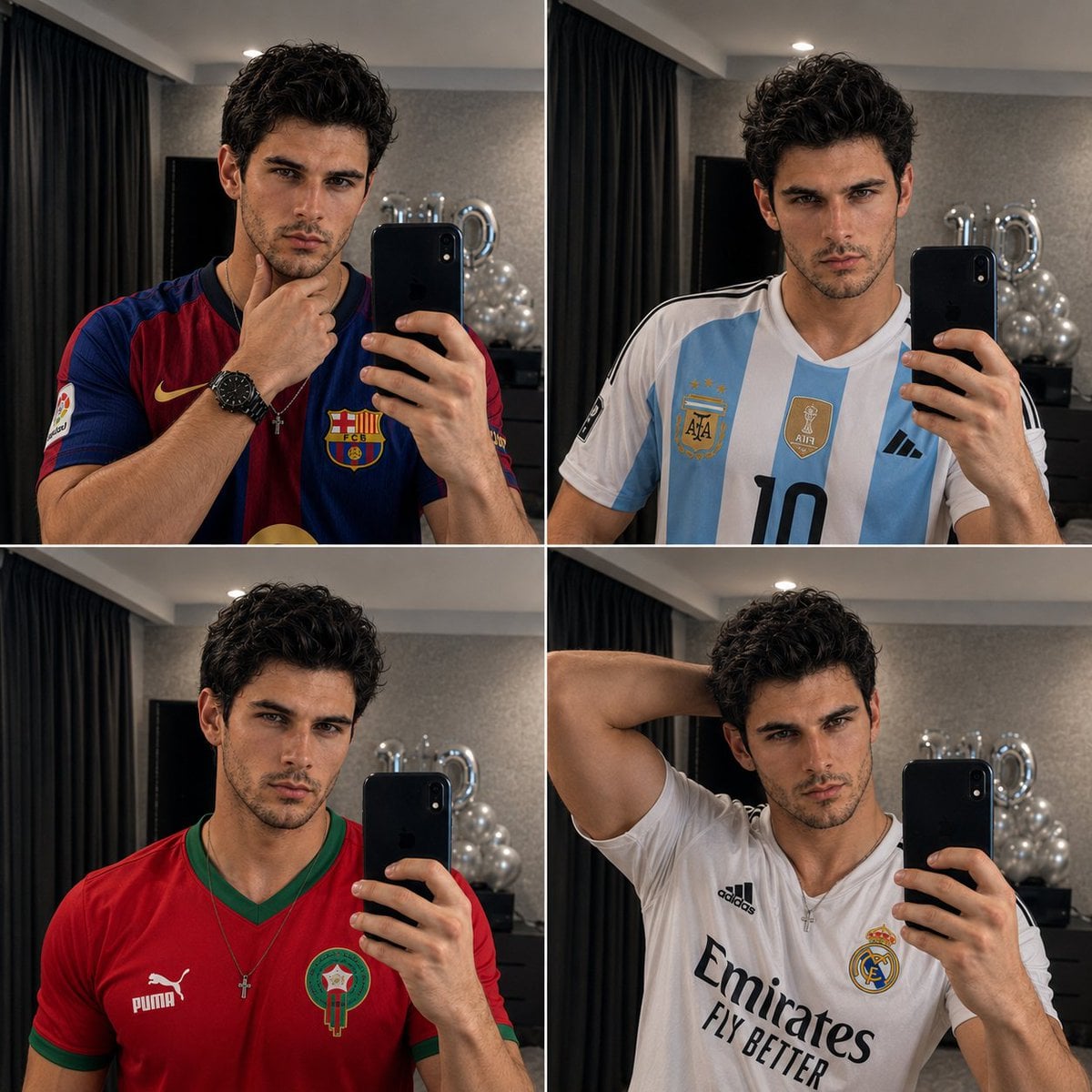
Panel Mirror Selfie Collage
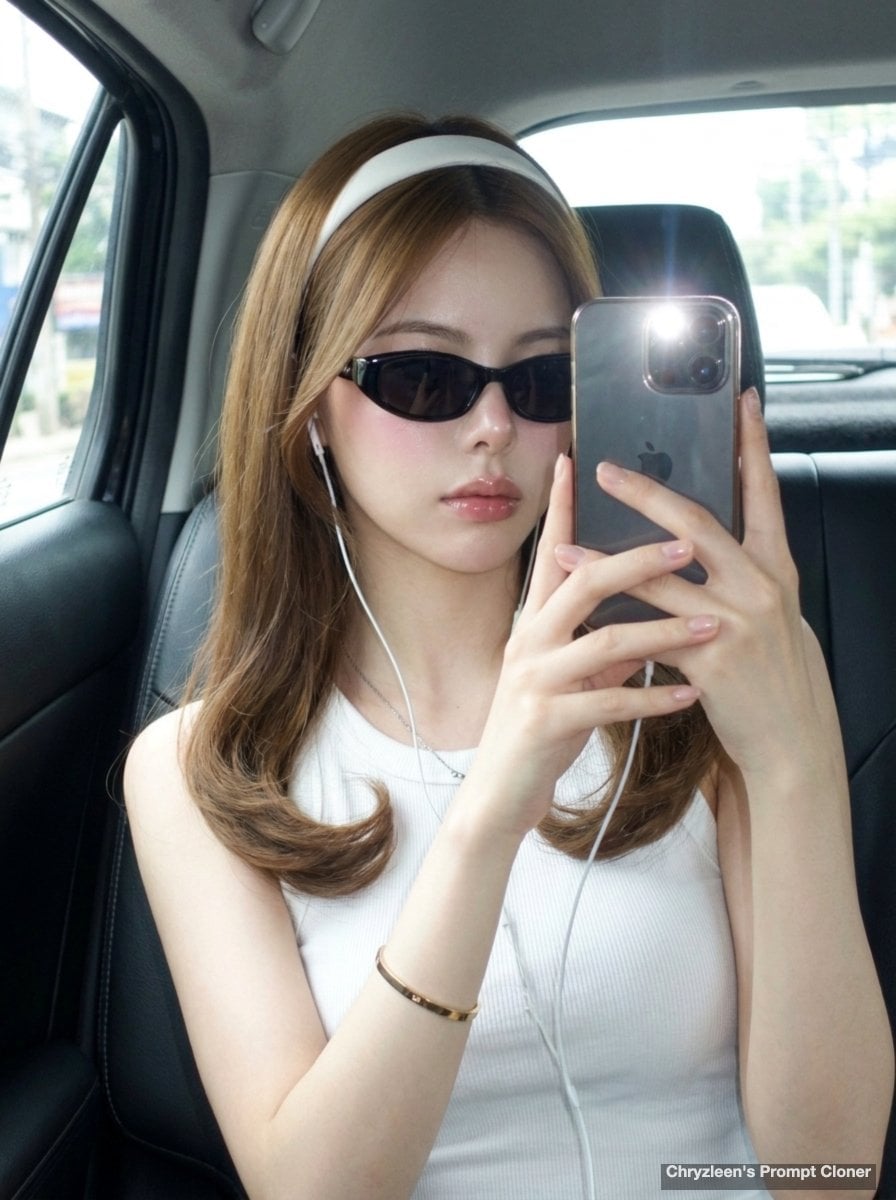
Backseat Mirror Selfie
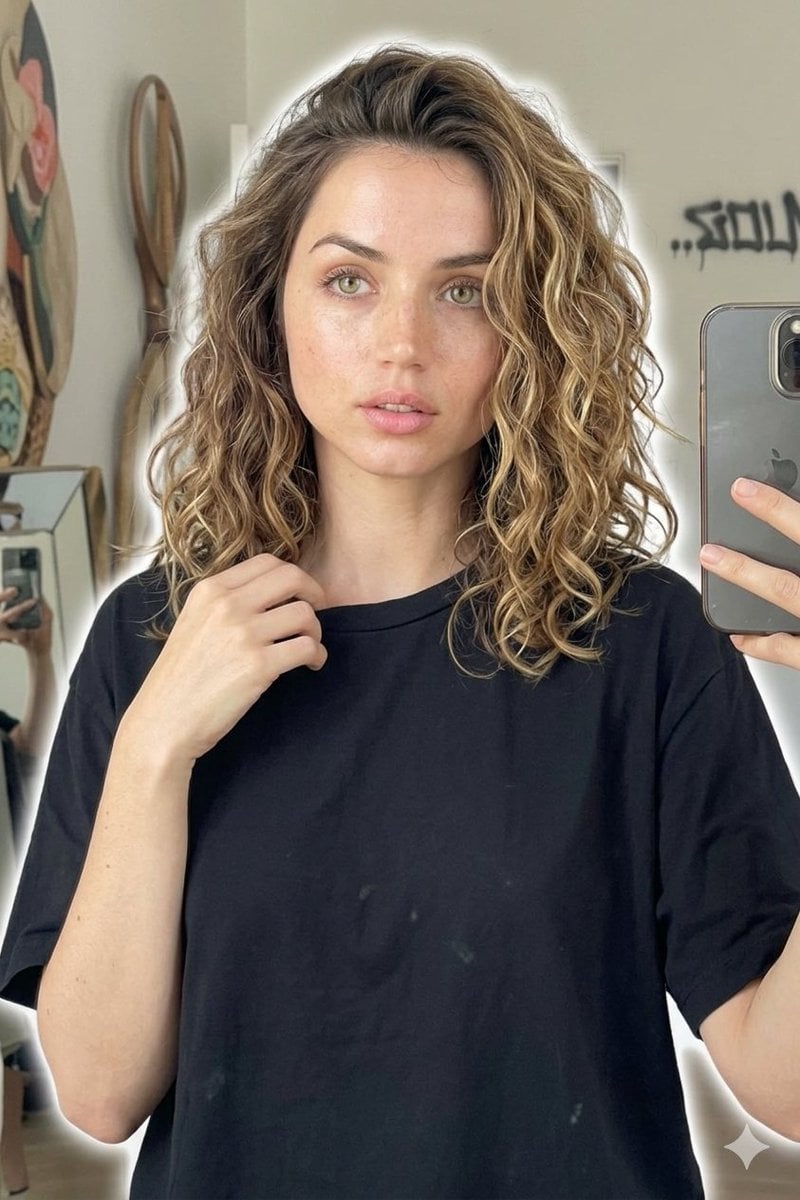
Candid Mirror Selfie Beauty Portrait
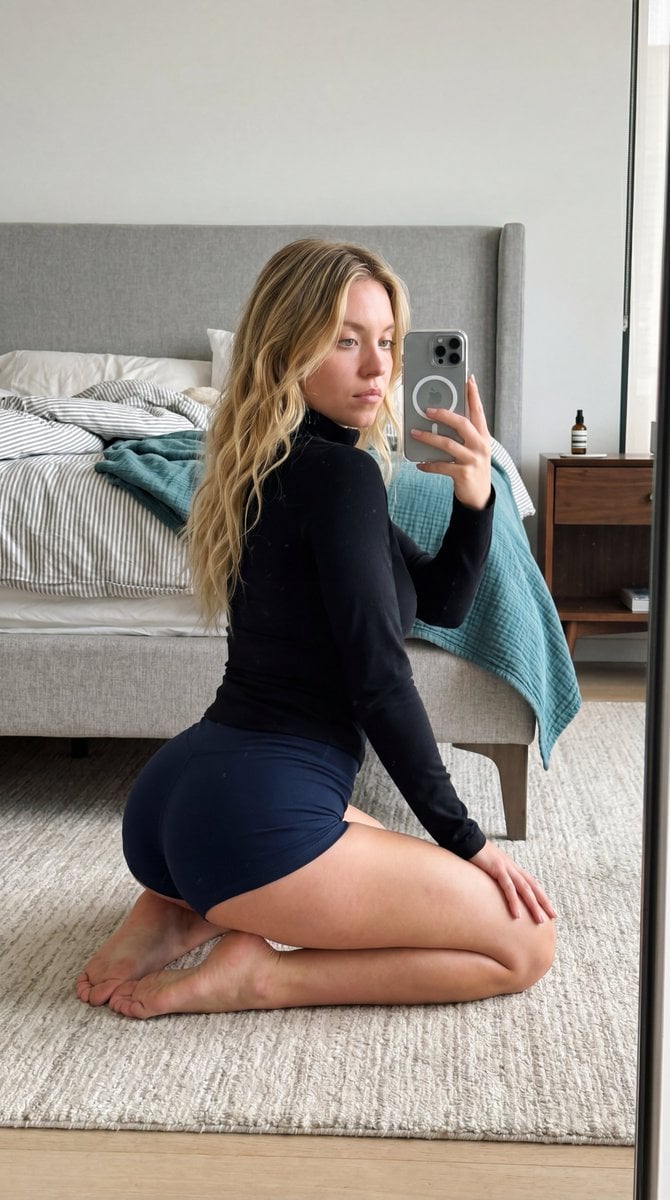
Intimate Bedroom Mirror Selfie
Make it yours
Luxury Closet Mirror Selfie with Dog and Reference Face works as-is. These are the safest ways to change it without losing the look.
Change one field
Copy a single group, rewrite it, and generate again so you can see what that field is doing.
Keep the frame, change the subject
Hold the composition and light of Luxury Closet Mirror Selfie with Dog and Reference Face, then swap wardrobe, props or the person for a new take.
| If the result… | Why | Fix |
|---|---|---|
| The result drifts from the preview | Too many fields changed at once. | Reuse Luxury Closet Mirror Selfie with Dog and Reference Face as-is first, then change one group — subject, light, or setting. |
| The model over-stylizes the scene | The prose prompt leaves finish and camera underspecified. | Add one camera or lighting sentence and stay on Nano Banana 2. |
More Nano Banana 2 templates
Other prompts made for Nano Banana 2.

Photorealistic Leaf Shaped Like a Dragon

K-Pop Idol Portrait Grid for Rapid Selection

Poetic Rain Forest Portrait During Golden Hour

Urban Street Portrait with Cartoon Inner Self Duo

Candid Nighttime Photo with Cat Prompt

High-Concept 3D Diorama Generation Prompt

Cinematic Futuristic Studio Portrait Template

Skincare Editorial Photography Collage Prompt

Hyper-Realistic Commercial Product Photography (Splash Effect)

Hyper-Realistic Nightclub Portrait Prompt
More image prompts
Fresh picks from across the catalog.
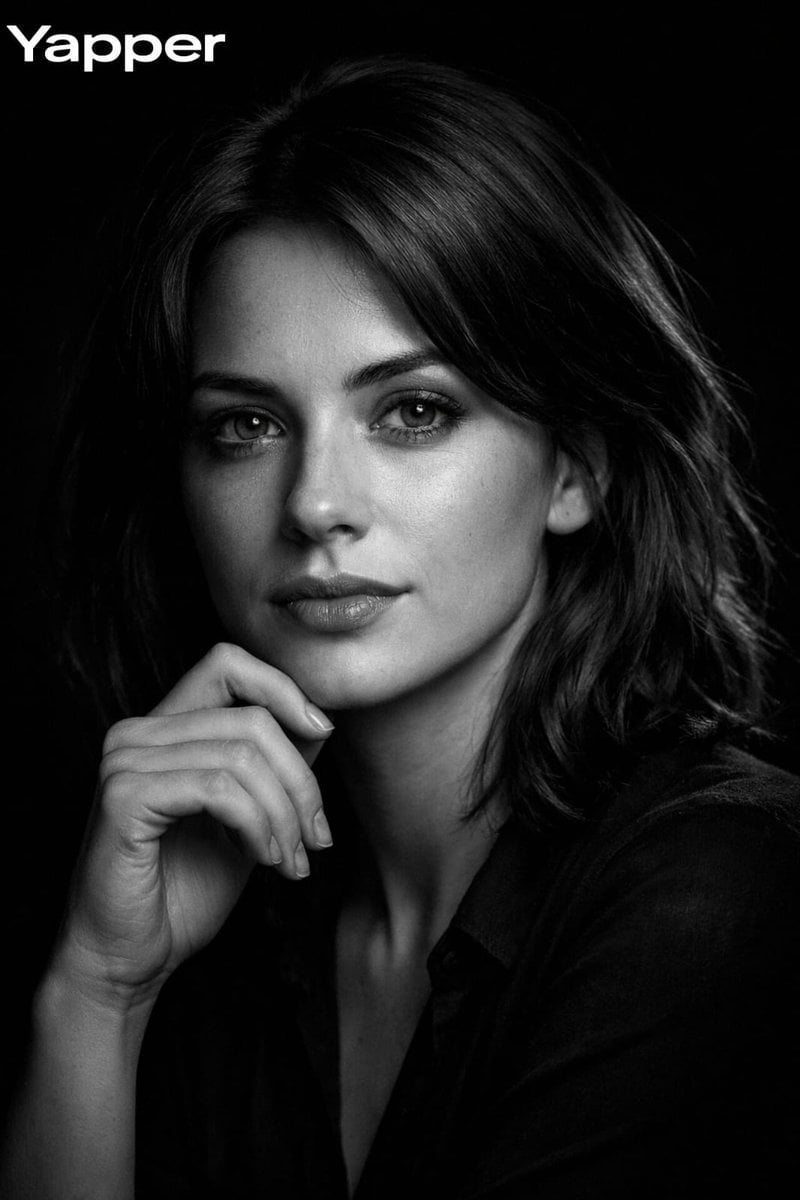
High-Contrast Black-and-White Cinematic Portrait
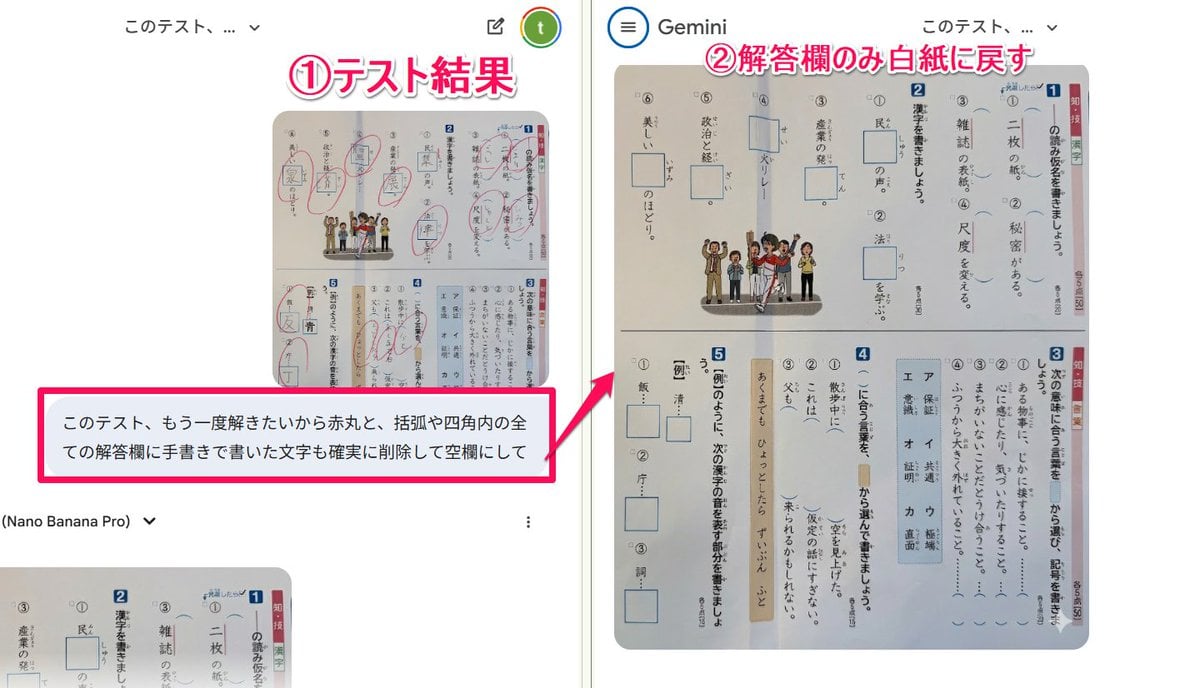
Prompt for clearing handwritten answers from a test image for reuse
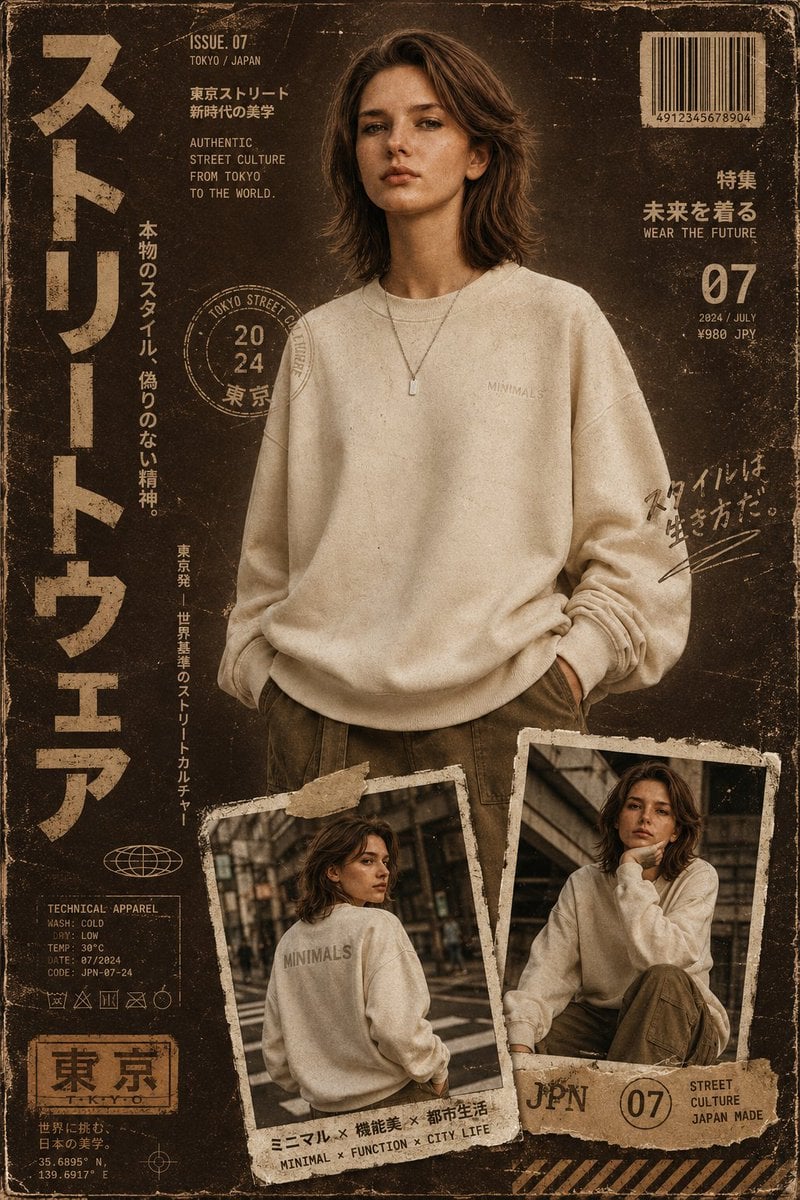
Streetwear Magazine Layout Template
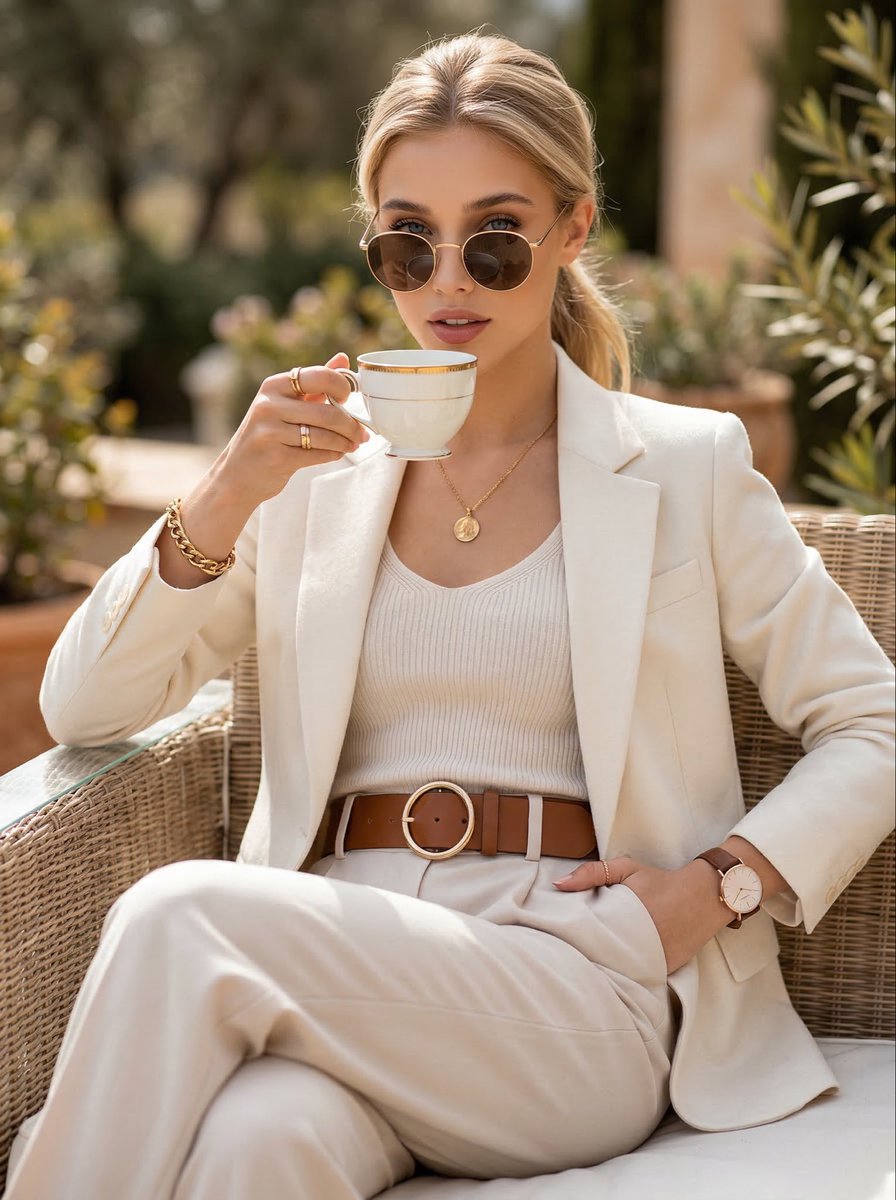
Luxury Editorial Fashion Portrait Prompt for Nano Banana 2
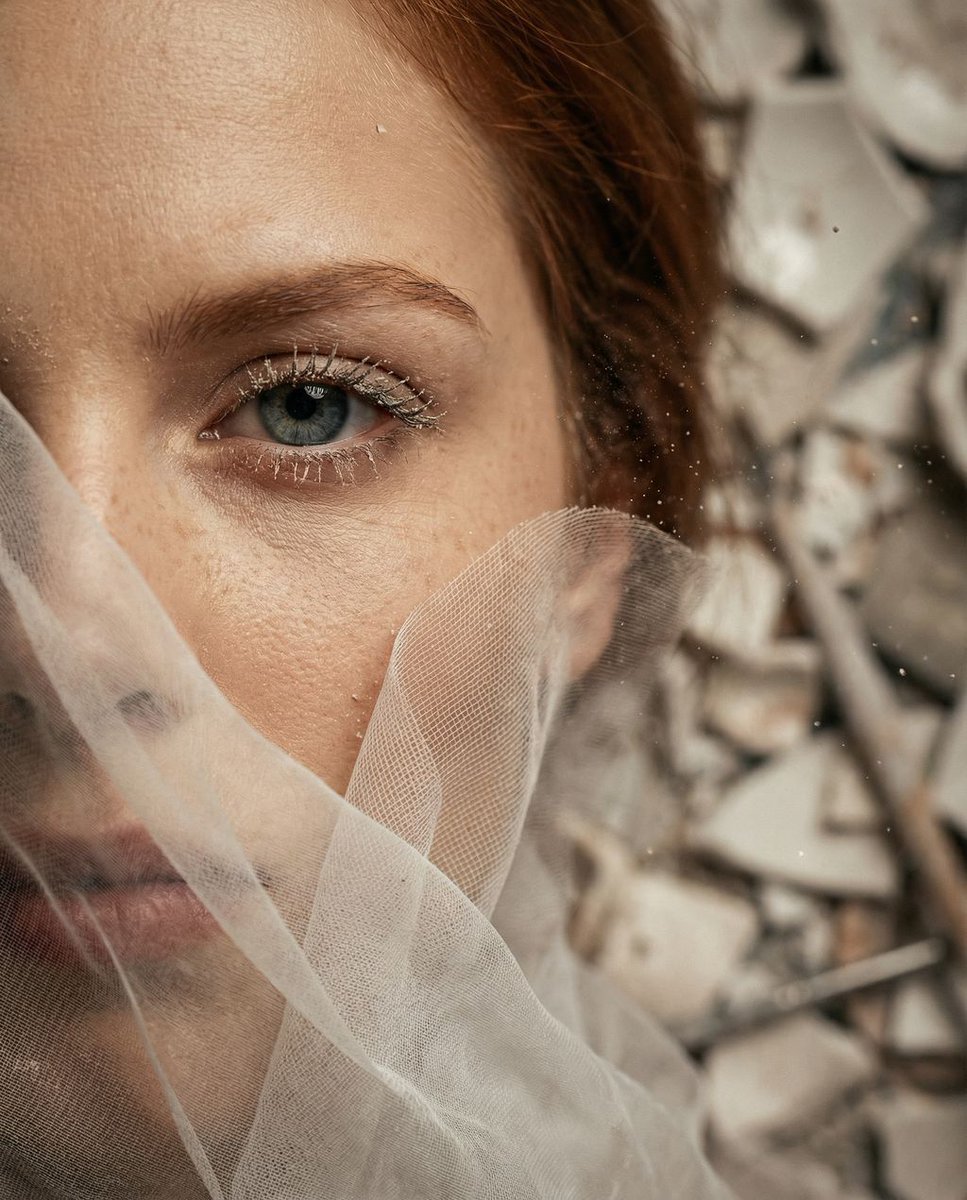
Surreal Macro Portrait with Porcelain Restoration Theme
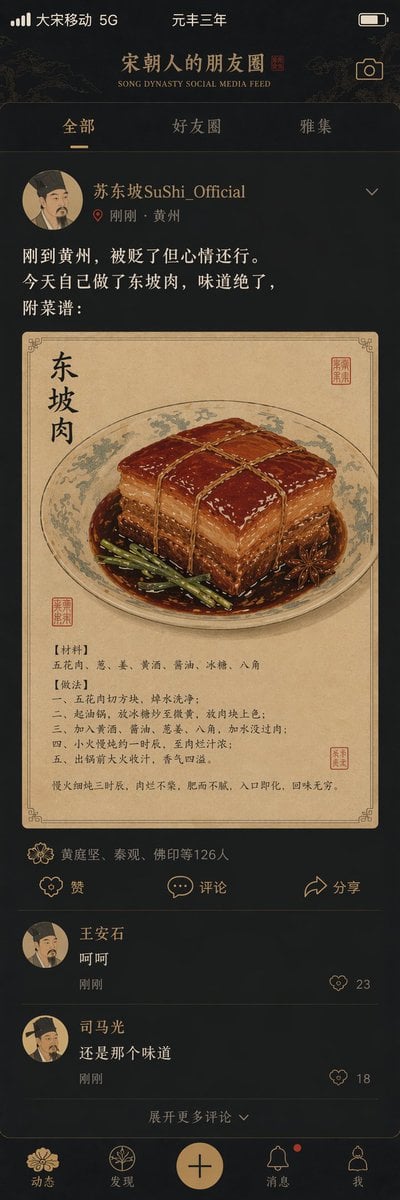
Song Dynasty Social Media Feed
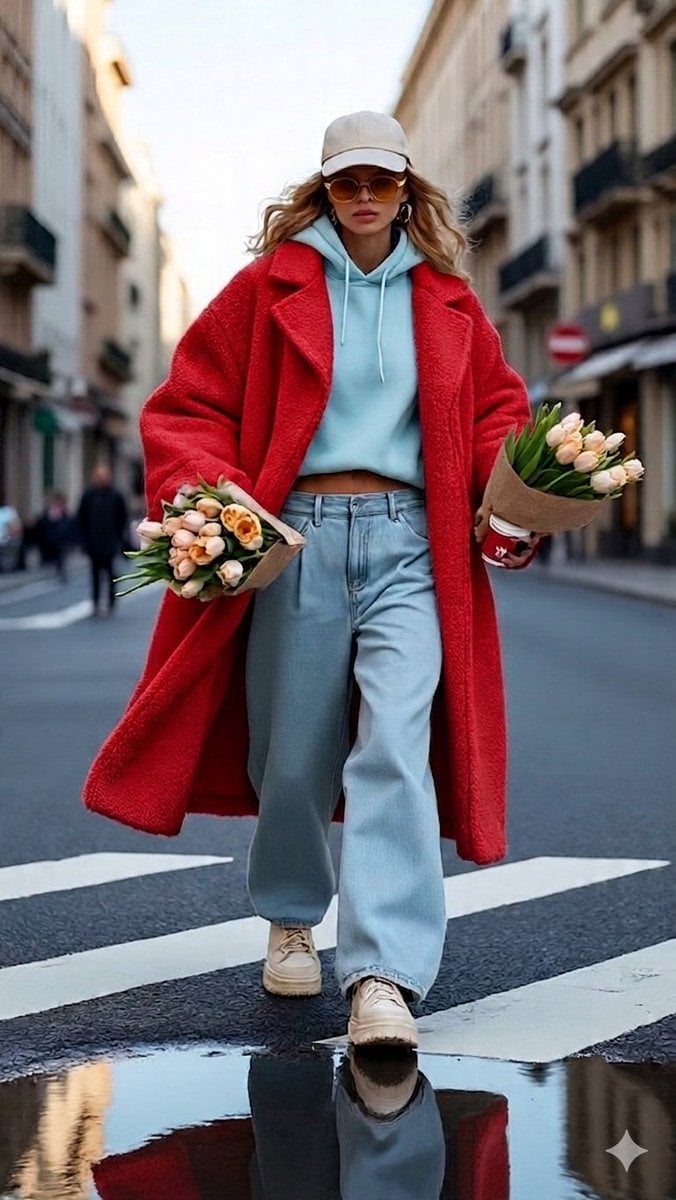
Urban Chic Street Photography Prompt
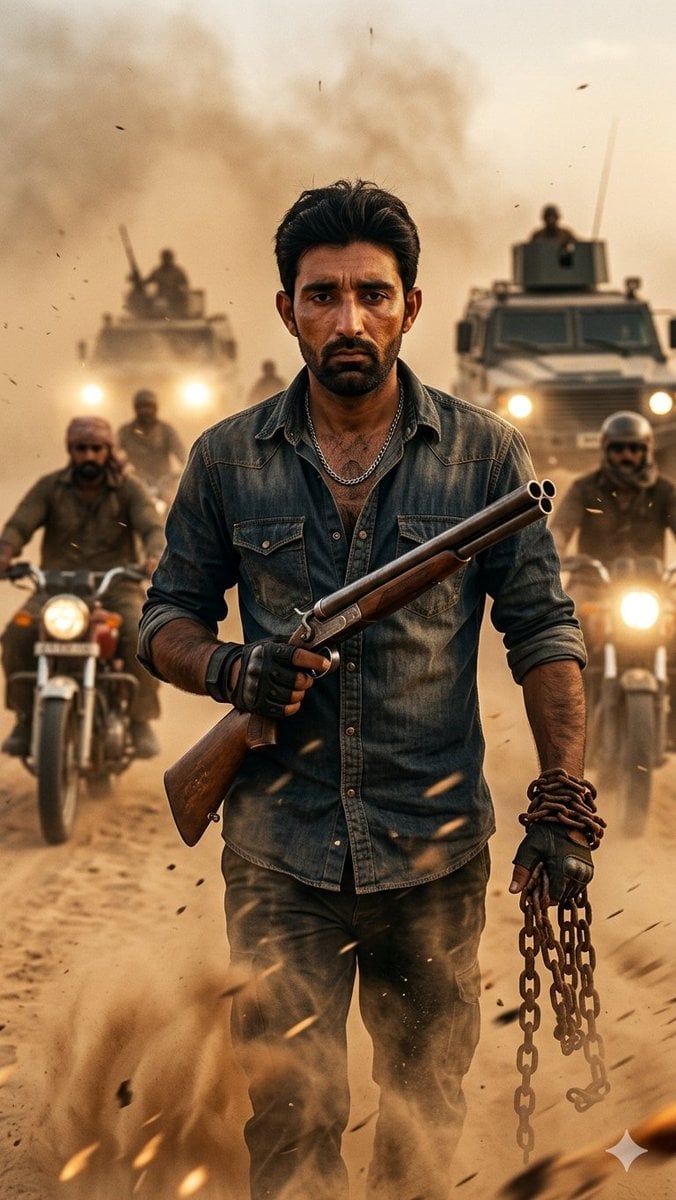
Desert Rebel Convoy Portrait

Ad manga for a radio show with a gorilla and rabbit
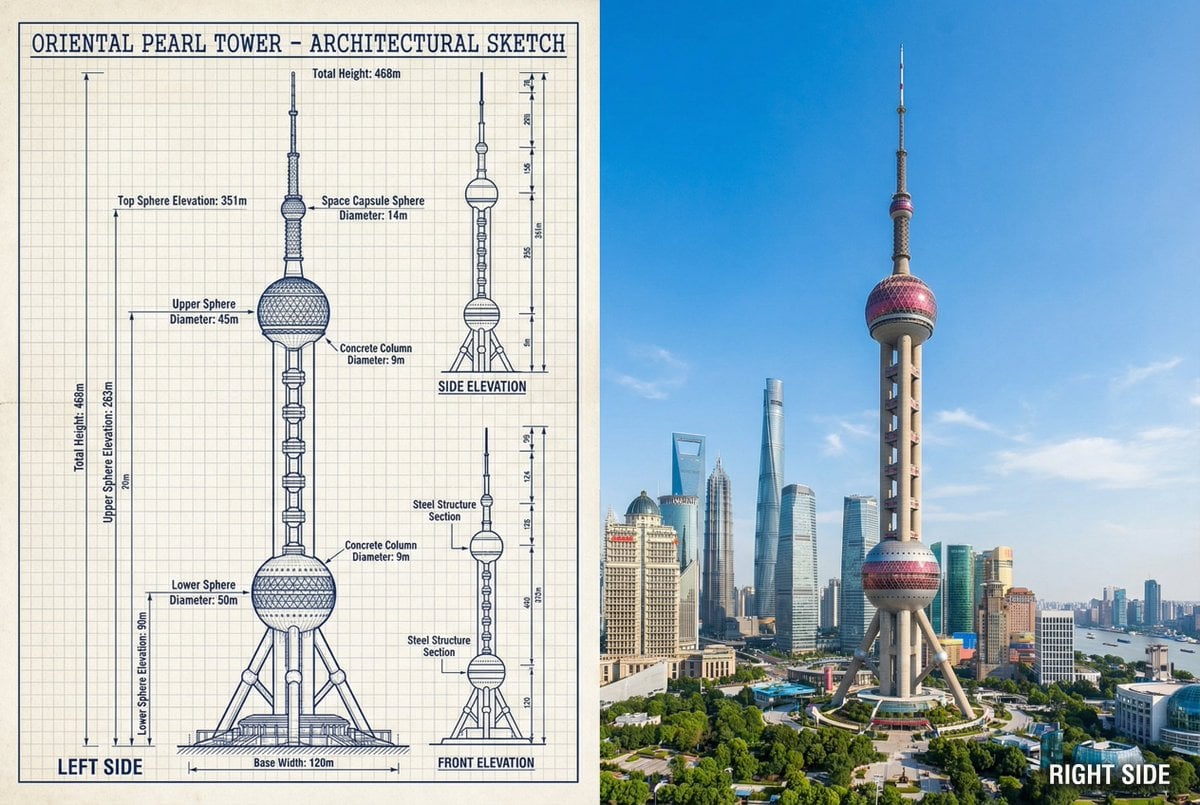
JSON Prompt for Side-by-Side Architectural Comparison of Oriental Pearl Tower
Featured in prompt roundups
Hand-picked collections that include this template.
Browse template categories
Luxury Closet Mirror Selfie with Dog and Reference Face questions
How do I use the Luxury Closet Mirror Selfie with Dog and Reference Face template?
Add your photo if the template asks for one, edit the prompt if you like — the template's model and format are already selected — and press Generate. Your version opens in PicX Studio.
Can I customize the Luxury Closet Mirror Selfie with Dog and Reference Face template?
Yes. You can change the subject, setting, lighting, mood, format, and available model controls before creating your image.
Is the Luxury Closet Mirror Selfie with Dog and Reference Face template free?
Opening and editing this template is free. Generating uses credits, shown on the Generate button when you are signed in.
Which AI model should I use?
Start with Nano Banana 2, which is the model associated with this template. You can compare another compatible model for a different finish.
Looking for something else? Browse all templates.

Your photo, any look
Thousands of ready templates for every top image and video model, from one credit balance.