How do I use the Overhead Beach Portrait of Sadie Sink Prompt template?
Choose the primary action to open PicX Studio with the available template settings. Review the model and format, personalize the creative direction, and generate when ready.
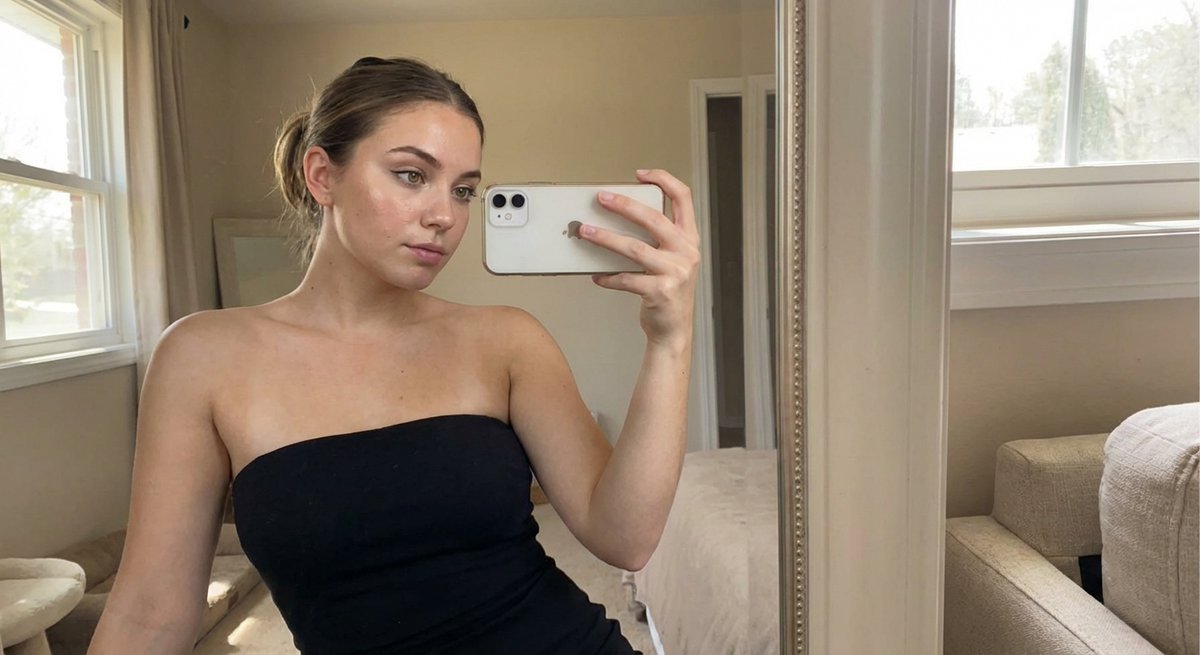
A detailed image generation prompt for an overhead (flat lay) portrait of Sadie Sink lying on a beach, emphasizing warm golden hour lighting, sun-kissed skin with freckles, and specific details of her olive green crochet bikini and accessories. (free to use) — Free AI image template on PicX Studio.
{ "technical_specs": { "aspect_ratio": "2:3", "camera_angle": "Direct Overhead (flat lay style)", "lighting_style": "Warm, golden hour sunlight through a window" }, "subject": { "demographics": { "type": "Woman", "age": 20 }, "pose": { "body": "Lying supine, relaxed posture", "head": "Tilted slightly to the side, hair fanned out organically" }, "physical_appearance": { "skin": { "tone": "Sun-kissed", "details": "Light dusting of freckles across the bridge of the nose", "complexion": "Dewy and radiant" }, "eyes": { "color": "Hazel", "state": "Both eyes open, direct soulful gaze" }, "hair": { "color": "Honey-blonde", "texture": "Loose beach waves" } }, "expression": { "mood": "Carefree and serene", "mouth": { "action": "Soft, closed-mouth smirk", "smile": "Subtle hint of a dimple" }, "nose": "Natural" } }, "styling": { "apparel": { "item": "Bikini top", "cut": "Triangle-style", "color": "{argument name="bikini color" default="Olive green"}", "accents": "Cream-colored crochet hem" }, "accessories": [ { "type": "Earrings", "detail": "Thin silver sleepers" }, { "type": "Necklace", "detail": "Layered silver chains with a tiny turquoise stone" } ] }, "environment": { "background_elements": [ "Cream-colored linen sheet", "Woven straw mat texture" ] } }
Use Overhead Beach Portrait of Sadie Sink Prompt to plan an AI image around nano-banana-2 generation. Match the preview's composition first, then personalize the subject, setting, and mood for your own project.
Use the primary action to load the template settings in PicX Studio.
Adjust the subject and creative details for your destination.
Create the image, compare the result with the preview, and refine one variable at a time.
A continuous mix — similar concepts first, woven with same-model prompts and fresh picks from the catalog.
Choose the primary action to open PicX Studio with the available template settings. Review the model and format, personalize the creative direction, and generate when ready.
Yes. You can change the subject, setting, lighting, mood, format, and available model controls before creating your image.
This template is free to open and customize. Generation usage is shown in PicX Studio before you create.
Start with nano-banana-2, which is the model associated with this template. You can compare another compatible model for a different finish.
Follow a topic to a crawlable collection of related PicX Studio templates.
39,157 public templates available. Verified via the PicX Studio public templates API; refreshed hourly.
A continuous mix — similar concepts first, woven with same-model prompts and fresh picks from the catalog.