How do I use the Yeezy Fashion Campaign Collage template?
Choose the primary action to open PicX Studio with the available template settings. Review the model and format, personalize the creative direction, and generate when ready.
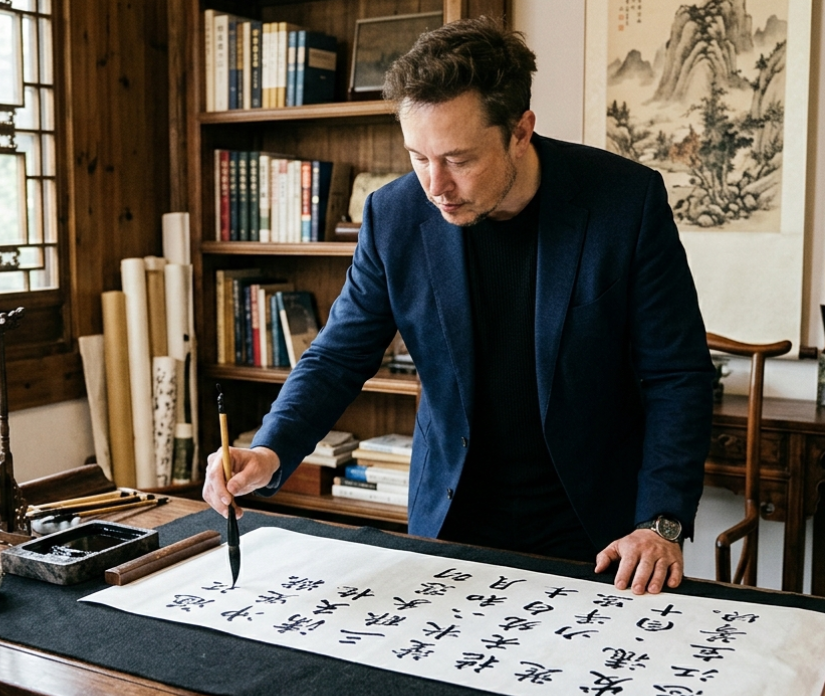
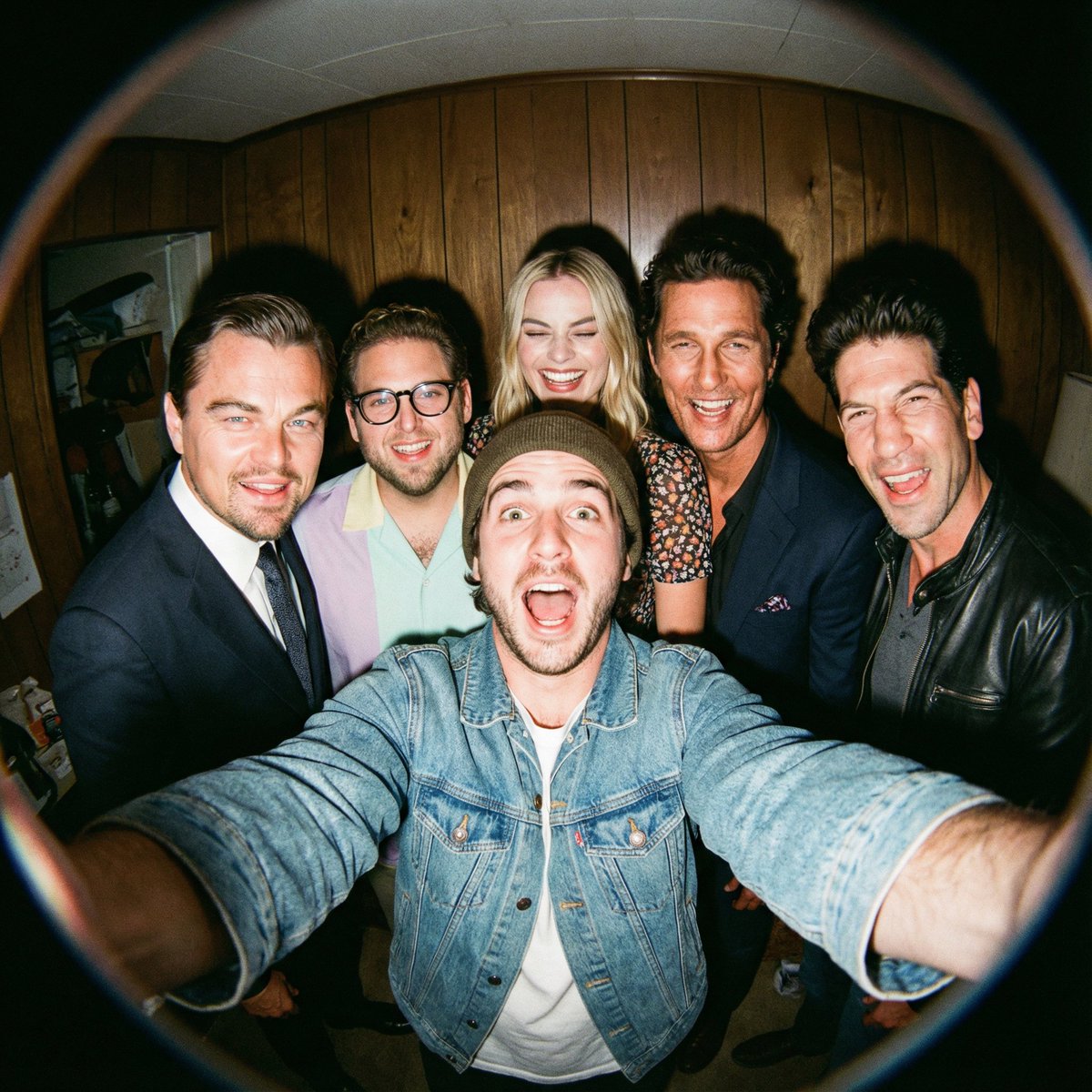
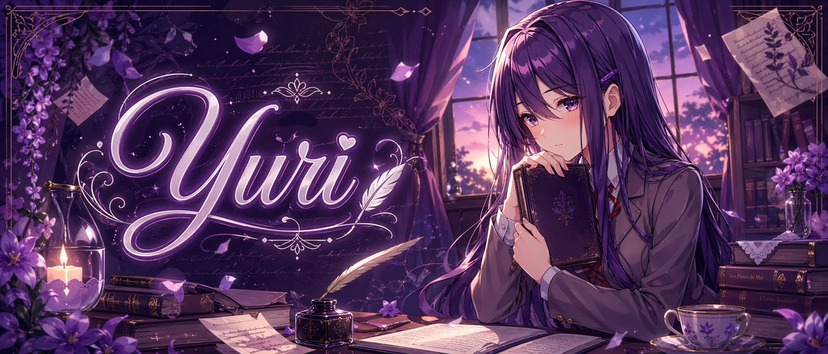
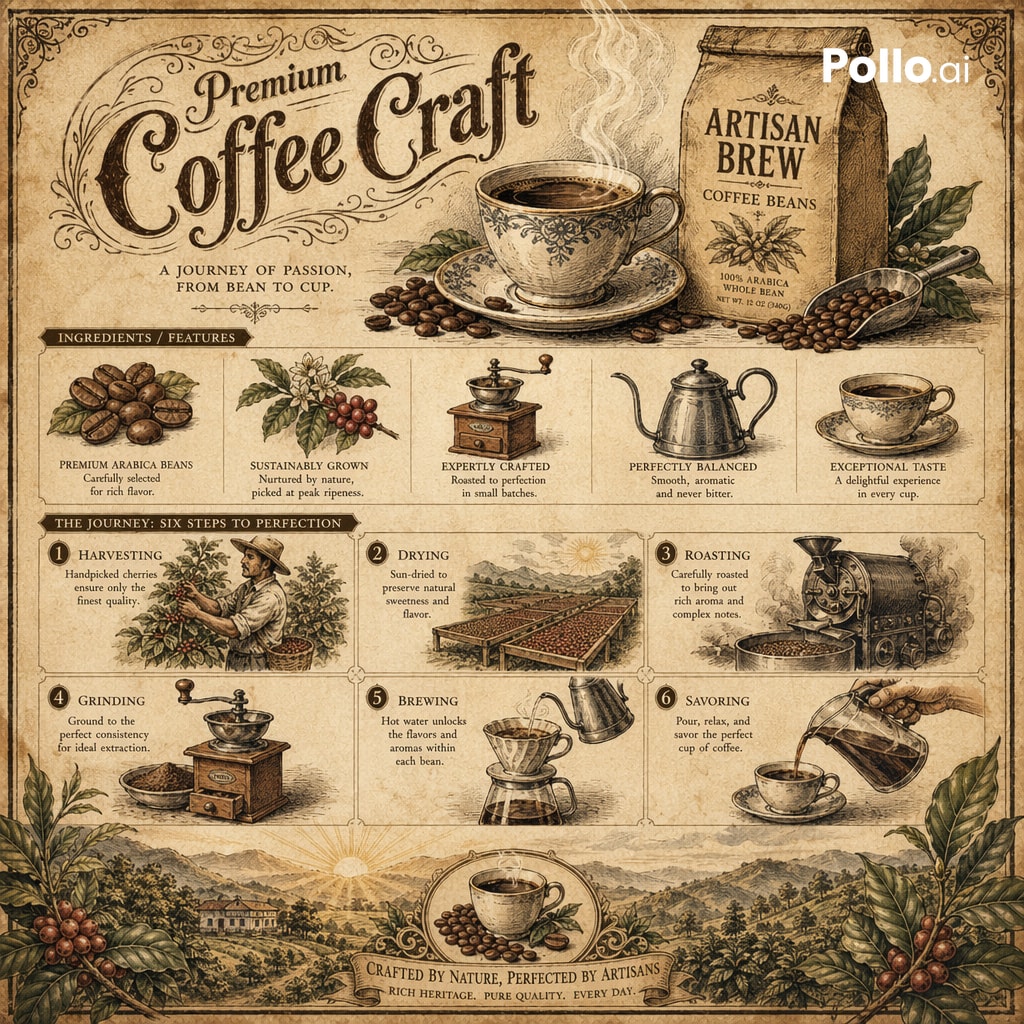
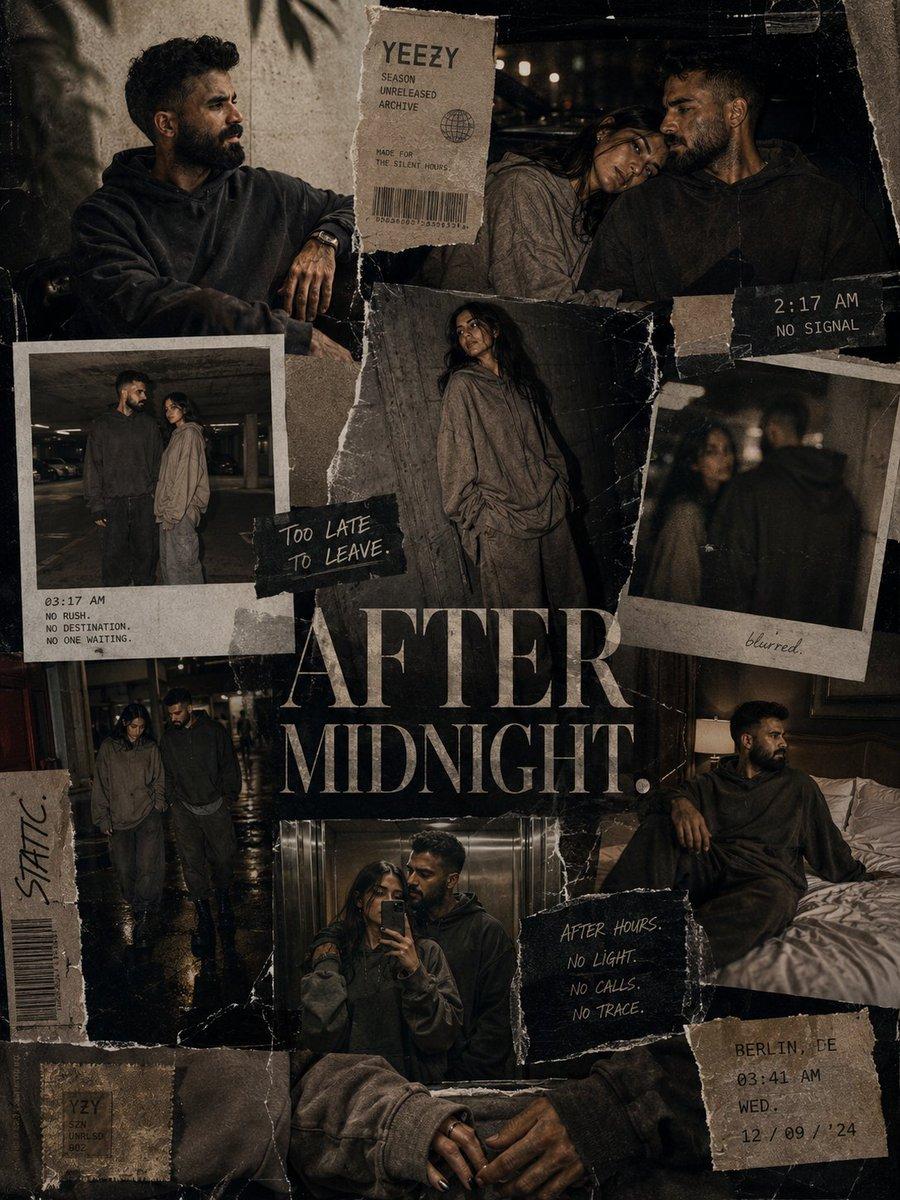
A dark, ultra-premium urban fashion collage capturing the mood of late-night streetwear editorials with textured analog photography and industrial elements. (free to use) — Free AI image template on PicX Studio.
Create a dark ultra-premium Yeezy fashion campaign collage titled: “{argument name="title" default="AFTER MIDNIGHT"}.” The composition should feel like: a forbidden luxury streetwear editorial discovered through ripped underground posters, backstage fashion archives and late-night city photography. Avoid: bright commercial sneaker ads, sports-brand energy, or polished influencer aesthetics. Instead: the campaign should feel sensual, moody, minimal, expensive and emotionally distant. The layout should resemble: a layered editorial wall collage built from: - oversized fashion posters, - torn paper textures, - analog flash photography, - handwritten notes, - stitched magazine fragments, - blurred polaroids, - distressed print marks, - fabric textures, - and fragmented typography systems. The collage should contain multiple interconnected fashion shots of the same male and female models across one sleepless urban night. WARDROBE: {argument name="wardrobe style" default="Muted Yeezy-inspired luxury minimalism"}: - oversized washed hoodies, - distressed layered fabrics, - monochrome silhouettes, - heavy boots, - soft oversized coats, - minimal jewelry, - textured knitwear, - loose neutral tailoring. The styling should feel: sensual through atmosphere and body language rather than exposed skin. The models should appear: emotionally detached, intimate without smiling, physically close but psychologically distant. Examples: - sitting silently in the backseat of a luxury car, - standing under fluorescent motel lighting, - leaning against concrete walls after rain, - lying across wrinkled hotel sheets in oversized clothing, - walking through empty parking structures at 3 AM, - elevator mirror reflections, - hands brushing subtly, - soft eye contact through cigarette smoke and shadows. No explicit nudity. No exaggerated sexuality. The sensuality should come from: - tension, - lighting, - proximity, - silence, - fashion styling and realism. VISUAL STYLE: Blend: - luxury fashion editorials, - analog nightlife photography, - underground Berlin fashion magazines, - Yeezy Season campaign energy, - cinematic urban loneliness, - and tactile print-design aesthetics. Typography should feel fragmented and emotionally cold: - oversized serif text, - handwritten notes, - barcode fragments, - faded timestamps, - disconnected phrases, - fashion-production markings. Examples: “NO SIGNAL.” “2:17 AM.” “TOO LATE TO LEAVE.” “STATIC.” “AFTER HOURS.” No motivational slogans. LIGHTING: Low-light cinematic realism only: - sodium-vapor streetlights, - fluorescent elevator lighting, - parking-garage shadows, - passing headlights, - warm hotel lamps, - rainy reflections, - harsh analog flash. Use: - realistic film grain, - slight blur, - lens imperfections, - texture-heavy shadows, - imperfect framing, - realistic skin texture, - muted contrast, - atmospheric darkness. COLOR PALETTE: {argument name="colors" default="washed black, charcoal gray, warm tobacco brown, faded cream, industrial silver, dim amber l"}
Use Yeezy Fashion Campaign Collage to plan an AI image around gpt-image-2 generation, themes such as en and gpt-image-2. Match the preview's composition first, then personalize the subject, setting, and mood for your own project.
Use the primary action to load the template settings in PicX Studio.
Adjust the subject and creative details for your destination.
Create the image, compare the result with the preview, and refine one variable at a time.
A continuous mix — similar concepts first, woven with same-model prompts and fresh picks from the catalog.
Choose the primary action to open PicX Studio with the available template settings. Review the model and format, personalize the creative direction, and generate when ready.
Yes. You can change the subject, setting, lighting, mood, format, and available model controls before creating your image.
This template is free to open and customize. Generation usage is shown in PicX Studio before you create.
Start with gpt-image-2, which is the model associated with this template. You can compare another compatible model for a different finish.
Follow a topic to a crawlable collection of related PicX Studio templates.
39,155 public templates available. Verified via the PicX Studio public templates API; refreshed hourly.
A continuous mix — similar concepts first, woven with same-model prompts and fresh picks from the catalog.