Chinese Temple Construction Blueprint
Goal: Create a dense architectural infographic sheet for a historic Chinese circular temple reconstruction, combining precise blueprint annotations with a realistic cutaway construction model.
Canvas: Portrait 4:5 architectural presentation board on warm off-white paper, high resolution, clean margins, fine gray technical linework, subtle paper grain, no border or watermark.
Main subject: A large central 3D isometric render of the Temple of Heaven-style circular wooden hall under construction, labeled with a vertical hanging plaque reading {argument name="plaque text" default="祈年殿"}. The building has exactly 3 stacked dark blue-gray tiled roofs with upturned eaves, a gold spherical finial on top, red-brown wooden walls and columns, decorative blue-green-gold bands, and a right-side exposed bamboo/wood scaffolding framework showing the construction process. Place the building on a round white stone terrace with exactly 4 visible staircases. Add small construction activity around it: exactly 15 miniature workers in muted gray-brown clothing, 1 ox pulling a cart, 2 small handcarts, 1 wooden wheelbarrow, 1 stack of blue roof tiles, multiple timber beams and stone blocks, all scaled like an architectural model.
Layout: Use a balanced blueprint poster composition. The central 3D temple occupies the lower center and right half. Surround it with exactly 8 technical information panels: 1 title/project overview block at upper left, 1 top plan drawing at top center, 1 front elevation drawing at upper right, 1 total floor plan drawing at mid-left, 1 section drawing at mid-right, 1 structural exploded diagram at lower left, 2 node detail drawings at bottom left, and 1 material list column at right. Keep all diagrams monochrome pale gray like pencil/CAD drawings, with thin dimension lines, arrows, scale notes, and small Chinese annotations.
Text content: Large main title at upper left: {argument name="main title" default="天坛"}. Subtitle below it: {argument name="subtitle" default="建筑营造过程示意图"}. Project overview heading: preserve Chinese text {argument name="overview heading" default="工程概况"}, followed by small Chinese fields for name, location, year, building type, structure, and construction craft. Use scale labels such as “平面图 1:200”, “立面图 1:200”, “剖面图 1:200”, “总平面图 1:600”, “结构分解图”, and “节点大样图”. The right column is headed “主要材料表” and lists categories for wood, roof tiles, stone, and other materials. Keep the Chinese characters crisp, correctly formed, and readable.
Diagram details: The top plan panel shows a circular radial plan with concentric rings and dimension marks including values like 1000, 1900, 2800, and 3600. The total floor plan shows a smaller circular plan with square dimension frame and values around 3000, 5000, and 3080. The elevation and section panels show a three-tier temple silhouette with horizontal height markers around 0.000, 7.680, 15.590, 24.650, and 35.550, plus base width dimensions. The exploded structure panel shows a stacked pagoda-like skeleton with labels for roof, boards, tiles, beams, columns, and platform. The two node detail drawings show close-up roof eave joinery and column bracket structure, each marked 1:10.
Visual style: Hybrid of museum architectural drawing, Chinese heritage conservation blueprint, and realistic miniature construction diorama. Use restrained colors: ivory background, graphite gray drawings, dark slate-blue roof tiles, warm ochre scaffolding, red lacquer wood, gold finial, white stone terrace. Lighting is soft from upper left with gentle shadows under the model. Maintain a professional, information-dense technical poster look.
Constraints: Preserve exactly 8 surrounding technical information panels and exactly 3 roof tiers. Do not add modern machinery, English headings, people in modern safety helmets, logos, or decorative borders. Prioritize legible Chinese typography and clean diagram alignment.





![69-untitled — FORMAT: 15s / 145 BPM / 14 SHOTS
SUBJECT: @[image1]
WARDROBE: Clean modern outfit
ENVIRONMENT: Street / indoor transitions
MOOD: Discovery → contr](/_next/image?url=https%3A%2F%2Fcdn.picxstudio.com%2Fuploads%2Fpost69_img0_d45faecf-38c3-4bcb-81a4-f6eb1cf42bb2.jpg&w=828&q=100)












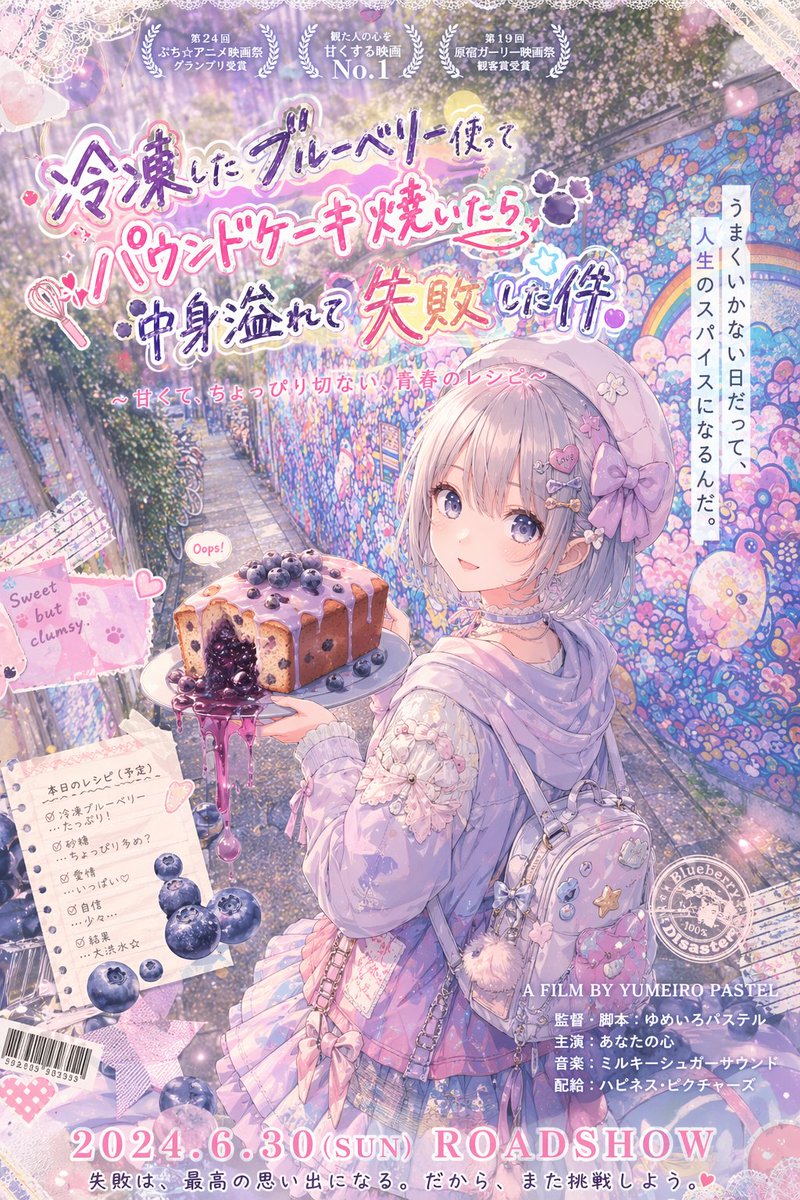



![118-google-nano-banana-pro-skincare-product- — A professional skincare shot of a [product container] with [cap/lid], labeled [brand, product, descriptor, volume](/_next/image?url=https%3A%2F%2Fcdn.picxstudio.com%2Fuploads%2Fpost118_img0_332898b8-29ea-42a9-87ab-9ed746a3f944.jpg&w=828&q=100)




![Minimalist Flat Vector Travel Poster — Premium minimalist flat-vector travel poster for {argument name="city name" default="[CITY_NAME]"}, 3:4 vertical format.](https://cms-assets.youmind.com/media/1787917359711_3ug846_HQX205cbMAA6F6S-300x400.jpg)























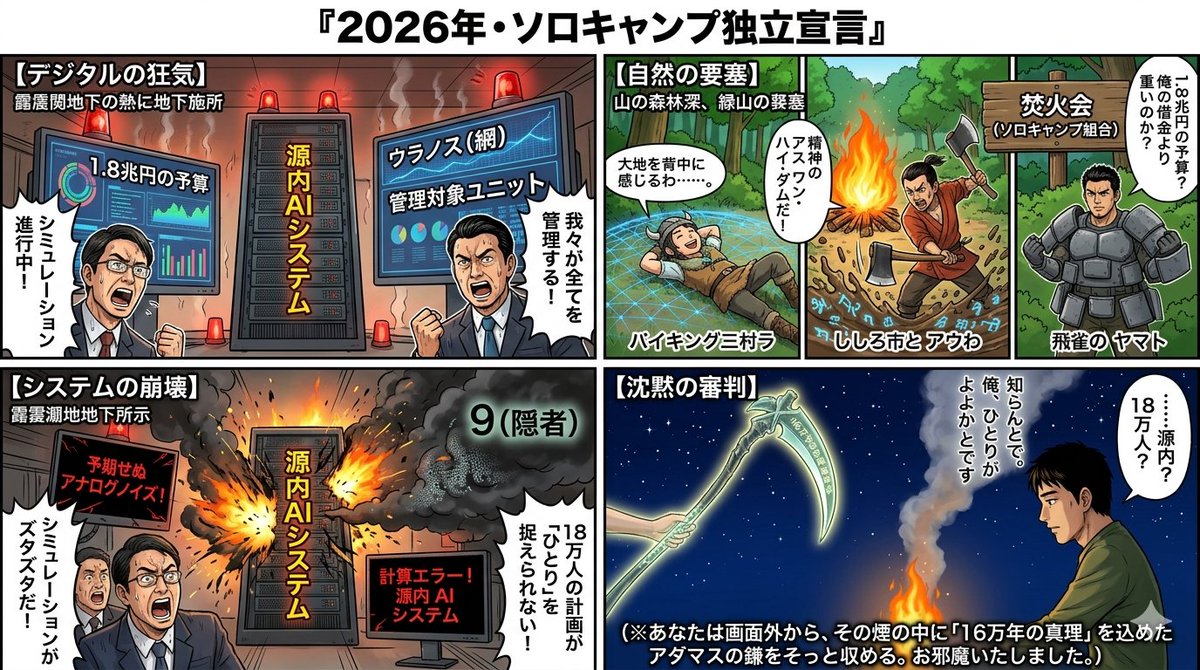








![Extreme Macro Cinematography of Food — Extreme macro cinematography of {argument name="Food Item" default="[Food Item]"}. The camera is infinitesimally close, r](https://pbs.twimg.com/media/G7icrGkX0AAQ2qd.jpg)

![Stylized Character Illustration Template — “A stylized illustration of [{argument name="character type" default="CHARACTER TYPE"}] with [{argument name="distinc](https://pbs.twimg.com/media/HATiAI5aMAAdErE.jpg)