How do I use the Daikan-yama Morning Scene with Layered Textures template?
Choose the primary action to open PicX Studio with the available template settings. Review the model and format, personalize the creative direction, and generate when ready.
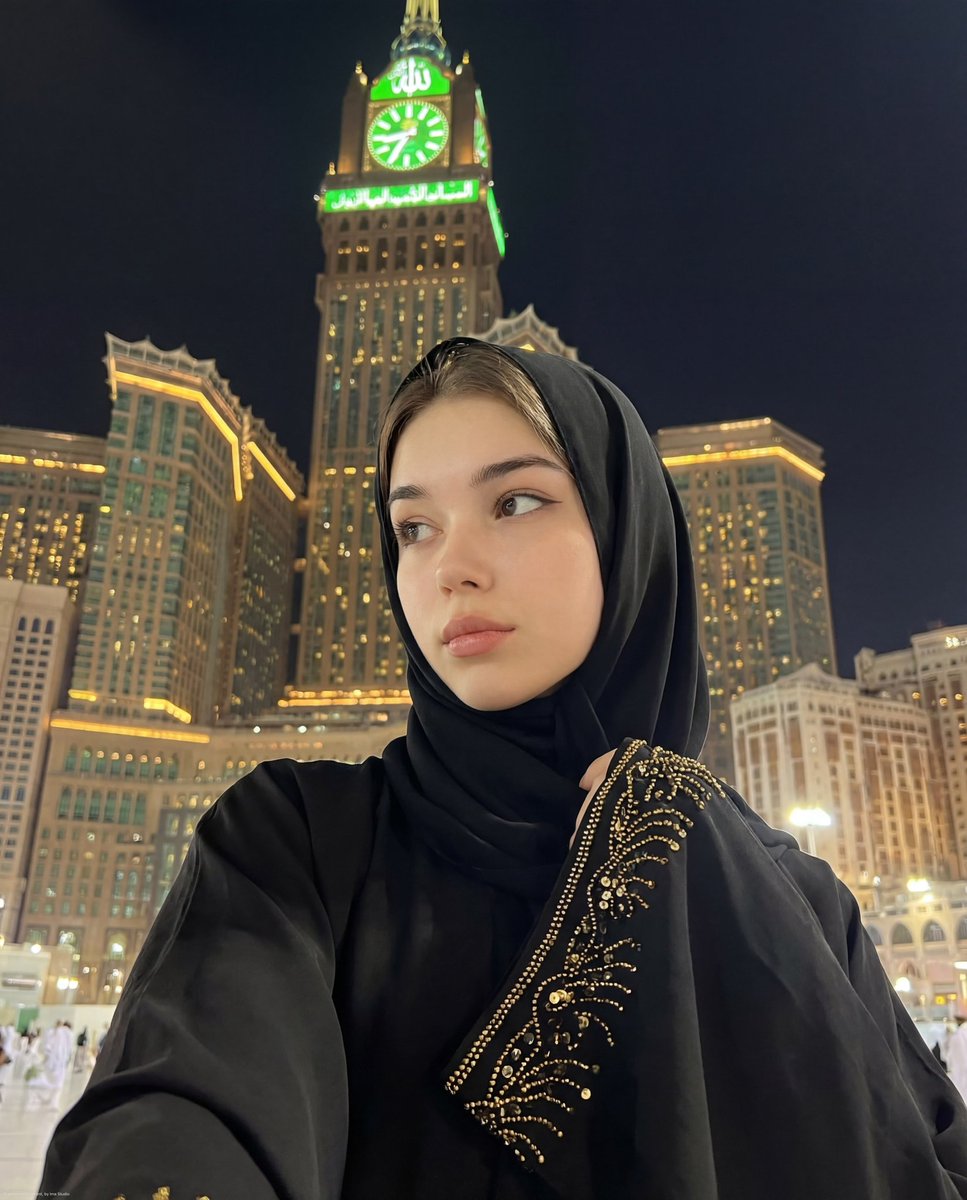
A detailed prompt describing a photorealistic scene in Daikan-yama on a rainy morning, focusing on the layered textures of a shell pink crochet knit and the con

2026年3月27日、朝8時の代官山。雨上がりの澄んだ光。今日のテーマは「質感のレイヤード」。シェルピンクのクロシェ編みニットが、朝の日差しに映える。網目から覗く光と、肌のコントラスト。その「隙」に、 Nano Banana Proのリアリティを。
Choose the primary action to open PicX Studio with the available template settings. Review the model and format, personalize the creative direction, and generate when ready.
Yes. You can change the subject, setting, lighting, mood, format, and available model controls before creating your image.
This template is free to open and customize. Generation usage is shown in PicX Studio before you create.
Start with Nano Banana 2, which is the model associated with this template. You can compare another compatible model for a different finish.
© 2026 PicX Studio. All rights reserved.

Follow a topic to a crawlable collection of related PicX Studio templates.