How do I use the Child Crayon Mr Bean Holiday Poster template?
Choose the primary action to open PicX Studio with the available template settings. Review the model and format, personalize the creative direction, and generate when ready.
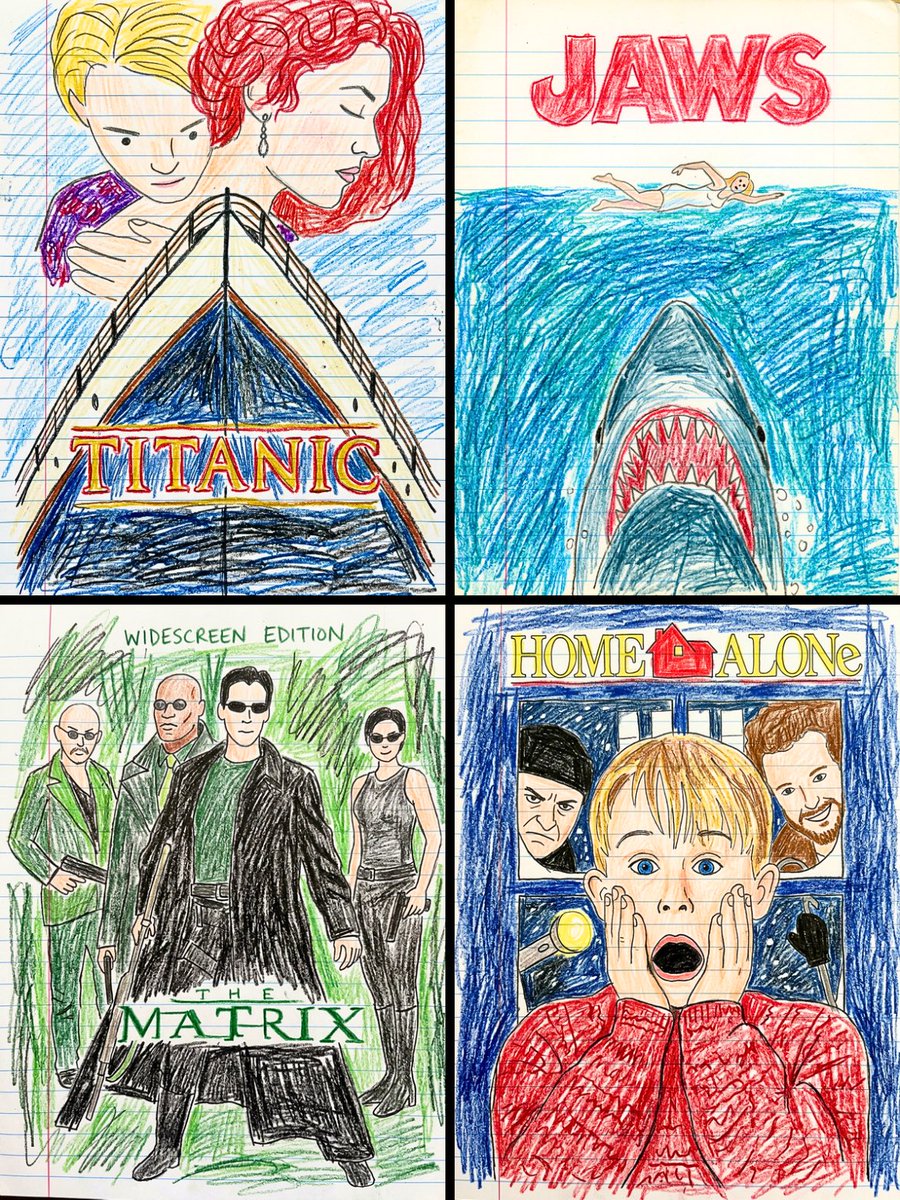
Generates a notebook-paper crayon reinterpretation of a movie poster with preserved layout, hand-drawn title lettering, and childlike coloring. Change the subject, setting, or lighting one variable at a time.
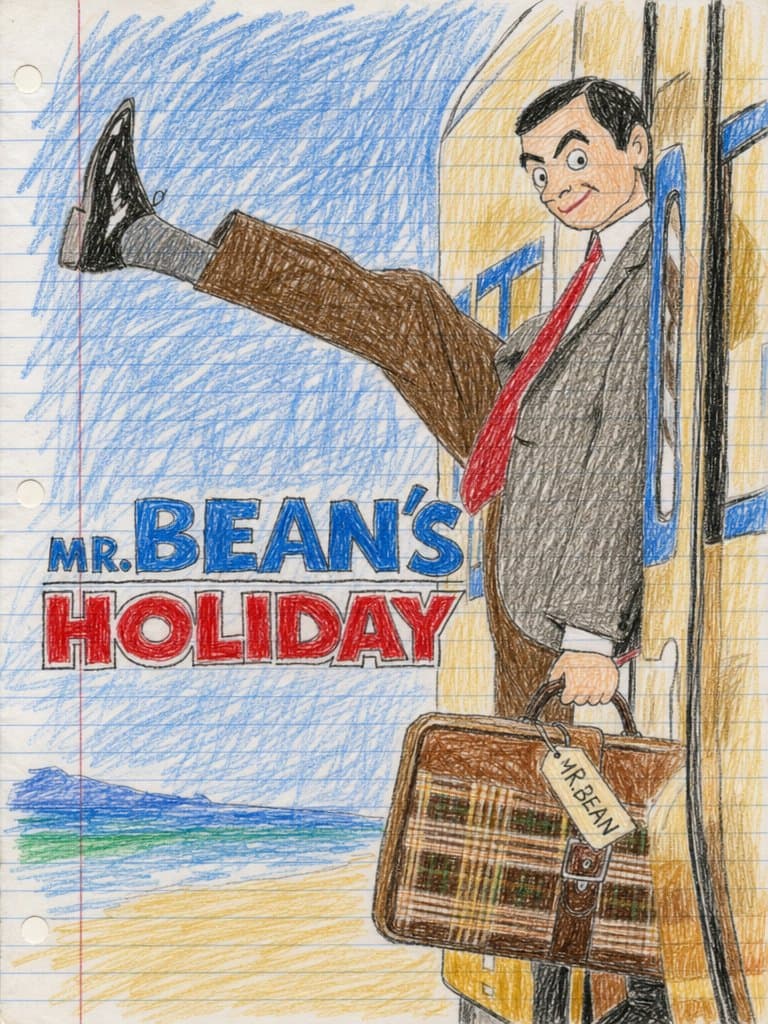
Create a flat scanned childlike crayon-and-colored-pencil drawing on white lined notebook paper with visible blue horizontal rules, a red vertical margin line on the left, slight paper texture, and exactly 3 punched binder holes along the left edge. Recreate a playful movie-poster composition for {argument name="movie title" default="MR. BEAN'S HOLIDAY"}: one awkward adult man in a gray suit jacket, white shirt, bright red tie, brown trousers, gray socks, and shiny black shoes is stepping out of a yellow train doorway on the right side, holding a brown plaid suitcase in his lowered right hand. His left leg kicks dramatically straight out toward the upper left, with exaggerated simplified anatomy and wobbly outlines. Place a plain tan rectangular censor block over the center of his face, while leaving dark hair and ears partly visible. The background is filled with heavy uneven blue crayon scribbles for sky, a small simplified sea-and-beach scene at the lower left with exactly 3 horizontal color bands: dark blue ocean, green shoreline, and pale yellow sand. The train is a tall yellow vertical shape on the right with black door outlines and blue handrails, drawn with shaky childlike perspective. Add large hand-lettered poster typography on the left-center in exactly 2 stacked text lines: the first line reads {argument name="top title text" default="MR. BEAN'S"} in blue block letters with a smaller “MR.” before the huge “BEAN'S”; the second line reads {argument name="bottom title text" default="HOLIDAY"} in red block letters, both outlined in black and placed like a movie poster title. Attach a small luggage tag to the suitcase handle reading {argument name="luggage tag text" default="MR BEAN"}. Use wobbly unsteady crayon lines, uneven coloring that crosses the outlines, simple facial and body detail, dense scribble strokes, and a naive elementary-school drawing style while preserving a cinematic poster layout.
Choose the primary action to open PicX Studio with the available template settings. Review the model and format, personalize the creative direction, and generate when ready.
Yes. You can change the subject, setting, lighting, mood, format, and available model controls before creating your image.
This template is free to open and customize. Generation usage is shown in PicX Studio before you create.
Start with GPT Image 2, which is the model associated with this template. You can compare another compatible model for a different finish.
© 2026 PicX Studio. All rights reserved.

Follow a topic to a crawlable collection of related PicX Studio templates.
43,474 public templates available. Verified via the PicX Studio public templates API; refreshed hourly.
![Japan Travel Brochure Poster — Create a vertical vintage travel-brochure infographic poster titled “[COUNTRY/DESTINATION]: [TAGLINE]”, using a warm parchment-pa](/_next/image?url=https%3A%2F%2Fcdn.picxstudio.com%2Fuploads%2Fp0_982bf820-bb34-4c43-8a6d-42d799d7282b.jpg&w=828&q=100)






![Cartoon TV Show Poster Pack — A bold Cartoon Network-style promotional poster for [SHOW], featuring the main characters in a flat 2D illustrated style with thic](/_next/image?url=https%3A%2F%2Fcdn.picxstudio.com%2Fuploads%2Fimg0_107064d3-b797-488a-a32e-d75dea9d3b4c.jpg&w=828&q=100)
![vertical-football-star-campaign-poster — Create a vertical 9:16 high-resolution football star campaign poster.
Player: [Player Name]
Player concept: [football](/_next/image?url=https%3A%2F%2Fcdn.picxstudio.com%2Fuploads%2Fmeigen_996a192156cb_45d1d198-bb81-4272-be3f-df0eda9f0a74.jpg&w=828&q=100)
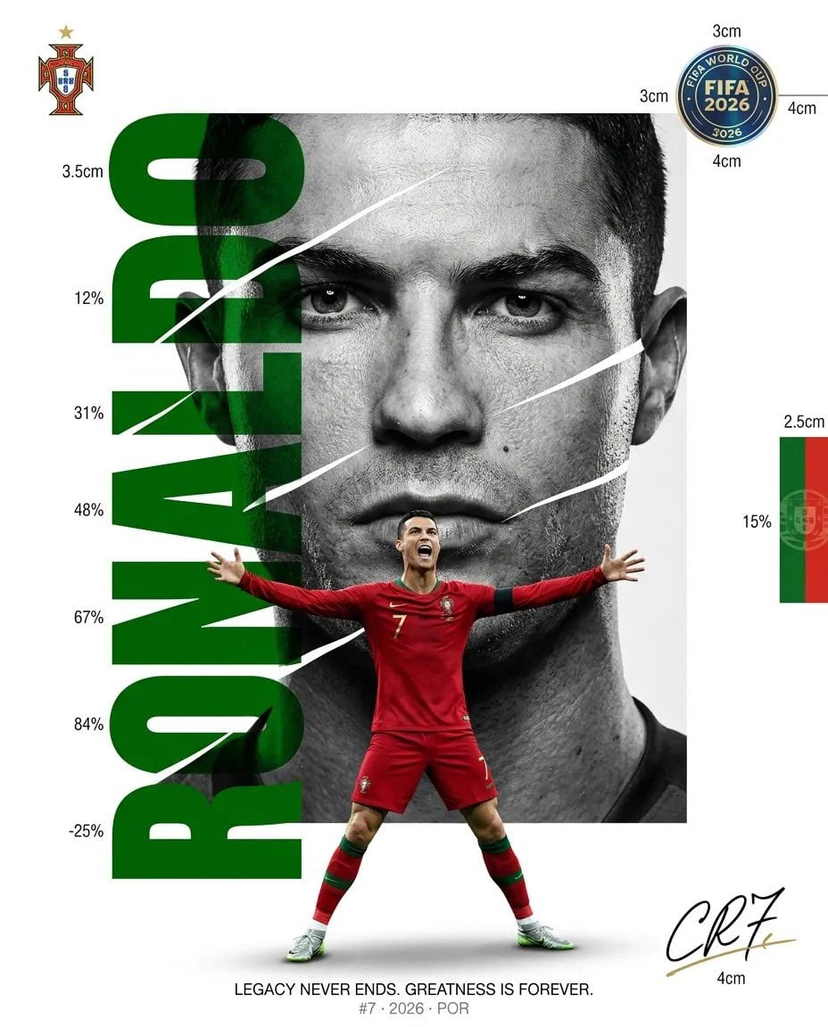










![clean-minimalist-player-editorial-poster — A professional sports graphic design poster of [Player Name], designed in a clean, modern, and minimalist editorial s](/_next/image?url=https%3A%2F%2Fcdn.picxstudio.com%2Fuploads%2Fmeigen_5524a0a10196_94b81982-ef58-45e9-8d49-9b017a7f26cb.jpg&w=828&q=100)
![campaign-smoke-national-symbols-world-cup — A hyper-realistic cinematic campaign poster for [Country]. Thick [Color One] and [Color Two] smoke e…](/_next/image?url=https%3A%2F%2Fcdn.picxstudio.com%2Fuploads%2Fmeigen_ce5bae0e0712_50be07ac-9537-419b-9c47-694fe49ef3d8.jpg&w=828&q=100)


![Minimalist Flat Vector Travel Poster — Premium minimalist flat-vector travel poster for {argument name="city name" default="[CITY_NAME]"}, 3:4 vertical format.](https://cms-assets.youmind.com/media/1787917359711_3ug846_HQX205cbMAA6F6S-300x400.jpg)



























![Fictional Music CD Jacket — 架空の音楽アルバムのCDジャケット風デザイン。中央に、{argument name="キャラクター設定" default="[キャラクターの容姿]が[ポーズ]"}で描かれている。背景は{argument name="背景" default="[背景]"}。画像の[](https://cms-assets.youmind.com/media/1778490963493_ekw54r_HH5CYhAbUAAomC5.jpg)