How do I use the Musk Writing Chinese Calligraphy template?
Choose the primary action to open PicX Studio with the available template settings. Review the model and format, personalize the creative direction, and generate when ready.
A realistic cultural portrait of a well-known figure practicing Chinese brush calligraphy in a traditional study, suitable for editorial, social media, or concept-image generation. Change the subject, setting, or lighting one variable at a time.
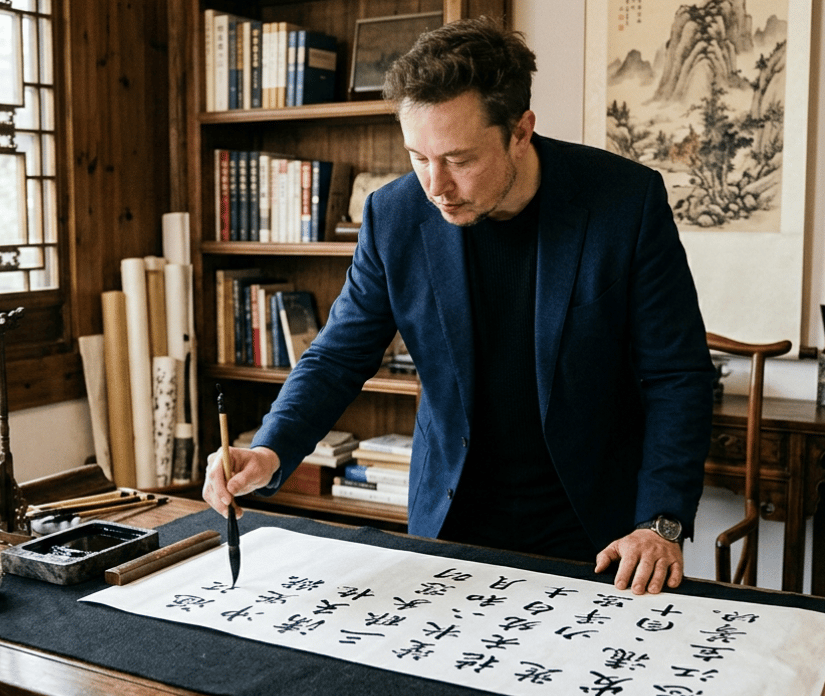
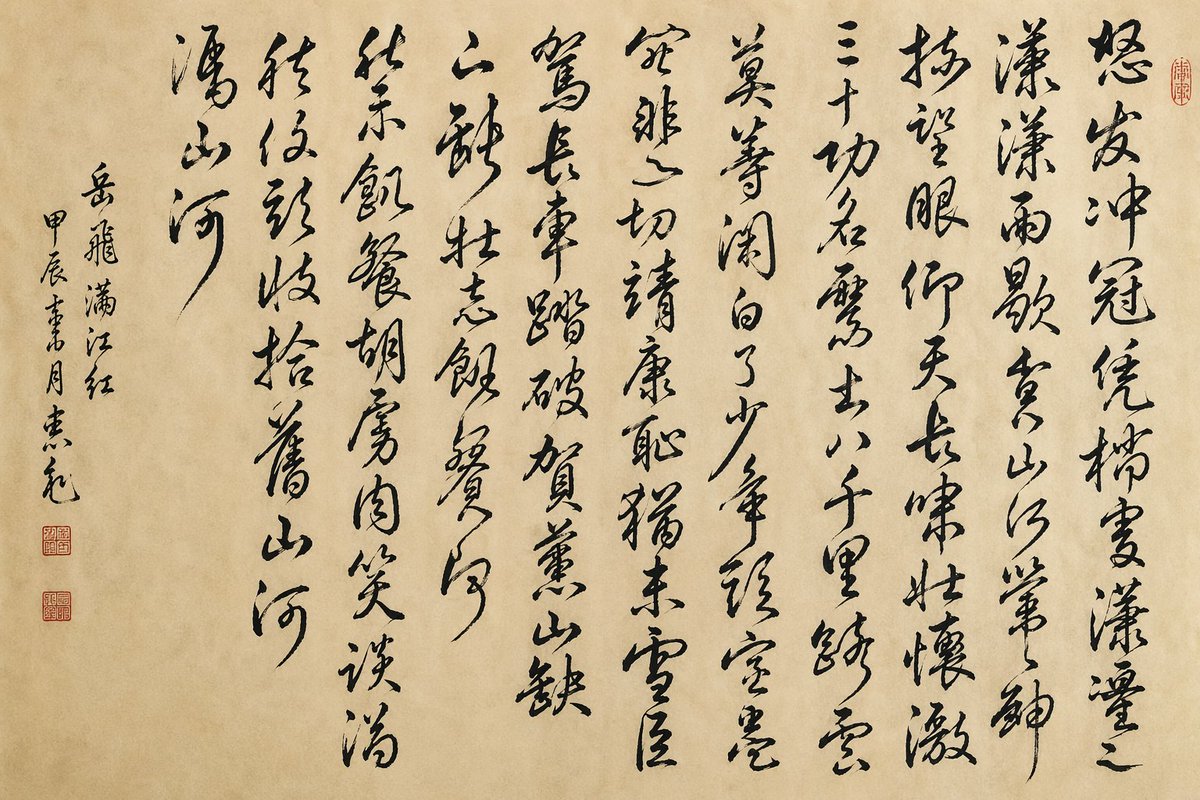
A realistic editorial-style photograph of {argument name="public figure" default="Elon Musk"} standing at a scholar’s writing desk in a traditional Chinese study, leaning forward and writing Chinese calligraphy with a brush on a long horizontal white scroll. He wears a dark navy blazer over a black shirt, with a wristwatch visible, and his expression is focused and serious. The room is warm and elegant, with wooden bookshelves filled with books in the background, several rolled scrolls standing upright near the shelf, a carved wooden chair, a traditional lattice window on the left letting in soft natural daylight, and a hanging ink landscape painting on the wall. On the desk are 4 distinct calligraphy tools and materials: 1 rectangular black ink stone with ink, 1 brush rest area, 1 long wooden paperweight, and 1 large sheet or scroll of paper covered with bold black Chinese characters from the poem {argument name="calligraphy text" default="《满江红》"}. The composition is a medium full-body indoor shot from the front-left angle, with the brush touching the paper, shallow depth of field, rich wood tones, subtle cinematic contrast, documentary realism, high detail, authentic Chinese literati atmosphere, and carefully rendered ink brush lettering.
Choose the primary action to open PicX Studio with the available template settings. Review the model and format, personalize the creative direction, and generate when ready.
Yes. You can change the subject, setting, lighting, mood, format, and available model controls before creating your image.
This template is free to open and customize. Generation usage is shown in PicX Studio before you create.
Start with GPT Image 2, which is the model associated with this template. You can compare another compatible model for a different finish.
© 2026 PicX Studio. All rights reserved.

Follow a topic to a crawlable collection of related PicX Studio templates.
43,474 public templates available. Verified via the PicX Studio public templates API; refreshed hourly.








![Minimalist Flat Vector Travel Poster — Premium minimalist flat-vector travel poster for {argument name="city name" default="[CITY_NAME]"}, 3:4 vertical format.](https://cms-assets.youmind.com/media/1787917359711_3ug846_HQX205cbMAA6F6S-300x400.jpg)
























![Deconstructed Culinary Promotional Poster — {argument name="dish name" default="Tiramisu"}], [vertical] arrangement, premium culinary promotional poster with pu](https://pbs.twimg.com/media/G9yywEiaEAAiDtA.jpg)