
Modern Chinese Graphic Design Layout
A sophisticated prompt for creating modern Chinese graphic design featuring geometric shapes, organic outlines, and bold typography with balanced negative space.
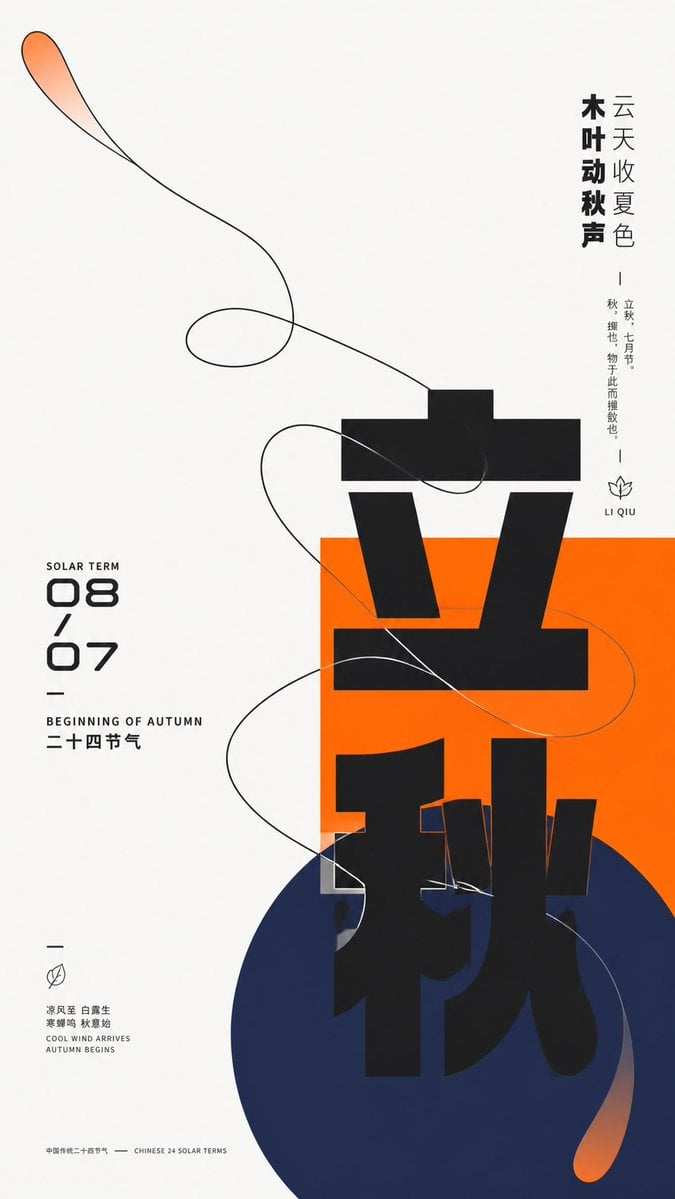
- Prompt included
- Model and format preset
- Free template
The prompt behind this image
Copy the exact prompt behind Modern Chinese Graphic Design Layout, or open it in the studio and make it yours.
围绕{argument name="主题对象" default="任意主题对象"}构建以巨大中文主题字、几何色块与单线有机轮廓互相穿越的现代平面视觉。整体保持高明度纯净底场,让约三分之二以上空间留白,以偏离中心的聚集区承载主要重量:一块饱和的{argument name="主题主色" default="主题主色"}矩形先建立稳定平面,较深低明度的冷向圆形从其下方交叠并越出边界,主题核心汉字以超大重黑几何笔画纵向推进,跨过白底、矩形和圆形,不完整遮挡与裁切形成强烈尺度跳变;左侧日期与双语副标题组成紧凑的数字栏目,右侧以粗细两级竖排短句平衡重量,少量微型说明、短横线与线性符号散布在边缘,形成从主字到旁注再到细节的三级阅读节奏。把主题派生的动态关系抽象成一条连续的有机轮廓,采用清晰近黑单线勾勒宽阔回旋形态,从大片留白进入色块并越过边缘,曲线多次相交但保持可辨的单一路径;轮廓内部大部分保留底色,仅在尖端与延伸段加入局部透明的主题主色渐隐,使轻盈线条与厚重巨字形成张力。色彩随主题自适应选取:最大面积由干净高明度中性底承担,主题主色保持鲜明高饱和并用于矩形与局部透明渐变,圆形采用与主色拉开色相距离的深冷支撑色,末端混入主色形成柔和扩散,文字与轮廓使用近黑,极少量浅色文字反压在主色块上;固定不等面积、明暗层级和饱和度差,不固定具体色名。所有元素呈哑光数字印刷般的平整表面,轮廓边缘锐利,渐变只在两个局部缓慢羽化,不加立体阴影、纸张颗粒或全局光效。字体保持低对比、宽厚、近几何黑体骨架,主字允许部件拉长、错位、切出与跨色块换底,数字采用圆角未来感结构,小字以窄体和宽松字距收束;品牌、广告话术与具体日期均由新主题信息替换。最终保留极端留白、中央偏下的几何聚集、纵横文字对向拉力,以及有机线条穿越刚性图形的瞬间,避免把各部分均匀铺满或把轮廓简化成孤立装饰。
How to use Modern Chinese Graphic Design Layout in 3 steps
- 1
Open
The prompt is already in the box next to the preview, with the template's model and format selected.
- 2…a portrait of your subject in softgolden-hour light, 85mm…
Personalize
Edit the subject and creative details for your destination.
- 3Generate
Generate
Press Generate — your image is created in PicX Studio, so you can compare it with the original and refine one variable at a time.
More like this
Templates with the same subject, style or setup. Open one to see its prompt.
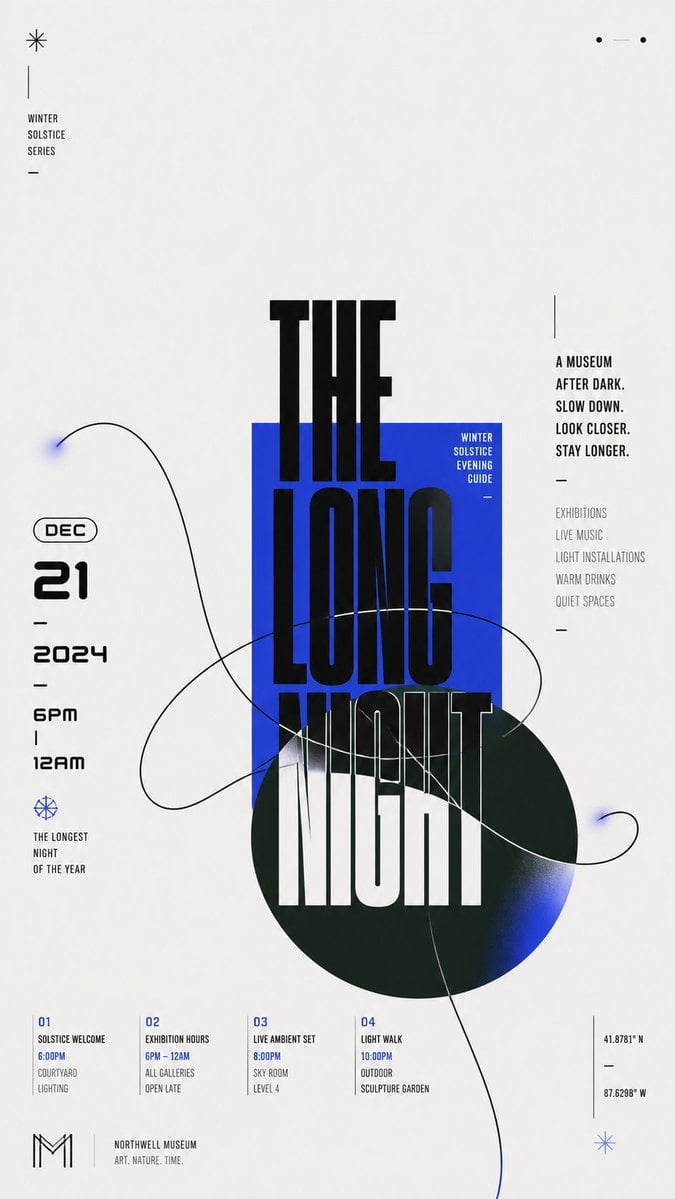
Modern Chinese Graphic Design

Paper Cut Craft Illustration

Open Magazine Luxury Fashion Editorial Layout

Premium Fashion Editorial Cover Layout System

Premium Editorial Branding Poster Charcoal Green

Stylized Fashion Portrait Bold Color Contrast Editorial
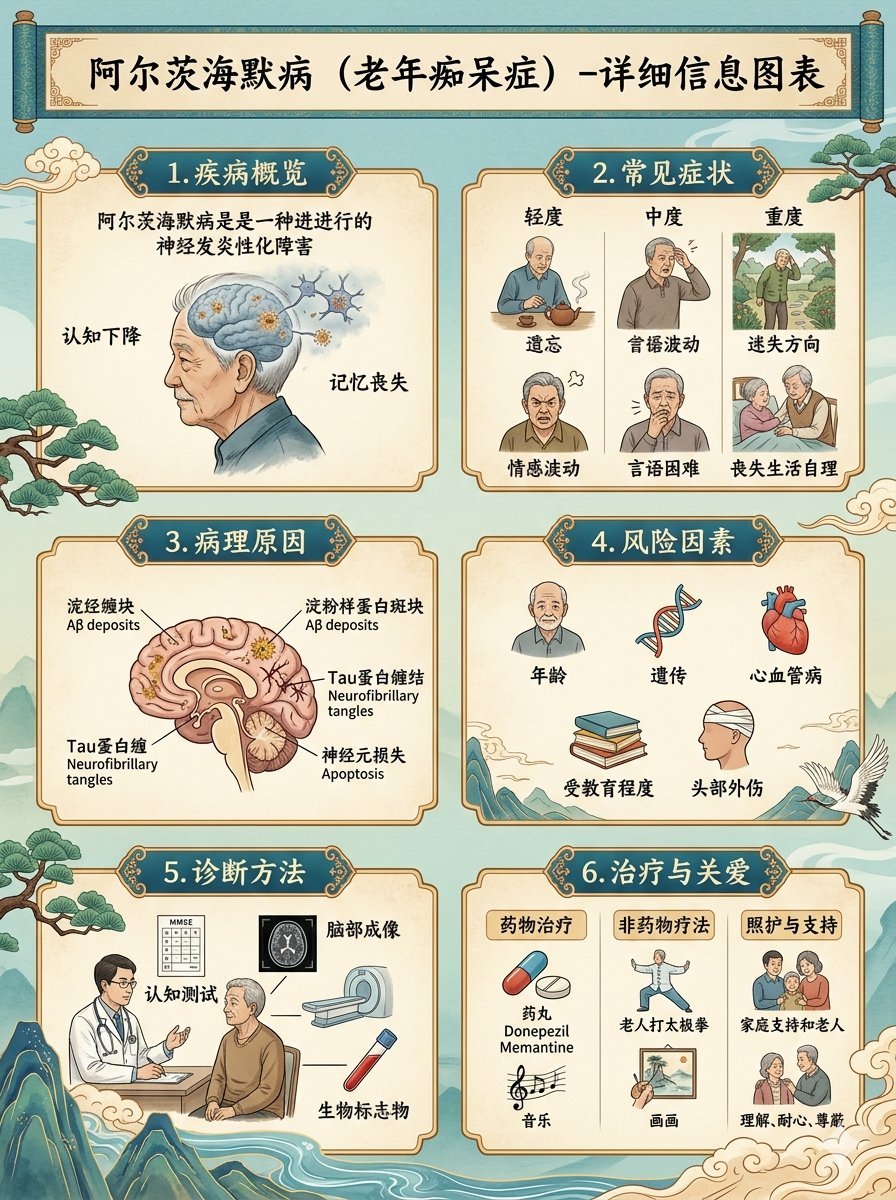
Chinese Alzheimer’s Infographic Poster
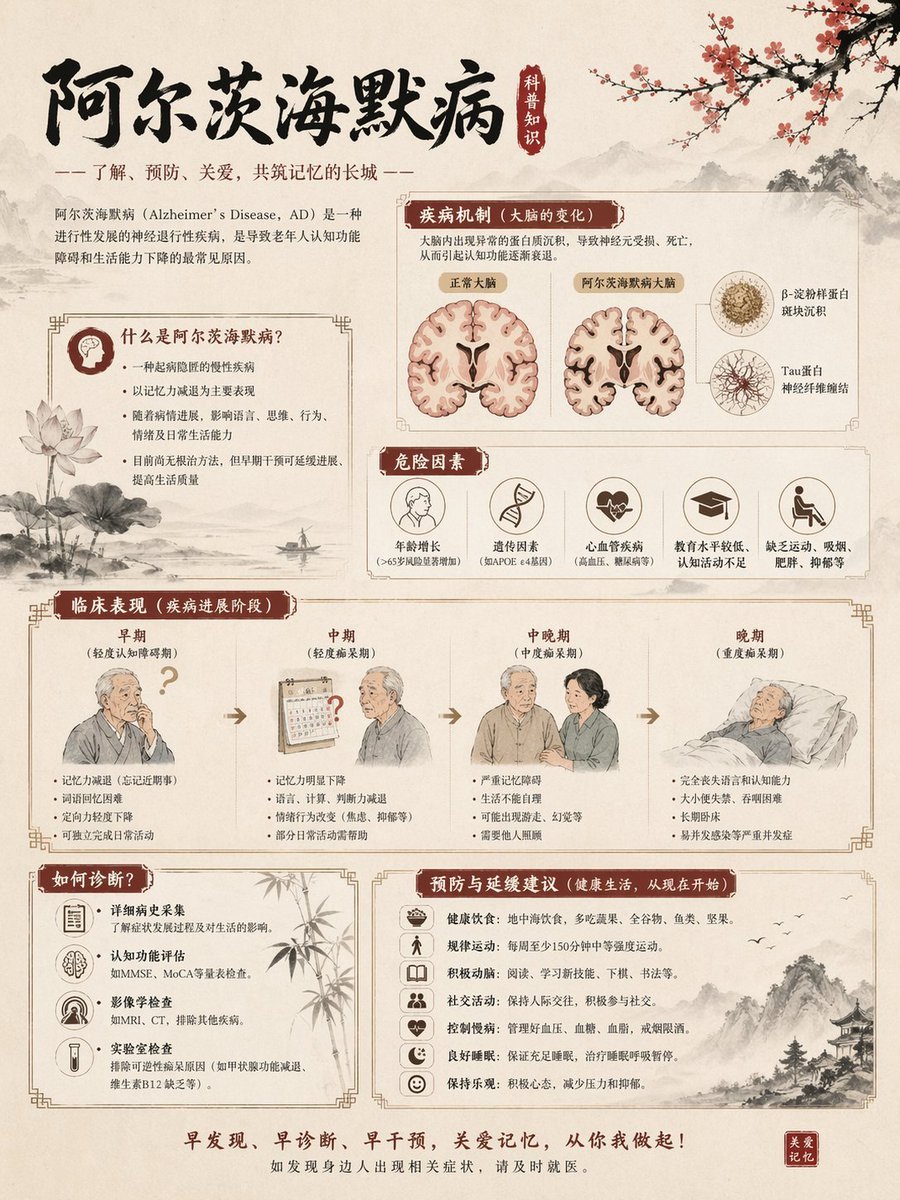
Chinese Alzheimer’s Awareness Infographic
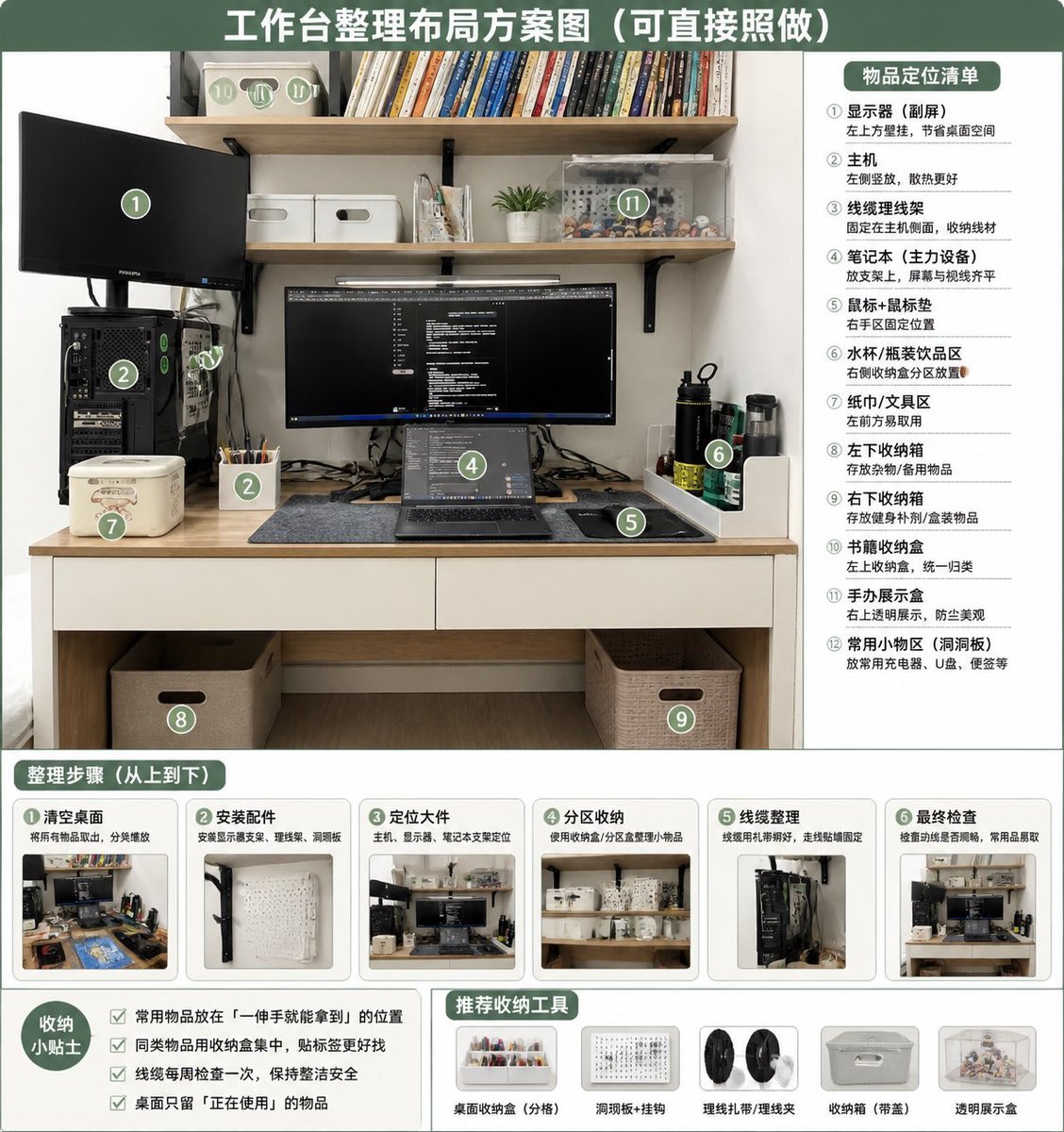
Desk Organization Layout Infographic

Woman in Mall with Chanel Bag - Heart Gesture
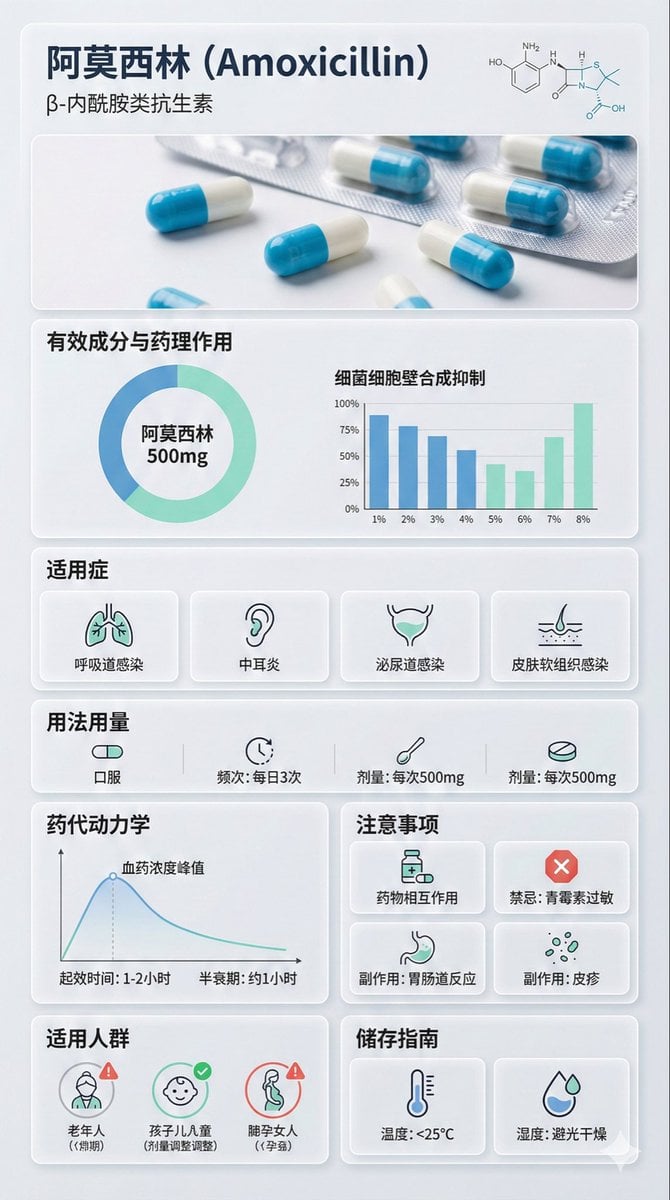
Medical Infographic Poster Prompt using Bento Grid Layout
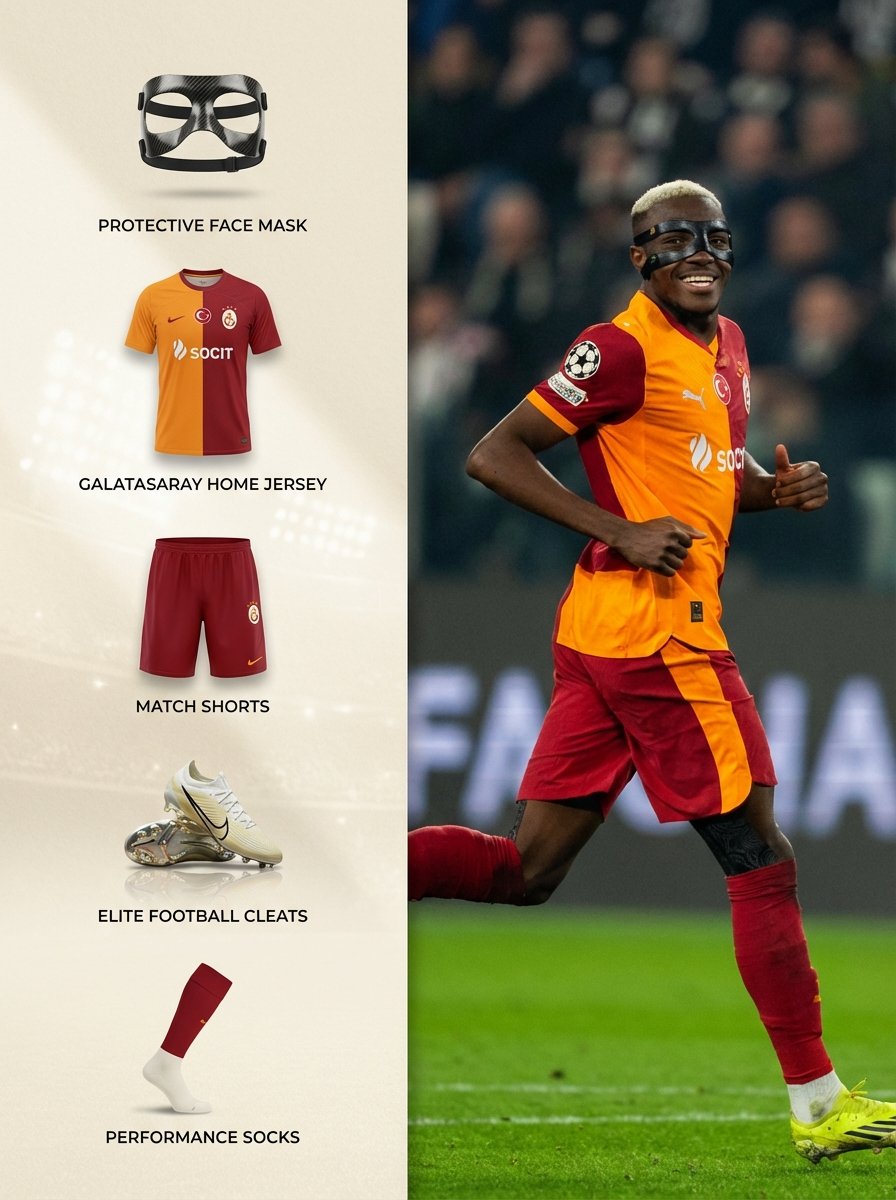
Sports Equipment Infographic Layout of Victor Osimhen
Make it yours
Modern Chinese Graphic Design Layout works as-is. These are the safest ways to change it without losing the look.
Change one field
Copy a single group, rewrite it, and generate again so you can see what that field is doing.
Keep the frame, change the subject
Hold the composition and light of Modern Chinese Graphic Design Layout, then swap wardrobe, props or the person for a new take.
| If the result… | Why | Fix |
|---|---|---|
| The result drifts from the preview | Too many fields changed at once. | Reuse Modern Chinese Graphic Design Layout as-is first, then change one group — subject, light, or setting. |
| The model over-stylizes the scene | The prose prompt leaves finish and camera underspecified. | Add one camera or lighting sentence and stay on GPT Image 2. |
More GPT Image 2 templates
Other prompts made for GPT Image 2.

Six VTuber Japanese Logo Sheet

Realistic Portrait of Woman and Deer

The Vista Modular Condo Poster

AI Model Routing Comparison Infographic

2.5D Anime Art Board

Isometric Productivity Desk Scene

New York Double Exposure Poster

Four-Panel AI Landscape Comparison

Japanese Tatami Lifestyle Magazine Cover

NESCAFÉ Coffee Map Poster
More image prompts
Fresh picks from across the catalog.
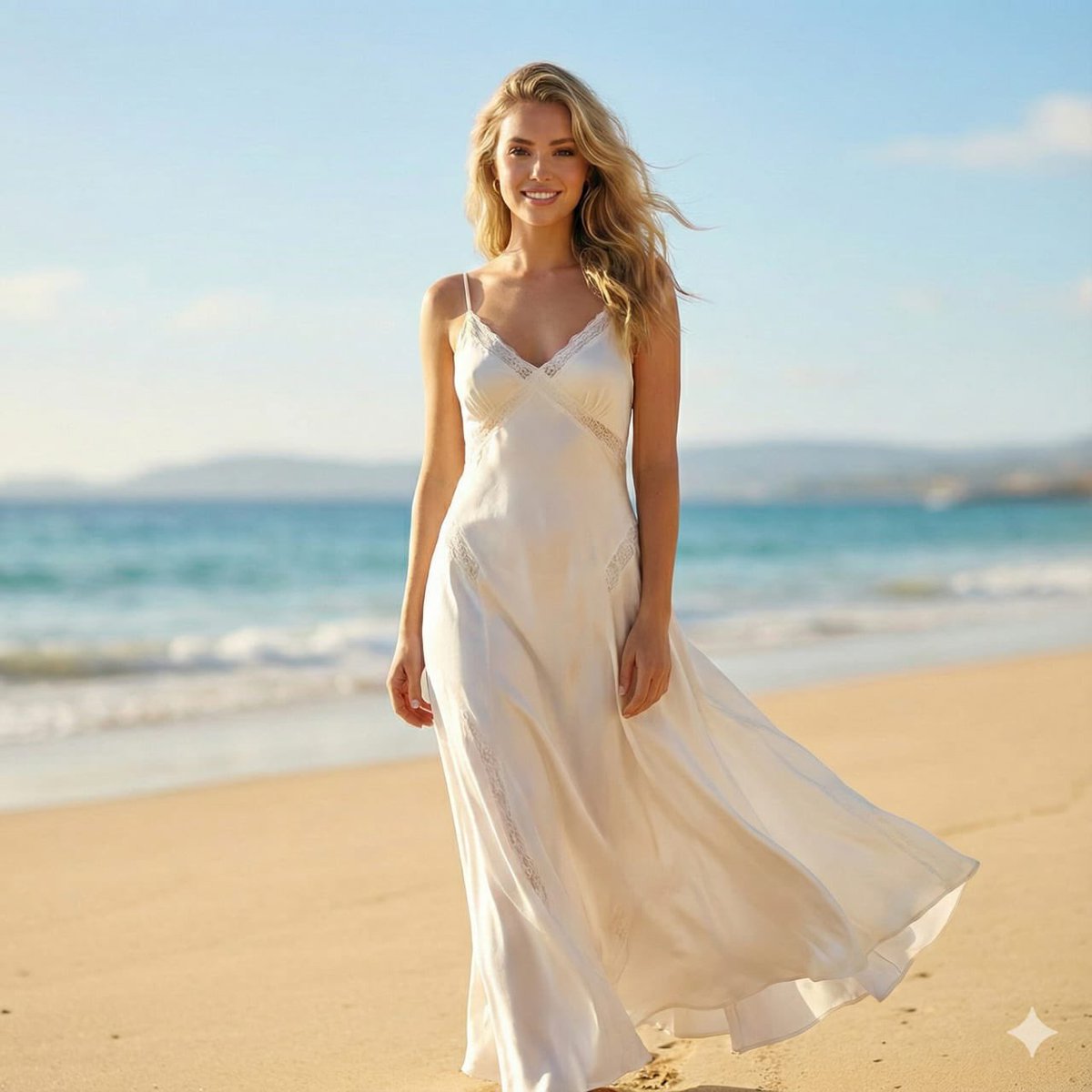
Editorial Beach Photoshoot Prompt

Old Photo Restoration Prompt
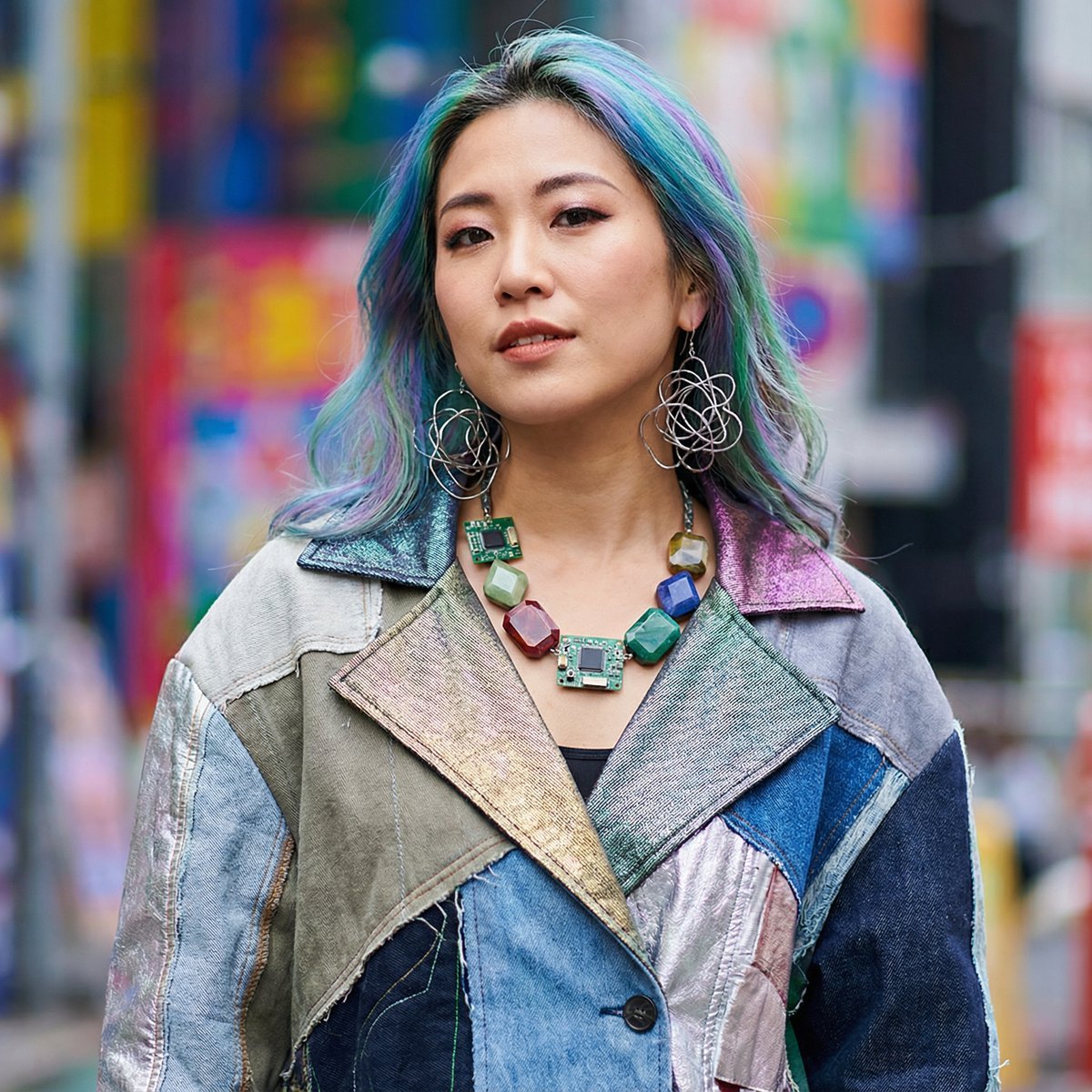
Prompt for 3D Caricature from Uploaded Image
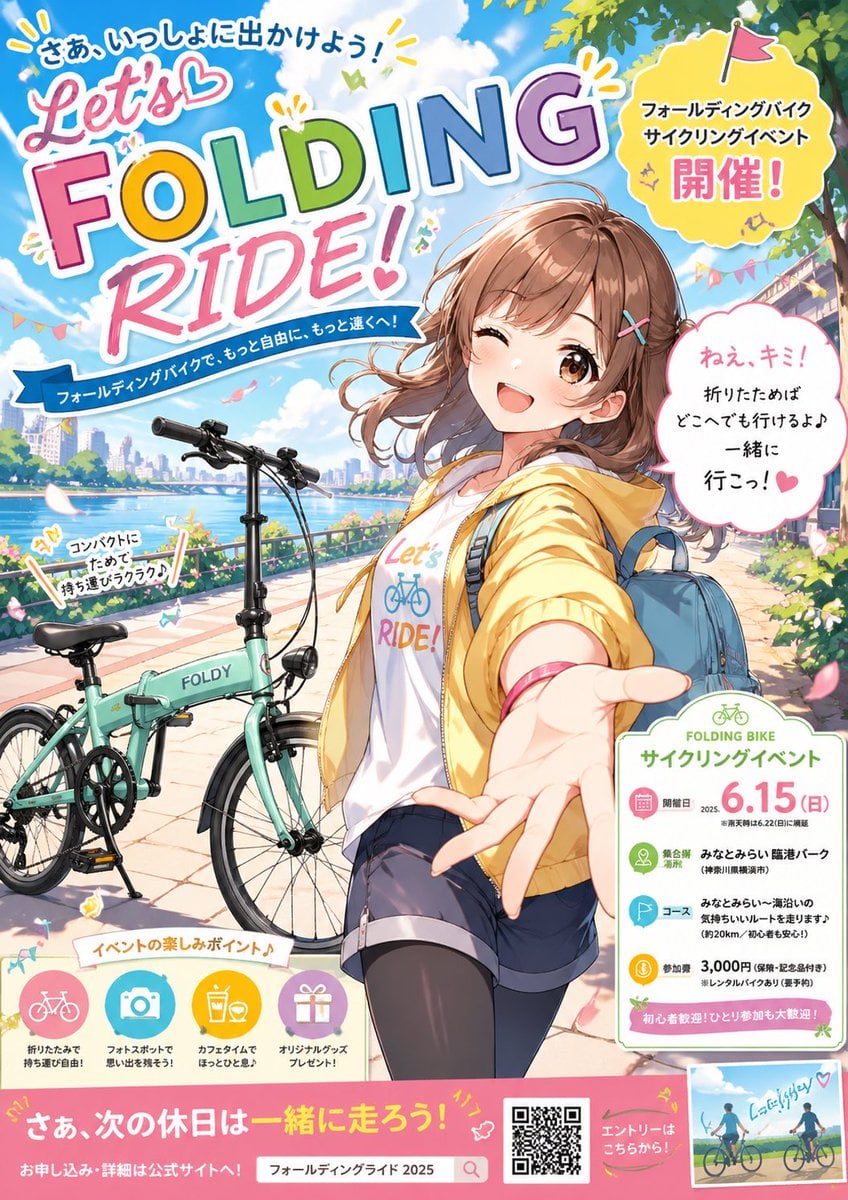
Anime Folding Bike Event Poster
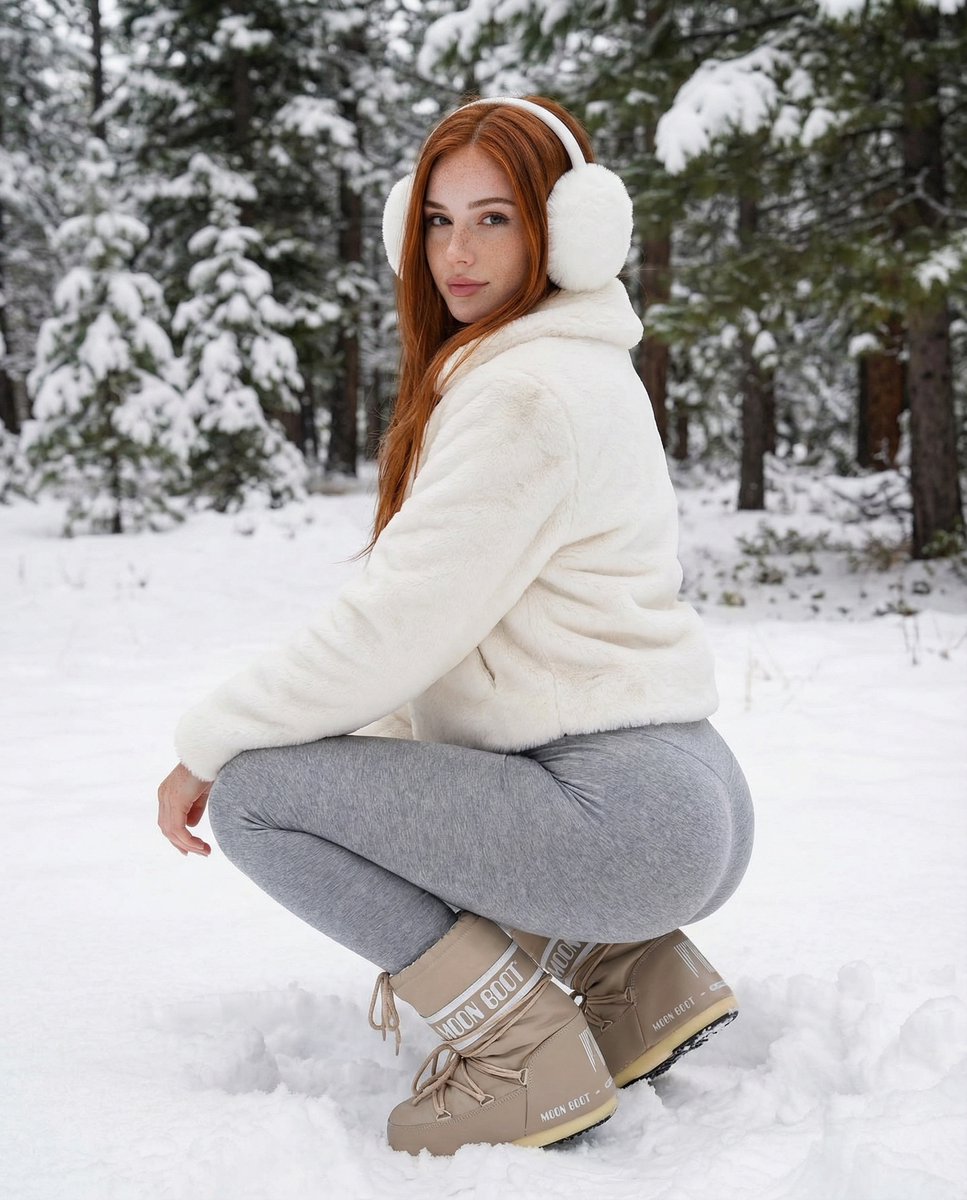
Photorealistic Winter Squat Pose in Faux Fur
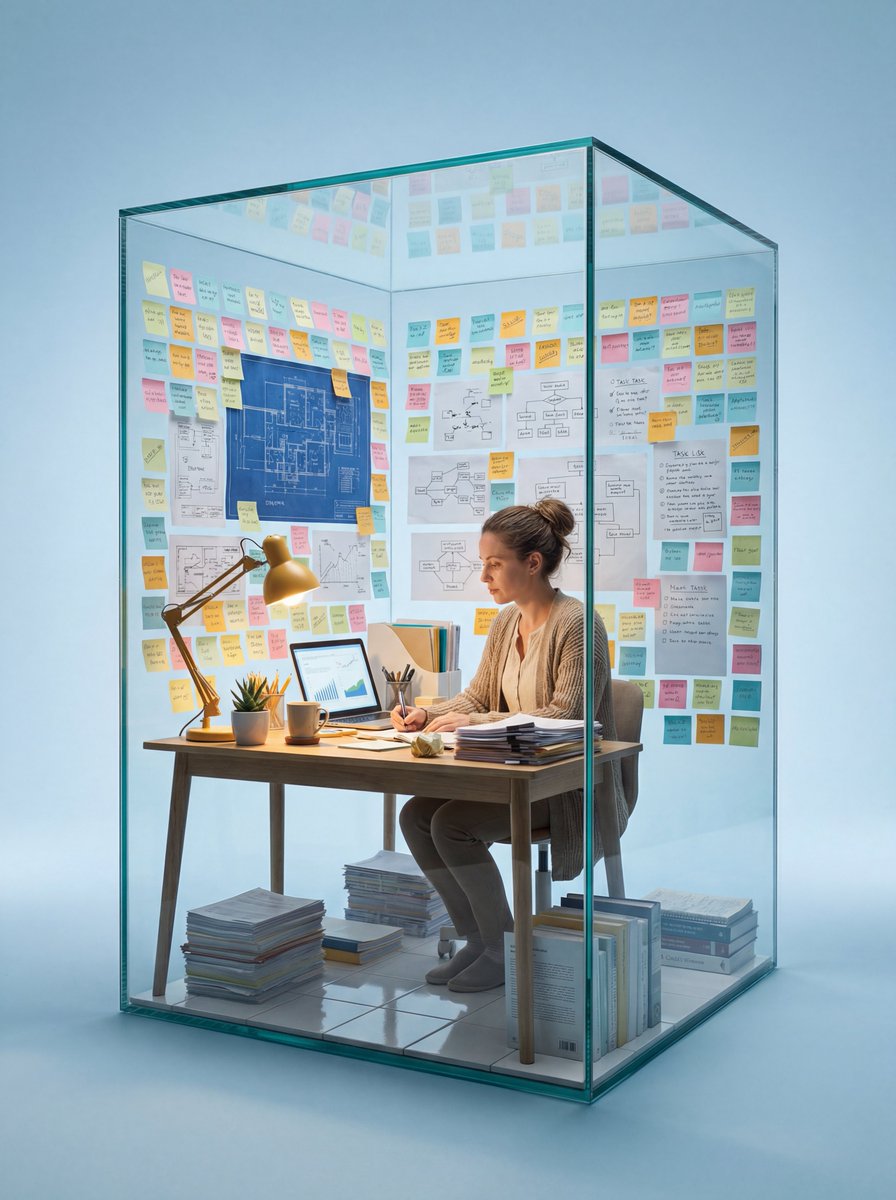
Macro Photography of Subject in Glass Workspace
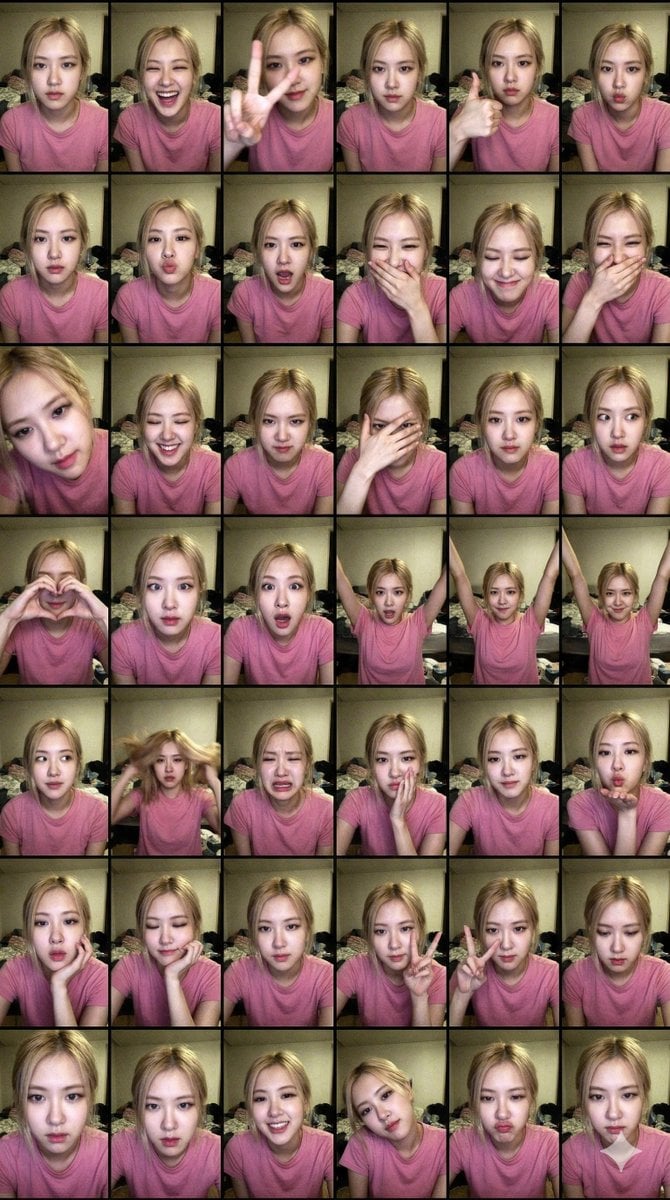
Extreme Lo-Fi Webcam Contact Sheet (Rosé Blackpink)
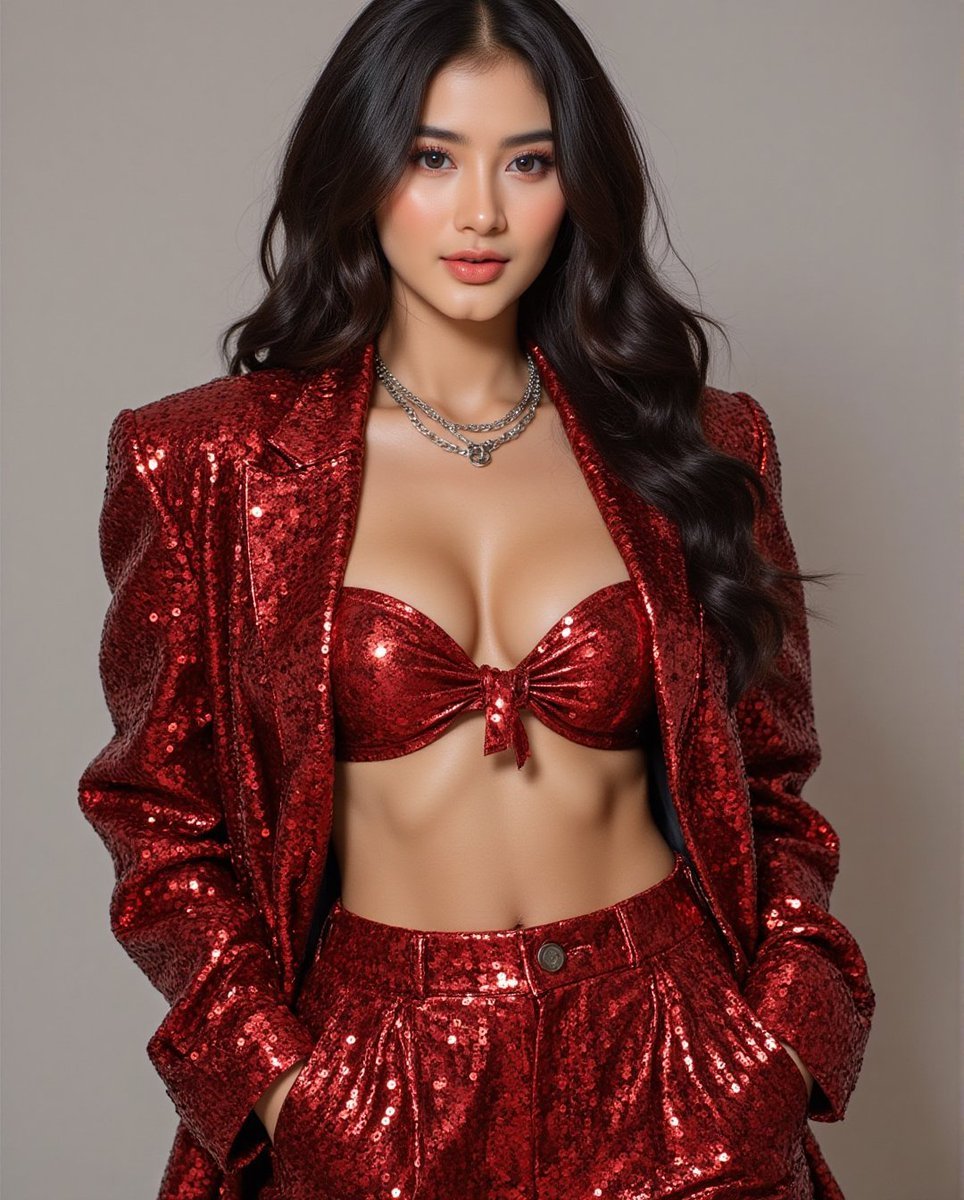
Fashion Photo in Metallic Red Sequin Suit
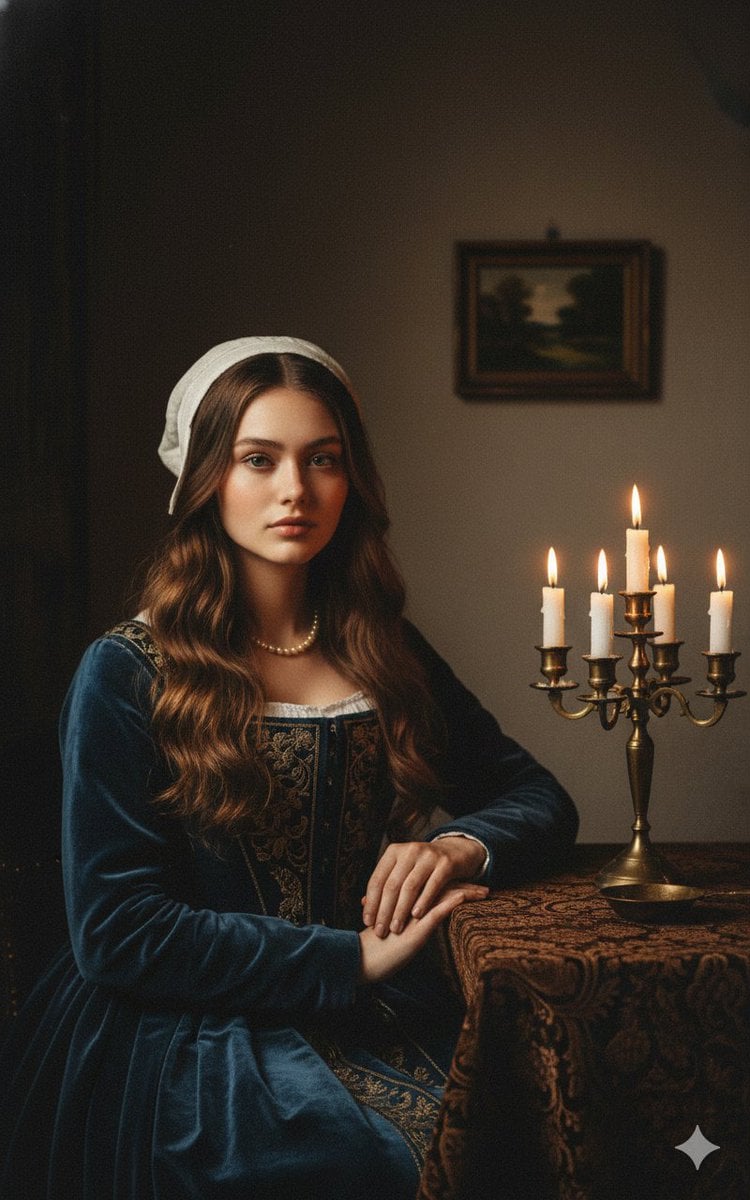
Vermeer-Style Cinematic Portrait with Modern Twist
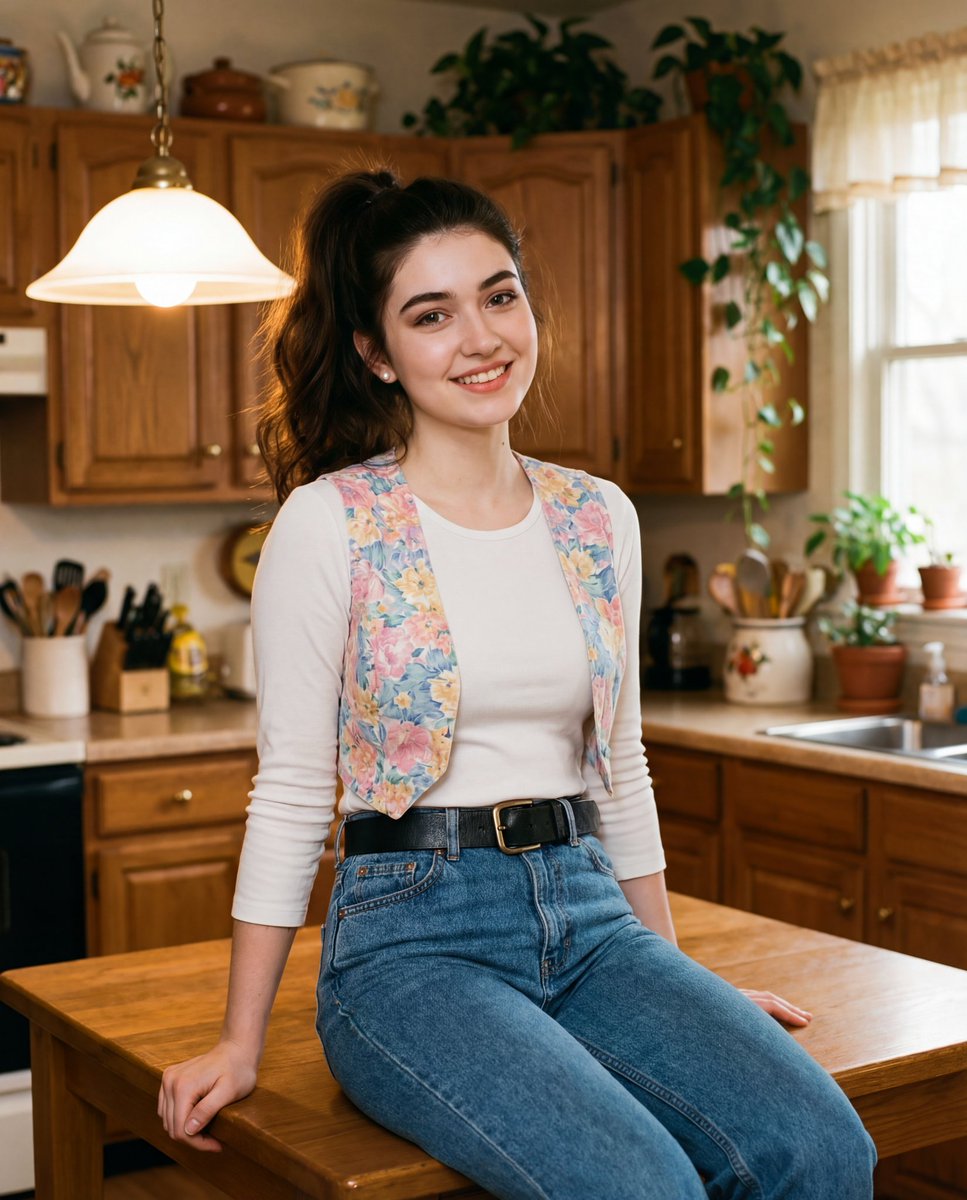
Ultra-realistic cinematic early-1990s indoor film still generation prompt
Browse template categories
Modern Chinese Graphic Design Layout questions
How do I use the Modern Chinese Graphic Design Layout template?
Add your photo if the template asks for one, edit the prompt if you like — the template's model and format are already selected — and press Generate. Your version opens in PicX Studio.
Can I customize the Modern Chinese Graphic Design Layout template?
Yes. You can change the subject, setting, lighting, mood, format, and available model controls before creating your image.
Is the Modern Chinese Graphic Design Layout template free?
Opening and editing this template is free. Generating uses credits, shown on the Generate button when you are signed in.
Which AI model should I use?
Start with GPT Image 2, which is the model associated with this template. You can compare another compatible model for a different finish.
Looking for something else? Browse all templates.

Your photo, any look
Thousands of ready templates for every top image and video model, from one credit balance.