
Chinese Idiom Bell Theft Poster
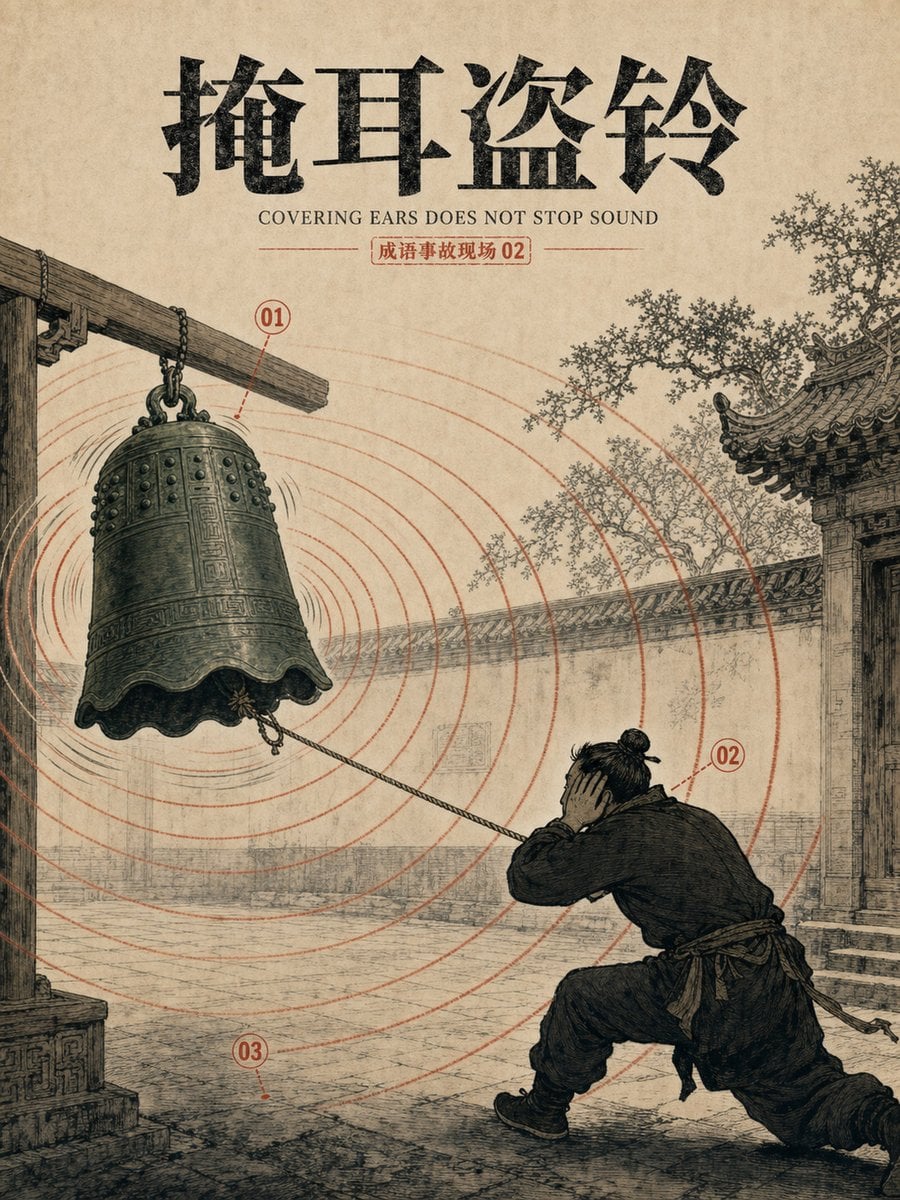
Creates a vintage illustrated Chinese idiom poster visualizing “covering ears while stealing a bell” for educational or editorial use.
- Prompt included
- Model and format preset
- Free template
The prompt behind this image
Copy the exact prompt behind Chinese Idiom Bell Theft Poster, or open it in the studio and make it yours.
Goal: Create a vintage Chinese idiom visualization poster for {argument name="idiom title" default="掩耳盗铃"}, showing the literal scene of a man covering his ears while trying to steal a ringing bell. Canvas: Vertical poster, 3:4 aspect ratio, aged beige rice-paper background with subtle stains, worn ink texture, and an antique educational print feel. Layout: Large black brush-calligraphy title centered at the top. Directly below it, place the English subtitle in small serif capitals: “COVERING EARS DOES NOT STOP SOUND”. Under the subtitle, add a small red outlined label reading {argument name="story label" default="成语事故现场 02"}. The main illustration fills the lower two-thirds of the poster. Scene: An ancient Chinese courtyard rendered in monochrome black ink with muted sepia shading. On the left, a massive bronze temple bell hangs from a rough wooden beam and iron chains. The bell is tilted slightly, vibrating, with engraved patterns, rivets, and a scalloped lower rim. On the right foreground, a thief in dark traditional clothing crouches low and pulls a rope attached to the bell while pressing both hands over his ears; his posture is tense and foolish, one knee bent forward and one leg stretched back. Behind him are courtyard paving stones, an old wall, a traditional tiled roof gate on the right, and delicate tree branches above the wall. Annotated elements: Include exactly 3 red numbered callouts: “01” near the hanging bell and sound source, “02” near the thief covering his ears, and “03” near the stone ground in the lower left foreground. Draw thin red leader lines from each number to its target. Graphic effects: Use many thin red concentric sound-wave rings radiating outward from the bell across the whole courtyard, passing behind the thief and architecture. Add small black vibration marks around the bell. Keep the red lines slightly faded and printed like old ink. Visual style: Detailed hand-drawn Chinese historical engraving, ink wash and woodblock print aesthetic, high line density, muted black-gray sepia palette with red annotation ink, realistic perspective, weathered archival poster design. Constraints: Use exactly one bell, one thief, three numbered red callouts, and one set of expanding sound-wave rings. Do not add modern objects, bright colors, cartoon styling, extra characters, watermark, or logo.
How to use Chinese Idiom Bell Theft Poster in 3 steps
- 1Upload ImagePNG, JPG or paste
Add your photo
Upload the photo the template builds on. The prompt, model and format are already set.
- 2…a portrait of your subject in softgolden-hour light, 85mm…
Personalize
Edit the subject and creative details for your destination.
- 3Generate
Generate
Press Generate — your image is created in PicX Studio, so you can compare it with the original and refine one variable at a time.
More like this
Templates with the same subject, style or setup. Open one to see its prompt.

Japan Travel Brochure Poster

Cartoon TV Show Poster Pack

Trendy Cafe Drink Promo Poster

Urban Fashion Editorial Collage Streetwear Poster

Premium Fashion Editorial Cover Layout System

Polo Ralph Lauren Luxury American Heritage Fashion Campaign

Monochrome Halftone Editorial Fashion Poster

Retro Mirror Luxury Fashion Campaign Poster

Luxury Fashion Campaign Typography Poster System

Premium Fashion Editorial Campaign Poster System

Ultra-Stylized High-Fashion Streetwear Poster

Urban Fashion Editorial Collage Poster
Make it yours
Chinese Idiom Bell Theft Poster works as-is. These are the safest ways to change it without losing the look.
Change one field
Copy a single group, rewrite it, and generate again so you can see what that field is doing.
Keep the frame, change the subject
Hold the composition and light of Chinese Idiom Bell Theft Poster, then swap wardrobe, props or the person for a new take.
| If the result… | Why | Fix |
|---|---|---|
| The result drifts from the preview | Too many fields changed at once. | Reuse Chinese Idiom Bell Theft Poster as-is first, then change one group — subject, light, or setting. |
| The model over-stylizes the scene | The prose prompt leaves finish and camera underspecified. | Add one camera or lighting sentence and stay on GPT Image 2. |
More GPT Image 2 templates
Other prompts made for GPT Image 2.

Six VTuber Japanese Logo Sheet

Realistic Portrait of Woman and Deer

The Vista Modular Condo Poster

AI Model Routing Comparison Infographic

2.5D Anime Art Board

Isometric Productivity Desk Scene

New York Double Exposure Poster

Four-Panel AI Landscape Comparison

Japanese Tatami Lifestyle Magazine Cover

NESCAFÉ Coffee Map Poster
More image prompts
Fresh picks from across the catalog.
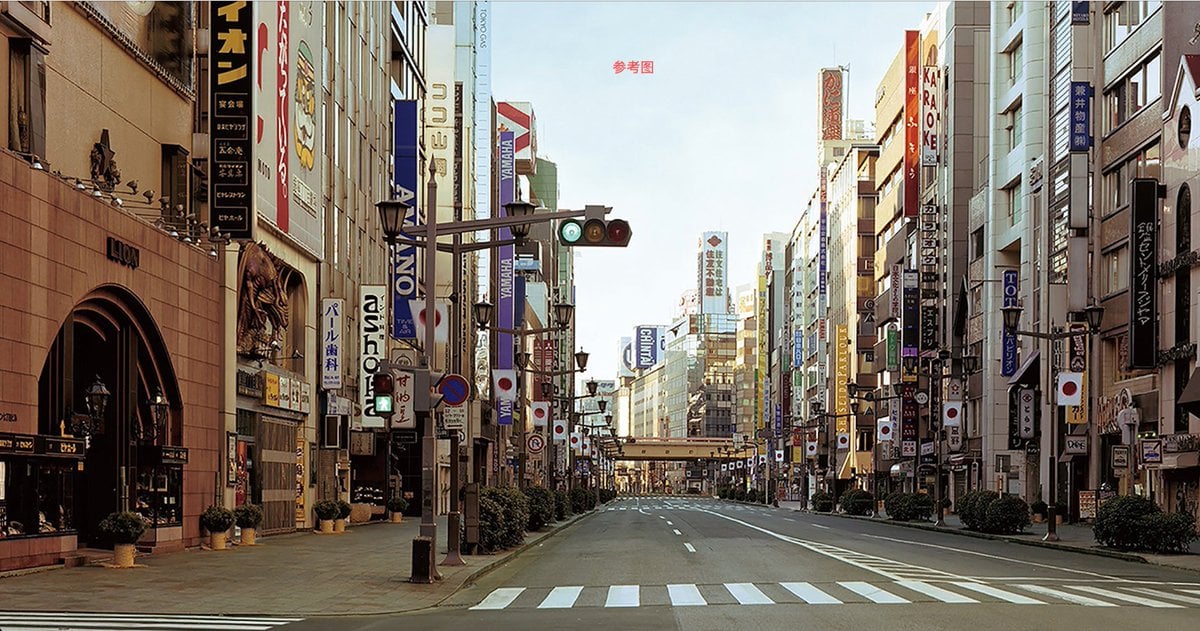
City Night Scene Illustration with Composition Reference
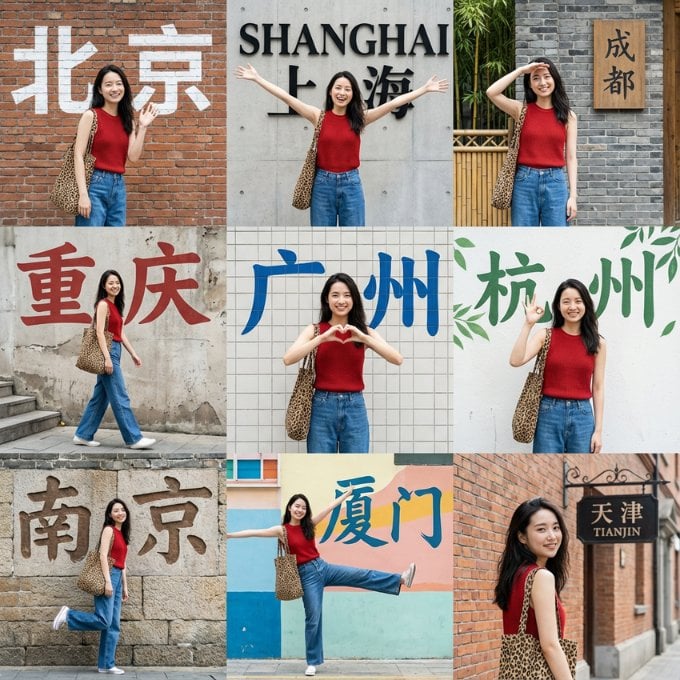
Nine-Grid Street Photography Prompt Framework
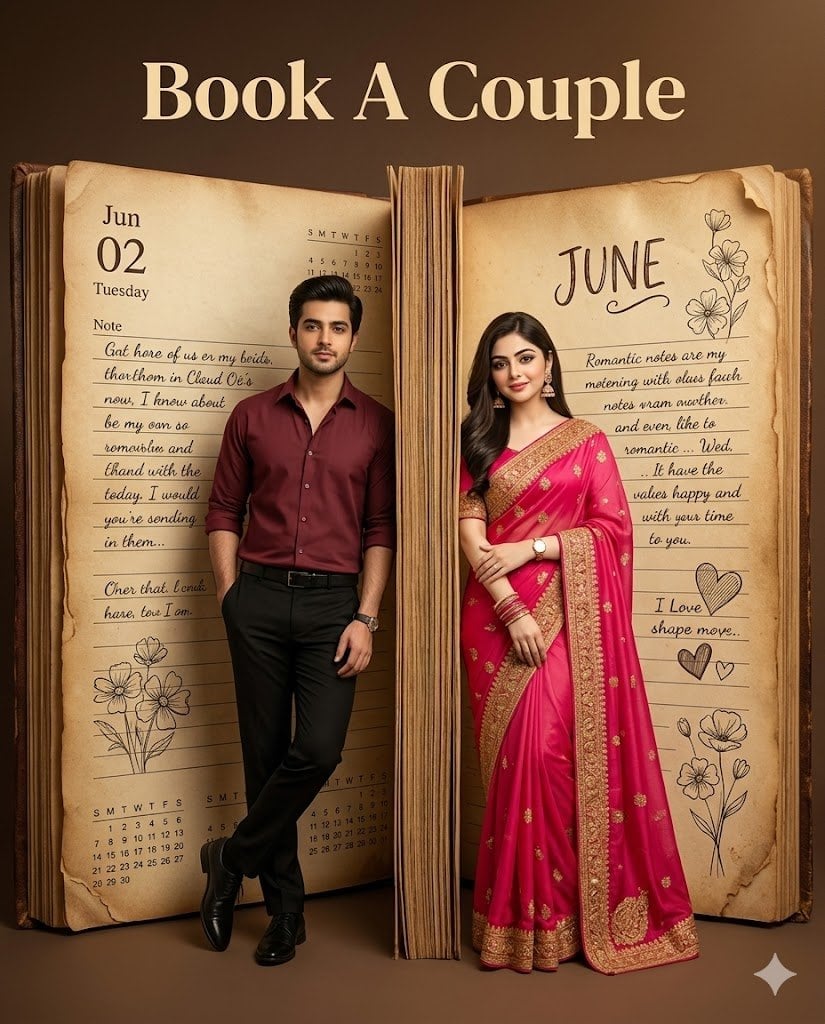
Giant Vintage Diary Couple Poster
Japanese Kids English LP Hero
Dreamy Scrapbook Collage Aesthetic with Identity Preservation
Y2K Indie Sleaze Portrait

Cinematic Dual-Color Studio Portrait
Astronomical Orion Nebula Generation
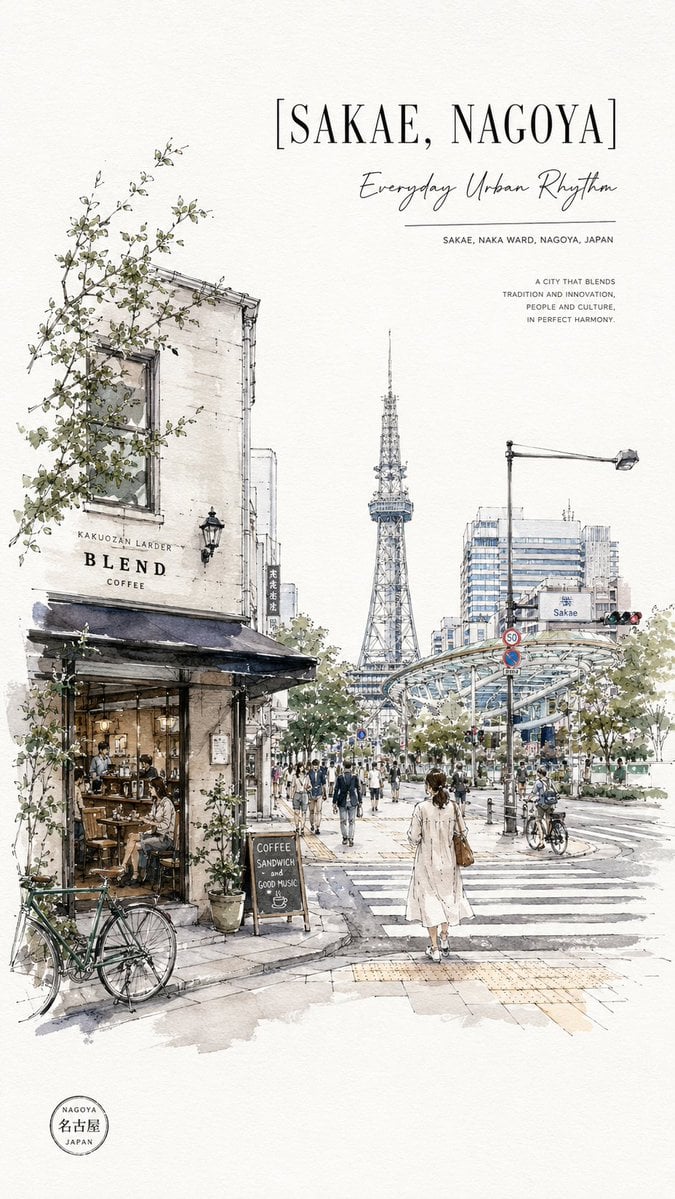
Sakae Nagoya Watercolor Travel Poster
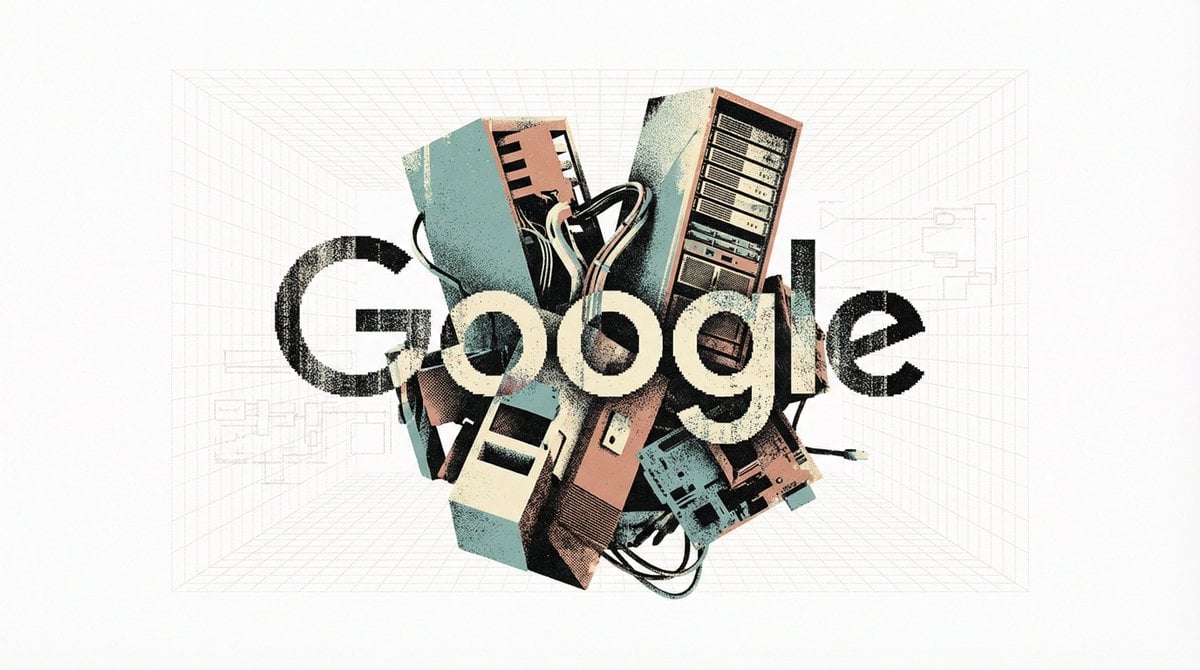
Brutalist Poster Generation Prompt
Browse template categories
Chinese Idiom Bell Theft Poster questions
How do I use the Chinese Idiom Bell Theft Poster template?
Add your photo if the template asks for one, edit the prompt if you like — the template's model and format are already selected — and press Generate. Your version opens in PicX Studio.
Can I customize the Chinese Idiom Bell Theft Poster template?
Yes. You can change the subject, setting, lighting, mood, format, and available model controls before creating your image.
Is the Chinese Idiom Bell Theft Poster template free?
Opening and editing this template is free. Generating uses credits, shown on the Generate button when you are signed in.
Which AI model should I use?
Start with GPT Image 2, which is the model associated with this template. You can compare another compatible model for a different finish.
Looking for something else? Browse all templates.

Your photo, any look
Thousands of ready templates for every top image and video model, from one credit balance.