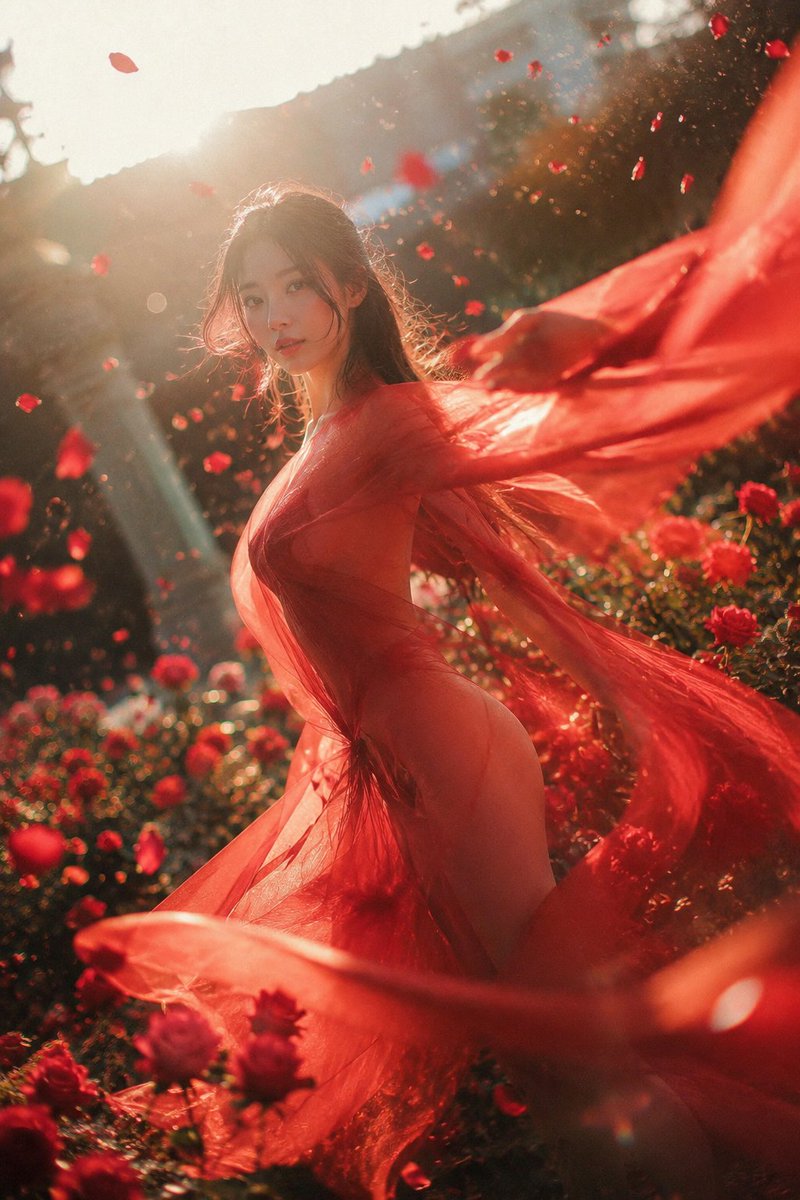
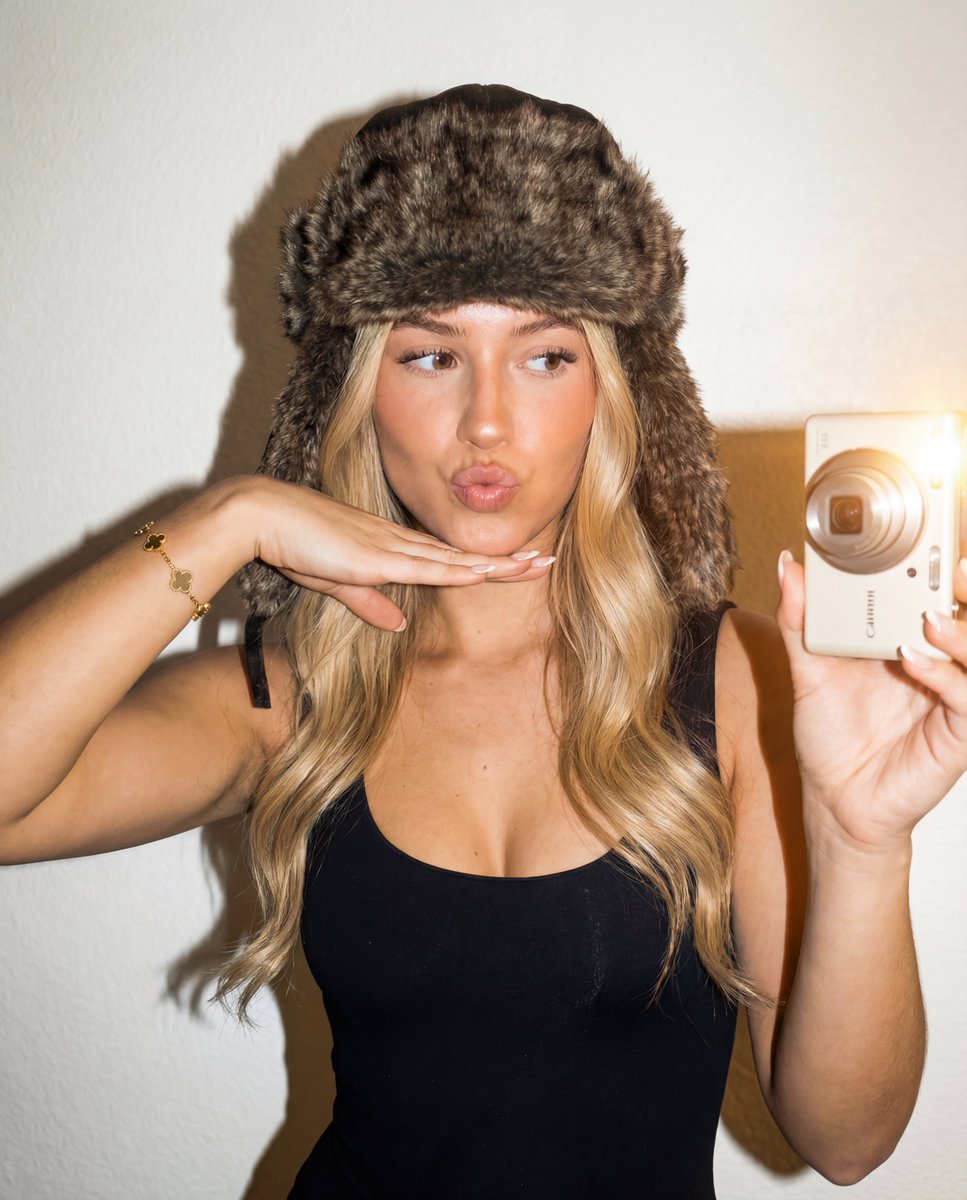
How do I use the Sadie Sink Selfie in Pajamas template?
Choose the primary action to open PicX Studio with the available template settings. Review the model and format, personalize the creative direction, and generate when ready.
A JSON prompt for generating a photorealistic, high-angle selfie of a woman resembling Sadie Sink lying on a bed in colorful satin pajamas, emphasizing a cozy, intimate evening atmosphere and specific body proportions. Change the subject, setting, or lighting one variable at a time.

{ "prompt": "A realistic, high-angle selfie shot of a woman who resemblances Sadie Sink lying on her stomach on a bed, facing the camera. She is wearing a matching pink,yellow,black,white satin pajama set (long-sleeved button-up) and plain white ankle socks. Her legs are bent at the knees, with her feet raised in the air behind her. A pink sleep mask is pushed up onto her forehead like a headband. She has shoulder-length blonde hair and a soft, neutral expression. The setting is a bedroom with white bedding, a wooden rattan headboard, and geometric wooden wall art visible in the background. The lighting is warm and soft, creating a cozy, intimate evening atmosphere.", "negative_prompt": "blurry, low resolution, distorted face, bad anatomy, missing limbs, extra fingers, cartoon, illustration, 3d render, dark, gloomy, messy, watermark, text", "seeds": [ "young woman who resemblances Sadie Sink, "pink,yellow,black,white silk pajamas, deep neck lining", "white socks, thick hips and legs, Big Ass", "feet in air", "lying on stomach", "pink,yellow,black,white sleep mask", "blonde hair", "wicker headboard", "white bedding", "cozy atmosphere", "selfie perspective", "candid photography" ], "technical_settings": { "aspect_ratio": "9:16", "lighting": "warm indoor ambient", "style": "photorealistic" } }
Choose the primary action to open PicX Studio with the available template settings. Review the model and format, personalize the creative direction, and generate when ready.
Yes. You can change the subject, setting, lighting, mood, format, and available model controls before creating your image.
This template is free to open and customize. Generation usage is shown in PicX Studio before you create.
Start with Nano Banana 2, which is the model associated with this template. You can compare another compatible model for a different finish.
Follow a topic to a crawlable collection of related PicX Studio templates.
43,474 public templates available. Verified via the PicX Studio public templates API; refreshed hourly.














![Naive doodle-style subject illustration — A doodle-style {argument name="subject" default="[subject]"}, naive lines, humorous shape exaggeration](https://pbs.twimg.com/media/G6Wl2YxbsAARB2b.jpg)
















![2x2 Grid Pop-Up Cookbook Diorama Prompt for Nano Banana — <instructions>
[Use the UNIVERSAL WRAPPER above exactly as-is.]
If input includes ingredients, pick…](https://pbs.twimg.com/media/HEKnYm6bMAA3jf9.jpg)








![3D Icon Collection Grid Generator — プロンプト:[テーマ]を表すアイコンのコレクションを作成してください。それらは単一のテーマとしてまとまっています。3x3のグリッドに配置してください。背景は白です。アイコンはカラフルで立体感のある3Dスタイルで作成してください。テキストは不要です。](https://pbs.twimg.com/media/G_J5Dw4aoAUPSby.jpg)