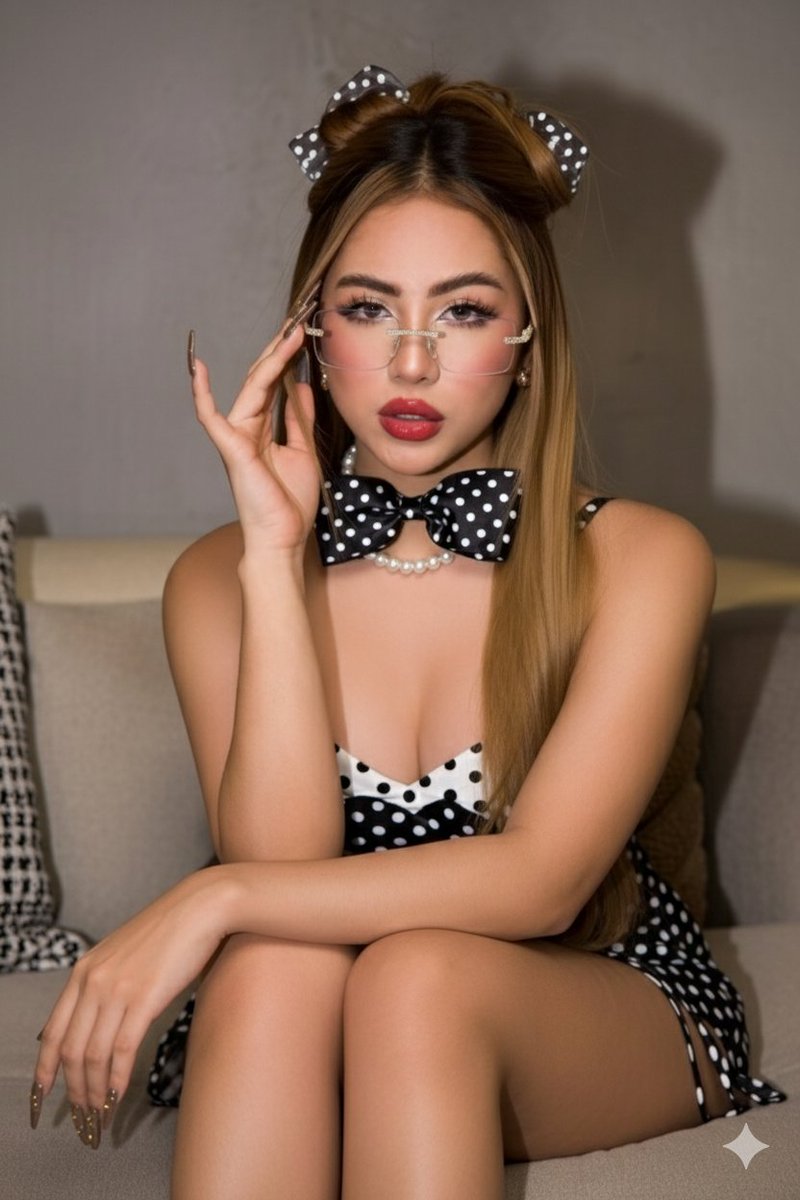
How do I use the Ultra-Photorealistic Wet Look Pool Portrait template?
Choose the primary action to open PicX Studio with the available template settings. Review the model and format, personalize the creative direction, and generate when ready.
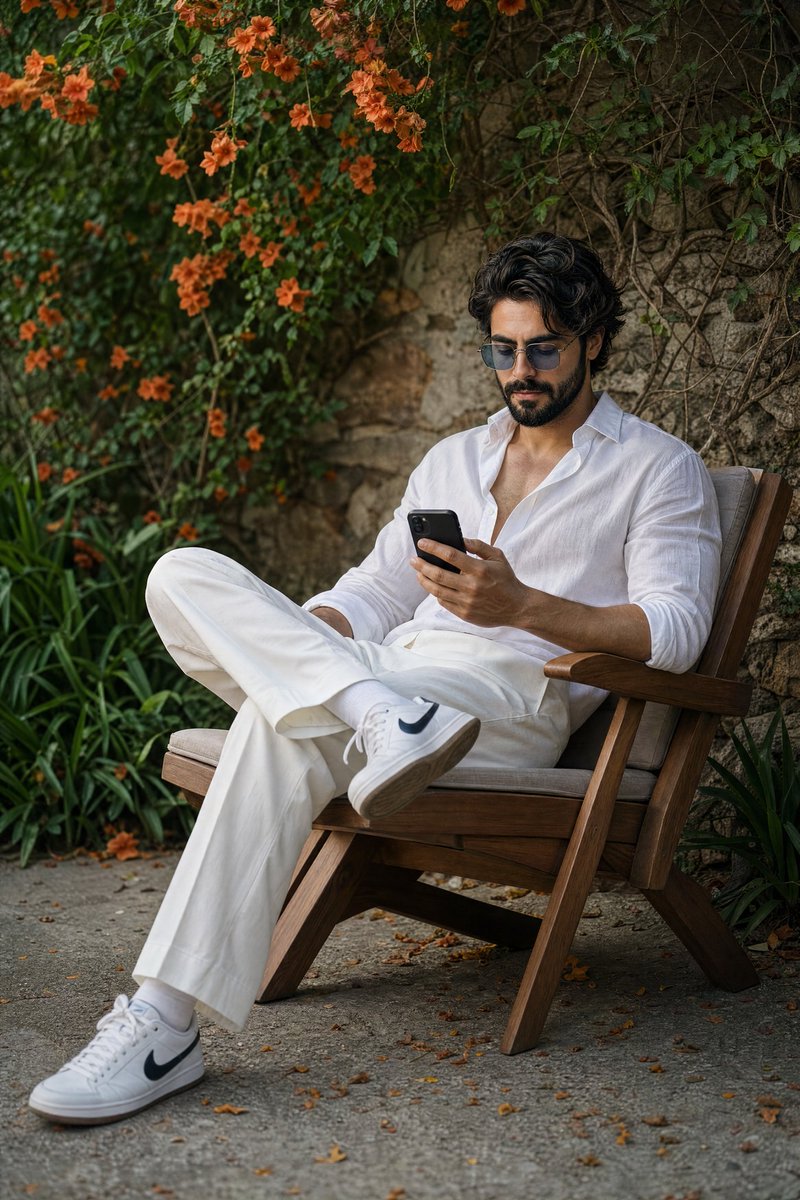
A highly detailed image generation prompt for an ultra-photorealistic portrait of a woman in a pool, emphasizing a 'wet look' aesthetic. The prompt specifies an athletic hourglass physique, glistening wet skin with visible water droplets, and a navy blue minimalist bikini. Technical details include harsh mid-day sunlight for high contrast, an 85mm lens at f/2.8 for bokeh, and a fast shutter speed (1/4000s) to freeze dynamic water splashes, aiming for a Vogue editorial style. (free to use) — Free AI image template on PicX Studio.
{ "prompt_structure": { "subject": { "appearance": "very beautiful and hot Young woman with a fit, athletic hourglass physique, olive skin tone featuring realistic texture and pores, dark brown hair styled in a 'wet look' slicked back away from the face.", "facial_features": "Symmetrical face, striking {argument name="eye color" default="hazel-green"} eyes looking directly at the camera, natural eyebrows, soft pink lips, serene and confident expression.", "skin_details": "Glistening wet skin, distinct water droplets clinging to shoulders and chest, subsurface scattering effect on skin under sunlight." }, "apparel": { "item": "Two-piece minimalist bikini.", "color": "{argument name="bikini color" default="navy blue"}.", "fit": "Snug fit, thin spaghetti straps, scooped neckline top, high-cut bottoms.", "texture": "Wet fabric texture clinging to the body." }, "pose_and_action": { "posture": "Standing waist-deep in a pool, leaning forward slightly with weight supported by arms. Look seduced ", "hands": "Hands placed firmly on the rough textured stone coping of the pool edge, symmetrical placement.", "framing": "Medium diagonal shot, captured from just above the water line. " }, "environment": { "location": "Luxurious outdoor swimming pool.", "background": "Softly blurred tropical garden with lush green palm fronds and foliage (bokeh effect), stone pillars visible in the distance.", "elements": "Dynamic water splashes frozen in mid-air around the subject, shimmering turquoise pool water, beige travertine stone pool edge." }, "lighting": { "source": "Bright, harsh natural daylight (mid-day sun).", "characteristics": "High contrast, specular highlights on wet skin and water droplets, distinct shadows defining muscle definition, rim lighting on the splashing water." }, "camera_settings": { "type": "DSLR or Mirrorless Professional Camera.", "lens": "85mm portrait lens.", "aperture": "f/2.8 (to achieve creamy background separation).", "shutter_speed": "1/4000s (fast shutter to freeze the water droplets sharp).", "focus": "Sharp focus on the eyes and face." }, "quality_modifiers": [ "Ultra photorealistic", "8k resolution", "RAW photo", "Cinematic lighting", "Hyper-detailed", "Masterpiece", "Physically based rendering (PBR)", "Vogue editorial style" ] } }
Use Ultra-Photorealistic Wet Look Pool Portrait to plan an AI image around nano-banana-2 generation. Match the preview's composition first, then personalize the subject, setting, and mood for your own project.
Use the primary action to load the template settings in PicX Studio.
Adjust the subject and creative details for your destination.
Create the image, compare the result with the preview, and refine one variable at a time.
A continuous mix — similar concepts first, woven with same-model prompts and fresh picks from the catalog.
Choose the primary action to open PicX Studio with the available template settings. Review the model and format, personalize the creative direction, and generate when ready.
Yes. You can change the subject, setting, lighting, mood, format, and available model controls before creating your image.
This template is free to open and customize. Generation usage is shown in PicX Studio before you create.
Start with nano-banana-2, which is the model associated with this template. You can compare another compatible model for a different finish.
Follow a topic to a crawlable collection of related PicX Studio templates.
39,155 public templates available. Verified via the PicX Studio public templates API; refreshed hourly.
A continuous mix — similar concepts first, woven with same-model prompts and fresh picks from the catalog.