How do I use the Exploded View Smartphone Infographic Prompt template?
Choose the primary action to open PicX Studio with the available template settings. Review the model and format, personalize the creative direction, and generate when ready.
A two-part prompt for generating a motion sequence and two images related to a smartphone. Change the subject, setting, or lighting one variable at a time.
Motion Prompt: The phone gently lifts apart into a vertical exploded view, each internal component separating cleanly with perfect alignment. Motion is smooth, precise, and minimal. Image 1 :- A premium product photograph of a modern smartphone with a black glass screen and metallic frame. Minimalist design, shot against a solid white background with soft reflections and subtle shadows. Ultra-clean, commercial tech aesthetic, 8K resolution. Image 2 :- Create a hyper-realistic exploded vertical infographic composition of a smartphone. From top to bottom: glass screen, touch layer, display panel, internal frame, battery, logic board with chips, speaker module, and back glass cover. White background, soft studio lighting, ultra-sharp focus, clean infographic labels, high-tech premium aesthetic, 8K quality.
Choose the primary action to open PicX Studio with the available template settings. Review the model and format, personalize the creative direction, and generate when ready.
Yes. You can change the subject, setting, lighting, mood, format, and available model controls before creating your image.
This template is free to open and customize. Generation usage is shown in PicX Studio before you create.
Start with Nano Banana 2, which is the model associated with this template. You can compare another compatible model for a different finish.
Follow a topic to a crawlable collection of related PicX Studio templates.
43,474 public templates available. Verified via the PicX Studio public templates API; refreshed hourly.
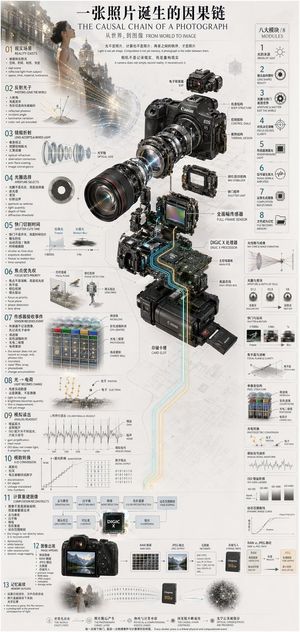

![Japan Travel Brochure Poster — Create a vertical vintage travel-brochure infographic poster titled “[COUNTRY/DESTINATION]: [TAGLINE]”, using a warm parchment-pa](/_next/image?url=https%3A%2F%2Fcdn.picxstudio.com%2Fuploads%2Fp0_982bf820-bb34-4c43-8a6d-42d799d7282b.jpg&w=828&q=100)
![Hyper-realistic exploded vertical infographic composition — Create a hyper-realistic exploded vertical infographic composition of [FOOD].
At the top, characteri](https://images.meigen.ai/tweets/2028451530198642753/0.jpg)

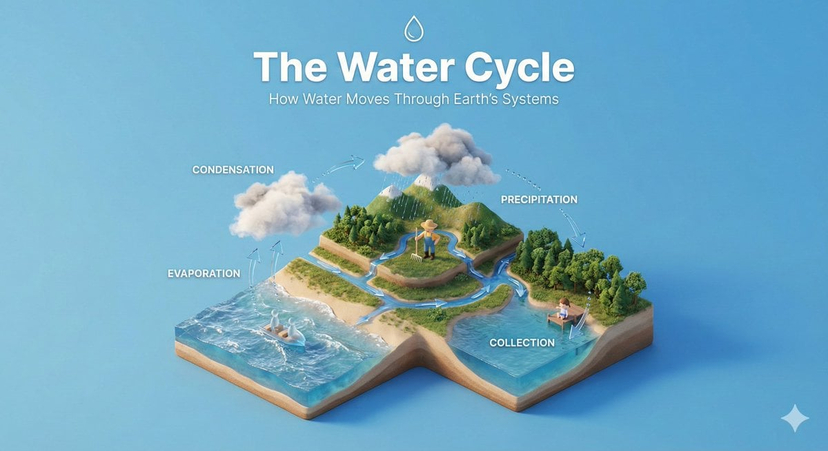


![High-end product advertising, white seamless background, exploded view — [PRODUCT], high-end product advertising, white seamless background, exploded view with](https://images.meigen.ai/tweets/2010665188731785382/0.jpg)
![Hyper-realistic exploded vertical infographic composition — Create a hyper-realistic exploded vertical infographic composition of [FOOD].
At the top, characteri](https://images.meigen.ai/tweets/2010305720764551520/0.jpg)

![Isometric Vehicle Teardown Infographic Template — Create a technical infographic of [VEHICLE] with a 45-degree isometric 3D perspective showing the device sligh](/_next/image?url=https%3A%2F%2Fcdn.picxstudio.com%2Fuploads%2Fmeigen_aecaabc87fba_8dcefeb1-b8c3-4cae-8a57-853d0433c54e.jpg&w=828&q=100)
![Instrument Genealogy and Exploded View Diagram — A luthier's legacy board for {argument name="instrument" default="[INSTRUMENT]"} — {argument name="m…](https://pbs.twimg.com/media/G95yaTxbcAE6giq.jpg)

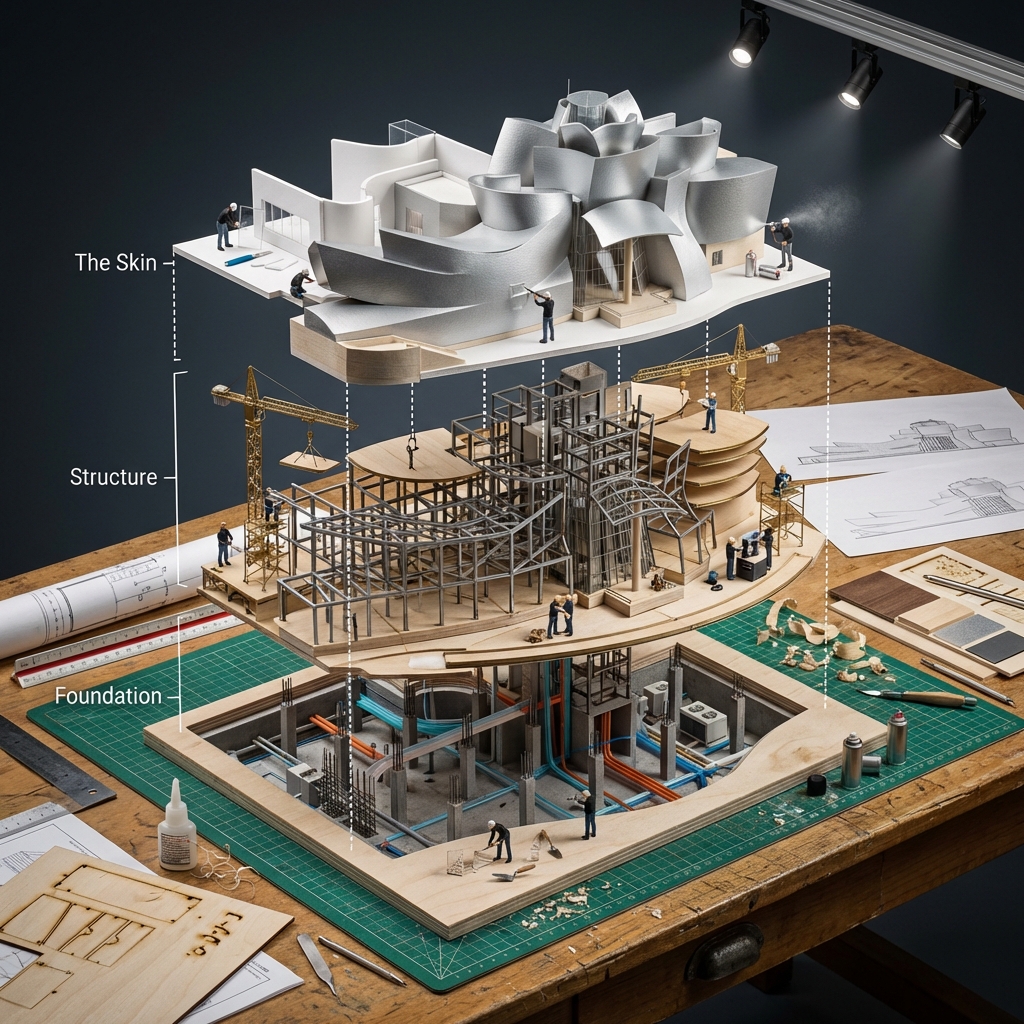
![Building Exploded View Architectural Diorama — Input Variable: [Any Famous Building - Guggenheim, Burj Khalifa, Sydney Opera House, etc.]
System Instruction:
Ge](/_next/image?url=https%3A%2F%2Fcdn.picxstudio.com%2Fuploads%2Fmeigen_2018906863266345105_6473ea73-e096-4f32-bfef-5536fa8d4c74.jpg&w=828&q=100)
![High-end product advertising, white seamless background, exploded view — [product], high-end product advertising, white seamless background, exploded view with](https://images.meigen.ai/tweets/2041516871133122581/0.jpg)


![Naive doodle-style subject illustration — A doodle-style {argument name="subject" default="[subject]"}, naive lines, humorous shape exaggeration](https://pbs.twimg.com/media/G6Wl2YxbsAARB2b.jpg)















![3D Hagoita (Battledore) Prompt for Nano Banana Pro — #情報の入力: [ ] の中身を書き換えてください。
[参照画像のキャラクターの特徴]: {argument name="キャラクターの特徴" default="アニメスタイルの少女。茶色のミディアムヘア、赤い瞳](https://pbs.twimg.com/media/G9UNpa7bUAAmz6Z.jpg)