How do I use the Grunge Bedroom Bass Player Portrait template?
Choose the primary action to open PicX Studio with the available template settings. Review the model and format, personalize the creative direction, and generate when ready.
A highly detailed, structured prompt for generating an intimate, cinematic portrait of a young woman playing an electric bass in a dimly lit, poster-covered grunge aesthetic bedroom. It specifies technical details like lighting, camera lens, and includes extensive positive and negative prompts to ensure a raw, photorealistic, alt-girl aesthetic. (free to use) — Free AI image template on PicX Studio.
{ "main_prompt": "intimate bedroom scene, young woman in her early 20s with long wavy ash-brown hair, subtle smokey eye makeup, bold dark red lipstick, sitting cross-legged on a messy bed playing an electric bass guitar, silver metallic sparkle bass guitar with visible pickups and ★ star inlay on fretboard, wearing black spaghetti strap camisole top showing cleavage, loose oversized light-washed blue jeans, multiple silver rings on fingers including statement rings, black nail polish, thin black choker necklace with small pendant, layered delicate necklaces, bracelet on wrist, cigarette dangling from her lips with light smoke trail, relaxed seductive expression with half-closed eyes looking down at the guitar, dimly lit cozy teenage/young adult bedroom, low angled shot from slightly below eye level, walls and ceiling completely covered in layered posters and magazine cutouts: sunflowers, wolves, anime characters, Jujutsu Kaisen characters (Sukuna visible), horror and rock posters, 'BLACK STONES' poster visible, psychedelic and grunge aesthetic collage, tapestries with leaves and flowers hanging from ceiling, warm tungsten + cool window light mix, golden hour rim light on hair, cinematic color grading, film grain, soft bokeh background, highly detailed skin texture, realistic pores and subtle imperfections, photorealistic, ultra-detailed, 8k, sharp focus, shot on Canon EOS R5 with 50mm f/1.4 lens, shallow depth of field", "negative_prompt": "blurry, low resolution, deformed hands, extra fingers, fused fingers, bad anatomy, missing limbs, poorly drawn face, bad proportions, extra limbs, cloned face, disfigured, gross proportions, malformed limbs, missing arms, missing legs, extra arms, extra legs, mutated hands, long neck, ugly, tiling, poorly drawn hands, poorly drawn feet, out of frame, mutation, deformed, jpeg artifacts, signature, watermark, username, text, error, cropped, worst quality, low quality, normal quality, cartoon, anime style, 3d render, cgi, plastic skin, overexposed, underexposed, flat lighting, harsh shadows, day time bright window, clean minimal room, adult professional bedroom, office setting, smiling happy expression, heavily made-up glamorous look, perfect symmetrical face, airbrushed skin, doll-like, barbie, instagram filter, oversaturated colors", "style_tags": [ "photorealistic", "cinematic", "grunge aesthetic", "indie bedroom photography", "film photography vibe", "35mm film grain", "moody lighting", "intimate portrait", "raw emotional", "alt girl aesthetic", "y2k meets 90s grunge" ], "technical": { "aspect_ratio": "4:5 (portrait / vertical phone photo style)", "lighting": "mixed warm tungsten bulb light from side + cool natural window light from behind/right, strong rim light on hair and shoulder, soft shadows on face, cigarette ember glow", "color_palette": "muted desaturated tones, earthy browns, faded blues, deep reds (lips), silver" }
Use Grunge Bedroom Bass Player Portrait to plan an AI image around nano-banana-2 generation. Match the preview's composition first, then personalize the subject, setting, and mood for your own project.
Use the primary action to load the template settings in PicX Studio.
Adjust the subject and creative details for your destination.
Create the image, compare the result with the preview, and refine one variable at a time.
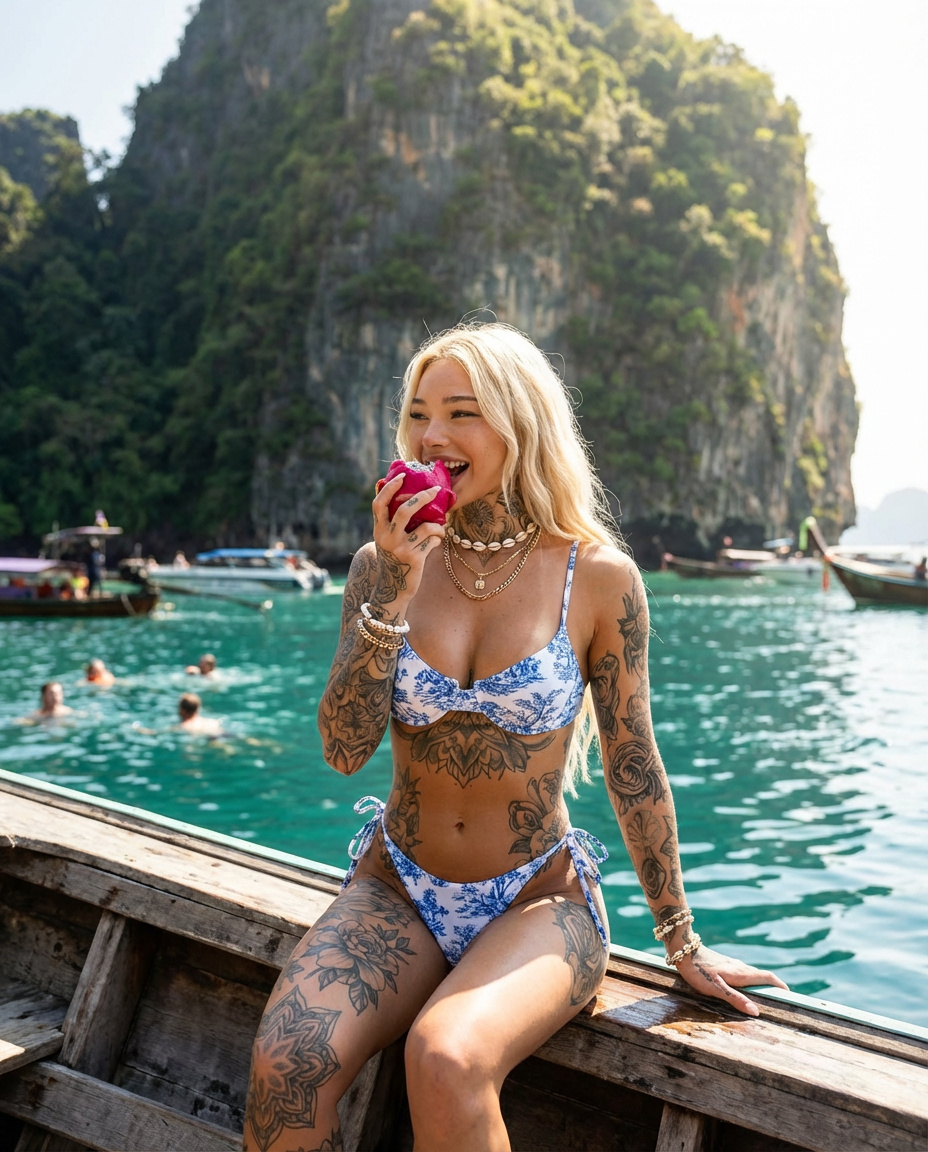
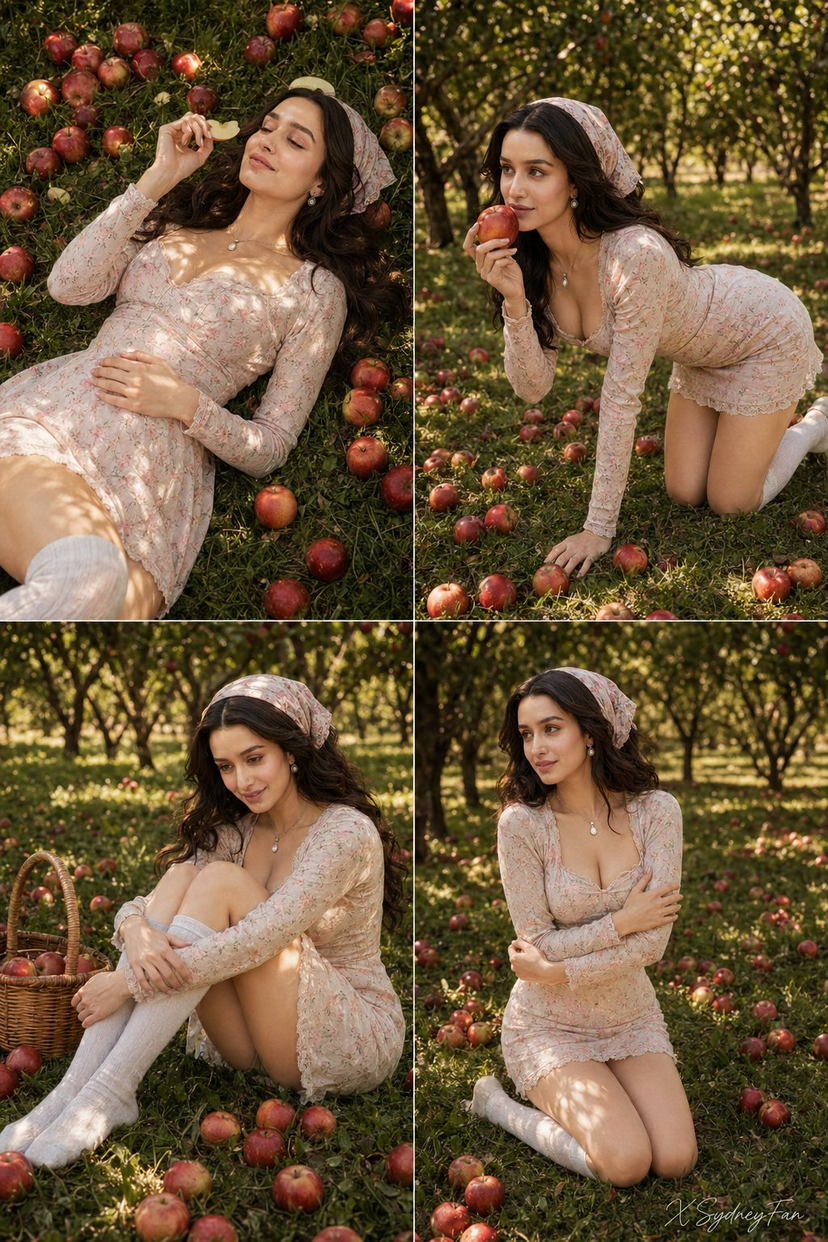
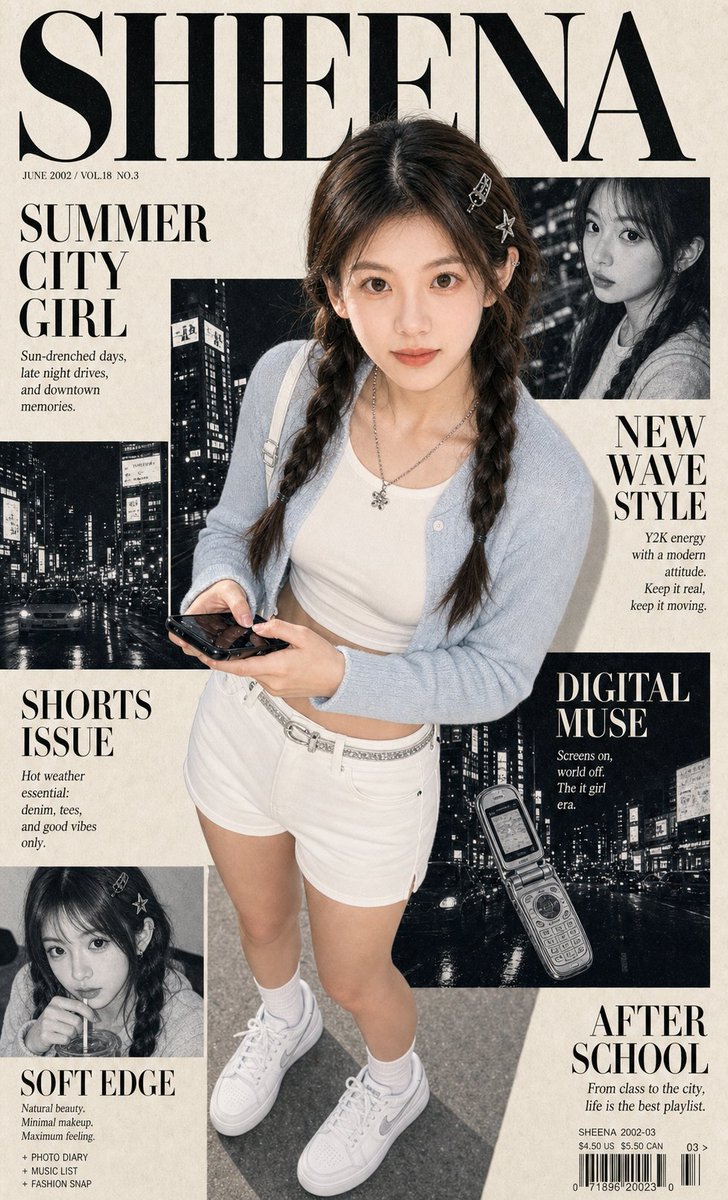
A continuous mix — similar concepts first, woven with same-model prompts and fresh picks from the catalog.
Choose the primary action to open PicX Studio with the available template settings. Review the model and format, personalize the creative direction, and generate when ready.
Yes. You can change the subject, setting, lighting, mood, format, and available model controls before creating your image.
This template is free to open and customize. Generation usage is shown in PicX Studio before you create.
Start with nano-banana-2, which is the model associated with this template. You can compare another compatible model for a different finish.
Follow a topic to a crawlable collection of related PicX Studio templates.
39,155 public templates available. Verified via the PicX Studio public templates API; refreshed hourly.
A continuous mix — similar concepts first, woven with same-model prompts and fresh picks from the catalog.