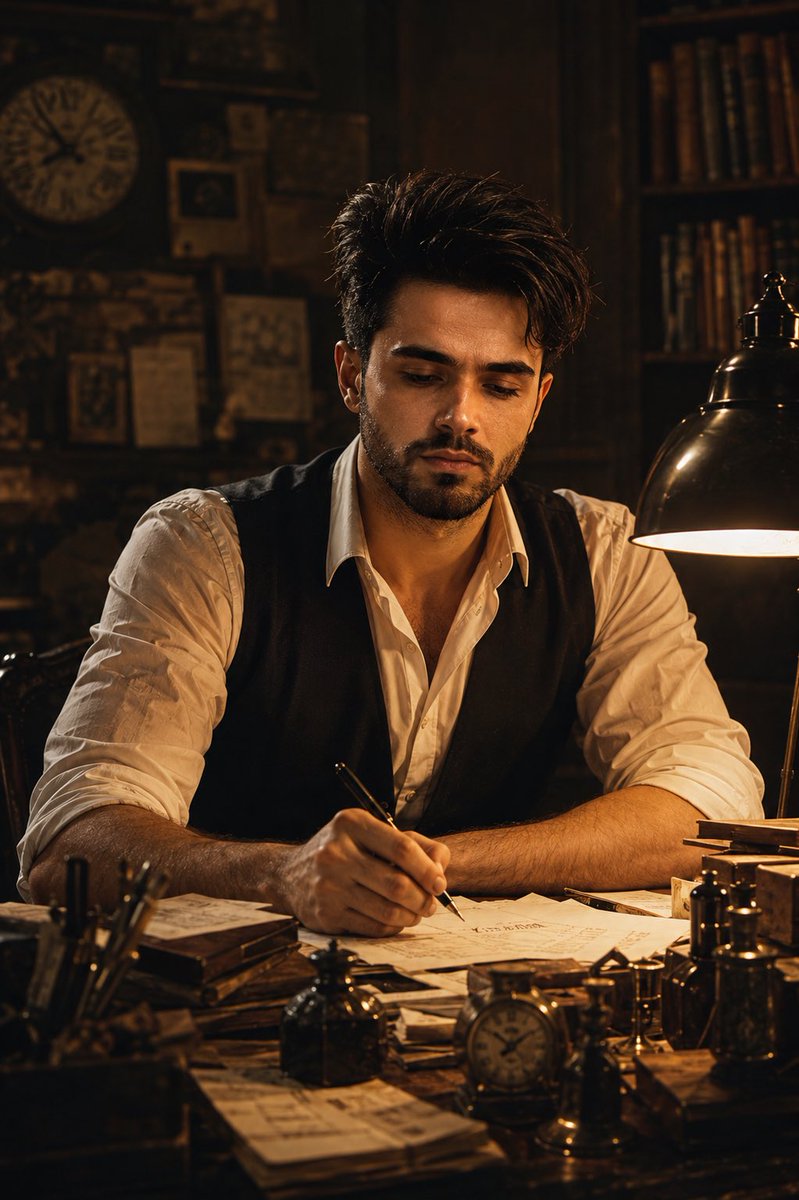
High-Contrast Black and White Fashion Editorial
{
"metadata": {
"image_type": "photograph",
"primary_purpose": "editorial"
},
"composition": {
"rule_applied": "center composition",
"aspect_ratio": "2:3",
"layout": "single subject",
"focal_points": [
"Subject's face and sunglasses",
"Textured collar and front buttons of the cardigan"
],
"visual_hierarchy": "Eyes/sunglasses establish primary contact, moving down the sharp jawline to the structured collar, following the line of dark buttons down the torso to the hand resting in the pocket",
"balance": "symmetric - the subject is centrally framed with even weight distribution on left and right"
},
"color_profile": {
"dominant_colors": [
{
"color": "Deep Black",
"hex": "#0a0a0a",
"percentage": "45",
"role": "background vehicle, trousers, sunglasses, deep shadows"
},
{
"color": "Light Heather Gray",
"hex": "#b0b0b0",
"percentage": "40",
"role": "primary subject cardigan, midtone skin highlights"
},
{
"color": "White/Bright Gray",
"hex": "#e5e5e5",
"percentage": "15",
"role": "specular highlights, background light bokeh, bright sky reflection"
}
],
"color_palette": "monochromatic",
"temperature": "neutral",
"saturation": "black and white",
"contrast": "high contrast"
},
"lighting": {
"type": "mixed",
"source_count": "multiple sources - strong frontal/overhead directional light with ambient street light behind",
"direction": "top",
"directionality": "highly directional",
"quality": "hard light",
"intensity": "high-key",
"contrast_ratio": "high contrast (dramatic shadows)",
"mood": "dramatic",
"shadows": {
"type": "harsh defined edges",
"density": "deep black",
"placement": "under chin, jawline, nose, and beneath the prominent cardigan collar",
"length": "short"
},
"highlights": {
"treatment": "subtle",
"placement": "on forehead, cheekbones, nose bridge, and the textured knit of the shoulders"
},
"ambient_fill": "absent",
"light_temperature": "neutral"
},
"technical_specs": {
"medium": "digital photography",
"style": "realistic",
"texture": "sharp",
"sharpness": "tack sharp",
"grain": "digital noise",
"depth_of_field": "shallow",
"perspective": "straight on"
},
"artistic_elements": {
"genre": "fashion photography",
"influences": [
"Contemporary menswear editorial",
"Peter Lindbergh style high-contrast portraiture"
],
"mood": "sophisticated",
"atmosphere": "A sleek, cinematic urban night scene conveying confidence and mystery",
"visual_style": "structured"
},
"typography": {
"present": false,
"fonts": [],
"placement": "none",
"integration": "none"
},
"subject_analysis": {
"primary_subject": "Male model with rugged features, stubble beard, wearing translucent-frame sunglasses and a thick knit button-up cardigan over dark trousers",
"positioning": "center",
"scale": "medium",
"interaction": "isolated",
"facial_expression": {
"mouth": "neutral",
"smile_intensity": "no smile",
"eyes": "hidd


![Vintage Lithograph Retro World Cup Poster — A vintage lithograph poster of a [Subject], printed with textured [Color One] and [Color Two] inks,…](/_next/image?url=https%3A%2F%2Fcdn.picxstudio.com%2Fuploads%2Fmeigen_fa8d27d0258f_0e65c622-b45f-4228-99dd-3fe01ad8ffbf.jpg&w=828&q=100)








![Naive doodle-style subject illustration — A doodle-style {argument name="subject" default="[subject]"}, naive lines, humorous shape exaggeration](https://pbs.twimg.com/media/G6Wl2YxbsAARB2b.jpg)