
Venetian Canal Travel Poster Painting
A vivid, painterly travel-poster style illustration of Venice at golden hour, featuring rich terracotta tones and sunlit water reflections.
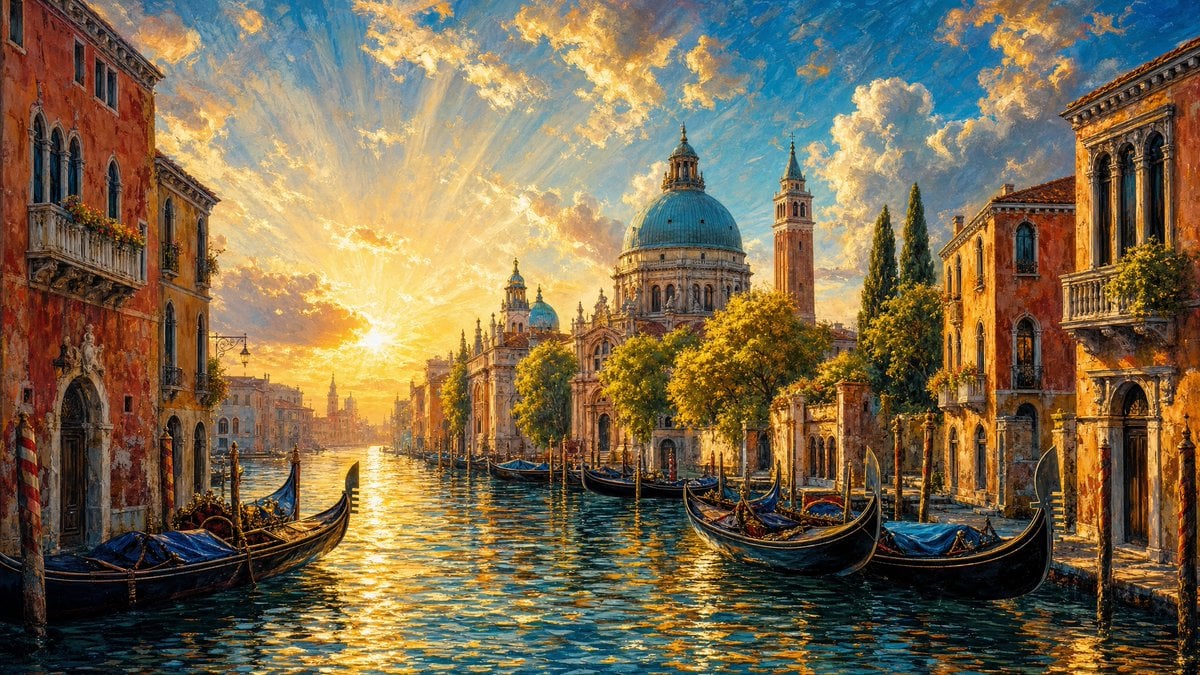
- Prompt included
- Model and format preset
- Free template
The prompt behind this image
Copy the exact prompt behind Venetian Canal Travel Poster Painting, or open it in the studio and make it yours.
A vivid painterly travel-poster style cityscape of a {argument name="location" default="Venetian canal"} at golden hour, rendered with rich saturated blues, golds, and warm terracotta tones. The hero scene centers on shimmering sunlit water leading toward a {argument name="landmark" default="domed church and bell tower"} in the distance, framed by historic canal-side buildings, cypress-like trees, and several black gondolas resting along the waterway. Environment: • Narrow canal running through an old European city, lined with tall warm-toned buildings on both sides • Large domed church and adjacent bell tower positioned in the background near the vanishing point • Multiple gondolas floating and moored along the canal, with wooden poles rising from the water • Lush sunlit trees and greenery clustered near the church, adding bright yellow-green highlights • Dramatic sky filled with swirling stylized clouds and radiant sunbeams spreading outward from the horizon • Avoid modern elements, signage, traffic, clutter, and contemporary street details Lighting: • Strong low sun near the horizon behind the distant buildings, creating radiant beams across the sky • Warm golden illumination on facades, trees, and the tops of the gondolas • Intense reflective highlights scattered across the canal surface in gold and pale blue • Soft atmospheric glow around the church and skyline • Do not allow flat lighting, dull reflections, or overblown white areas that lose painterly detail Materials: • Rippling water with glossy reflective texture and broken streaks of sunlight • Stucco and stone building facades with warm weathered painted surfaces • Dark lacquered gondolas with subtle sheen and curved decorative silhouettes • Ceramic dome surfaces with luminous blue-green coloration • Clouds rendered with soft brushed edges and layered creamy highlights Composition: • Vertical composition, symmetrical canal perspective drawing the eye into the distance • Water occupies the lower half of the frame as the main leading element • Buildings form a natural corridor on left and right edges • Church dome and bell tower sit slightly right of center as the architectural focal point • Gondolas staggered through foreground and midground for depth and rhythm • Expansive sky in the upper half, dominated by radiant cloud formations and sun rays Mood: Romantic, luminous, dreamy, and celebratory with a classic Mediterranean travel-poster atmosphere Shot as a {argument name="art style" default="highly detailed expressive oil-painting style illustration"}, vertical 2:3 aspect ratio, saturated color, crisp architectural forms, glowing reflections, ultra-detailed painterly finish.
How to use Venetian Canal Travel Poster Painting in 3 steps
- 1
Open
The prompt is already in the box next to the preview, with the template's model and format selected.
- 2…a portrait of your subject in softgolden-hour light, 85mm…
Personalize
Edit the subject and creative details for your destination.
- 3Generate
Generate
Press Generate — your image is created in PicX Studio, so you can compare it with the original and refine one variable at a time.
More like this
Templates with the same subject, style or setup. Open one to see its prompt.

Japan Travel Brochure Poster

Clay Miniature Landmark Travel Diorama

City Posters by Nano Banana Pro

Cartoon TV Show Poster Pack

Trendy Cafe Drink Promo Poster

Urban Fashion Editorial Collage Streetwear Poster

Premium Fashion Editorial Cover Layout System

Polo Ralph Lauren Luxury American Heritage Fashion Campaign

Monochrome Halftone Editorial Fashion Poster

Retro Mirror Luxury Fashion Campaign Poster

Luxury Fashion Campaign Typography Poster System

Premium Fashion Editorial Campaign Poster System
Make it yours
Venetian Canal Travel Poster Painting works as-is. These are the safest ways to change it without losing the look.
Change one field
Copy a single group, rewrite it, and generate again so you can see what that field is doing.
Keep the frame, change the subject
Hold the composition and light of Venetian Canal Travel Poster Painting, then swap wardrobe, props or the person for a new take.
| If the result… | Why | Fix |
|---|---|---|
| The result drifts from the preview | Too many fields changed at once. | Reuse Venetian Canal Travel Poster Painting as-is first, then change one group — subject, light, or setting. |
| The model over-stylizes the scene | The prose prompt leaves finish and camera underspecified. | Add one camera or lighting sentence and stay on GPT Image 2. |
More GPT Image 2 templates
Other prompts made for GPT Image 2.

Six VTuber Japanese Logo Sheet

Realistic Portrait of Woman and Deer

The Vista Modular Condo Poster

AI Model Routing Comparison Infographic

2.5D Anime Art Board

Isometric Productivity Desk Scene

New York Double Exposure Poster

Four-Panel AI Landscape Comparison

Japanese Tatami Lifestyle Magazine Cover

NESCAFÉ Coffee Map Poster
More image prompts
Fresh picks from across the catalog.

2x2 Collage of Woman with Golden Retriever Puppy

Passport Photo Aesthetic Portrait
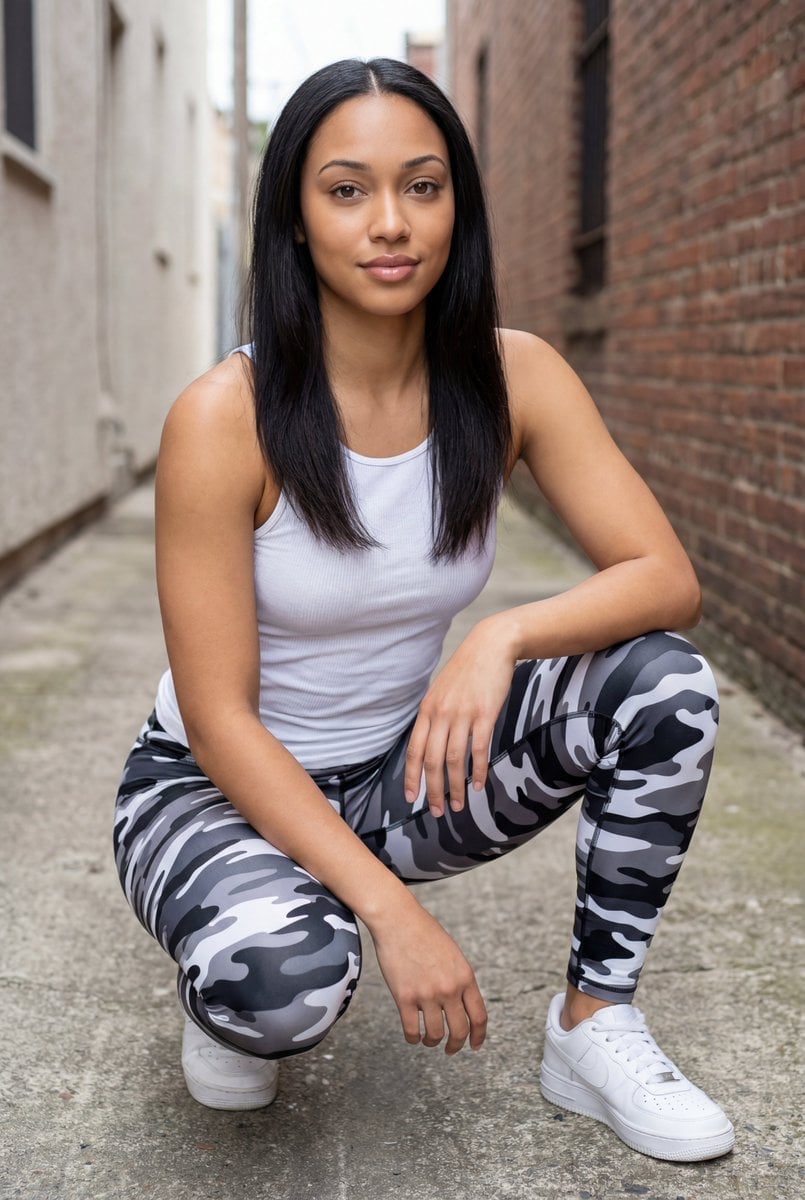
Pixel-Perfect Identity Swap

Character transformed into superalloy robot style
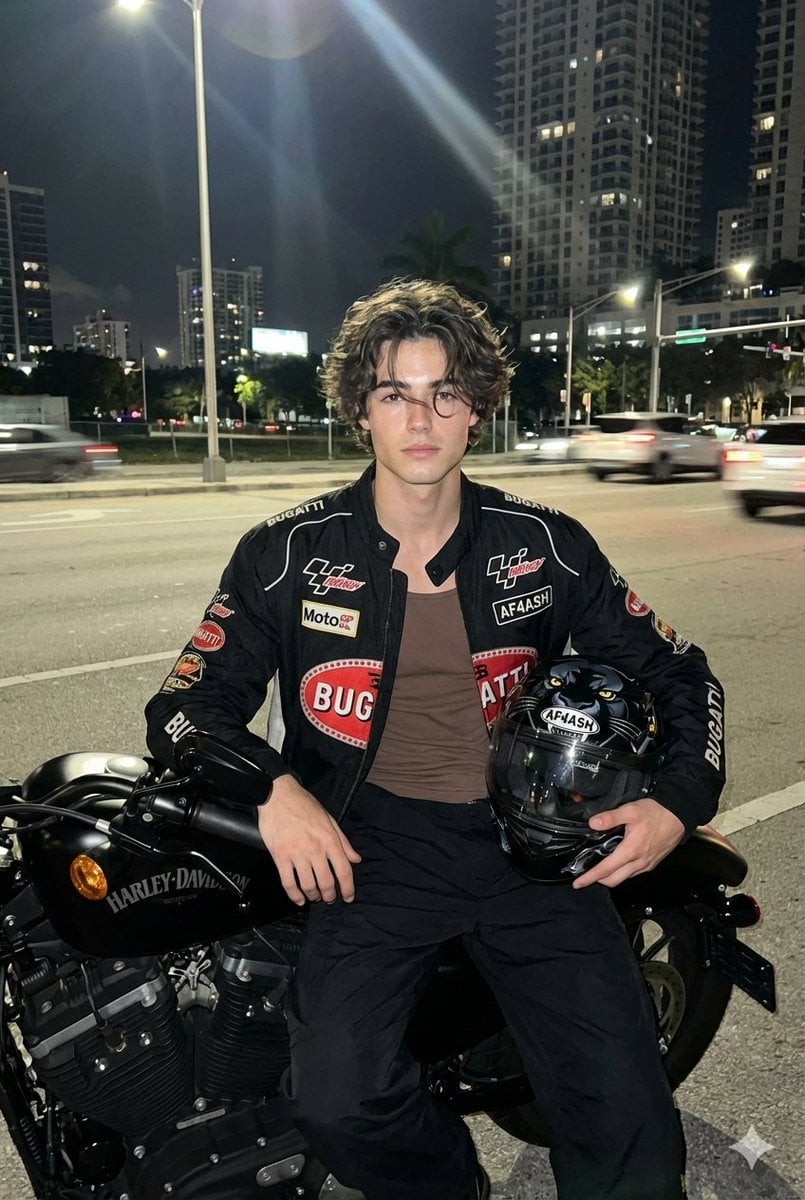
Nighttime Motorcycle Photo with Face Replacement Prompt
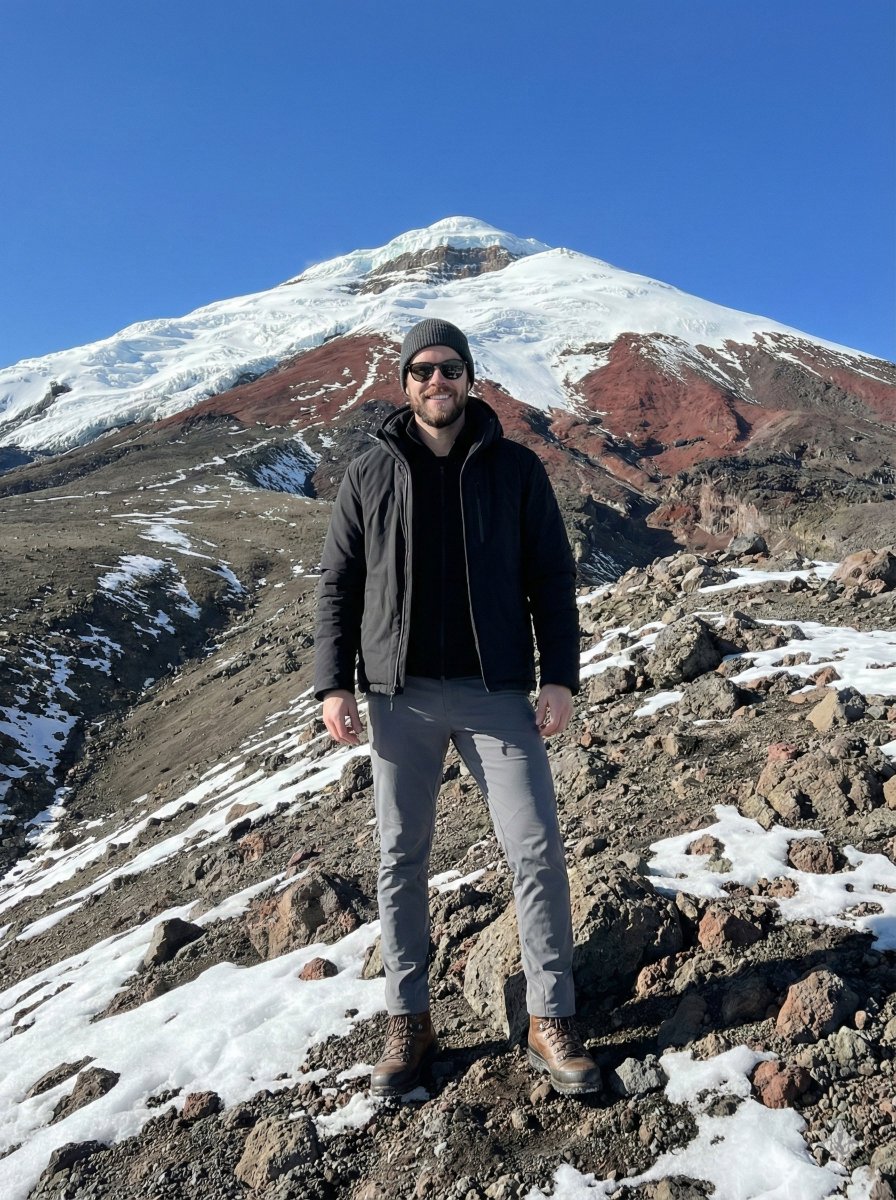
Hyper-realistic Editorial Photo at Cotopaxi, Ecuador
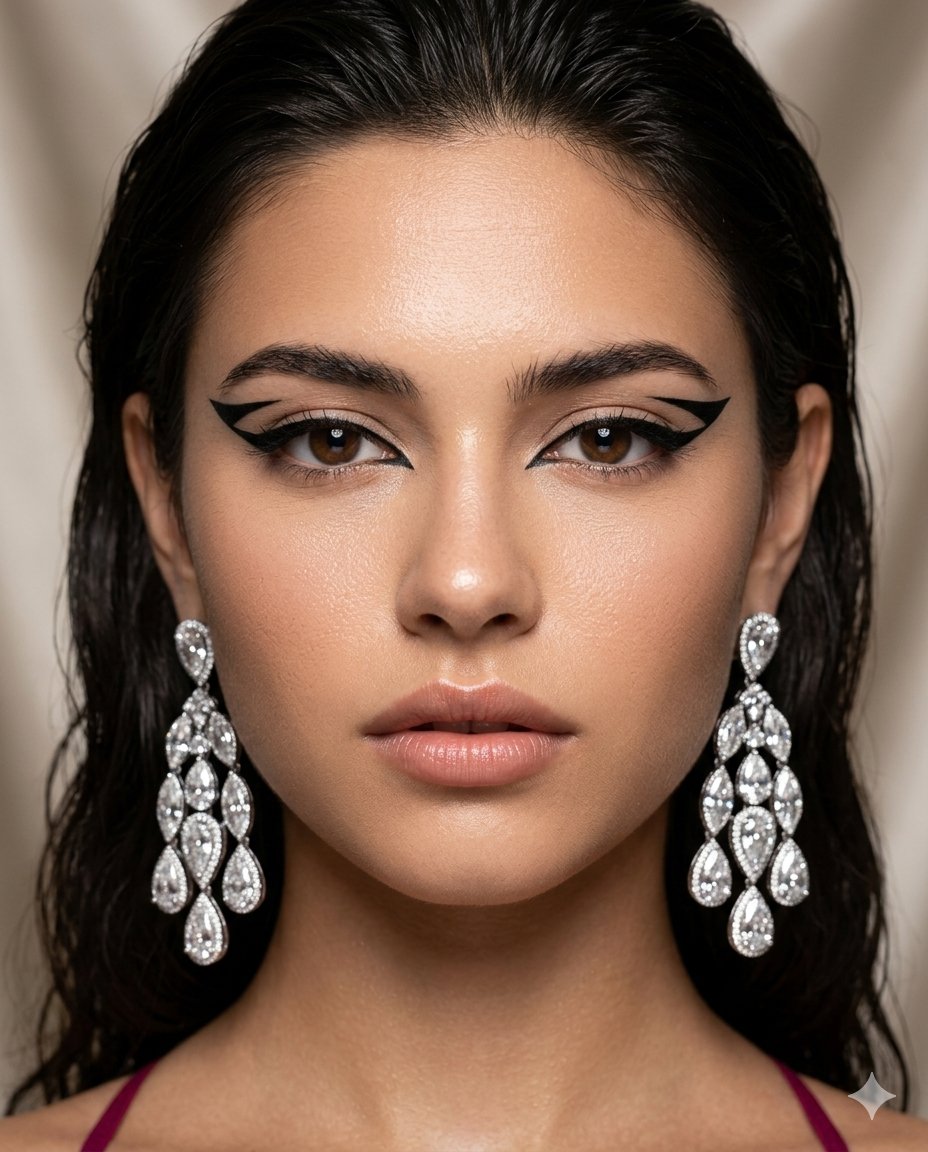
Vogue-Style Beauty Editorial Portrait
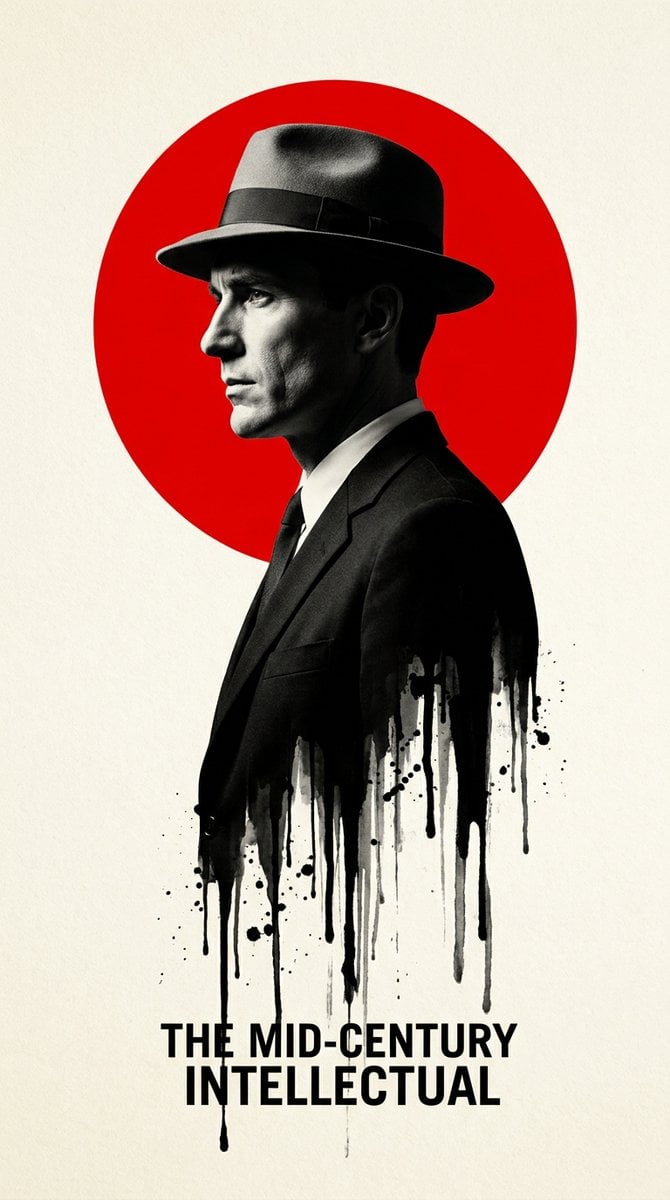
Noir Melting Ink Poster
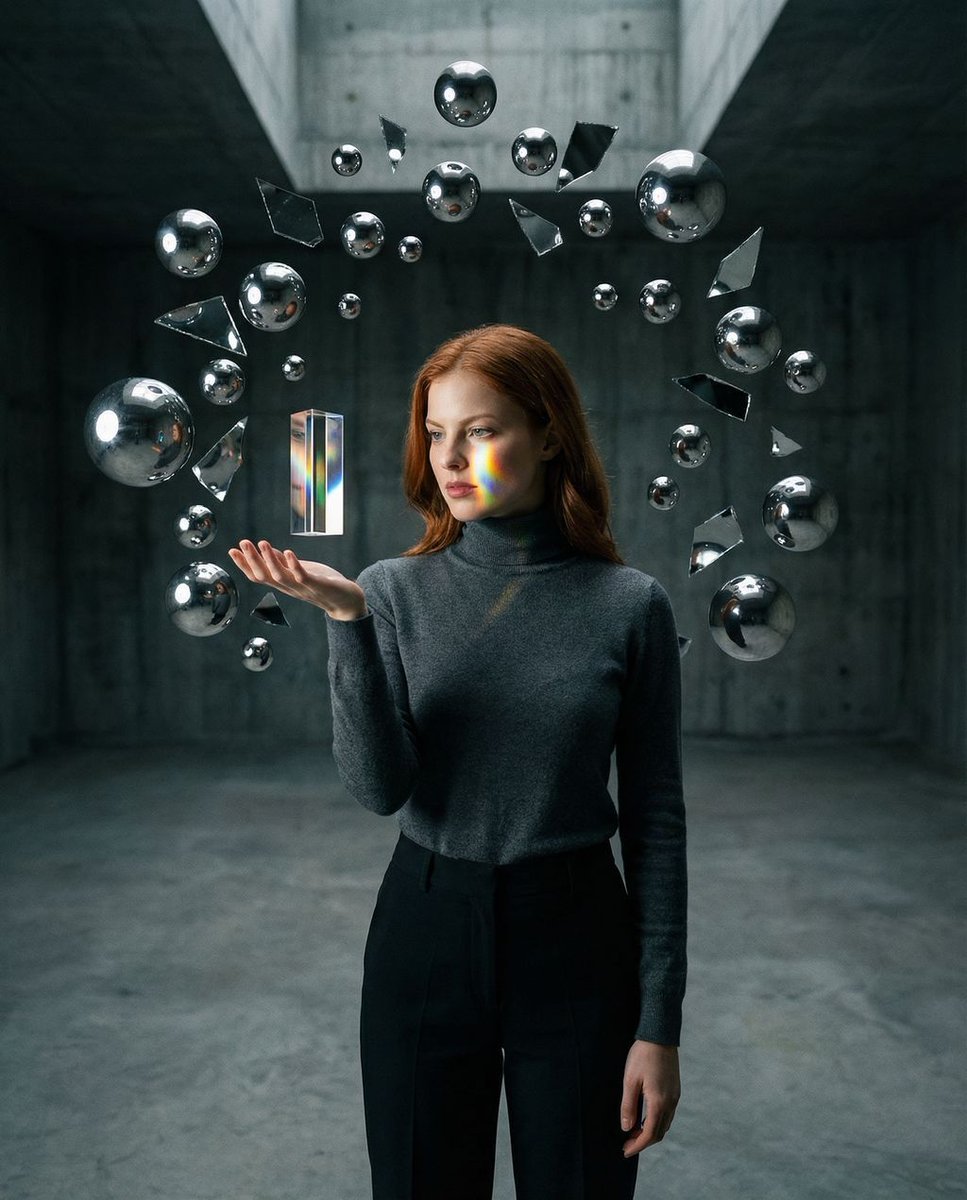
Surreal Brutalist Portrait with Kinetic Chrome Orbits Prompt in JSON
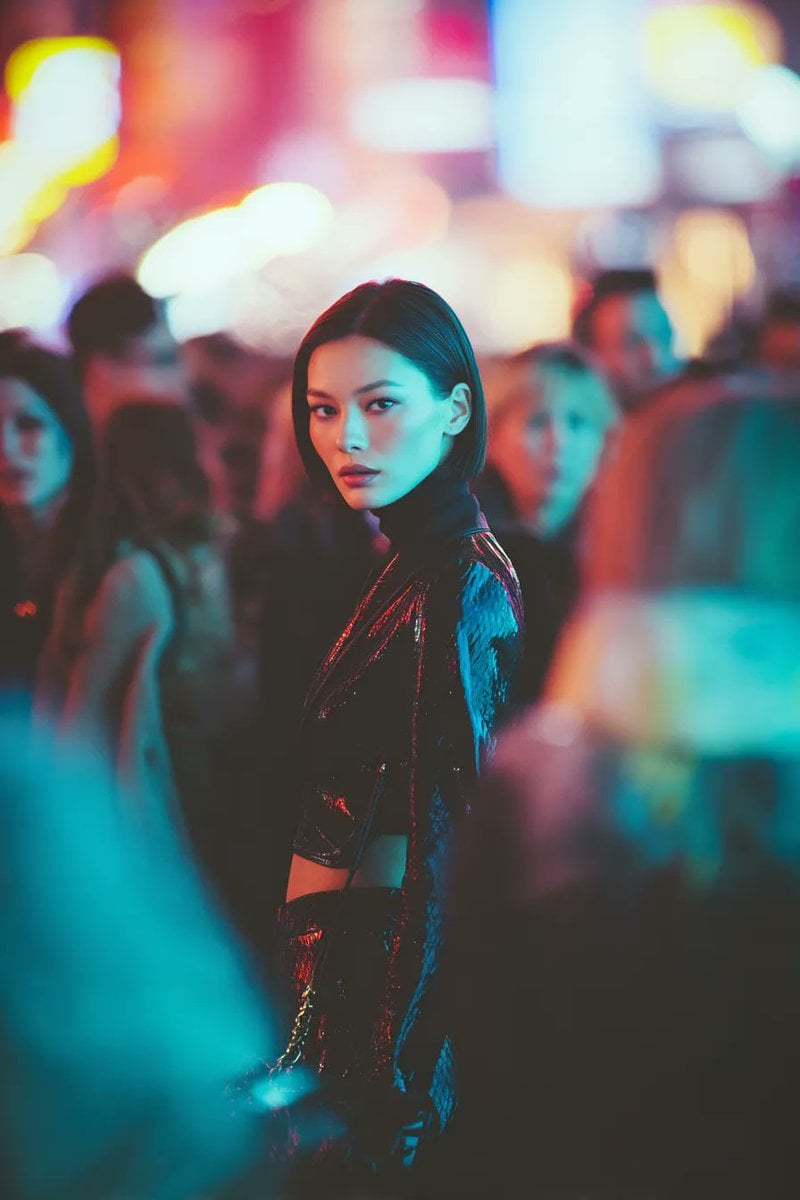
Ultra-realistic Cyberpunk Fashion Portrait
Browse template categories
Venetian Canal Travel Poster Painting questions
How do I use the Venetian Canal Travel Poster Painting template?
Add your photo if the template asks for one, edit the prompt if you like — the template's model and format are already selected — and press Generate. Your version opens in PicX Studio.
Can I customize the Venetian Canal Travel Poster Painting template?
Yes. You can change the subject, setting, lighting, mood, format, and available model controls before creating your image.
Is the Venetian Canal Travel Poster Painting template free?
Opening and editing this template is free. Generating uses credits, shown on the Generate button when you are signed in.
Which AI model should I use?
Start with GPT Image 2, which is the model associated with this template. You can compare another compatible model for a different finish.
Looking for something else? Browse all templates.

Your photo, any look
Thousands of ready templates for every top image and video model, from one credit balance.