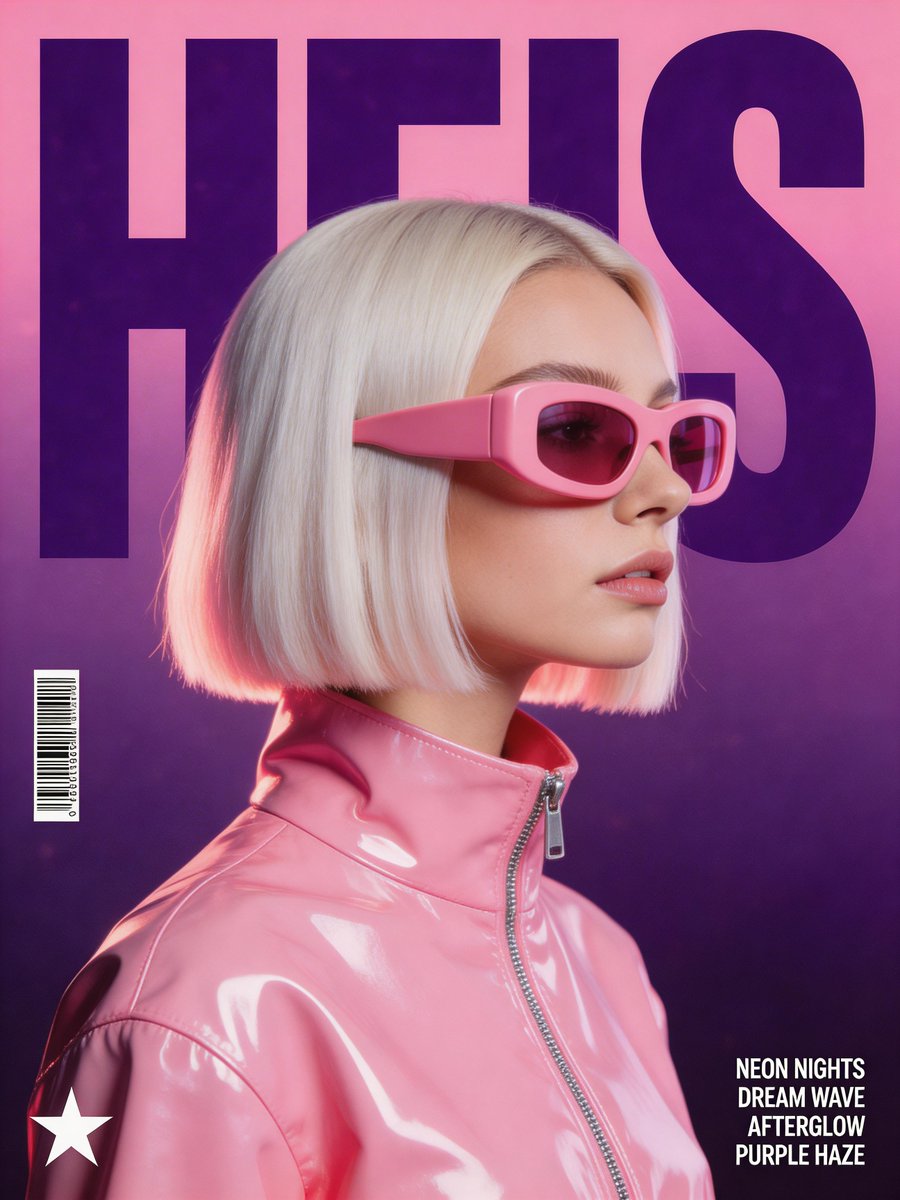
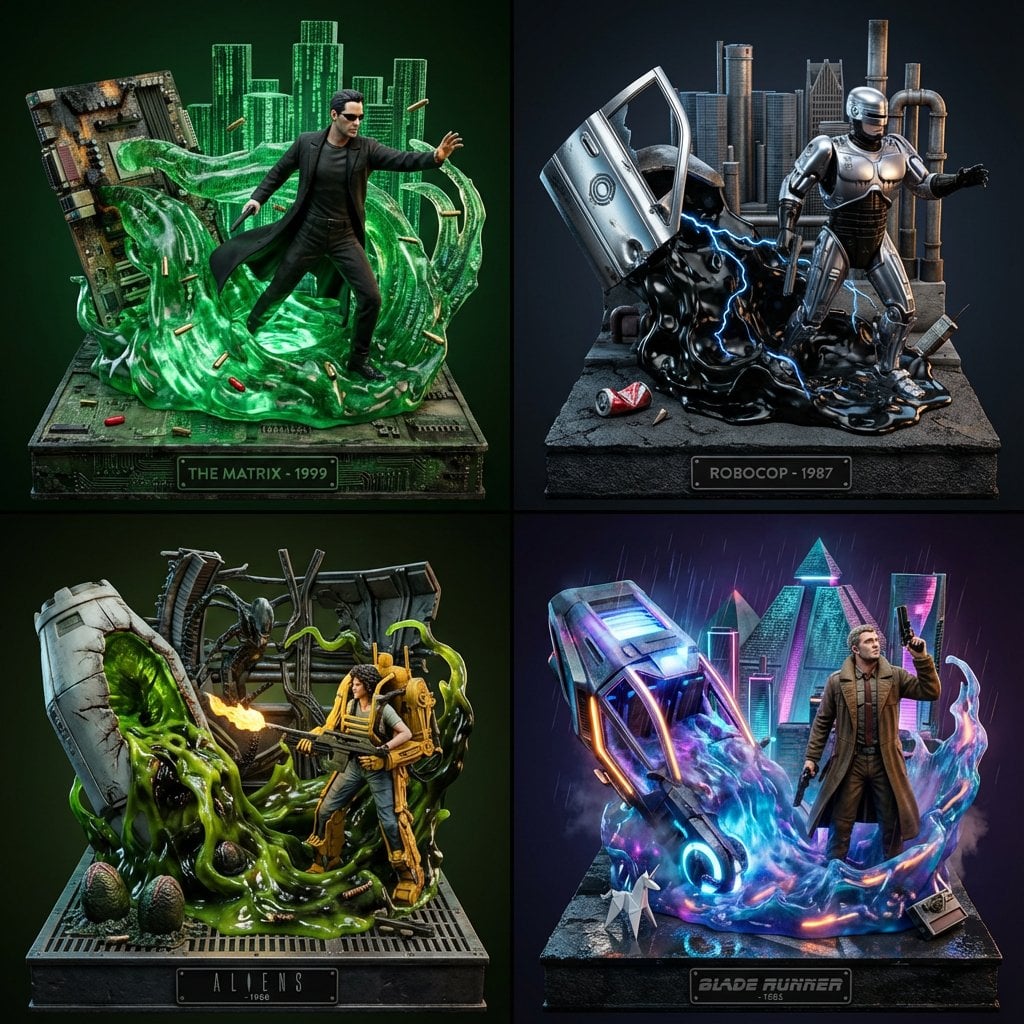
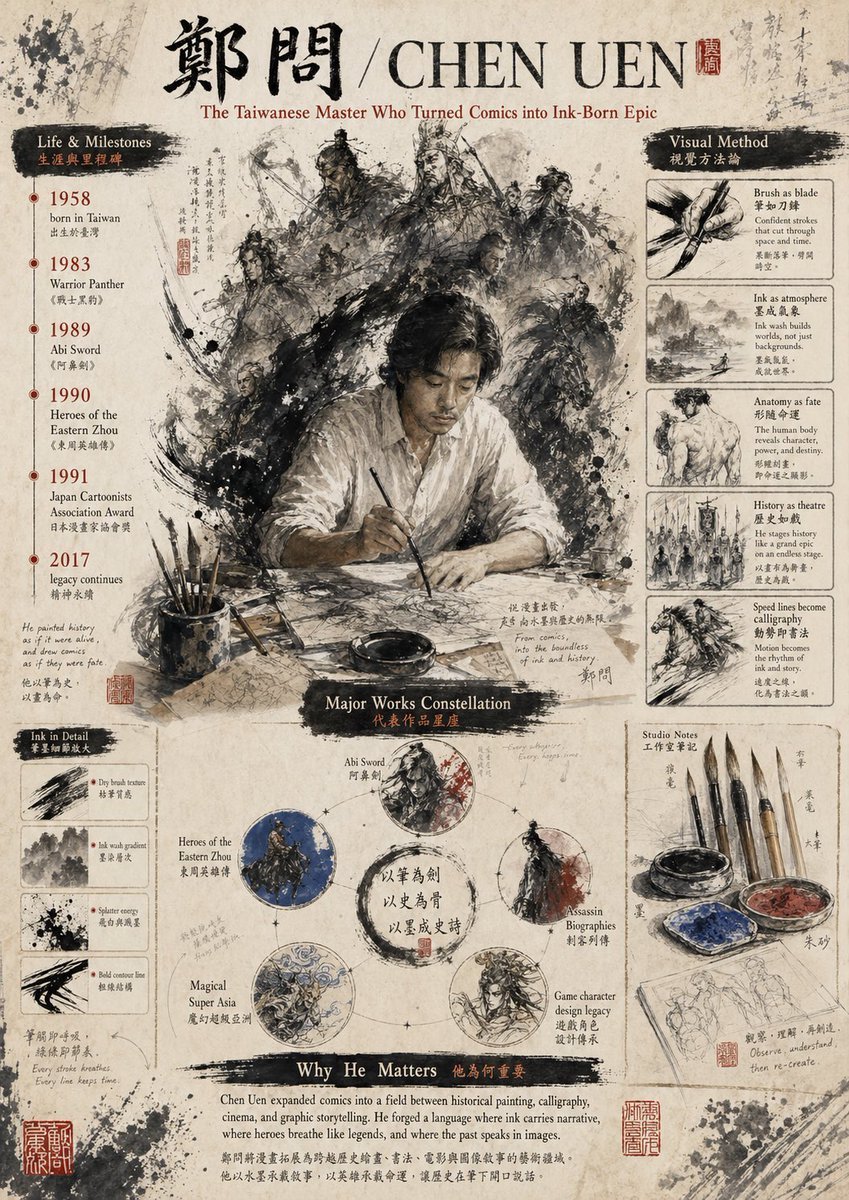
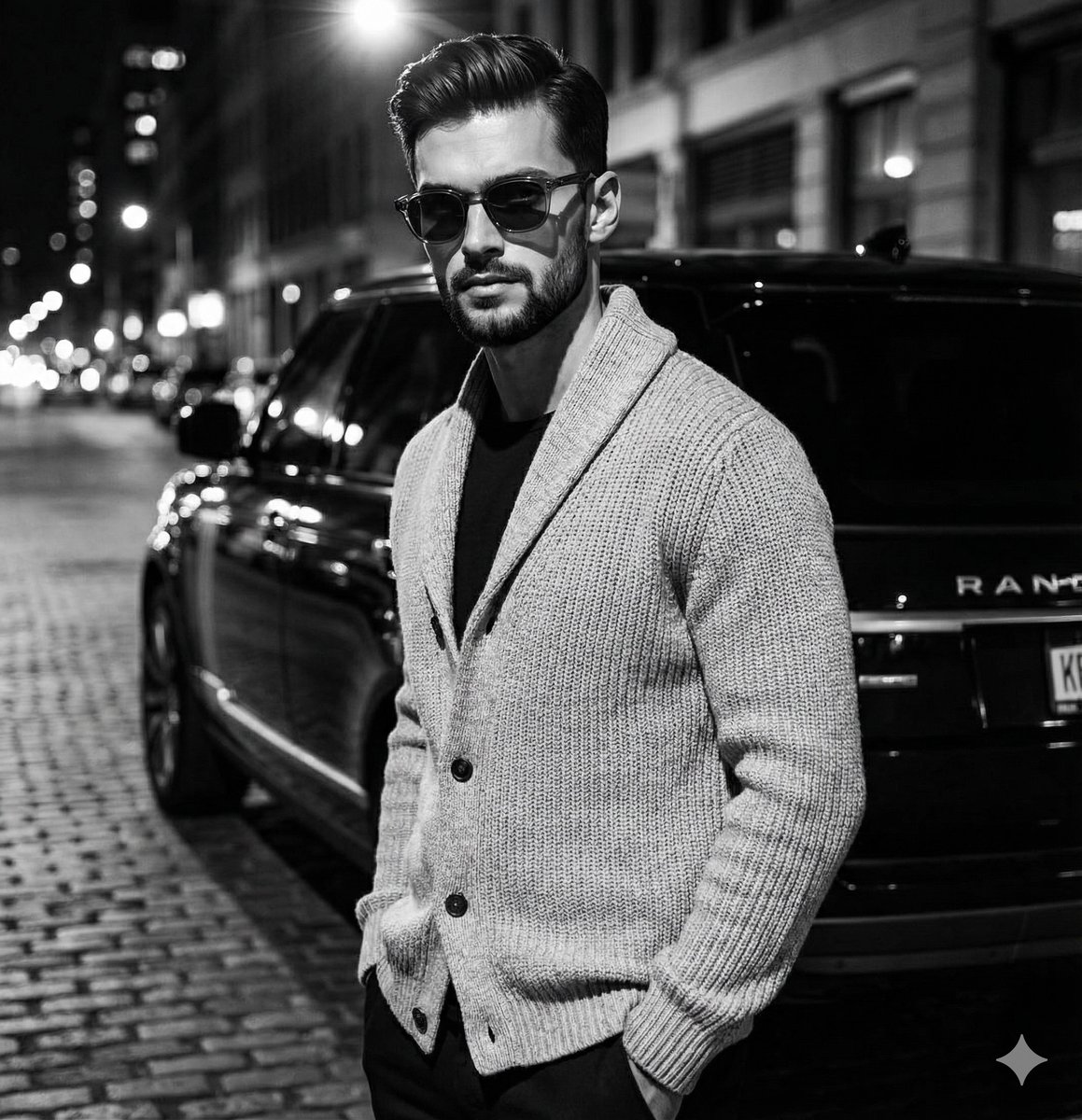
How do I use the Noir Melting Ink Poster template?
Edit the prompt in the box under the preview — the template's model and format are already selected — and press Generate. Your version appears right on this page.
A striking mid-century noir poster of a suited man in profile with a red halo and melting ink drips, ideal for editorial art, wall prints, or cinematic poster design.

This template uses your photo — add one with the + button.
A minimalist vintage poster in a vertical 9:16 composition on an off-white paper-textured background. Center a single male figure in side-profile facing right, shown from hat to upper thighs, styled like a 1940s noir intellectual wearing a dark fedora with a light hatband, a black suit jacket, white dress shirt, and dark tie. Use dramatic high-contrast Rembrandt lighting and deep shadows so the face is mostly obscured in black silhouette, with a refined film noir mood. Place 1 large vivid red circle directly behind the head and upper shoulders like a bold halo, perfectly clean and graphic. The lower half of the torso and jacket should dissolve into long vertical black ink drips and splatters, with some gray wash streaks mixed in, creating a melting ink effect that extends downward toward the bottom of the poster. Keep the palette restricted to {argument name="accent color" default="true red"}, deep black, gray wash, and off-white. Add 1 bold uppercase sans-serif title centered near the bottom reading {argument name="headline text" default="THE MID-CENTURY INTELLECTUAL"}. Overall style: mid-century modern poster design, cinematic noir, minimalist editorial art, clean negative space, elegant, haunting, graphic, museum-poster quality.
A minimalist vintage poster in a vertical 9:16 composition on an off-white paper-textured background. Center a single male figure in side-profile facing right, shown from hat to upper thighs, styled like a 1940s noir intellectual wearing a dark fedora with a light hatband, a black suit jacket, white dress shirt, and dark tie. Use dramatic high-contrast Rembrandt lighting and deep shadows so the face is mostly obscured in black silhouette, with a refined film noir mood. Place 1 large vivid red circle directly behind the head and upper shoulders like a bold halo, perfectly clean and graphic. The lower half of the torso and jacket should dissolve into long vertical black ink drips and splatters, with some gray wash streaks mixed in, creating a melting ink effect that extends downward toward the bottom of the poster. Keep the palette restricted to {argument name="accent color" default="true red"}, deep black, gray wash, and off-white. Add 1 bold uppercase sans-serif title centered near the bottom reading {argument name="headline text" default="THE MID-CENTURY INTELLECTUAL"}. Overall style: mid-century modern poster design, cinematic noir, minimalist editorial art, clean negative space, elegant, haunting, graphic, museum-poster quality.
Edit the prompt in the box under the preview — the template's model and format are already selected — and press Generate. Your version appears right on this page.
Yes. You can change the subject, setting, lighting, mood, format, and available model controls before creating your image.
Opening and editing this template is free. Generating uses credits, shown on the Generate button when you are signed in.
Start with GPT Image 2, which is the model associated with this template. You can compare another compatible model for a different finish.
Follow a topic to a crawlable collection of related PicX Studio templates.